A No-Code App Platform Built Around a Prompt
Kleap is a no-code app development platform: you describe the website or app you want in plain language, watch it take shape in a live preview, and publish it to a real URL — without writing or configuring a single line of code.
Most tools in this category ask you to learn a visual builder first: drag elements onto a canvas, wire up a database, connect workflows by hand. Kleap works differently. The prompt is the interface. You type what you want, refine it by describing changes, and publish when it's ready.
12,614+ sites created in the last 30 days
Discover Apps
Explore what others are building with Kleap

Portfolio
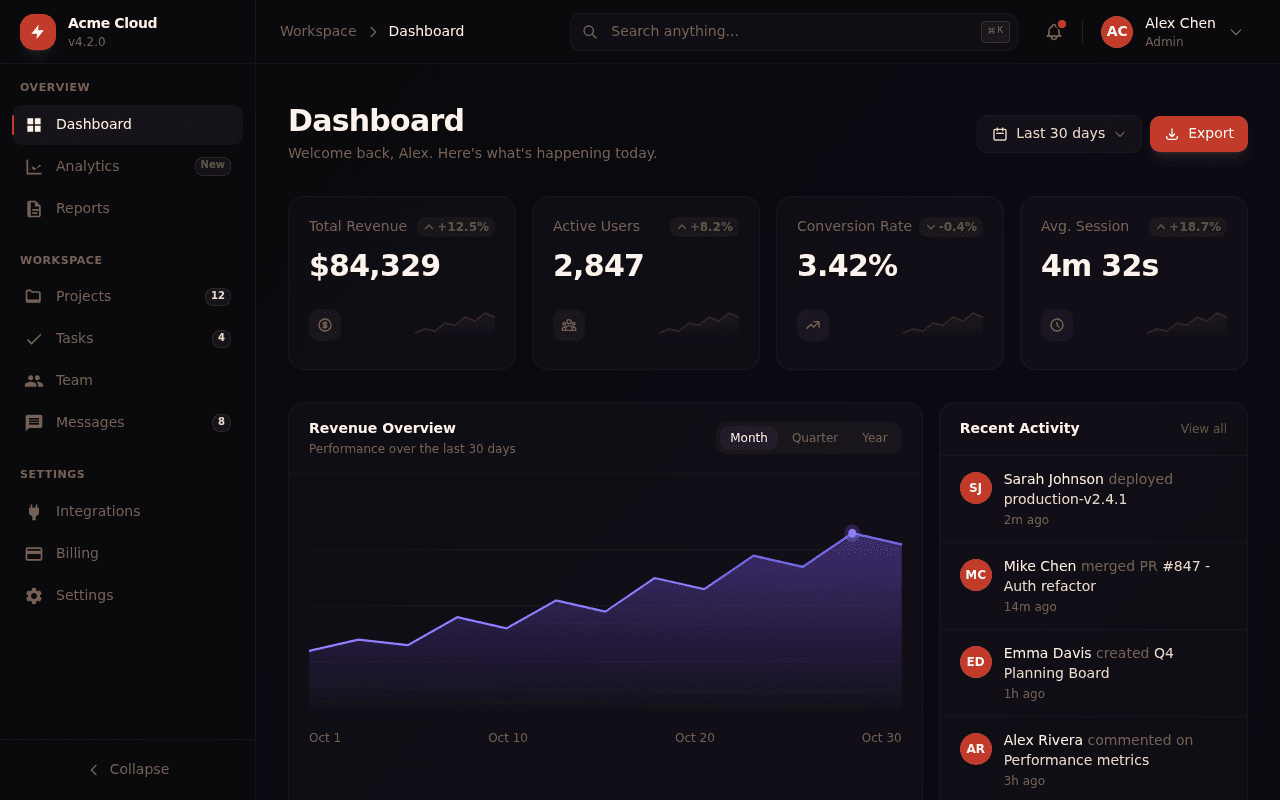
Principal Frontend Engineer
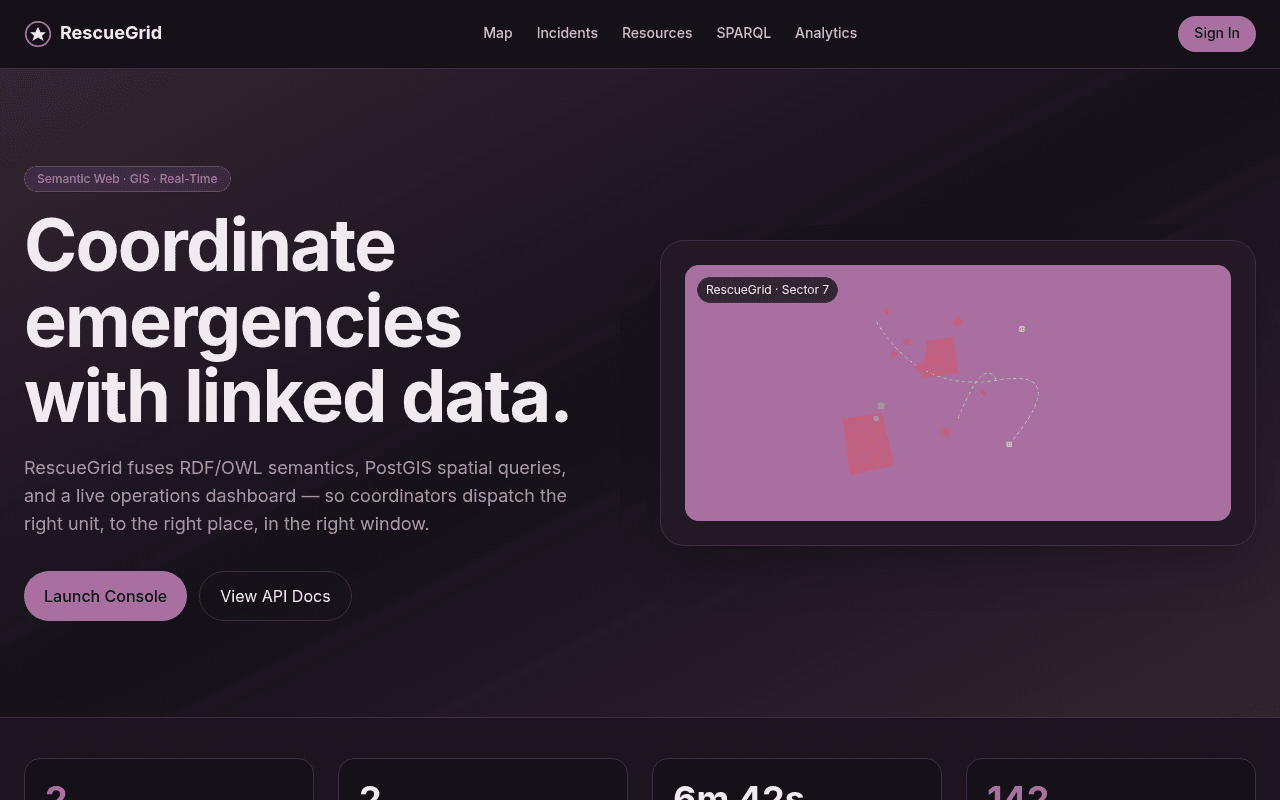
RescueGrid — Emergency Response GIS

Blarney Stone
No Child Labour, Tung Tung Unboxing
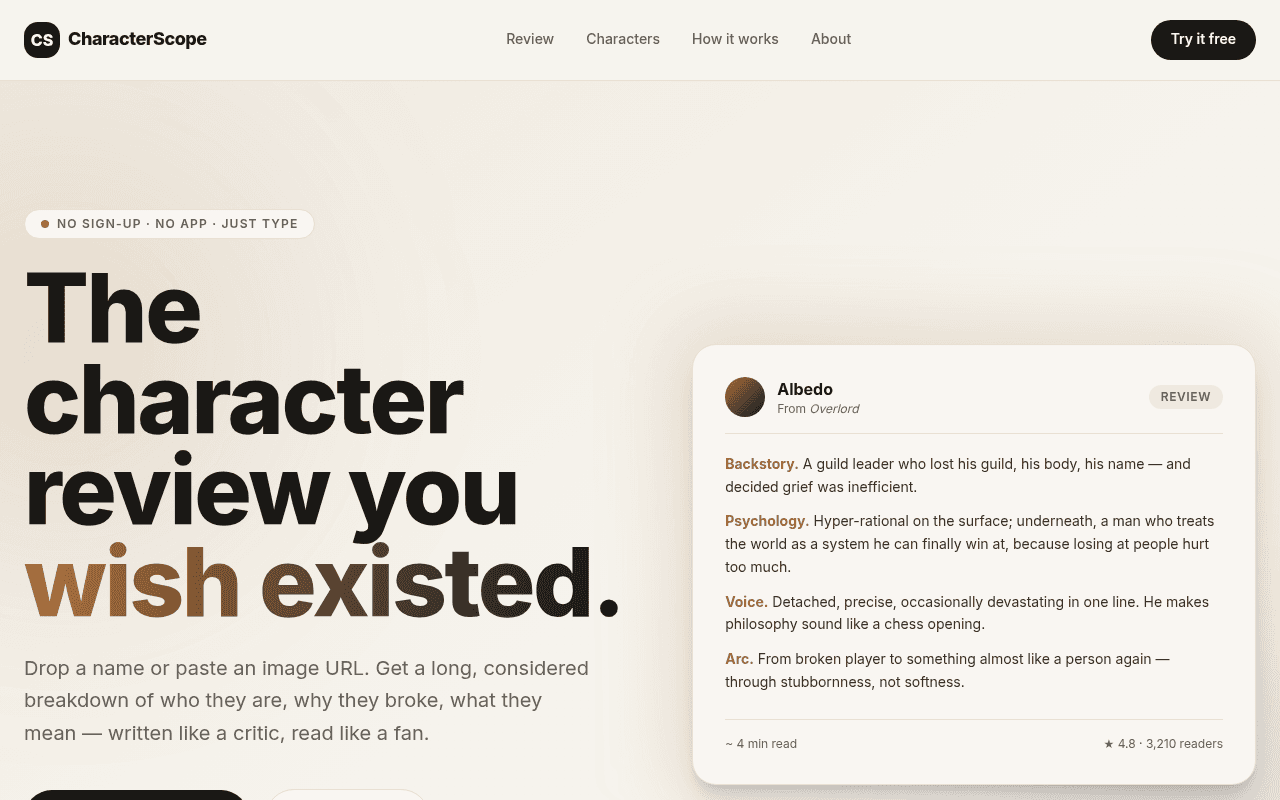
CharacterScope

Absolute Design Replication Task Goal
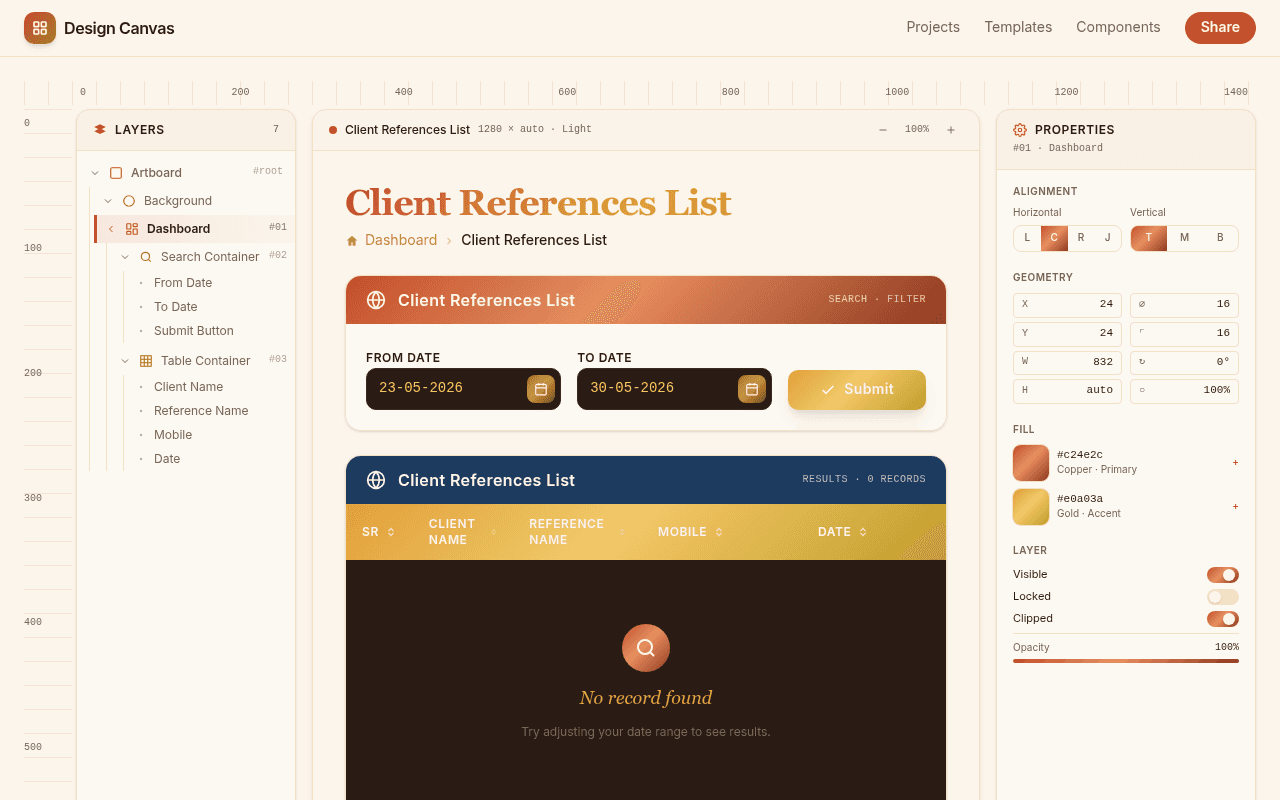
Client References List
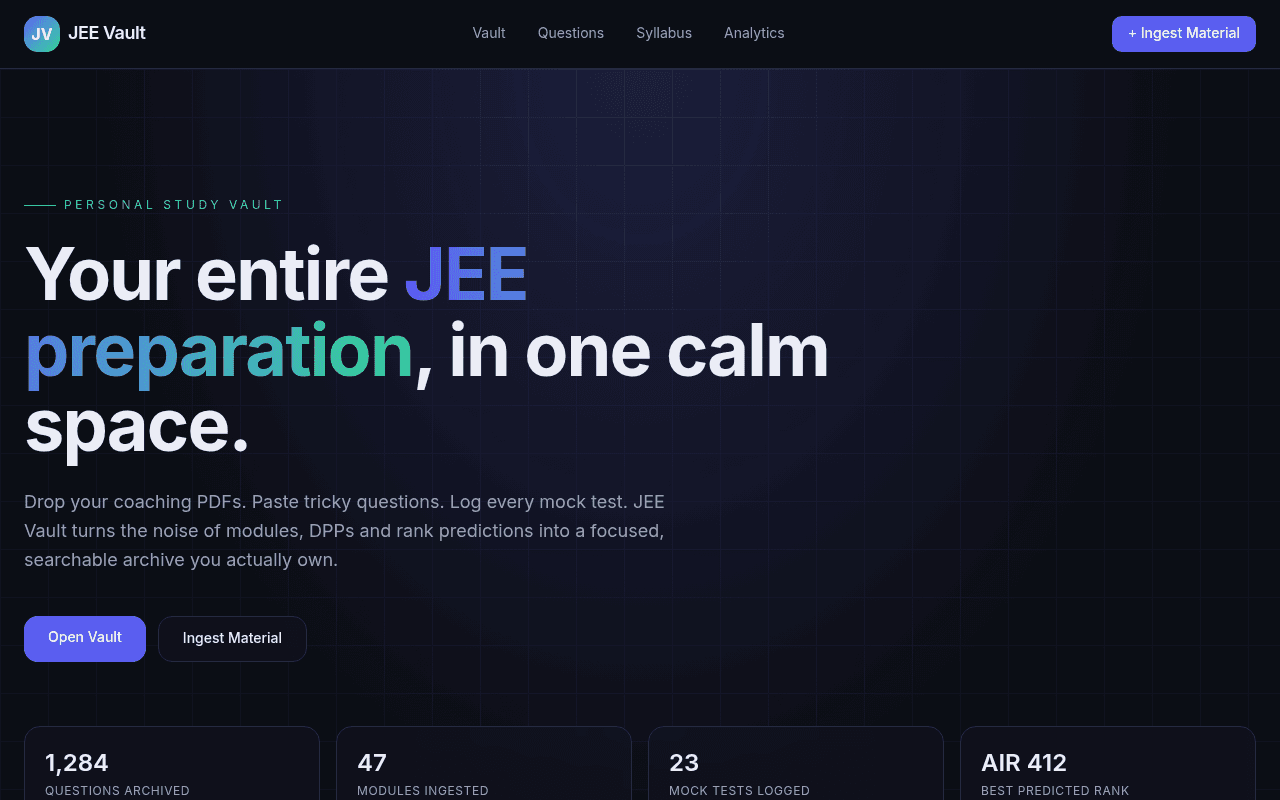
Expert Full
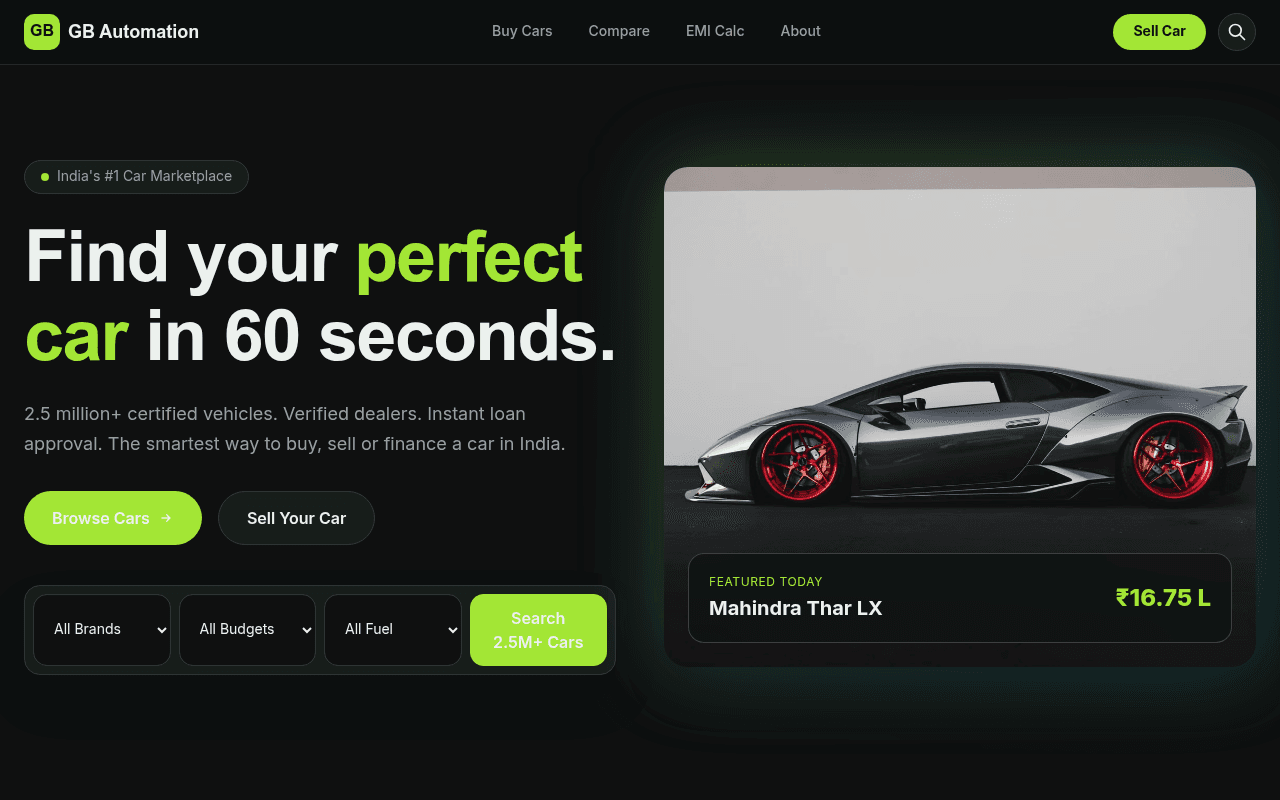
as gb automation include all
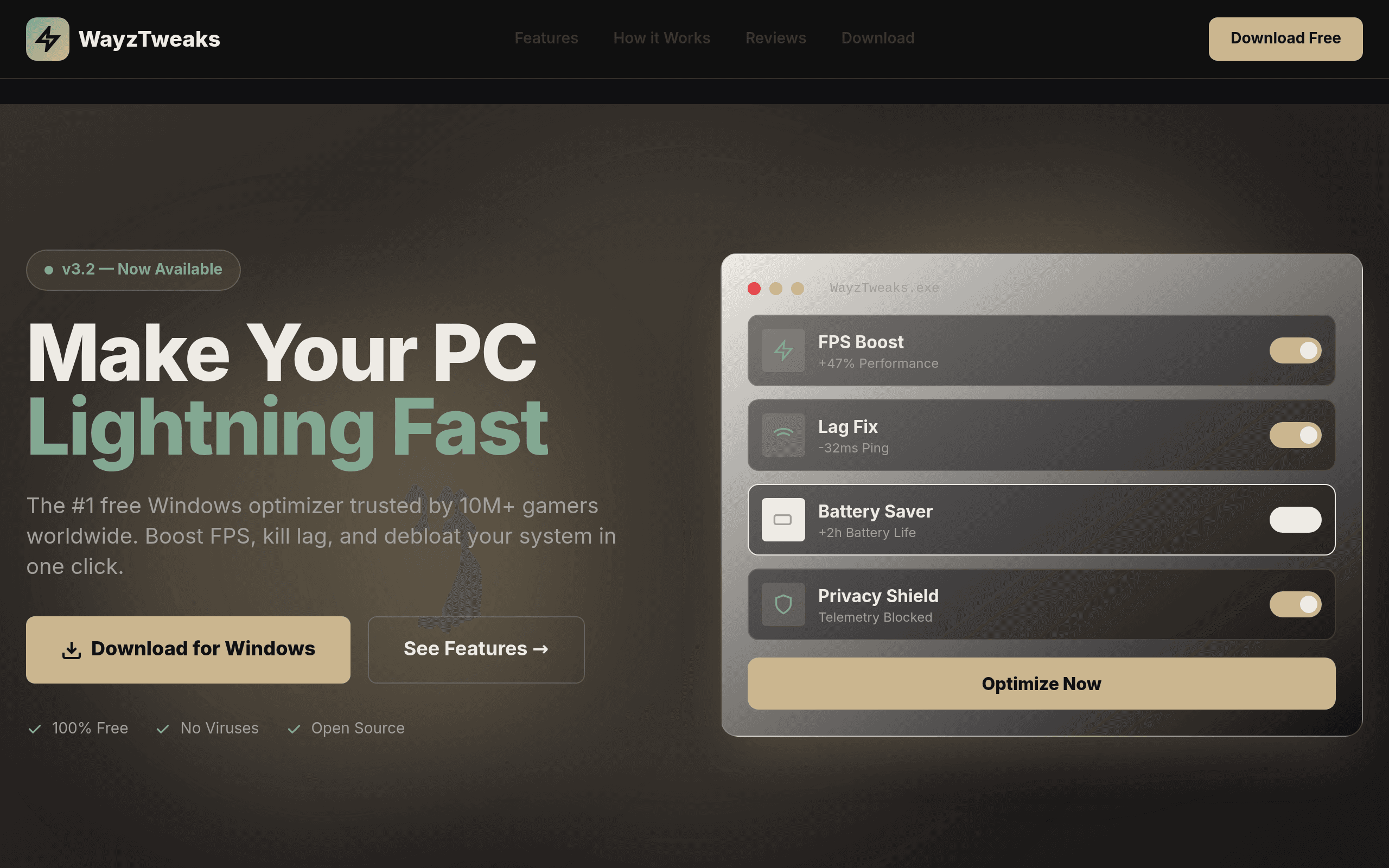
it WayzTweaks
![[Your Gym Name]](/_next/image?url=https%3A%2F%2Fassets.kleap.io%2F32008%2Fscreenshots%2Fscreenshot.png&w=3840&q=75)
[Your Gym Name]
What Kleap is good for, and what it isn't
Being upfront about scope matters more than sounding impressive, so here's where Kleap fits as a no-code platform for app development, and where it doesn't fit.
Good fit
- Personal and business websites
- Landing pages and marketing sites
- Portfolios and small directories
- Small SaaS tool front-ends and internal tools without complex custom backend logic
Not built for
- Enterprise data modeling with a visual database schema builder
- Drag-and-drop workflow automation across many connected systems
- Apps that need heavily custom backend business logic built by hand
If you need a general-purpose application development platform with a visual database schema builder and a workflow canvas, platforms like Bubble are built for exactly that. If what you need is to go from an idea to a published, working website or small tool without writing or configuring anything by hand, that's what Kleap is built to do.
How the app dev platform works
Three steps, no separate setup phase before you start building.
Describe what you want
Type what you're building in plain English: a landing page for a coaching business, a small internal tool to track orders, a SaaS waitlist page. No forms, no configuration screens, no picking a database schema first.
Preview and refine
Kleap generates the app and shows it in a live preview next to the chat. Ask for changes the same way you asked for the first version — change the colors, add a section, rewrite the copy — and the preview updates.
Publish to a live URL
When it looks right, publish it. Kleap builds the site and deploys it to a live URL like yourbusiness.kleap.io, or a custom domain you connect. No hosting account to set up, no server to configure.
How this compares to other no-code and AI app platforms
"No-code app development platform" covers a wide range of products with different approaches. Here's how a few of them differ from Kleap, based on facts, not a ranking.
Bubble
Bubble is a visual programming platform: you build apps by dragging elements onto a canvas and wiring up workflows and a database by hand. It's built for people who want to construct custom logic visually. Kleap skips the canvas — you describe the app in a prompt and get a working version, with less manual configuration but also less fine-grained control over custom backend logic.
Replit
Replit's Agent works inside a full browser IDE, aimed at people who want to see and edit the underlying code alongside the AI. Kleap doesn't expose a code editor as the primary interface — the prompt-and-preview loop is the whole workflow, which fits builders who don't want to touch code at all.
Base44
Base44 (now part of Wix) pairs AI app generation with built-in backend infrastructure — authentication, a database, analytics, and payments included. Kleap is currently focused on generating and publishing the app itself (websites, landing pages, small tools) rather than bundling a full backend/data platform.
Emergent
Emergent is an autonomous coding agent that generates and deploys full-stack web and mobile apps from a prompt, with a paid tier offering a larger context window for bigger projects. Kleap is web-first and optimized for going from a prompt to a published site or small app quickly, without managing an agent's task queue.
See the full breakdown on the alternatives page, including pricing and feature comparisons for each tool.
Frequently asked questions
What is a no-code app development platform?
A no-code app development platform lets you build a working application without writing or editing source code yourself. Instead of a code editor, you use a different interface — a drag-and-drop canvas, a form-based builder, or, in Kleap's case, a natural-language prompt — to describe what the app should do, and the platform produces the working software.
Is Kleap a no-code platform?
Yes, in the sense that matters most to most people building a website or small app: you never open a code editor or write a line of code. Kleap generates the app from a text prompt, shows you a live preview, and lets you request changes in plain language. It's worth being precise, though — Kleap isn't a visual drag-and-drop builder with a canvas like Bubble or Webflow. It's prompt-to-app generation, which is a different shape of no-code than a visual builder, but the end result is the same: no code required from you.
What can you build with Kleap without writing code?
Kleap is a strong fit for personal and business websites, marketing and landing pages, portfolios, small SaaS tool front-ends, and internal tools that don't need complex custom backend logic. It's not built as a general-purpose enterprise app platform — it doesn't have a visual database schema builder or a workflow automation canvas the way Bubble does. If what you need is a working site or a simple tool published fast, that's the target use case.
Do I need to know how to code to use Kleap?
No. You describe the app or website you want in a prompt, and Kleap's AI generates it. If you want to change something afterward, you describe the change the same way — there's no requirement to read or edit the generated code to use the product.
What happens when I publish an app on Kleap?
Publishing builds your app and deploys it to a live, public URL — by default an address like yourbusiness.kleap.io, with support for connecting your own custom domain. There's a free tier to get started, and no separate hosting account or server setup required; the publish step handles deployment for you.
Is Kleap a no-code AI agent platform?
Not in the sense of running autonomous agents that plan multi-step tasks or act on your behalf over time. Kleap's AI works in a single, direct loop: you describe what you want, it generates the app and shows you a preview, and you either publish it or describe another change. There's no background agent loop making independent decisions — the workflow is prompt, preview, publish, repeat as needed.
Explore more
Build your app from a prompt
Describe the website or app you want below. Kleap generates it, shows you a live preview, and publishes it to a URL when you're ready. Free to start.