
Vous imaginez. Kleap construit.
Décrivez ce que vous voulez créer. L’IA développe le design, les fonctionnalités et la logique, puis fait évoluer le projet avec vos retours.
- Votre idée
- Une app qui fonctionne
- Vos prochaines évolutions
Kleap est un créateur IA qui transforme une description en l’outil dont votre équipe a besoin : demandes internes, suivi de projets, données partagées ou portail. Il fournit la base de données et l’authentification. Connectez vos systèmes existants avec les accès nécessaires.
Construisez le site ou l’app dont vous rêvez en discutant avec l’IA. Kleap réunit la création, l’infrastructure et les outils pour faire vivre votre projet après son lancement.
Décrivez ce que vous voulez créer. L’IA développe le design, les fonctionnalités et la logique, puis fait évoluer le projet avec vos retours.
Base de données, authentification et formulaires : construisez un espace client ou une app avec les données et les accès dont elle a besoin.
Ajoutez Stripe, vos outils métier et des intégrations. Connectez vos comptes et leurs clés pour adapter le projet à votre façon de travailler.
Le Gardien repère les problèmes de votre site et vous aide à les corriger avec l’IA. Vous pouvez reprendre le projet dans le chat pour apporter les corrections.
Publiez avec l’hébergement, connectez votre domaine et suivez votre activité avec Analytics et l’intégration Search Console.
Gardez votre code, connectez GitHub et utilisez vos outils IA comme Claude ou ChatGPT. L’assistance IA et le support humain des offres payantes vous accompagnent.
Découvrez les sites et applications créés par la communauté

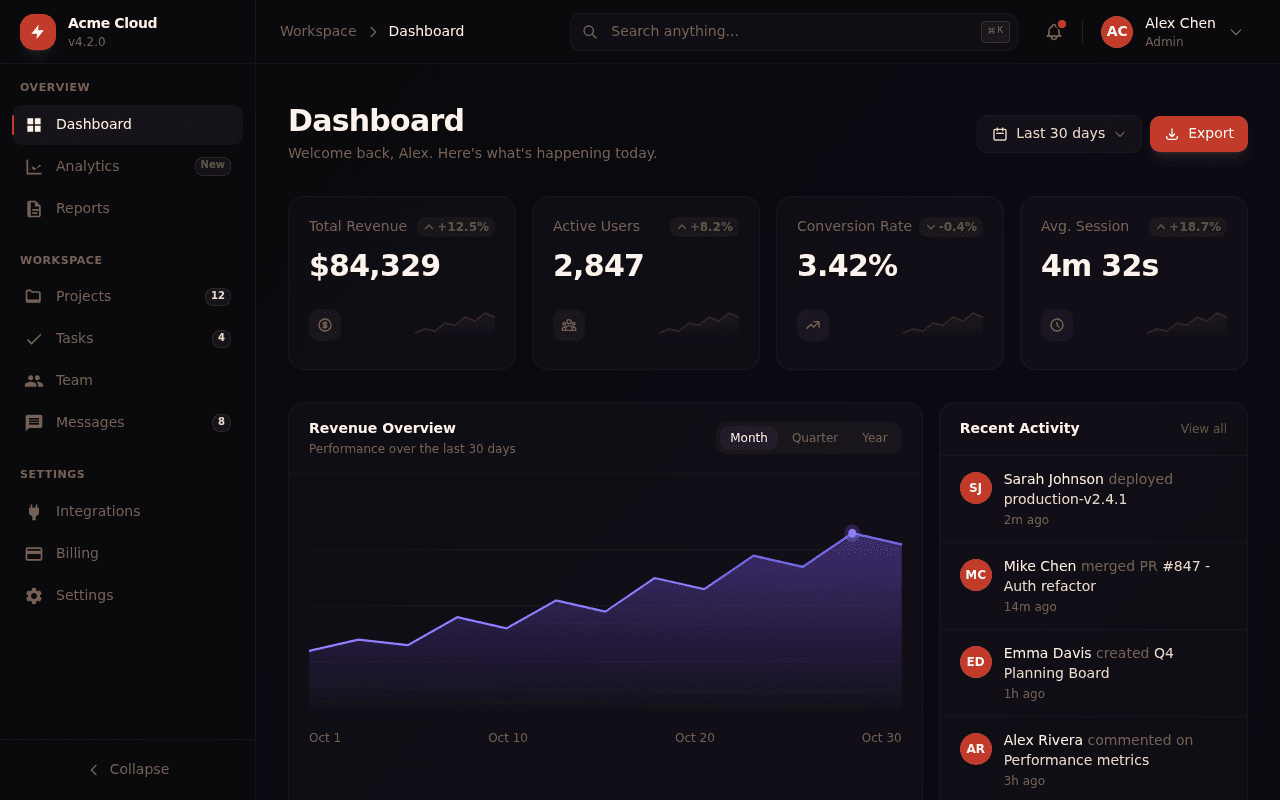
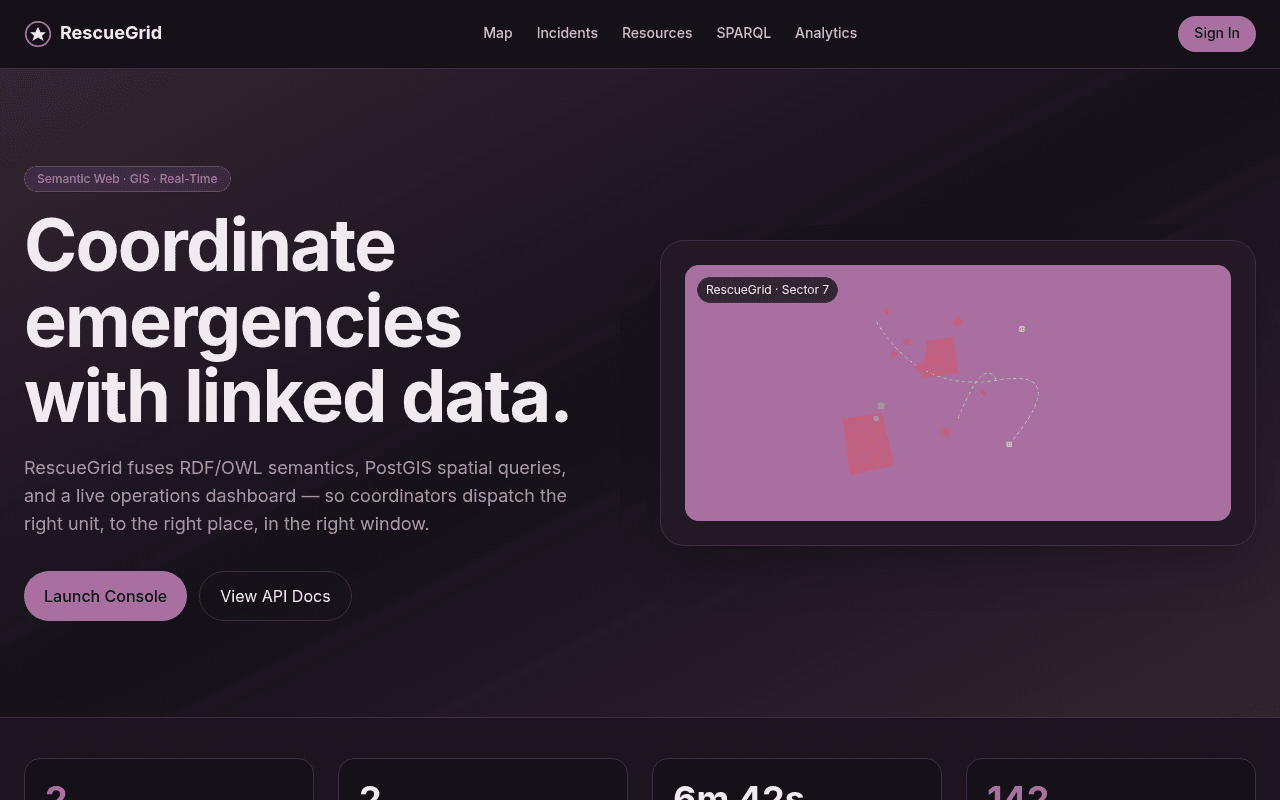

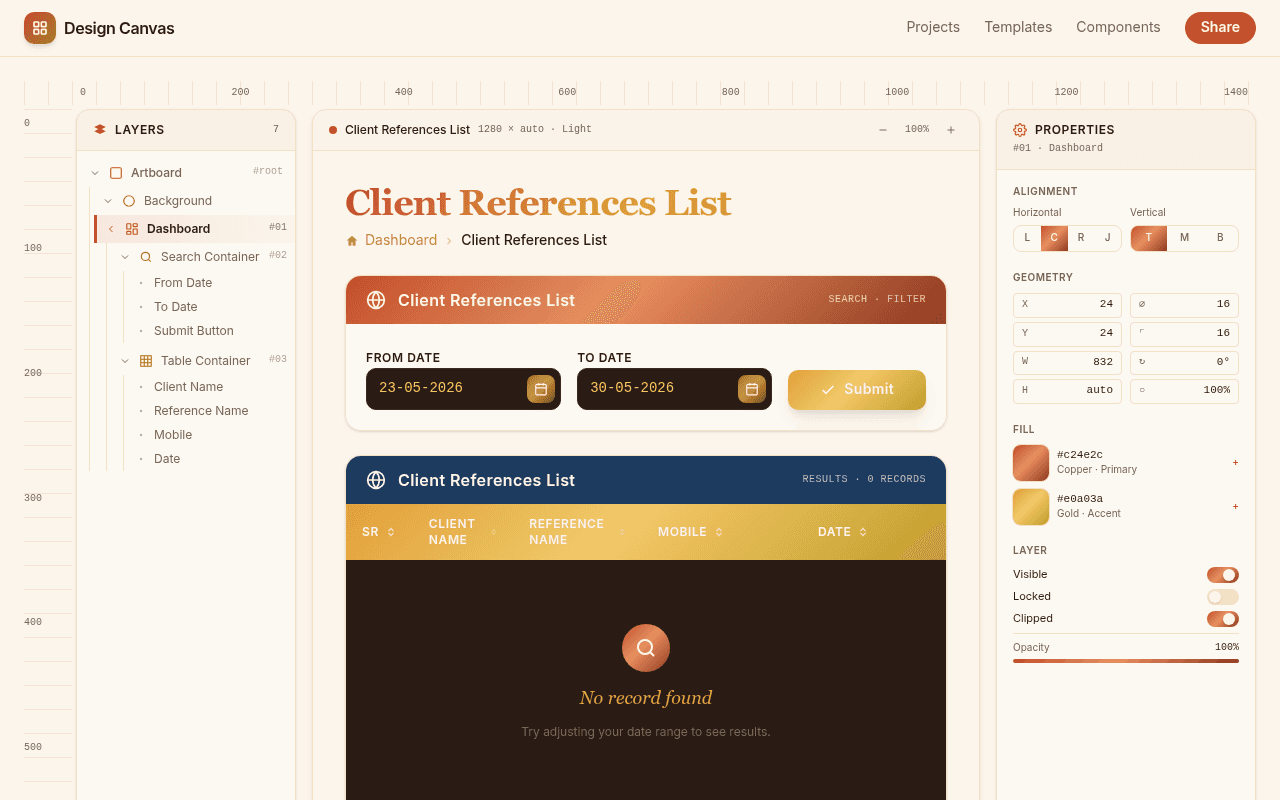
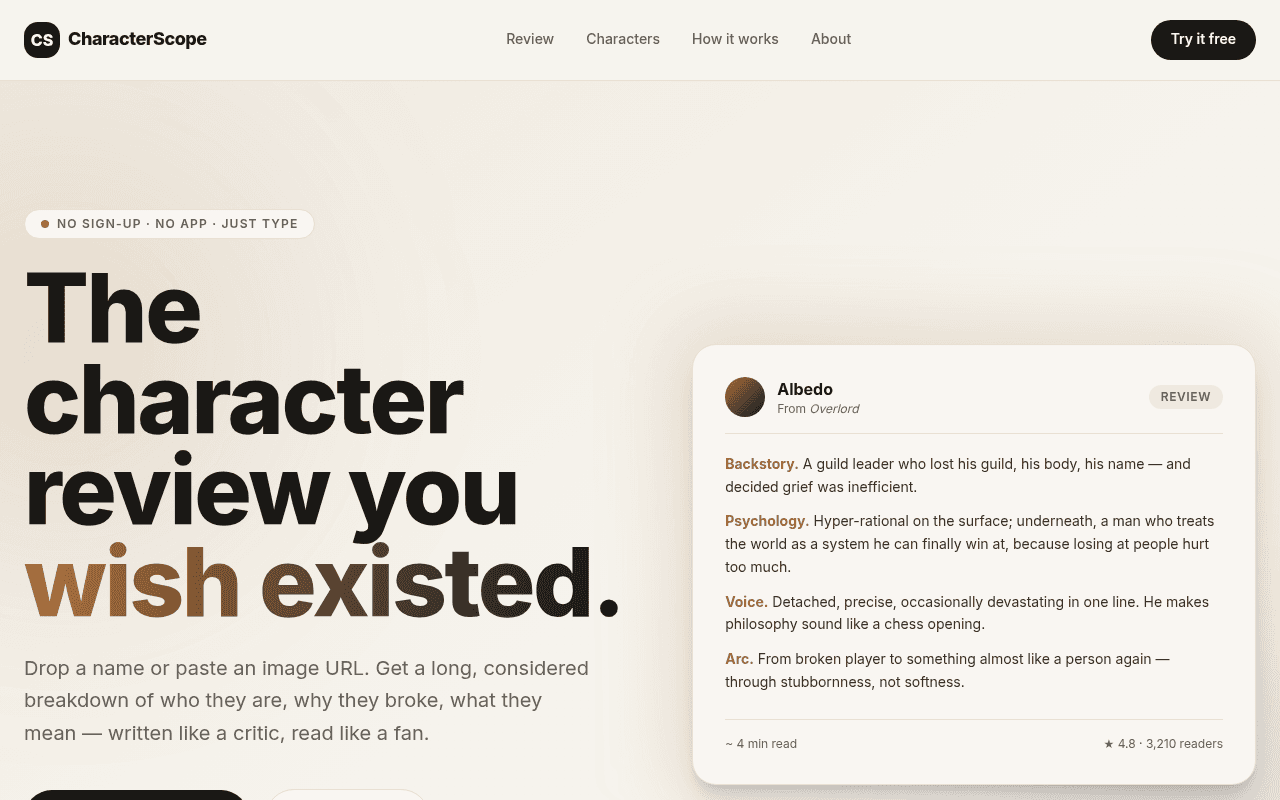




Concrete examples of internal pages and forms that fit what Kleap generates today.
A short form for employees to request a new laptop, software access, or a password reset. Each submission is saved and can notify the right person by email.
One page answering the questions your team asks most: how expense reports work, who to contact for what, where the shared drive lives.
A checklist or reference page covering first-day logistics, accounts to set up, and who to meet, with one link instead of a scattered doc or thread.
A form for signing up to an internal event, reserving a meeting room, or booking a slot on shared equipment.
A page your team can check for where a project stands, instead of pinging someone on Slack for an update.
Being clear about scope matters more than sounding impressive. Kleap does not provide:
Automatic access to your company's existing database. Kleap provides app data; external systems require an authorized connection and configuration.
An automatic migration from Retool, Appsmith, or Budibase. Existing workflows and permissions need to be recreated and tested for your requirements.
A guarantee of spreadsheet-style simultaneous editing. Shared data screens need their editing and conflict behavior defined and tested.
A preconfigured approval or permission model for every team. Describe the rules and verify who can view and change each record.
Kleap provides a database and authentication for your app. For an existing company database, configure an authorized connection and test the data access your team needs.
Three steps from your requirements to a tool your team can test.
Sign up for free, then describe the internal page or form in plain language: an IT-request form, a new-hire onboarding page, a status page for a project. No schema to design first.
Kleap generates the page and shows it in a live preview. Ask for changes the same way: reword a field, add a section, or adjust the layout, and the preview updates.
Publish it for free on a kleap.io address you can share internally, or on a company subdomain with a paid plan. Add sign-in so only signed-in users can open it; ask Kleap to limit access to your team's accounts and test it with a second account before sharing.
Internal tools are the apps a team uses for its own work: request forms, trackers, approval queues, admin panels. "Internal AI tools" usually means building them with AI: you describe the tool in words, check the result in a preview and refine it by chat. Some tools also call an AI model, for example to summarise requests.
Yes. Kleap can build internal tools with a database, authentication, and screens to create, read, update, and delete app data. Connecting an existing company system requires the appropriate access and configuration. Test permissions and data changes before sharing the tool with your team.
Yes. Publish on the free kleap.io address while you test, then connect a company subdomain such as tools.yourcompany.com once you are on a paid plan. The data stays in the tool's own database either way. Before you share the link, add sign-in and check with a second account what a teammate can see.
Yes. Kleap supports saved form submissions and app database records. You can build views for your team to browse and update that data, with authentication for access. Configure and test the form's storage and any email notifications in your app.
It depends on where the data lives. If the tool can keep its own data, such as a request log or an equipment list, describe it to Kleap and test it on the free plan. If it must read and write several company databases with per-user permissions, Retool is built for that, and moving means recreating each workflow and permission.
A simple request form, reference page, or status page can give you a first version quickly. The time to a usable internal tool also depends on its data connections, permissions, and testing. Preview the result and verify the workflow before sharing it.
A request form, a reference page, or a status page: tell Kleap what your team needs, then test the result and share it. Start for free.