3 Proven Strategies to Improve Core Web Vitals and Boost Google Rankings

So, you've poured your heart and soul into building a beautiful website with killer content. But let's ask the tough question: is it fast? Because in today's world, a speedy website isn't just a nice-to-have for developers; it's a matter of survival. A slow site does more than just test a visitor's patience, it actively hurts your business, scaring off customers and trashing your reputation before they even get a peek at what you're selling. You know the feeling. You're just staring at a blank screen, waiting for something... anything... to load. That little moment of frustration? It’s a silent killer for your conversion rates and a huge red flag for Google.
Look, Google has been crystal clear that user experience is everything. They even cooked up a special set of metrics to measure it: Core Web Vitals. These vitals are a huge piece of Google's ranking puzzle, which means your site's speed directly impacts how many people actually find you in search results. A poor page experience can bury you on the second or third page, where few users ever venture. Think of it as Google's way of rewarding websites that respect their visitors' time. When you focus on improving these metrics, you aren't just appeasing an algorithm. You're creating a smoother, more enjoyable journey for every person who lands on your page.
This guide is designed to demystify Core Web Vitals and provide you with actionable strategies to improve your website speed. We're going to break down what these metrics actually are, why they’re a huge deal for modern SEO, and show you how to get your site ready to meet, and beat, Google's standards. It's all about creating a faster, better online home that doesn't just rank higher but actually makes people happy, turning one-time visitors into raving fans. Honestly, improving your page experience is one of the smartest investments you can make, and it all comes down to speed.
What you'll learn
- What Exactly Are Core Web Vitals
- Why Website Speed and Core Vitals Are Non Negotiable
- Proven Strategies for Boosting Your Website Speed
- Keeping Up The Rise of INP and Other Updates
- How to Measure and Monitor Your Website Speed
What Exactly Are Core Web Vitals
Okay, so what in the world are these Core Web Vitals everyone's talking about? Basically, they're a handful of signals Google uses to judge the overall user experience of your site. It's Google's way of putting a number on how your page 'feels' to a user. Let's dive into the big three.
First on the list is the Largest Contentful Paint (LCP). This one’s pretty simple: it measures how long it takes for the biggest thing on your page, an image, a chunk of text, a video, to show up. It’s a straightforward measure of loading performance. To provide a good user experience, Google suggests your LCP should occur within 2.5 seconds of when the page first starts loading. You can learn more about this at sources like DebugBear.
Next, we have Interaction to Next Paint (INP), a metric that recently replaced its predecessor, First Input Delay (FID). INP assesses a page's overall responsiveness to user interactions. See, it’s not just about how fast a page loads anymore. It’s about how zippy your page feels when someone actually clicks a button, opens a menu, or taps on a picture. You want your INP score under 200 milliseconds. That gives users that instant 'hey, this thing is working' feedback. Moving from FID to INP shows Google cares about the entire user journey, not just that first click. And finally, we have Cumulative Layout Shift (CLS).
Have you ever tried to click a button on a webpage, only for an ad to load suddenly and push the button down, causing you to click the ad instead? That's a layout shift, and it’s incredibly frustrating. CLS measures the visual stability of a page, and a low score (less than 0.1) means your page elements stay put as they load. As detailed by experts at NitroPack, these three metrics together form a powerful signal for Google's ranking algorithms.
Try it — build your site while you read
Describe what you want and get a live, publishable site in seconds. Free to start, no code.
Join 200,000+ makers building real websites with Kleap.
Why Website Speed and Core Vitals Are Non Negotiable
It's easy to dismiss these metrics as just more technical SEO jargon, but ignoring Core Web Vitals is a major strategic mistake. Let's be real: making your website faster is directly linked to your bottom line. When your pages hit Google's speed targets, you get a real-deal boost in search rankings. That's a huge competitive edge. If two pages have similar stuff, Google's going to lean toward the one with the better, faster experience, something confirmed by folks over at Cloudflare. But beyond Google, there's the human side of things.
A website that's quick, stable, and responsive just makes people happier. When a site works the way it's supposed to, visitors don't get angry and smash the back button. Instead, they're more likely to stick around, check out your content, and maybe even buy something. Good performance builds trust and shows you're a pro. It tells your audience you actually care about their time, which is huge for getting them to stay longer and come back.
Strong Core Web Vitals performance ensures a good user experience that’s smooth, fast, and stable. And also improves your SEO. People are more likely to stay (and potentially convert to customers) on a site that works well and responds to their requests quickly.
Ultimately, a better user experience translates directly into higher conversion rates. Think about it. A visitor who can quickly find what they need, add it to their cart, and check out without any frustrating delays is far more likely to complete a purchase. The same principle applies to lead generation, sign-ups, or any other goal you have for your site. As outlined in a Semrush analysis, there is a strong correlation between improved Core Web Vitals and increased revenue. Speed isn't just a feature; it's a crucial part of your conversion funnel.
Proven Strategies for Boosting Your Website Speed
Understanding the importance of website speed is one thing; actually achieving it is another. Luckily, there are proven, actionable steps you can take to optimize your site for Core Web Vitals. These strategies range from handling media files to optimizing your site's underlying code and infrastructure. Let's dig into some of the most effective methods.
Master Your Media and Images
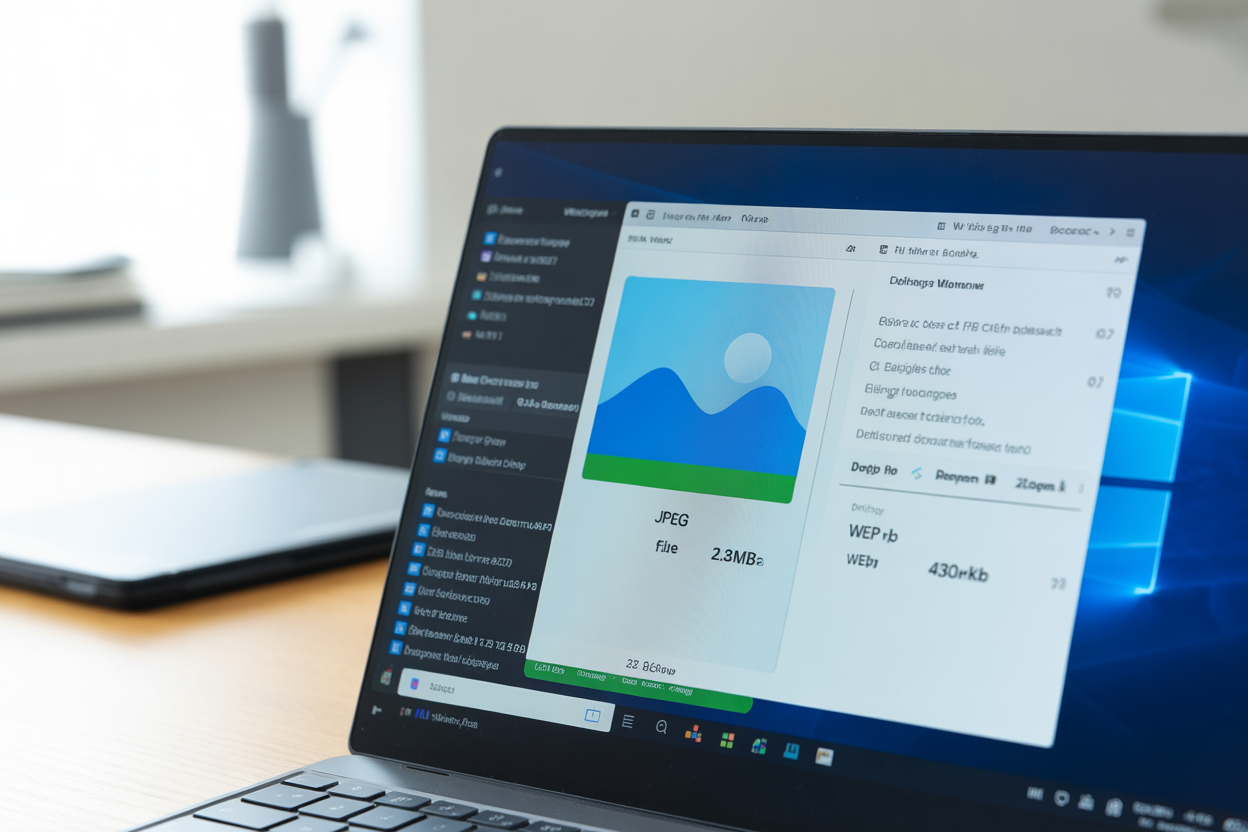
Images and videos are often the heaviest elements on a webpage, making them a primary culprit for slow LCP scores. Your first move should be to get them optimized. That means compressing images to shrink their file size without making them look grainy. You should also be using modern formats like WebP, which blows older formats like JPEG and PNG out of the water when it comes to compression and quality. Pretty much all modern browsers handle WebP just fine, so there’s really no excuse not to switch. Lazy loading is another game-changer.
Instead of trying to load every single image the second someone lands on the page, lazy loading waits to load images until a user actually scrolls down to them. This makes a huge difference in that initial page load time, giving your LCP score a nice boost. And to fight off that annoying CLS, always make sure you specify the width and height for your images and videos right in the HTML. This gives the browser a heads-up on how much space to save, so you don't get that junk a round of content jumping as things load in.
Streamline Your Code
All that code running your website, especially JavaScript and CSS, can really bog things down. Over the years, sites tend to collect a ton of junk code from old plugins or retired features. Getting rid of all that dead weight is a quick way to cut down your file sizes and speed up processing time. You'll also want to minify your CSS and JavaScript, which is just a fancy way of saying you strip out all the useless stuff like spaces and comments from the code without breaking it. One of the worst offenders for responsiveness (which hurts your INP score) is render-blocking JavaScript. When a browser bumps into a script, it usually stops everything else to download, figure out, and run it.
You can get around this by deferring any scripts that aren't critical. That just tells the browser to keep loading the page and deal with the script later. And be careful with third-party scripts from things like analytics tools, ads, or live chat widgets. While useful, they can slow your site down, so limit them to only what's essential and load them asynchronously whenever possible.
Leverage Modern Web Infrastructure
Your optimization efforts shouldn't stop at just your website's files. The infrastructure that delivers your site to users plays an equally important role. A Content Delivery Network (CDN) is a must-have for any serious website. A CDN is a network of servers distributed around the globe. It stashes a copy of your site on servers all over the world and delivers it from the one that's closest to your visitor, which slashes latency and load times. You can also give the browser a little cheat sheet by using the preload directive.
By adding <link rel="preload"> to your HTML head, you can tell the browser, 'Hey, this resource right here, like a key font or stylesheet, is super important, so grab it first.' Doing this can make a real difference in rendering speed. And like the team at HubSpot points out, when you mix these infrastructure tricks with solid on-page SEO, you've got a winning formula for speed and great Core Web Vitals scores.

Keeping Up The Rise of INP and Other Updates
The world of SEO and web performance is never static. Google is constantly refining how it measures user experience to better reflect what real users encounter. One of the most significant recent changes was the transition from First Input Delay (FID) to Interaction to Next Paint (INP) as a core metric. This wasn't just slapping a new label on it; it was a total rethink of how responsiveness is measured.
FID only looked at the lag on the very first thing a user did. That's helpful, but it doesn't tell the whole story. A page might have a great FID score but still feel clunky on later clicks. INP fixes this by looking at the lag time for *all* interactions, from clicks to typing, during a user's entire visit. This gives you a much fuller, more honest picture of how responsive the page actually is. The switch to INP means you have to think about optimizing the whole experience, not just that first-load impression.
Google’s also been tinkering with other metrics. For example, they've tweaked how LCP is measured so it does a better job of accounting for videos and animated images, making sure these popular formats are judged fairly. We've also seen browsers get smarter about how they load fonts and images to help cut down on those unexpected layout shifts, which is great for your CLS score. Keeping up with these changes is super important because it makes sure the work you're doing actually lines up with what Google considers a good page experience right now.
How to Measure and Monitor Your Website Speed
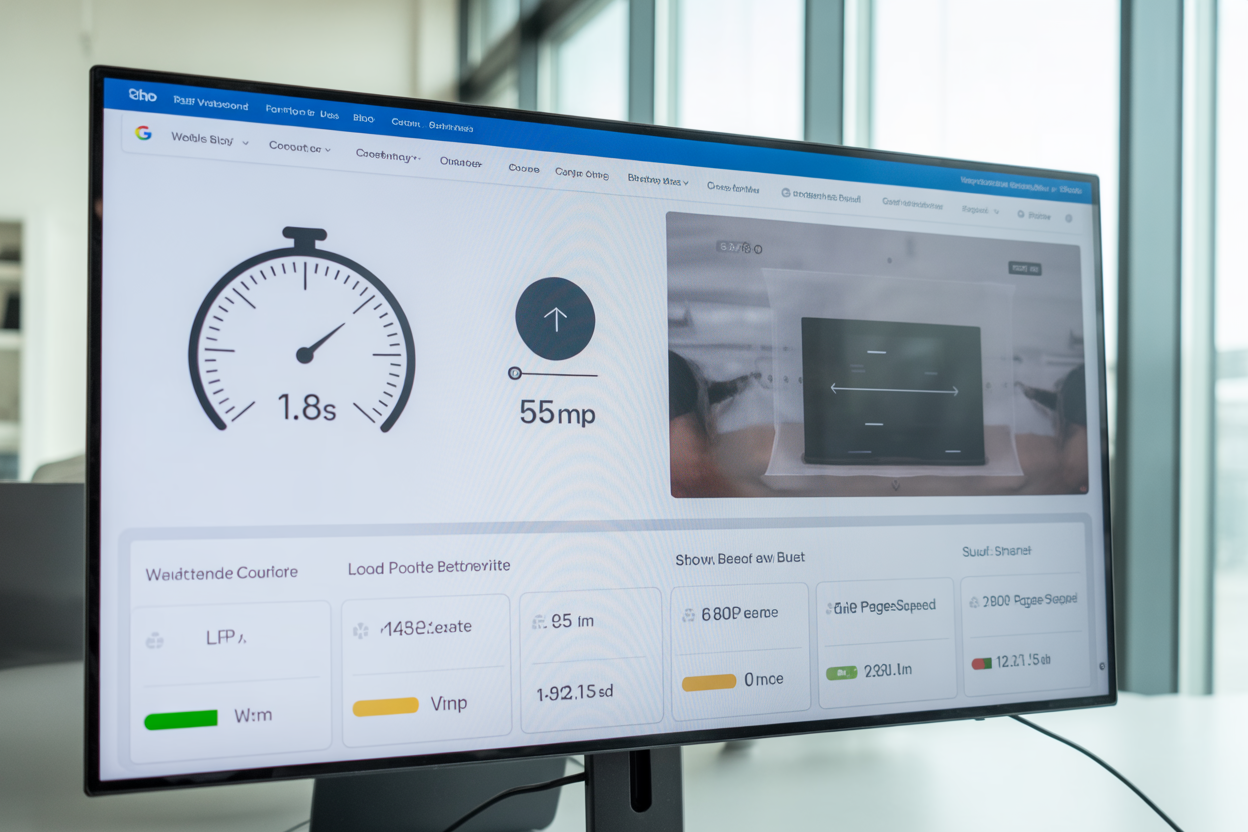
You can't improve what you don't measure. You have to check in on your website's speed regularly; it's a non-negotiable part of good technical SEO. Luckily, there are tons of great tools out there that can help you break down your Core Web Vitals scores and find spots that need some love. This isn't a one-and-done job. It's a cycle of testing, tweaking, and testing again to make sure your site stays quick and competitive. A tool like Google PageSpeed Insights is the perfect place to start.
It gives you a detailed report card on your site's performance, showing you your LCP, INP, and CLS scores from both lab tests and, more importantly, real-world user data (what they call 'field data'). Other great tools like GTmetrix and WebPageTest let you go even deeper, with waterfall charts that show you exactly how every little thing on your page loads. With these tools, you can hunt down the exact bottleneck, whether it's a clunky image, a slow script from another service, or a server that's taking a nap.
Here's a quick reference table for the targets you should be aiming for, as established by Google and the web performance community.
| Metric | What it Measures | Target for "Good" |
|---|---|---|
| LCP | Content Load Speed | ≤ 2.5s |
| INP | Interaction Speed | < 200ms |
| CLS | Visual Stability | < 0.1 |
By making performance checks a part of your regular site maintenance, you’re making sure your site keeps delivering a great experience for real people and for Google's bots.
The digital world is crazy competitive, and honestly, a great user experience is one of the best ways to get noticed. Working on your site speed and Core Web Vitals isn't just about trying to game Google's rankings; it's about building a better, stronger home for your business online. It all starts with getting a handle on the three big pillars of user experience: how fast your stuff loads (LCP), how quickly the page reacts to a click (INP), and how much the layout bounces around (CLS). Nailing these things is a direct investment in your site's future.
Trying out the strategies we talked about, like optimizing images, cleaning up your code, and using a CDN, will definitely get you headed in the right direction. Remember, this is an ongoing thing, not a one-time fix. The web is always changing, and so are people's expectations. By keeping an eye on your performance with tools like PageSpeed Insights and staying up-to-date, you can make sure your site stays a fast, dependable, and genuinely enjoyable place for your visitors. A faster site means happier visitors, more engagement, and, at the end of the day, better results for your business.
Here at kleap.co, we're obsessed with web performance because we know it’s the bedrock of any successful online presence. We get the nerdy details of Core Web Vitals and know how to turn them into real-world fixes that actually help you grow. If you’re tired of losing visitors to a slow site and want to start climbing up the search results, we’re here to help. Check out our services to see how we build speedy websites from scratch, or just get in touch for a chat. Let's make your website the lean, mean, fighting machine it deserves to be.


