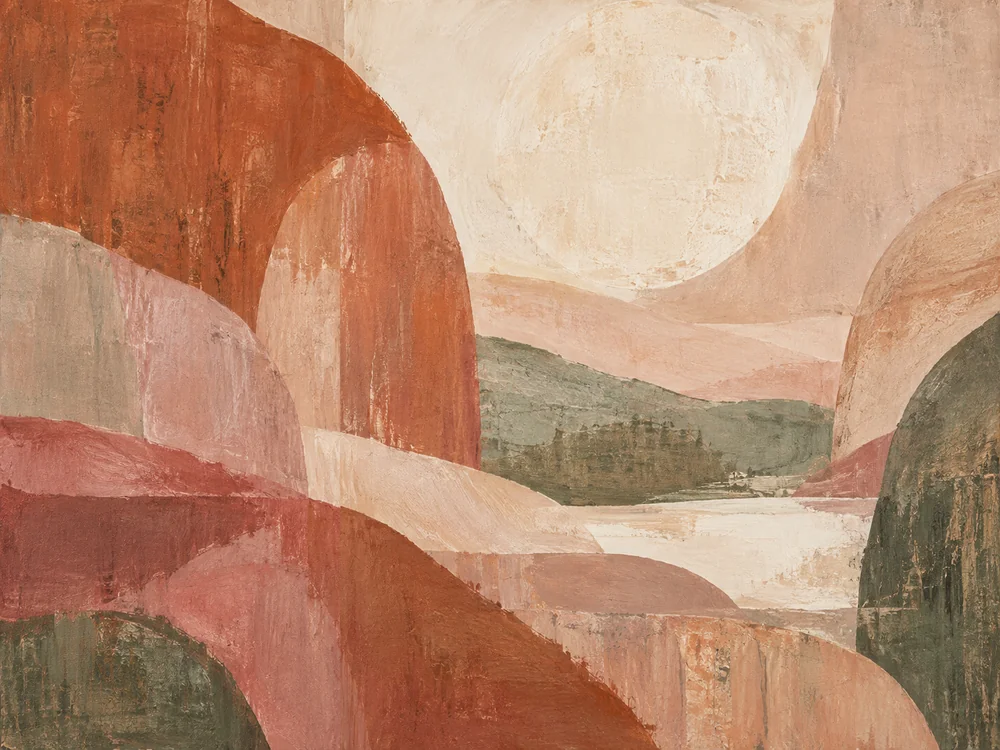
Build a website that feels like your work. Present your collections, tell their story and make it easy for collectors and galleries to get in touch.
Collections and artwork pagesExhibitions and studio storiesYour own domain
From the studio to the screen
Let people discover more than an image.
Create a complete artist website around your practice, with room for the work and a clear next step for every visitor.
Atelier Sol
Illustrative exampleLandscapes in light
An exploration of color, memory and place.
Morning formsAvailability on request
Fictional portfolio with AI-generated sample artwork. Replace it with your own work.
A gallery with room to breathe
Group work by series, medium or year. Add detail views, accessible descriptions and the information that helps people understand each piece.
Illustrative exampleMorning forms
Medium
Mixed media on linen
Dimensions
80 × 60 cm
Availability
Availability on request
Ask about this work
Each work has its own story
Show the medium, dimensions, year and availability. Display a price or invite an inquiry. Originals, editions and commissions can each have a different path.
Inside the studio
Materials, sketches and the work as it unfolds.
Illustrative example
Invite people into your practice
Share your artist statement, biography, studio photographs and work in progress. Let people see the thinking and materials behind the finished work.
Exhibition page example
A place for new perspectivesAtelier Sol
Dates and opening hours
Venue and directions
Press images and contact
Exhibitions people can plan for
Present dates, location, opening hours and access details. Add a press kit or a link to the host gallery, and keep past exhibitions in an archive.
A conversation about the work
01Choose an artwork
02Share your question
03Receive a personal reply
Stay close to the studio
Newsletters use your chosen email service and consent settings.
Keep the next conversation simple
Collect inquiries about a specific piece or commission. Connect your newsletter service for new releases and exhibition updates, with a clear signup choice.
From your studio to their screen
Your domain
Analytics and Search Console
Site Guardian
Connect your services and review the settings before publishing.
Your gallery, ready to share
Connect your domain, configure analytics and Search Console, and use the Guardian to spot site issues. Keep your pages, contact paths and artwork details current.
Start from your practice
What would you like to show?
Choose a starting point and tell Kleap about your own work.
Make it yours
Your work. Your story. Your website.
01
Describe your practice
Share your medium, visual direction and the collections or projects you want to present.
02
Curate and refine
Upload your own images, add accurate captions and shape the pages around your work.
03
Check and publish
Test the mobile gallery and contact path, connect your domain and keep the site up to date.
Choose around your practice
What matters in an artist website builder?
01
The work comes first
Check image presentation, collection structure and mobile viewing. A beautiful homepage should lead to useful artwork pages.
02
The right route to a collector
Decide whether each piece needs an inquiry, a gallery contact or a checkout. Test that path before sending visitors.
03
A site you can keep current
Review editing, domain, source access and plan terms. Choose a workflow you can maintain between exhibitions.
Questions about artist websites
A practical guide to presenting your work and connecting with collectors.
What should an artist website include?
Start with selected work, an artist statement, a biography and contact details. Give each artwork a title, medium, dimensions and availability where appropriate. Add exhibitions, a press kit, studio stories and a newsletter signup when they support your practice.
Can I start an artist website for free?
You can start creating with Kleap and review the available usage and publishing options on the pricing page. Custom domains, support and other features depend on your plan. Check the current plan details before you launch.
Do I need to code, and how long does it take?
You can describe the website and refine it with AI without writing code. The time to launch depends on the pages, artwork preparation and integrations you need. Review the images, captions and contact flow before publishing rather than relying on a fixed generation time.
Can I sell originals, prints or commissions?
You can build artwork pages and an inquiry or checkout flow. For online payments, connect and configure a provider such as Stripe, then test payment confirmation and order handling. You supply availability, edition details, shipping, tax and sales terms appropriate to your activity.
Should I show artwork prices on my website?
You can show a price, a starting range for commissions or availability on request. Explain what is included and whether the work is an original or an edition. Coordinate the information with any gallery representing the work.
Should I keep sold artwork in my portfolio?
An archive can show the development of your practice. Mark sold or unavailable work accurately and separate it from available pieces. Keep a way for visitors to ask about related work or future commissions.
How can I balance gallery representation and direct inquiries?
List the gallery and the work it represents, with the appropriate contact link. Route inquiries according to your arrangements. Your own site can still present your broader practice, studio visits and commissions where appropriate.
Can the website stop people copying my art?
No public website can prevent all copying or screenshots. Publish web-sized images, add attribution or visible watermarks when appropriate, and retain your original files. Kleap does not provide a guarantee against image copying.
Can I share exhibitions and email updates?
Yes. Create exhibition pages with dates, directions and press resources. Connect your email service for newsletter signup and announcements, configure consent and unsubscribe settings, and test the signup flow before inviting subscribers.
Can I use my domain and help people find my work?
Yes. Connect your domain and configure page titles, descriptions, artwork alt text and a clear collection structure. Analytics and Search Console help you review visits and search visibility; the Guardian helps flag site issues. These tools do not guarantee search rankings.
Can I update the site and keep my source code?
Yes. Describe changes to your pages and galleries as your practice develops. You retain source access and can connect GitHub when needed. AI assistance and human support on paid plans can help you continue developing the site.
Can I share care instructions or collector documents?
Yes. Add care instructions, edition information or downloadable documents that you provide. An authenticity certificate must come from the artist or another appropriate issuer; the builder does not authenticate artwork. For private collector materials, configure access controls before sharing them.
Your next exhibition can start here.
Describe the art you make and the people you want to reach.
A first draft uses a small part of your usageFree to start, usage refills