
Head-to-head comparison · 2026
Kleap vs Framer
Framer gives you designer-grade visual control — at the cost of a real learning curve if you're not one, and with no native database or user accounts. Kleap generates the site AND the app (accounts, data) from a single prompt, for free.

TL;DR — which one should you pick?
The short version, before the full breakdown below.
Pick Kleap if…
- You want a live, multi-page site in minutes, not hours
- You want real, exportable source code — not a locked-in editor
- You might need a full app later (logins, database, dashboards), not just a brochure site
- You care about page speed and AI/SEO visibility out of the box
Pick Framer if…
Kleap vs Framer, feature by feature
Every row below is checkable — pricing pages, public docs, and real reviews.
| Feature | KleapRecommended | VSFramer |
|---|---|---|
| Time to a live site | Minutes — AI generates a full multi-page site from one description | Several hours: the AI (Workshop) proposes a first draft, the rest is done by hand on the canvas |
| Who builds it | The AI (you describe it, it builds; you refine by chatting) | You — manual, Figma-style editing, precise but with a real learning curve |
| Starting price | Free to build and publish | $10/mo for the Basic plan (billed annually), $15/mo billed monthly — plus $20/mo per editor seat |
| Free plan | Yes — free, lasting publishing on a kleap.io subdomain, commercial use included | Yes, but restricted to non-commercial use (framer.app domain, 1 GB bandwidth) |
| AI generation | Generative AI across the whole site — design, copy, structure, regenerable anytime | AI (Workshop) generates a first draft; fine-tuning stays manual on the canvas |
| Design control | AI regeneration + direct editing, built for speed | Very fine pixel-level control, design-tool style — more powerful but steeper to learn |
| Code ownership & export | Real, exportable source code | No official export — the site stays hosted and locked on the Framer platform |
| E-commerce | Store built in, no Kleap commission, native checkout | Cart lives in Framer, but checkout redirects to Shopify (two platforms to manage) |
| Native SEO | Pre-rendered static HTML, instantly readable by Google and AI crawlers | Solid technical SEO, well regarded in comparisons — but heavier rendering than a static site |
| Mobile editing | Mobile-first responsive UI, editable by chat from anywhere | Canvas editor built desktop-first, advanced editing barely usable on mobile |
| Full apps (accounts, database) | Yes — native user accounts, database, dashboards | No — content CMS only, no authentication or database without a third-party integration |
| Migrating away from Framer | AI rebuilds the site from a description in minutes, free | Manual migration only — no export, the design must be recreated elsewhere |
Pricing: Kleap vs Framer
What you'd actually pay to get a site live.
Free
Build and publish free on a kleap.io subdomain — upgrade only for a custom domain or advanced features.
~10 $/mois (Basic, facturation annuelle ; 15 $/mois en mensuel)
Starting price, as advertised on Framer's own pricing page.
Start free with Kleap — no card required
Where Kleap wins
Real friction points Framer users report — and why Kleap doesn't have them.
Built for designers, not for everyone
Framer's canvas editor is closer to Figma than a simple site builder: very powerful in experienced hands, with a real learning curve for non-designers.
A paid editor seat on top of the subscription
Every editor seat costs an extra $20/mo on all paid plans (a $10/mo 'Content Editor' seat exists for CMS-only access) — a hidden cost regularly flagged in reviews.
No native database or user accounts
Framer's CMS manages content collections, not a real app layer: no authentication or business logic without third-party integrations.
The free plan is non-commercial only
The free plan includes a framer.app domain and 1 GB bandwidth, but is explicitly limited to non-commercial use — you have to pay once it's a real project.
No native ecommerce checkout
The cart lives inside Framer, but checkout redirects to Shopify (via Framer Commerce or a third-party app): you effectively run two platforms, with the cost and complexity that implies.
The cheaper legacy plans are gone
Framer discontinued the Mini ($5/mo) and Startup plans in its October 2025 pricing overhaul: the entry paid tier is now $10/mo billed annually, or $15/mo billed monthly.
Kleap builds anything — not just a site
Where Framer stops at the brochure and the blog, Kleap goes all the way to the full application. Describe the feature, AI builds it: database, login and dashboards included.
You write
Build me a CRM for my agency: client records, project tracking, a login for my team and a revenue dashboard.
Kleap delivers
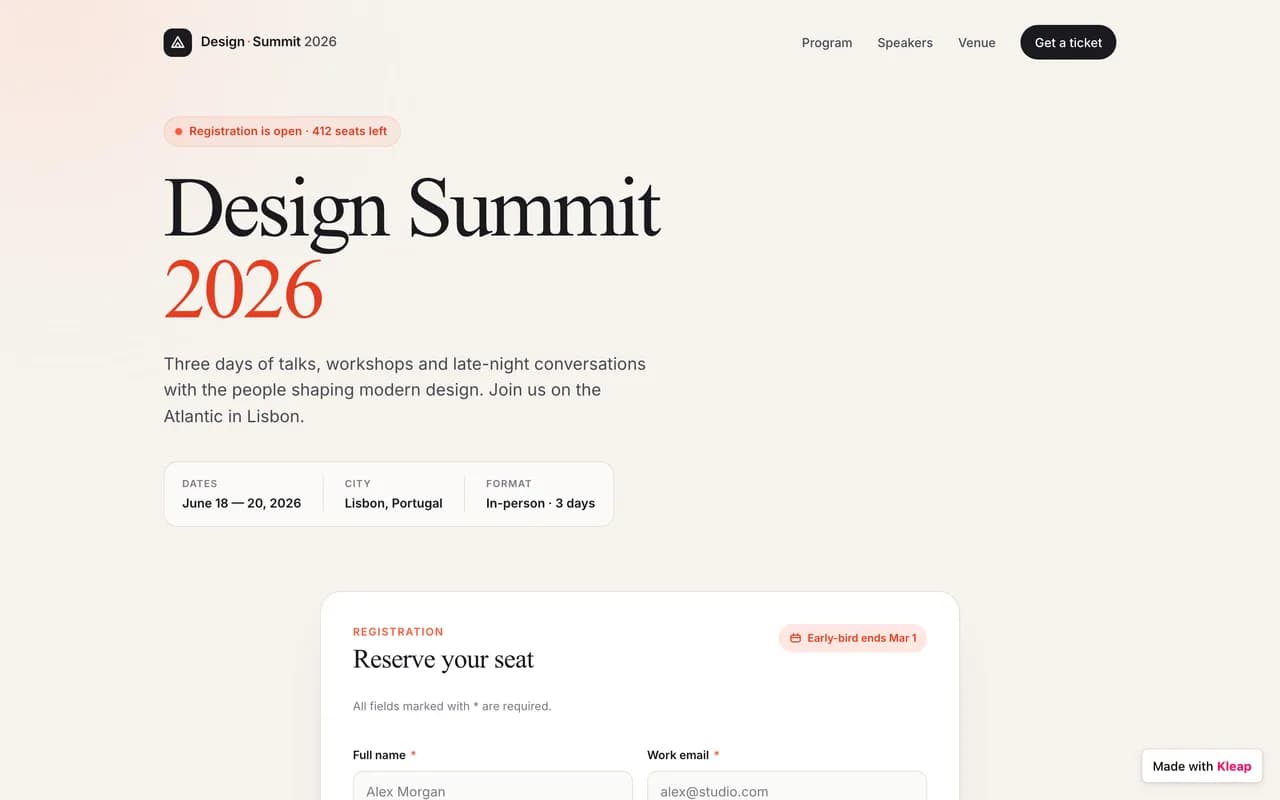
A real application — database, accounts and dashboards — live in minutes.
A real database
Store data, forms, sign-ups. No plugin to hack together: it's built in.
Accounts & login
Member area, login, private zone: give your users a real account, with no technical setup.
Dashboards
Back office, stats, management: ask for a dashboard and run your business in one place.
Any idea
CRM, client portal, booking, directory… If you can describe it, Kleap can build it.
Kleap = your CTO
A whole tech team in one conversation. On Framer, the smallest change means editing a template, adding an app, or hiring a developer. With Kleap, you just ask.
A pre-rendered delivery model
Kleap generates Astro output and serves published sites through Cloudflare. Measure the live result for the pages, assets, and integrations in your project.
Delivery approach
Pre-rendered pages can avoid per-request application work, while the measured result still depends on the complete page.
Kleap
Test the configured Framer site
Readable HTML foundations
Semantic HTML and complete metadata help crawlers understand a page. They do not guarantee rankings or citations.
Static Astro
Ultra-light, pre-rendered pages. No server round-trip or database query per visit: just speed.
Cloudflare edge
Astro was acquired by Cloudflare: your sites are served from the point closest to each visitor, worldwide.
SEO foundations
Pre-rendered HTML, sitemaps, metadata, and semantic markup provide a technical base for optimization.
SSL & zero maintenance
Automatic HTTPS, no updates to manage, no vulnerabilities to watch. We handle the tech, you handle your project.
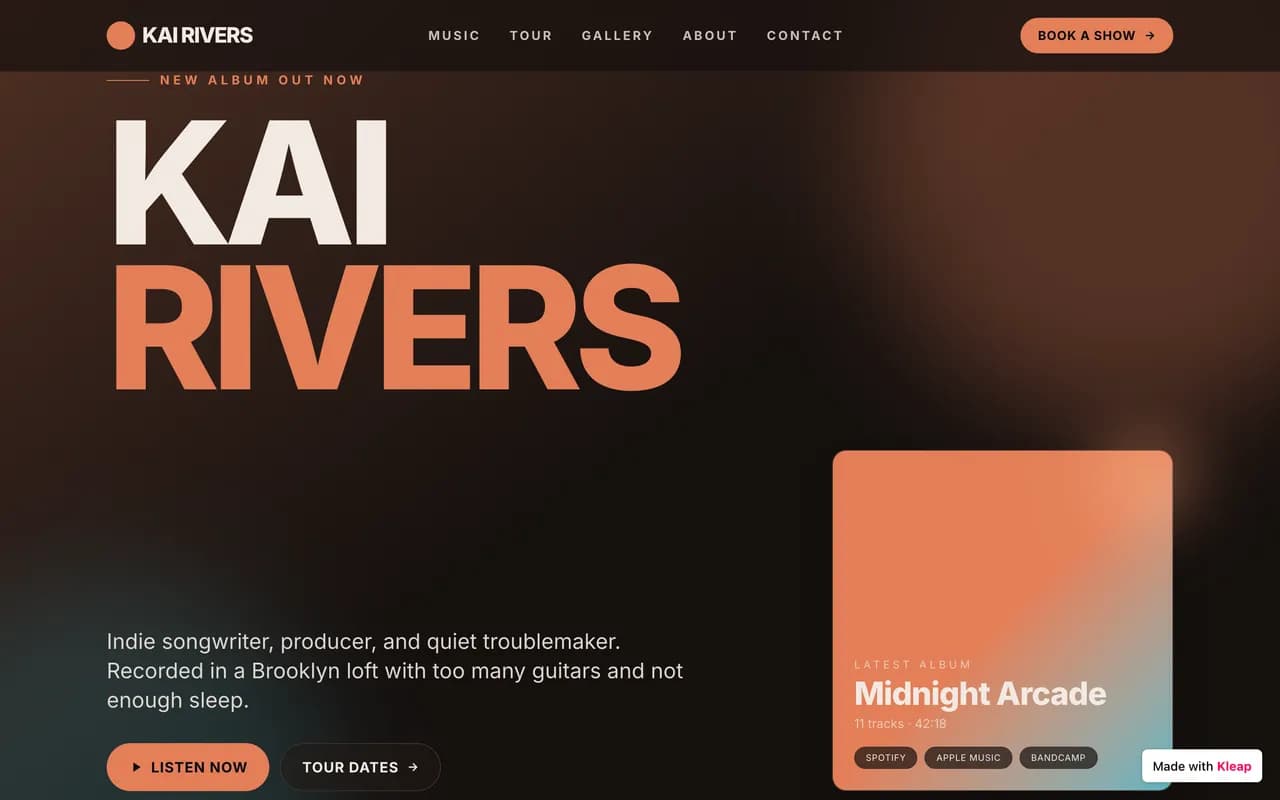
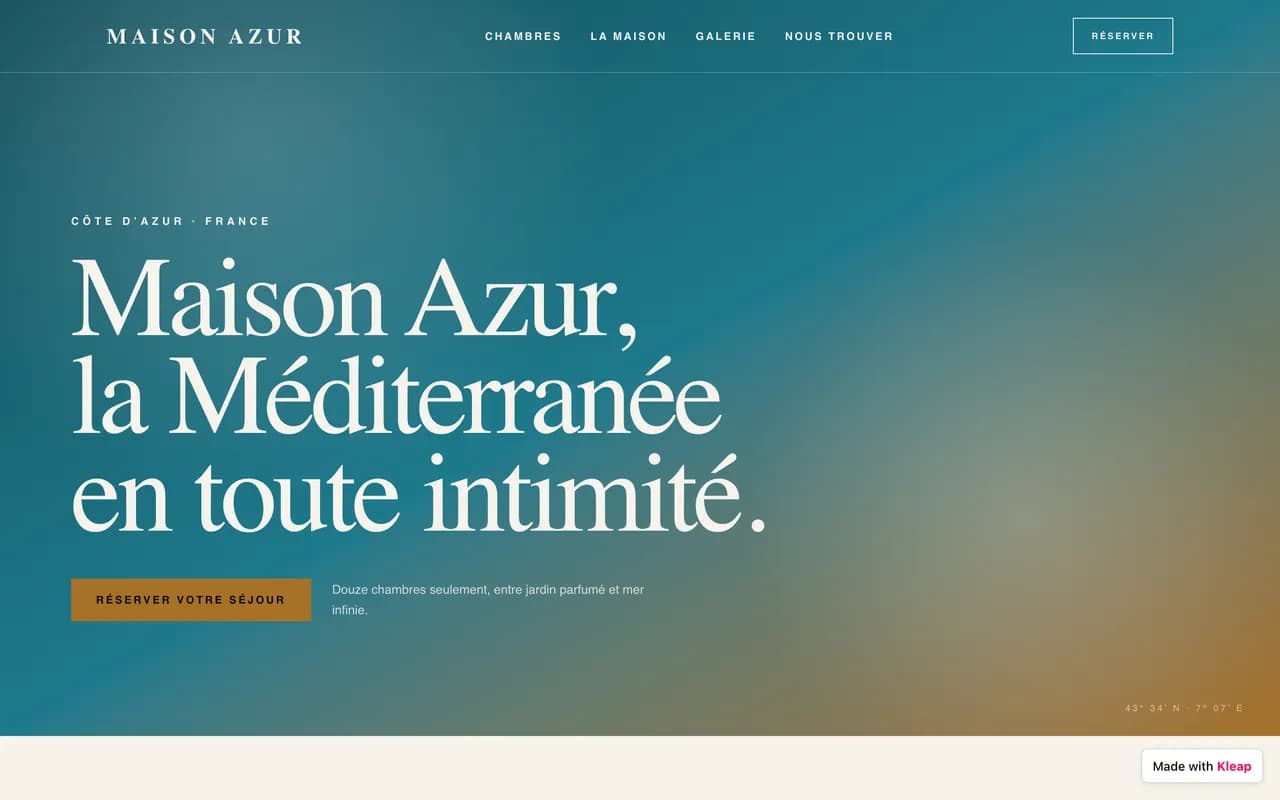
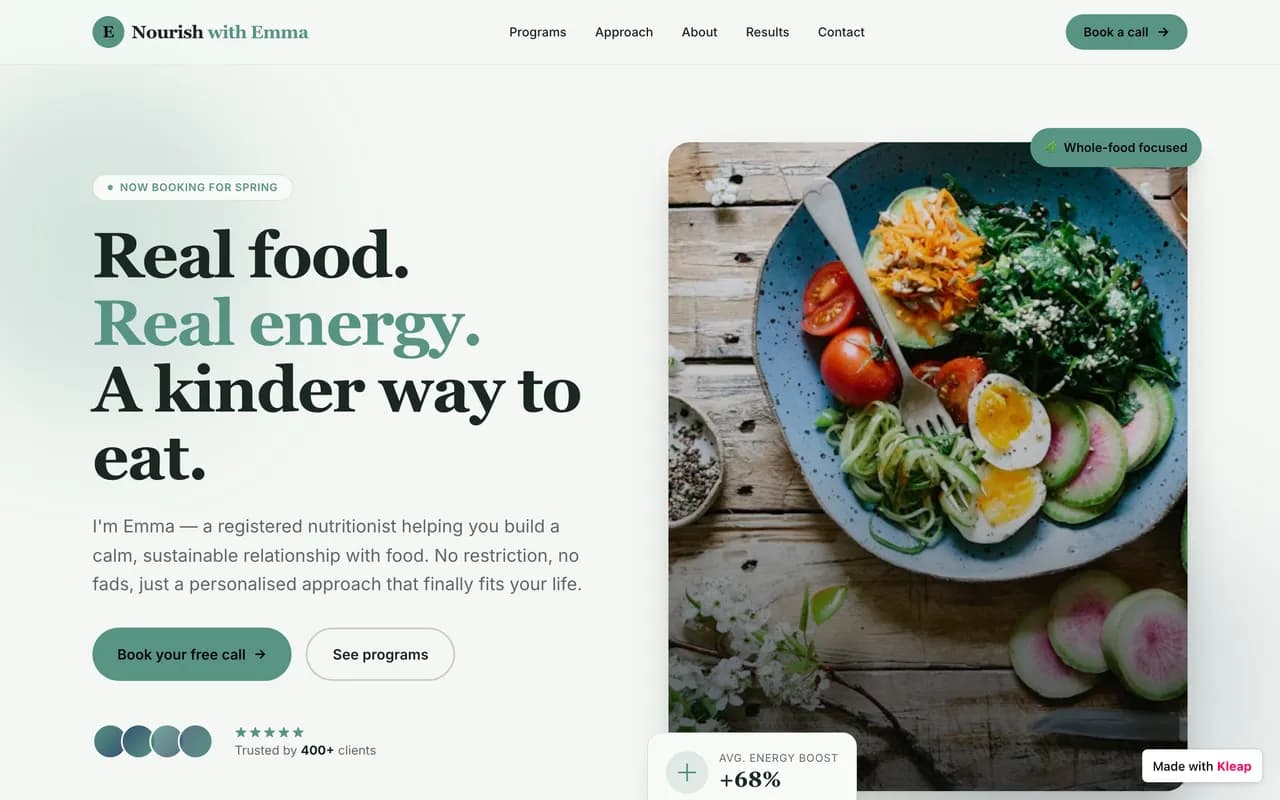
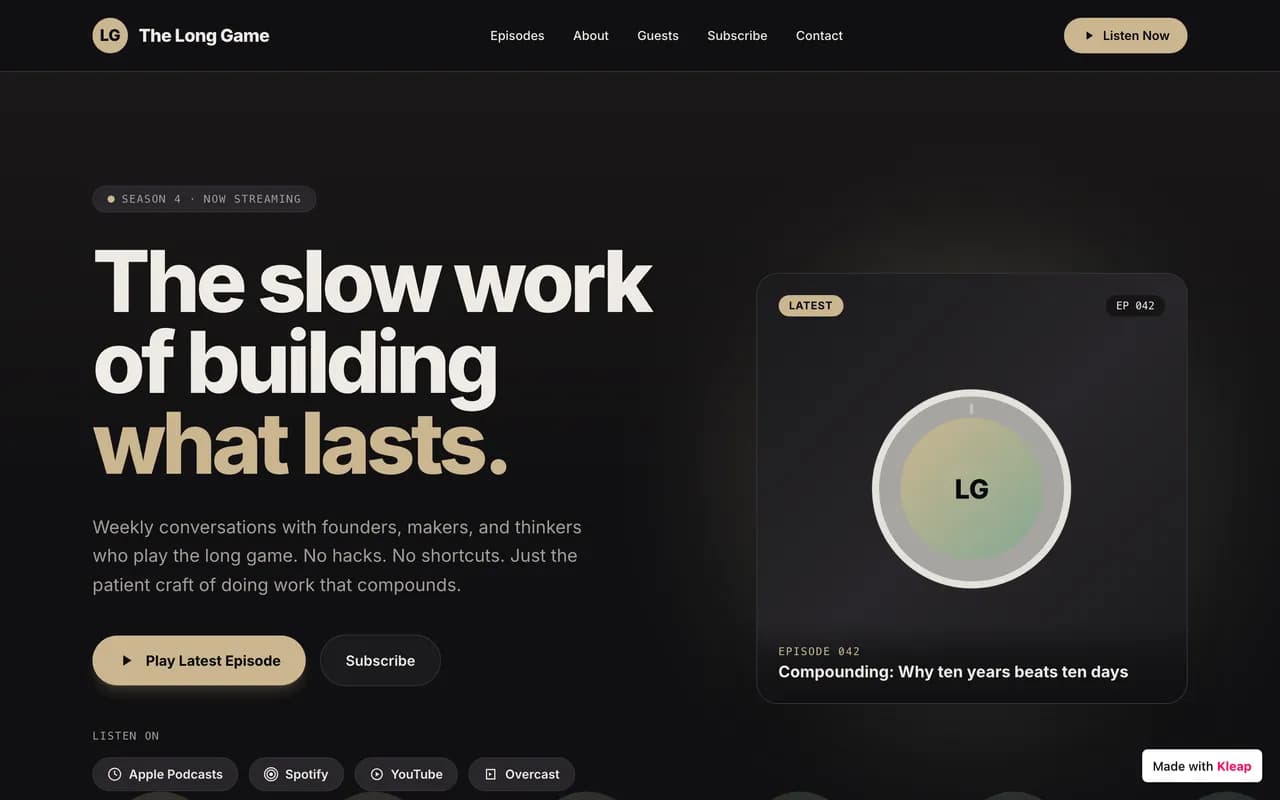
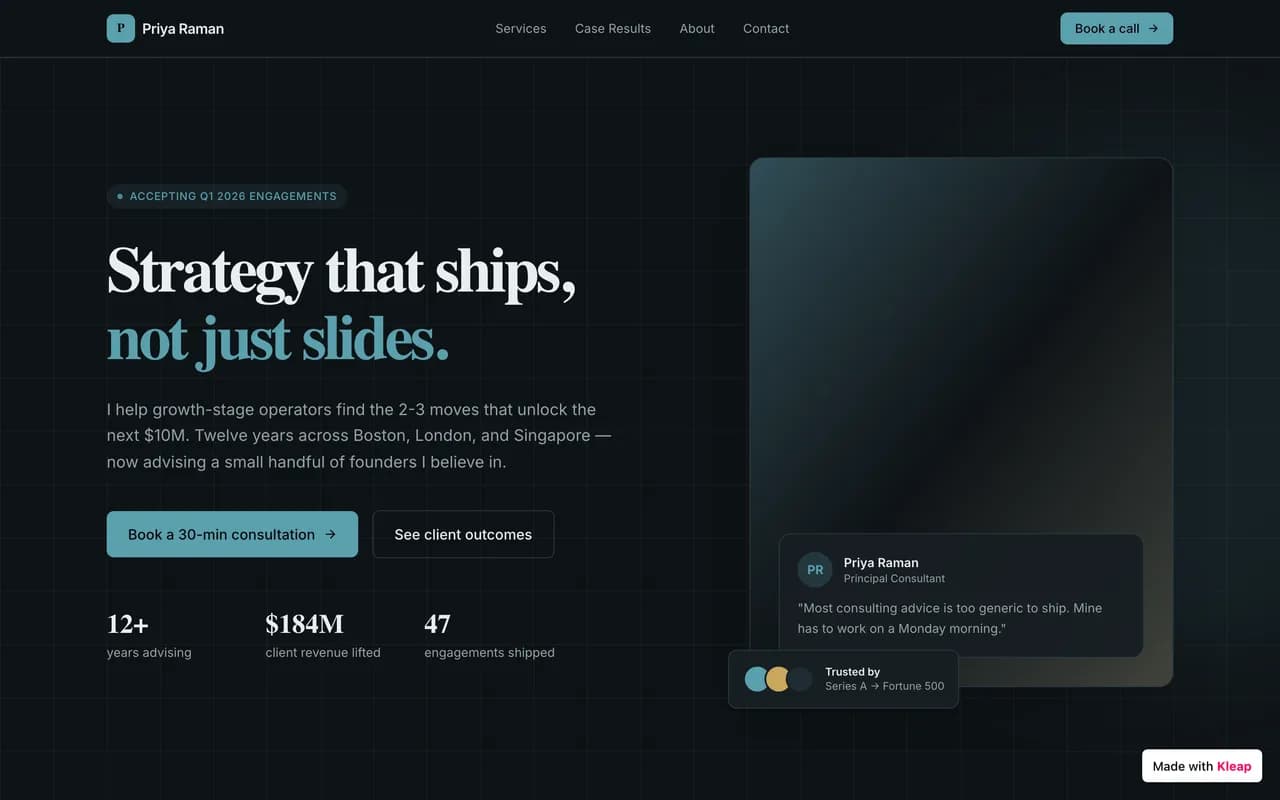
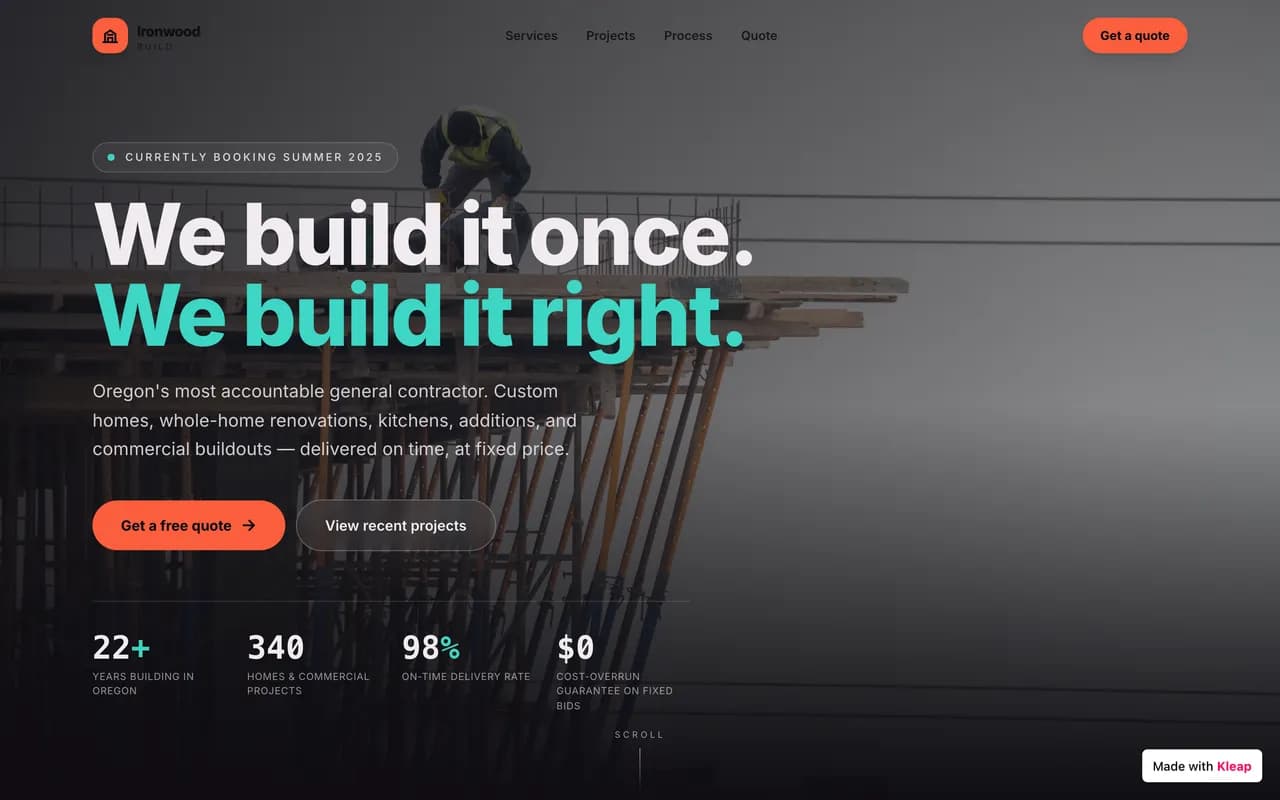
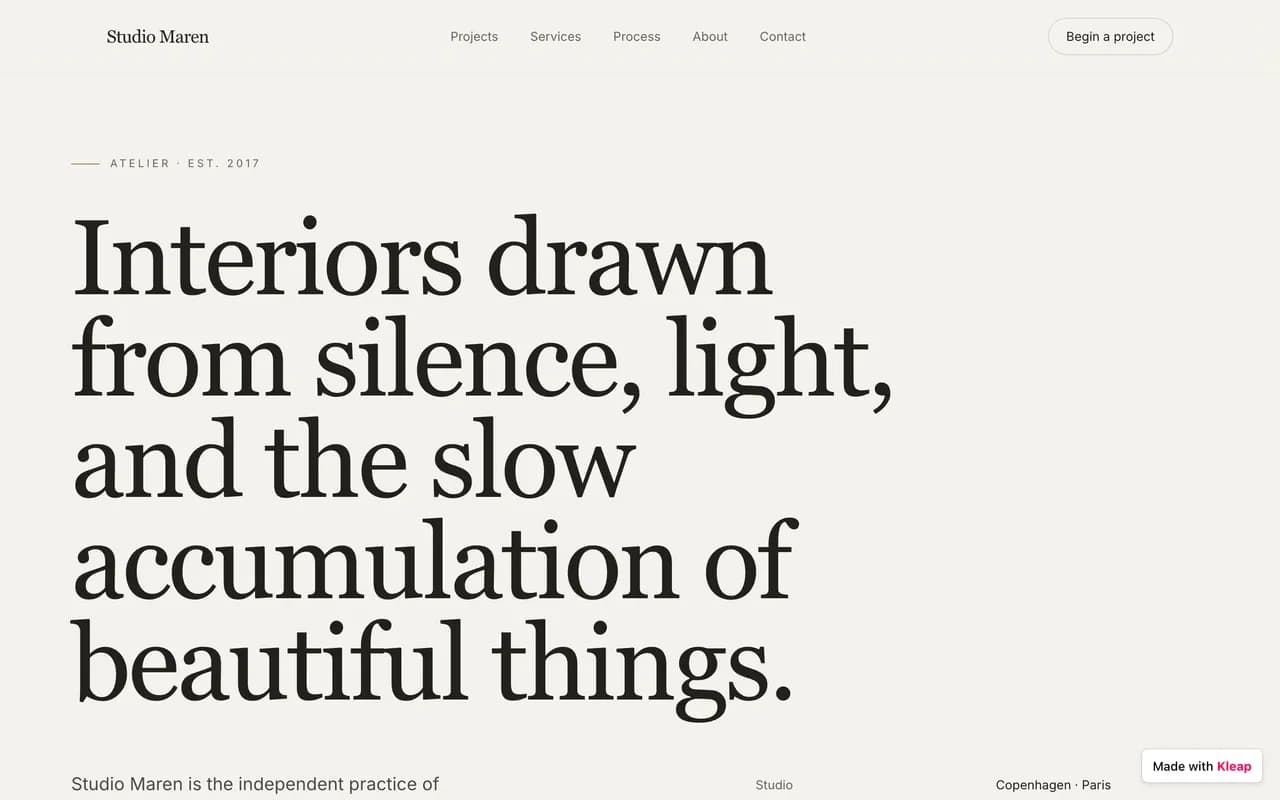
A glimpse of what people build on Kleap
From brochure sites to business apps, across every industry. Real examples of AI-generated sites.

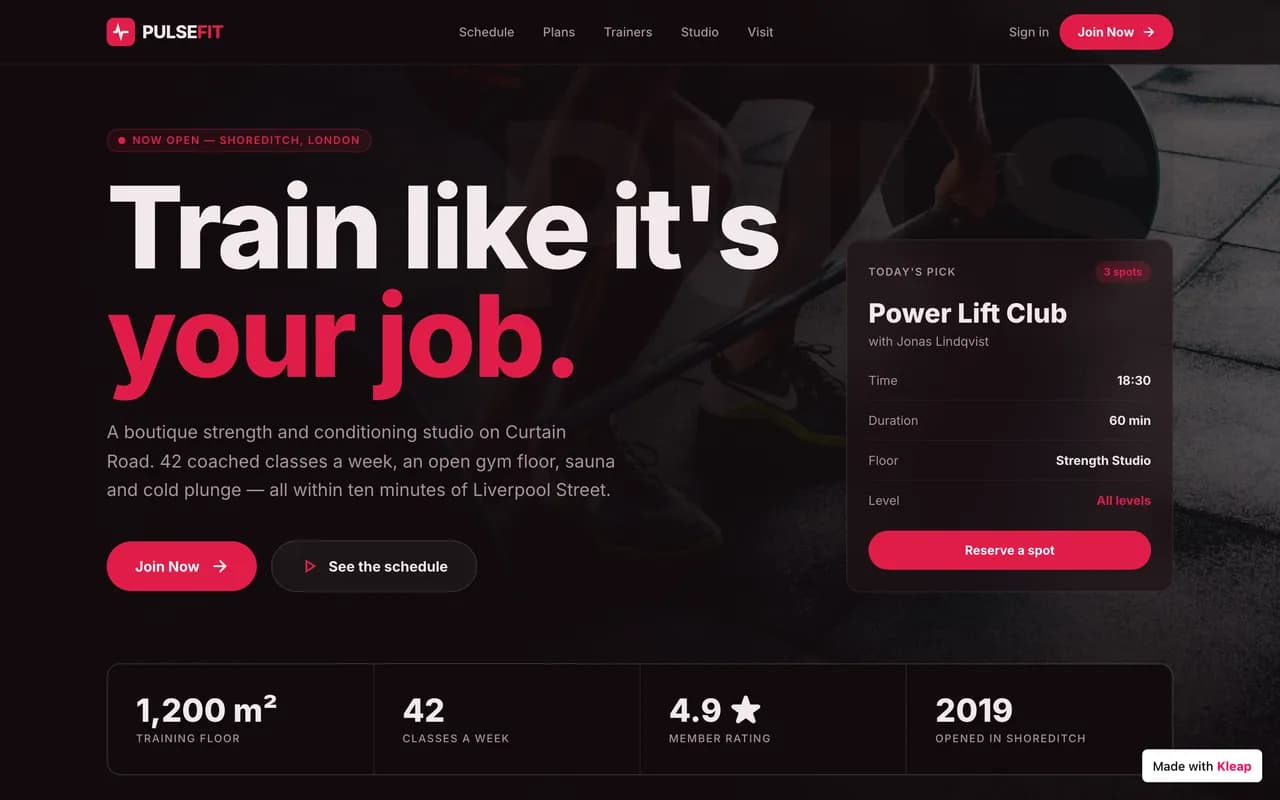
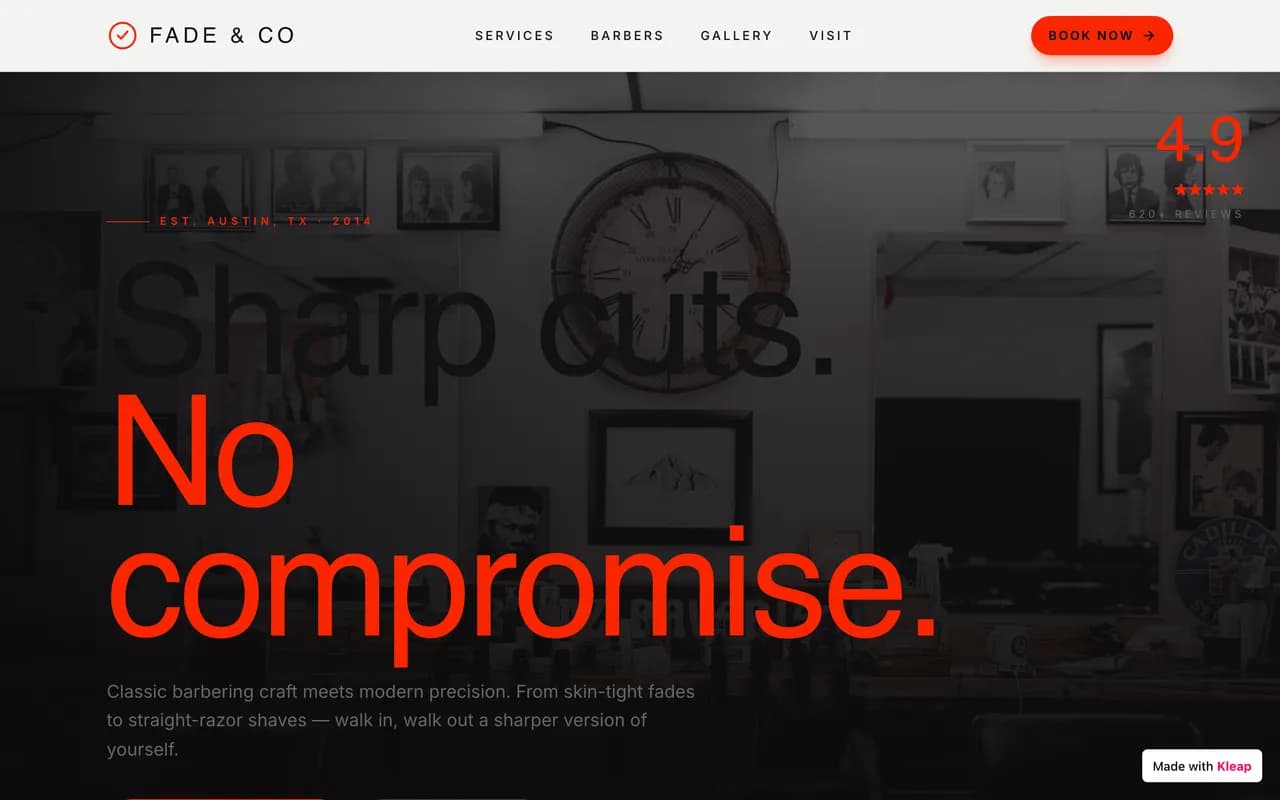
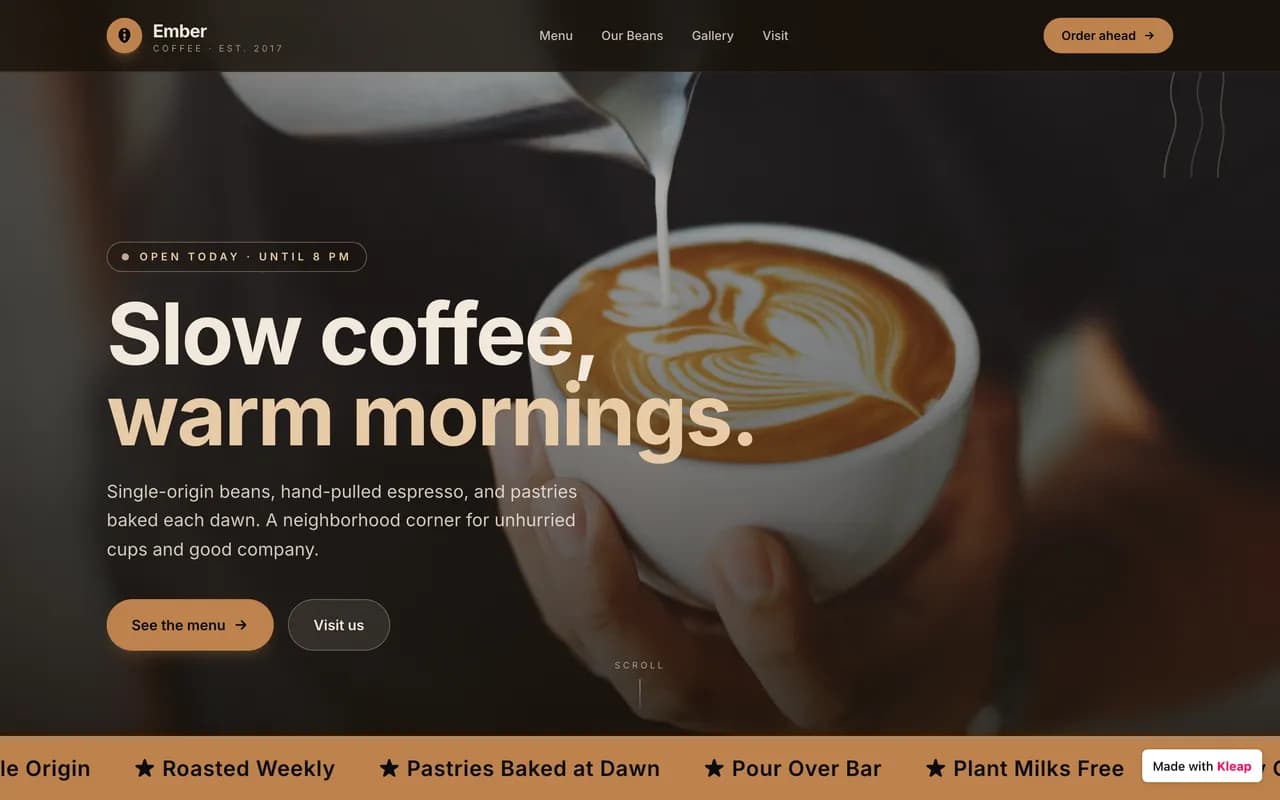
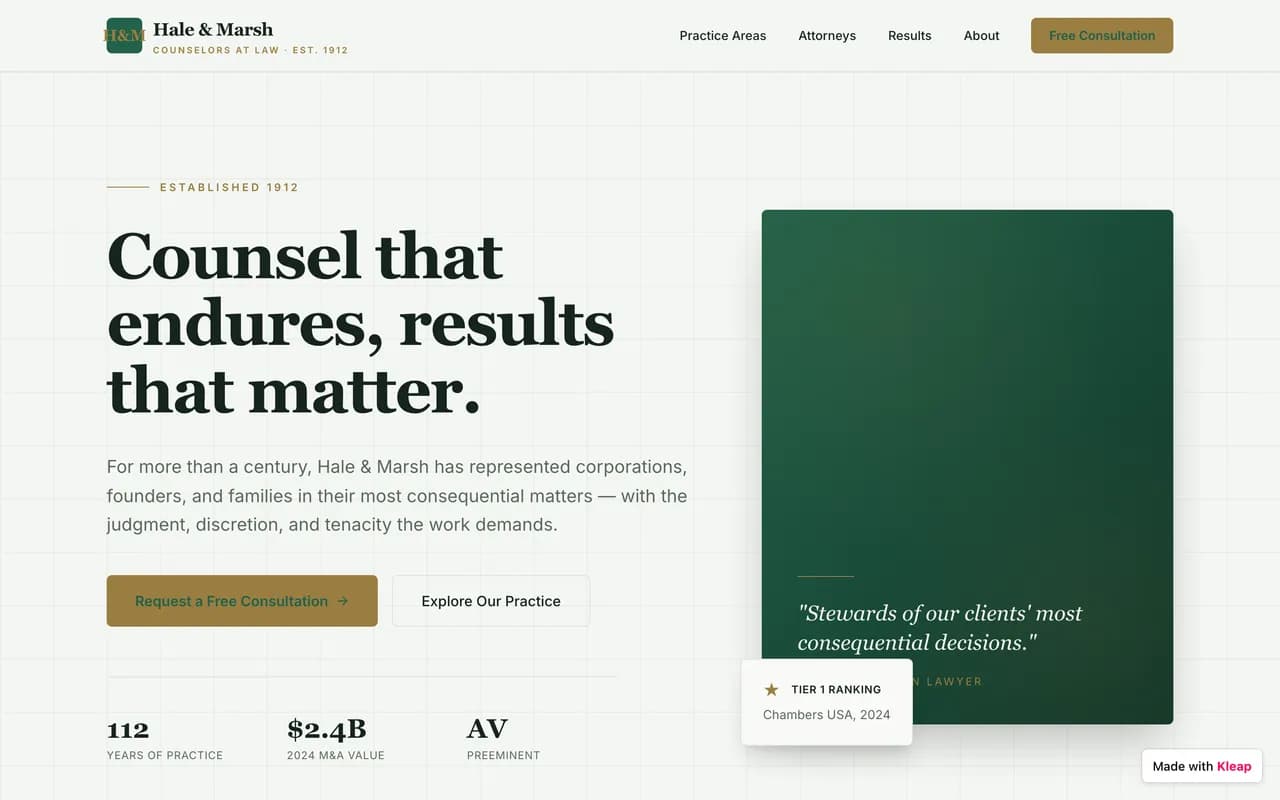

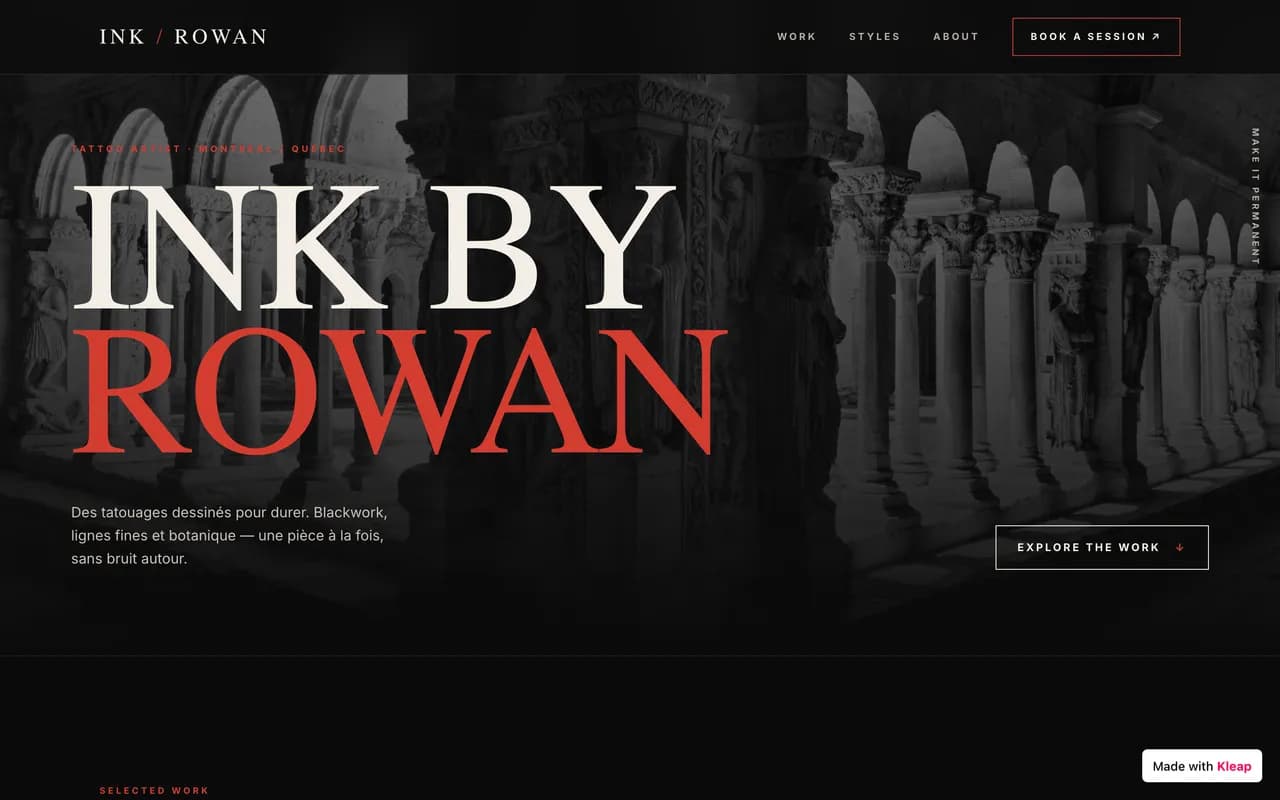
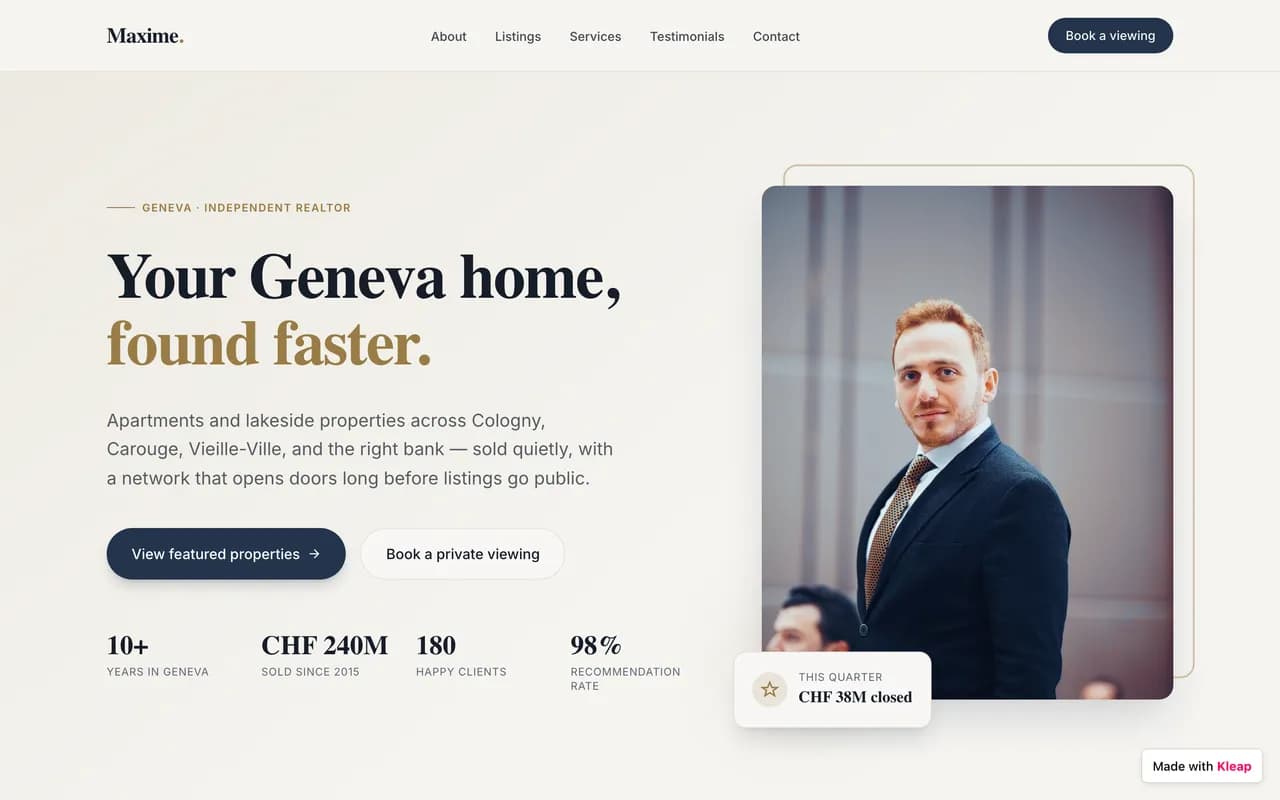
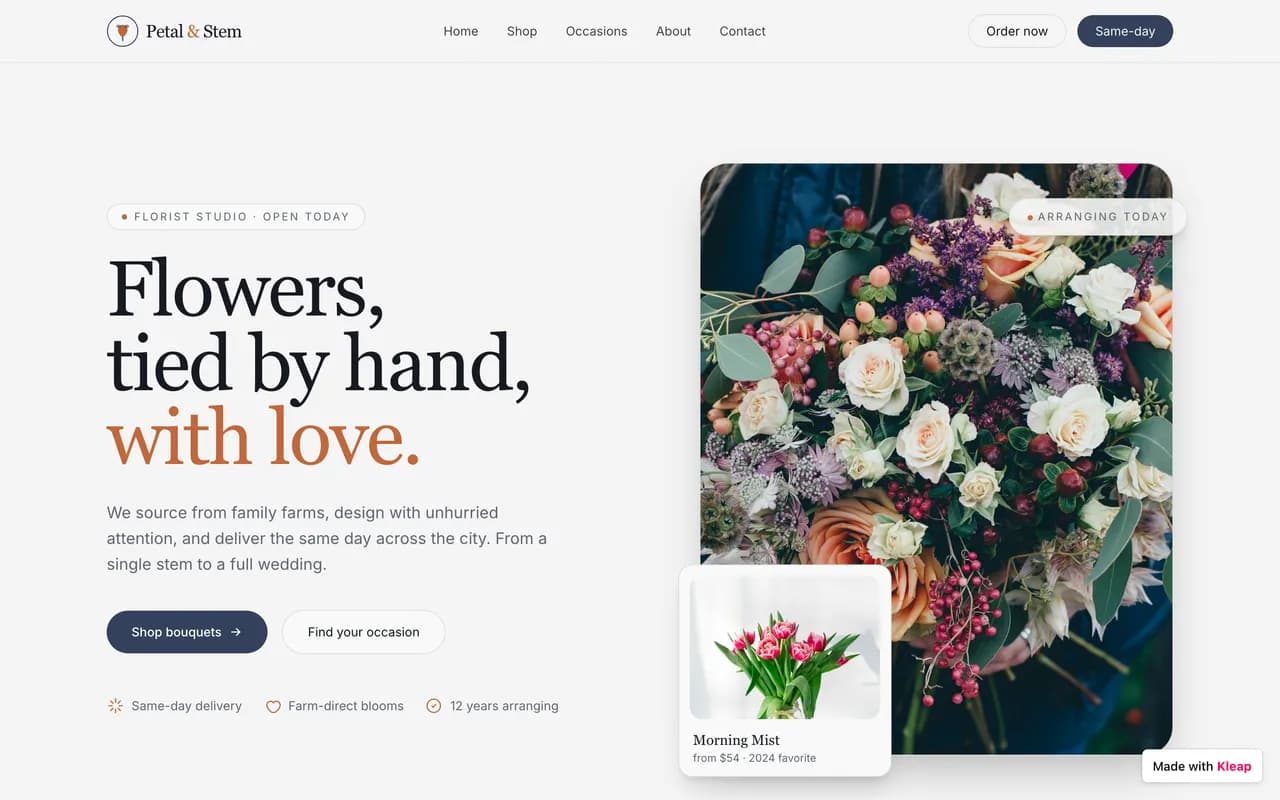

Made with Kleap
Sites published by the community, live right now.
Where Framer wins
Being straight with you: Framer is genuinely the better pick in some situations.
If you're a designer (or work with one) and want very fine visual control — animations, pixel-perfect layout, a component system — Framer remains one of the best tools around for that. Kleap is built for people who want a professional, AI-generated result in minutes, with no learning curve, and a real app layer on top of the design.
Our take : If none of the above matches your situation — and for most people building a site today, it doesn't — Kleap gets you live faster, for less, with real code you own.
Migrating from Framer to Kleap
No import plugin, no technical skills required. You describe it, the AI rebuilds it — often better than the original.
Before · Framer
Templates, settings, plugins, upkeep.
After · Kleap
One conversation. A live site.
- 1
Describe your site
Tell Kleap about your Framer site — its purpose, its style, and the pages you need.
- 2
The AI rebuilds it
Kleap generates a complete, modern, multi-page site in minutes. Refine it by chatting.
- 3
Publish for free
Go live on a free kleap.io subdomain, or connect your own domain. No code, no waiting.
To be transparent: there's no one-click Framer import. Kleap rebuilds the site from your description, and you review the result before publishing.
Kleap vs Framer: frequently asked questions
What is the best alternative to Framer?
For most users who aren't designers, Kleap is faster: the AI generates a complete site from a description, free to start. Framer remains the better choice if you're a designer or work with one and want very fine visual control.
Is Framer's free plan enough for a real project?
No — it's explicitly restricted to non-commercial use, with a forced framer.app domain and bandwidth capped at 1 GB. Kleap is free to publish a real site, commercial use included.
Why does Framer charge for an editor seat on top of the subscription?
Every person editing the site needs a $20/mo seat (or $10/mo for CMS-only access), on top of the plan price itself — a cost that adds up fast for a team. Kleap has no separate seat system.
Can you build a full app with Framer?
Not natively: Framer's CMS manages content, not user accounts or a database. You need third-party integrations to approach real app-level logic. Kleap natively generates accounts, a database, and dashboards.
Is Kleap better than Framer for SEO?
Kleap generates pre-rendered static HTML, instantly readable by Google and AI search engines, with very fast load times. Framer has solid technical SEO, but its rendering stays heavier than a static site.
How do I migrate from Framer to Kleap?
Since Framer offers no design export, describe your current site to Kleap's AI (structure, copy, style) — it regenerates a complete site in minutes. Free to try.
We compare Kleap and Framer on checkable criteria: pricing, time to launch, page speed, and what you can actually build. Where Framer is the better fit, we say so.
See live Kleap sitesWritten by the Kleap team
Reviewed in 2026
We build Kleap, an AI website and app builder. This comparison relies on public pricing, documented features, and real user reviews — and we say plainly when Framer is the better pick.
Go further
Compare Kleap to other tools, or see the full Framer alternative deep dive.
Ready to move on from Framer?
Describe your site or your app. AI builds it before your eyes, for free.