
You imagine it. Kleap builds it.
Describe what you want to create. AI builds the design, features and logic, then develops the project further with your feedback.
- Your idea
- A working app
- Your next improvements
WordPress Alternative · 2026
Describe the website or app you want to create. Kleap builds a draft with AI and brings hosting, data, authentication and integrations into the same workflow. Review your project before publishing.
Describe the website or app you imagine. Kleap helps you build it, publish it and keep improving it, with tools to monitor how it works and fix issues.
Describe what you want to create. AI builds the design, features and logic, then develops the project further with your feedback.
Database, authentication and forms: build a client portal or an app with the data and access it needs.
Add Stripe, business tools and integrations. Connect your accounts and keys to fit the project to the way you work.
The Guardian spots website issues and helps you fix them with AI. Return to your project in the chat to make the corrections.
Publish with hosting, connect your domain and follow your activity with analytics and the Search Console integration.
Keep your code, connect GitHub and work with AI tools like Claude or ChatGPT. AI assistance and human support on paid plans help you along the way.
Kleap fits prompt-led site and application projects; WordPress remains a strong fit for mature editorial workflows, self-hosting, and projects built around its plugin ecosystem.
WordPress powers roughly 43% of the web. That dominance has a flip side: here's what pushes its users toward an alternative.
of the web runs on WordPress
A large ecosystem also means that site owners must evaluate and maintain the themes and plugins they install.
Source: W3Techs
Many WordPress projects add plugins as requirements grow. Each dependency needs compatibility, update, and security review.
Themes and plugins extend the platform and also expand the components a site owner must keep reviewed and updated.
Pick a host, configure PHP, the database, SSL, backups… You wanted a website, you inherited a sysadmin role.
Core, theme, plugins: any update can take the site down. You end up dreading the 'Update' button.
WordPress core is free. Hosting, commercial themes, paid plugins, and development support vary by project.
Blocks, child themes, hooks, filters, custom fields: WordPress has become a framework. The learning curve puts off most non-technical users.
Compare the workflow and responsibilities row by row; measure performance on the finished URLs.
| Criterion | KleapRecommended | WordPress |
|---|---|---|
| Time to launch | Prompt-led first draft | Depends on setup, theme, and content |
| Cost to start | Free to build and preview; check current plan | Core is free; hosting and extensions vary |
| Who builds and edits | AI, in plain language | You or a developer |
| Plugins to install | No WordPress plugins | Depends on project requirements |
| Security patches to manage | 0 (handled for you) | Ongoing, on you |
| Speed / Core Web Vitals | Pre-rendered delivery; test the live URL | Varies with hosting, theme, plugins, and cache |
| SEO | Native: sitemap, meta, schema | Core controls plus optional SEO plugins |
| Hosting | Included, global Cloudflare edge | Chosen and paid separately |
| App / CRM (database, login, dashboards) | Yes, just describe it to AI | Custom development, complex |
| Editing from mobile | Yes, in plain language | Dashboard and mobile app workflows available |
| E-commerce fees | 0% Kleap commission | WooCommerce and extension terms vary |
| Ownership & portability | Code exportable to GitHub | Yours, but with the maintenance |
Drag the sliders. Most 'free' WordPress sites end up well above zero.
WordPress total, per year
840 € / yr
You only pay for extras: custom domain, badge removal, extra sites.
Rough estimate based on common market rates. WordPress core is free; the ecosystem around it is not.
Where WordPress stops at the brochure and the blog, Kleap goes all the way to the full application. Describe the feature, AI builds it: database, login and dashboards included.
You write
Build me a CRM for my agency: client records, project tracking, a login for my team and a revenue dashboard.
Kleap delivers
A real application, database, accounts and dashboards, live in minutes.
Store data, forms, sign-ups. No plugin to hack together: it's built in.
Member area, login, private zone: give your users a real account, with no technical setup.
Back office, stats, management: ask for a dashboard and run your business in one place.
CRM, client portal, booking, directory… If you can describe it, Kleap can build it.
A whole tech team in one conversation. On WordPress, the smallest change means a theme, a plugin or a developer. With Kleap, you just ask.
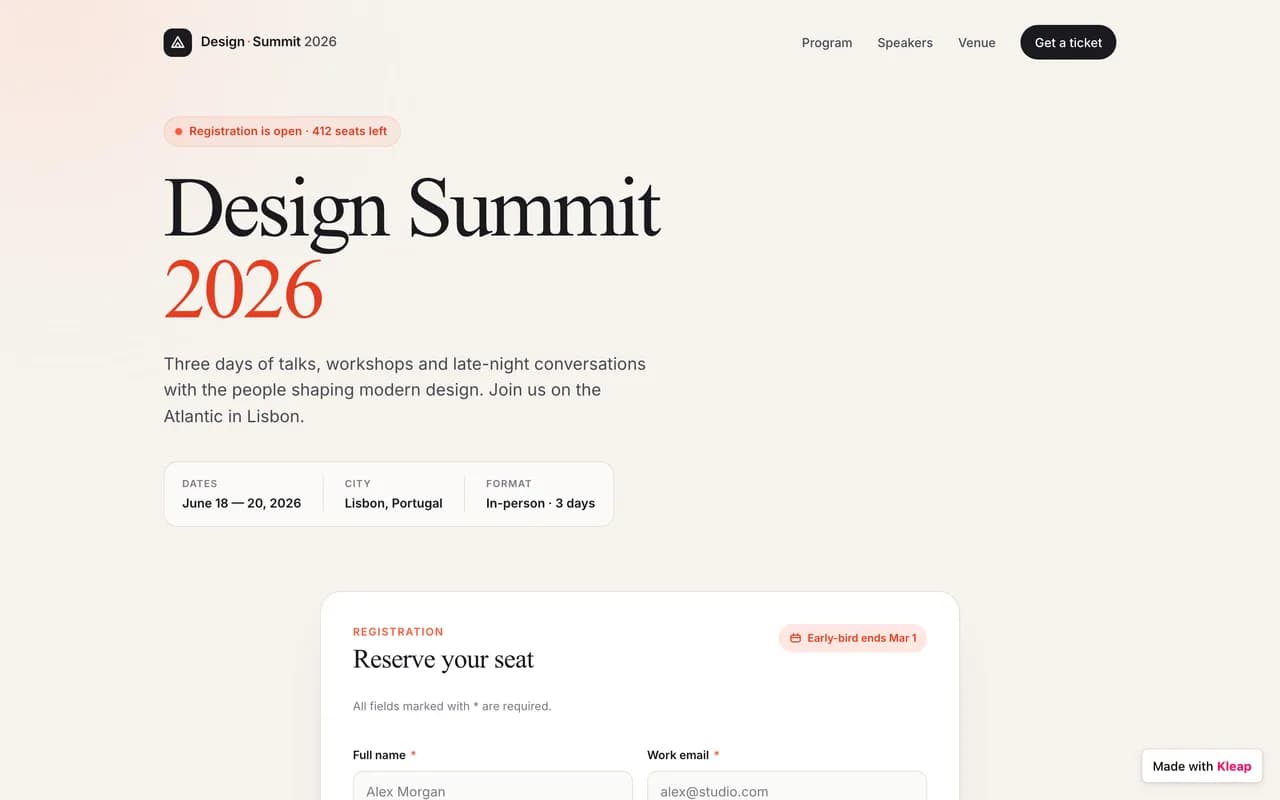
From brochure sites to business apps, across every industry. Real examples of AI-generated sites.
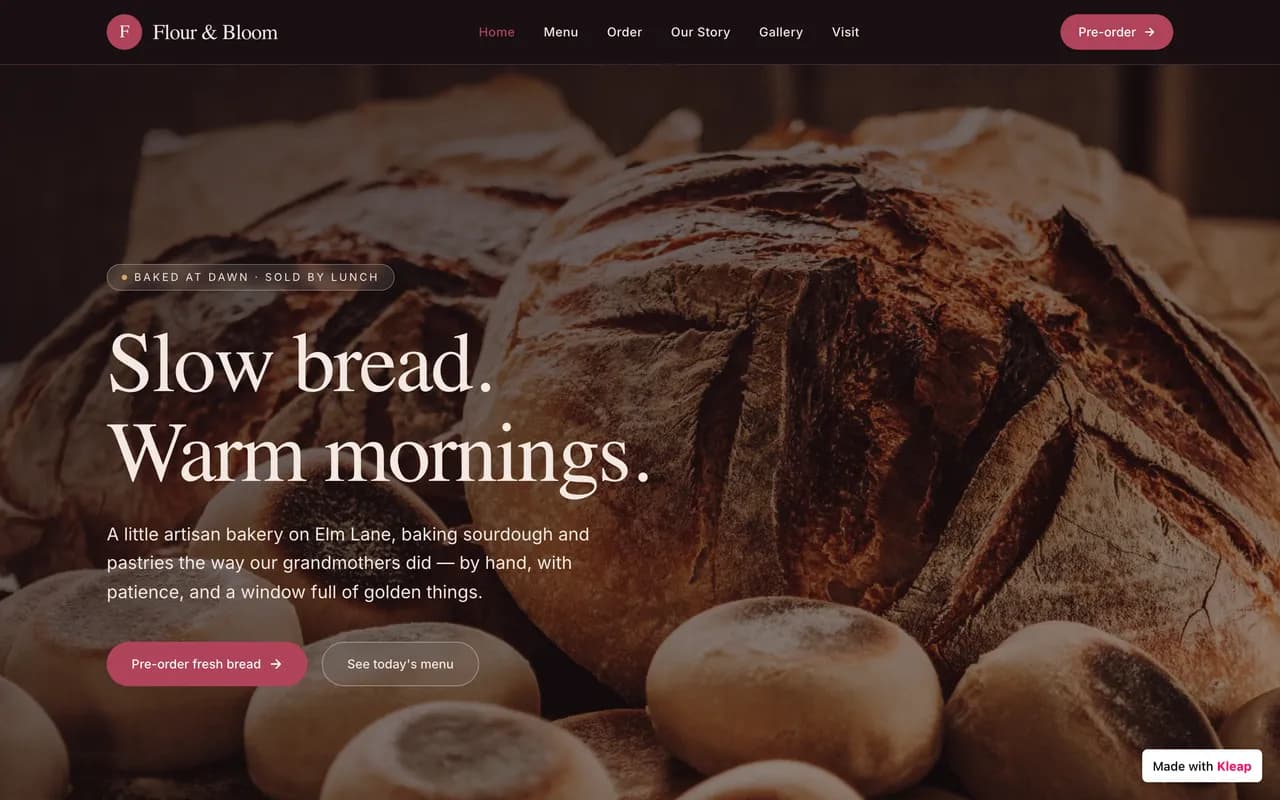
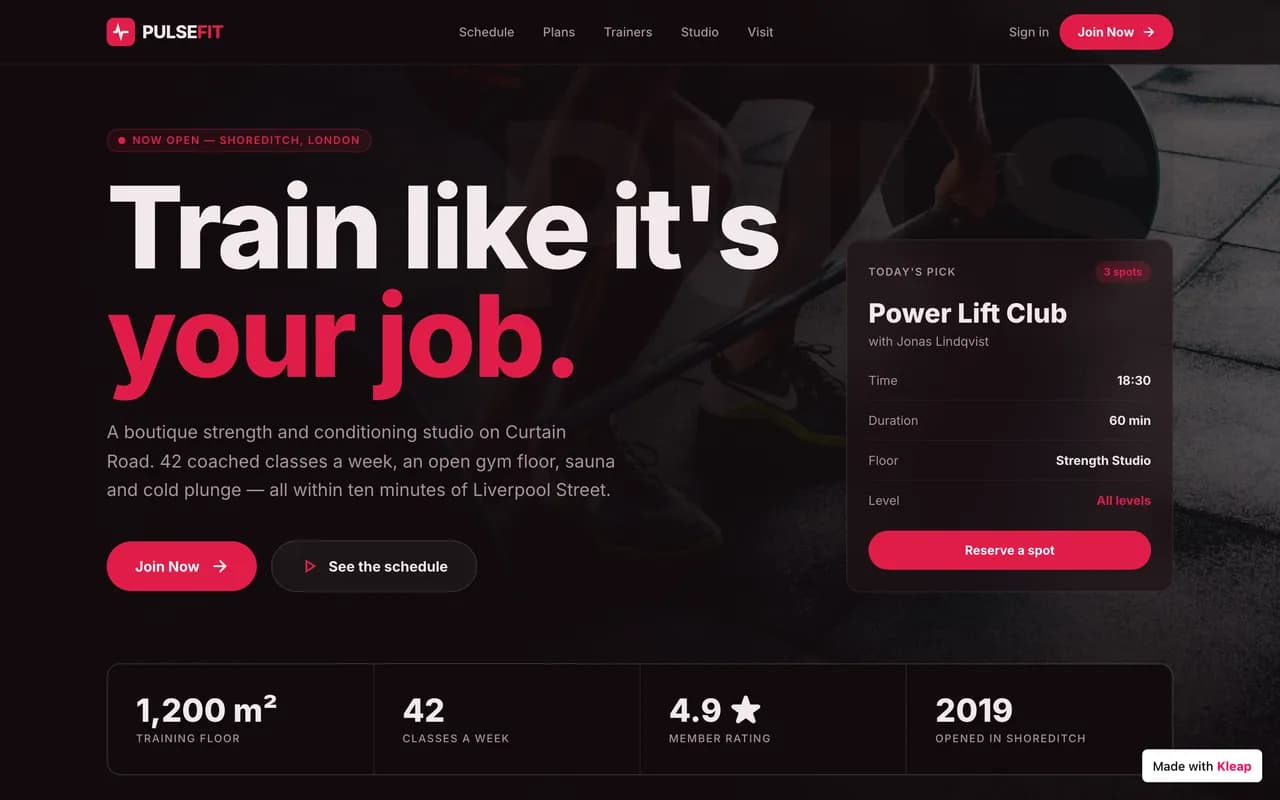
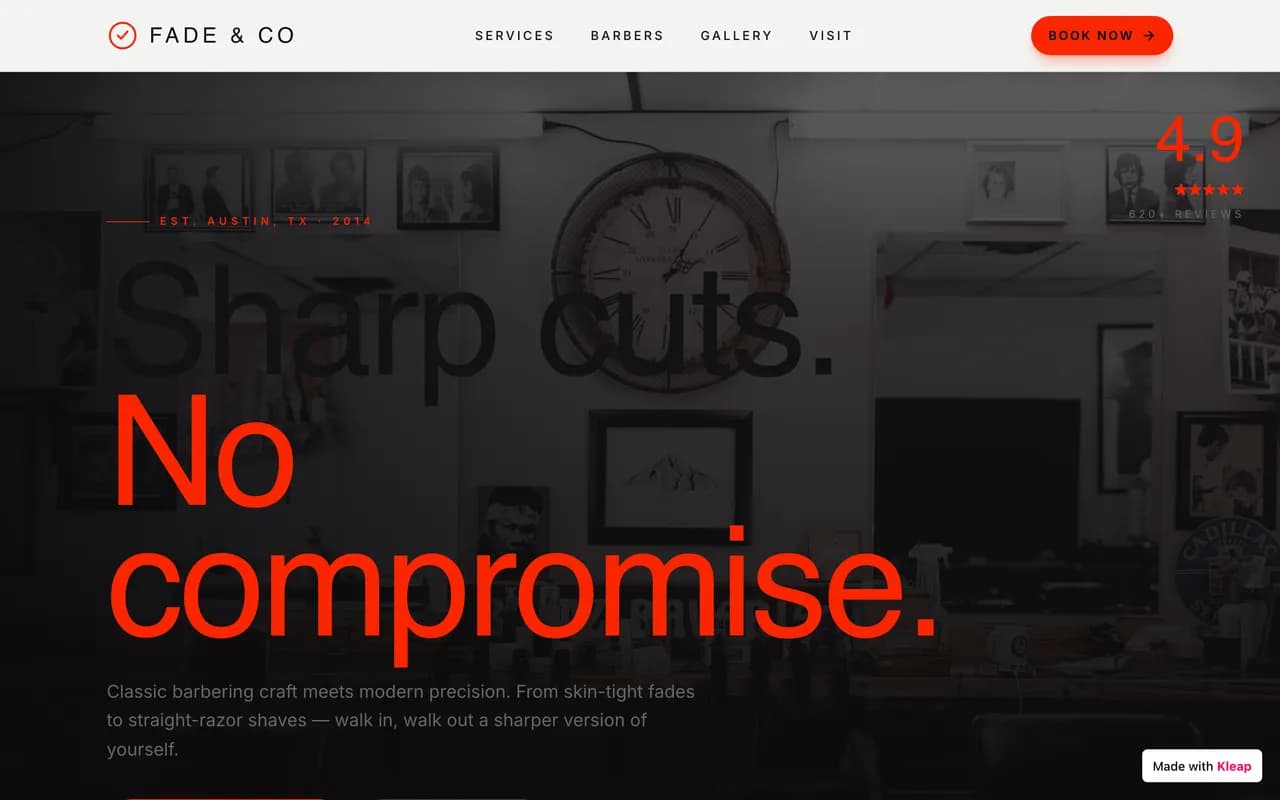
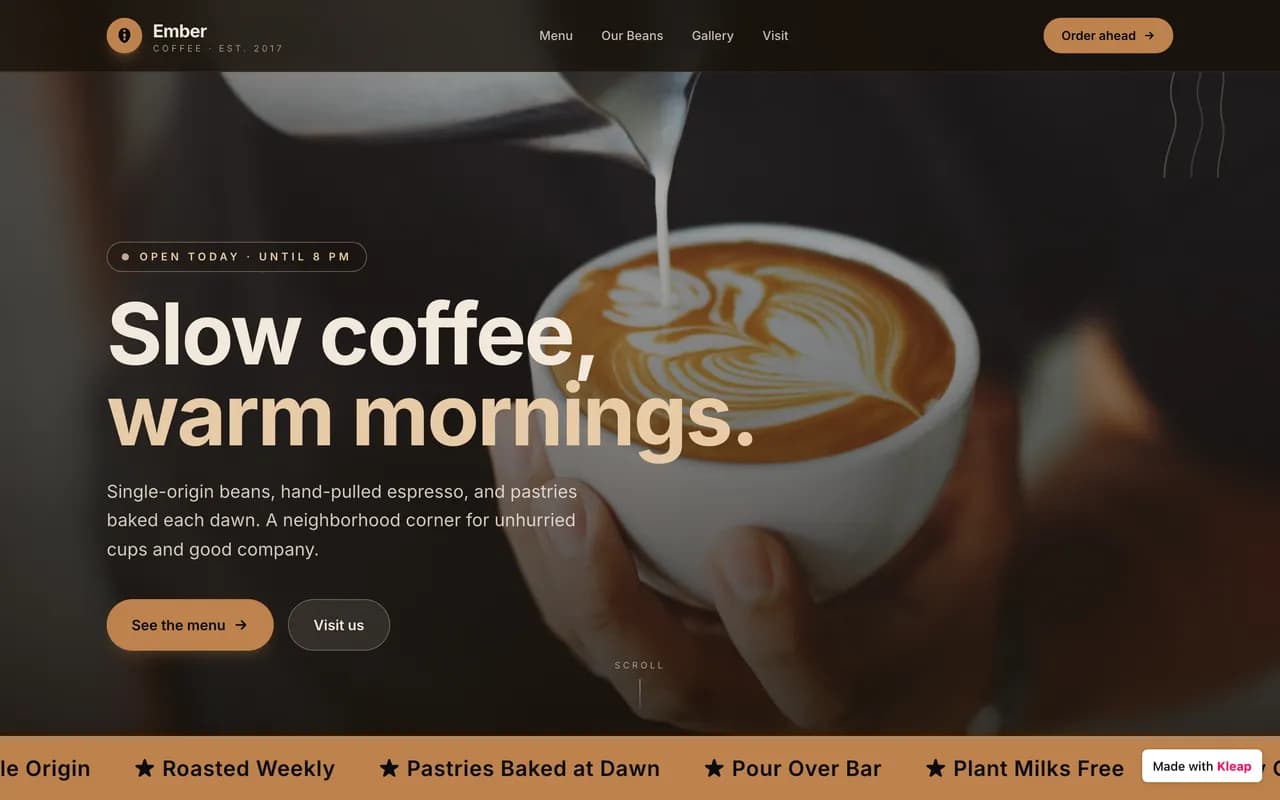
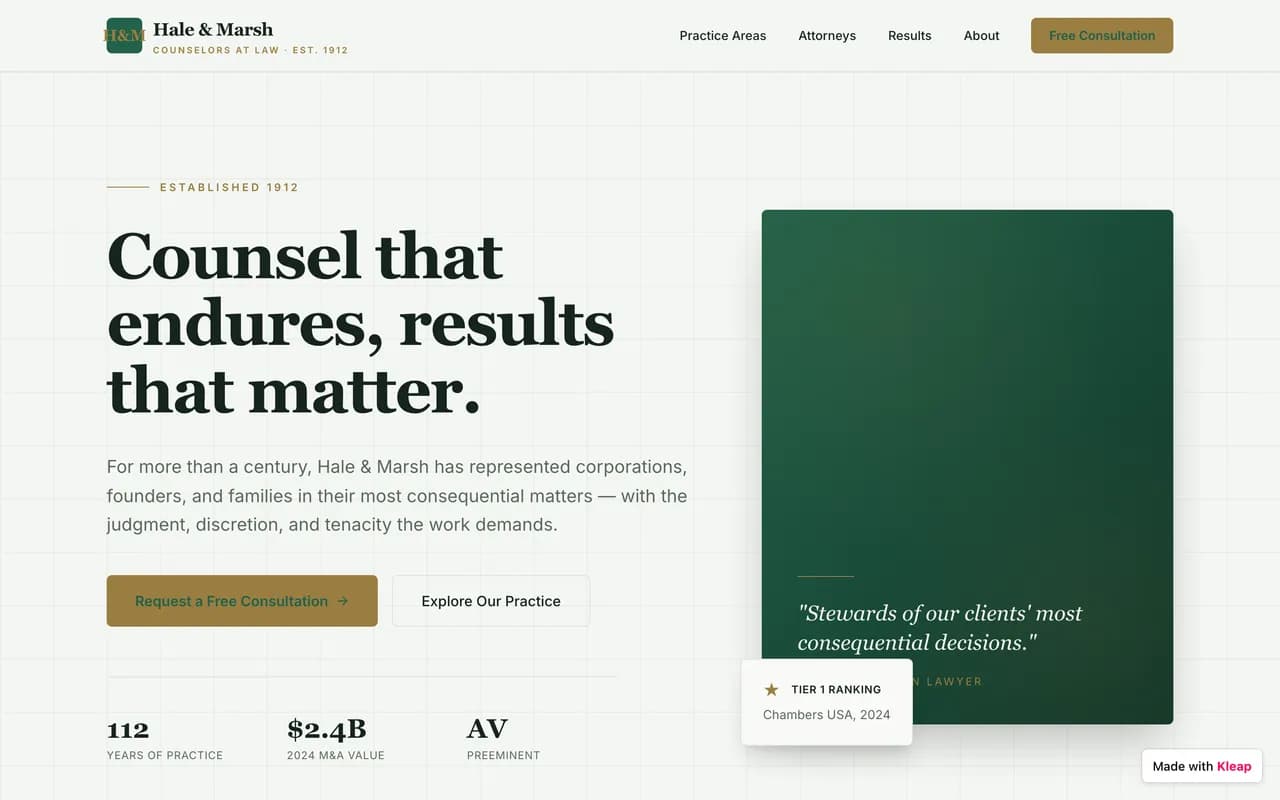

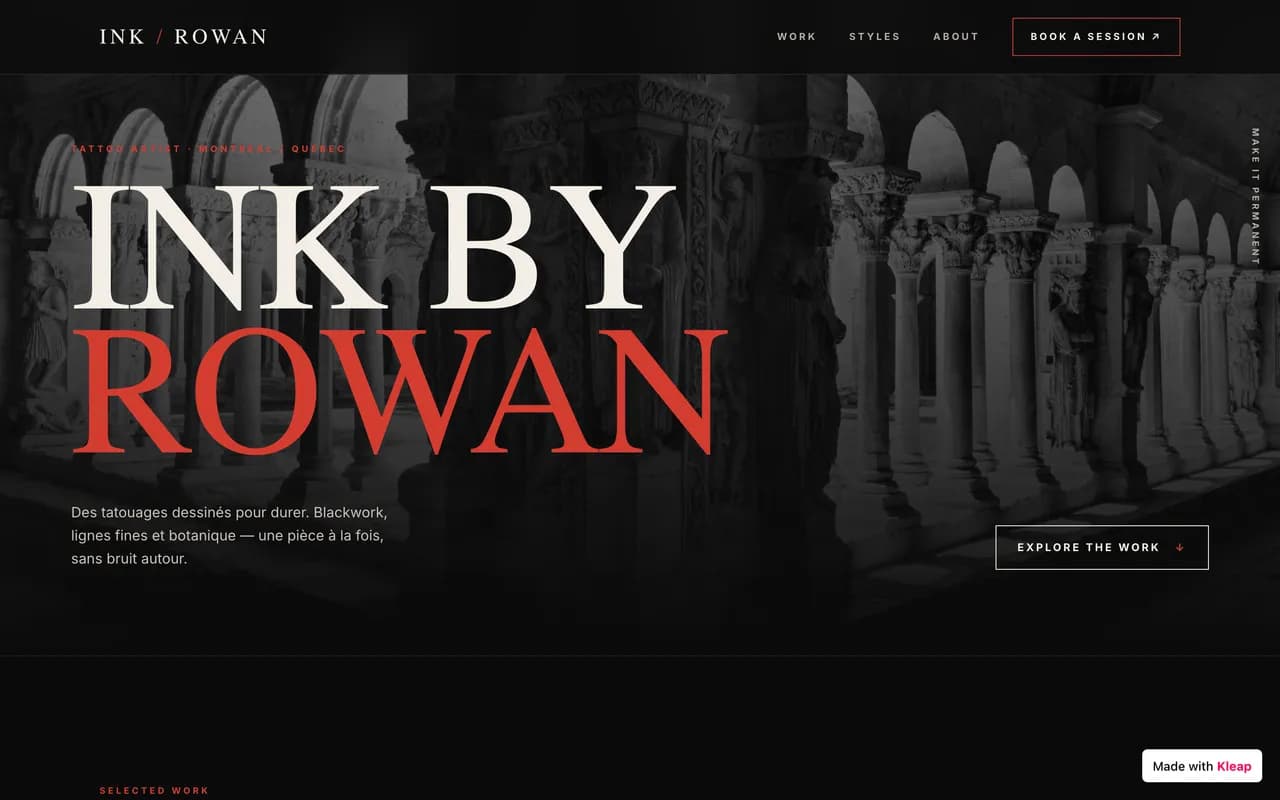

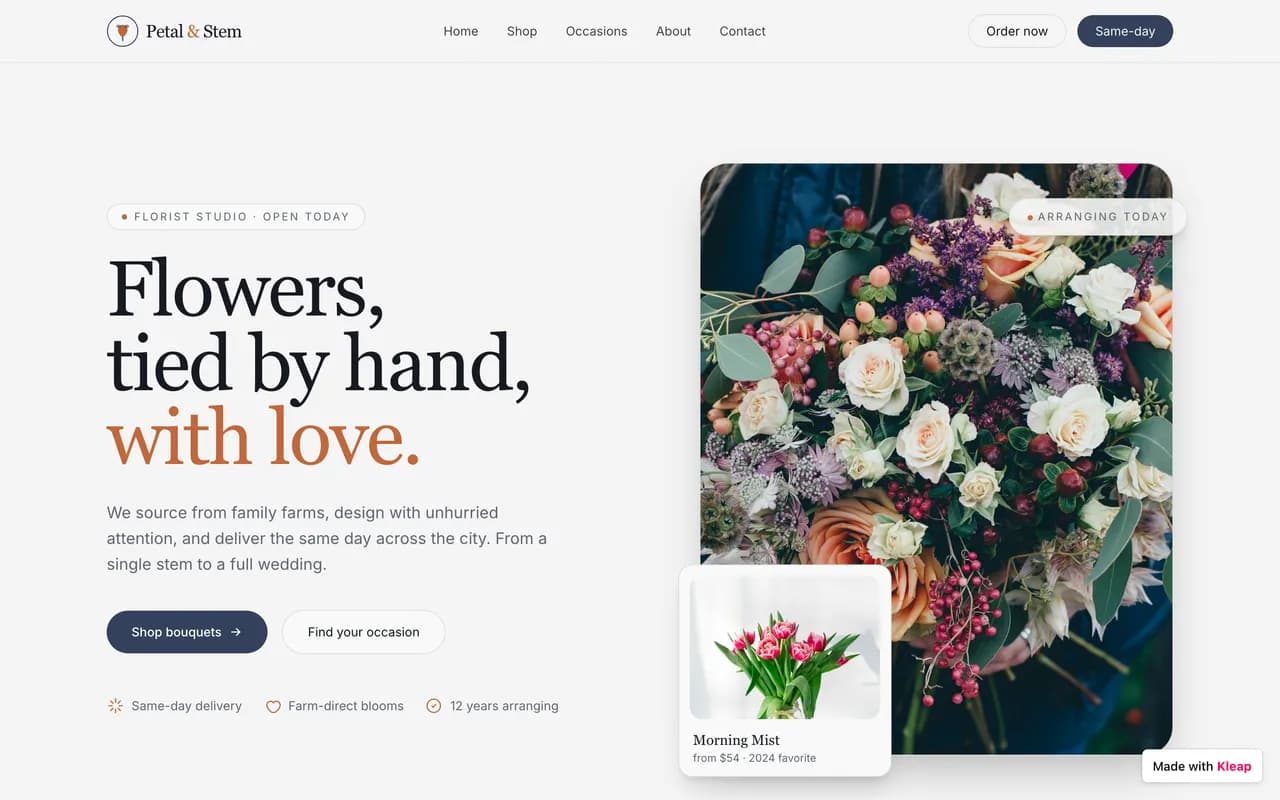
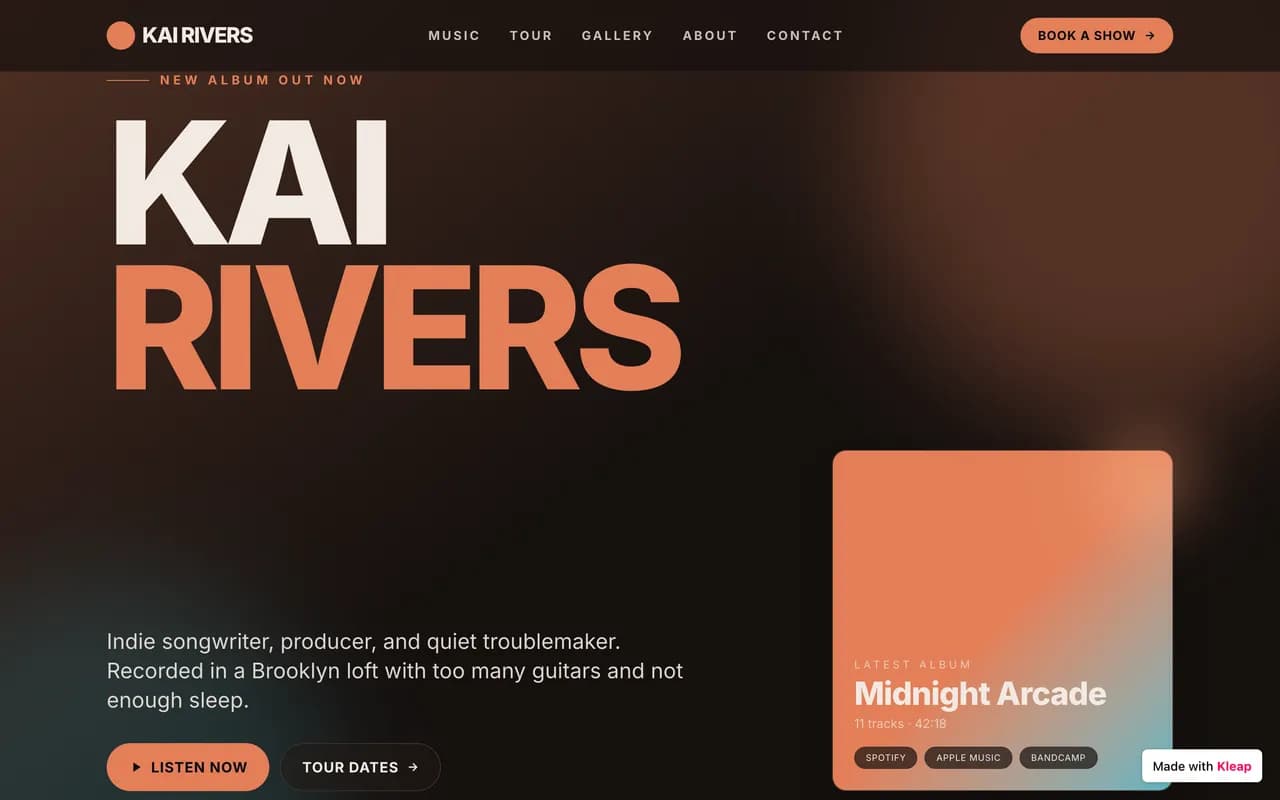

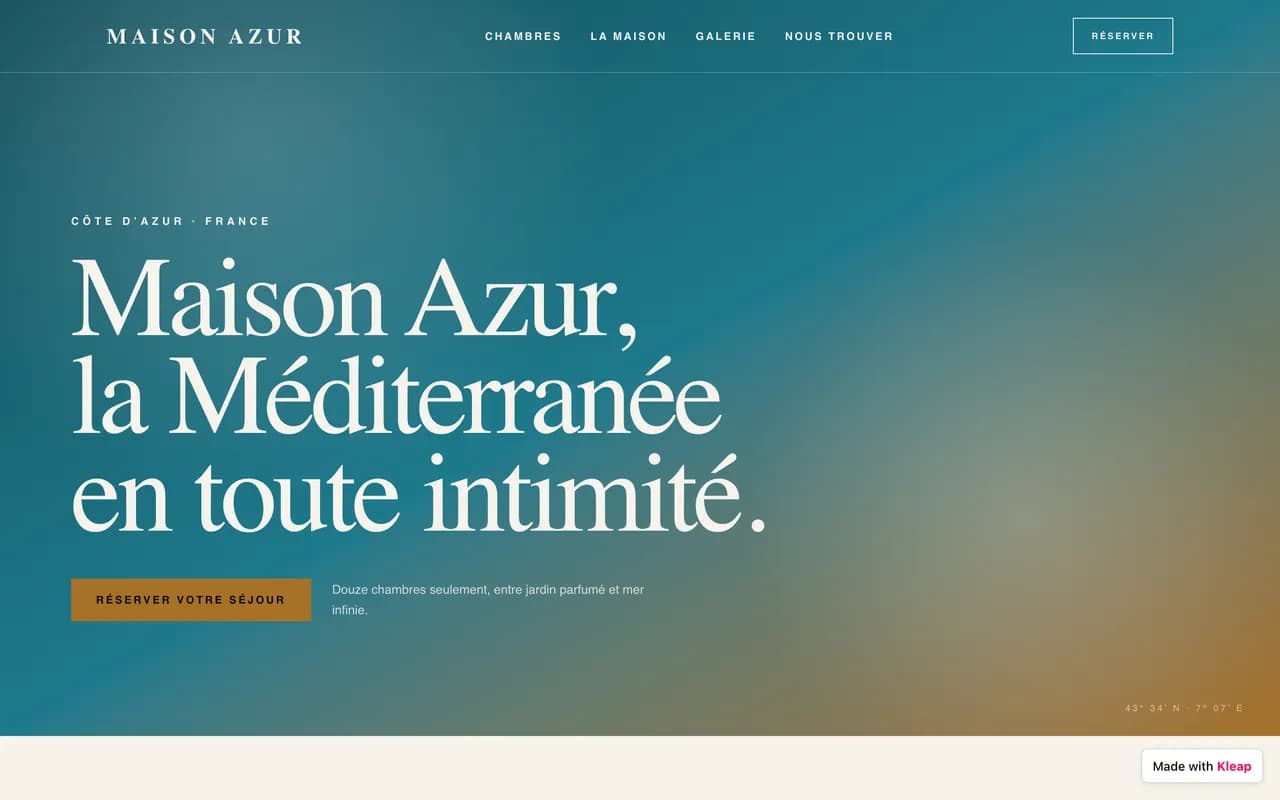
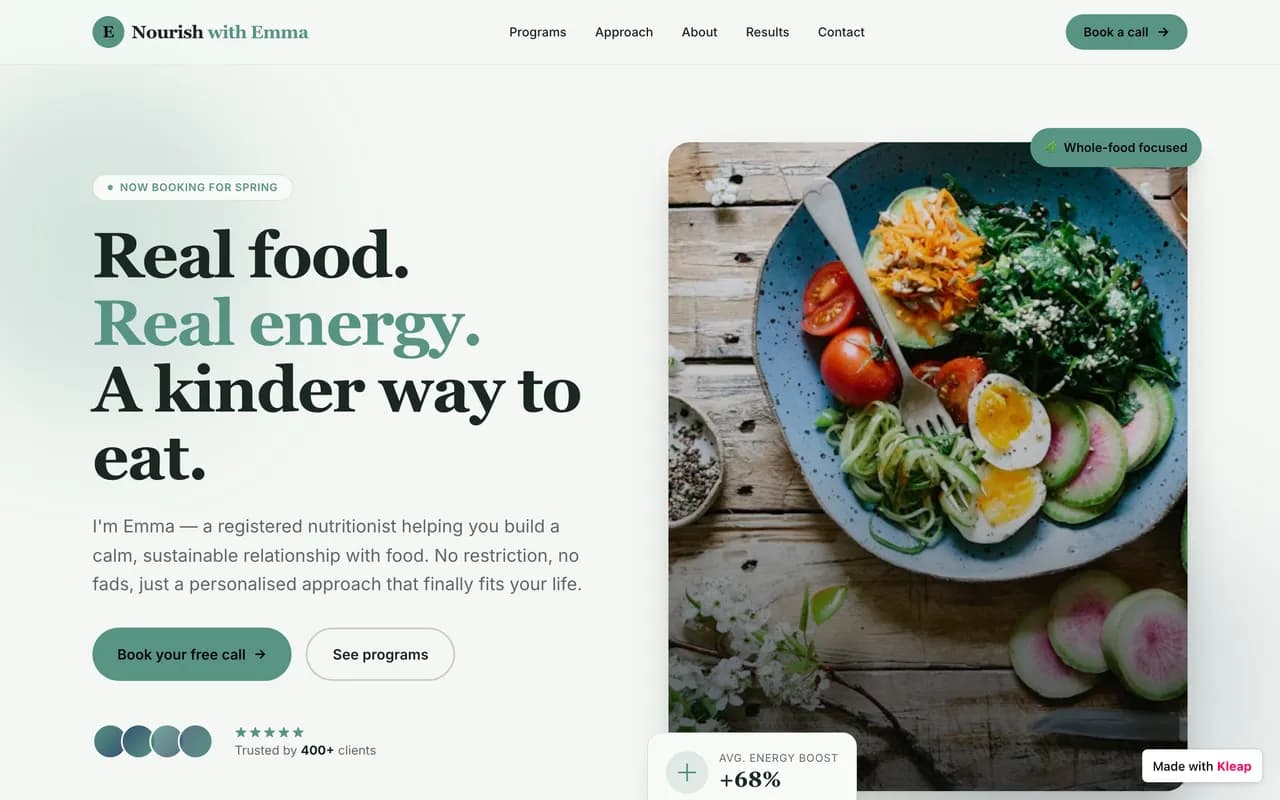
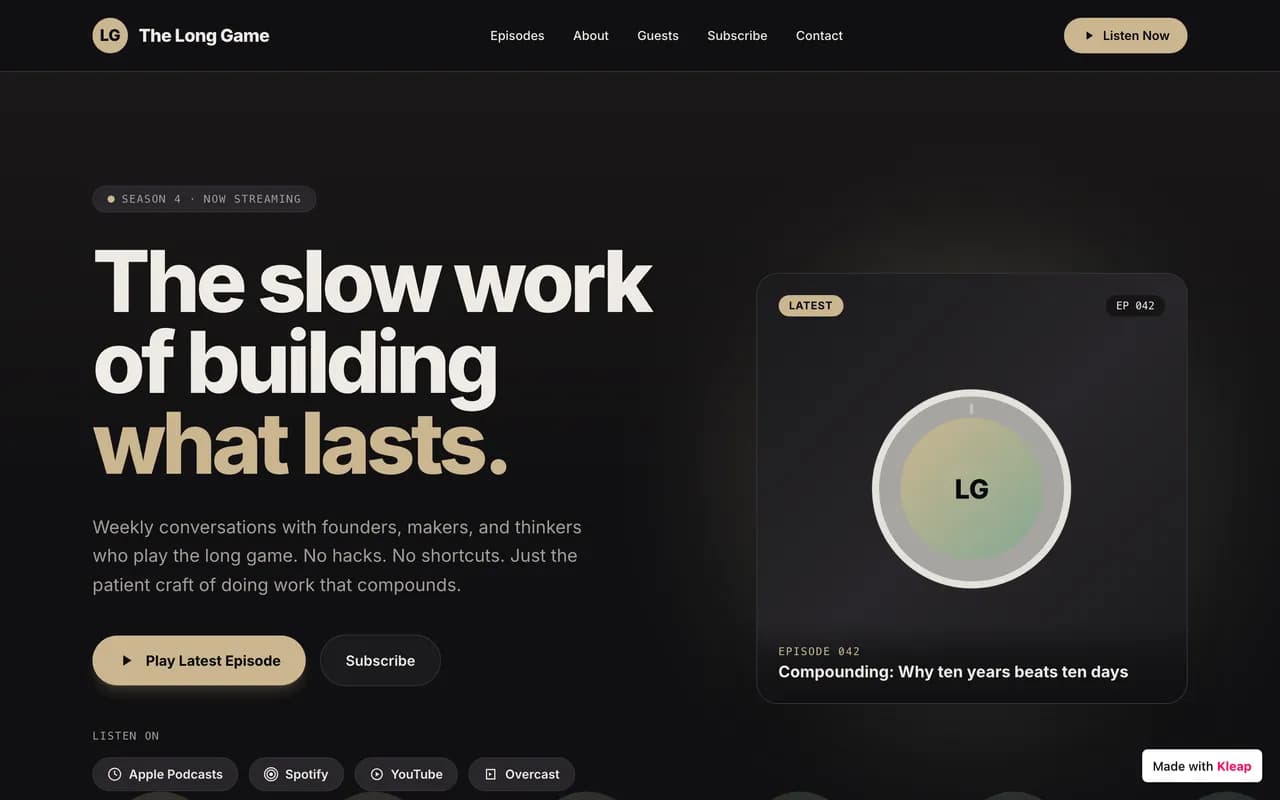
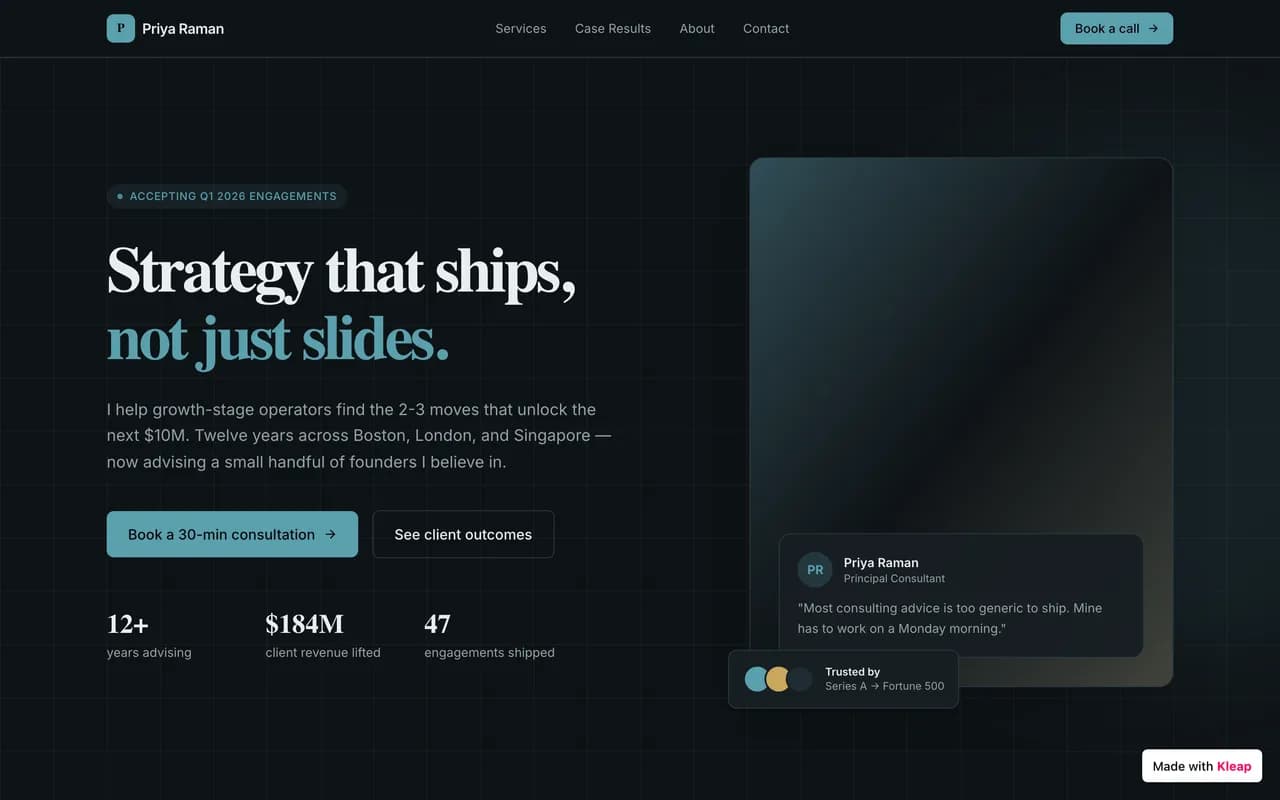
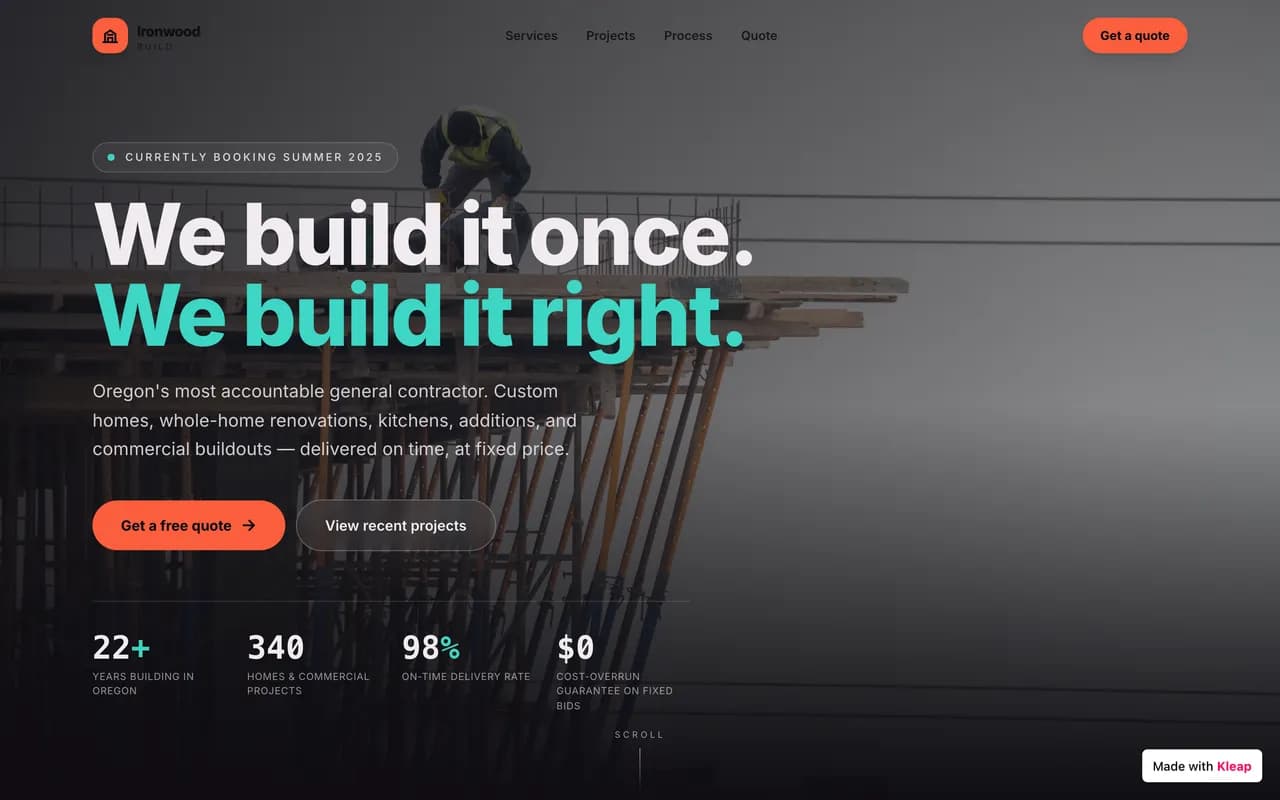
Sites published by the community, live right now.
Nine options, compared on what matters before you choose.
| Alternative | Best for | Starting price | Migration effort | The Kleap edge | Links |
|---|---|---|---|---|---|
KleapRecommended | Sites + apps by AI | Check current plan | AI-assisted rebuild; review required | AI does the work for you | |
Wix | Beginners | Check current plan | Manual | AI builds it, no more dragging blocks | See comparison |
Squarespace | Portfolios & design | Check current plan | Manual | Just as polished, generated and far faster | See comparison |
Webflow | Advanced designers | Check current plan | Manual, technical | Zero learning curve | See comparison |
Framer | Design landing pages | Check current plan | Manual | Multi-page sites and apps, not just landings | See comparison |
Ghost | Blogs & newsletters | Check current plan | Content import | Far more than a blog: real applications | See comparison |
Shopify | Pure e-commerce | Check current plan and fees | Manual | A simple store with no forced subscription | See comparison |
Joomla | Self-hosted CMS | Free + hosting | Complex | No server to manage | See comparison |
Drupal | Large custom sites | Free + developer | Very complex | The same custom build, without a developer | See comparison |
An honest overview: what each tool is worth, and why Kleap goes further.
A prompt-led site and app builder
Describe your project and AI builds the site or app: hosting, security and SEO included, without a line of code.
FromCheck current plan
Best for
Anyone who wants a site, or a real app, in minutes, without coding.
The strength
AI does the work: the site is live, fast and optimized in minutes.
The limit
No one-click WordPress import, AI rebuilds the site rather than copying it.
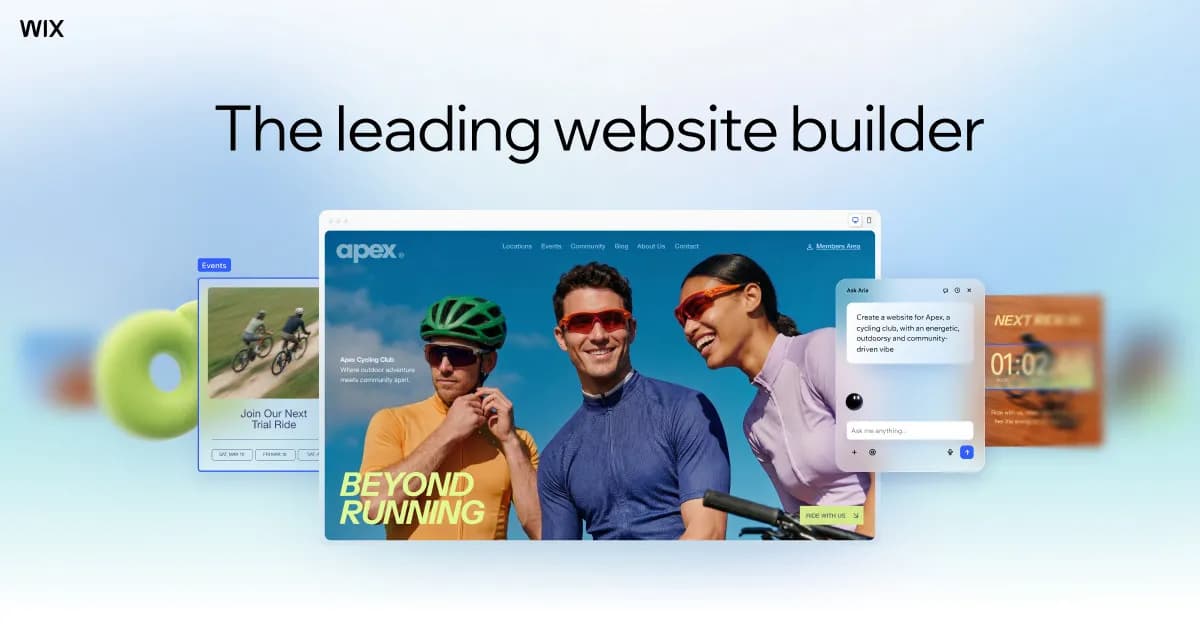
Mainstream drag-and-drop
A visual drag-and-drop editor with hundreds of templates and a built-in app store.
Best for : Beginners who want to place everything themselves with the mouse.
Very easy to pick up, no technical knowledge needed.
You do all the work manually, and sites are often slow and rigid.
The Kleap edge : Kleap builds the page for you from a sentence, and the result is faster.

Polished templates, design-first
High-end templates made for creatives, with built-in e-commerce and blog.
Best for : Portfolios, restaurants, creatives and elegant brochure sites.
A polished look out of the box, with no design effort.
Little freedom beyond the templates, and a mandatory monthly plan.
The Kleap edge : A bespoke draft generated from the project brief.
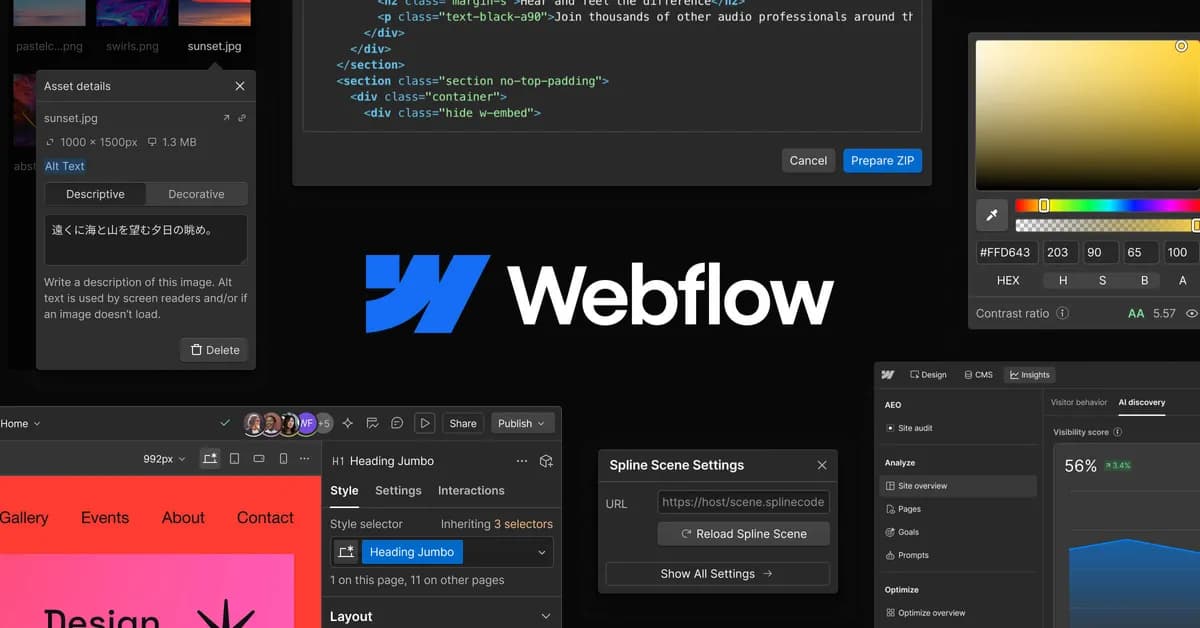
Advanced no-code for designers
A visual tool that outputs real HTML/CSS, with very fine layout control.
Best for : Designers and agencies who want to master every pixel.
Near-total design freedom without writing code.
A real learning curve: you have to think like a front-end developer.
The Kleap edge : Zero learning curve: you describe, AI lays it out.
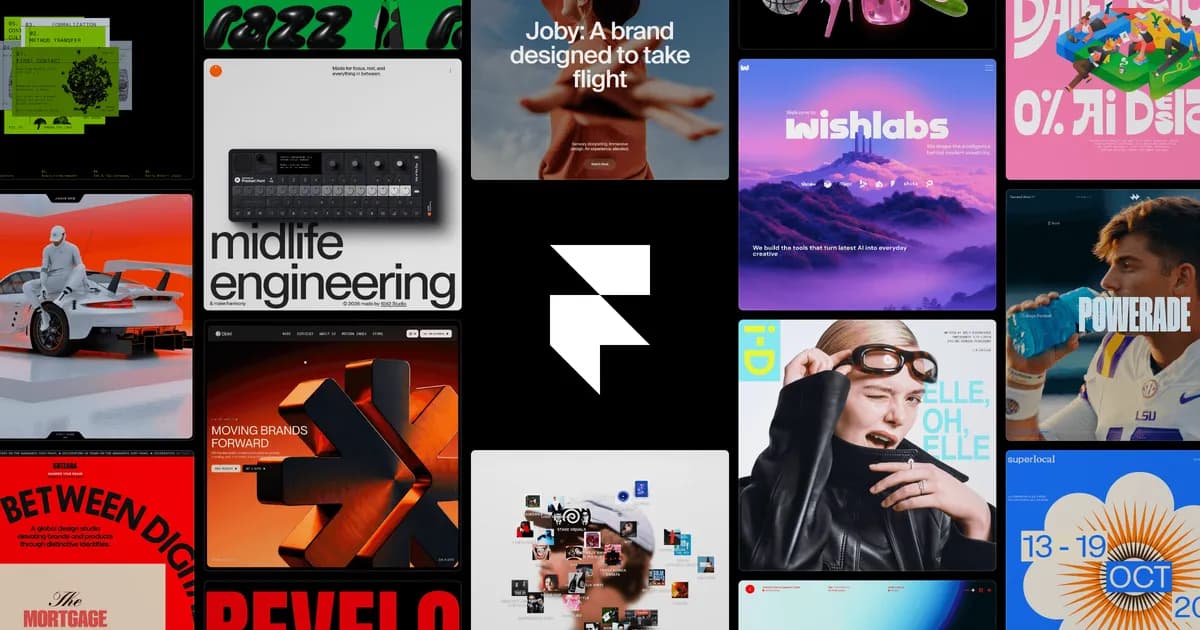
Design sites, landing-focused
A modern tool, popular for landing pages and design-forward sites.
Best for : High-impact landing pages and brochure sites.
Very current animations and look, quick to produce.
Quickly limited for content-heavy sites or real applications.
The Kleap edge : Kleap also handles multi-page sites and applications with a database.
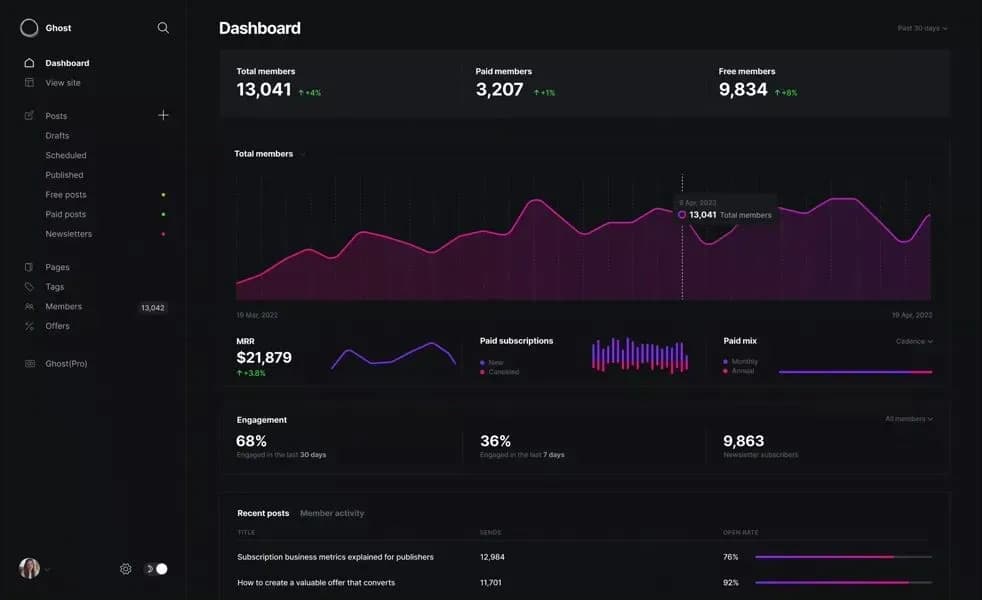
Blogging & newsletters
A clean platform dedicated to publishing and email subscriptions.
Best for : Creators, publishers and authors who live off the written word.
A flawless writing and newsletter experience.
Deliberately limited: no complex brochure site, no application.
The Kleap edge : Blog included, but also brochure sites, stores and apps in one tool.

The e-commerce benchmark
The most complete e-commerce platform, built for catalogs and logistics.
Best for : High-volume online stores with a large catalog.
An unmatched e-commerce ecosystem (payment, inventory, shipping).
Monthly subscription + commissions, and overkill for a small store.
The Kleap edge : For a brochure site with a simple store, Kleap is enough, no e-commerce subscription.
Open-source CMS
A self-hosted CMS, between WordPress and fully custom development.
Best for : Those who want a self-hosted CMS with fine-grained permissions.
Powerful and flexible for structured multi-user sites.
Complex to install and maintain, with a shrinking community.
The Kleap edge : The same flexibility, with no server or updates to manage.
CMS for large custom sites
A robust CMS for very large, complex institutional sites.
Best for : Large organizations with complex editorial needs and a technical team.
Extremely powerful and secure at scale.
Developers only: expensive and slow to implement.
The Kleap edge : Custom work described to AI, with no development budget.
The right alternative depends on your project. Here are our picks.
E-commerce
Shopify or Kleap
Shopify for heavy logistics; Kleap for a brochure site that sells, with no e-commerce subscription.
Blog & newsletter
Ghost or Kleap
Ghost for a purely written publication; Kleap if the blog comes with a real site.
Agencies & designers
Webflow or Kleap
Webflow for pixel-by-pixel control; Kleap for a prompt-led drafting workflow.
Trades & small businesses
Kleap
A professional site and a contact flow in minutes, with nothing to learn.
Portfolios & creatives
Squarespace or Kleap
Squarespace for the templates; Kleap for a bespoke, AI-generated look.
Let's be honest: WordPress is still powerful. Here are the cases where it keeps the edge.
Need a very specific niche extension that already exists? WordPress's ecosystem of tens of thousands of plugins is hard to beat.
You're a developer and want to master every hook, filter and line? WordPress lets you open and change everything.
A large editorial team already trained on WordPress and complex publishing workflows may prefer to keep its habits.
If you absolutely want to self-host and own your entire stack, maintenance included, open-source WordPress still reigns.
Our advice : If none of these cases apply to you, and that's true of most projects, you'll save time with an alternative like Kleap.
WordPress.com is Automattic's hosted offering. Features and access to plugins vary by plan, so check its current plan comparison before choosing.
Kleap uses a prompt-led build workflow. You can build and preview before checking the current Kleap plan for publishing, domains, and usage limits.
See the full WordPress.com comparisonNo migration plugin and no technical skill. You describe, AI rebuilds, often better.
Before · WordPress
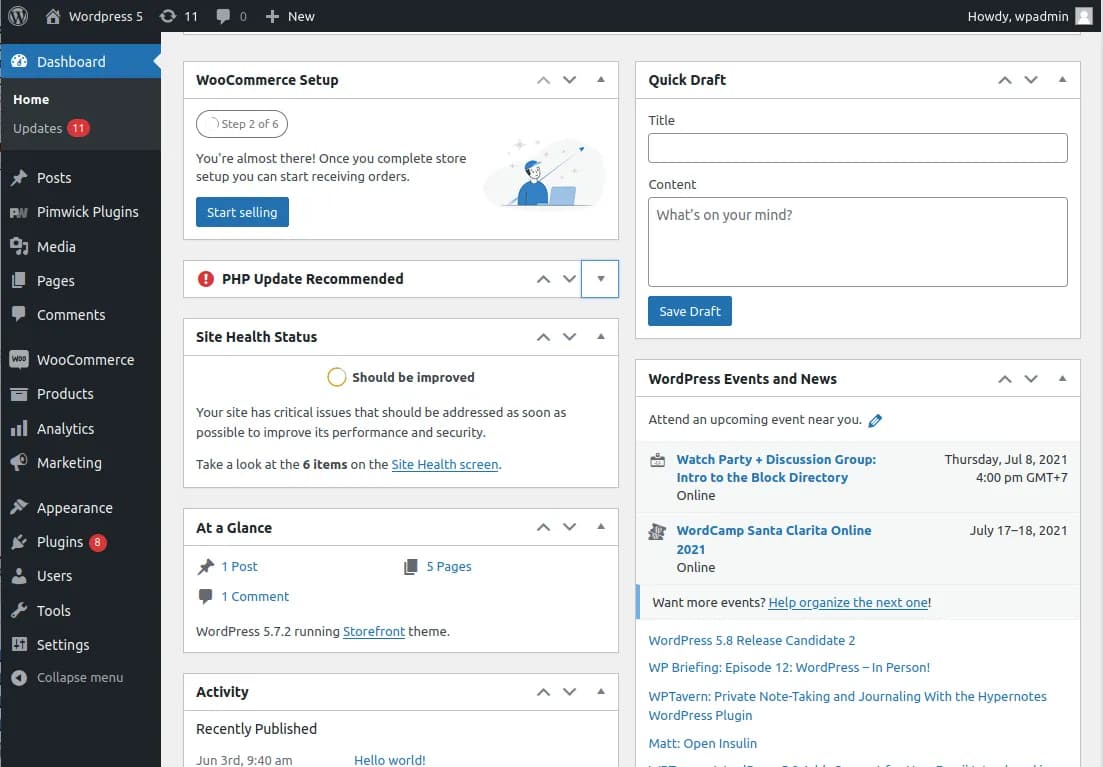
Admin, themes, plugins, updates.
After · Kleap
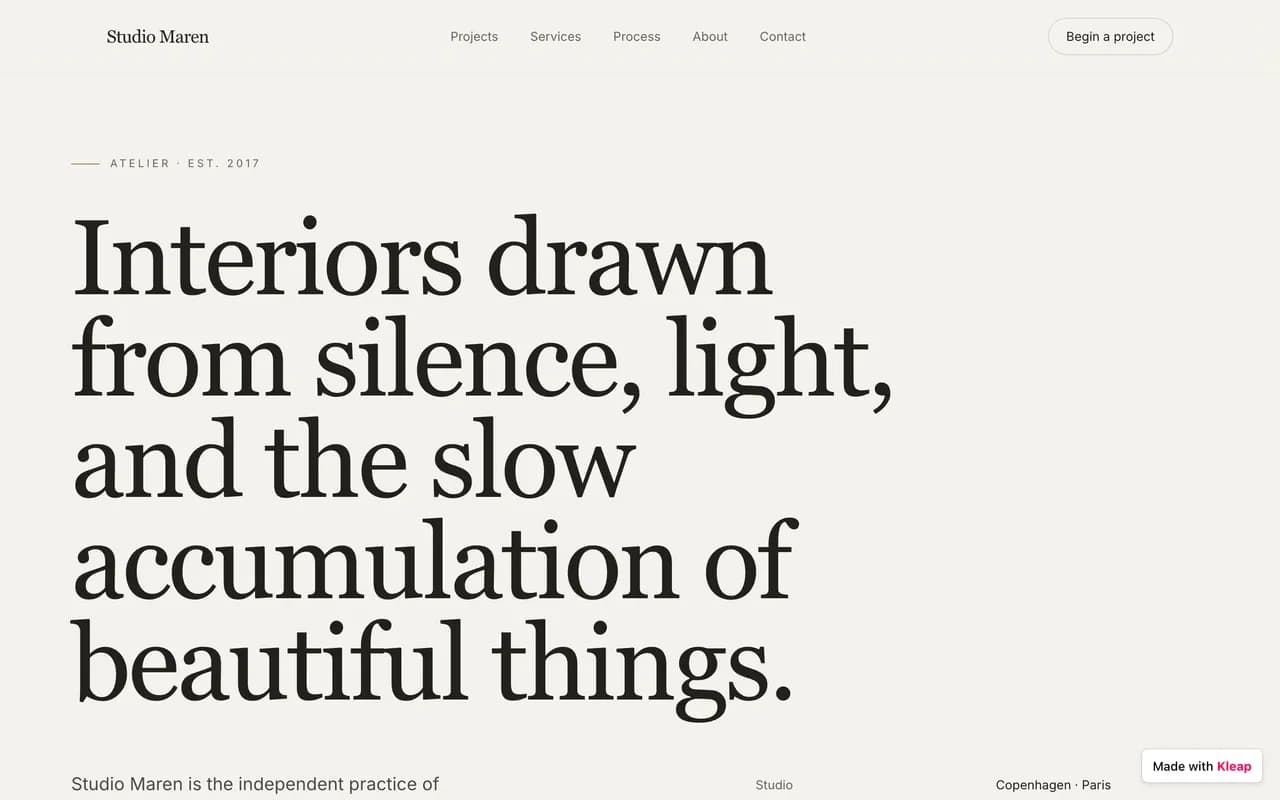
One conversation. A live site.
Give the AI your WordPress site's address or its content, and say what you want to keep, improve or drop.
Kleap generates a new draft to review; timing depends on the site's size, content, integrations, and required checks.
Refine in plain language ('change this color', 'add a contact page'), then publish in one click on kleap.io.
In full transparency: there's no one-click WordPress import. Kleap rebuilds your site rather than copying your installation, so the time required depends on the site's size and the review work involved.
The right alternative depends on the project. Kleap suits a prompt-led build workflow, while WordPress keeps the edge for self-hosting, mature editorial workflows, and projects that depend on its plugin ecosystem.
You can build and preview with Kleap’s free starting allowance. Check the current plan for publishing, domains and usage limits.
Your content and design are yours. You can connect your own domain name and export the code to your own GitHub repository, no lock-in.
Kleap rebuilds a project rather than importing a WordPress installation. Include content preparation, AI usage, your selected plan, integrations and testing when estimating the migration cost.
A migration can preserve organic visibility when URLs, titles, canonicals, structured data, internal links, and redirects are mapped and tested. Measure Core Web Vitals and rankings before and after; no platform guarantees an advantage.
Review the current plan before publishing. Usage, custom domains, badge options, and additional projects can depend on the selected plan.
Yes. Describe the app you need, such as a CRM, client portal or booking system. Kleap can build the interface, database and sign-in flow; test access permissions and integrations before inviting users.
A CMS like WordPress gives you the building blocks: you assemble theme, plugins and content. An AI builder does the assembly for you, you describe the outcome you want, it produces the finished site, hosting and optimizations included.
For the hosted WordPress.com offering, compare its current plans and publishing workflow with Kleap's prompt-led build and preview workflow. Verify both vendors' current terms before deciding.
Not at all. Everything happens in plain language: you describe, AI builds and edits. And if you want to go further (apps, databases), it supports you there too.
We compare Kleap and WordPress on checkable criteria: workflow, cost, delivery model, SEO controls, and features. Vendor prices and product terms should be checked at the cited sources before deciding.
See live sitesBrowse live Kleap sites and test their speed yourself.
Written by the Kleap team
Reviewed July 19, 2026
We build Kleap, an AI website and app builder. This comparison relies on public, checkable numbers, not superlatives.
Compare Kleap to the other solutions.
Describe your site or your application. AI builds it before your eyes, for free.