Build Simple Internal Tools with AI
Kleap is fast for one specific kind of internal tool: a simple page or form your team needs, described in a prompt and live in minutes. It is not a replacement for Retool, Appsmith, or Budibase-style platforms — those connect to your company's existing database and let you build CRUD screens over it. Kleap doesn't do that.
What it's good for: an IT-request form, an internal FAQ page, an onboarding checklist for new hires, a status page for a project. If that's the kind of thing you need, it's usually faster than briefing an engineer or waiting on IT for something this simple. For the broader picture of what Kleap generates, see the app development platform overview.
12,892+ sites created in the last 30 days
Discover Apps
Explore what others are building with Kleap

Portfolio
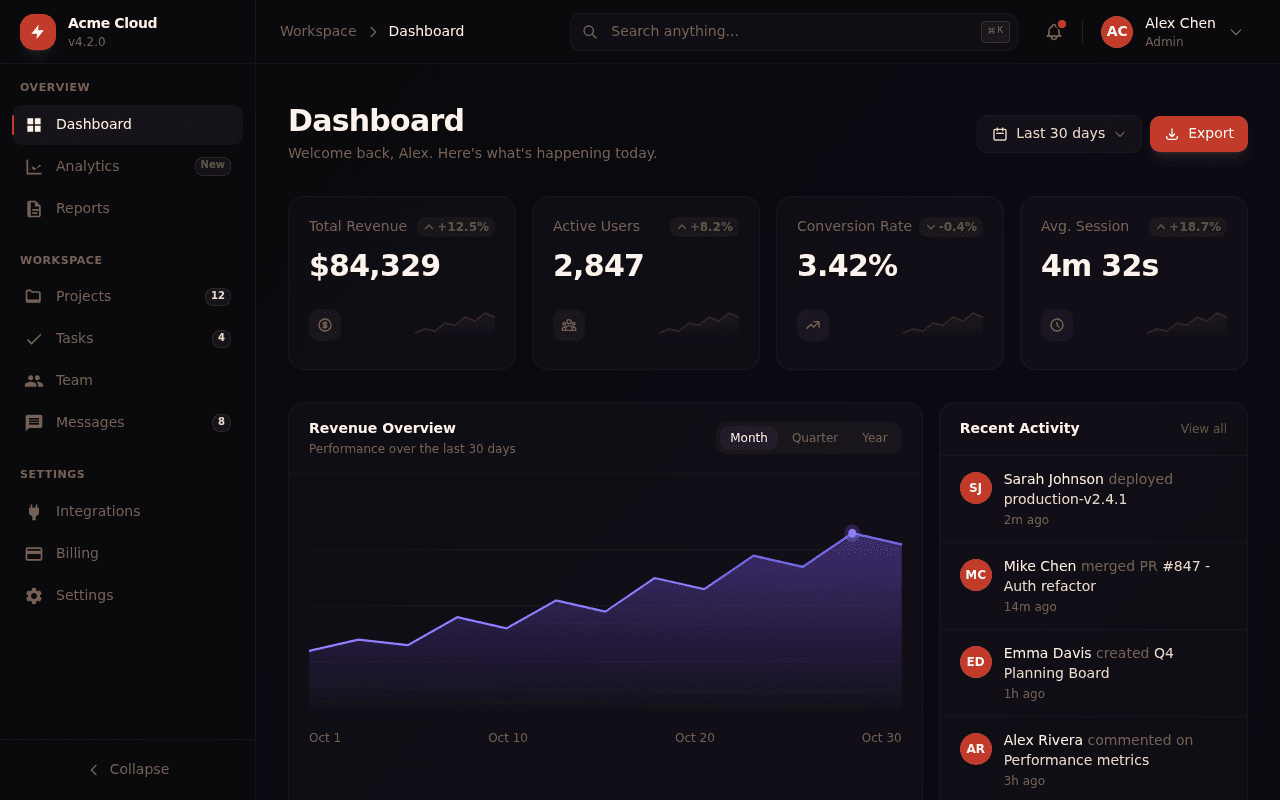
Principal Frontend Engineer
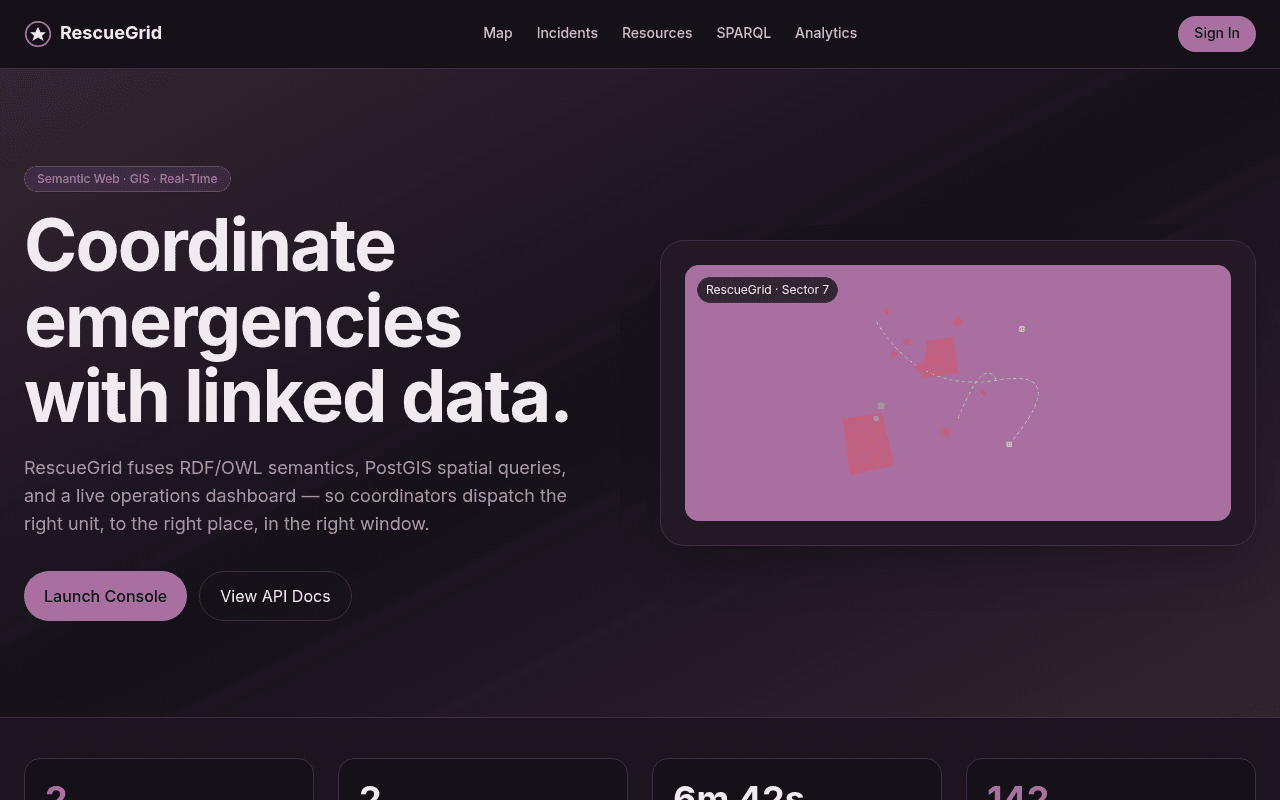
RescueGrid — Emergency Response GIS

Blarney Stone
No Child Labour, Tung Tung Unboxing
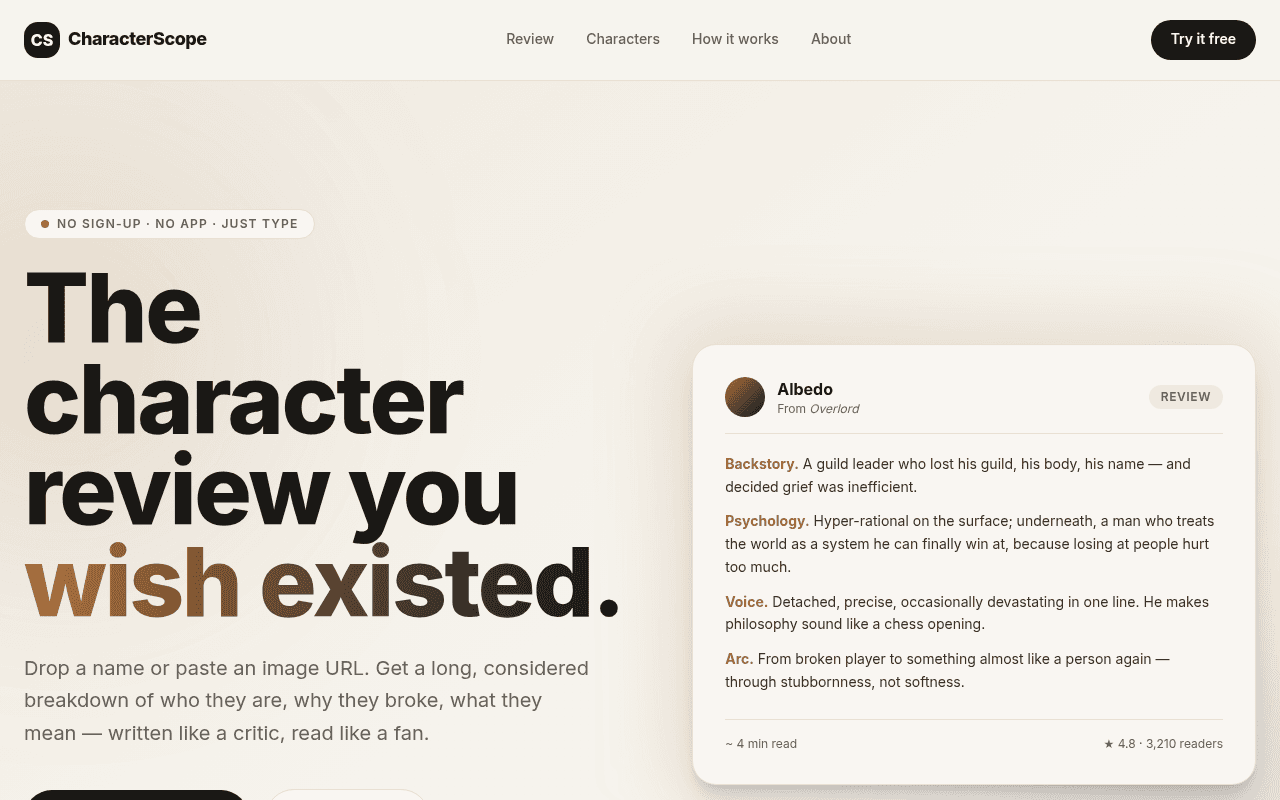
CharacterScope

Absolute Design Replication Task Goal
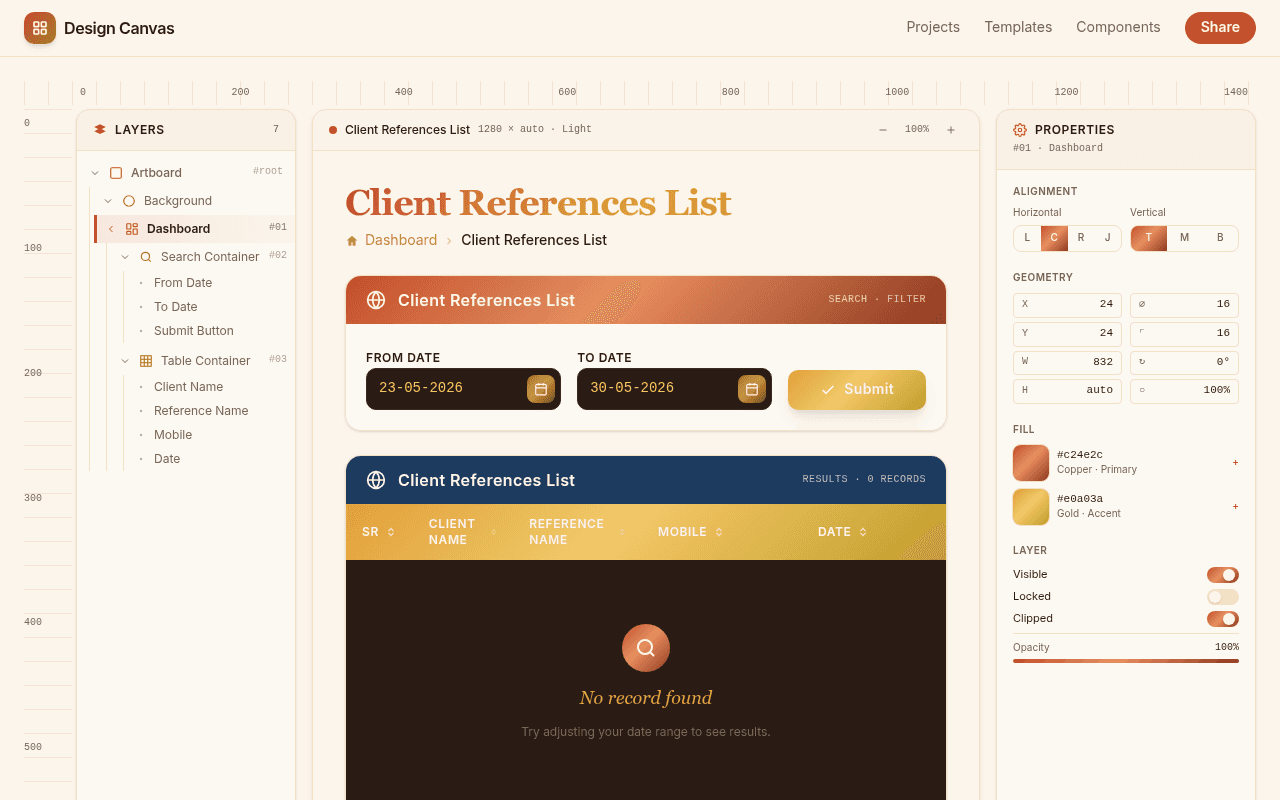
Client References List

Expert Full

as gb automation include all
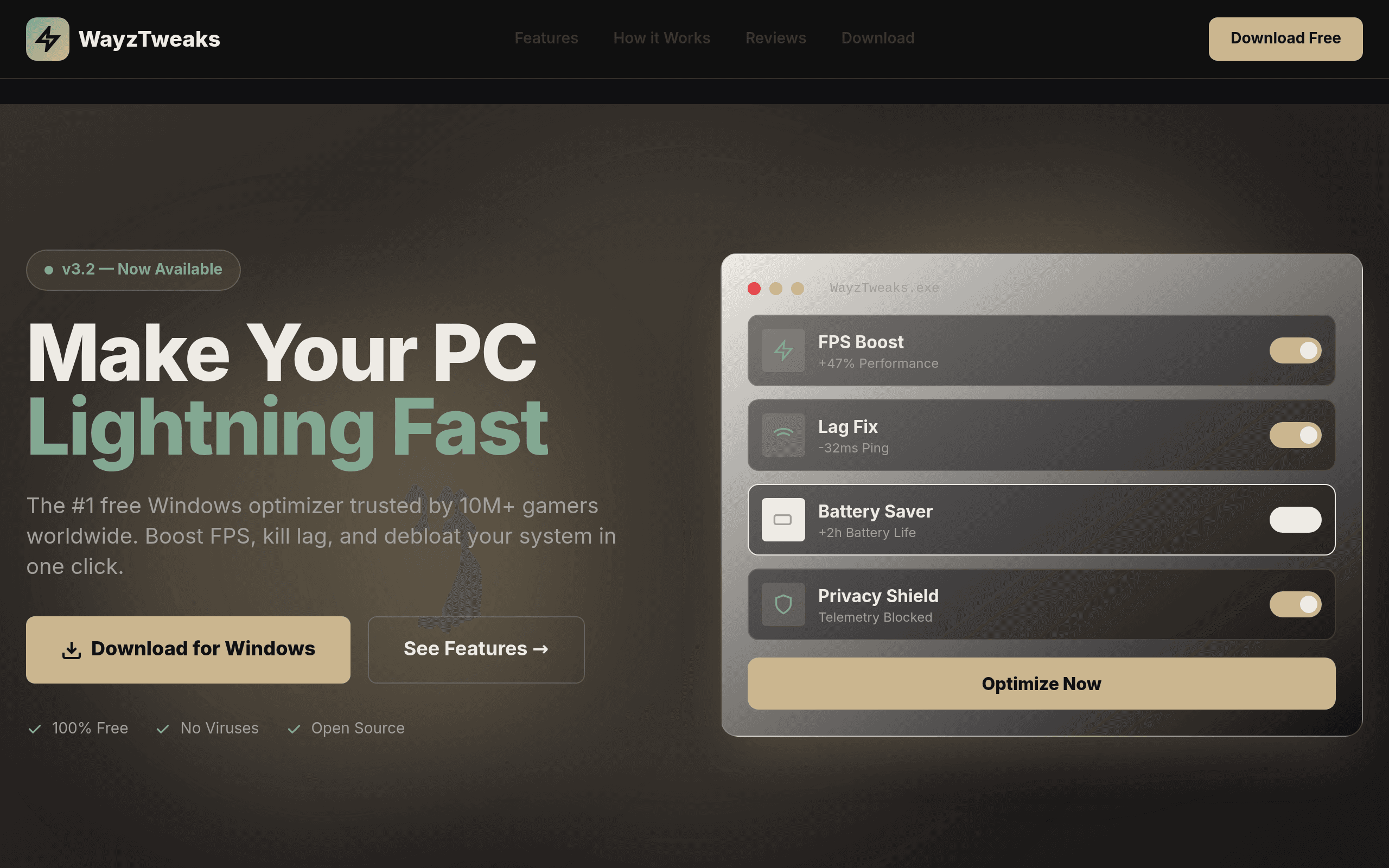
it WayzTweaks
![[Your Gym Name]](/_next/image?url=https%3A%2F%2Fassets.kleap.io%2F32008%2Fscreenshots%2Fscreenshot.png&w=3840&q=75)
[Your Gym Name]
What this is good for
Concrete examples of internal pages and forms that fit what Kleap generates today.
IT-request intake form
A short form for employees to request a new laptop, software access, or a password reset. Each submission is saved and can notify the right person by email.
Internal FAQ or wiki page
One page answering the questions your team asks most: how expense reports work, who to contact for what, where the shared drive lives.
Onboarding reference page for new hires
A checklist or reference page covering first-day logistics, accounts to set up, and who to meet — one link instead of a scattered doc or thread.
Event sign-up or resource-booking form
A form for signing up to an internal event, reserving a meeting room, or booking a slot on shared equipment.
Status page for an internal project
A page your team can check for where a project stands, instead of pinging someone on Slack for an update.
What this isn't
Being clear about scope matters more than sounding impressive. This is not:
A database-connected admin panel. Kleap doesn't connect to your company's existing database and generate CRUD screens over it.
A Retool, Appsmith, or Budibase replacement. Those platforms are built for wiring internal apps up against live business data with role-based permissions — that's a different job.
A shared, multi-user editable data table. There's no spreadsheet-style grid where several people edit rows at once.
A tool for complex approval workflows or fine-grained permissions across teams.
If you need to connect to an existing company database and build CRUD screens over it, this isn't that tool. Yet.
How it works
Three steps, no setup phase before you start.
Say what your team needs
Describe the internal page or form in plain language: an IT-request form, a new-hire onboarding page, a status page for a project. No schema to design first.
Check it over
Kleap generates the page and shows it in a live preview. Ask for changes the same way — reword a field, add a section, adjust the layout — and the preview updates.
Send the link
Publish it to a live URL you can share internally, optionally on a company subdomain if you connect a custom domain.
Frequently asked questions
Can Kleap build a database-backed internal tool?
Not yet. Kleap is built for generating simple internal pages and forms from a prompt — things like an IT-request form or an internal FAQ page. It doesn't connect to an existing company database or give you CRUD screens over structured data the way Retool, Appsmith, or Budibase do. If that's what you need, this isn't the right tool for it right now.
Can I put this on our own domain?
Yes. Kleap supports connecting a custom domain, so an internal tool can live on a company subdomain like tools.yourcompany.com instead of the default kleap.io address.
Do submissions get saved somewhere?
Yes. Form submissions are saved to your Kleap account and you can view them from your dashboard, with an email notification for each new one. What you don't get is a general-purpose database table you can browse and edit freely across multiple tools — that's the part that isn't built yet.
Is this a replacement for Retool or Appsmith?
No, and it's worth being direct about that. Retool and Appsmith are built for teams wiring up internal apps against live business data, often with role-based permissions and multi-user editing. Kleap is built for a narrower job: describe a simple internal page or form and have it live in minutes. Different use case, not a competing product for the database-admin-panel job.
How fast can I get something live?
For the kind of tool this page covers — a request form, a reference page, a status page — usually a few minutes from prompt to a published URL. That's the main advantage over briefing an engineer or filing a ticket with IT for something this simple.
Explore more
Describe the internal tool you need
A request form, a reference page, a status page — tell Kleap what your team needs and get a live link in minutes. Free to start.