
You imagine it. Kleap builds it.
Describe what you want to create. AI builds the design, features and logic, then develops the project further with your feedback.
- Your idea
- A working app
- Your next improvements
Kleap lets you describe your idea and build a working web app with AI. Add a database, user accounts and connected services, then publish with hosting included.
Describe the website or app you imagine. Kleap helps you build it, publish it and keep improving it, with tools to monitor how it works and fix issues.
Describe what you want to create. AI builds the design, features and logic, then develops the project further with your feedback.
Database, authentication and forms: build a client portal or an app with the data and access it needs.
Add Stripe, business tools and integrations. Connect your accounts and keys to fit the project to the way you work.
The Guardian spots website issues and helps you fix them with AI. Return to your project in the chat to make the corrections.
Publish with hosting, connect your domain and follow your activity with analytics and the Search Console integration.
Keep your code, connect GitHub and work with AI tools like Claude or ChatGPT. AI assistance and human support on paid plans help you along the way.
Explore what others are building with Kleap

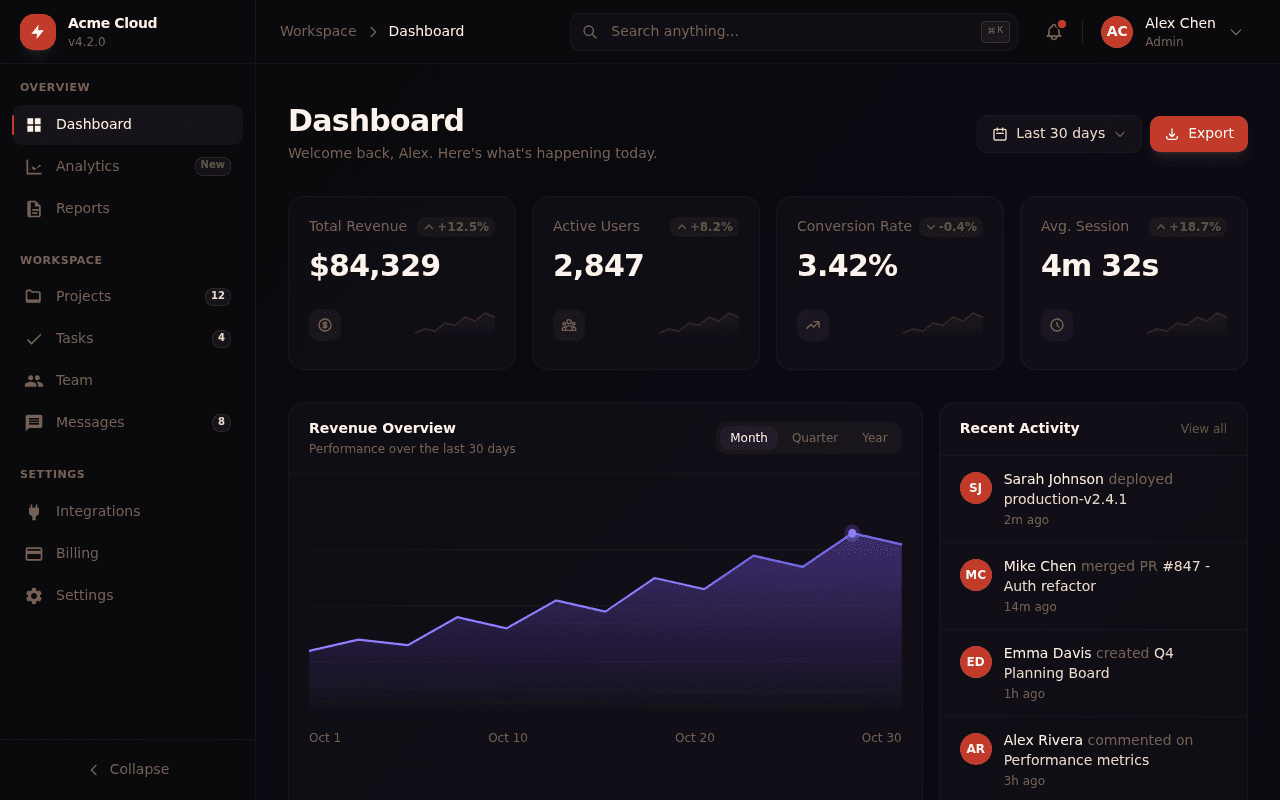
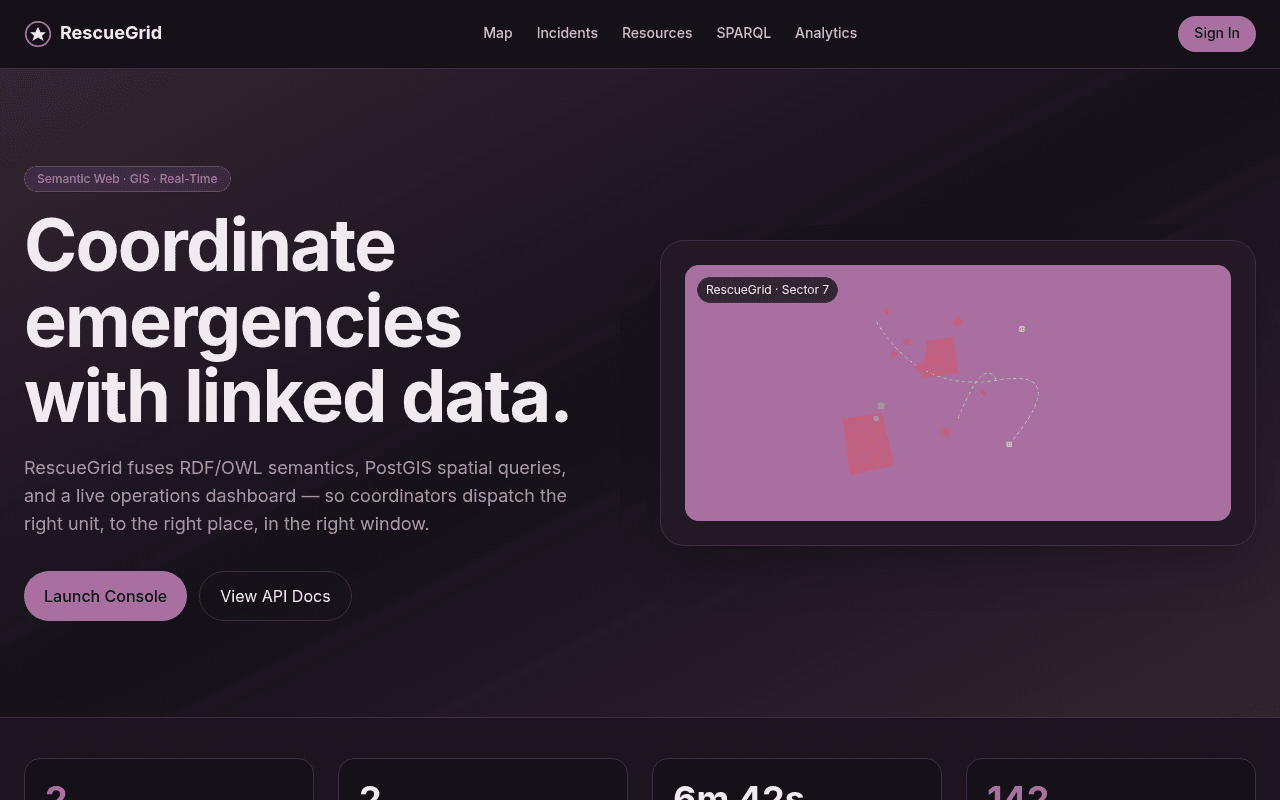

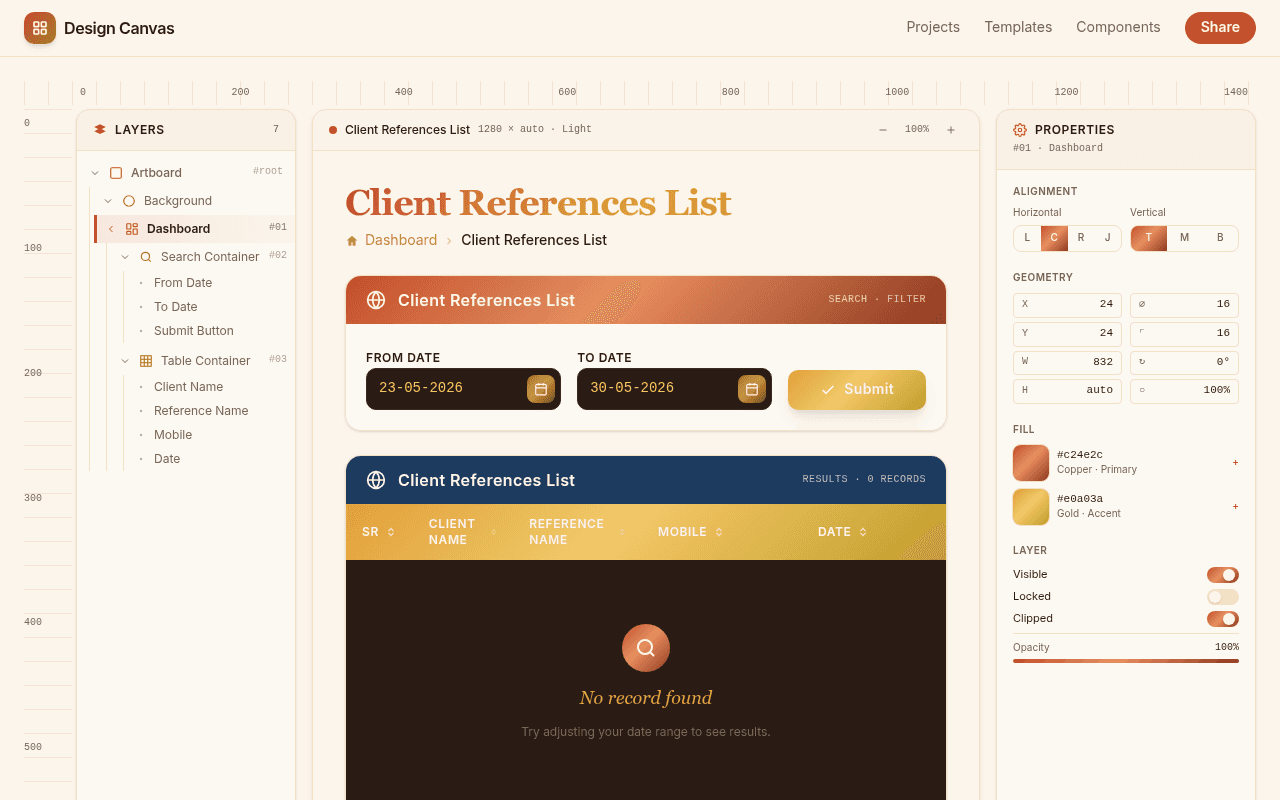
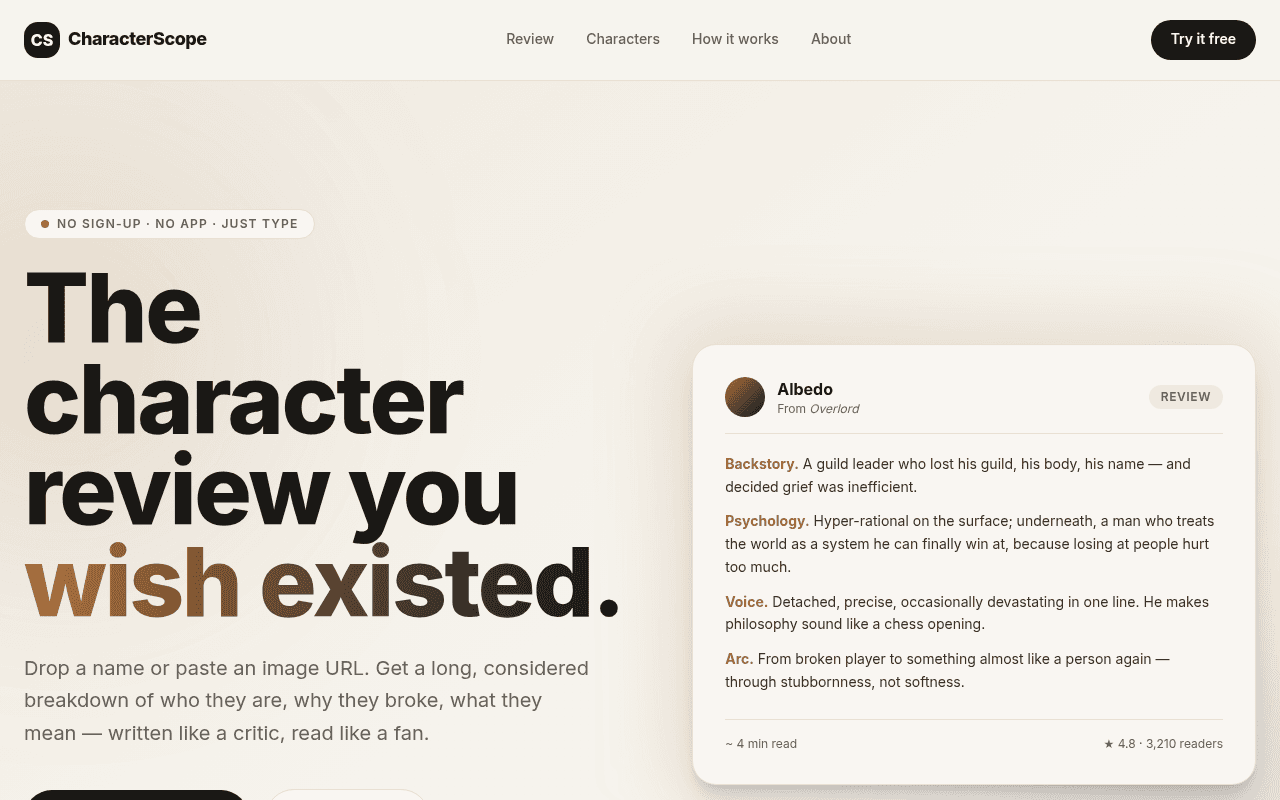
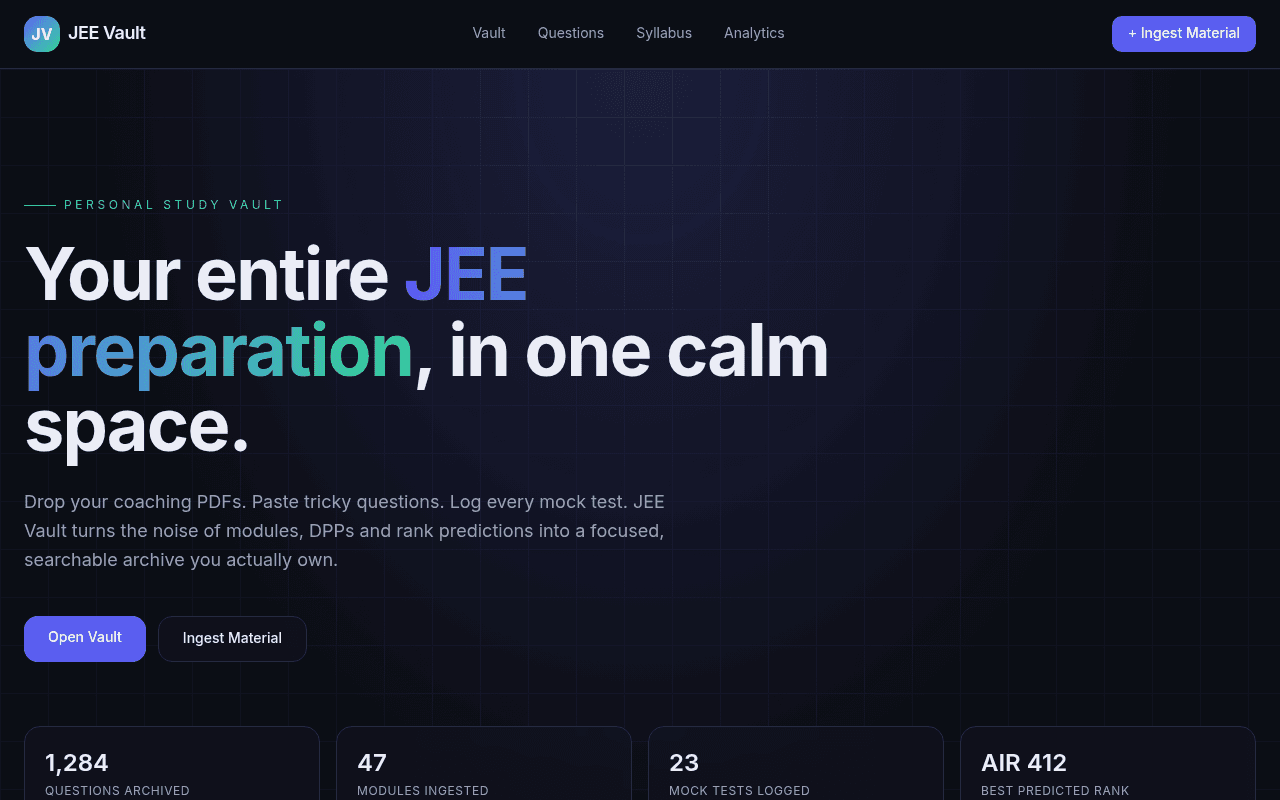
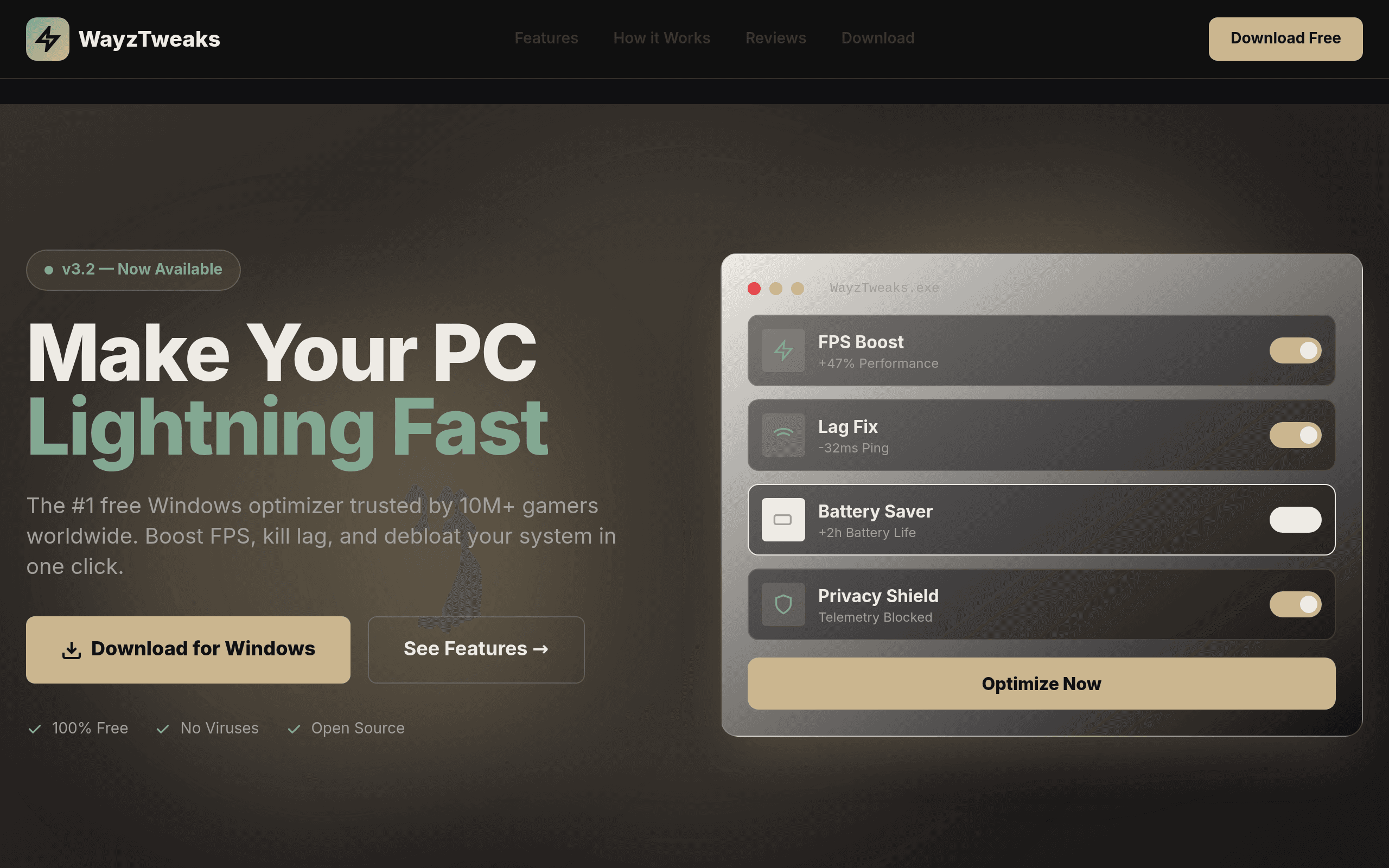

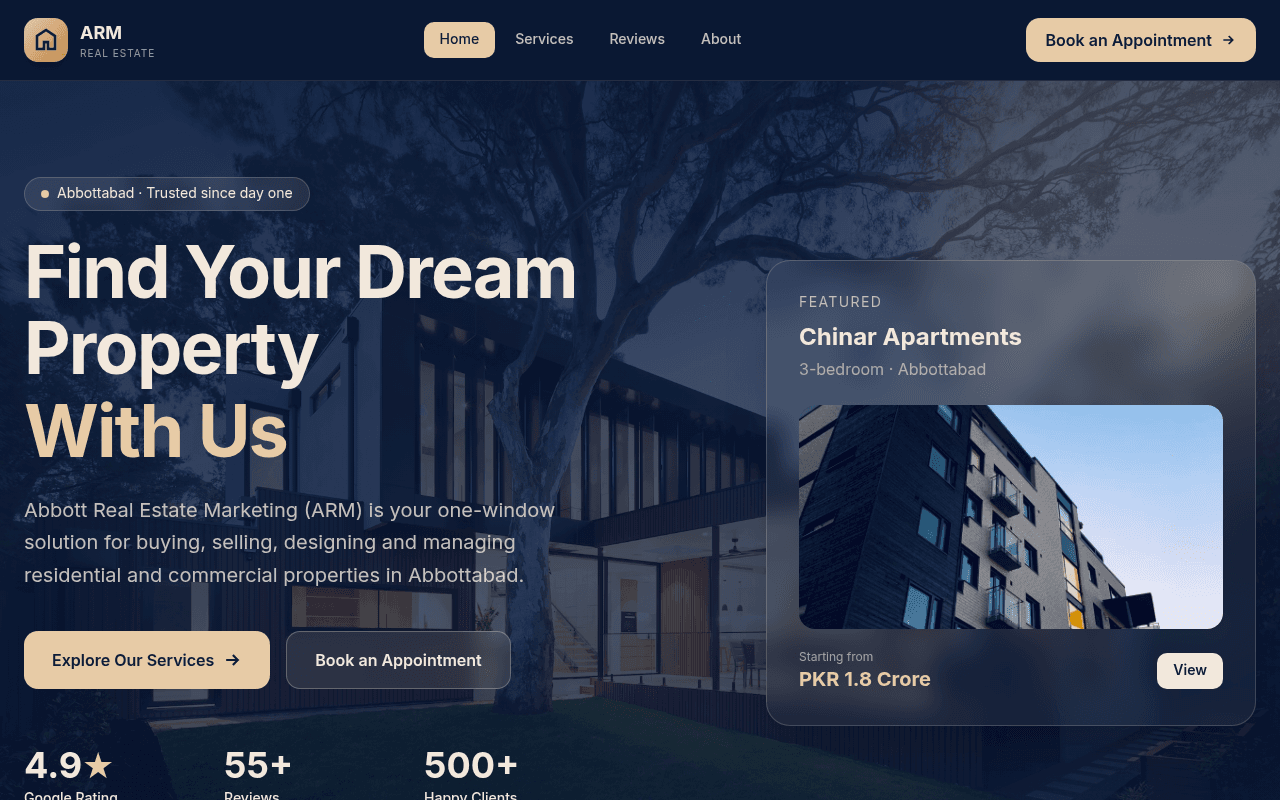

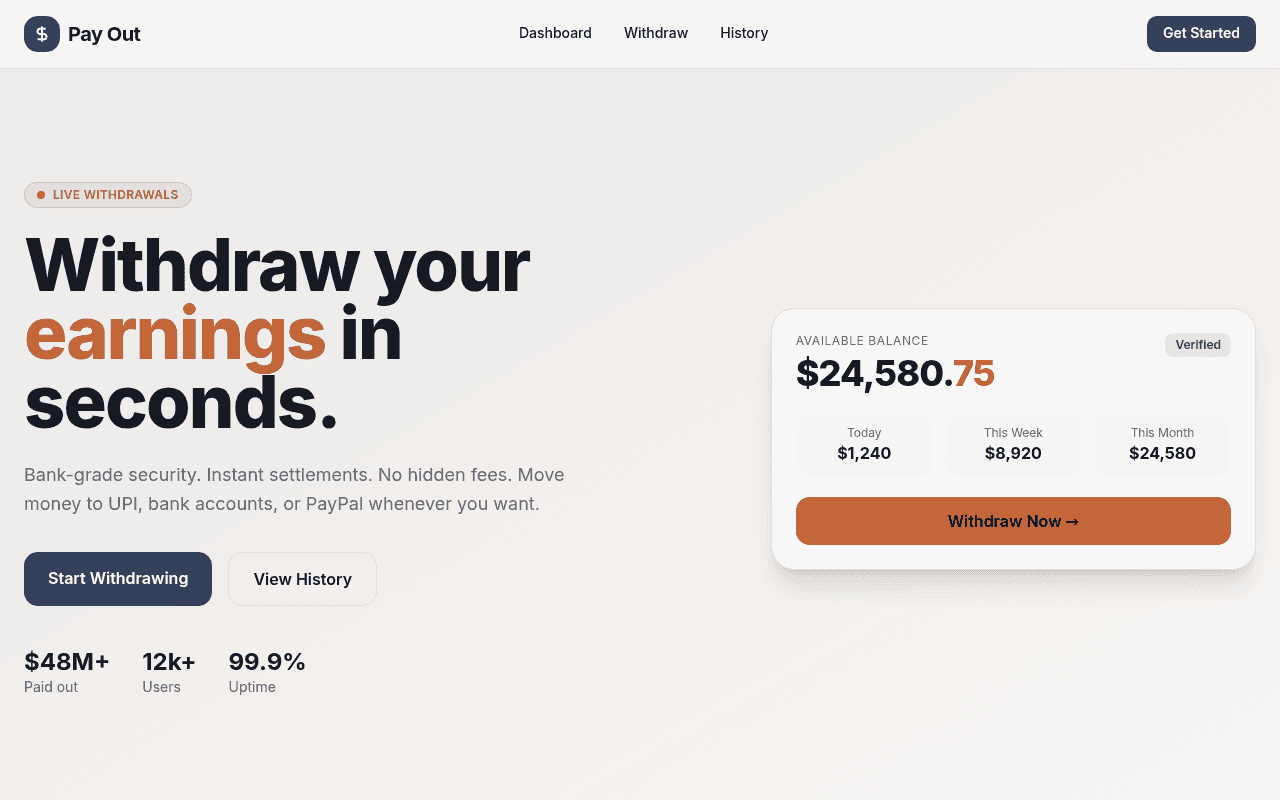
Five steps from an idea to a published web app.
Sign up for free, then type what you want the way you'd explain it to a person: who uses the app, what they need to do, and what data it keeps. For example, a small tool for tracking client invoices, with a login for your team. There's no template gallery to scroll through first.
Kleap builds the screens, the database and the sign-in your description calls for, then opens the result next to the chat as a live preview rather than a mockup.
Keep chatting to change it: add a field, rename a button, rewrite a section or try different colors. The same preview updates with each request. Generation and edits use part of your usage, and no code editor is required.
In the preview, click through every screen, submit the forms, and add and edit records. The preview shows signed-in pages without a real sign-in and does not run server routes, so check access rules again on the published site, with a second account. If something is off, describe it in the chat and ask Kleap to change it.
Publish for free on an address such as yourbusiness.kleap.io, with hosting included. Connecting your own domain requires a paid plan. You can export the code or sync it to GitHub whenever you want.
Some tools that promise you can build an app from scratch still start you from a template: a pre-built layout with placeholder text and stock sections that you then edit into shape. That's customization of a structure that existed before you typed anything.
Kleap works the other way. When you describe an app, the AI writes the layout, the copy, and the styling for that specific prompt. A bakery site and a consulting firm's site can have different layouts and features, while using the same underlying platform infrastructure. What you get reflects what you asked for.
That doesn't mean unlimited scope. Kleap can generate websites and apps with database, authentication, and connected services. Your prompt defines the features, and you still need to check the result against your requirements before publishing.
If you're weighing how to build an app using AI, these five tools are the ones that come up most. All let you build without hiring a developer, but they start from different assumptions about who's building and what for. This is pulled from each product's own pricing and docs, not a ranking.
Bubble is the closest to a traditional no-code platform here: building means wiring up a visual canvas and a database yourself, which gives you more manual control over backend logic than Kleap currently offers, at the cost of a real learning curve. Lovable and v0 both generate application code (React or Next.js) that's typically paired with a separately configured database service. bolt.new runs the whole workflow in the browser. Kleap brings the prompt, live preview, database, and authentication into the same creation workflow. You can build screens to create, read, update, and delete app data, then test the behavior in preview.
Full pricing and feature detail for each of these tools lives on the alternatives page.
A quick reality check before you start typing: some ideas are a good match for a first version you can test quickly; others need more detailed requirements and validation.
If what you need is a working site or small tool published today, free to start, this is built for that. If you need a visual database schema builder or a workflow automation canvas wiring together many systems, a platform built specifically for that job will serve you better than stretching a prompt-based tool to cover it.
Yes, to start. With a free Kleap account you get free usage that refills, and you can publish your app for free on a kleap.io address. A custom domain needs a paid plan, and the Pro and Business plans add much more usage. Connected services such as Stripe may charge their own fees.
With an AI builder, the main cost is AI usage, not developer hours. On Kleap you can build and publish a first version on the free plan. Paid plans add a custom domain, and the Pro and Business plans add much more usage. Budget separately for any paid APIs your app calls, such as payments or email.
ChatGPT can write code, but you still have to assemble it, set up a database, add login and host it yourself. An AI app builder such as Kleap does those steps for you: it generates the app, runs it in a live preview and publishes it to a URL.
Kleap builds web apps that run in any browser, including on phones, and can be added to a home screen. It does not produce native iOS or Android apps for the App Store or Google Play. For store-listed apps you need a native or cross-platform tool.
Yes. Kleap doesn't require you to choose a template before you start. You describe what you want, and the AI generates the layout, copy, styling, and app features for that prompt, using the platform's shared infrastructure.
Bubble is a visual canvas: you drag on elements and wire up a database and workflows yourself, which gives you more manual control over custom backend logic. Lovable generates React code that's typically paired with a Supabase backend you configure separately. Kleap brings app generation, database, authentication, and hosting into a prompt-and-preview workflow. You describe the features you need and configure access to any external services you connect.
No. You describe what you want in plain language, and you describe changes the same way afterward. There's no code editor you're required to open to build, edit, or publish your site.
Kleap can build websites, SaaS apps, and internal tools with a database and authentication. A complex enterprise system still needs its requirements, permissions, and connected services configured and tested. A prompt alone does not guarantee every business rule or integration is ready to use.
Describe what you're picturing: a business site, a waitlist, or a small tool. Preview the first version, refine it through chat, and publish when it is ready. Start with free usage.