
You imagine it. Kleap builds it.
Describe what you want to create. AI builds the design, features and logic, then develops the project further with your feedback.
- Your idea
- A working app
- Your next improvements
Describe the app you want, refine it in the live preview and publish when it is ready. Kleap brings the database, authentication and hosting into the same creation workflow.
Describe the website or app you imagine. Kleap helps you build it, publish it and keep improving it, with tools to monitor how it works and fix issues.
Describe what you want to create. AI builds the design, features and logic, then develops the project further with your feedback.
Database, authentication and forms: build a client portal or an app with the data and access it needs.
Add Stripe, business tools and integrations. Connect your accounts and keys to fit the project to the way you work.
The Guardian spots website issues and helps you fix them with AI. Return to your project in the chat to make the corrections.
Publish with hosting, connect your domain and follow your activity with analytics and the Search Console integration.
Keep your code, connect GitHub and work with AI tools like Claude or ChatGPT. AI assistance and human support on paid plans help you along the way.
Explore what others are building with Kleap

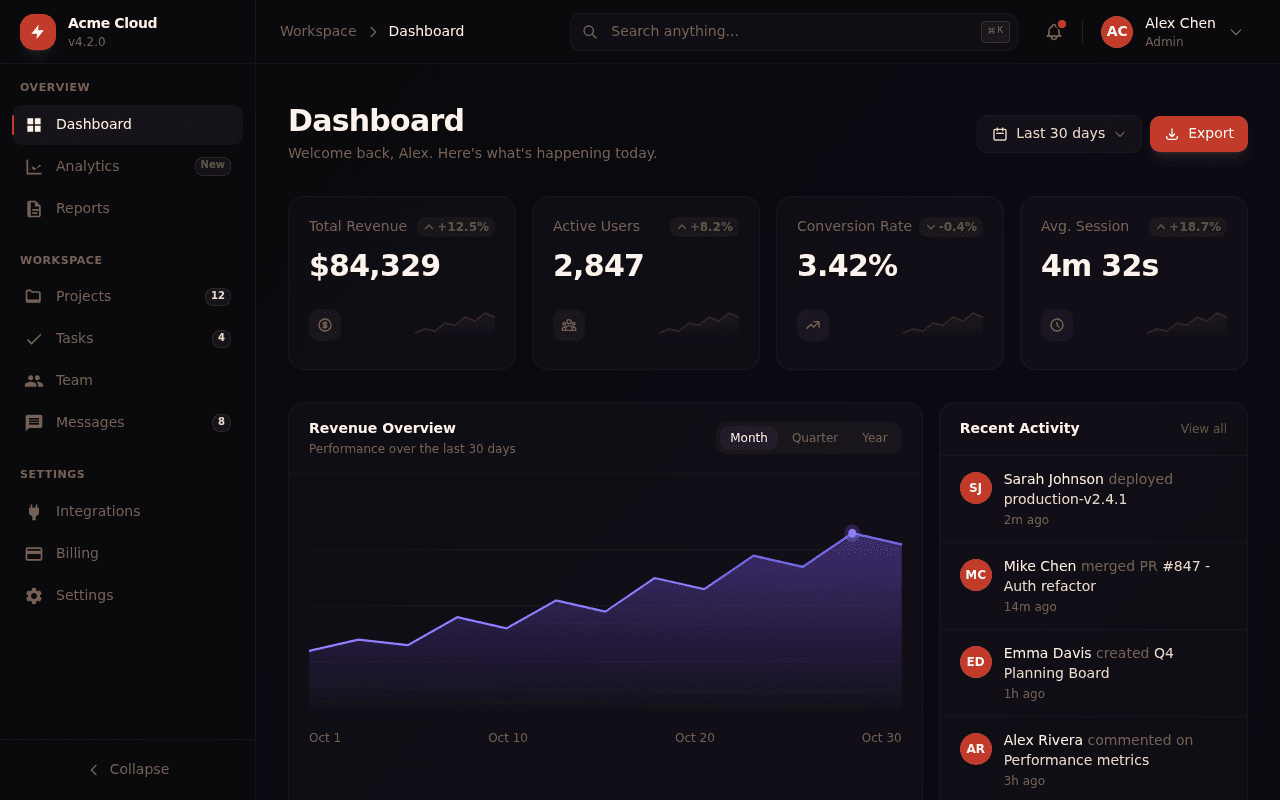
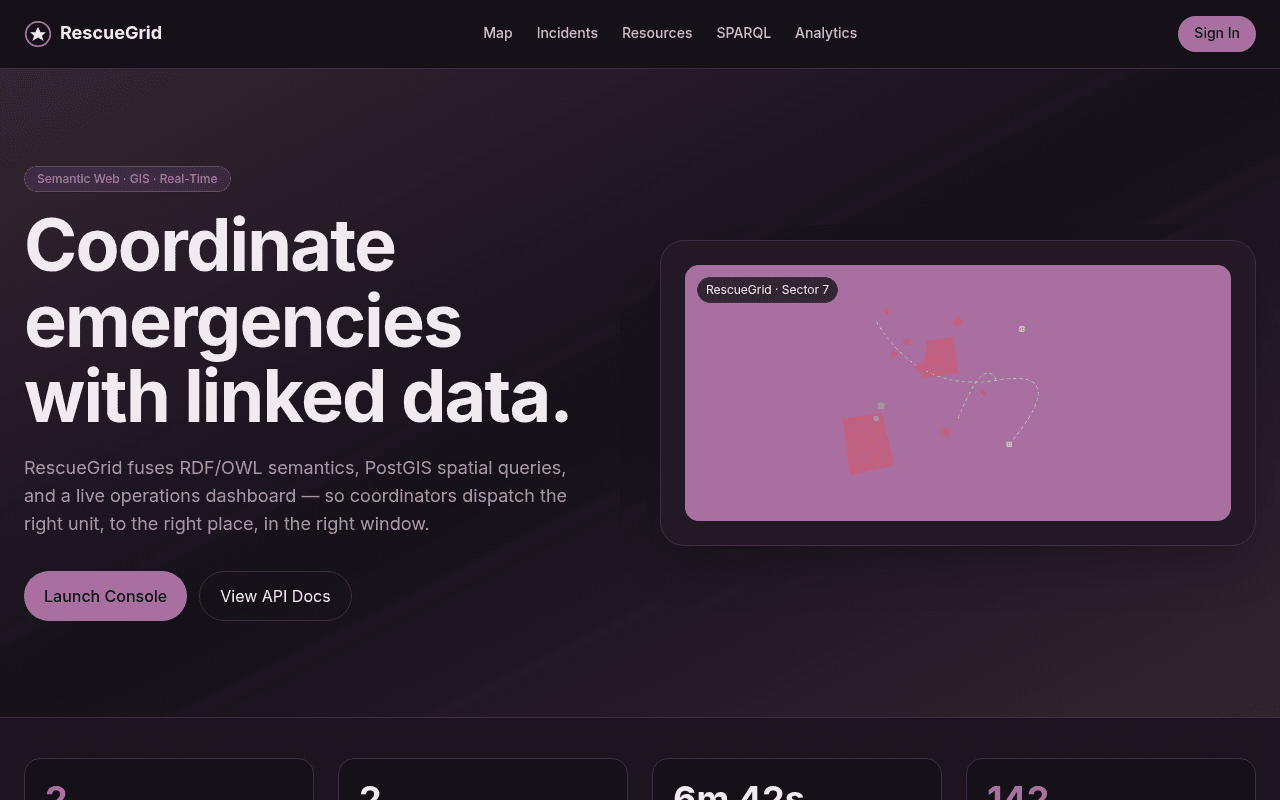

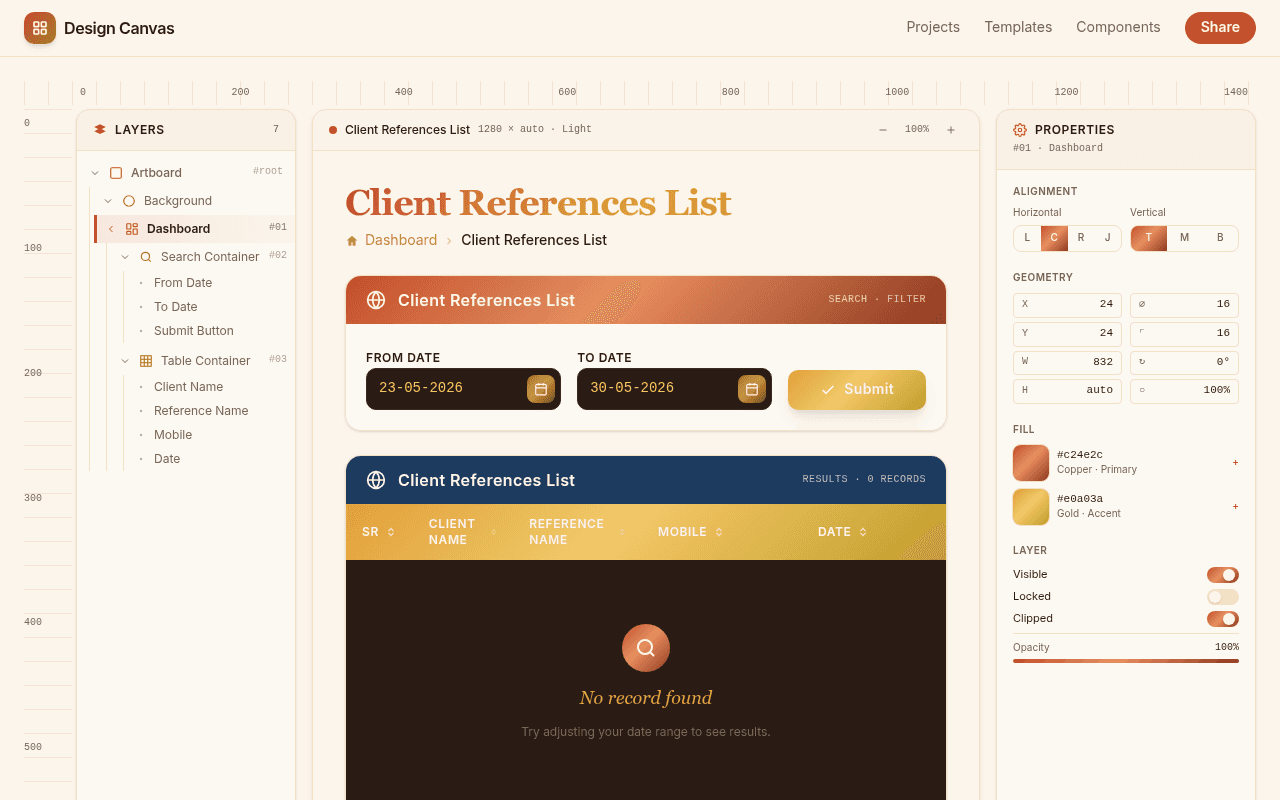
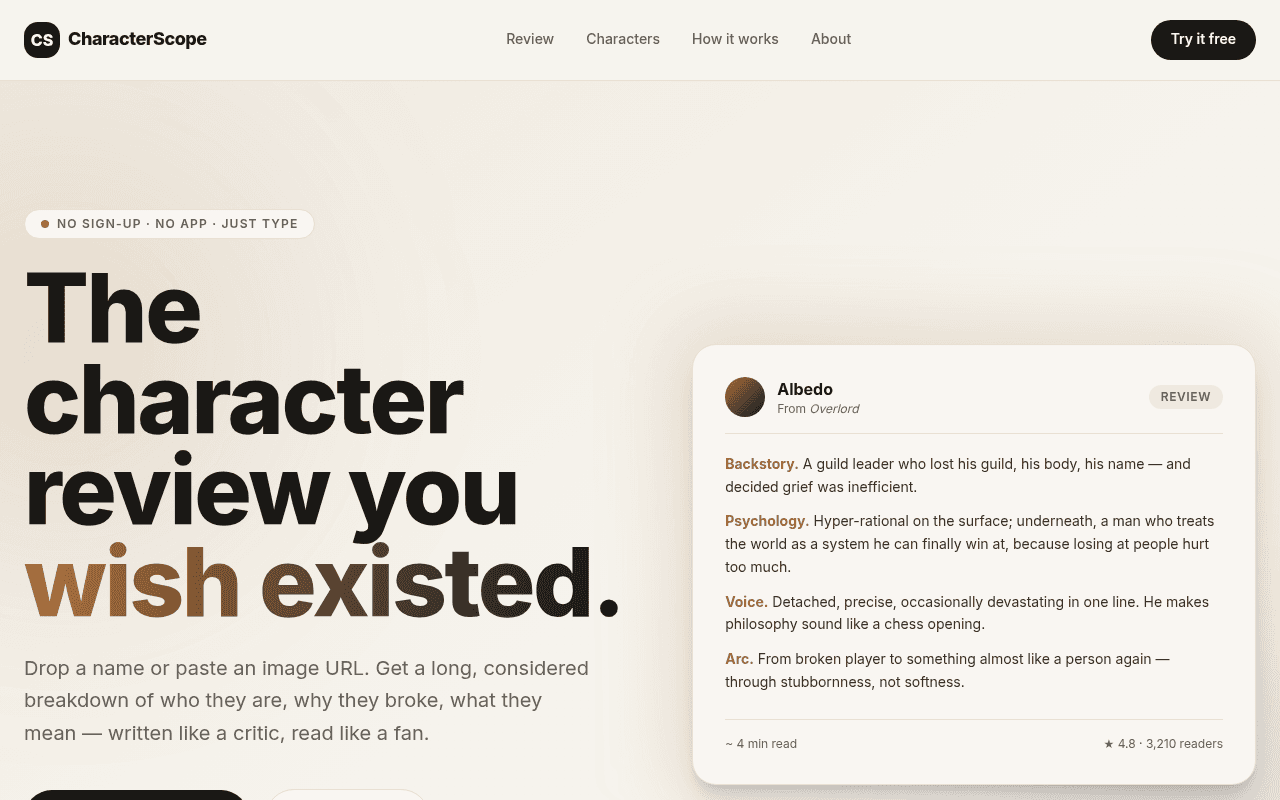
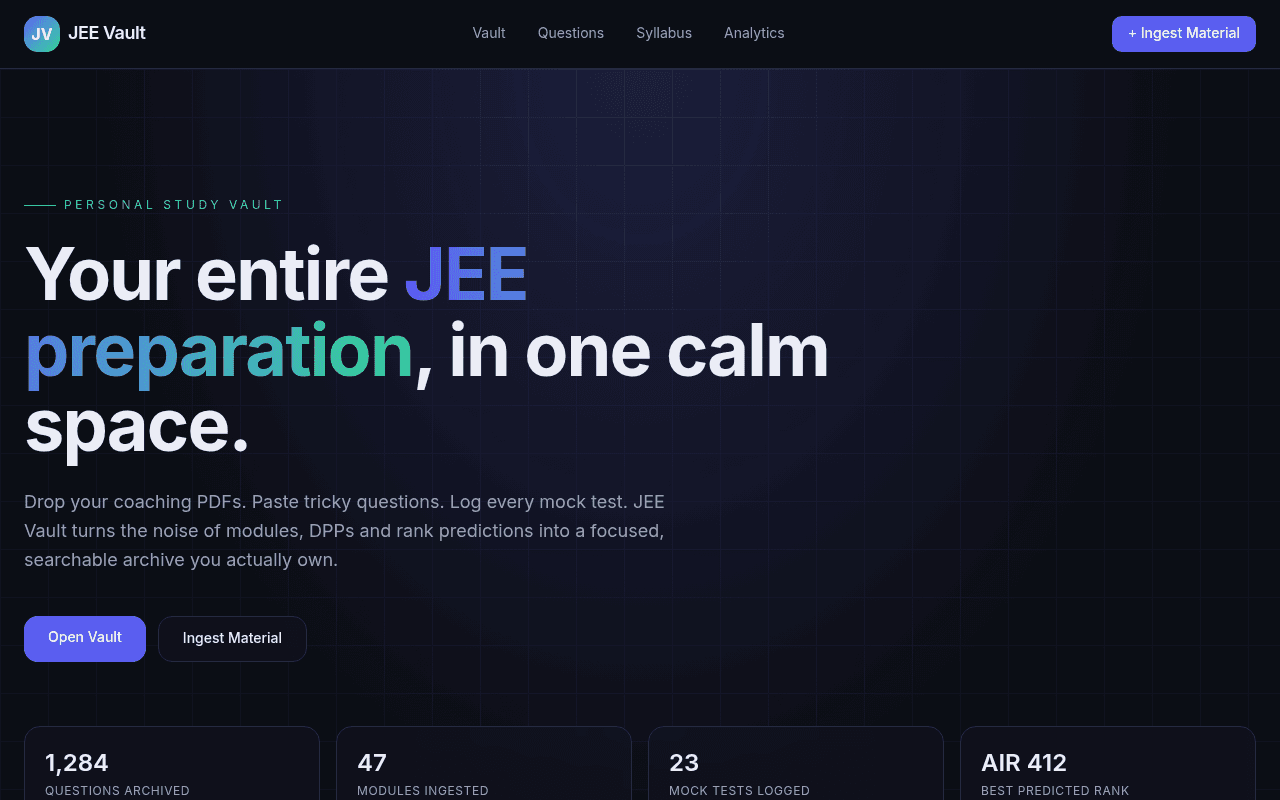
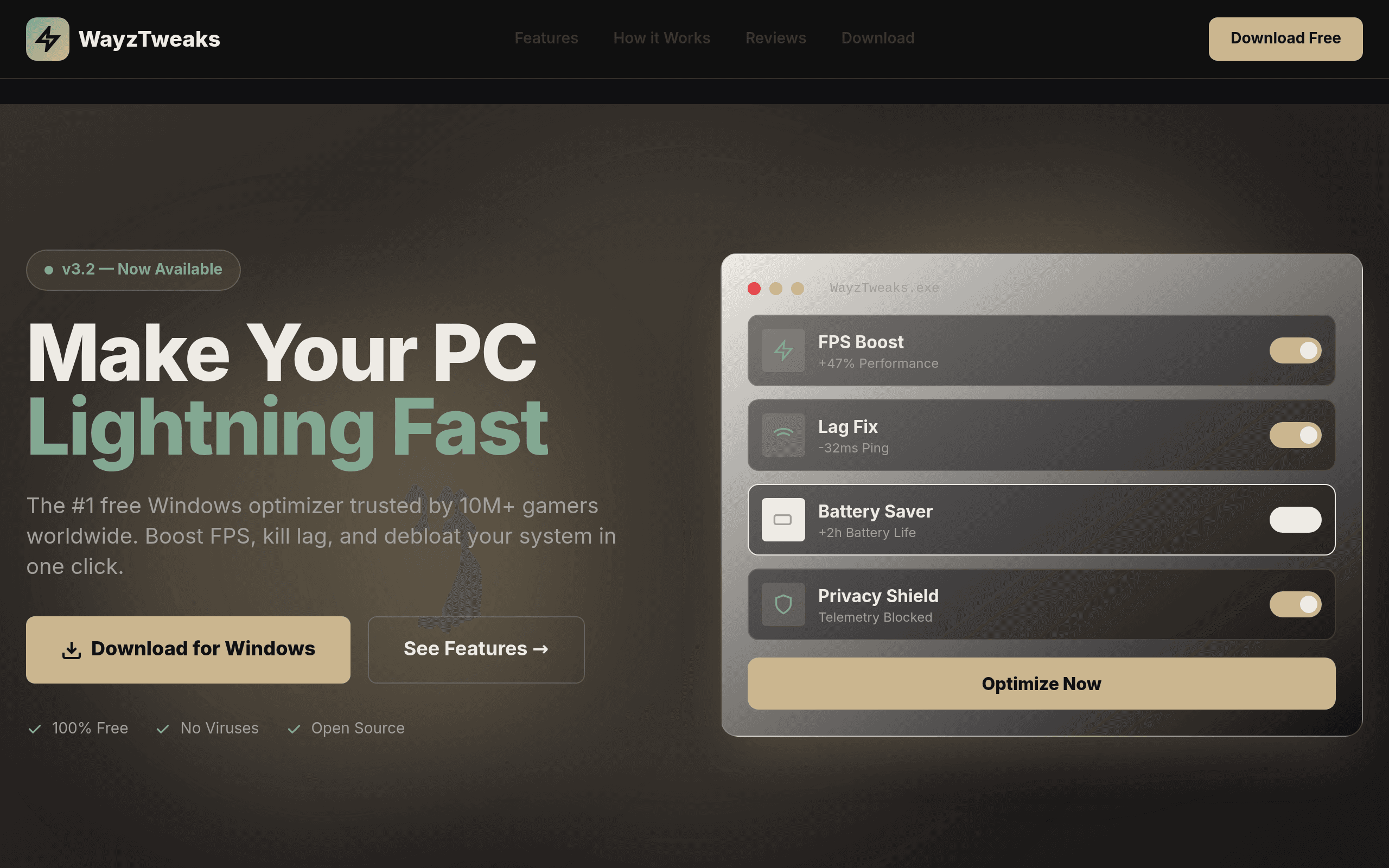

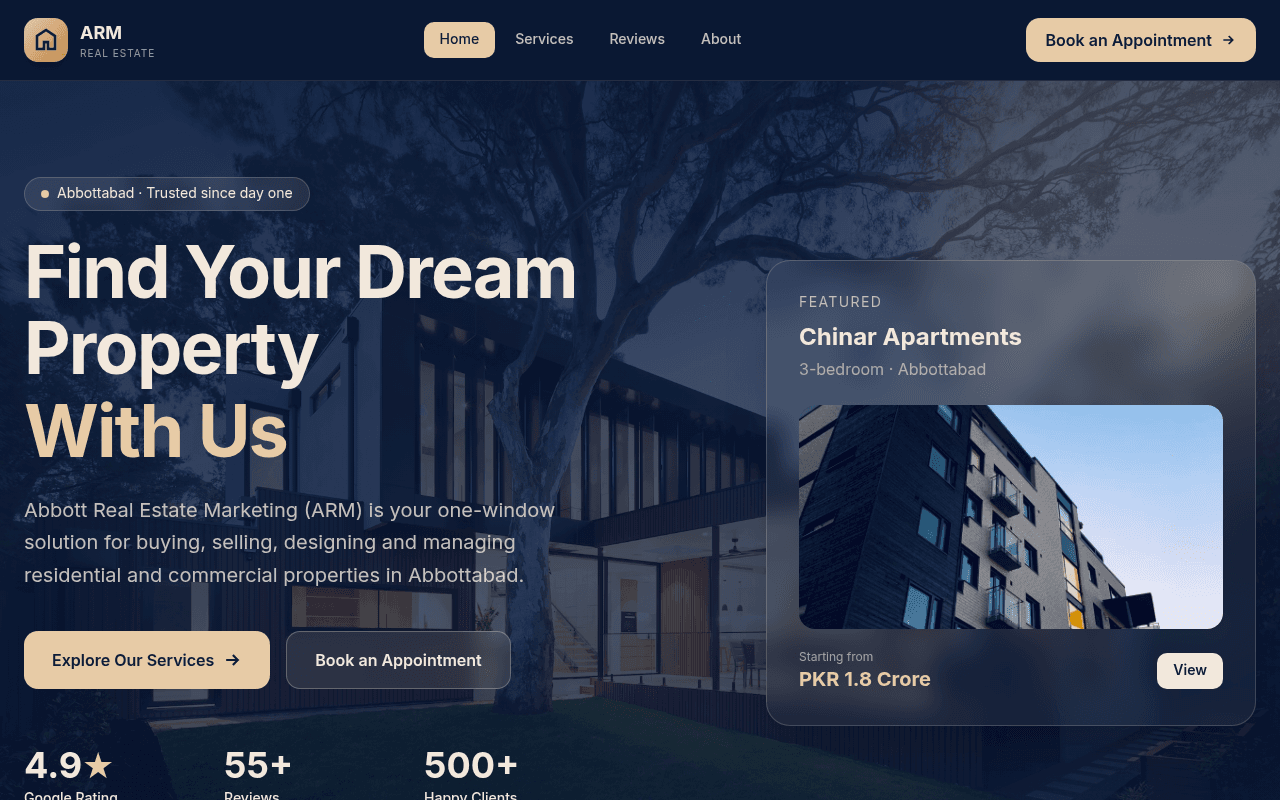

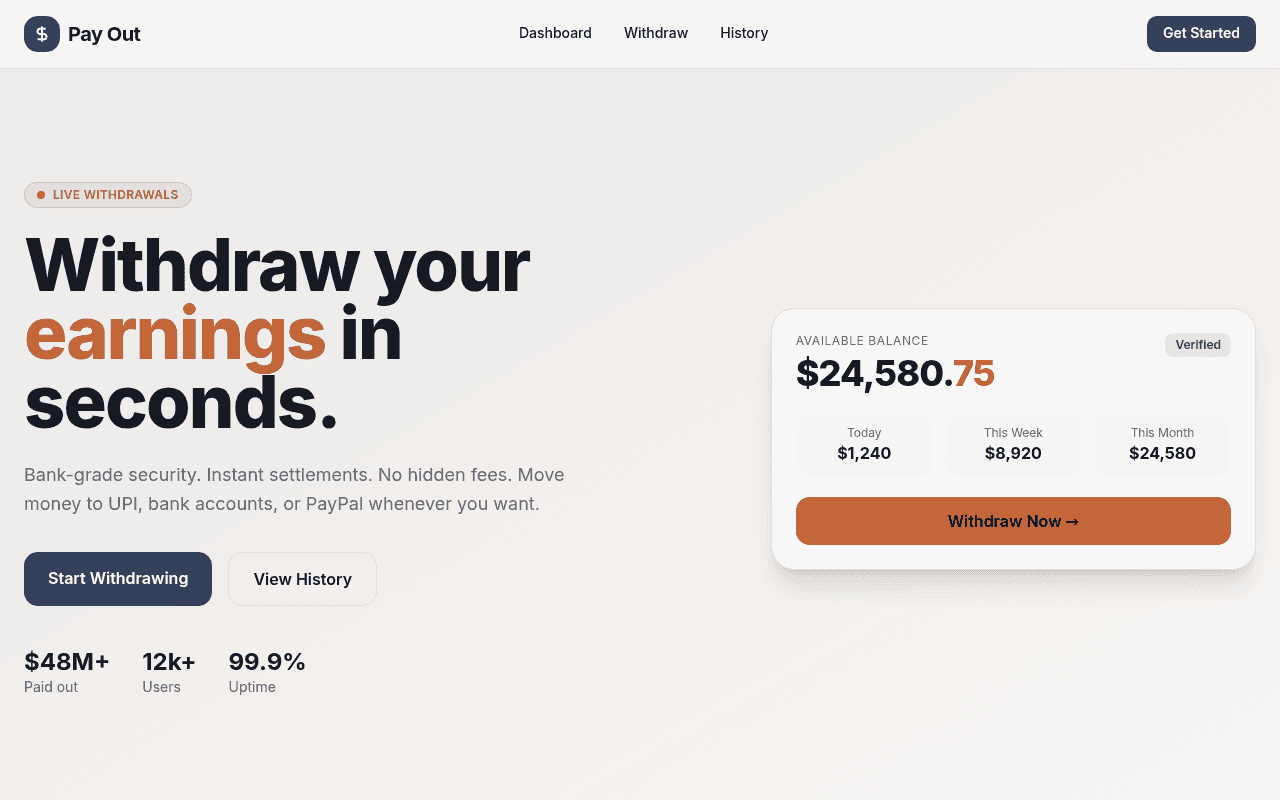
Being upfront about scope matters more than sounding impressive, so here's where Kleap fits as a no-code platform for app development, and where it doesn't fit.
If you need a general-purpose application development platform with a visual database schema builder and a workflow canvas, platforms like Bubble are built for exactly that. If what you need is to go from an idea to a published, working website or small tool with database and authentication through chat, Kleap provides that workflow. Connected services still need the appropriate accounts, keys, and configuration.
Three steps, no separate setup phase before you start building.
Type what you're building in plain English: a landing page for a coaching business, a small internal tool to track orders, a SaaS waitlist page. No forms, no configuration screens, no picking a database schema first.
Kleap generates the app and shows it in a live preview next to the chat. Ask for changes the same way you asked for the first version: change the colors, add a section, or rewrite the copy, and the preview updates.
When it looks right, publish it. Kleap builds the site and deploys it to a live URL like yourbusiness.kleap.io, or a custom domain you connect. No hosting account to set up, no server to configure.
"No-code app development platform" covers a wide range of products with different approaches. Here's how a few of them differ from Kleap, based on facts, not a ranking.
Bubble is a visual programming platform: you build apps by dragging elements onto a canvas and wiring up workflows and a database by hand. It's built for people who want to construct custom logic visually. Kleap uses a prompt-and-preview workflow to build the app, including database and authentication, with external services configured through the appropriate connections.
Replit's Agent works inside a full browser IDE, aimed at people who want to see and edit the underlying code alongside the AI. Kleap uses prompt and preview as the main interface, so builders can request changes without editing code themselves.
Base44 (now part of Wix) pairs AI app generation with built-in backend infrastructure, including authentication, a database, analytics, and payments. Kleap also brings database, authentication, forms, analytics, and hosting into the app workflow, with payments through your own connected Stripe account and keys.
Emergent is an autonomous coding agent that generates and deploys full-stack web and mobile apps from a prompt, with a paid tier offering a larger context window for bigger projects. Kleap uses an AI agent to build and refine your web app through chat, with database, authentication, and hosting in the same workflow.
See the full breakdown on the alternatives page, including pricing and feature comparisons for each tool.
A no-code app development platform lets you build a working application without writing or editing source code yourself. Instead of a code editor, you use a different interface, such as a drag-and-drop canvas, a form-based builder, or, in Kleap's case, a natural-language prompt, to describe what the app should do, and the platform produces the working software.
Yes. You can build a website or app without opening a code editor or writing code. Kleap generates the app from a text prompt, shows you a live preview, and lets you request changes in plain language. The main interface is a prompt and preview, with database, authentication, and hosting in the same workflow.
Kleap can build personal and business websites, landing pages, portfolios, SaaS apps, and internal tools with database and authentication. Describe the features you need, connect any external services with the appropriate access, and test the result. Complex business rules still need configuration and validation.
No. You describe the app or website you want in a prompt, and Kleap's AI generates it. If you want to change something afterward, you describe the change the same way. There's no requirement to read or edit the generated code to use the product.
Publishing builds your app and deploys it to a live, public URL, by default an address like yourbusiness.kleap.io, with support for connecting your own custom domain. You can start with free credits, and no separate hosting account or server setup is required; the publish step handles deployment for you.
Kleap uses an AI agent to build and refine apps from your instructions. Guardian detects errors, and you can request corrections through chat. This supports the build-and-improve workflow; it does not guarantee that every problem will be detected or repaired automatically.
Describe the website or app you want. Kleap generates it, shows you a live preview, and publishes it to a URL when you're ready. Free to start.