5 Proven Strategies for Faster Website Performance in 2026

On the internet, speed is the only currency that really matters. In today's world, those little milliseconds literally translate into revenue, and even tiny delays can kill a business before it even has a chance to get off the ground. If you’re running a small business, a freelance portfolio, or an e-commerce store, you know this pressure all too well.
You click a link, the screen hangs on white for three seconds, and what do you do?
You hit the back button.
Instantly. We all do it.
It is becoming increasingly clear that users have zero patience for sluggish interfaces. As we move deeper into the current year, the technical landscape has shifted.
We are no longer just talking about resizing a few photos. We are looking at a holistic approach to digital infrastructure. This brings us to the core of our discussion: the 5 Proven Strategies for Faster Website Performance in 2026.
Learning these strategies isn't just about trying to please Google’s algorithms; it’s about respecting your customer’s time.
The stakes are ridiculously high. Study after study shows that even a one-second delay in page load time can cause a 7% drop in conversions.
Just think about that, losing seven out of every hundred potential sales simply because your server hiccuped.
And mobile users are even more ruthless.

While large corporations have dedicated DevOps teams to shave off milliseconds, where does that leave the entrepreneur or the solopreneur?
Fortunately, the tools available today are smarter. Platforms like Kleap are built to democratize this speed, utilizing AI to handle the heavy lifting that used to require a degree in computer science.
But knowing the "how" and "why" remains essential for anyone serious about their digital presence. In this comprehensive guide, we will dissect the 5 Proven Strategies for Faster Website Performance in 2026 to help you stay ahead of the curve.
What you'll learn
- 1. Compress Images and Optimize Formats for Instant Visuals
- 2. Minimize, Bundle, and Optimize Code Resources
- 3. Advanced Caching Strategies and CDN Usage
- 4. Invest in Modern Hosting and Mobile-First Design
- 5. Continuous Monitoring, Lazy Loading, and Maintenance
1. Compress Images and Optimize Formats for Instant Visuals
It is often said that a picture is worth a thousand words, but on the web, a picture can also be worth a thousand milliseconds of delay. High-resolution imagery is crucial for engagement. You want your products to look crisp and your portfolio to shine.
However, heavy images are the number one culprit for slow websites.
When we talk about the 5 Proven Strategies for Faster Website Performance in 2026, image optimization is always the starting point because it offers the highest return on investment for your effort.
The problem is straightforward. A raw image from a modern smartphone or DSLR camera contains a massive amount of data.
It might be five or ten megabytes. If a user has to download five of those just to see your homepage, they are downloading nearly 50MB of data.
On a mobile connection, that is an eternity. Industry data highlights that nearly half of widespread web visitors expect a site to load in 2 seconds or less. If your images are clogging the pipe, you have already lost the game.
Optimizing doesn’t mean you have to delete your beautiful assets. It just means you need to be smarter about how you handle them.
The first move is compression.
As the folks at Crownsville Media point out, keeping your visuals sharp while trimming the file size is a huge priority. Modern compression algorithms work their magic by stripping away useless metadata and merging pixels so cleverly that the human eye can't even tell the difference. You can often shrink a file's size by 80% or more and still keep it looking perfect.
Understanding Next-Gen Formats
For years, we all just relied on JPEGs and PNGs. They worked well enough for the dial-up and early broadband days.
But 2026 demands more. We've now moved on to next-generation formats like WebP and AVIF.
These formats are way better simply because they were designed from the ground up for the web. An image in WebP format can be 30 percent smaller than the same JPEG and still look identical. It’s no wonder browsers have pushed so hard to support them.
Look at it this way.
If you were packing a suitcase, JPEG is like folding your clothes neatly. WebP is like using a vacuum-seal bag. You fit the same contents into a much smaller space.
Using these formats ensures that the browser downloads less data, rendering the page faster.
It is a simple swap that dramatically improves metrics like First Contentful Paint (FCP).

The Role of Responsive Imagery
Another layer to this strategy is responsive sizing. It creates a poor user experience to serve a 4K desktop banner image to a user on an iPhone.
The phone screen is small; it does not need those millions of extra pixels.
Responsive images allow the browser to request the specific size it needs based on the device's width.
If you are on a laptop, you get the big image. If you are on a mobile, you get a tiny, lightweight version.
This is where using a smart platform helps.
Manually creating five different versions of every image is tedious work. Website builders like Kleap automate this. When you upload a photo, the system automatically generates the WebP versions and the various responsive sizes.
This ensures you are executing on one of the key 5 Proven Strategies for Faster Website Performance in 2026 without lifting a finger manually.
Practical Tools for the DIY Route
If you are managing assets manually, you need a toolkit. Services like TinyPNG or ImageOptim remain industry standards for stripping weight off image files. You drag, drop, and download the lighter version.
It is a manual step, but critical if your platform does not handle it for you.
However, as we look at the trends, automated optimization at the CMS level is becoming the standard expectation for business owners who value their time.
Try it — build your site while you read
Describe what you want and get a live, publishable site in seconds. Free to start, no code.
Join 200,000+ makers building real websites with Kleap.
2. Minimize, Bundle, and Optimize Code Resources
Once your images are light, you have to look at the skeleton of your site: the code. Every website is built on HTML, CSS, and JavaScript.
Over time, code can get messy. Developers leave notes, spaces, and formatting that make it easy to read for humans but larger for computers to download.
Strategy number two in our standard list of 5 Proven Strategies for Faster Website Performance in 2026 is all about streamlining this text-based baggage.
Think of your code like a manuscript. If you have wide margins, double spacing, and footnotes on every page, the book is thick and heavy.
If you remove the margins, single space the text, and remove the footnotes, the content remains the same, but the book becomes thin and light. This process is called minification.
You are stripping out whitespace, comments, and unused characters. It sounds minor, but across thousands of lines of code, it adds up to significant bandwidth savings.
I read some research from Baby Love Growth confirming that removing these unnecessary elements is a really big deal. Browsers can parse minified code much faster.
When a browser reads a file, it has to stop and interpret every character. Less characters mean faster interpretation. It is a linear improvement that promotes a snappy feel to the user interface.
Bundling and Splitting: A Balancing Act
In the past, the main goal was to bundle everything into one giant file to cut down on the number of server requests. That is still partially true, but 2026 has introduced nuance.
If you bundle everything, you might force the user to download the code for the "Contact" page when they are only looking at the "Home" page.
That is wasteful.
Modern strategies involve "code splitting." This means bundling files intelligently. You utilize tools like Webpack or Parcel to create bundles for specific routes. The user only downloads what is necessary for the immediate view.
This keeps the initial load extremely light. It is like ordering a meal; you do not ask the waiter to bring the dessert and the coffee at the same time as the appetizer. You get what you need, when you need it.
Deferring the Non-Essential
This brings us to the concept of "deferring." When a website loads, the browser tends to panic. It tries to download and run everything at once. If you've got a heavy JavaScript file for something like a chat widget or an analytics tracker, the browser might actually stop rendering the visible parts of your site until that script is fully loaded.
This annoying problem is called "render-blocking." You get around it by deferring non-critical scripts.
You’re essentially telling the browser, "Hey, show the user the text and images first, then you can worry about the chat widget later." By focusing on the visual content that appears first, what people call 'above-the-fold' content, you create the feeling of an instantly loaded page. Your visitor can start reading immediately, while all the heavy tech does its thing quietly in the background.
This is where platforms that are obsessed with technical SEO and performance, like Kleap, really nail it by handling these architectural decisions automatically. The platform gets that your content is priority number one, and it structures the code so your headline and hero image show up in a snap, playing a huge part in what makes these 5 Proven Strategies for Faster Website Performance in 2026 so effective.
3. Advanced Caching Strategies and CDN Usage
Imagine if every time you wanted a glass of milk, you had to drive to the farm, milk the cow, pasteurize the milk, and drive back. That would be incredibly inefficient. It makes much more sense to keep a carton of milk in your refrigerator.
In web terms, this is caching.
Caching is something a lot of beginners misunderstand, but honestly, it’s the true engine room of a speedy website.
You've got two main types to think about: browser caching and server-side caching. Browser caching is where you tell a visitor's computer to save certain files, say, your logo or your main font, for a specific amount of time.
So, when they click over to a second page on your site or come back a week later, their browser doesn't have to re-download those files. Instead, they load instantly right from their computer's hard drive.
This makes subsequent page views nearly instantaneous.
Experts from Up North Media highlight that setting long cache expiration times is a fundamental best practice.
If a resource rarely changes, cache it for a year. This dramatically reduces the heavy lifting your server has to do and leverages the user's own device to speed up the experience.
The Power of the Content Delivery Network (CDN)
While local caching helps returning users, what about new users?
This is where a Content Delivery Network (CDN) comes into play. A CDN is a network of servers distributed globally. Instead of your website living on one computer in New York, it lives on hundreds of computers in London, Tokyo, Sydney, Sao Paulo, and beyond.
It is a matter of physics.
Data travels fast, but it is not instantaneous. If your server is in New York and a customer visits from Australia, the signal has to cross the Pacific Ocean. That physical distance creates a delay we call latency.
A CDN fixes this by spreading copies of your site's files to servers all over the globe. This way, the user in Australia downloads your images from a local server in Sydney, not one all the way in New York, while the person in Manhattan gets them from a server just down the road.
Using a CDN is pretty much non-negotiable if you're taking any of these 5 Proven Strategies for Faster Website Performance in 2026 seriously.
Today’s CDNs also use HTTP/3, the newest internet protocol that speeds up connections and makes them more secure. It reduces the "handshake" time between the browser and the server.
For small businesses, setting up a CDN used to be complex and expensive.
Today, many hosting environments and builders like Kleap integrate CDN functionality directly.
You get global reach without needing a global IT department.

4. Invest in Modern Hosting and Mobile-First Design
You cannot win a Formula 1 race driving a go-kart. Similarly, you cannot achieve elite website performance running on cheap, outdated hosting infrastructure.
The foundation of your digital house matters. In the early days of the web, shared hosting on spinning hard drives was the norm. It was cheap, but it was slow.
In 2026, the hardware has evolved, and sticking to the old ways is a strategy for failure.
These days, modern hosting runs on Solid State Drives (SSDs) and Non-Volatile Memory Express (NVMe) storage. Trust me, the read/write speeds on this hardware are worlds faster than old-school traditional hard drives.
When someone requests your homepage, the server can find and shoot over the data in a blink. And what's really cool is that modern hosting environments have auto-scaling. This means if you get a sudden traffic spike, say, you go viral and a thousand people hit your site at once, the server automatically spins up more power to handle the load instead of just crashing.
Many entrepreneurs try to save money on hosting, thinking it is just a commodity. It is not. A slow server response time (TTFB, Time to First Byte) creates a bottleneck that no amount of image compression can fix.
If the server takes two seconds to just acknowledge the user exists, you have already failed the "2-second" test.
Upgrading to managed hosting or using a SaaS platform that guarantees high-performance infrastructure is one of the smartest investments you can make.
Mobile-First is technical, not just visual
We often talk about mobile-first design as making things look good on a small screen. But in the context of 5 Proven Strategies for Faster Website Performance in 2026, mobile-first is a technical mandate. Google indexes the mobile version of your site primarily.
If your desktop site is fast but your mobile site is bloated and slow, Google considers your site slow. Period.
Mobile devices have less processing power than desktop computers.
They rely on batteries and variable data connections. A mobile-first technical approach involves stripping away non-essential decorative elements that consume battery life and data.
It asks the question: "Is this animation necessary for the user to buy the product?" If the answer is no, it goes.
It is about ruthless efficiency.
This is why Kleap focuses heavily on the mobile experience. By generating lightweight code that prioritizes the constraints of mobile hardware, the platform ensures that businesses rank well on Google and convert visitors who are browsing on their commutes or from their couches. It is not just about looking pretty; it is about performing efficiently under specific hardware constraints.

5. Continuous Monitoring, Lazy Loading, and Maintenance
The final piece of the puzzle is recognizing that performance is not a one-time fix.
It is a lifestyle. You do not go to the gym once and stay fit forever. Similarly, you do not optimize your website once and expect it to stay fast.
You add new blog posts, new products, and new tracking pixels. Slowly, the "bloat" creeps back in.
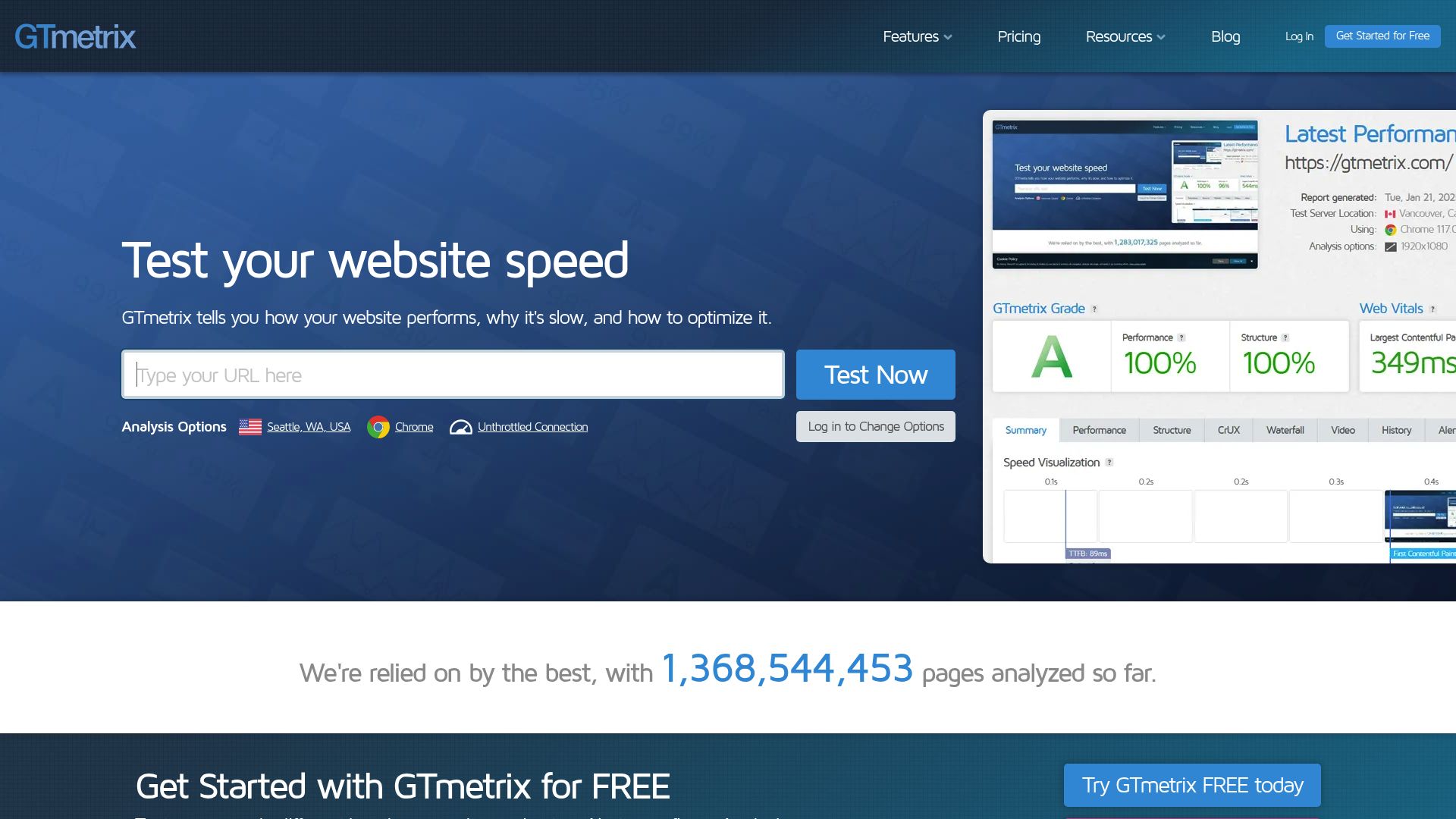
Continuous monitoring is essential. You really have to keep an eye on the speedometer. Thankfully, tools like Google PageSpeed Insights and GTmetrix give you a detailed report card on how your site is performing.
They don't just say "fast" or "slow"; they get specific, telling you things like, "Your largest image took 1.2 seconds to load" or "Your main thread was blocked by this particular script."
I get it, for a small business owner, this data can be totally overwhelming. The key, though, is just to watch the trends over time.
Is your score dropping month over month?
If so, investigate. Maybe that new plugin you installed is the culprit.
Maybe you uploaded a massive hero video without compressing it.
The Magic of Lazy Loading
A specific technique that pairs perfectly with monitoring is "lazy loading." We touched on deferring scripts earlier, but lazy loading applies primarily to media.
If you have a long blog post with twenty images, there is no reason to load the image at the bottom of the page when the user first arrives. Your visitor might never even scroll that far down.
That's where "lazy loading" comes in, it tells the browser to hold off on loading images until they're about to enter the visible part of the screen. As the user scrolls, the next image loads just in time for them to see it.
This trick keeps the initial data download super small.
It makes the whole site feel incredibly snappy, and data shows this technique dramatically shortens those initial load times, especially for pages with lots of content.
Establishing a Performance Budget
Consider establishing a "performance budget" for your team or for yourself.
Decide that your homepage will never exceed 1MB in total size. If you want to add a new video, you have to remove something else to stay within budget.
This mindset forces creativity and discipline. It ensures that the 5 Proven Strategies for Faster Website Performance in 2026 remain a core part of your operational philosophy rather than a forgotten checklist.
Reliable tools for monitoring include:
- Google Search Console: For Core Web Vitals reports in real-time.
- GTmetrix: For waterfall charts showing exactly what loads when.
- Lighthouse: For localized testing directly in your browser.
📸 gtmetrix.com
Turning Speed into Strategy
We have traversed the technical landscape, moving from image compression to server infrastructure.
The 5 Proven Strategies for Faster Website Performance in 2026 are not just theoretical concepts; they are the gears that drive modern digital commerce.
At the end of the day, speed builds trust. When a site loads in a snap, it sends a clear signal that you're professional, reliable, and that you respect the user's time.
For the small business owner or freelancer, this can feel like a lot to manage. You have a business to run, clients to serve, and products to ship.
Becoming a part-time web performance engineer was likely not in your business plan.
That is the reality of the market today, but it is also where the opportunity lies. Most of your competitors are ignoring this. They are running slow, bloated sites and wondering why their ads are not converting.
By prioritizing performance, you gain a silent competitive advantage. You rank higher on Google because they love fast sites. You convert more visitors because they do not get frustrated and leave.
You save money on bandwidth and hosting by being efficient.
If tackling code, minification, and CDNs sounds daunting, remember that technology has evolved to help you. Platforms like Kleap are designed with these 5 Proven Strategies for Faster Website Performance in 2026 baked into their DNA.
You create the content, and the AI handles the compression, the caching, and the code optimization. It allows you to focus on your message while the platform focuses on the mechanics.
Don't let a slow website be the reason you leave money on the table this year. whether you optimize it yourself or choose a platform that does it for you, make speed your priority.
Ready to launch a website that ranks high and loads instantly?
Start building with Kleap today and experience the power of AI-driven performance.
FAQ: Website Speed and Performance
Why is everyone saying mobile speed is more important than desktop speed in 2026?
Simple: most of your traffic is probably coming from mobile devices.
Because of this, Google uses "mobile-first indexing," which basically means it judges your entire site based on its performance on a phone, not a big screen. If your mobile site is sluggish, your search rankings will pay the price, no matter how fast your desktop version is.
Do I need to know how to code to make my website faster?
Not really. Knowing how to code can help, but honestly, modern website builders like Kleap are designed to automate all that tedious work like image compression, code minification, and caching for you.
If you’re on a more traditional CMS, though, you'll likely need to lean on a few plugins or even get a developer to help you out.
What’s considered a "good" load time for a small business site?
You really want to aim for under 2 seconds.
That’s pretty much the gold standard. Google’s Core Web Vitals specifically look for a "Largest Contentful Paint" (LCP) of 2.5 seconds or less.
Anything over 3 seconds, and you’ll see a huge spike in people giving up and bouncing from your site.
Will using high-quality images always make my site slow?
Nope, not if you optimize them correctly. You can absolutely have stunning, high-quality visuals as long as you use modern formats like WebP and make sure they are properly compressed.
It's all about finding the right balance between visual quality and file size, not sacrificing one for the other.


