7 Alternatives to WordPress Website Builder for Your Business


You know that feeling. You log into your dashboard just to make a simple text change, and suddenly you are staring at five plugin updates, a warning about PHP versions, and a broken layout. It is the classic WordPress struggle.
While it powers a huge chunk of the internet, it is not always the right fit for modern entrepreneurs who value speed over tinkering.
Running a business is hard enough without having to be a part-time server administrator.
That is why so many creators are actively looking for alternatives to wordpress website builder platforms. You want to sell your services or products, not manage databases.
The market has shifted. We moved from "how do I get online?" to "how fast can I sell online?" This shift has given rise to incredible tools, including the easy ai website builder revolution, which handles the heavy lifting for you.
If you are ready to ditch the complexity, look at these research-backed options.
We have analyzed the landscape to bring you the best no code website builder comparison so you can choose the right home for your digital brand.
Why the Shift to Alternatives to WordPress Website Builder?
It is not just about frustration.
It is about resources. WordPress was built in a different era of the internet.
Back then, you needed a flexible content management system (CMS) because the all-in-one tools were terrible. That is not the case anymore.
Today, efficiency is the currency of small business.
Every hour you spend backing up your site or fixing a plugin conflict is an hour you represent not billing a client. The best alternatives to wordpress website builder solutions offer what is known as a "walled garden" approach. This sounds restrictive, but it is actually liberating.
Imagine a system where specific engineers handle the security, the speed, and the updates. You just handle the content and the sales.
That is the promise of modern platforms.
Try it — build your site while you read
Describe what you want and get a live, publishable site in seconds. Free to start, no code.
Join 200,000+ makers building real websites with Kleap.
1. Kleap, The Mobile-First AI Solution
We have to start with where the market is going, not where it has been.
Kleap positions itself differently than traditional desktop builders. We recognized early on that most business owners run their lives from their phones, and most effective marketing happens on mobile social media.
Kleap is designed specifically as an easy ai website builder.
It allows you to generate a fully functional, high-converting website in effortless seconds. Instead of dragging pixels around a screen, you input your business details, and the AI constructs a layout optimized for sales.
Why it creates value:
- It is built for non-technical users who need to launch now.
- Mobile-first indexing is Google's standard; Kleap is mobile-native.
- Integrated payment processing means you can start charging clients immediately.
While other platforms try to shrink a desktop website onto a phone screen, Kleap builds for the scroll. It removes the friction between a visitor landing on your page and becoming a customer. For entrepreneurs and freelancers, this focus on conversion over complex design is a game changer.
2. Wix, The Flexible All-Rounder
If you have seen a YouTube ad in the last five years, you know Wix. It stands as the most direct competitor when people search for alternatives to wordpress website builder because of its sheer size and feature set.
With Wix, everything's bundled into one package, meaning they take care of all the technical stuff like hosting, security, and updates so you don't have to. The folks over at WPBeginner actually found that this "all-in-one" nature is the main reason beginners ditch self-hosted platforms.
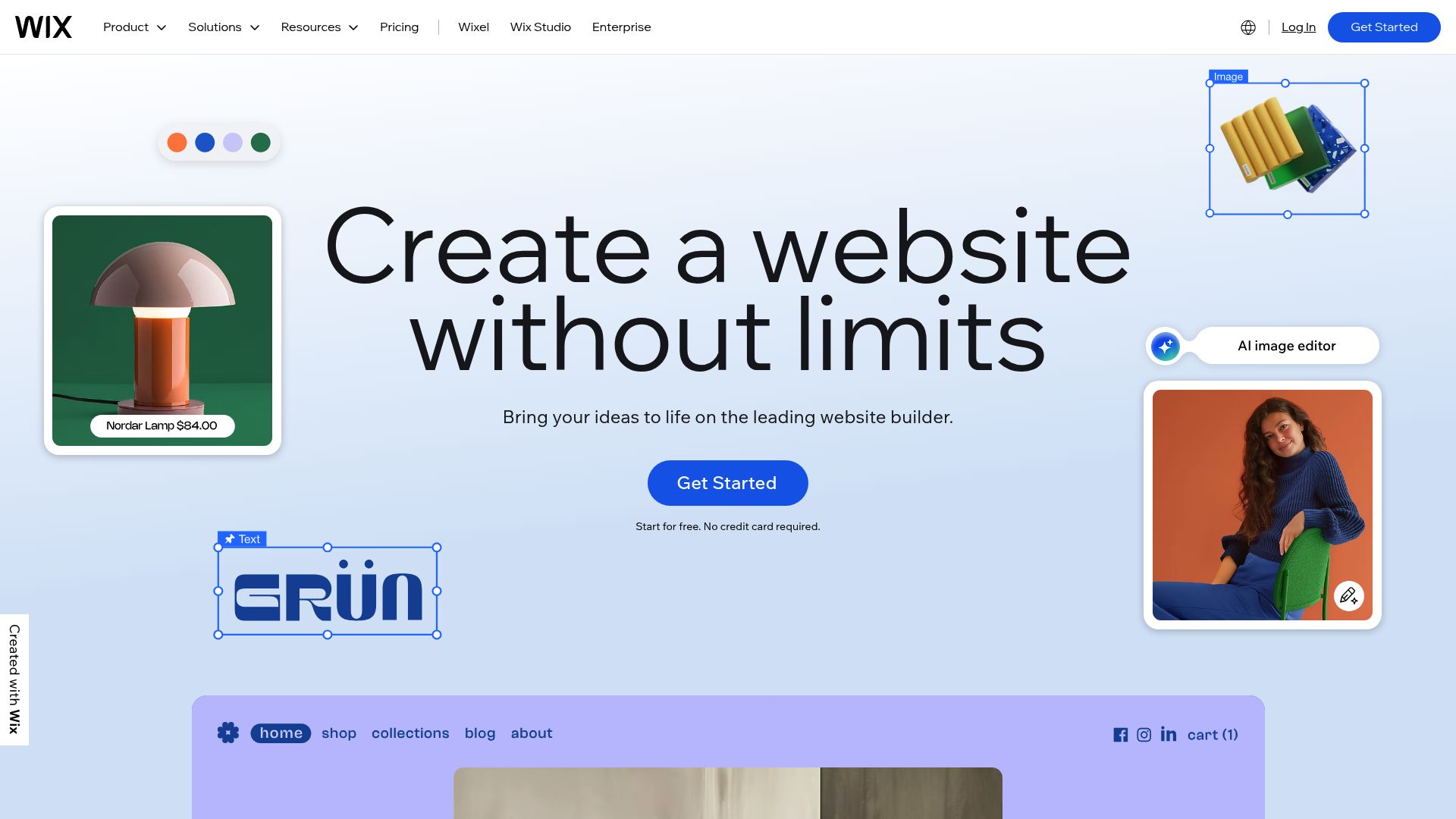
📸 wix.com
Screenshot: wix.com, This visual editor is what lets you move elements around completely freely.
Why it works nicely:
- Visual Freedom: Their drag-and-drop editor is unstructured. You can put a button anywhere, literally.
- Templates: They have hundreds of industry-specific designs.
- App Market: Like plugins but curated and managed to prevent crashes.
The trade-off here is the "lock-in" effect. Once you build on Wix, you cannot export your code to another host later.
However, for a small business that just wants things to work, this is rarely a dealbreaker compared to the maintenance of WordPress.
3. Squarespace, The Choice for Aesthetics
Sometimes, look and feel is everything. If you are a photographer, an architect, or a high-end consultant, your website needs to look expensive.
Squarespace dominates this niche among alternatives to wordpress website builder options.
Their approach is restrictive but beautiful. Unlike Wix, where you can break the design by moving things too much, Squarespace forces your content into a grid.
This ensures your site looks professional, no matter what. A big part of the visual advantage comes from their award-winning templates, which all rely on showcasing high-quality photos.
The visual advantage:
- Award-winning template designs that rely heavily on high-quality imagery.
- You also get built-in blogging tools that honestly give WordPress a run for its money on the writing experience, if not pure flexibility.
- They've also got solid internal tools for scheduling and email marketing. As Zapier points out, Squarespace basically takes care of all the "boring stuff" like caching and plugin updates, so creatives can get back to focusing on their visual brand.
Research highlighted by Zapier notes that Squarespace handles all the "boring stuff" like caching and plugins updates, so creatives can focus purely on the visual brand. It creates a "hard-to-break" environment which is perfect if you are handing the site off to a client who isn't tech-savvy.
4. Webflow, For the Control Freaks
There is a segment of the market that leaves WordPress because the code is too messy, not because they want less control. They want cleaner control.
Enter Webflow.
Webflow is fascinating because it is a visual interface for writing code.
When you drag a box in Webflow, you are actually writing cleaner HTML and CSS than most WordPress themes generate. It's no surprise that most designers consider it one of the most powerful alternatives to wordpress website builder tools for designers.
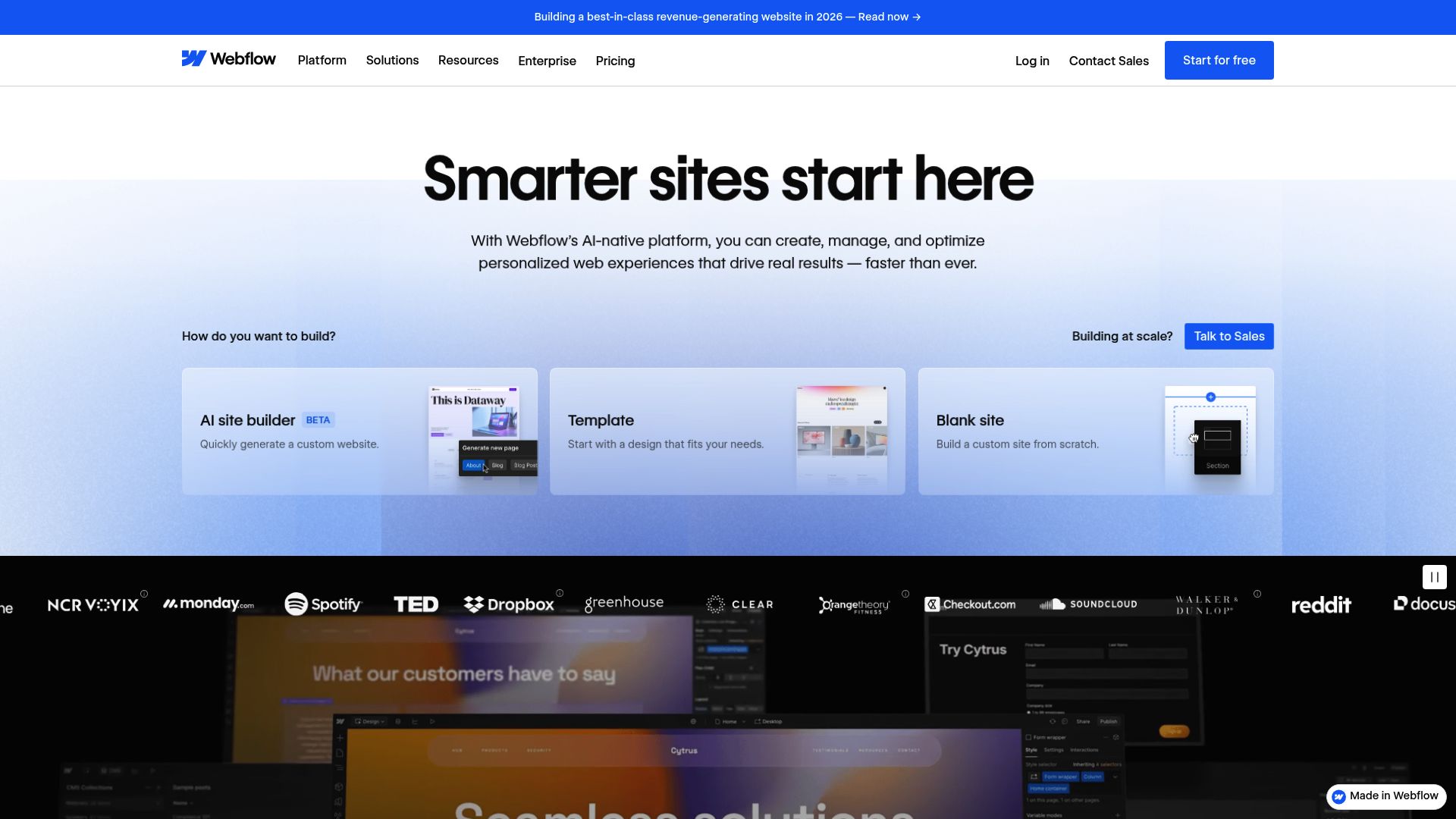
Screenshot: webflow.com, You can see it's a pro-level interface that basically mimics how front-end code works.
So why do professionals flock to it? For starters, its CMS Collections let you build complex databases without ever touching a plugin.
- Hosting Speed: It runs on AWS and is incredibly fast out of the box.
- Animation: Interaction tools that let you build Apple-style scroll effects.
However, be warned. Tooltester reviews indicate a steep learning curve. This is not for the hobbyist who wants a site in 5 minutes.
It is for the brand that wants a custom, agency-grade digital presence without hiring a team of developers.
5. Shopify, The Commerce King
If your primary goal is checking out a cart, using WordPress with WooCommerce can be a headache. You have to manage payment gateways, SSL certificates, and security patches yourself. Shopify is the dedicated answer for merchants.
Shopify focuses entirely on the transaction. It is less of a website builder and more of a retail operating system.
It powers everything from inventory to shipping labels.
The commerce difference:
- Reliability: Your site won't crash on Black Friday.
- Integrations: Hooks into Instagram and TikTok shops natively.
- Focus: Every feature is built to increase average order value.
While WordPress creates a distinction between your content and your store, Shopify blends them, though its blogging features are weaker. If you are moving $10k+ in inventory, the monthly fee is negligent compared to the cost of a WordPress developer fixing a broken checkout page.
6. Ghost, The Minimalist Publisher
Writing on the internet used to be simple. Then it got complicated.
Ghost is an open-source platform that strips away the bloat. It was founded by a former WordPress executive who wanted to return to pure publishing.
For thought leaders and newsletter writers searching for alternatives to wordpress website builder, Ghost is a breath of fresh air.
It has built-in membership and newsletter features.
You don't need a plugin to gate content or charge subscription fees; it is the core business model of the platform.
It is incredibly fast (Node.js based) and offers a writing experience that feels more like a dedicated writing app than a website backend. It is not for selling physical products or building complex landing pages, but for building an audience, it is superior.
7. Hostinger AI Website Builder, The Budget AI Option
Maybe you are validating a side hustle. You don't have a budget, and you just need something live today.
Hostinger started out selling hosting, but they've recently jumped into the game by bundling an AI builder with their plans.
It’s definitely in the easy ai website builder category. You just answer a handful of questions, and poof, it spits out a website layout for you.

Alex Lakas / Unsplash
You could argue it's the most affordable way to get started on this entire list. The main draw?
Super low introductory prices to get you in the door.
- Decent load speeds because Hostinger owns the infrastructure.
- Simple enough that you cannot really mess it up.
It lacks the depth of Webflow or the sophisticated ecosystem of Kleap, but for a simple digital business card or a local restaurant menu, it gets the job done without a WordPress learning curve.
Comparison: Choosing the Right Tool
With so many strong alternatives to wordpress website builder platforms, the choice comes down to your "tech tolerance" and your business goal. Here is a quick breakdown to help you decide.
Evaluating Your Priorities
When you are looking at a no code website builder comparison, ask yourself what costs you more: money or time?
WordPress is technically "free" software, but it costs significant time. Platforms like Kleap, Shopify, or Squarespace cost a monthly fee, but they return hours of your life back to you.
For a freelancer charging $100 an hour, spending five hours fixing a WordPress theme costs $500.
That could pay for years of a managed platform. That is the math successful entrepreneurs do.
Practical Takeaways for Migrating
Moving away from WordPress feels like a big jump, but it is usually easier than you think.
Here is how to approach it:
- Audit your content: You probably don't need to migrate every blog post from 2018. Keep your top 20 performing pages.
- Focus on the offer: Use this opportunity to refine your homepage message. Don't just copy the old site; improve it.
- Redirects are key: If you rely on SEO, make sure your new platform allows for 301 redirects so you don't lose traffic.
- Test mobile first: Most of your traffic is on phones. Build the mobile version before you even look at the desktop version.
The internet is moving toward simplicity and automation. The era of manual plugin updates is ending for small businesses. By choosing one of these alternatives to wordpress website builder solutions, you are future-proofing your business operations.
If you need a solution that understands the speed of modern business, invites you to start simple and grow fast, check out how Kleap can get you online in minutes, not weeks.
FAQ
What is the best alternative to WordPress for beginners?
For absolute beginners, Kleap or Wix are excellent choices. Kleap offers an AI-driven approach that is faster, while Wix offers a traditional drag-and-drop canvas.
Are these alternatives better for SEO than WordPress?
They can be. While WordPress has infinite technical SEO customization, platforms like Webflow, Shopify, and Kleap have excellent, clean code structures out of the box that Google prefers over bloated WordPress themes.
Can I move my WordPress content to these platforms?
Absolutely. Most of them, like Ghost and Shopify, have tools made specifically to grab your content from a WordPress XML file.
Do I need hosting for these alternatives?
Nope! And honestly, that's the biggest perk. All the solutions we've talked about, Kleap, Wix, Squarespace, and the others, are "hosted" platforms, which just means the hosting cost and all that technical management are already baked into your subscription.


