2026 AI Website Builder Best Practices Small Businesses Need to Succeed

Okay, let's be real: the world of web design is moving at lightning speed. Doesn't it feel like just yesterday we were all freaking out about drag-and-drop editors being the next big thing? Now, that whole conversation has completely switched over to artificial intelligence, and honestly, for small businesses, entrepreneurs, and freelancers, this is a total game-changer.
An ai website builder basically promises to do all the heavy lifting, taking your ideas and spinning them into a real, working website in just a few minutes.
But here’s the catch: just using an AI tool isn't some magic ticket to success. The real magic happens when you team up its power with a smart strategy. Looking ahead to 2026, knowing the best ways to use a website builder ai isn't just a nice-to-have anymore, it's absolutely essential if you want a site that does more than just look pretty.
You need something that actually performs, converts, and grows right alongside your business.
You’ve probably seen the big names floating around, Wix, Squarespace, Hostinger, they're all jumping on the AI bandwagon and building in some seriously powerful features. These tools are amazing for getting a site up quickly, with smart automation that can handle everything from the layout to the actual words on the page. But, as some great research from Zapier and Elementor points out, the very best websites come from a team-up between AI and a real human.
Think of it this way: AI can build the house, but you’re the architect who makes sure it actually feels like a home for your brand. In this guide, we'll walk you through the smartest ai website builder best practices 2026, covering it all, from picking the right platform to nailing your content and making sure your site runs like a dream.
We’ll dig into how you can use these incredible tools without losing that authentic, human vibe that makes your brand *yours* and really connects with people.
Look, this whole thing is about so much more than just clicking a button and hoping the algorithm gets it right. It’s really about learning how to steer the AI, give it the right directions, and then step back and be a tough critic of what it spits out. You've got to think of it like a collaboration.
We're going to dive deep into making AI do the work *for* you, so you end up with a stunning, secure, and effective website that actually feels like your vision.
By the time you finish this guide, you’ll have a clear, no-fluff roadmap for building an online presence that really stands out in the noisy world of 2026 and beyond.
So let's get started on building smarter, not just faster.
Key takeaways
- This first step of your journey is honestly the most important one.
- Alright, once you've picked your platform, it's time to get into the fun part: design.
- Let's talk content, it's pretty much the soul of your website.
- Getting your website live is really just the starting line.
- With all the talk about automation and artificial intelligence, it's easy to wonder if the human tou
Choosing the Right AI Website Builder for Your Business
This first step of your journey is honestly the most important one.
Picking the right ai website builder lays the groundwork for your entire online presence. There are so many options out there, it's easy to get overwhelmed. The trick is to ignore all the flashy ads and really zone in on what your business truly needs.
Start by creating a list of your absolute must have features.
Are you an online store that needs robust e-commerce capabilities?
Or a consultant who requires a seamless booking and payment system?
Not all AI builders are created equal in these specialized areas.
Your own technical skill level plays a huge role in this decision. If you're not a technical person, a full service, all in one platform is likely your best bet. These builders take care of all the techy stuff, hosting, security, and all that backend nonsense, for you.
But if you’re a little more tech-savvy, you might want to mix and match different AI tools for way more customization, an approach that experts say gives you a ton more flexibility. This way, you can use one tool for design, another for writing, and plug them all into a main builder, giving you total control over every little detail.
And of course, there's always the budget to think about.
Lots of platforms have free plans, but you've got to be really clear on what their limits are. An analysis by All About Cookies found that these free plans usually slap ads on your site, hold back key features, and won't give you a custom domain.
So, make sure you double-check the pricing to see what's actually included in the paid plans and what they'll nickel-and-dime you for later.
Oh, and don't forget about integrations. A great website doesn't just sit there all by itself.
You need to make sure the builder plays nicely with your social media, email marketing tools, and CRM, just like Wix's guide to AI design mentions. These connections are everything for turning visitors into customers and actually growing your business.
Okay, one last thing to think about: how mature is the provider's AI?
New kids on the block might have some cool, flashy features, but the big, established platforms have spent years tweaking their algorithms, which usually means you get more reliable and solid results from their AI. Honestly, a platform with a proven track record is usually a safer bet, you'll get more predictable results and probably better help when you get stuck.

Try it — build your site while you read
Describe what you want and get a live, publishable site in seconds. Free to start, no code.
Join 200,000+ makers building real websites with Kleap.
AI Website Builder Design Best Practices for 2026
Alright, once you've picked your platform, it's time to get into the fun part: design. Sure, an ai website builder can spit out a layout in seconds, but a great design is about way more than just being fast. It's about making things clear, creating a good user experience, and getting people to actually do something.
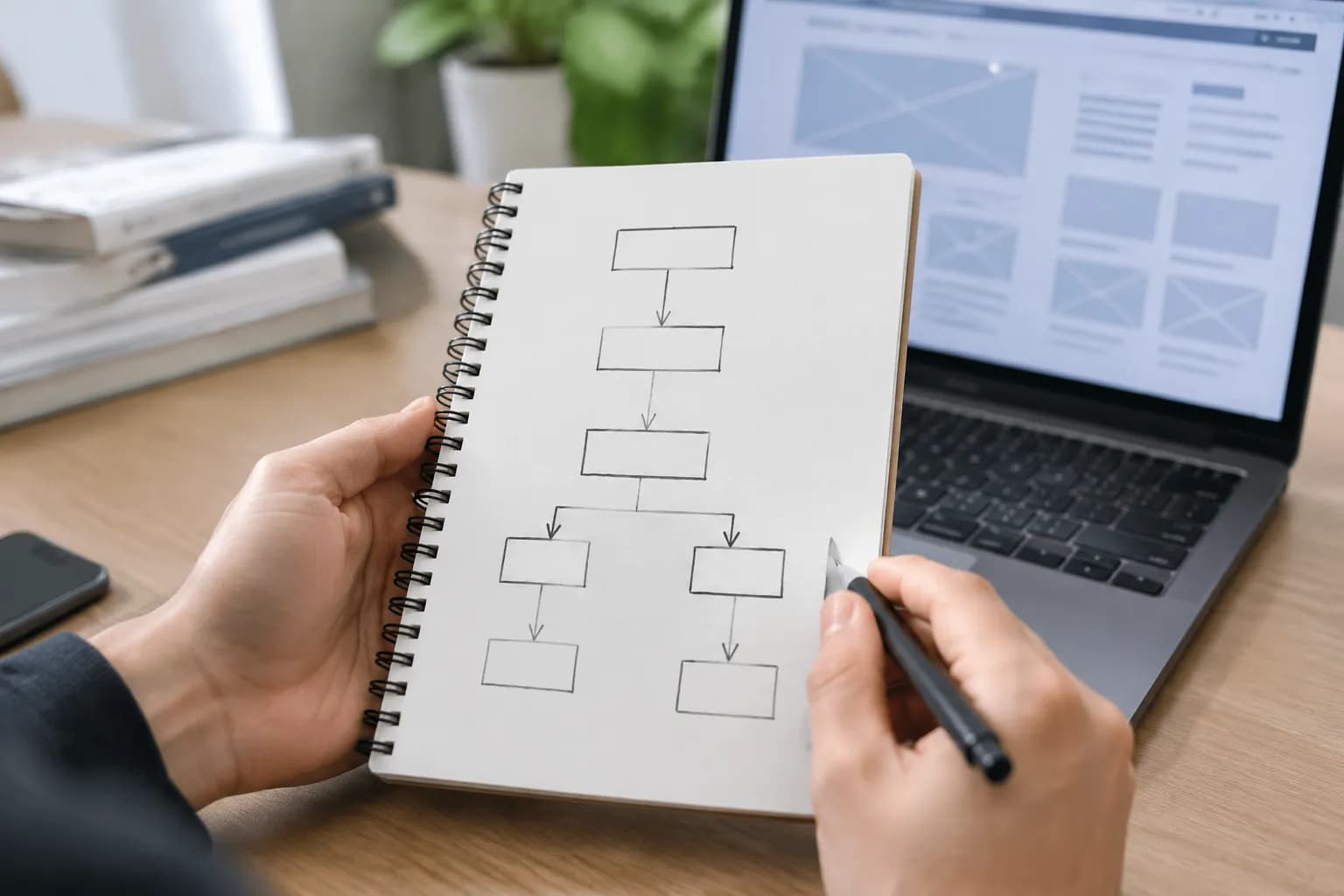
So instead of a lame prompt like "create a website for my business," you want to use smarter prompts to build a clear structure.
For instance, try asking the AI to "design a homepage layout that pushes newsletter signups and funnels people toward the services page." This pushes the AI to create a structure with a logical content hierarchy and strategically placed calls to action (CTAs), a technique recommended by Website Builder Expert.
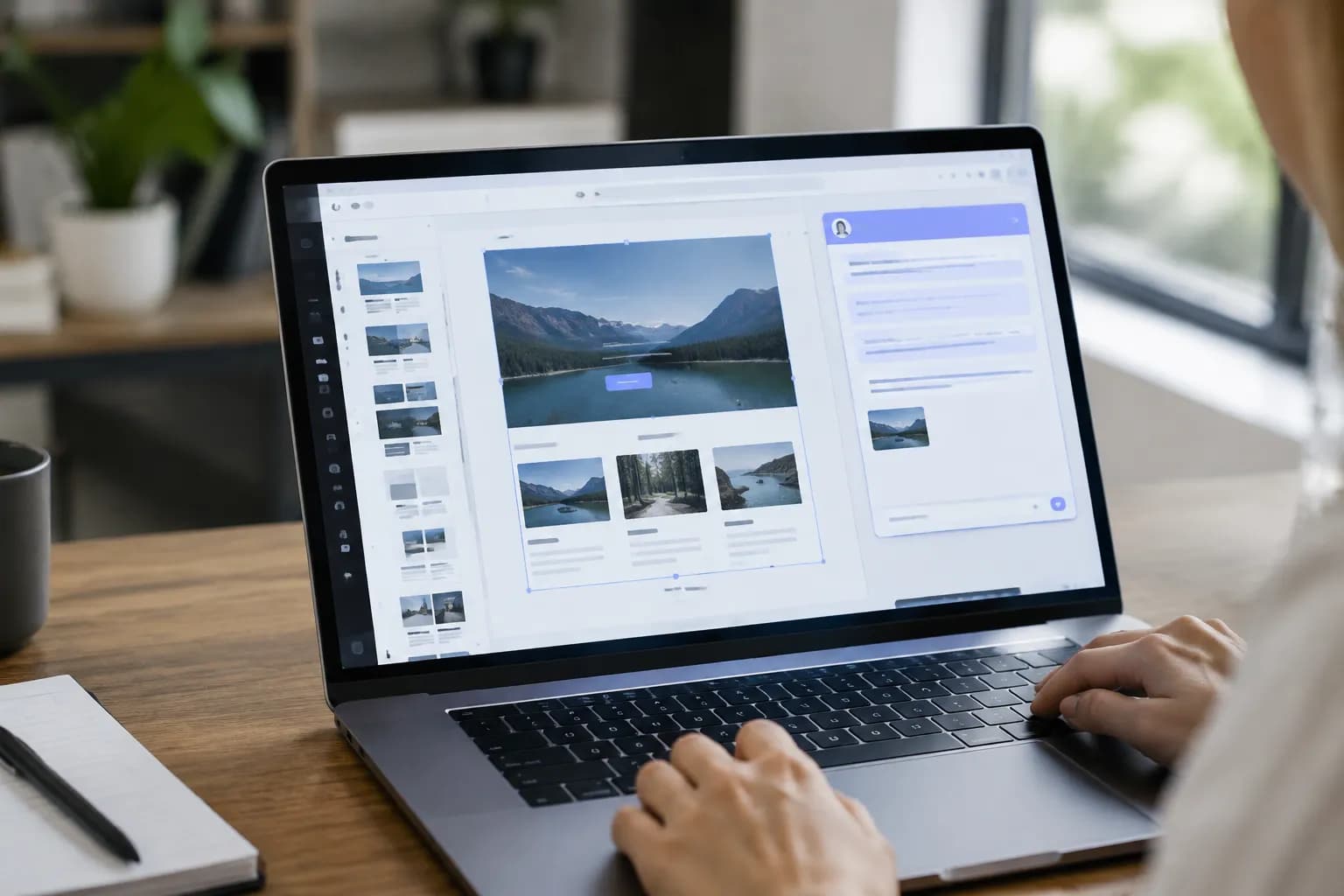
Visual design is another area where AI shines. You can use integrated AI image and layout generators to create stunning visuals and unique compositions.
However, never accept the first draft blindly.
Always review what the AI produces. Does the color palette align with your brand identity? Is the typography readable and professional?
As resources on AI design tools point out, the human eye is still the best judge of brand consistency and aesthetic appeal.
The goal is to use AI as a creative partner, not a final decision maker. Use it to generate ideas, then refine them to perfectly match your brand's voice and style.
Perhaps the most important practice in design is continuous improvement. A website is never really "done." You have to keep testing and tweaking all the stuff the AI helped you create.
This is where A/B testing becomes your best friend. Use it to pit different headlines, button colors, or even whole page layouts against each other to see what your audience actually responds to. A lot of platforms now have AI-powered analytics that give you cool insights, but it's even more powerful when you mix that data with feedback from actual users.
Just like Hostinger's AI tutorials talk about, this constant cycle of testing, learning, and refining is what really separates a good website from a great one.
Crafting a Winning Content Strategy with Your Website Builder AI
Let's talk content, it's pretty much the soul of your website. It’s how you show your value, build trust, and actually connect with people. A website builder ai can crank out text like crazy, but whether that content is any good totally depends on your strategy and the prompts you give it.
Your best bet is to use small, super-specific prompts. Don't just ask it to "write content for my website", you need to break it down. Tell it to "write three headline options for a landing page aimed at freelance photographers" or "draft a 200-word product description for a handmade leather wallet." This focused approach, which guides on AI prompts talk about a lot, gives you custom-fit content for each page instead of just a big wall of generic fluff.
Here’s a rule you can't break: always, *always* edit and humanize what the AI gives you.
An AI has no idea what your brand's voice is, what your personal stories are, or what you know about your industry. It often spits out text that feels stiff and robotic.
It's your job to inject your personality into it. Read every single sentence out loud. Does it actually sound like something you'd say?
Is it even right?
For small businesses and freelancers, that personal touch is your secret weapon. That's what helps you build a real connection with customers.
Think of the AI's draft as just a starting point, a lump of clay, that you then get to shape into your brand's true voice, a point that Wix's own best practices also make.
AI is also a beast when it comes to search engine optimization (SEO). It can do keyword research and give you terms to sprinkle into your content, but you've got to find the right balance.
Avoid the temptation to "keyword stuff," which is stuffing your text with so many keywords that it becomes unnatural and hard to read. Google and your users will see right through it.
Instead, weave the suggested keywords into your content naturally, focusing on creating valuable, user friendly information.
Finally, leverage AI for personalization. You can use it to create dynamic pages that show different content to different users or to power product recommendation engines.
Just make sure you're upfront about your privacy policies and let users have control over their own data.

Key Optimization Techniques for Your AI-Built Site
Getting your website live is really just the starting line.
To ensure long term success, you need to continuously optimize its performance.
An ai website builder can be a huge asset here, especially when it comes to analytics. Many platforms integrate AI-powered analytics tools that can quickly process user data and provide actionable insights. These tools can show you which pages are most popular, where users are dropping off, and how effective your CTAs are.
This data is pure gold. Use it to make smarter decisions on everything from small design tweaks to big content changes, a tip you'll see from places like Hostinger.
Security is another place where AI can give you a major leg up, but you still need to pay attention. Definitely use the AI-powered threat detection features that many builders now offer.
These systems are always on the lookout for sketchy activity and can help shield your site from attacks. But the basic stuff is still on you.
That means using strong, unique passwords, turning on SSL encryption to keep user data safe, and if your AI tool spits out any code, getting a human to look it over for security holes. As a deep-dive guide from Wix points out, security is a team effort between you and the platform.
Making your site accessible to everyone, including people with disabilities, isn't just a "nice thing to do", it's the right thing to do, and often, it's the law. AI can lend a hand by doing things like automatically whipping up alt text for your images. This is the descriptive text that helps people who use screen readers understand what's in a picture.
But you still absolutely have to test things manually to make sure you're meeting modern accessibility standards. Automated tools can't catch everything, so running your site through a screen reader yourself or doing other manual checks is crucial for making sure everyone can use your site.
This hands-on approach is the only way to be sure your site is truly usable by everyone. And finally, let's just acknowledge that the world of AI is changing at a wild pace.
If you want to stay ahead of the curve, you've got to stay in the loop.
Make it a habit to check out your provider's updates every few months. Don't be afraid to play around with new features when they drop. What feels super advanced today will probably be totally standard tomorrow.
Committing to always learning and adapting is what will keep your website a sharp, effective tool for your business, a point that future-focused articles, like one from Windows Forum, really drive home.
Why Human Oversight is Still Essential with any AI Website Builder
With all the talk about automation and artificial intelligence, it's easy to wonder if the human touch is becoming obsolete. The answer is a resounding no. In fact, when using an ai website builder, human oversight is more important than ever.
Think of the AI as your incredibly fast, but sometimes naive, junior designer.
You are the creative director, the strategist, and the final quality control. Every single thing the AI spits out, whether it's a paragraph of text, a design layout, or a bit of code, needs to be checked by a real person.
This is your chance to catch mistakes and weird inconsistencies. The AI might completely misunderstand what you asked for and create something that's just plain wrong or doesn't fit your brand at all. It could whip up a design that looks great by itself but totally clashes with the brand you've already built.
These are the kinds of slip-ups that can really hurt your credibility. That’s why so many experts, including the folks at Website Builder Expert and Wix, say that a solid human review is the one step you can't skip before you publish. Think of it as your safety net.

Beyond just catching errors, this is about flexing your critical thinking muscles. You can't just blindly trust whatever the AI gives you. You have to stay a little skeptical and question its choices.
Ask yourself, "Okay, why did it suggest *this* layout?" or "What's the thinking behind *that* phrase?" Does it actually line up with what you're trying to achieve?
Industry watchers are all talking about the need for transparency.
You need to know which parts of your site were genuinely created by AI and which weren't. Having this critical mindset keeps you in the driver's seat and makes sure the final product is a real reflection of your vision, not just some algorithmic echo.
Your brand's authenticity is on the line, and that's one thing no AI can fake.
Unlocking Success with Prompt Engineering for Your AI Website Builder
Here's the deal: the quality of your website comes down to how well you talk to the AI. This is where "prompt engineering" comes into play, and it's probably one of the most important skills you can have for using an ai website builder in 2026. A prompt is just the instruction you give the AI.
So if you give it a vague prompt, you're going to get a vague result.
A sharp, purposeful prompt, on the other hand, will get you something targeted and effective.
So instead of just tossing out a generic command, really think about the specific goal for every single thing you're creating. This is your moment to direct the AI with laser focus.
Let's walk through a few real-world examples to see what I mean. For your homepage, a pretty weak prompt would be something like, "Create a homepage." A much stronger, purpose driven prompt would be, "Create a homepage layout for a life coaching business that immediately builds trust and encourages visitors to book a free discovery call." This tells the AI about the business type, the desired user emotion (trust), and the primary call to action. The result will be a layout that is strategically designed for conversions.
According to a detailed guide on AI prompts, this level of detail is a game changer.
This idea applies to literally every part of your site. When you're working on content, don't just say, "Write some product descriptions." Instead, try something like this: "Generate three different product descriptions for our eco-friendly yoga mat, with one for each of these groups: total beginners, experienced yogis, and eco-conscious shoppers." Or for your blog, a prompt like, "Suggest ten blog post titles about productivity for freelancers that focus on work-life balance and avoiding burnout," is going to give you way better ideas than just asking for "blog topics." By crafting these specific, goal oriented prompts, you transform the AI from a simple generator into a powerful strategic partner, helping you build a website that is not just fast, but also incredibly effective.
Conclusion Your Partner in the Future of Web Design
Navigating the landscape of 2026 and beyond means embracing the power of artificial intelligence without sacrificing your human ingenuity.
As we've seen, the best ai website builder 2026 isn't about finding one single platform; it's about having the right strategy. It's about making a smart choice when you pick your tools, zeroing in on what your business actually needs in terms of features, budget, and integrations.
It’s about stepping into the role of a creative director, guiding the AI with sharp design and content prompts, and always checking the results to make sure they sound like your brand.
Your role is to be the strategist, the editor, and the final quality check, infusing your unique personality into the digital foundation that the AI helps you build.
The most successful entrepreneurs, freelancers, and small businesses will be the ones who master this collaborative dance. They will use AI to handle the technical load and generate creative ideas, freeing them up to focus on what truly matters, connecting with their audience and growing their business.
They will use AI powered analytics for insights, but apply their human wisdom to make strategic decisions. This hybrid model, blending the efficiency of machine intelligence with the nuance of human creativity and critical thinking, is the key to building a website that is fast, effective, secure, and ready to evolve.
All the leading research, from outlets like Wix to Zapier, points to this conclusion.
Here at Kleap, we're building our entire platform around this idea. We're all about giving you powerful AI tools but making sure you're always the one in the driver's seat. Our ai website builder is designed to be your partner in this, making the building process way simpler so you can stay focused on your vision.
If you're ready to build a gorgeous, professional website that mixes the best of AI with your own unique human touch, we'd love for you to see what Kleap can do for you. Start building your future today, you might be surprised how easy it is to bring your vision to life.