AI Website Builder With Code Access Pros and Cons

You have the vision for your brand, and you have the drive to make it happen.
When building a website, you inevitably hit a crossroads.
Do you choose the path of least resistance with a drag-and-drop tool, or do you opt for the road that offers granular control?
This is where the debate around using an AI website builder with code capabilities truly begins. It is a question we hear constantly from small business owners and creative entrepreneurs who feel torn between simplicity and the desire for unlimited customization.
The promise of AI in web design is speed. It takes the heavy lifting off your shoulders, generating layouts and copy in seconds rather than days.
But there is a lingering fear for many. This is why the search for an AI website builder with code access has skyrocketed.
You want the safety net of manual editing if the artificial intelligence hallucinates a design choice that doesn't fit your brand.
This decision impacts the budget and long-term growth of freelancers and startups. A custom website builder without subscription lock-ins sounds like a dream, but it often requires technical skills that take away from your time selling or creating. At Kleap, we observe users struggling with this balance every day.
They want the power of a developer without actually having to be one.
In this guide, we will break down exactly what code access entails, why you might think you need it, and when it might actually be a trap that slows down your business growth. We will look at the research, explore the pros and cons, and help you decide if an AI website builder with code is the right tool for your digital strategy or if a smart, mobile-first AI platform is the better route.

Key takeaways
- Before you can make a smart choice, you've got to understand what 'code access' even means when we're discussing it.
- There are specific scenarios where having direct access to the codebase is not just a luxury but a necessity.
- Having total control sounds great in theory. However, it often costs a lot of time.
- To help you see where different tools fall, we've broken down the most common ways AI is used to build websites.
- Before you pull out your credit card for any platform, you've got to think about a few hidden factors.
Understanding Code Access in AI Website Builders
Before you can make a smart choice, you need to understand what "code access" means when discussing today's AI tools. It’s not really a black-and-white issue. Think of code access as a bridge; it connects the easy convenience of no-code platforms with the limitless possibilities of custom development.
When you're searching for an AI website builder with code, what you’re really after is the chance to peek behind the curtain.
Some platforms allow you to grab your site’s code and walk away with it. Take a builder like Dorik, for instance; they let users export their entire website in a JSON format.
This comes in handy if you ever think you might move your site somewhere else. Then you've got the other extreme: solutions like WordPress. When combined with AI page builders, WordPress offers direct code editing capabilities for HTML, CSS, and PHP.
This is the traditional definition of "code access," where you can break things if you are not careful.
Research shows a clear divide in how these tools function.
According to Dorik's analysis of website builders, the market is divided into "walled gardens" where changes are not permitted and open environments where you have full management control. The former protects you from errors, while the latter gives you freedom.
There is also a middle ground emerging.
This is where you might see an AI website builder free with code snippets, where the platform builds the main frame for you but allows you to insert your own custom CSS or bits of JavaScript for things like tracking pixels or small design changes. This distinction is vital.
Do you want to build the engine, or do you just want to be able to change the oil?
Most entrepreneurs really only need the latter, even if they think they want the former.
Try it — build your site while you read
Describe what you want and get a live, publishable site in seconds. Free to start, no code.
Join 200,000+ makers building real websites with Kleap.
When Code Access Is Valuable
There are specific scenarios where having direct access to the codebase is not just a luxury but a necessity for your business's survival.
We need to be clear about these situations. If your business model relies on unique data processing or highly specific user flows, a standard template won't suffice.
The main argument for code access is about future-proofing your investment. Vendor lock-in is a significant risk with many of the big-name AI website builders out there. Many major players provide no official way to export your site.
Once you build your empire on their land, you're pretty much stuck paying their rent forever. WPBeginner points out this very risk highlights the risk of getting trapped on one platform without access to your code.
If there's even a small chance you'll need to move your site down the road, having code access gives you that crucial bit of freedom.
Then you have to consider advanced customization. Most AI website builders lean heavily on pre-made templates. When your brand's entire vibe is about being unique, you will need more.
If you need something special, like custom subscription models or dynamic pricing that pulls from your own database, code access allows you to build beyond the platform's built-in limits. This is a significant deal for businesses trying to make a name for themselves in a crowded space, where a cookie-cutter website makes you fade into the background.
Finally, let’s talk about special features and cost. If you need some advanced e-commerce tools that the builder doesn’t offer out of the box, code access lets you roll up your sleeves and build your own solution.
In fact, growing businesses that know they'll eventually need more than the basics should consider that B12's research on AI builders shows being able to access the backend is critical. It also helps with cost management; rather than paying for multiple plugins, you can code a simple solution yourself.

When Code Access Isn't Necessary
Having total control sounds great in theory, but it often costs a lot of time and mental bandwidth. For many of you reading this, an AI website builder with code might be excessive.
In fact, it could be the very thing that stalls your launch.
If you are just starting out, simplicity is your best friend. For entrepreneurs and freelancers launching their first online presence, the complexity of code access may actually slow you down.
The goal is to get your offer in front of customers, not to fiddle with closing tags in HTML. AI website builders excel at rapid, budget-friendly site creation without requiring technical knowledge.
Their user-friendly, drag-and-drop interfaces eliminate tech headaches, so you can actually focus on your content and growing your business.
Here at Kleap, we zero in on that exact pain point; our goal is to get you a mobile-perfect site launched in minutes, not drag it out for weeks.
If you don't need super-complex performance features, you might be better off without code access. The irony is that a little bit of bad coding can slow your site down much more than you'd think. Experts note that if you don't know how to optimize scripts, access to the code allows you to accidentally degrade your user experience.
If you lack technical skills, be realistic with yourself. While code access sounds powerful, actually using it requires at least a basic understanding of web development.
Even learning how to handle things like advanced SEO settings or tricky custom navigation can be a much steeper climb than you’d expect. If you can't afford to hire a developer, that "code access" just becomes a complicated, unused feature cluttering up your dashboard.
Next thing you know, you're just staring at a screen you don't understand, too scared to touch anything.
Top AI Website Builder Approaches Compared
To help you see where different tools fall, we've broken down the most common ways AI is used to build websites today. This list will help you identify which category fits your technical comfort level.
1. The Full Code Ecosystem (WordPress + AI)
This is the heavy lifter. You use WordPress as the core CMS and layer AI plugins on top for layout and content.
You have total access to every file on the server. You can break it, fix it, and mold it.
- Best for: Agencies and developers.
- Pros: Unlimited freedom, total code ownership.
- Cons: High maintenance, major security risks, and a seriously steep learning curve.
2. The Smart Hybrid (Kleap)
This is really the sweet spot where efficiency and quality meet.
The AI puts together the website's foundation based on what your business actually needs, with a huge focus on mobile conversions and SEO from the start.
While you aren't messing around with raw HTML files, the platform is specifically designed to eliminate the need for code by providing smart integrations and powerful customization options.
- Best for: Solopreneurs, creators, and service-based businesses.
- Pros: Incredibly fast, zero maintenance, and a mobile-first design.
- Cons: You're relying on the platform for big updates, which is usually a good thing.
3. The Walled Garden (Traditional Builders)
Think of platforms like Squarespace or the AI version of Wix here. They provide stunning templates and some cool AI tools, but your website's code is completely locked down. You can't really export it, and you have no ability to modify the backend logic.
- Best for: Artists and designers with purely visual portfolios.
- Pros: You get polished designs right away.
- Cons: There is a huge risk of getting locked in, and it's a nightmare to move your data.
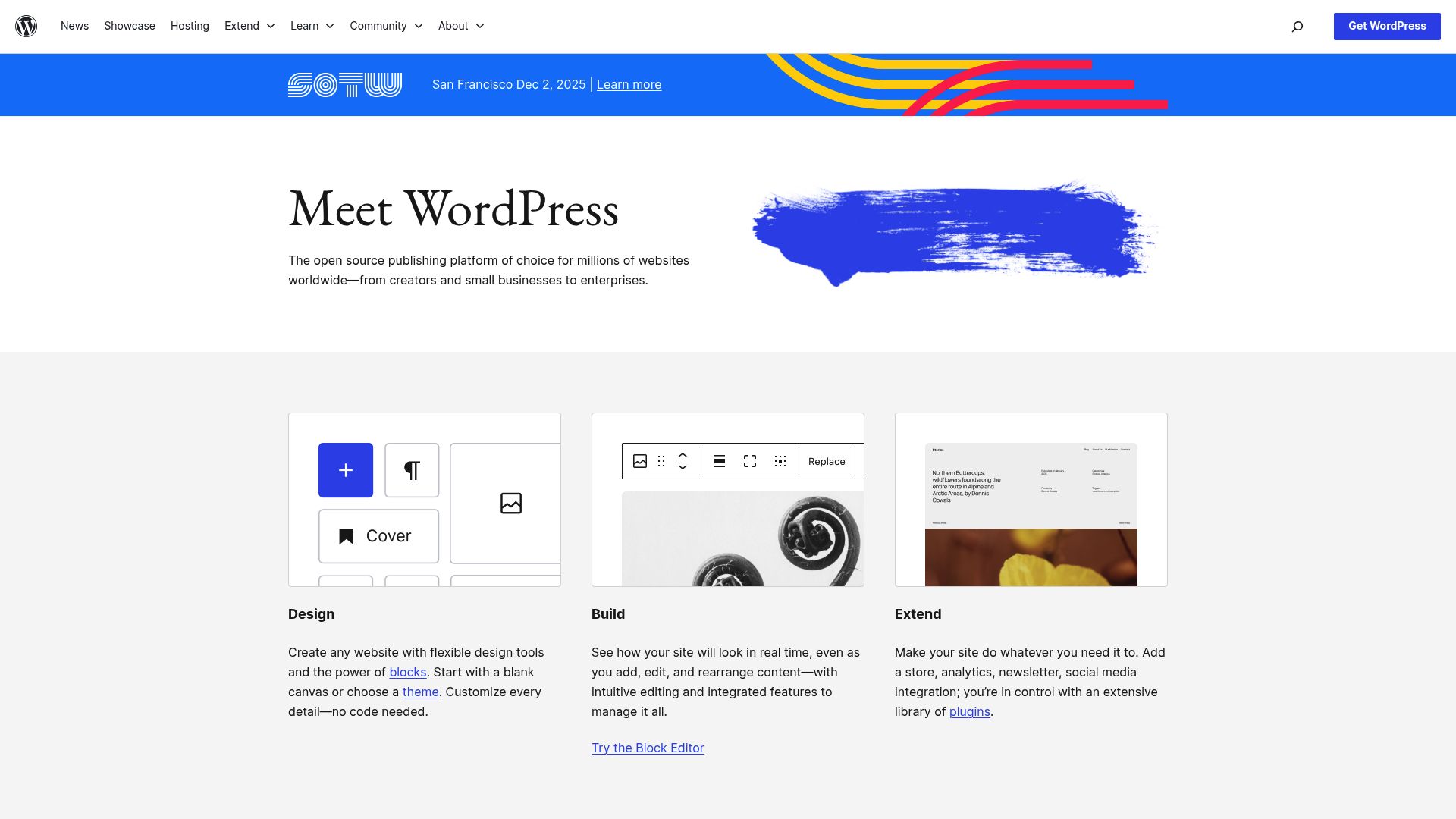
Above: Here's a peek at WordPress, which is basically the gold standard for full code access and is often paired with AI tools these days.
Source: wordpress.org
Critical Considerations for Small Businesses
Before you pull out your credit card for any platform, you need to consider a few hidden factors. This isn’t just about the words on the screen; it’s about how the software you choose will actually affect your business down the line.
The whole debate over an AI website builder with code tends to overlook these potential logistical nightmares.
The risk of vendor lock-in is the quiet killer of agility for a small business. Many popular AI website builders simply don't allow you to migrate your site.
Before you sign up for anything, please check if you can export your site's code or content in a way that’s actually usable. If you’re an entrepreneur planning for the long haul, this is a total non-negotiable.
You must own your own data.
You also need to consider privacy and data security. To achieve that cool AI personalization, the system has to gather user information.
That data might be passed through third-party platforms, which could put you in a difficult position when it comes to protecting your customers' data. As HubSpot's own look at AI website builders points out, when you handle customer data with your own custom code, you're taking on a lot more liability.
If you write the code, you are responsible for any security breaches.
Lastly, think about maintenance responsibilities. Having code access also increases your maintenance duties significantly.
Suddenly, you're responsible for updates, security patches, and fixing your own custom code, all tasks that a managed platform would handle for you.
Do you really have time to run plugin updates every Tuesday?
Probably not.

The Practical Middle Ground: WordPress with AI Tools
For small business owners who want some flexibility but don't want to get buried in complexity, mixing WordPress with AI page builder plugins and AI coding assistants can be a balanced option.
This kind of setup gives you AI-powered help with design while still leaving the door open for you to add custom features with code snippets, all without having to become a coding whiz. You can cut down on having too many plugins, boost your site's performance, and reduce security headaches. You can do all this while keeping the power to add your own special touches when needed.
But you have to remember that this 'middle ground' still means you're in charge of your own hosting and updates. It is not a set-it-and-forget-it solution like Kleap, but it is a valid path for those who demand code access.
Final Recommendation
The question of whether to use an AI website builder with code comes down to resource allocation. Where is your time best spent?
We have analyzed the landscape, and the choice usually falls into three categories.
Choose an AI builder with code access if: You are planning significant technical growth, have a developer on your team, or need highly specific database interactions that no standard tool offers. You must be willing to handle security and maintenance yourself.
Choose Kleap (The Smart AI Builder) if: You are an entrepreneur, freelancer, or small business owner who wants to convert visitors into customers immediately.
You want the benefits of a custom site, speed, and SEO, and mobile perfection without the headache of managing HTML or CSS.
Kleap gives you the professional edge without the technical debt.
Consider WordPress with AI tools if: You want the best of both worlds but are willing to accept the maintenance burden.
It is a solid choice for those who want to tinker under the hood and have the time to learn the mechanics of the web.
The key is honest self-assessment: evaluate your current needs, anticipated growth, technical capabilities, and budget. Code access adds power but also responsibility. For many of you reading this, a simpler, managed AI website builder will do everything you need. It will be much more cost-effective than paying for code access you'll never actually use.
FAQ
Q: Can I export my website code from any AI builder?
A: Nope.
Most of the popular AI builders are 'closed platforms' (SaaS). You're basically renting the software and the hosting. Only certain builders or open-source platforms like WordPress will let you fully export your code.
Q: Is an AI website builder good for SEO?
A: Yes, absolutely. Modern AI builders like Kleap are built from the ground up to meet Google’s latest standards, especially when it comes to mobile speed and site structure, two of the biggest ranking factors right now.
Q: Do I need to know coding to use a builder with code access?
A: For the most part, yeah. Even if you plan to ignore the code features, just having that access means you might have to figure out conflicts on your own.
If you're committed to a no-code experience, it’s best to stick with platforms designed specifically for that.
Q: What is the best free AI website builder with code access?
A: "Free" usually comes with some serious strings attached. WordPress.org itself is free software, but you still have to pay for hosting.
Some builders might give you a free trial and then let you export code once you upgrade to a paid plan, but finding a totally free AI builder with full code access is pretty rare because of the server costs involved.


