3 Steps to Launch Your Website with an AI Website Generator for Beginners

You have an incredible business idea. You have the passion, the product, and the drive. But then you hit a wall that stops thousands of entrepreneurs in their tracks.
That wall is web design.
For years, building a professional site meant hiring expensive agencies or spending weeks learning complicated code.
That era is over. Today, finding the perfect AI website generator for beginners is the smartest shortcut to launching your online presence. Whether you serve coffee or consult clients, modern technology levels the playing field.
You might be thinking that AI is just a buzzword. It often feels that way. In the world of web development, however, it serves as a practical tool. It changes how we work.
An easy AI website builder acts like a virtual partner. It asks you about your goals, your style, and your content.
Then it builds the structure for you.
No dragged-out timelines. No confusing jargon.
Just a straight path from idea to launch.
Here is what we are going to cover.
We will break down exactly how these tools work and which one fits your specific needs. We will look at the big players and the agile newcomers.
By the time you finish reading, you will know exactly how to create a professional website with AI without becoming frustrated. Let’s get your business online.

What you'll learn
- Why the Right AI Website Generator for Beginners Matters
- Reviewing the Top AI Website Builders
- Comparing Key Features for Your Business
- Key Considerations Before You Choose
- How to Create a Professional Website with AI: A Quick Workflow
Why the Right AI Website Generator for Beginners Matters
Speed is the currency of the modern internet. If you spend three months building a website, that is three months you are not selling.
An AI website generator for beginners eliminates the learning curve traditionally associated with web design. Instead of getting lost in complex dashboards or fighting with HTML, these platforms essentially interview you.
It feels more like having a quick chat with a consultant. It is not a stressful technical setup. This approach really resonates with small business owners and freelancers.
You simply do not have the time. You cannot become a WordPress expert. You need results fast.
The software takes what you tell it and automatically puts together a custom website built for your specific goals. This includes layout, images, and even text content. It allows you to focus on what you do best: running your business.
Cost is another massive factor here. Custom development can cost thousands of dollars. Even traditional do-it-yourself builders can become pricey when you add plugins and themes.
Most AI solutions come as an all-in-one package.
You get the hosting, the design, and the tools in one subscription.
It is the most financially responsible way to test a business idea.
Your competitors might be stuck trying to fix a broken plugin.
At the same time, you are publishing content and collecting leads.
Using an AI website generator for beginners isn't just about making things easier; it is about being smarter with your resources.
It establishes your authority immediately without the technical debt.
Try it — build your site while you read
Describe what you want and get a live, publishable site in seconds. Free to start, no code.
Join 200,000+ makers building real websites with Kleap.
Reviewing the Top AI Website Builders
Choosing the right tool can feel like a huge task, mainly because there are so many options to sift through. We have analyzed the market to bring you the best platforms available right now, focusing on ease of use, speed, and launch readiness.
Kleap: The Mobile-First Innovation
If you are a creator, freelancer, or service provider, you rely heavily on your phone. Most of your customers do too.
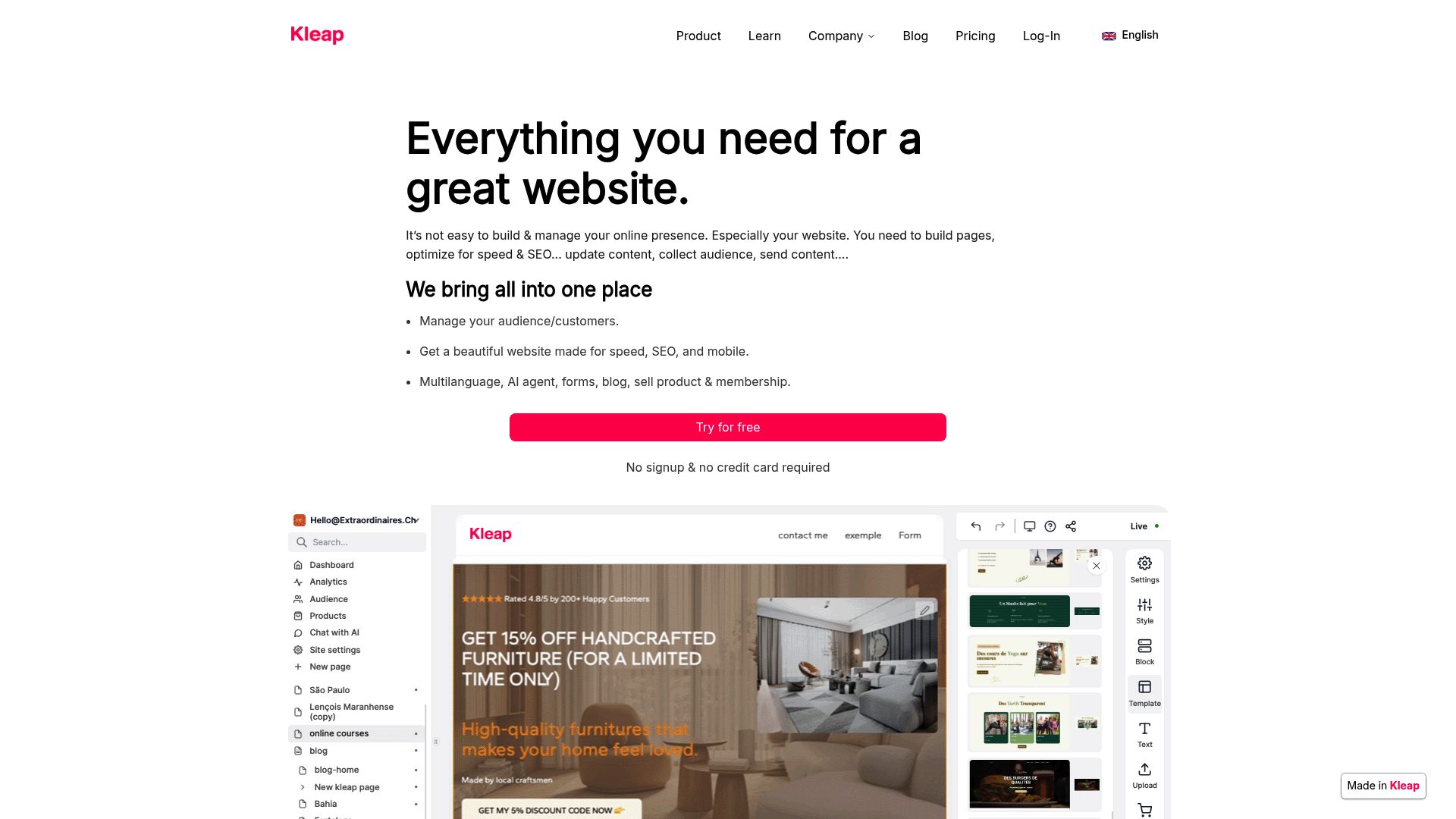
And that's exactly where Kleap shines. While most builders create a desktop site and then awkwardly shrink it for phones, Kleap was built with mobile in mind from day one. It's probably the most efficient AI website generator for beginners out there if you want to start selling your services or products immediately.
The AI inside Kleap builds you a fully functional page in just seconds. It’s laser-focused on one thing: turning your visitors into actual customers. Plus, the interface couldn't be simpler.
You don't get bogged down in moving pixels around.
You focus on your offer. It integrates payment processing and booking seamlessly.
For entrepreneurs who want to move quickly and present well on Instagram or TikTok, this is the premier solution.
Here's a link link to check how it works.
📸 kleap.co
Jimdo: The Easiest Learning Curve
Jimdo gets a lot of praise for being one of the most beginner-friendly options on the market. Their platform runs on an AI system called Dolphin. All you have to do is answer a few simple questions about your business, and it gets to work creating a custom site for you.
It’s almost like filling out a survey and getting a free website at the end.
What makes Jimdo really stand out, though, is its block-based editor. This makes arranging your content incredibly simple, even if you have absolutely no technical background.
You cannot simply drag things wherever you want and risk breaking the layout; instead, you must stack blocks. It’s a neat trick that ensures your site always looks clean and professional. The platform also comes loaded with a huge library of free photos and can even pull in content from your social media for a lightning-fast setup.
You can learn all about their features in this review on Trickle. With a free plan and paid options starting around $11/month, Jimdo is a really accessible choice no matter what your budget looks like.
All in all, it’s a solid, reliable choice for local businesses like restaurants or consulting firms.
Wix: The Complete All-Around Solution
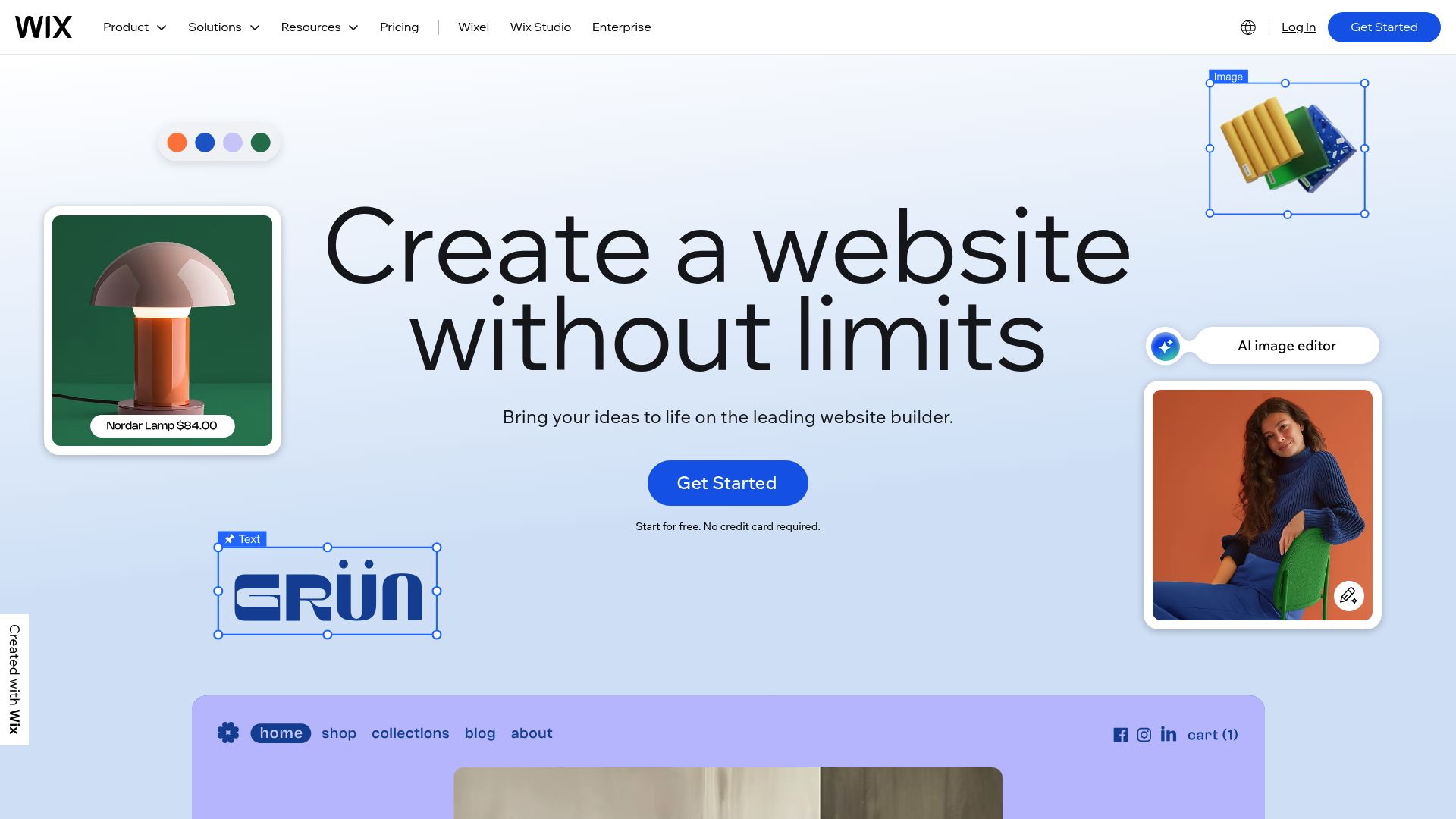
You've almost certainly heard of Wix. They've been a major player in AI-powered website design since they first rolled out their Artificial Design Intelligence (ADI) back in 2016. It’s still one of the most versatile AI website generators for beginners serving small businesses, striking a great balance between powerful features and ease of use.
If you think you'll need a huge site with all sorts of complex features, Wix is a real heavyweight contender.
Wix offers a toolset of AI capabilities that’s hard to beat, covering everything from site generation to creating short- and long-form content and even developing images.
They even have a cool feature that adjusts the tone of your copy, so you can sound buttoned-up and professional or fun and quirky. On top of all that, the platform gives you AI-guided SEO support that looks at your pages and offers smart recommendations. You can find more details on their tech capabilities at Tech.co.
Wix starts at roughly $17/month. This price gives you access to over 800 templates.
It is a bit more expensive, but you get a lot of power under the hood. The trade-off is that the editor can sometimes feel a bit crowded with options.
📸 wix.com
Hostinger: Maximum Affordability
For entrepreneurs on tight budgets, Hostinger offers the most affordable entry point. You'll often see their plans starting at just $2.99 per month, a price that’s hard to argue with. Even though it's cheap, you're not sacrificing the features you actually need.
The platform packs a full suite of AI tools, including a website generator, content writer, image creator, and even heatmap analysis.
That heatmap analysis is a genuinely professional feature; it gives you a visual map of where your visitors are focusing on the page.
Hostinger also lets you build up to 100 different websites on a single account, which is a huge deal. This is fantastic if you want to test multiple niche ideas. You also get free domain names with yearly plans and 24/7 customer support.
It is an excellent choice for budget-conscious startups.
Site123: The Essential Builder
Sometimes you just want the basics done right. Site123 is recognized as one of the easiest-to-use AI website builders on the market.
The platform takes care of every design element. Users simply need to upload their own content and let Site123 handle the rest.
It’s pretty much impossible to break your site's design because the system locks the layout structure for you.
The setup is incredibly fast, thanks to some solid AI features, and it has pretty good e-commerce tools for selling products online. Their pricing is competitive, and there’s a free forever plan.
If the idea of messing up a design terrifies you, Site123 is your safe harbor.
Squarespace: Best for Creative Professionals
Squarespace is a fantastic choice for beginners, especially if you’re in a creative field like photography, art, or design.
It has a reputation for being one of the easiest website builders for beginners who care deeply about aesthetics. It might take a little more time to get comfortable with than Jimdo, but the results are absolutely stunning.
The AI features are great for rewriting text and generating layouts that look like they were designed for a glossy magazine.
At $16 per month, Squarespace helps you create beautifully designed, professional sites.
You don't need much technical skill, but having a good eye for high-quality images will take you far.

Comparing Key Features for Your Business
It helps to see these options side by side. The market for the AI website generator for beginners is crowded, so looking at the data clarifies things. Here is how they stack up.
| Feature | Kleap | Jimdo | Wix | Hostinger | Squarespace |
|---|---|---|---|---|---|
| Best For | Mobile & Sales | Absolute Beginners | Feature Richness | Low Budget | Visual Portfolios |
| Starting Price | Free Trial / Competitive | $11/mo | $17/mo | $2.99/mo | $16/mo |
| Setup Speed | Instant | Very Fast | Fast | Very Fast | Moderate |
| AI Capabilities | Conversion Focus | Dolphin AI | Full Suite | Full Tools | Design/Copy Assist |
| Ease of Use | Excellent | Excellent | Good | Very Good | Very Good |
Key Considerations Before You Choose
Selecting an easy AI website builder is not just about the first five minutes. You have to live with this tool for the life of your business. Practicality matters.
You need to think about where your business will be in a year.
Assessing Your Budget
If you are starting with minimal investment, looking at the long-term cost is vital. Hostinger ($2.99/month) or free plans offer excellent value to start. However, remember that cheap introductory prices often renew at a higher rate.
For anyone willing to spend a bit more for a truly comprehensive set of features, Wix has the most extensive AI toolkit by far. Kleap hits a sweet spot, offering incredible value by focusing on sales-driven features without any unnecessary bloat.
Technical Comfort Level
Let's talk about your technical comfort level. Be honest with yourself about your skills; tools like Site123 and Jimdo demand the least amount of technical heavy lifting.
They pretty much handle all the design decisions for you, which might limit your creative freedom a bit but absolutely guarantees you’ll end up with a functional site. If you are the type of person who needs to change the exact shade of blue on a button, you might get frustrated with the simpler tools.

Speed to Launch
How fast do you need this live?
If you have an event this weekend, you need something like Kleap or GoDaddy.
GoDaddy has a reputation for getting your website up and running faster than almost any of the old-school platforms.
That said, Kleap is a game-changer for mobile users who need speed.
Site123 and Hostinger are also great choices if getting your site live quickly is your top priority.
How to Create a Professional Website with AI: A Quick Workflow
So, what's the workflow for creating a professional website with AI?
Using an AI website generator for beginners is most effective when you do a bit of prep work. Even though the AI does all the heavy lifting, remember that what you get out of it is only as good as what you put in.
Follow this simple process to get it right. First off, have a crystal-clear goal. Are you trying to capture emails?
Are you selling a product?
Or just showing off your portfolio?
The AI does its best work when you give it very specific instructions. So when the generator asks, "What is your website for?" you need to be specific.
Don't just say "Business."
Tell it, "I'm a local bakery selling gluten-free cupcakes." Second, get your assets together. Have your logo handy, and if you don't have images, don't worry. Most builders like Wix and Jimdo connect to libraries like Unsplash automatically.
However, having one or two real photos of you or your product adds trust that stock photos cannot match.
Third, review the copy. The AI will write text for you, from headlines to "About Us" pages. It is usually pretty good, but it can sound generic.
Read through it. Add your specific flavor. If the AI writes "We provide good coffee," change it to "We brew the strongest espresso in Brooklyn." Small tweaks make the site feel human.

The Future of Web Design for Small Businesses
We are seeing a massive shift in how the internet is built. It is moving away from code and toward conversation.
The AI website generator for beginners is just the first step. Soon, your website will likely update itself based on trends. It might change its layout automatically for a visitor from a mobile device versus a desktop without you lifting a finger.
For entrepreneurs, this is liberating.
It means the barrier to entry is gone. You don't need a technical co-founder. You don't need a $5,000 budget.
You just need an idea and a few minutes. Tools like Kleap are leading this charge by focusing on what actually drives business: speed, mobile capability, and conversion.
Our Recommendations by Profile
To wrap this up, let’s categorize the best choice based on who you are. One size rarely fits all in technology.
- For the Hustler on the Go: Choose Kleap. If you run your business from your phone and need to sell now, this is your tool.
- For the Budget-Conscious Startup: Choose Hostinger. It gives you the most runway for the least money.
- For the Absolute Technophobe: Select Jimdo or Site123. They offer a safe, guided experience where you cannot break anything.
- For the Feature-Hungry Business: Go with Wix. If you need complex bookings, forums, and member areas, their ADI will start you off right.
- For the Visual Artist: Consider Squarespace. Your portfolio will look gallery-ready instantly.
Building a website used to be a marathon.
Now it is a sprint. The best AI website generator for beginners is simply the one that gets you to the finish line so you can start the real race: growing your business. Don't overthink it.
Pick a tool, answer the questions, and hit publish.

Frequently Asked Questions
Will my AI-generated website be good for SEO?
Yes, most modern AI builders including Wix and Kleap generate clean code that Google can read easily. They often include built-in SEO tools to help you rank.
Can I edit the website after the AI builds it?
Of course. Think of the AI as giving you a solid foundation and a first draft.
You always have the final say and can jump in to change the text, images, colors, and layouts whenever you want.
Do I need to buy hosting separately?
Nope, not usually. Platforms like Jimdo, Wix, and Kleap are "hosted." This is just a fancy way of saying your monthly fee covers both the software and the server space to keep your site up and running.
Is an AI website builder cheaper than hiring a designer?
Oh, absolutely. It's significantly cheaper.
A designer could set you back anywhere from $2,000 to $10,000, plus maintenance fees. In contrast, an AI builder usually costs between $0 and $30 a month.
You really can create a site in minutes.
So why wait?
Go check out Kleap today and see what the next generation of web building feels like.


