3 Online Website Builder AI Tools for Remote Work

Let's face it, the way we work has completely flipped on its head.
For freelancers, entrepreneurs, and small business owners, the office isn't a building anymore; it's any place with a decent Wi-Fi connection. This new freedom is amazing, but it also comes with a major hurdle. How are you supposed to build and maintain a strong online presence when you're constantly on the go?
These days, just having a website isn't enough.
You need something that looks professional, performs like a beast, and that you can actually create and manage from anywhere without needing a programming degree or a whole team of developers. This is where an online website builder AI stops being just a tool and starts feeling more like a business partner.
Not too long ago, building a website meant you had two choices: wrestle with clunky, code-heavy platforms or shell out a ton of money for an agency. The game has totally changed.
Today's AI tools have opened up web design for everyone, giving you the power to launch a gorgeous, working site in way less time.
An online website builder AI basically uses artificial intelligence to do all the hard stuff for you. Think about it: it can whip up entire layouts, write compelling copy, create custom images, and prepare your site for search engines. All of this is done from just a few things you tell it. This is a total lifesaver for remote workers who have to be nimble and can't afford to waste time.
You get to focus on what you're actually good at instead of fighting with clunky software. We've dug into the top platforms out there to find the ones that are truly the best for remote work. We looked at their AI capabilities, how easy they are to use, and the real value they offer today's hustling entrepreneur.

Why an Online Website Builder AI is a Game-Changer for Remote Work
The biggest advantage an online website builder AI gives remote professionals is plain efficiency.
Imagine getting your entire digital storefront or professional portfolio built in a single afternoon, not over weeks. These clever platforms use AI to handle all the boring, time-sucking tasks that used to completely derail website projects. Instead of stressing over color schemes, font pairings, and page structure, you can let the AI create a cohesive design in seconds.
This frees up your brainpower to focus on what really moves the needle: your business strategy, your clients, and your growth. It's not just about saving time; it’s about regaining your focus. Beyond just speed, these tools are practically made for the remote work lifestyle.
Since they are all cloud-based, you can edit your website from your laptop at a coffee shop. You can also use a tablet on the train or your desktop at home. This freedom to work from anywhere is everything.
Plus, a lot of these platforms have solid collaboration features, so you can easily give a team member or a client access to check out changes or add their own content without any drama. For freelancers and scattered teams, having this one central place completely eliminates those confusing email threads and "which version is the latest one?" headaches.
An easy AI website builder acts as a single source of truth for your most important marketing asset, accessible to anyone on your team from anywhere in the world.
Try it — build your site while you read
Describe what you want and get a live, publishable site in seconds. Free to start, no code.
Join 200,000+ makers building real websites with Kleap.
The Top Players: A Deep Dive into the 3 Best AI Website Builders
When it comes to choosing an online website builder AI, the options can feel overwhelming. To cut through the noise, we focused on platforms that deliver the best combination of powerful AI features, remote-friendly workflows, and value.
What we found is that the top players each have a unique sweet spot, making them a great fit for different kinds of people. Whether you prioritize speed and simplicity, seek total creative control, or need a tool that does everything, there is something available for your remote work style.
Here’s a quick look at the top contenders before we get into the details.
Kleap: The Modern AI-Powered Solution for Entrepreneurs
While the market has large, established players, we believe the best solution is the one that takes you from a cool idea to a live, professional website in the least amount of time.
And that's exactly where Kleap shines.
It was built from the ground up for today's entrepreneur, solopreneur, and freelancer who just needs things to be fast and simple.
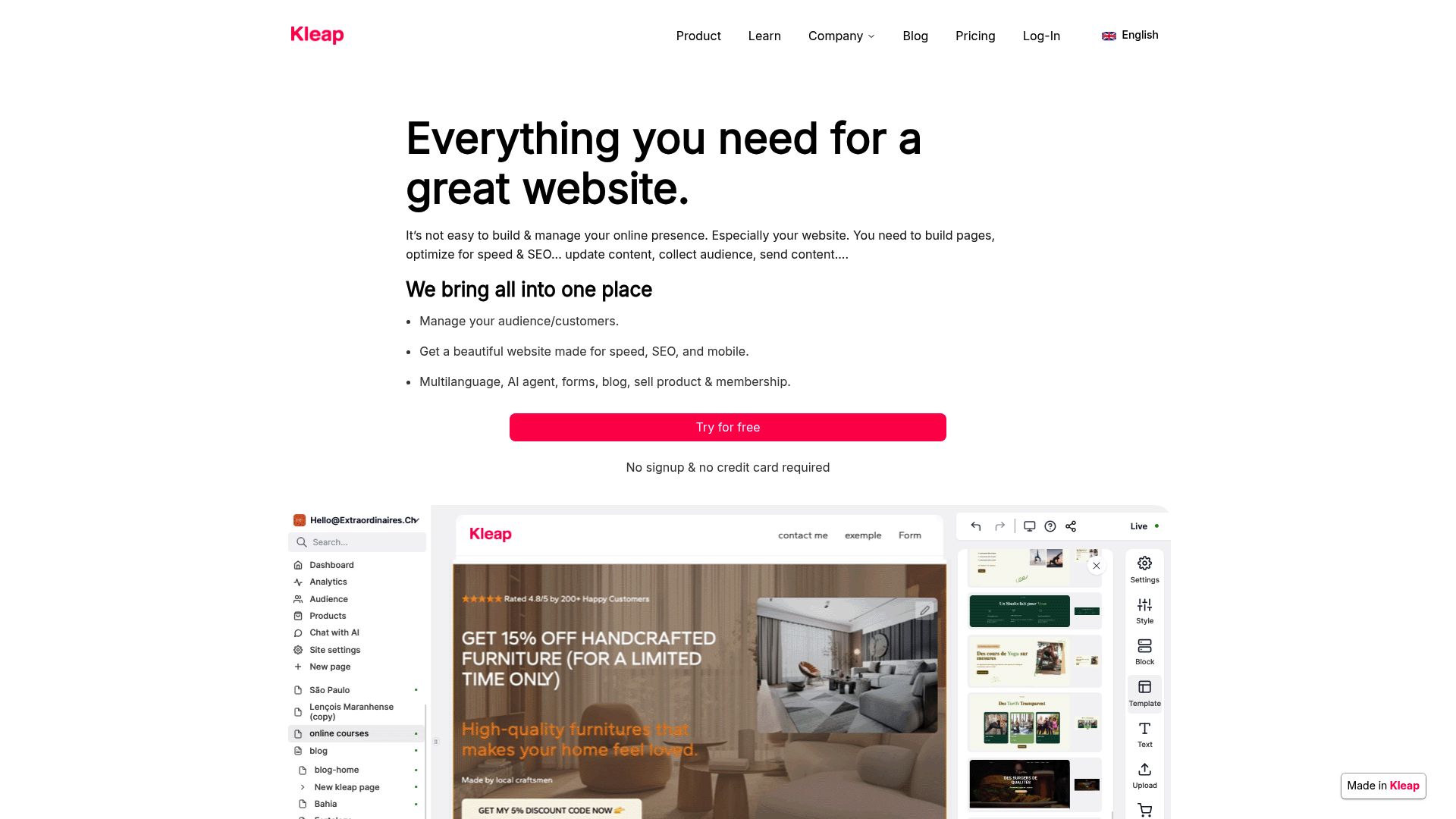
What really makes Kleap stand out as an AI tool website builder is its laser focus on a mobile-first approach. You can actually build and launch your entire website from your phone in a matter of minutes. That’s a game-changer for anyone who's not chained to a desk.
Kleap's AI doesn't just give you a hand; it does the heavy lifting for you.
Just give it a few simple details about your business, and it spins up a complete, professional-looking site with all the right content and structure.
You won't get lost in bloated menus or a million confusing choices. It’s pretty much the definition of an easy AI website builder. This super-streamlined approach is perfect for getting a new project off the ground, whipping up a landing page for a campaign, or just getting your portfolio online with zero hassle.
For any busy remote worker, Kleap removes the barriers and gives you a polished website right now.
📸 kleap.co/p>
Wix The All-in-One Online Website Builder AI
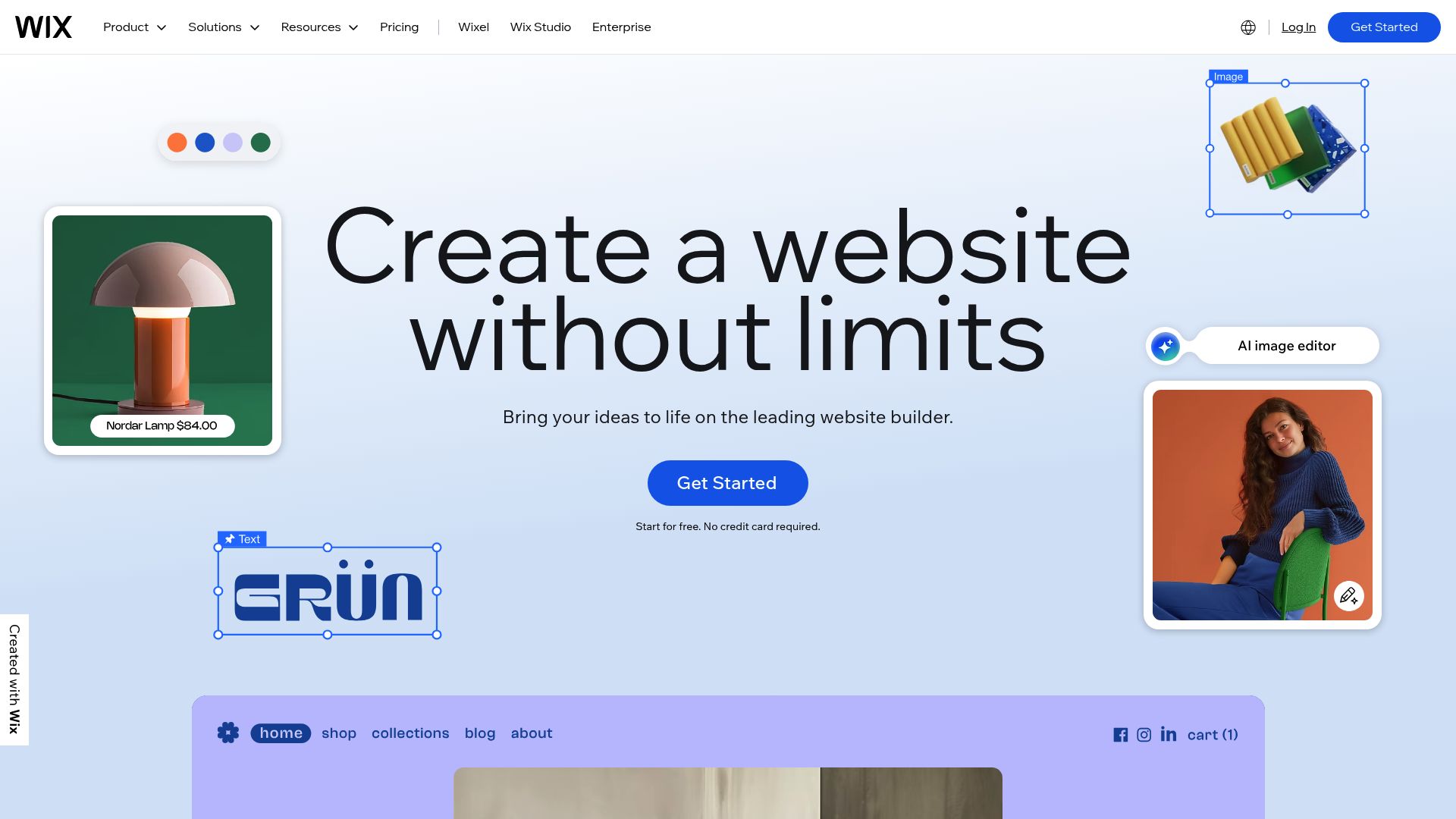
Look, Wix has earned its reputation as a giant in the website builder world for a reason, and how they've woven in AI is a huge part of that story. It’s a fantastic all-around pick if you're someone who wants a massive toolbox of features and the ability to customize every little detail.
Even sources like Tech.co emphasize that Wix’s AI toolkit is among the most comprehensive options available. Their Artificial Design Intelligence (ADI) tool can assemble a complete website for you, including text and images, just by asking a few simple questions, similar to an interview. That interview-style setup makes the whole creation process feel really guided and less intimidating.
For remote teams, the fact that Wix is cloud-based is a huge win. It means multiple people can jump in and work on a project from wherever they are. The AI here does more than just design; it also gives you tools for SEO, and you can even plug in AI chatbots to answer customer questions. While a premium plan might cost a little more, you’re getting so many features that it's a great value.
And since there’s a free plan, it's a risk-free way to see if its powerful and flexible tools are right for you.
📸 wix.com
Hostinger: The Best Value for Quick Launches
Sometimes you just need to get something live fast and on a budget.
You'll see it consistently recommended for its value by reviewers at places like All About Cookies.
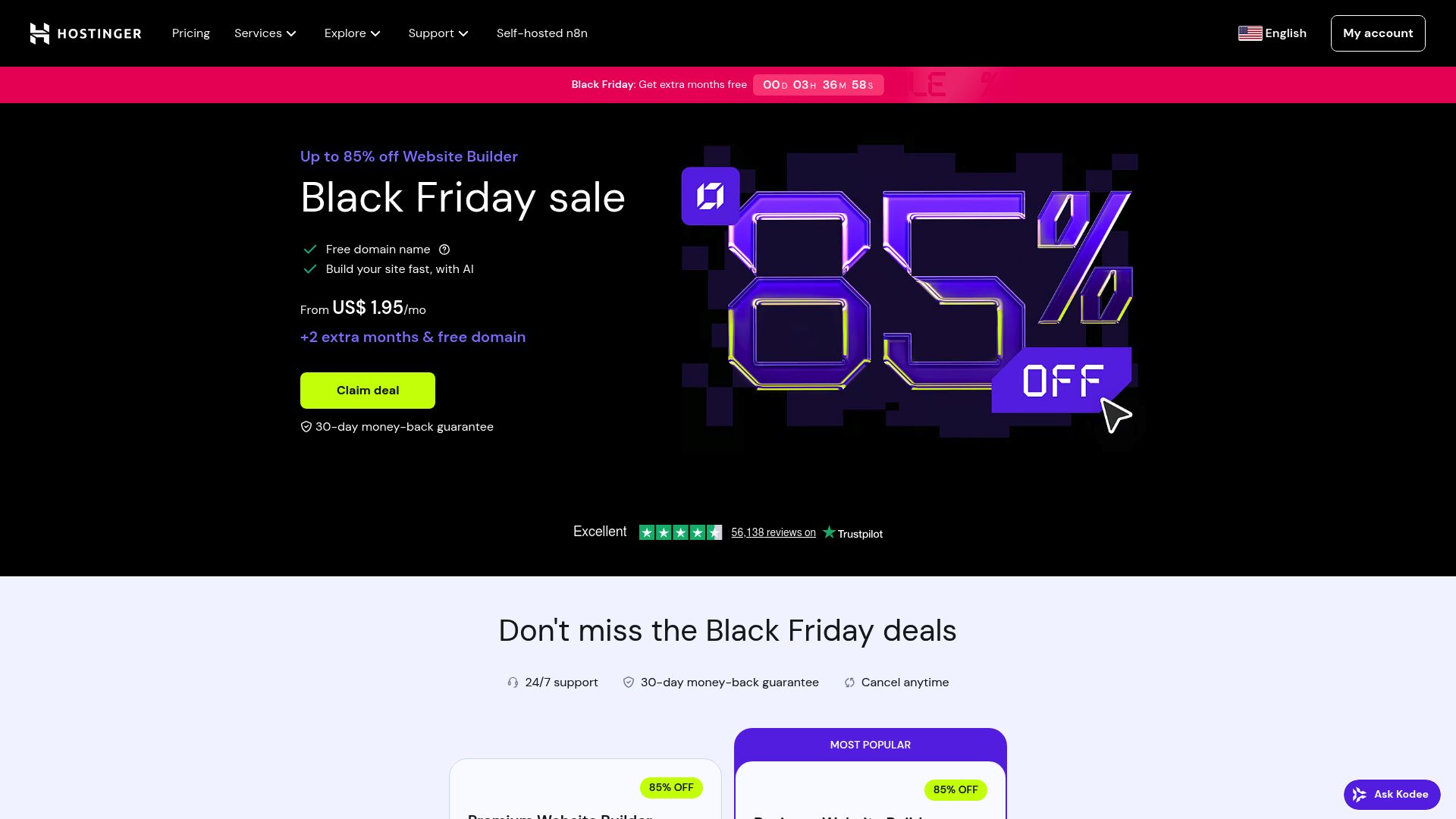
Hostinger’s online website builder AI is all about keeping things simple and efficient. Its AI toolkit comes with a content writer, a logo maker, and even a heatmap tool that shows you where your visitors are likely to look on the page.
The builder has a clean, grid-style, drag-and-drop editor that's easy to figure out. You can get a polished site published in minutes, not hours. Being able to get a site up that fast is a huge win for any remote worker trying to juggle a bunch of different projects. Now, its AI might not be as deep as some of the others if you want to do super complex stuff. However, it absolutely nails its main job. It gives you a fast, affordable, and easy way to get a professional site online.
If you're working on a quick project or building your very first website, Hostinger's combination of price and performance is tough to beat.
Squarespace: The Designer's Choice for Portfolios
For many professionals, especially in a creative field, a website isn't just a place for information; it's a statement. This is exactly where Squarespace made its name.
It's famous for its absolutely beautiful, award-winning templates that feel high-end. If your main goal is to build a portfolio that will knock people's socks off or a brand site that feels super premium, Squarespace is a fantastic choice. The whole platform is built around design, which is perfect for photographers, designers, artists, and consultants—anyone who needs to make a killer first impression.
Squarespace has been smart about how it added AI, especially with its Blueprint AI builder. This tool, which folks at WebsiteBuilderExpert have pointed out, helps you put together unique layouts and page structures made just for you, so your site doesn't end up looking like everyone else's.
Since it's a totally cloud-based platform, it gives you the flexibility you need as a remote worker. You can manage your site from anywhere.
It might not have the same giant bucket of AI tools as a platform like Wix, but when it comes to pure visual flair and giving creative professionals what they need to build a stunning digital space, Squarespace is at the front of the pack.


How to Choose the Right Online Website Builder AI for Your Needs
So, how do you decide?
The best platform is the one that aligns with your specific goals, technical comfort level, and business priorities. Here's a simple framework to help you choose the right partner for your remote work journey.
-
Go with Kleap if your number one priority is speed and ease. If you're a solopreneur or a small business owner who needs a professional site live yesterday, Kleap is your answer.
It's built to get rid of the headache and help you launch straight from your phone in minutes.
-
Choose Wix if you need a powerful, feature-rich toolkit.
Go with Wix if you want a powerful, does-it-all toolkit. If you're looking for deep customization, tons of business tools for things like booking and e-commerce, and a powerhouse AI suite to run it all, Wix is hands-down the most versatile option.
-
Opt for Hostinger if you're on a tight budget or just starting out. Pick Hostinger if you're watching your budget or just getting started.
It offers awesome value, it's super easy to learn, and it has all the key AI tools you need to get a great-looking site up quickly without breaking the bank.
-
Select Squarespace if design and aesthetics are paramount. Pick Squarespace if design and feel are everything to you.
For creatives, consultants, and anyone building a brand where the look is non-negotiable, Squarespace’s beautiful templates and design tools are in a class of their own.

At the end of the day, the rise of the online website builder AI is a huge deal for entrepreneurs and remote professionals. The power to create a compelling, professional online presence is no longer locked behind technical barriers or expensive fees. Whether you need the blazing-fast simplicity of Kleap to get your idea off the ground, the all-in-one power of Wix, the budget-friendly efficiency of Hostinger, or the design elegance of Squarespace, there's a tool ready to help you succeed in the remote work landscape.
Your choice depends on what you value most: pure speed, an endless feature set, affordability, or design perfection.
The exciting part is that you're in control.
The right tool will feel less like software and more like a partner that works as hard as you do.
It handles the technical details so you can stay focused on building your business, connecting with clients, and enjoying the freedom that remote work provides. The best way to know is to try one.
These platforms have made getting started incredibly simple. Are you ready to finally build your online home without all the usual headaches? You might be shocked at how fast you can get a stunning website up and running.
Why not explore how Kleap can help you get your vision online in minutes?
See for yourself just how easy building a website can be.
Frequently Asked Questions FAQ
What is an AI website builder?
An AI website builder is basically a platform that uses artificial intelligence to make creating a website simpler and faster.
You just provide some basic information about your business or project, and the AI does the heavy lifting. It generates a custom design, suggests content, creates images, and can even assist with marketing tasks like SEO.
Can I really build a website with no coding knowledge?
Totally. That’s the whole point of an online website builder AI.
These tools are made for people who don't have a technical bone in their body. They use really intuitive features like drag-and-drop editors and simple questions, so you can build and tweak your site visually without ever having to look at code.
Is an online website builder AI good for SEO?
Yep, most modern AI builders have great SEO features baked right in.
The AI can help you out by creating keyword-friendly titles and descriptions, making sure your site looks great on mobile (which is a huge ranking factor), creating sitemaps, and walking you through other ways to get seen on Google.
How long does it take to build a website with AI?
It depends on how complex your site is and how much you want to fine-tune everything. But with an AI tool website builder, it's way faster than the old-school way of doing things.
For a simple but still professional-looking site, you could easily go from just an idea to a live website in less than an hour, and sometimes, in just a few minutes.


