3 Simple Steps to Choose the Perfect Website Builder AI Tool

Does the thought of building a website feel totally overwhelming with all the different options out there?
If so, you’re not alone. As a small business owner, entrepreneur, or freelancer, you know you need a strong online presence. The only problem?
Time and tech skills are usually in short supply. But here's the good news: technology has finally caught up.
Modern website builder AI tools have completely changed the game, turning what used to be a massive project into something you can knock out on your coffee break. These intelligent platforms promise to do the heavy lifting, from design to copywriting, allowing you to launch a professional-looking site faster than ever before.
But here's the catch. With so many new tools flooding the market, how do you choose the right one? It's easy to get lost in feature comparisons and technical jargon, which is the last thing you need when you're trying to run a business.
But that's exactly where most people get stuck. You either pick a tool that’s way too complicated or one that just doesn't get what your business is about, leaving you with a frustrating website that doesn't actually do anything for you. Here's the secret: it’s not about finding the most powerful tool, but the one that's a perfect fit for you.
A good AI website builder should just *feel* right, it should line up with your goals without making you climb a steep learning curve.
This guide is here to cut through all that noise. We've pulled together insights from top tech experts and boiled it all down to a simple, three-step process to help you find the right website builder AI tool for your business.
Don't worry, we won’t bog you down with code or confusing jargon. We’re just going to give you a clear roadmap so you can feel confident in your choice and get a website that starts working for your business from day one.
The whole point is to make this process practical and easy to follow, giving you clarity and saving you from hours of painful research.
What you'll learn
- Figure Out What You Actually Need From an AI Website Builder
- Compare Your Top AI Website Builder Options
- Step 3 Test Driving Your Top Website Builder AI Tool
- Expert Insights on Picking an AI Website Builder
Step 1: Figure Out What You Actually Need From an AI Website Builder
Before you start looking at any platforms, the single most important thing you can do is take a second to figure out what you *really* need your website to do. I know it’s tempting to jump right in and play with the fun design stuff, but if you don't have a clear goal, you might end up with a tool that looks pretty but does absolutely nothing for your bottom line. It’s like drawing up a blueprint before you build a house, you've got to know how many rooms you need, what they're for, and the general style you're going for.
Getting clear on this first will be your north star, guiding you to the right website builder AI tool.
So, start by jotting down a quick list of your "must-haves." What's the number one thing your site needs to do?
Maybe you're a consultant and you need a super-smooth way for clients to book appointments. Or perhaps you're an artist who needs a gorgeous portfolio to show off your work.
And if you sell handmade goods, a solid e-commerce system for handling products and payments is an absolute must-have. Pinpointing this main goal makes it so much easier to immediately weed out the tools that weren't built for you.
And don’t forget to think about your marketing needs, too. Things like built-in SEO helpers or social media tie-ins are crucial for getting people to your site.
Finally, think about your budget and the look you're going for. A lot of platforms offer free plans, but as the folks at WebsiteBuilderExpert point out, they usually come with ads and other limits. Decide if you can afford a small monthly fee to get a professional, ad-free site with your own custom domain.
While you're at it, what about the vibe?
Are you aiming for a sleek corporate look, something more fun and creative, or a clean minimalist style?
Figuring this stuff out upfront makes the next step a breeze.
Try it — build your site while you read
Describe what you want and get a live, publishable site in seconds. Free to start, no code.
Join 200,000+ makers building real websites with Kleap.
Step 2: Compare Your Top AI Website Builder Options
Okay, with your checklist ready, it’s time to start looking at the main players. This is where an AI tool website builder really shines since so many of them are built specifically for certain types of businesses.
Instead of getting tangled up in endless feature lists, you can just focus on which platform’s best qualities match up with your goals. We put together this table based on what the experts are saying to give you a quick, clear look at the leaders in the market and what makes each one special.
Think of this comparison as a shortcut to help you quickly find one or two options that just click with what you’re trying to do. Just remember, the 'best' tool is totally subjective; a great platform for an e-commerce shop might be an awful fit for a freelance writer.
Use this table as your guide to narrow down the options and save yourself from decision fatigue.
| Builder | Ideal For | Key Features | AI Capabilities | Ease of Use | Price Range |
|---|---|---|---|---|---|
| Kleap | Entrepreneurs & freelancers needing a fast, professional site | AI-powered creation, simple editor, built-in analytics, lead gen tools | Generates a complete, tailored website in seconds from a few prompts | Extremely Easy | Competitive, with a free start |
| Wix | Most small businesses | All-in-one tools, e-commerce, SEO, email, booking | Auto site creation, copywriting, design ideas | Very beginner-friendly | Free (with ads), premium from ~$16/mo |
| Shopify | Selling physical products | E-commerce, inventory, payments, sales tools | Product page generator, smart suggestions | Moderate | From ~$29/mo |
| Squarespace | Service businesses, creatives | Online scheduling, modern design, portfolio templates | Blueprint AI for quick setup | User-friendly | From ~$16/mo |
| Hostinger | Quick site setup, low budget | Simple site builder, integrated hosting, marketing basics | Generates full site from description | Easy | From ~$2.99/mo |
| Jimdo | Free or minimal cost sites | Standard website tools, affordable paid plans | AI drafts a site after brief questions | Very Simple | Free; paid from $11/mo |
| Brizy AI | Connects to Google Business | Fast site building via Google Business info | Page/text generator based on your listing | Simple | From ~$13/mo |
A Closer Look at the Top Builders
You can see how different platforms serve different masters.
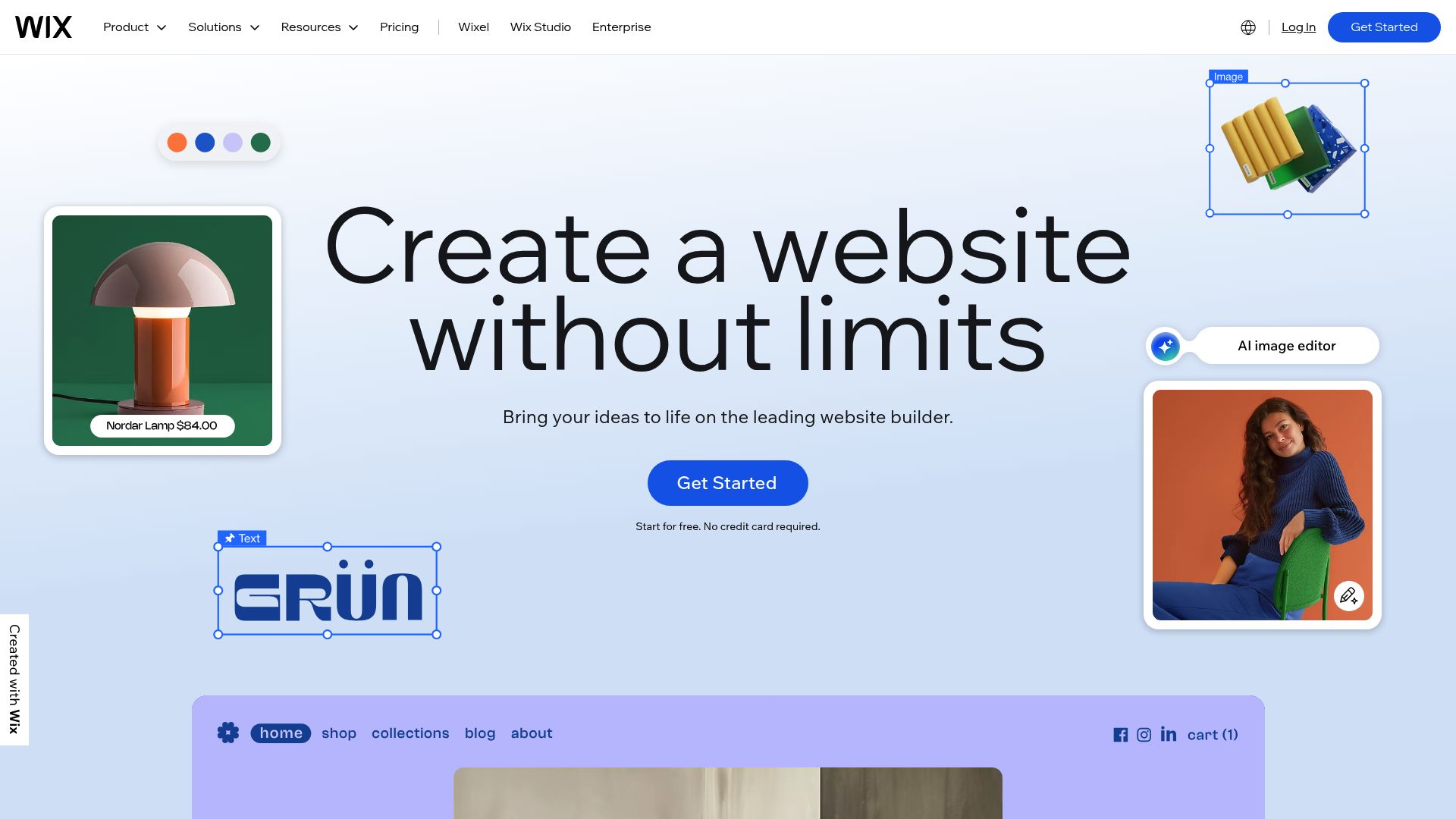
Wix, for example, is a real powerhouse all-in-one solution that works for a ton of different small businesses because it packs everything from booking to email marketing into one place.
Their AI is built to walk you through the whole process, which makes it a really safe bet if you're just starting out.

Then there's Shopify, which is the undisputed king of e-commerce for good reason.
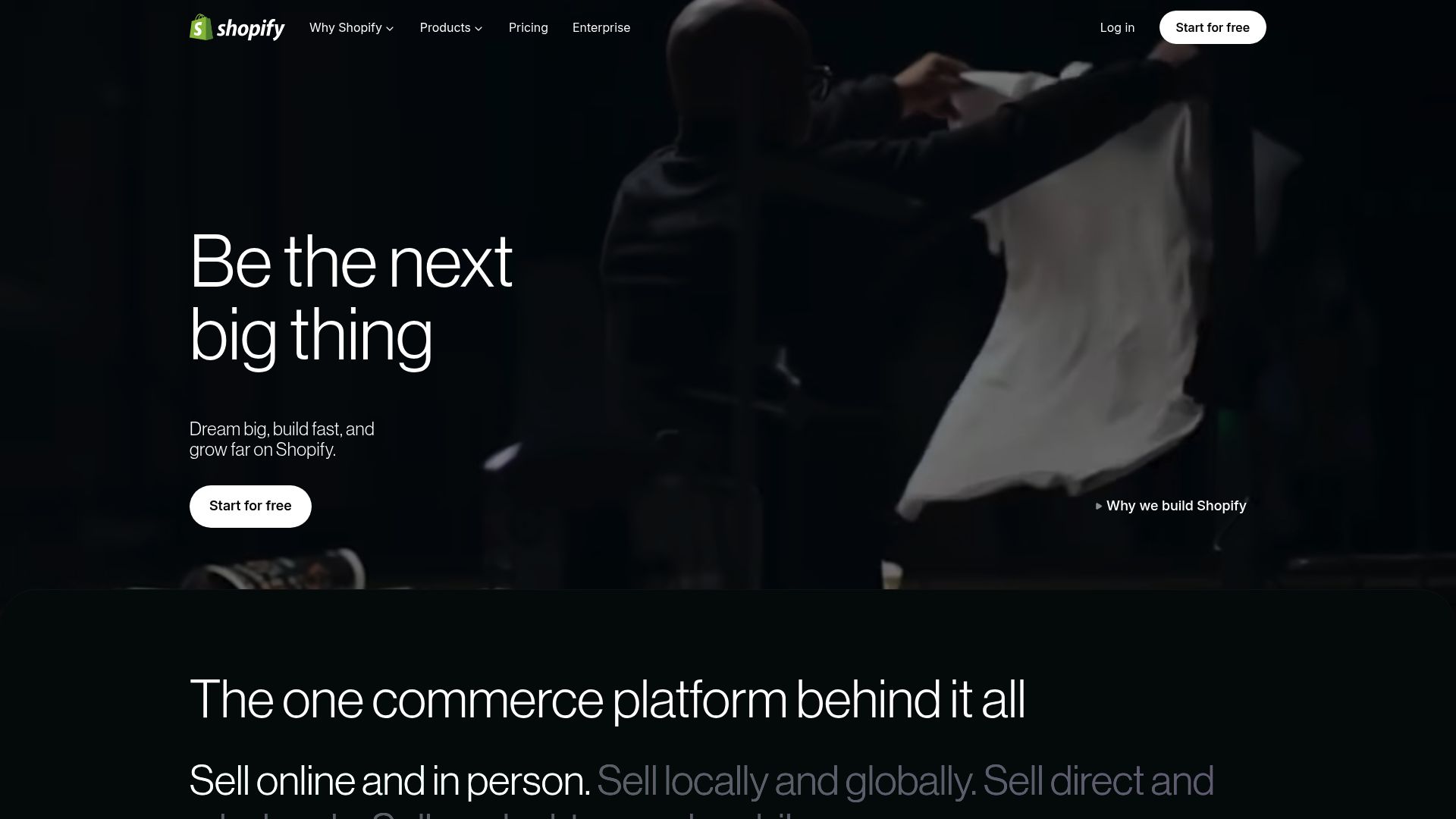
Their whole platform is built from the ground up for one thing: selling products. It handles everything from inventory to payments. While its AI can help you write product descriptions, its focus is much tighter and more specialized than an all-around website builder.
📸 wix.com
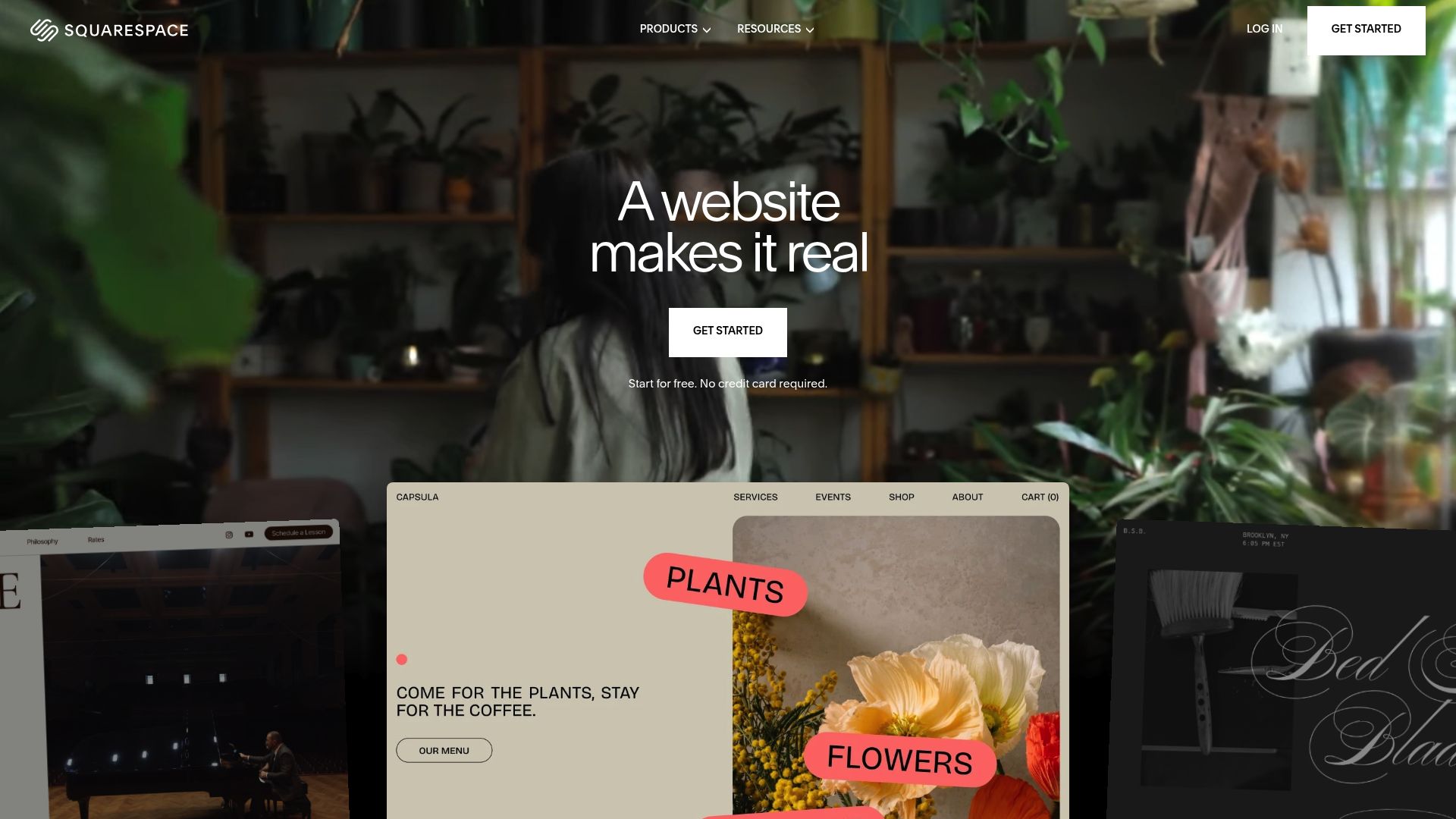
Then you have Squarespace, which has carved out a niche with creatives and service-based professionals. It’s famous for its award-winning templates and beautiful designs, and its AI features like Blueprint help you get a really polished layout up and running fast. That’s why it's such a go-to for photographers, designers, and consultants who really care about how things look.
For anyone who puts speed and simplicity first, builders like Kleap are designed from the ground up to give you a complete, professional-looking website in seconds.
This approach is perfect for the busy entrepreneur who needs to get online professionally without getting bogged down in customization options.
As noted by experts at Zapier, many of these tools offer free plans or trials, so you can experiment without any commitment.
Step 3: Test Driving Your Top Website Builder AI Tool
Now for the fun part. Once you've identified one or two builders that seem like a good fit, it's time to take them for a quick spin.
You wouldn't buy a car without a test drive, and the same logic applies here. The best way to know if an easy AI website builder is right for you is to experience it firsthand.
Thanks to free trials and instant demos, this part only takes a few minutes but will give you a huge amount of clarity.
It's that final check to make sure the tool doesn't just look good on paper but actually feels right when you use it.
The process couldn't be simpler. You’ll usually just start by answering a few quick questions about your business.
The AI will ask for your business name, your industry, and the services or products you sell. Some might even ask about your favorite style or colors.
Then, based on what you said, the AI engine gets down to business. In just seconds, it will produce a complete first draft of your website, already filled in with relevant sections, starter text, and professional-looking images.
This first draft is your starting point.
Take a second to look over what the AI came up with. Does the layout actually make sense for your business?
Is the overall tone and vibe on the right track?
You're not aiming for perfection here.
As the team at Brizy points out, the real magic of these tools is how they mix AI generation with super simple editing. If that first draft gets you 80% of the way there, you're in fantastic shape. Most builders have easy drag-and-drop editors and AI tools to help you rewrite text, making it a piece of cake to tweak the design, swap out images, and make the content truly yours.
Once you're happy with it, you just hit publish and go live.
Expert Insights on Picking an AI Website Builder
When you're trying to figure out this new world of AI, it definitely helps to have some expert advice in your back pocket. Tons of research and user testing from places like TechRadar have started to show some clear patterns.
For example, Wix consistently comes out on top as the best all-around option for small businesses simply because its AI is woven into a really solid set of tools.
It doesn't just build you a website; it helps you with SEO, marketing, and managing your customers, all from one spot.
This makes it a seriously powerful choice if you're looking for one place to run your entire online show.
On the flip side, you've got builders like Hostinger and Jimdo, which are loved for being super affordable and straightforward. They're awesome options for entrepreneurs on a tight budget or for anyone who just needs a simple, professional-looking online brochure without all the extra bells and whistles.
Their AI is all about getting you from zero to a live site as fast as possible, with almost no fuss. This no-nonsense approach is perfect for testing out a new idea or just getting your name out there online quickly.
What's particularly interesting is the emergence of tools that integrate with existing platforms. Brizy AI and SeedProd, for example, can pull information from your Google Business Profile to automate much of the content creation. This is incredibly efficient for local businesses already listed on Google.
The key takeaway from all this research is that you absolutely do not need technical skills. The very purpose of a modern website builder AI tool is to translate your plain-language descriptions into a functional, beautiful website. The AI handles the code so you can focus on the content and strategy.

At the end of the day, the path to launching your own website has never been easier.
That feeling of watching your business come to life online in just minutes is incredibly empowering. It levels the playing field, giving small businesses and solopreneurs a real shot at competing with bigger companies, even without a huge budget or a web development team. The right AI tool website builder becomes your digital partner, taking care of all the tech stuff so you can focus on what you do best: running your business.
Following this simple three-step approach—figure out your needs, compare the best options, and take a quick test drive—is a surefire way to skip the overwhelm and make a choice you feel great about.
It turns a complicated decision into a manageable one.
The days of wrestling with code or paying a fortune for a developer to build a basic website are officially over.
With platforms like Kleap, a professional, high-performing website isn't just a possibility; it's literally just a few clicks away. We built our platform on the belief that every great idea deserves a great website, without the traditional barriers.
Are you ready to see what artificial intelligence can build for your business?
You don’t need a credit card or any technical know-how. Just bring your vision. See for yourself how a powerful yet easy-to-use AI can create a stunning, customized website for you in under a minute.
It’s time to stop dreaming about your website and start building it. Give Kleap a try today and launch the professional online presence your business truly deserves.
Frequently Asked Questions
Do I need to know how to code to use an AI website builder?
Nope, not at all. The biggest advantage of an AI website builder is that you don't need to know a single line of code.
You just describe your business in plain English, and the AI handles all the tricky design and coding tasks for you.
Can I use my own custom domain name?
Yes! Any good website builder, Kleap included, will let you connect your own custom domain (like www.yourbusiness.com). This feature is usually part of their paid plans and is a must-have for building a professional brand.
How much does an easy AI website builder cost?
The prices vary widely. Many platforms have a free plan with basic features, but you'll probably have to put up with their ads. Paid plans usually start somewhere around $10 to $30 a month, which gets you an ad-free site, a custom domain, and access to more advanced tools for things like e-commerce or client bookings.


