Easiest Website Builders for Non-Technical Founders

Technology used to be a massive barrier. Just a few years ago, if you wanted a professional online presence, you had two choices: you could learn complex coding languages, or you could pay an agency thousands of dollars.
Neither option was ideal for a small business owner just starting out.
Things have changed entirely.
Today, finding an easy website builder for non-technical users is not just possible; it is practically the industry standard.
Mike Jumapao / Unsplash 
We have reached a point where tools are intuitive enough that your grandma could launch a dropshipping store over the weekend. The big question isn't "how do I build this?" anymore; it's "which tool is *actually* the simplest?"
If you break out in a cold sweat thinking about tech, or you simply know your time is better spent on something other than pixel-perfect coding, then this guide is for you.
We've done the digging to find platforms that don't ask you to write a single line of code, skip all the confusing jargon, and make the whole process as stress-free as possible.
What Defines an "Easy" Website Builder?
Before we jump into the tools, let's get on the same page about what "easy" really means. When we talk about an easy website builder for non-technical users, we are not just looking for a drag-and-drop interface.
We are looking for a partner in your business growth. A truly easy platform removes the invisible friction that trips up beginners.
First, it must be an "all-in-one" solution.
Nasty technical terms like SSL certificates, hosting, domain propagation, and caching should be handled automatically in the background. You shouldn't ever have to touch a server.
Second, it needs modern AI capabilities. The easy AI website builder revolution means you no longer have to stare at a blank white screen.
Finally, support matters. When you get stuck (and you might), you need help that speaks in human terms, not developer terms.
Try it — build your site while you read
Describe what you want and get a live, publishable site in seconds. Free to start, no code.
Join 200,000+ makers building real websites with Kleap.
Top 4 Easy Website Builders for Non-Technical Users
We have researched the top contenders based on independent testing and ease-of-use scores. Here is the definitive list, starting with the most innovative solution for mobile-first entrepreneurs.
1. Kleap, The Smartest AI Builder for Speed
If the very thought of being chained to a desktop for hours just to build a site makes you want to quit, Kleap was designed for people like you.
While traditional builders created the desktop era, Kleap is pushing the boundaries as an easy AI website builder.
It transforms the daunting task of web design into a conversation.
You input your business concept, and the AI generates a fully functional, mobile-optimized site in seconds.
It is specifically built for creators and small businesses who need to sell services or products immediately without the time-consuming "setup tax."
For non-technical users, this is often the easiest path. You skip the template selection paralysis and jump straight to a finished product that you can tweak easily.
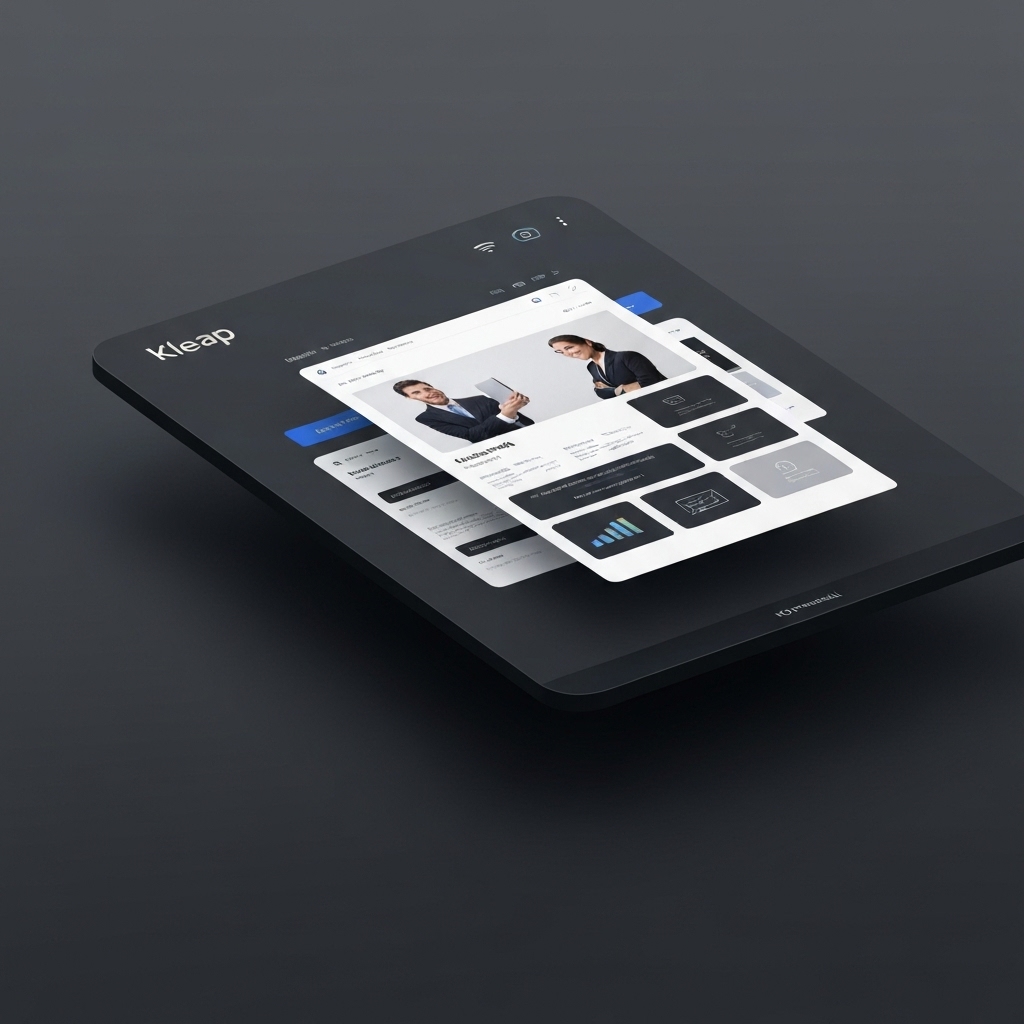
It integrates payment processing and booking systems natively, meaning you don't have to figure out how to patch third-party plugins together.
It just works.
Why it wins for beginners:
- Mobile-first editing: You can literally build your business while commuting.
- AI-Content Generation: It writes your headlines and descriptions for you.
- Conversion focused: Its layouts aren't just there to look pretty; they're built to turn visitors into actual customers.
2. Wix, Best Overall All-In-One Solution
Chances are you've heard of Wix, and there's a good reason for that.
Time and again, independent testers have ranked it as the number one website builder for ease of use.
It’s practically a powerhouse for any small business starting out from zero. Research I've seen from sources like WPBeginner highlights that Wix stands out by offering a comprehensive package that includes hosting, security, and design all in one.
📸 wix.com 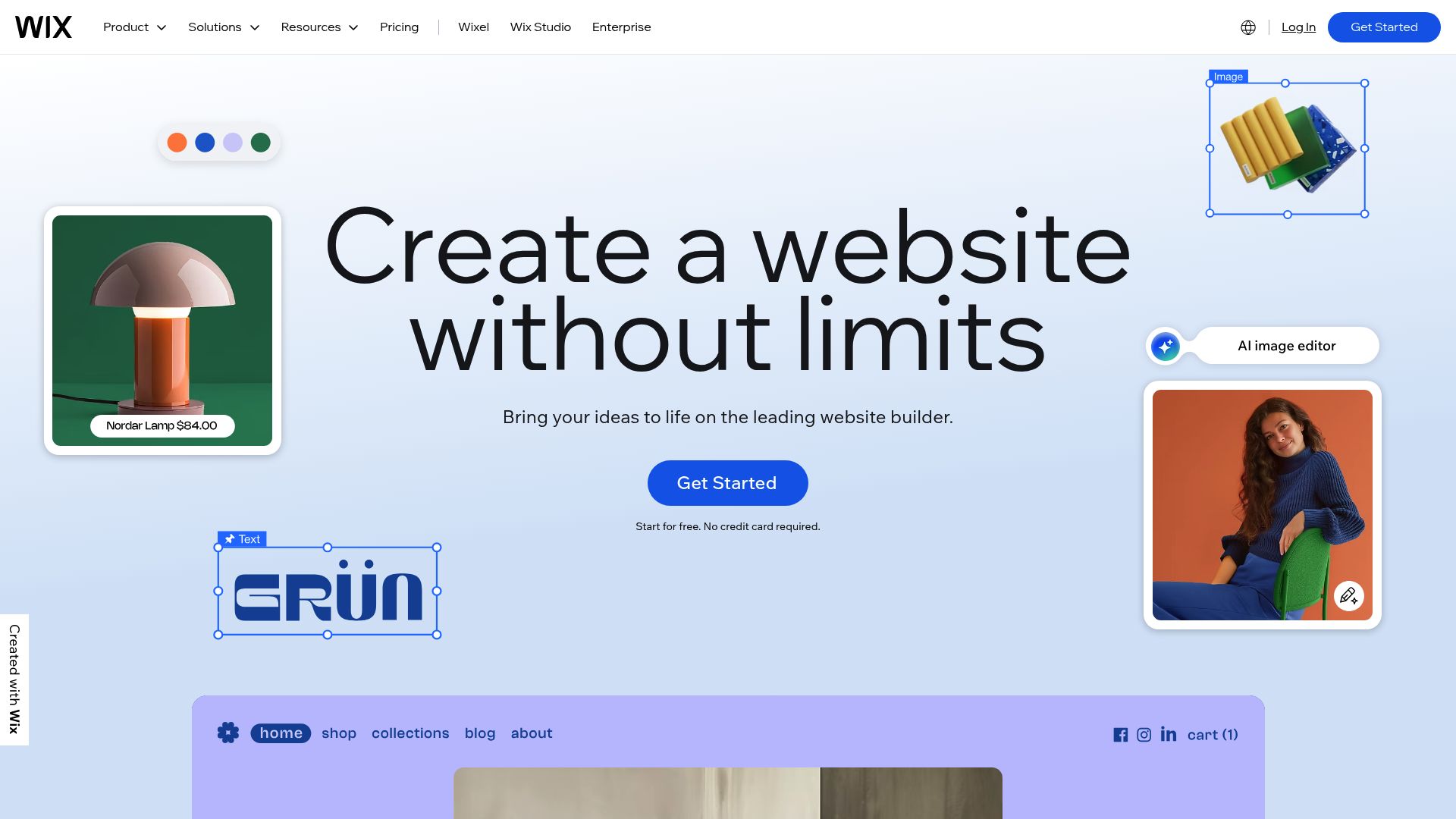
Why it’s great if tech scares you
The standout feature here is the "true" drag-and-drop editor. Most builders force you into a grid, but Wix lets you grab a button and drop it exactly where you want, pixel by pixel.
It feels a lot like moving shapes around in a PowerPoint slide. It can be quite simple. What's more, Wix has a cool feature called Wix ADI (Artificial Design Intelligence).
You just answer a handful of questions about your business and what you're trying to do, and it whips up a ready-to-go site with all the right sections, like services and contact forms.
This is a huge relief, as it totally gets rid of that "blank page anxiety" that freezes so many founders who aren't tech-savvy.
And with over 800 templates, you're pretty much guaranteed to find something that fits your vibe, whether you're a photographer or a plumber.
Things to watch out for
There is a catch. Once you choose a template, you cannot switch it later without rebuilding your site. You need to be sure about your design choice early on.
Also, because it is so flexible, some users feel overwhelmed by the sheer number of options available.
3. Squarespace, Best for Beautiful Design with Zero Effort
If your main goal is to make it look professional and you have no eye for design, Squarespace is your safety net. Most reviewers say it's one of the easiest builders around because it's practically designed to keep you from accidentally making an ugly website.
Sources like ToolTester highlight that while it may not offer the same flexibility as Wix, the structured editor is a significant advantage for beginners.
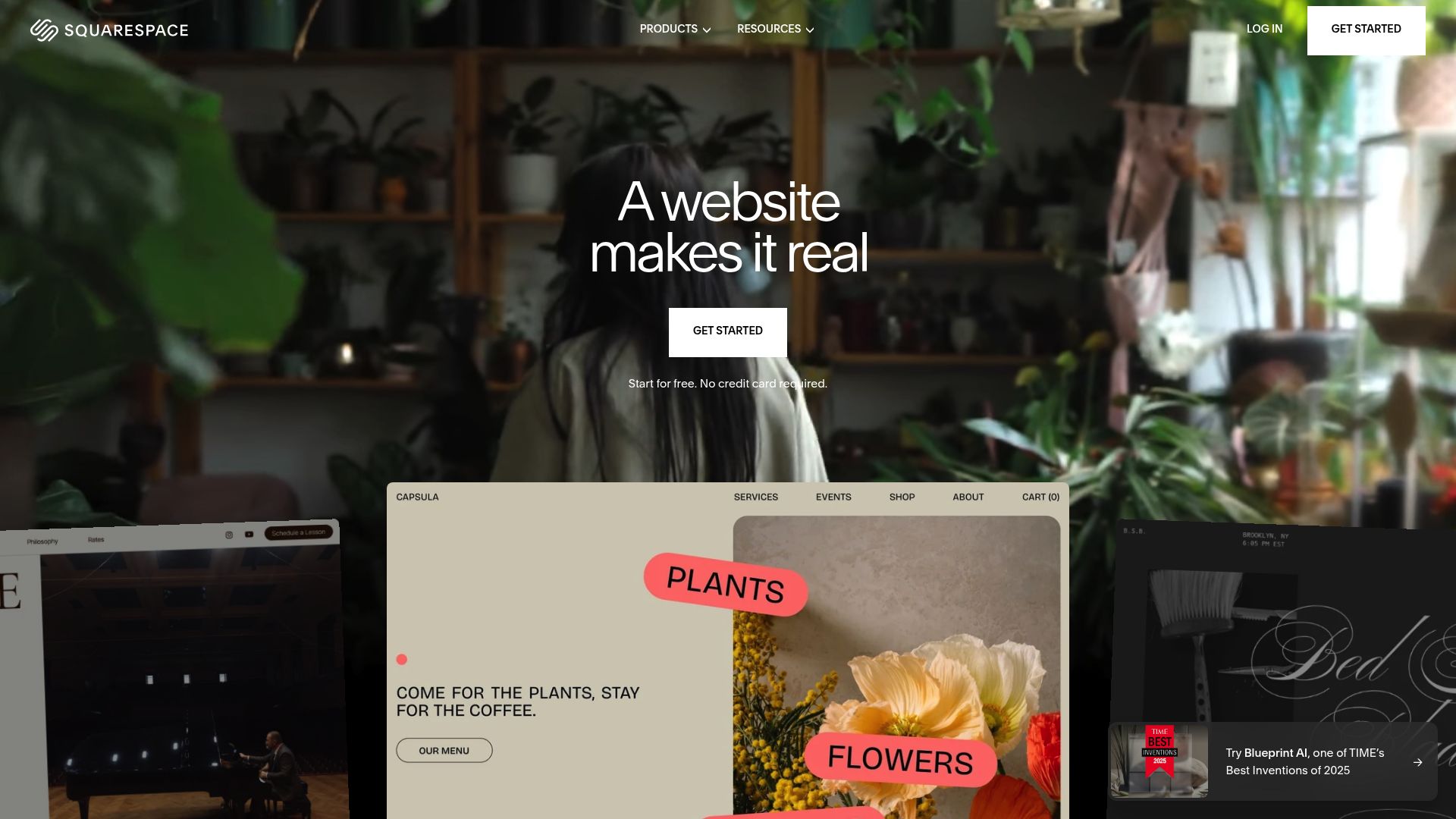
You literally can't break the layout by accident. Non-technical founders like it because Squarespace is famous for its award-winning templates.
Why non-technical founders like it
The templates are just so clean and modern, and they rely on great photography. If you're a consultant, coach, or any kind of creative, using one of these can make you look high-end right out of the gate.
The editor is built on a grid system, so when you drag a picture or a block of text, it neatly snaps into place with everything else.
This keeps your site looking sharp and polished, even if you don't have a clue what padding or margins are. It's also fantastic when it comes to built-in tools.
Need to schedule appointments?
The scheduling tool is native to the platform. Need email marketing?
It's right there in the dashboard. You don't need to hunt for external software.
Things to watch out for
The structure can feel restrictive if you want to do something very specific or unique. You are playing in Squarespace's sandbox, and you have to play by their rules.
4. Hostinger Website Builder, Best Budget Option
Formerly known as Zyro, the Hostinger Website Builder is the new kid on the block making waves. It is regularly recommended as the best budget-friendly option that doesn't compromise on the easy website builder for non-technical users promise.
According to Website Builder Expert, this tool is perfect for tight budgets while still offering AI assistance.
It proves you don't need to spend $30 a month to get online.

Why it’s friendly for tech-shy business owners
Hostinger simplifies everything.
The dashboard is uncluttered, and the drag-and-drop editor is less complex than Wix. It is designed for speed and simplicity.
Like Kleap, Hostinger leans heavily on AI tools. It includes an AI logo maker, AI writer, and heatmap tools to predict where visitors will look.
For a solopreneur doing everything alone, these automated helpers are a massive time-saver.
It is an all-in-one platform, so hosting is included in the very low monthly price.
You won't get hit with surprise bills for bandwidth or security certificates.
Things to watch out for
It's amazing for simple brochure sites or basic stores, but you might find it limiting if you need really complex or custom features down the road.
Can I Build a Website Without Coding?
Honestly?
This is the question we hear more than any other.
And the answer is a huge, resounding yes.
In fact, trying to code your own site is usually a bad move for an entrepreneur. Why is that?
Why?
If you pay a developer to code a custom site, you have to call them every time you want to change a headline or update a price.
That is a bottleneck your business cannot afford.
Using an easy website builder for non-technical users puts the control back in your hands. You can update your hours, add a new blog post, or change a banner image in minutes.
Modern platforms write the clean HTML and CSS code in the background while you focus on the visual front end.
The Role of AI in Removing Barriers
The query regarding an easy AI website builder is trending for a reason.
AI has bridged the final gap between 'easy' and 'effortless.'
Old-school builders required you to bring the content. You had to write the 'About Us' page.
You had to find the stock photos.
Platforms like Kleap and Hostinger use AI to generate the first draft of your content.
They analyze millions of successful websites to understand what structure works best for a dentist or a bakery. This means you aren't just building a website; you are leveraging data-driven design principles without studying design.
Quick Comparison: Finding Your Match
Still not sure which tool fits your specific situation?
Let's break it down by user personality.
Every option on this list is a safe bet. The 'wrong' choice is simply staying offline because you are afraid of the process.
Practical Advice for Non-Technical Founders
Here is the thing about building a website: perfection is the enemy of done. Many entrepreneurs get stuck trying to find the 'perfect' tool or the 'perfect' color scheme.
Start small. Use a tool like Kleap to get a landing page up this afternoon.
You can always expand to a 50-page mega-site later. The most important metric for your website is not how complex the code is, but whether it is live and accessible to your customers.
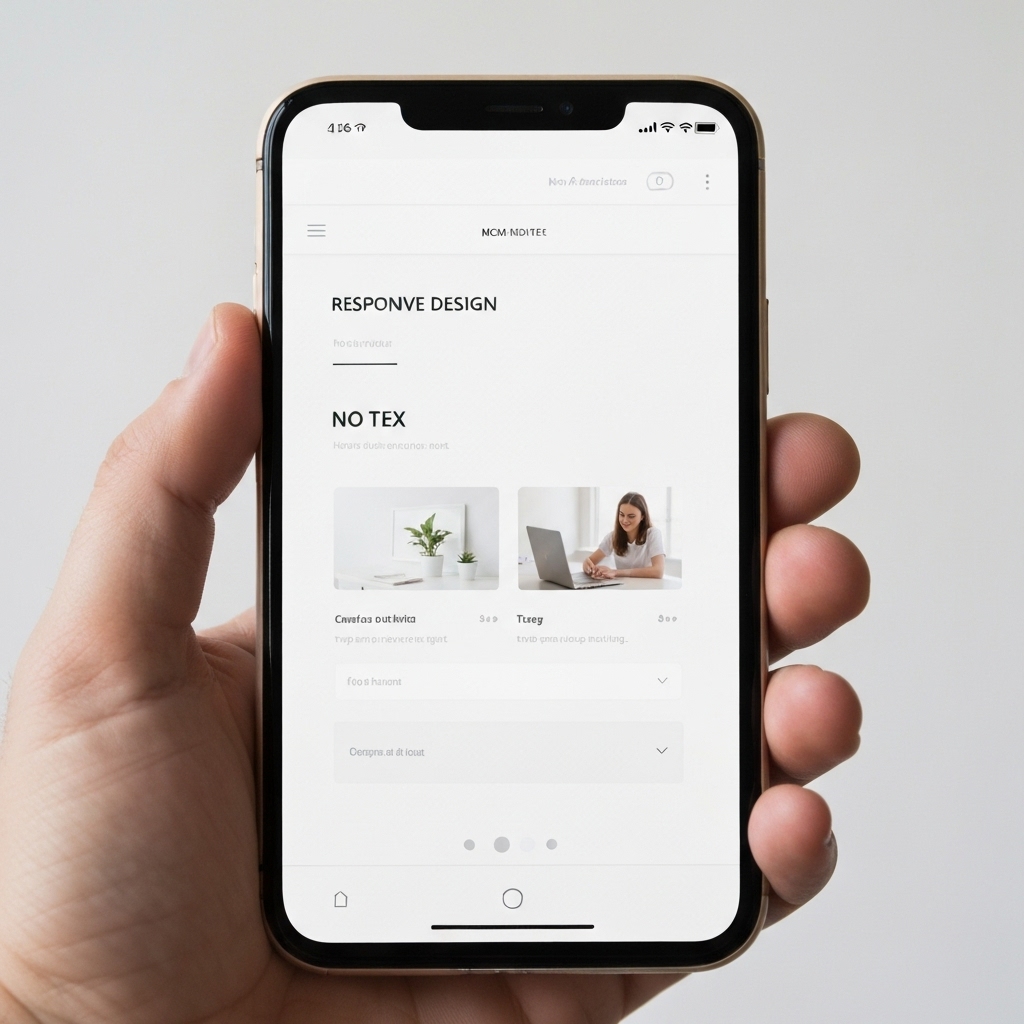
Also, don't ignore mobile. Google indexes the mobile version of your site first.
If you use a complex desktop builder, make sure you constantly check the phone view in the editor. Or, choose a mobile-native builder to ensure you never have to worry about looking broken on an iPhone.
Conclusion
The era of the webmaster is over. The power to publish is now in the hands of the business owner. Whether you choose the granular control of Wix, the curated beauty of Squarespace, the budget efficiency of Hostinger, or the AI speed of Kleap, you have excellent options.
Finding an easy website builder for non-technical users is the first step toward digital independence.
You no longer need to rely on a tech-savvy nephew or an expensive agency to tell the world what you do.
Focus on your message.
Focus on your product.
Let these tools handle the heavy lifting. If you are ready to stop worrying about code and start selling, it is time to pick a builder and hit publish.
Ready to build your site in the time it takes to drink a coffee?
Try Kleap today and experience the future of AI web design.
FAQ
Which is the easiest website builder for absolute beginners?
While Wix and Squarespace are very user-friendly, Kleap offers the fastest route from idea to live site thanks to its AI-driven, mobile-first approach that allows you to build from your phone.
Can I really build a website without coding?
Yes. All the builders mentioned in this article (Kleap, Wix, Squarespace, Hostinger) use visual editors. They write the code in the background while you move elements on the screen.
Is there an easy AI website builder that writes content for me?
Absolutely.
Both Kleap and Hostinger have powerful AI writing tools that can generate text for your site based on a quick description of your business.


