Free AI Website Builders: 6 Tools Compared

Ready to build for $0?
We've curated a list of 5 genuinely free AI website creator tools that can get your project online this afternoon.

Building a professional online presence used to require a hefty budget or serious coding skills. But that era is officially over.
Today, free AI website creator tools are leveling the playing field for small businesses and freelancers everywhere. Now, you can get a fully functional site just by typing a few sentences about who you are and what you do.
The market has completely changed. You're no longer stuck waiting weeks for an agency just to see a first draft. With the right tool, you simply describe your vision and literally watch it come to life in seconds.
This speed allows you to test ideas, launch products, and capture leads without spending a dime upfront.
We have researched and tested the top contenders in the market to bring you a definitive guide.
Whether you need a simple portfolio, a robust store, or a lead-capture machine, there is a tool here for you. Let's dive into the best options available right now.
Why Use Free AI Website Creator Tools?
The technology behind web design has evolved faster than almost any other sector.
It's not just about saving money anymore. It's about speed and efficiency.
When you use free AI website creator tools, you are leveraging machine learning to handle design principles, mobile responsiveness, and content structure automatically.

Think about the traditional process. You would buy a domain, find hosting, install a CMS, pick a theme, and then struggle with plugins. AI changes this workflow entirely.
You focus on your business strategy, and the AI handles the technical execution. This shift allows you to act on inspiration immediately.
We see many business owners get stuck in 'analysis paralysis' regarding their website. They worry about fonts and margins for months.
AI builds force you to move forward. They give you a solid foundation that you can refine later. Detailed below are the top tools that empower you to do exactly that.
Try it — build your site while you read
Describe what you want and get a live, publishable site in seconds. Free to start, no code.
Join 200,000+ makers building real websites with Kleap.
Top 6 Best Free AI Website Creator Tools
We have analyzed the market to find the platforms that offer genuine value without hiding everything behind a paywall. Here is our strategic ranking of the best solutions.
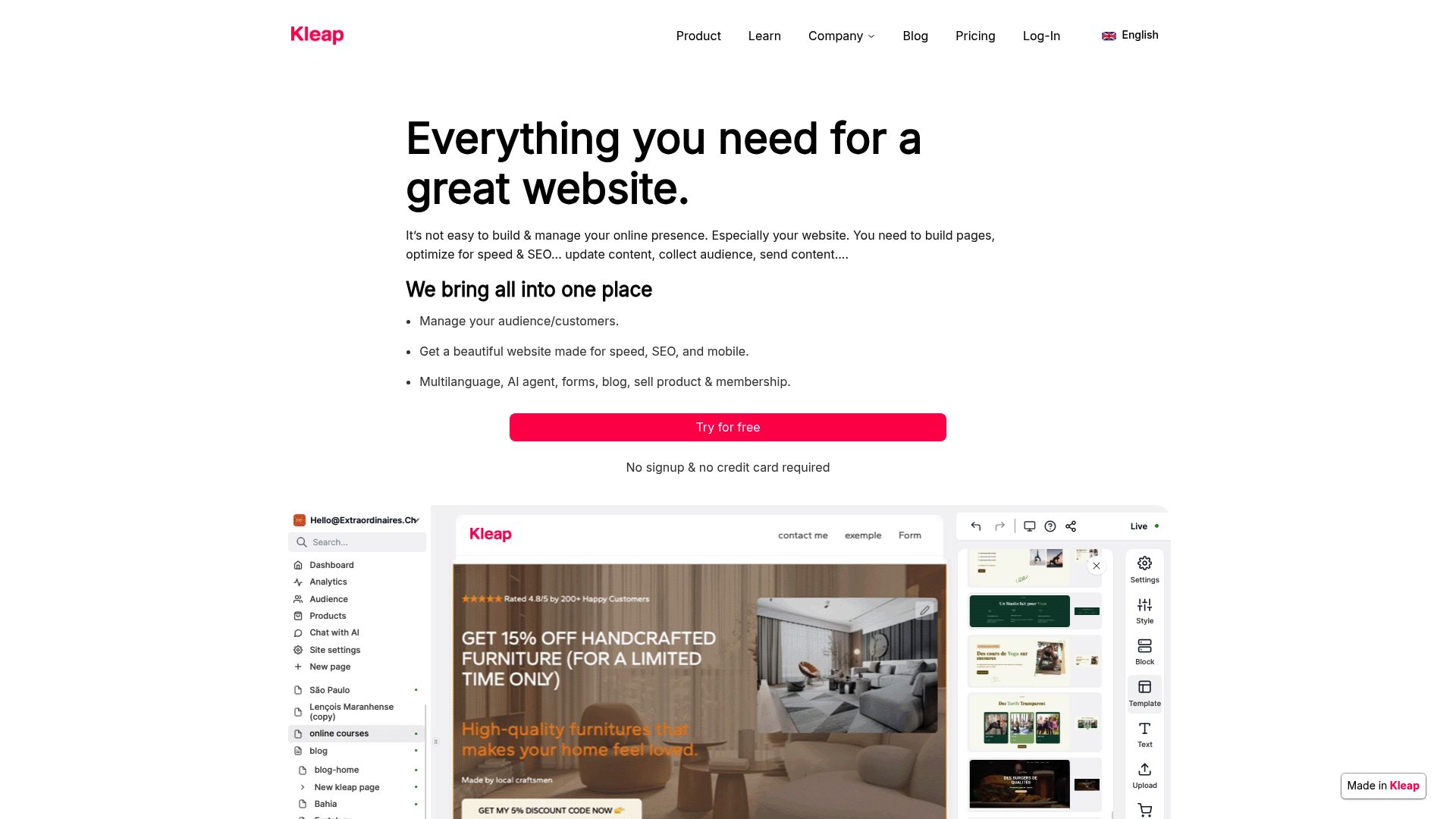
1. Kleap
When an effective mobile presence is your priority, Kleap stands out as the premier solution. While many builders focus on desktop designs that they squash down for mobile, we built Kleap differently.
It is an AI-powered platform designed specifically for entrepreneurs who need to convert visitors into customers.
You simply answer a few questions about your business.
Our AI then generates a stunning, mobile-optimized website that is ready to collect payments and bookings instantly. It is not just about looking good; it is about performance.
The messy complexity of traditional web design is stripped away, leaving you with a clean, effective tool to grow your business.
The advantage here is the focus on conversion. Many free tools provide you with a brochure.
Kleap gives you a sales engine.
If you are a creator, freelancer, or small business owner, starting here ensures you are mobile-ready from day one.
Best for: Entrepreneurs and freelancers focused on sales and mobile experience.
📸 kleap.co
2. Wix AI Website Builder
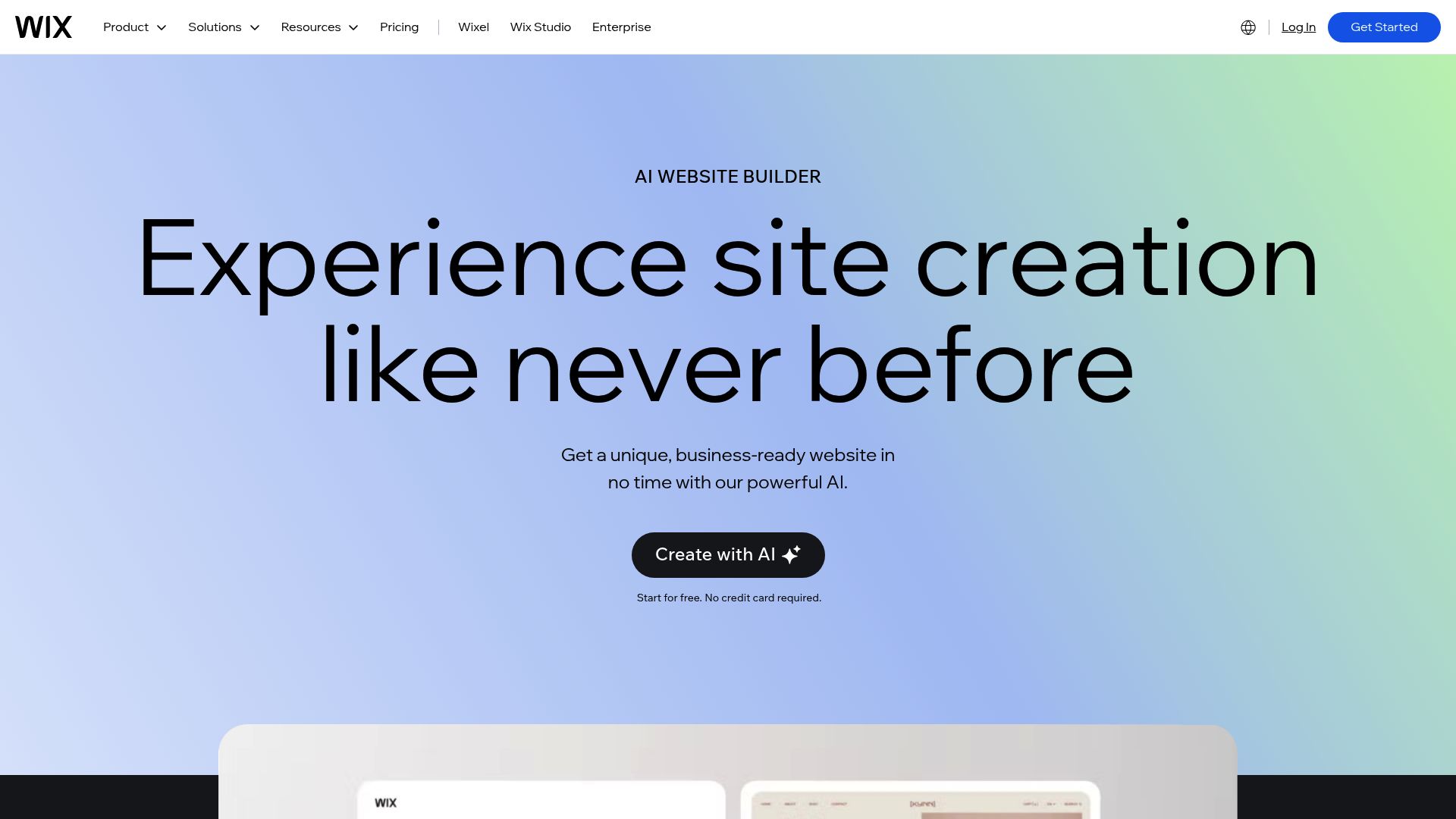
Wix has been a giant in this space for years, so their move into AI was a significant deal. They offer a solid free AI website creator tool, and you don't need a credit card to get started.
You can build and publish a professional-looking site for free, but just know it will have Wix branding on it.
The whole process is pretty interactive; you sign up and answer a few questions in a chat-style interface.
From there, the AI builds out a site for you with content, images, and a design. Unlike some of the more basic tools, Wix gives you a bunch of built-in SEO tools and plenty of ways to customize things.
But, of course, there are a couple of trade-offs. Your free site lives on a Wix subdomain (which can feel a bit less professional), and you'll have pretty noticeable Wix ads on your pages. If you need a complex site structure and don't mind the ads, this is a strong contender.
You can read more about their AI capabilities here.
Best for: Businesses needing a comprehensive drag-and-drop editor.
📸 wix.com
3. Canva Website Builder (AI-Enabled)
You likely know Canva for graphic design. Recently, they've branched out into websites.
With their free plan, you can put together simple, beautiful static sites using their familiar drag-and-drop editor and some AI magic for picking templates.
If you've ever used their design tools, it will feel right at home. The AI really helps out when it comes to the layout.
It creates structured layouts and even gives you content ideas based on what your business is about, which is a lifesaver for very visual brands.
The limitation is technical depth.
These are essentially single-page sites or presentation-style sites hosted on a Canva domain.
They lack the deep backend features of a dedicated CMS.
But for a beautiful landing page, it is a great option.
Check out insights on Canva's builder at Zapier's review.
Best for: Portfolios and visually driven static pages.
4. ZipWP (AI for WordPress)
WordPress powers a huge chunk of the internet. Usually, it is hard to set it up.
ZipWP flips the script by offering a genuinely free AI website builder made just for WordPress. On their free plan, you can actually build two full WordPress sites, and you don't even have to pull out your wallet.
You enter your business description, and the AI does the heavy lifting. It creates a ready-to-export WordPress site complete with relevant copy and styling. This is unique because you are not locked into a proprietary platform forever.
You can export your site to your own hosting later.
It is ideal for small business owners who want the flexibility of WordPress without the initial setup headache. You're capped at two websites on the free plan, but that's plenty when you're just getting a project off the ground. You can learn more about ZipWP's capabilities here.
Best for: Anyone who wants the power of WordPress without the headache, sped up by AI.
5. Butternut AI
If speed is what you're after, Butternut AI is your tool. It claims to generate a complete website in about 20 seconds.
All you do is give it a simple prompt about your business, what you're trying to do, and who your target audience is.
The platform is praised for its ease of use. It eliminates the learning curve entirely. The generated sites are responsive and modern right out of the gate.
It is completely free to start and customize, which is a huge plus for testing ideas rapidly.
Like others, paid plans are required if you want a custom domain to replace the free subdomain. However, for pure speed and immediate visualization of a business idea, it is top-tier. You can read more about this tool in this really thorough review.
Best for: True beginners who want a site up in less than a minute.
6. Dora AI
Dora AI is taking things in a totally different direction. This platform helps you generate really impressive, design-heavy websites from just a single line of text.
It's all about 3D animation and cool, advanced layouts that you'd normally need a professional developer for. Even on the free plan, you can create and tweak these high-end templates.
The free tier allows you to create and customize these high-end templates. If you are in a creative field where the 'wow factor' matters, Dora is incredibly interesting. The sites published on the free tier will be on a subdomain.
It is especially helpful for entrepreneurs needing attractive sites that stand out visually. The learning curve might be slightly steeper than Butternut, but the visual payoff is higher.
You can see detailed comparisons at Website Builder Expert.
Best for: Creative brands wanting 3D elements and high-end animation.
Comparison Table: Free AI Website Builders
Picking the right tool really comes down to what you need. Here’s a quick look at how these free AI website creator tools compare.
How to Choose the Right Tool for Your Business
With so many options out there, trying to make a choice can definitely feel overwhelming. Your best bet is to think about your immediate goals.
For instance, if you're just trying to build a personal brand or a portfolio, a visual-first tool like Canva or Dora AI is a great place to start. They focus on nailing the look rather than getting bogged down in complex features. But if you're building a business that will rely on content and showing up in search results (SEO), then you'll need a site structure that Google can actually understand.
Both Wix and ZipWP provide built-in SEO tools that can help your small business get on Google's radar.
Consider the future of your platform as well.
Here's where ZipWP really stands out: it lets you export the entire site to your own hosting. That makes it much easier to grow later without being stuck on one platform.
Most of the other free builders keep you inside their 'walled garden.'
If you're looking to sell things online, just be cautious.
While some platforms like Square Online (which we didn't list but is worth a look) and Wix provide some free sales tools, you'll usually have to pay to unlock real ecommerce features. This is actually where Kleap shines; it's designed to bridge that exact gap, letting you set up transactions easily even on the more basic plans.
Authenticity and Human Touch in Web Design
A lot of people worry that AI websites feel robotic, and that's a fair point.
While free AI website creator tools handle the code and structure, the soul of the website must come from you. AI cannot replicate your unique voice or your specific business story.
When using these tools, spend your time refining the copy. Use the AI drafts as a starting point, not the final product. Add personal anecdotes.
Upload real photos of your team instead of stock images. These small touches make a digitally generated site feel human and trustworthy.
Remember that a website is never truly 'finished.' It is a living document. The beauty of these AI tools is that they allow you to iterate quickly. You can launch version one today, see how customers react, and publish version two tomorrow.
That agility is your competitive advantage.
Conclusion
The barrier to entry for launching a business has never been lower. All these tools are tailored for speed, simplicity, and genuine free access. They let small businesses, freelancers, and entrepreneurs get their websites up and running quickly, without paying anything upfront.
So whether you go with the huge platform of Wix, the visual punch of Canva, or the get-it-done speed of Kleap, the most important thing is to just get started. Don't let a tight budget or not knowing how to code hold you back. The tech is finally here, and it is free to use.
Of course, if you find you need more customization or a custom domain, every one of these services has paid plans you can upgrade to. But getting that first site built and published is something anyone can do.
So pick the tool that feels right for you, type in your idea, and get your business online today.
FAQ
Are these AI website builders truly free?
Yep! Every tool on this list has a free plan that lets you build and publish a real website.
The catch is they usually come with some strings attached, like having to use their subdomain (e.g., yoursite.wix.com) or showing their ads on your page.
Can I use my own domain name for free?
Almost never. If you want to connect a custom domain (like www.yourbusiness.com), you'll pretty much always need to upgrade to a paid plan.
The one exception is ZipWP, which lets you export your site to your own hosting, so you can then use whatever domain you want.
Will my AI-generated website rank on Google?
It's definitely possible.
Tools such as Wix and ZipWP are pretty good at generating SEO-friendly site structures. But getting on the first page of Google really comes down to the quality of your content and your own SEO work; it's not just about the builder you choose.
Which tool is best for selling products?
If you're doing simple service bookings or selling digital products, Kleap is incredibly effective.
For a more traditional store with physical products, you'll probably need the free plans from Wix or another dedicated ecommerce platform, but expect them to be pretty limited until you upgrade.


