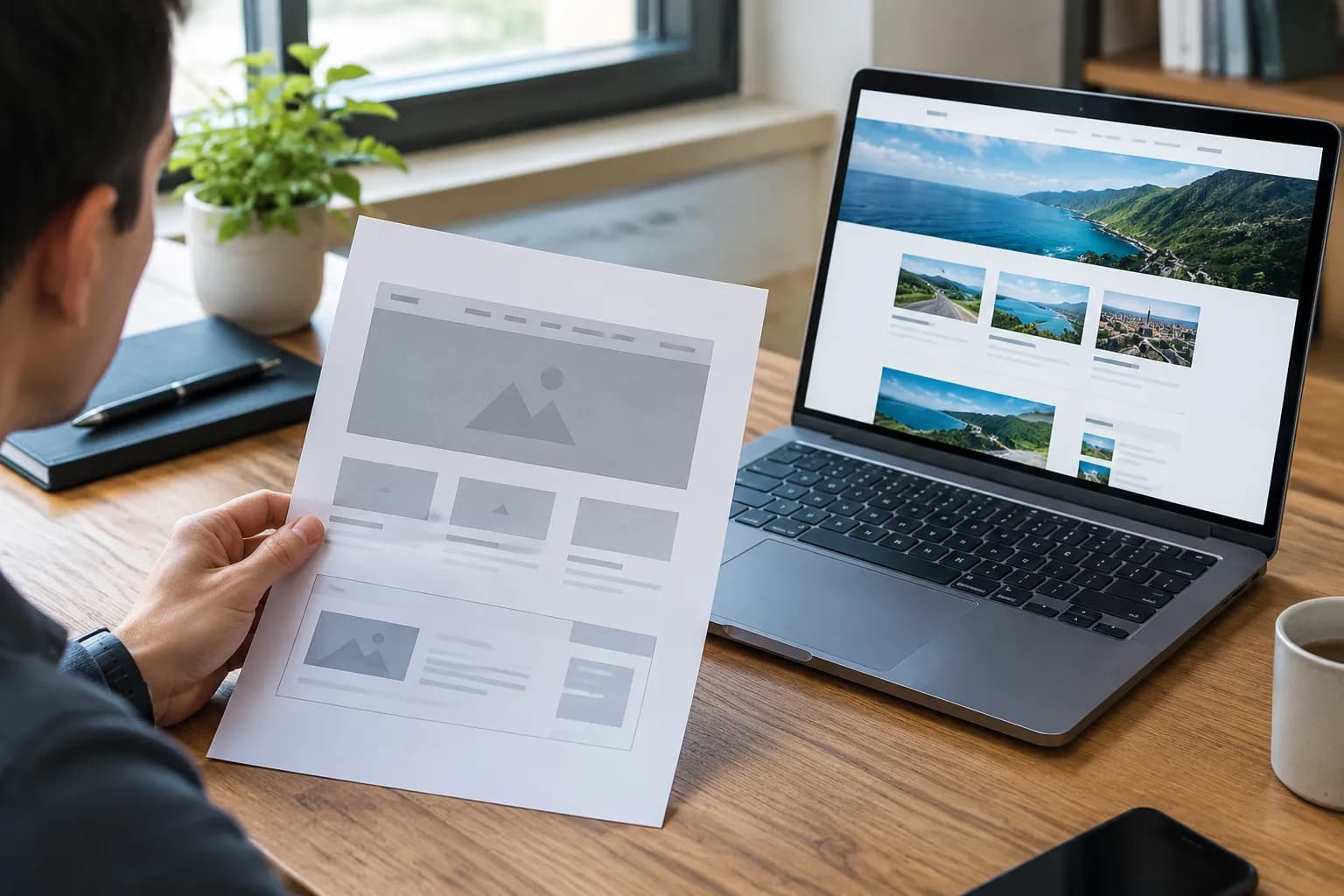
GoDaddy AI Website Builder Review: Pros, Cons, Costs

You have a business idea that kept you up all night.
You have the passion, the product, and the drive.
Now, all you need is a website to show it to the world.
Naturally, you turn to Google.
You search for the fastest way to get online, and inevitably, the godaddy ai website builder dominates your search results. It promises the world.
A site in minutes?
Free to start?
AI that writes your content?
It sounds like the dream solution for every busy entrepreneur.
But here is the reality check we all need.
Speed is seductive. We live in an era where we want everything instantly, from our coffee to our digital storefronts.
However, in the world of website development, speed often comes with a hidden price tag. That price is rarely monetary at first; it is paid in flexibility, distinctiveness, and long-term growth.
While GoDaddy has built a massive reputation on domain registration, their pivot into AI-driven design raises a critical question for serious business owners.
Is it actually worth it?
We are going to dig deep. This isn't just a surface-level glance.
We are pulling back the curtain on the features, the hidden limitations, the actual costs, and the "gotchas" that user agreements bury in fine print.
Whether you are a freelancer, a small agency owner, or an enterprise team leader looking for a quick MVP, you need to know if this tool is a stepping stone or a stumbling block.

Our verdict
- Let’s start with what works.
- Here is where the friction begins.
- GoDaddy markets itself as an "all, in, one" solution.
- The headline always says "Free to Start.
The Promise of Speed: How GoDaddy's AI Claims to Work
Let’s start with what works. If you test the godaddy ai website builder, the first thing you notice is the onboarding process. It is incredibly slick.
You aren't asked for code. You aren't asked to understand padding or margins. You simply type in what you do.
"I am a baker in Chicago." "I am a consultant for tech startups."
Within seconds, likely under a minute, the system churns out a homepage.
It has images. It has headlines.
It has a contact form. For someone who has been terrified of technology for the last decade, this feels like magic. According to reviews from TechRadar, this speed is the platform's primary selling point.
It is designed to lower the barrier to entry so significantly that literally anyone can have a URL live before their coffee gets cold.
This is achieved through a system called Airo. The AI analyzes your keywords and matches them against a massive database of pre-set layouts and stock photography.
It selects a color palette that fits the industry norm, picks a font that is legible, and assembles the blocks. It is efficient.
There is no denying that. If your only goal is to verify that you exist on the internet, this tool checks that box faster than almost anyone else.
However, we have to ask ourselves a difficult question. Is a site built in 30 seconds really capable of holding a visitor's attention for 30 minutes?
The technology is impressive, but the output often feels akin to a microwave meal. It is hot and ready, but it lacks the flavor of something made from scratch.
Try it — build your site while you read
Describe what you want and get a live, publishable site in seconds. Free to start, no code.
Join 200,000+ makers building real websites with Kleap.
The "Generic" Trap: Why Your Site Might Look Like Everyone Else's
Here is where the friction begins. The major critique of the godaddy ai website builder revolves around design aesthetics.
When you automate creativity based on averages, you get average results. The AI works by identifying patterns. It knows what a typical dentist's website looks like, so it gives you a typical dentist's website.
For a branding expert or a business trying to disrupt a market, this is a nightmare. You don't want to blend in; you want to stand out. Research from Website Builder Expert highlights that while the templates are clean and mobile-responsive, they suffer from a severe lack of creative flair.
They are functional, yes. Inspiring?
Rarely.
Imagine walking into a networking event where everyone is wearing the exact same grey suit.
That is the feeling of browsing through a gallery of sites generated by this specific tool. You lose the ability to surprise your visitor.
The Customization Ceiling
You might think, "Well, I will just edit it later." This is a logical assumption. Usually, a builder gives you a base, and you build upon it. With GoDaddy, that ceiling is much lower than you might expect.
The editor is section-based. You cannot drag an element strictly to where you want it.
You can snap it to a grid, or you can move the whole section.
Limitations include:
- Rigid Grid Systems: You can't overlap elements or create dynamic, broken-grid layouts that are popular in modern web design.
- Font Restrictions: You are generally locked into their font pairs to ensure "consistency," which limits your brand expression.
- No Custom Code: This is a big one. If you want to add a specific CSS animation or a Javascript function, you typically can't. You are walled into their garden.
For a freelancer trying to sell creative services, using a rigid template sends the wrong message.
It says you accept the default settings. In a competitive market, you need a platform that allows for the unique, mobile-first dynamism that platforms like Kleap champion, where the AI serves as a base for innovation, not a final destination.
Examining the Features: Breadth vs. Depth
GoDaddy markets itself as an "all-in-one" solution.
On the surface, the list of features included with the godaddy ai website builder is extensive. You get email marketing tools, a social media content creator, appointment booking, and basic SEO tools. It sounds like you are getting an entire IT department in a box.
Let's look closer at the quality of these tools.
The SEO Reality Check
Search Engine Optimization (SEO) is how customers find you.
If Google doesn't like your site, you don't exist. GoDaddy provides an "SEO Wizard." It asks you questions about your business and suggests keywords. It then places these keywords in your meta tags and titles.
For a beginner, this is helpful. But for anyone serious about ranking, it is incredibly basic.
You often lack control over advanced schema markup, canonical tags, or intricate sitemap management.
Furthermore, site speed, a huge ranking factor, can be inconsistent. While the generated code is generally clean, you cannot optimize the server side because you don't control the hosting environment. You are renting space, and you play by the landlord's rules.
Marketing Tools: A Jack of All Trades
The built-in marketing suite allows you to design posts for Instagram or Facebook directly from the dashboard.
This is convenient. It saves you from opening Canva or Photoshop. However, experts from VisionEFX note that these tools are elementary.
They are great for a "Happy Holidays" post, but if you need to run a complex funnel with A/B testing and pixel tracking, you will find the walls closing in very quickly.
The Hidden Costs of "Free"
The headline always says "Free to Start." This is the oldest trick in the SaaS book, and major providers are masters of it.
You build your site for free. You spend hours tweaking the text. You upload your photos.
You fall in love with the layout. Then you hit "Publish."
That is when the paywall drops. To connect a custom domain (which you need to look professional), you must upgrade to a paid plan. GoDaddy's pricing is competitive initially, but renewal rates often jump significantly.
What started as a $10/month investment can double upon renewal.
Moreover, there is the issue of "feature lock-in." You might start on the Basic plan, but then realize you need to accept payments. Upgrade.
Then you realize you need to send more than 100 emails a month. Upgrade again. Before you know it, you are paying an enterprise rate for a tool that still doesn't allow you to edit the HTML.
There is also no free custom domain for the long haul. You might get the first year free, but you will pay for it later.
For entrepreneurs on a tight budget, these creeping costs can destroy margins. A truly scalable model should offer transparency from day one.
Scalability: The Nightmare of Moving Out
This is the paragraph you need to read twice.
The biggest risk of using the godaddy ai website builder isn't the design or the cost; it is the data portability.
If you build your business on WordPress, you can pick up your files and move to a different host. If you build on Kleap, you own your content and code structure.
But with proprietary builders like GoDaddy's, you are essentially renting a furnished apartment where the furniture is glued to the floor.
If you grow to the point where you need a custom-coded feature or a massive database integration that GoDaddy doesn't support, you cannot simply "migrate" your site. You have to rebuild it. From scratch.
On a new platform.
Imagine spending two years building SEO authority, creating blog posts, and generating product pages, only to realize you have to leave it all behind because the platform can't handle your growth. This "replatforming" cost is massive for small businesses. It involves downtime, lost rankings, and developer fees.
This is why choosing a platform that scales with you, or at least allows for easier export, is vital for long-term health.
Kleap vs. GoDaddy: A Philosophy Difference
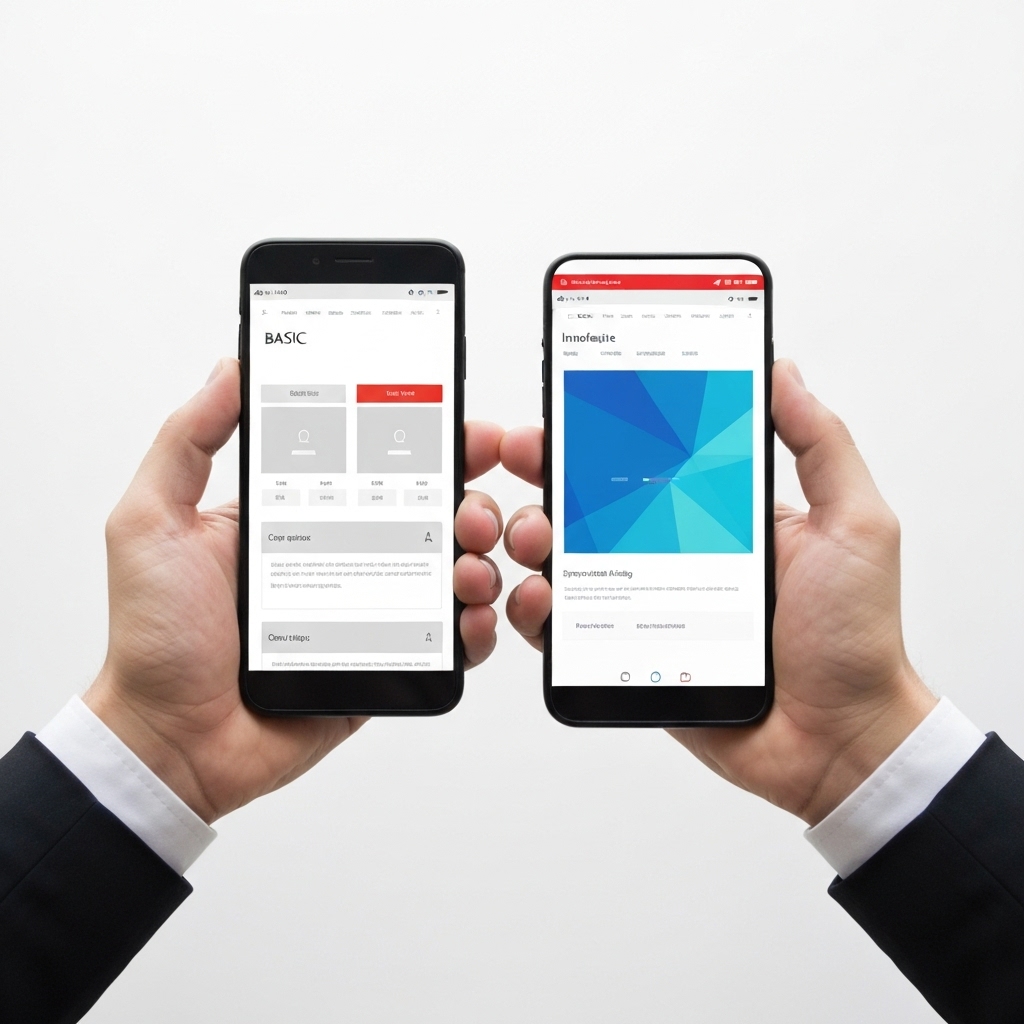
It is important to understand where different tools sit in the market. GoDaddy is designed for stability and mass appeal. It is the Ford Taurus of website builders.
Reliable, common, and gets you from A to B.
Kleap takes a different approach to the AI building process. We understand that modern businesses run on mobile.
We prioritize:
- Mobile-First Architecture: Not just "responsive," but built for the scroll.
- Full Ownership: You are building an asset, not just renting a page.
- Conversion Focus: Designs that are meant to sell products and services, not just display information.
While the godaddy ai website builder focuses on getting you online fast, other innovative platforms focus on keeping you online profitably.
The difference lies in the intention. Are you building a digital business card, or are you building a digital business?
Who is GoDaddy Actually For?
We are not here to say GoDaddy is useless.
That would be dishonest. It serves a very specific slice of the market very well.
Based on the features and limitations, here is who should genuinely consider it:
- The localized brick-and-mortar: The dry cleaner, the local plumber, or the corner bakery. You need a map, a phone number, and hours of operation. You don't need a blog. You don't need complex funnels. GoDaddy is perfect for this.
- The absolute novice: If the thought of "hosting nameservers" makes you sweat, GoDaddy’s managed backend is a safety net.
- The temporary project: Need a site for a family reunion or a weekend event? It’s fast and disposable.
However, if you fall into the following categories, you should look elsewhere:
- Digital Creators & Freelancers: Your website is your portfolio. It needs to scream "unique."
- E-commerce Brands: You need deep analytics and inventory management flexibility.
- Startups: You need to iterate fast and eventually scale into custom tech stacks.
The Verdict: Convenience vs. Control
In the end, the godaddy ai website builder is a tool of convenience.
It trades control for ease of use.
It trades uniqueness for speed. For millions of users, that trade-off is acceptable. They don't need the Mona Lisa; they need a flyer on a telephone pole.
But for you, the entrepreneur reading this who wants to build a brand that lasts, a brand that converts, and a brand that you actually own, the hassle of hitting GoDaddy's limitations six months down the road is real. The initial speed boost is often negated by the long-term friction of a closed ecosystem.
Building a website in the AI era should be about empowering your vision, not constraining it to a pre-set template. It should be about launching a competitor to the big guys, not joining the sea of sameness. Whether you choose Kleap or another flexible solution, make sure you are investing in a platform that respects your future growth just as much as your present speed.
Go Deeper with Your Digital Strategy
If you are ready to build a website that works as hard as you do, without the technical handcuffs, it might be time to explore what a dedicated AI builder can do.
Don't settle for the default option just because everyone knows the name. Explore the tools that are building the next generation of the web.
FAQ
Is GoDaddy's AI website builder really free?
It offers a free trial or a free version with significant limitations.
You cannot connect a custom domain (like .com) or accept payments on the free tier. To have a professional, live site, you will eventually need to pay a monthly subscription.
Can I export my GoDaddy website to WordPress later?
No, there is no direct export button.
GoDaddy uses a proprietary builder. If you want to move to WordPress or Kleap later, you will likely have to rebuild the design and copy paste your content manually.
This is known as "platform lock-in."
Does GoDaddy AI write good content?
It writes functional content. It is grammatically correct and relevant to the industry you select, but it often lacks personality and brand voice.
Most users find they need to rewrite significant portions to make it sound human and engaging.
Is GoDaddy good for SEO?
It covers the basics. For a local business trying to rank for "pizza near me," it can work. However, for competitive keywords or national brands, the limited control over technical SEO settings can be a disadvantage compared to more flexible platforms.