AI HTML Website Builders: 3 Tools for Clean Code

We've all been there. You get excited about a supposedly revolutionary AI generator. You type in your prompt, and what you get back is...
a digital mess. The design might look okay at first glance.
But under the hood?
It’s a complete nightmare of tangled div tags and inline styles that would make any seasoned developer cry.
And for developers and entrepreneurs who actually care about performance, that's the biggest roadblock. What we're all really looking for is an HTML website builder AI that understands what clean code means. We need a tool that feels like a senior developer is sitting right there with you, not something that just mindlessly throws elements onto a canvas.
I’ve spent weeks digging through all the noise to see if a real solution is out there. The market is just flooded with so-called "no-code" tools that trap you in their ecosystem.
And look, that's fine for a hobbyist project. But for us? We need markup we can actually use: exportable, semantic, and ready for production.
The good news?
Things are finally starting to change.
A new wave of AI tools built for developers is finally here. These platforms are different.
They generate real HTML, CSS, and JavaScript, and they actually respect modern frameworks.
Best of all, they allow you to own your code.

Why the search for an HTML website builder AI matters
Speed is the currency of the modern web. Whether you are launching a startup or managing client sites at a marketing agency, you cannot afford to spend three days coding a landing page that should take only three hours. This is where an HTML website builder AI changes the game.
But there is a catch. Traditional site builders prioritize convenience over quality.
They use heavy scripts to achieve simple layout effects. This hurts your Core Web Vitals and your SEO.
It essentially puts a ceiling on how well your project can perform in search rankings.
A true AI code generator does the opposite.
It streamlines the build process while maintaining the integrity of the codebase. It allows you to move from an idea to a live product instantly, without technical debt piling up from day one.
This is exactly why the team built Kleap.
We recognized that mobile-first creators and serious business owners needed more than just a template. They needed a partner that takes a natural language description and turns it into a fully functional, hosted digital platform with just a few clicks.
While we are proud of how Kleap handles the entire 'idea to live' pipeline, we recognize that different developers have different workflows.
Below, I've broken down three other reputable tools that are pushing the boundaries of what AI can do for code generation.
So, we put them to the test. We focused on what really matters: clean code, developer controls, and whether you can actually export your work.
Try it — build your site while you read
Describe what you want and get a live, publishable site in seconds. Free to start, no code.
Join 200,000+ makers building real websites with Kleap.
1. PlayCode AI Builder
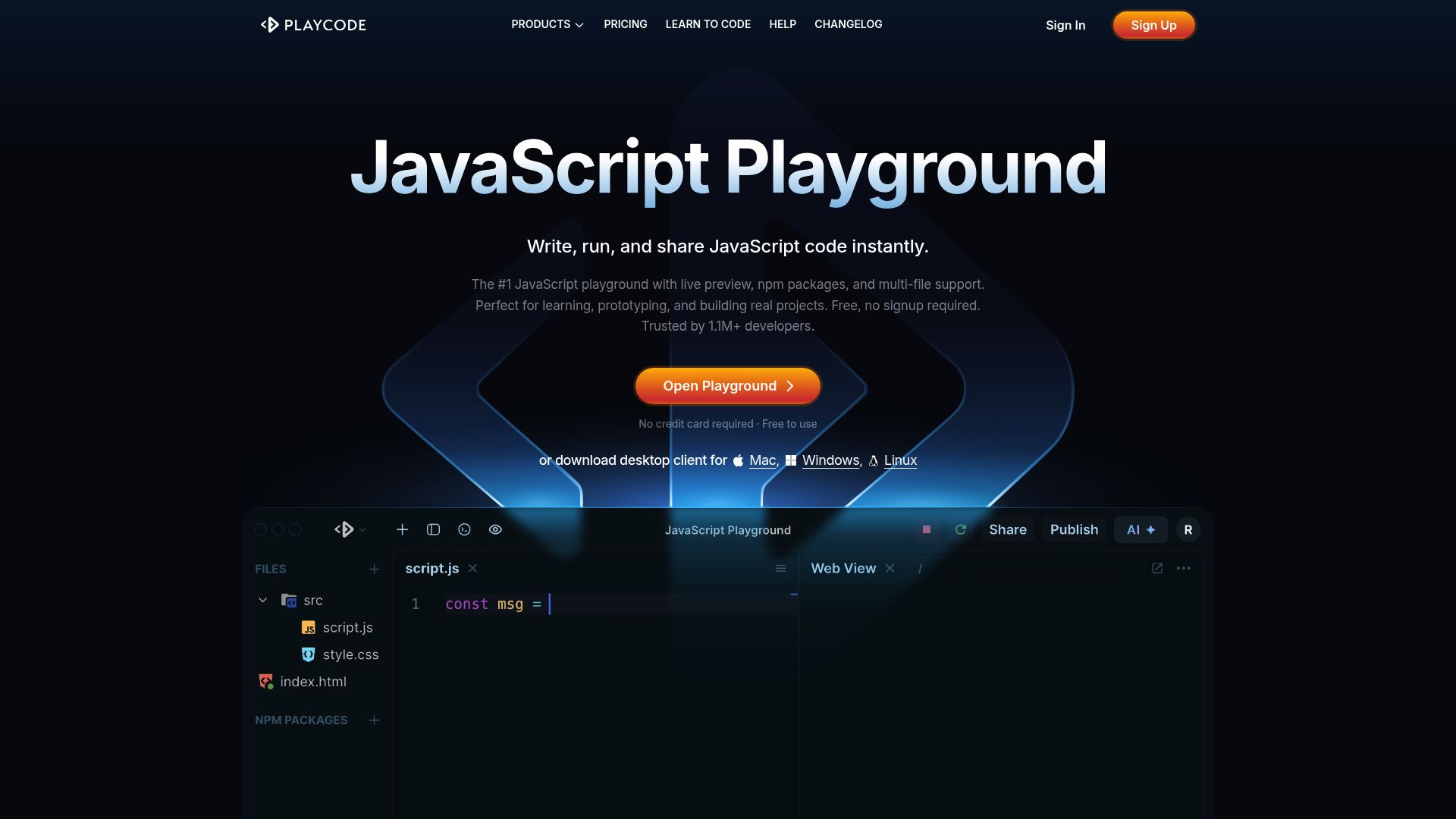
If you want an environment that feels less like a magic wand and more like a proper IDE, PlayCode is a pretty compelling option. It really bills itself as the closest you can get to a true AI development environment.
📸 playcode.io
Most builders try to hide the code from you.
PlayCode, on the other hand, puts your code front and center. I was reading their recent analysis, and it’s clear the platform is made for developers who want real code, not just locked-in templates.
How it functions
The workflow is surprisingly flexible. You describe what you want, and the AI writes actual code. We are talking about raw HTML, CSS, JavaScript, or even specific stacks like React, Vue, and Tailwind.
It does not just spit out a generic layout.
One thing I found really interesting was the sheer variety of AI models you can use. You can switch between 15 different ones, like Claude, GPT, Gemini, and Grok, depending on how complex your request is. If one model is having a tough time with a tricky CSS grid layout, you can simply swap to another one to get it done.
It has three different modes you can work in:
- Agent: This mode allows for autonomous building.
- Plan: This scaffolds the project and creates a roadmap.
- Ask: This is great for learning or just refining code you already have.
You can even watch the AI type out the code in real-time right inside the editor. It is almost hypnotic to watch. More importantly, this means you can jump in and make changes on the fly.
Code quality and ownership
When it comes to code quality and ownership, this HTML website builder AI genuinely respects web standards.
What you receive is framework-grade code. Since you can export plain files or push straight to GitHub, you maintain full control.
There is no vendor lock-in here. You can export as a ZIP file or push to GitHub and deploy on your own infrastructure, whether that is Vercel, Netlify, or a private server.
This is a massive differentiator from typical AI site builders that hold your data hostage on their servers.
2. Vercel v0
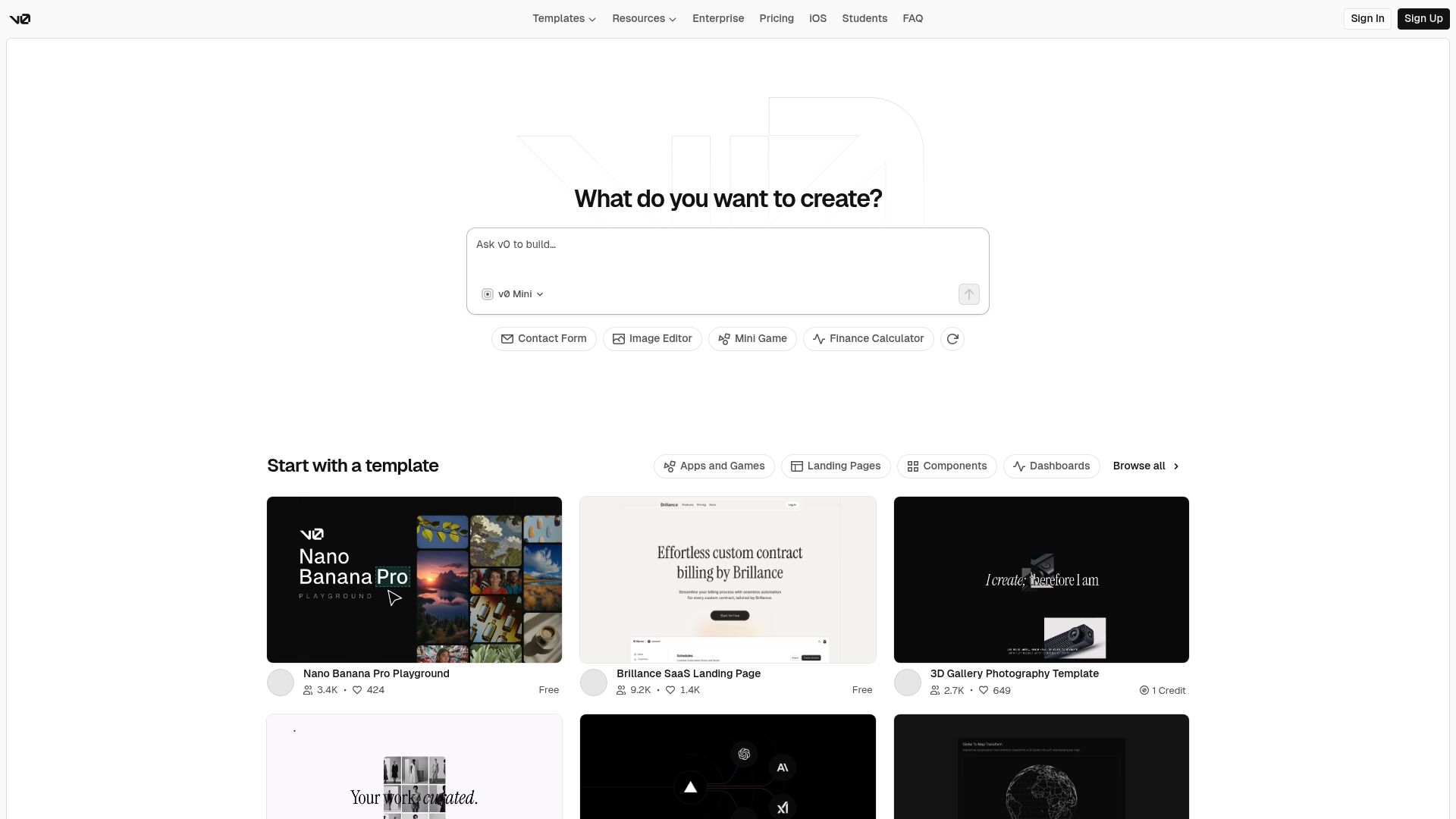
Next up is a tool that has gained significant traction among the React community. If you're already living in the Next.js world, then this is probably the HTML website builder AI you’ve been hearing whispers about.
📸 v0.dev
Vercel's v0 isn't a "drag and drop" site builder in the way you might think. Instead, it's a generative UI system.
I saw some insights that nail it: v0 is amazing at generating production-ready React components for modern web apps MarketerMilk reviews.
How it functions
The experience is very chat-based.
You interact with the AI similarly to how you would with ChatGPT. You can just describe something like a "dashboard with a sidebar and a data table," and it generates the layout for you instantly.
The secret sauce here is the tech stack.
It uses Shadcn UI and Tailwind CSS by default.
This means the components look professional right out of the box.
They are accessible and cleanly structured. You can publish instantly to a Vercel subdomain to test it live or connect a custom domain if you are ready to go.
Code quality and ownership
For developers, this returns some of the cleanest component code available. Because it relies on Shadcn and Tailwind, the HTML is semantically sound.
It is highly maintainable.
You are not getting a block of unexplained code; you are getting a structured React component.
If you’re already in the Vercel ecosystem, the integration is seamless. But even if you're not, you still own every line of the code it generates.
You're free to copy and paste it right into your existing monorepo or micro-frontend setup without a problem.
3. Tempo Labs
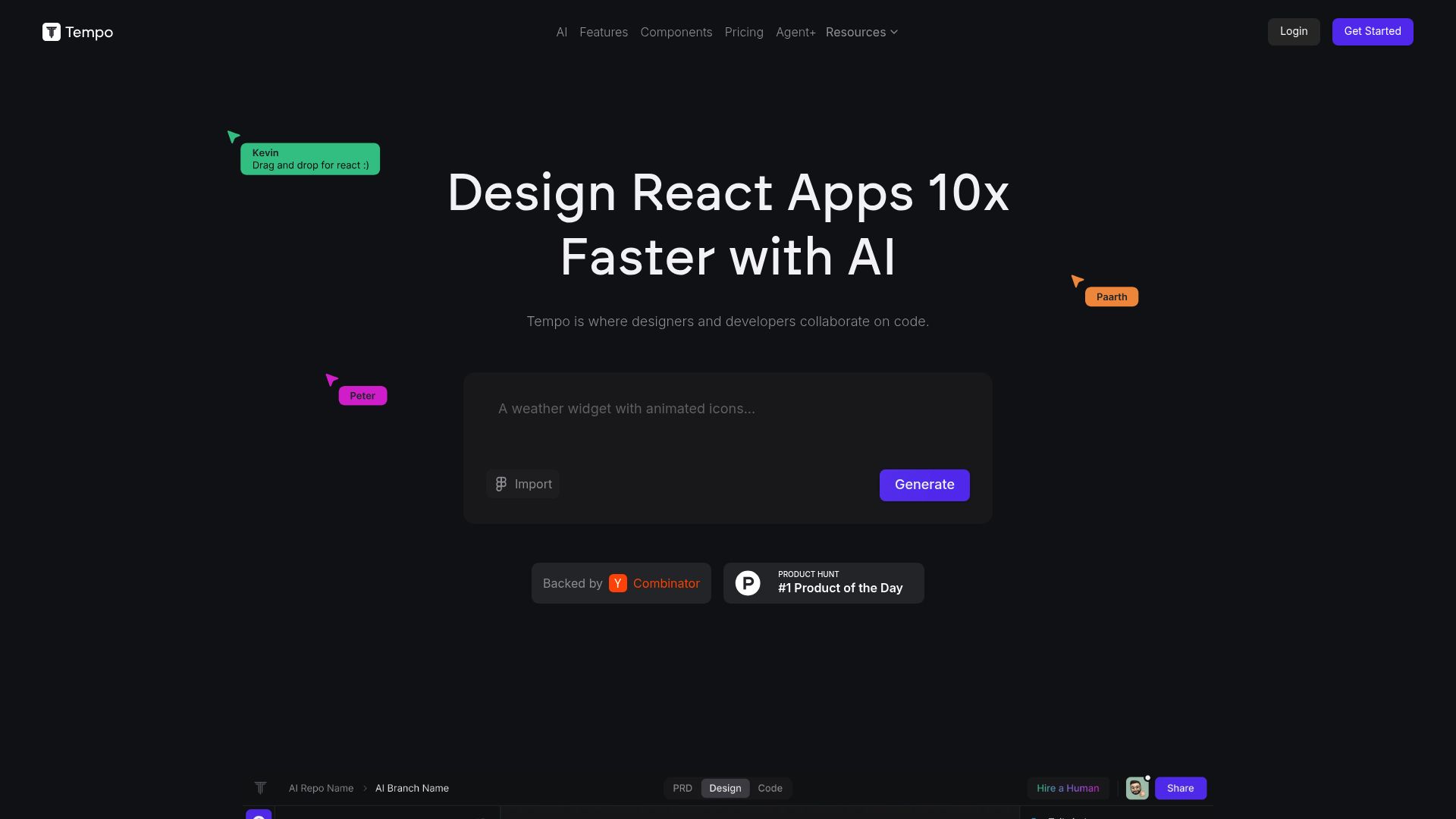
For anyone tackling more complex web applications, Tempo Labs has a really impressive set of tools. It keeps popping up as a top choice for founders and teams trying to close that frustrating gap between design and actual code.
📸 tempolabs.ai/p>
Tempo is built for a pretty wide audience, including designers, marketers, and full-on development teams.
It tries to cover the entire project lifecycle, from the planning stage all the way to implementation.
How it functions
The process kicks off with a prompt, but Tempo gets interesting here: it goes a step further and generates a Product Requirements Document (PRD) to ensure everyone's aligned on the scope before a single line of code gets written.
This is a brilliant feature for agencies that need to get client sign-off before development begins.
Once the scope is set, the AI generates the layout and the implementation code.
You can tweak designs manually or prompt the AI for edits. A standout feature is the ability to import Figma designs. Tempo will attempt to code them up, effectively turning a static vector design into a working prototype.
Code quality and ownership
So what about code quality?
Tempo is built to generate production-grade code that you can pull directly into VS Code. That alone tells you it’s designed to fit into a real engineering workflow, not just another locked-in visual builder.
You can even import your existing codebase, tweak it, and then push it right back to GitHub.
That two-way flow is pretty rare in the html website builder AI space and makes it a seriously powerful choice for enterprise teams working on big projects.
Comparing developer tools to consumer builders
Okay, it’s really important to draw a line between the developer-focused tools we've just talked about and the more mainstream options out there. If you skim through general reviews, you're going to see names like Wix, Squarespace, and Hostinger everywhere.
Don't get me wrong, these platforms are fantastic for what they're built for. I've seen reviews showing they have solid AI helpers for generating text and basic layouts, and they’re all about simplicity and bundled hosting.
But let's be clear: they are not built for developers. The code they produce usually isn't meant to be touched by human hands.
It's often bloated with a ton of proprietary scripts that are only there to make their on-platform features work.
And if you ever try to export that HTML?
Good luck. You usually end up with a broken, heavy file that’s a total nightmare to maintain.
On the flip side, an HTML website builder AI like our own Kleap, or tools like PlayCode and v0, focuses on the quality of the final output.
Here at Kleap, for example, our whole philosophy is to let the AI do the heavy lifting with design and structure, but the end result has to be a professional, fully functional digital platform that is fast and ranks well.

Juan Esteban Camacho / Unsplash
The impact of clean code on business growth
So you might be thinking, "Does the code quality *really* matter that much if the site looks good?" The answer is a huge, resounding *yes*.
For one, search engines like Google are getting much smarter.
They're all about user experience now, and that's directly tied to your page's structure and how fast it loads.
A site built with clean, semantic HTML is like giving search engine bots a crystal-clear map, telling them exactly what your content is about. Bloated code, on the other hand, is like a thick fog that makes it nearly impossible for those bots to do their job.
Now let's think about reliability for a second.
It doesn't matter if you're running a high-tech SaaS or a local service business; trust is everything.
Think about it: you'd trust a professional for something critical like security. For instance, you'd want a reliable locksmith in an emergency, like serrurierkad.ch in Geneva, and your website's code needs that same level of rock-solid reliability, especially when traffic spikes.
If your site goes down because of some flimsy AI-generated script, you're not just losing traffic; you're losing customers.
Practical recommendations for your workflow
So, with all that said, which HTML website builder AI should you actually choose?
It really depends on your role and what you're trying to do.
For solo developers and freelancers
If you're a solo dev or freelancer coding custom apps and need quick landing pages where you control every single pixel, PlayCode is a great place to start. Being able to export real HTML and React without getting locked in is a huge win for keeping your costs down and your options open.
For marketing agencies
Speed is your best friend here. Agencies often lean towards the Webflow + Relume combination, or they use Kleap to go from a client pitch to a live site in minutes. The goal is to reduce the billable hours spent on repetitive setup tasks so you can focus on creative strategy.
For enterprise teams
Standardization is key. If your team is already using Next.js, integrating Vercel v0 is a no-brainer.
It fits into your CI/CD pipeline and ensures that every new dashboard or internal tool adheres to your design system. For larger prototyping, Tempo Labs offers the documentation and GitHub integration that large organizations require.

Ofspace LLC / Unsplash
The future of AI in web development
We are just scratching the surface of what is possible. The definition of an HTML website builder AI is expanding.
It is no longer just about generating a static page; it is about creating full-stack applications with intelligent backends.
At Kleap, we see a future where the line between 'non-technical' and 'developer' blurs. By using natural language to build fully functional platforms, we are empowering anyone to create professional-grade software. The tools are getting smarter, the code is getting cleaner, and the barrier to entry is crumbling.
It is an exciting time to be building on the web. The tools we discussed today (PlayCode, Vercel v0, Tempo, and the platform) are proof that you do not have to sacrifice quality for speed.
You can have both.
If you are ready to stop wrestling with code and start shipping products, now is the time to experiment.
Try generating your next project with AI. Analyze the code.
Push it to the limit. You might be surprised at how good it has become.

Samsung Memory / Unsplash
FAQ
So, can an AI website builder really write good HTML?
Yes, but it really depends on the tool.
The developer-focused AI tools like PlayCode or Vercel v0 are designed to generate clean, semantic code that is pretty close to what a good human developer would write.
On the other hand, the more consumer-focused builders often create bloated code because they have to support all their drag-and-drop features.
Can I export the code from these AI builders?
Absolutely.
Tools built for developers (like PlayCode, Tempo Labs, and Vercel v0) all let you export your code. This is usually done as a ZIP file or by pushing directly to GitHub. With Kleap, you also get extensive ownership and full control over your entire digital platform.
Is AI-generated code bad for SEO?
Not at all, as long as you are using the right tool. If your HTML website builder AI is producing clean, semantic HTML and lightweight CSS, it can actually be better for SEO than a poorly coded site made by a human.
The trick is just to avoid bloat and make sure everything is mobile-responsive.
Do I need to know how to code to use these tools?
For tools like PlayCode and v0, knowing some code definitely helps you get the most out of them since you'll be working directly with the code they create. On the other hand, platforms like Kleap are specifically designed so that anyone can use them without coding skills while still achieving professional, high-quality results.