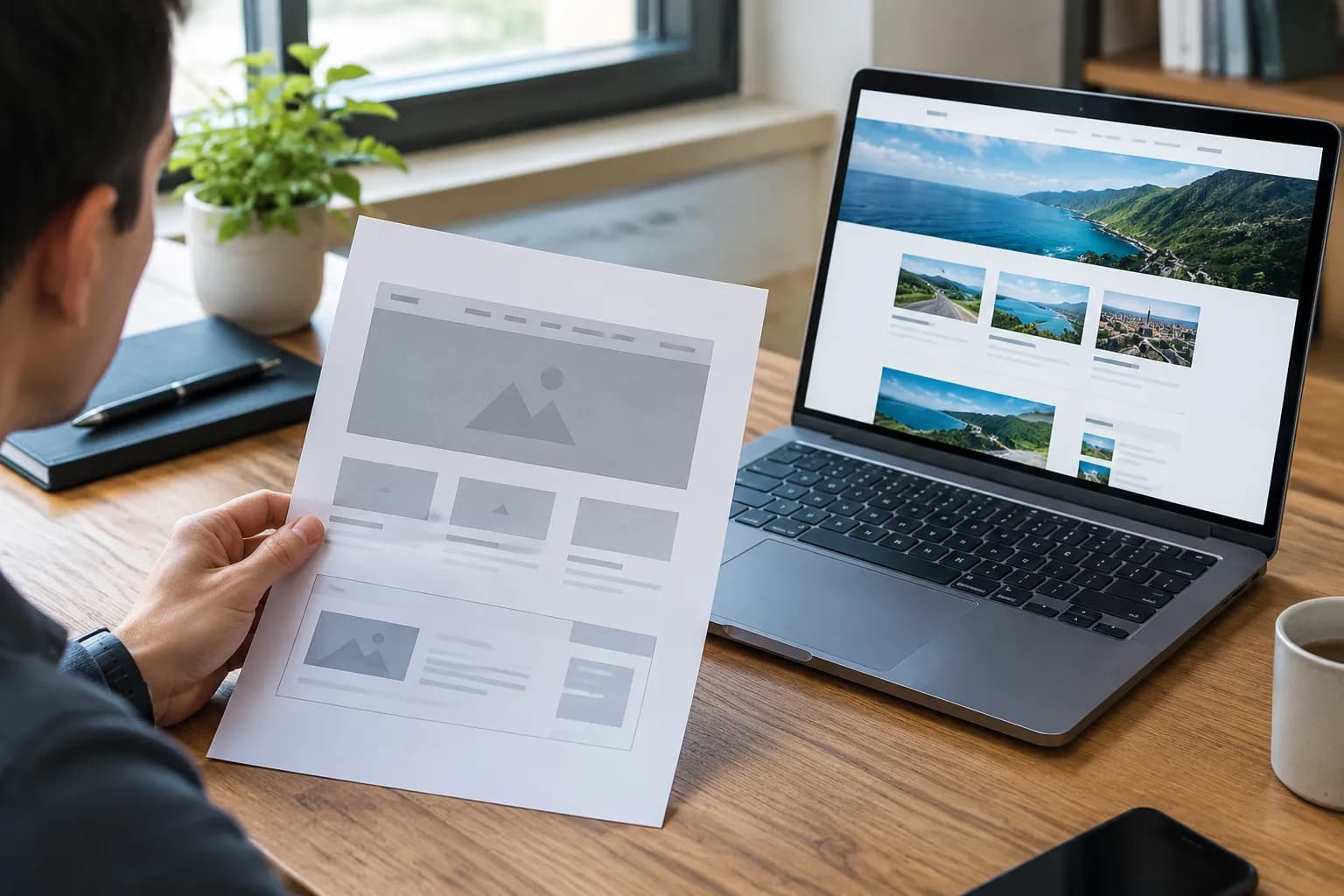
How to Design Professional Website Without Coding

I distinctly remember the panic I felt when I decided to launch my first business.
I had the product. I had the passion.
But I had zero technical skills.
Use "how to design professional website without coding" as a search term, and you are flooded with technical jargon.
You see people talking about HTML, CSS, JavaScript, and expensive hosting servers.
It feels overwhelming.
But here is the truth.

I built a site that generates six figures in revenue, and I never wrote a single line of code. Not one.
The landscape has changed completely.
Today, learning how to design professional website without coding is not just possible.
It is actually the smarter choice for most entrepreneurs.
You need speed. You need flexibility.
You do not need to wait three weeks for a developer to change a headline.
In this guide, I walked through the exact method I use.
We will cover strategy, tools, and the design principles that separate amateur blogs from high-converting business assets.
What you'll learn
- 1. Stop Thinking About Colors (First, Design the Strategy)
- 2. The Tool Stack: Choosing the Best Platform
- 3. Using a Conversion-First Wireframe
- 4. Visual Design Rules for Non-Designers
- 5. Integrating AI Content and Images
1. Stop Thinking About Colors (First, Design the Strategy)
Most beginners make a classic mistake.
They open a website builder and immediately start picking colors or looking for flashy animations.
This is the fastest way to build a website that looks pretty but sells nothing.
Before you worry about how to design professional website without coding, you must design the business logic.
Reflect on this.
A website is an employee.
It works 24/7.
What is its job description?
Define the Primary Goal
If you try to do everything, you accomplish nothing. Your website cannot be a brochure, a store, a blog, and a social network all at once.
For my business, clarity was key.
You must pick one specific outcome.
- Service Providers: The goal is usually to book a discovery call.
- SaaS Founders: The goal is to start a free trial.
- Local Businesses: The goal might be to get a quote request.
If you don't define this, no amount of design will save you.
Understand the Audience Deeply
"Everyone" is not a target audience.
When I advise people on how to design professional website without coding, I ask them to describe their ideal client in one sentence.
Say you land on something like, "We help busy moms in Chicago find reliable plumbing services." That one sentence tells you exactly what your design needs to do.
If you're going after busy moms, your design has to be perfectly mobile, load in a flash, and have a "Call Now" button front and center. No hunting around.
If you target luxury B2B consultants, your design needs white space, elegant typography, and in-depth case studies.
Structure Your Key Actions
Every page on your site needs a job.
We call this the Call to Action (CTA).
Primary CTA: This is the money maker. "Book a Call" or "Buy Now."
Secondary CTA: This is for people not ready to buy. "Download Checklist" or "Read Case Study."
Your no-code strategy relies on these pillars.
It ensures that when you finally open the tool, you are building a machine, not a painting.
This strategic approach helps your no-code site perform better than many custom-coded sites because the focus is on user experience and business goals.
According to experts in the field, tools are secondary to clarity of goals and content.
For more on this philosophy, you can check insights from Flow Ninja regarding no-code strategies.
Try it — build your site while you read
Describe what you want and get a live, publishable site in seconds. Free to start, no code.
Join 200,000+ makers building real websites with Kleap.
2. The Tool Stack: Choosing the Best Platform
This is where most people get stuck.
The market is saturated. You have "easy" builders that look cheap, and "complex" builders that require a design degree.
To master how to design professional website without coding, you need the tool that balances power with ease.
Here is my honest assessment of the landscape based on what is available right now.
The Rise of AI Builders (The Smart Choice)
If you are a small business or a freelancer, time is your most valuable asset.
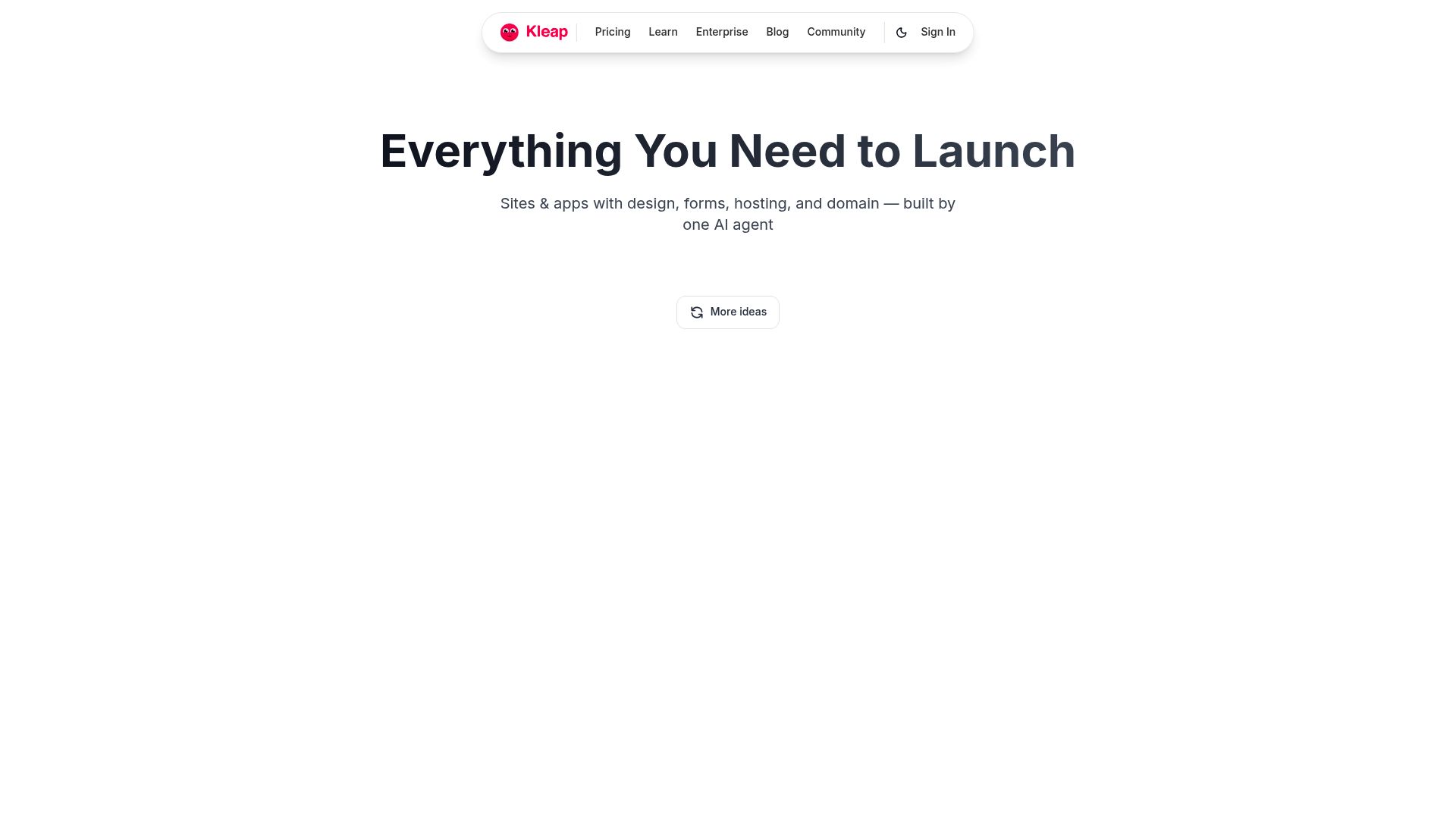
Newer platforms like Kleap are changing the game by using AI to handle the heavy lifting.
Instead of dragging pixels around for hours, AI generates the structure based on your business type.
This ensures your site is mobile-optimized by default, which is critical since most traffic today comes from phones.
📸 kleap.co
Legacy Competitors
You also have the traditional giants.
They are powerful but come with trade-offs.
| Platform | Best For | The Reality |
|---|---|---|
| Kleap | Entrepreneurs, Creators, Fast Launch | Best for mobile-first design and speed. AI handles the structure, so you can't "break" the design. |
| Webflow | Designers & Agencies | Extremely powerful but has a steep learning curve. It is basically visual coding. |
| Wix | General DIY users | Huge template library, but easy to make your site look cluttered if you aren't careful. |
| Squarespace | Portfolios & Restaurants | Beautiful templates but can be rigid if you want to change the layout significantly. |
What to Look For
When validatng can i build a website without coding using these tools, look for these features:
- Mobile Responsiveness: Does it look good on a phone automatically?
- SEO Tools: Can you edit meta descriptions and titles easily?
- Speed: Does the code bloat make the site load slowly?
- Can you actually talk to a human if you get stuck?
For high-growth businesses, it's true that Webflow offers incredible control, it’s almost like custom code, a point you'll see made in Webflow's own resources.
But listen, for business owners who need a professional website without touching code, one that practically takes care of itself, that’s where Kleap really gives you a leg up.
3. Using a Conversion-First Wireframe
Design is not art.
Design is problem-solving.
When I built my 6-figure site, I didn't invent a new layout. I used a proven structure.
You can use this wireframe regardless of which builder you choose.
The Hero Section (Make or Break)
This is the top of your homepage.
You have about three seconds to capture attention.
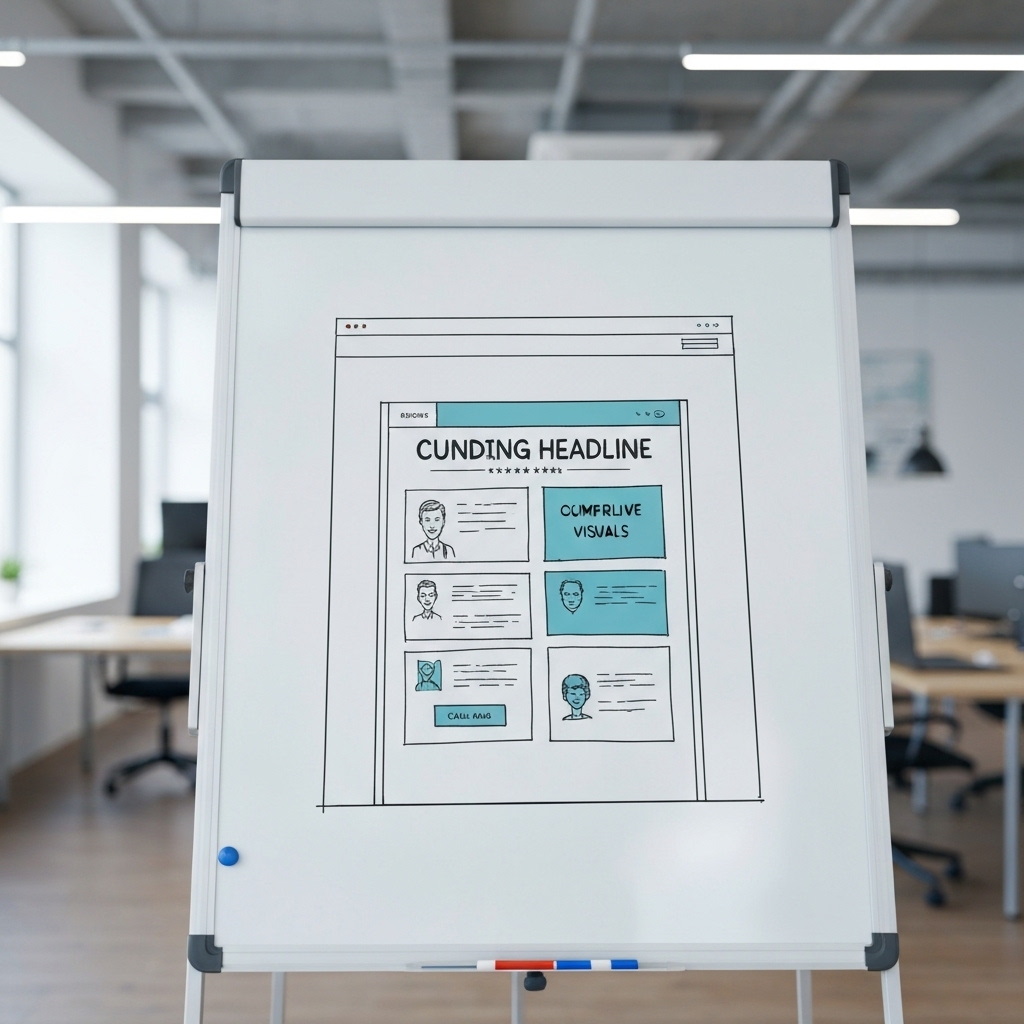
Headline: State the outcome. "Get More Leads in 30 Days."
Sub-headline: Explain how.
"We use automated outreach to fill your calendar."
CTA: Be direct. "Start Free Trial."
Do not be clever here. Be clear.
The Trust Bar
Right below the hero, place logos.
These could be media mentions, client logos, or even software partners.
This psychological trigger tells the visitor: "We are legitimate."
The Problem/Solution Agitation
Before you sell your service, remind them of the pain.
"Tired of chasing cold leads?"
Then, present your solution as the relief.
The "How It Works" (3 Steps)
Keep it simple. People prefer things in threes.
- Step 1: Onboarding or Booking.
- Step 2: The Work or The Magic.
- Step 3: The Result or Profit.
It sounds basic, but complex processes scare away customers.
Social Proof
Testimonials are non-negotiable.
Video testimonials are gold.
If you only have text, include a photo of the person.
A testimonial without a face feels fake.
This structure works for an easy website builder for non-technical users because it doesn't require complex grids.
It is just stacking blocks of content vertically.
4. Visual Design Rules for Non-Designers
You might be thinking, "I have the structure, but I have no taste."
That is okay.
Learning how to design professional website without coding is mostly about restraint.
Bad design usually happens when you add too much.
Typography: The Two-Font Rule
Never use more than two font families.
Pick one font for your Headings (H1, H2, H3).
Make it bold. Make it distinct.
Pick a second font for your Body text. Make it clean and easy to read.
Open Sans, Inter, or Roboto are safe bets.
Platform note: Most builders let you set these globally.
If you change it in the settings, it updates everywhere. This consistency screams "Professional."
Color Strategy: The 60-30-10 Rule
Designers use a simple ratio for colors.
60% Primary Background: Usually white, light gray, or very dark (if doing dark mode). This is your canvas.
30% Brand Color: This is your blue, green, or brand tone. Use it for headings, icons, or background sections.
10% Accent Color: This is for your buttons. It should contrast heavily.
If your site is blue, make your buttons orange or yellow.
High contrast draws the eye to the "Buy" button.
Whitespace is Your Friend
Amateurs pack content together.
Pros add space.
Look at your favorite software company's website.
Notice how much empty space is around the text?
Whitespace improves readability and makes your brand feel premium.
When in doubt, add more padding to your sections.
Tools like Blaze.tech discuss how modern no-code builders allow for pixel-perfect spacing, bringing design tools capabilities to the web.
5. Integrating AI Content and Images
We live in the golden age of content creation.
If you are struggling with what to write or show, AI is the answer.
When figuring out how to design professional website without coding, you can use AI to bypass writer's block.
Better Copywriting
You can use ChatGPT or the built-in AI in tools like Kleap to write your headlines.
Prompt it specifically: "Write 3 catchy headlines for a dog walking business in Austin, focusing on reliability."
Don't just copy-paste.
Edit it to sound like you.
Visuals and Photography
Bad photos ruin good code.
If you have the budget, get a professional photoshoot.
If you are bootstrapping, use high-quality stock libraries like Unsplash.
However, avoid the "guys in suits shaking hands" photos.
Matúš Gocman / Unsplash
They look generic.
Instead, choose atmospheric shots or abstract images that match your color palette.
Remember to compress your images.
Large images slow down your site, and Google hates slow sites.
Most easy website builder for non-technical users will handle some optimization, but it is good practice to upload smaller files.
6. Adding Business Functionality
A professional website must do more than inform.
It must transact.
Gone are the days when you needed a developer to connect a payment gateway.
Booking Systems
If you sell time (coaching, consulting), embed a calendar.
Calendly or native booking tools in Kleap allow clients to see your availability and book instantly.
This removes the "email ping-pong" of scheduling.
Lead Capture Forms
Never rely on a simple "mailto" link.
Use a form.
Forms let you funnel data directly into your CRM or email newsletter.
Ask for the minimum info necessary. Name and Email are often enough.
The more fields you add, the fewer people will fill it out.
Payments
If you sell products or standardized services, take the money on the site.
Stripe and PayPal integrate with almost every no-code builder today.
Ensuring a secure, smooth checkout experience is part of how to design professional website without coding.
You want the transaction to feel safe.
7. SEO: Getting Found on Google
You built it. Now they need to come.
Search Engine Optimization (SEO) scares people, but the basics are simple.
No-code platforms are actually quite good at SEO now, despite what purists say.
The Basics Checklist
Page Titles: This is blue text in Google results. Include your keyword here.
Example: "Best Dog Walker in Austin | [Brand Name]"
Meta Descriptions: The text under the title. Write a compelling hook to get the click.
Headings: Use H1 for your main title. Use H2 for major sections.
Google reads this hierarchy to understand your content.
URL Structure: Keep it clean. `domain.com/services` is better than `domain.com/p=123`.
Kleap and other modern builders generate clean code that search engines can crawl easily.
If you constantly update your blog (like I am doing now), you signal to Google that your site is active.
Consistent content is the best SEO strategy.
8. The "Launch and Iterate" Mindset
Here is the secret to my 6-figure site.
It didn't look like this on day one.
The beauty of learning how to design professional website without coding is agility.
If I see that no one is clicking my "Contact" button, I can move it.
I can change the color.
I can rewrite the text.
I can do this in five minutes while drinking my morning coffee.
Don't Wait for Perfection
Perfection is procrastination.
Launch your MVP (Minimum Viable Product).
Get it live.
Send it to friends. Get feedback.
The market will tell you what is wrong faster than your own intuition will.
Start with a Homepage, an Offer page, and an About page.
You can add the blog later.
You can add the complex automation later.
Just get in the game.
9. Comparing the Time and Cost
Let's look at the economics.
If you hire an agency to build a custom WordPress site, you are looking at $3,000 to $10,000.
It will take 4 to 12 weeks.
If you need an update, you pay their hourly rate.
If you use my method to design professional website without coding:
- Cost: $15 to $50 per month for the tool.
- Time: 1 to 3 days of focused work.
- Maintenance: Free (you do it).
For a bootstrapped entrepreneur, this math is undeniable.
You save capital that you can invest in ads or product development.
Furthermore, platforms like Kleap are optimized for the mobile web immediately.
Google prioritizes mobile-first indexing.
Often, custom-coded sites break on mobile if the developer is lazy.
No-code tools prevent this because the responsive design is baked into the framework.
Conclusion: Your Website is Waiting
I hope this guide has demystified the process for you.
We covered how to design professional website without coding by focusing on strategy first, choosing the right tools like Kleap, and adhering to simple design principles.
You don't need a computer science degree.
You need a clear offer and the courage to hit "Publish."
The technology is here.
The barrier to entry has never been lower.
Take this method. Sketch your wireframe on a napkin.
Pick a template or let AI generate your structure.
And build that business asset that will work for you while you sleep.
If you are ready to start, I recommend trying Kleap. It creates stunning, mobile-ready websites in seconds, letting you focus on your business, not the pixels.
FAQ
Can I really build a 6-figure business with a no-code website?
Absolutely. Your customers care about the solution you provide, not the code behind your site.
Many successful startups, dropshipping stores, and consulting firms run entirely on no-code platforms like Kleap, Wix, or Shopify. The revenue comes from your offer and traffic strategy, the website is just the vehicle.
Which is the best easy website builder for non-technical users?
For absolute beginners who want speed and mobile optimization, Kleap is a top contender because of its AI integration. If you need a traditional desktop-heavy editor with thousands of plugins, Wix is a strong choice.
If you are building a visual portfolio, Squarespace is excellent.
How to design professional website without coding if I have no design skills?
Lean heavily on templates and AI. Do not try to build from scratch. Pick a professional template that looks close to what you want and only change the text and images.
Stick to the "2 fonts, 3 colors" rule to keep it looking clean and consistent.
Will my no-code website rank on Google?
Yes. Modern no-code builders generate clean HTML and offer built-in SEO tools.
As long as you optimize your titles, write quality content, and get backlinks, a no-code site can rank just as well as a custom-coded one.
Google ranks content relevance, not platform preference.