3-Way No Code Website Builder Comparison Kleap, Wix, Webflow

Not long ago, building a website meant you either needed a computer science degree or a massive budget to pay an agency.
Thankfully, those days are over.
Now, the market is packed with tools all promising to get you online in just a few minutes.
But here’s the catch: there are *too many* options. You're probably drowning in choices, just trying to find a platform that actually does what it says it will, without emptying your wallet or forcing you to spend weeks learning it.
We are going to cut through the noise.
This no code website builder comparison focuses on the three top contenders that are shaping the internet today: Kleap, Wix, and Webflow. Whether you are a freelancer, a small business owner, or a creator: choosing the wrong platform can cost you time and money you can't afford to lose.
Below, we break down exactly who wins in speed, design, and SEO.
The Landscape of Alternatives to WordPress Website Builder
For years, WordPress was the default. It powers a huge chunk of the web.
But it is clunky. You have to manage plugins, worry about security updates, and often fight with themes that break.
People started looking for alternatives to wordpress website builder solutions because they wanted autonomy. The rise of the easy AI website builder has changed expectations. You no longer want to just "build" a site.
You want a site that builds itself.
This is where our contenders come in.
1. Kleap
The new standard for speed. Kleap uses advanced AI to build mobile-first websites in seconds. It is designed for entrepreneurs who need to sell now, not next month.
2. Wix
The veteran. Famous for its drag-and-drop editor and massive template library. It tries to do everything for everyone.
3. Webflow
The designer's dream.
It offers granular control over every pixel but requires you to think like a coder without actually writing code.
Try it — build your site while you read
Describe what you want and get a live, publishable site in seconds. Free to start, no code.
Join 200,000+ makers building real websites with Kleap.
The Ultimate No Code Website Builder Comparison Chart
To give you a quick overview before we dive deep, here is how these platforms stack up against each other.
Kleap: The Smartest Easy AI Website Builder
Let's be real about what you need.
You probably don't need a website that wins abstract art awards.
You need a website that converts visitors into customers.
At Kleap, we discovered that a significant portion of our traffic originates from mobile devices. Yet, most builders optimize for desktop first.
We flipped the script.
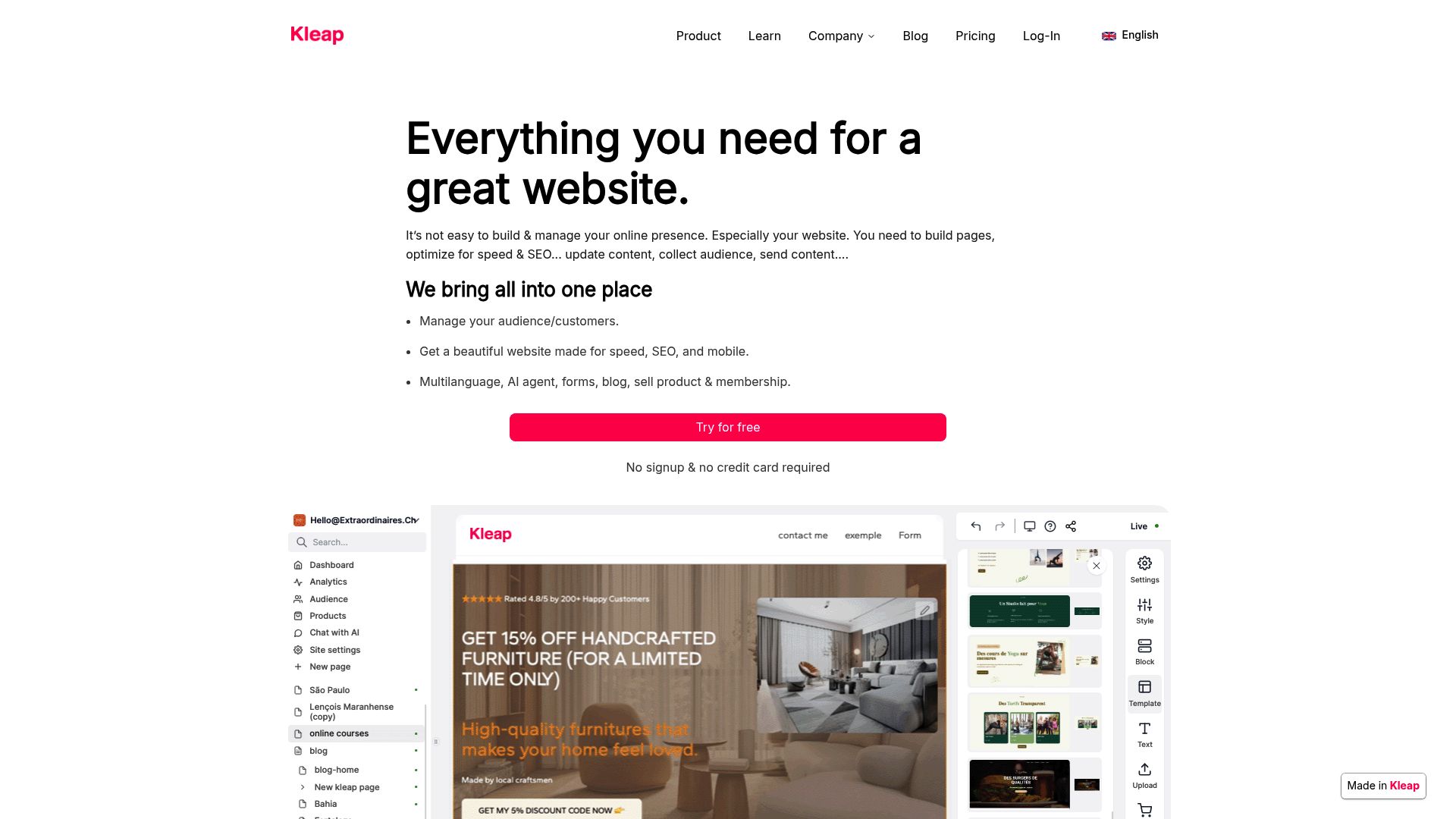
When you use Kleap, you are utilizing an easy AI website builder that generates your content, layout, and structure based on your business description. You don't drag boxes around for hours.
You enter your business goals, and the AI constructs a professional presence instantly.
It is specifically built for the non-technical founder.
If you are selling a service or a digital product, Kleap removes the friction between "idea" and "sale."
📸 kleap.co
Wix: The Flexible Generalist
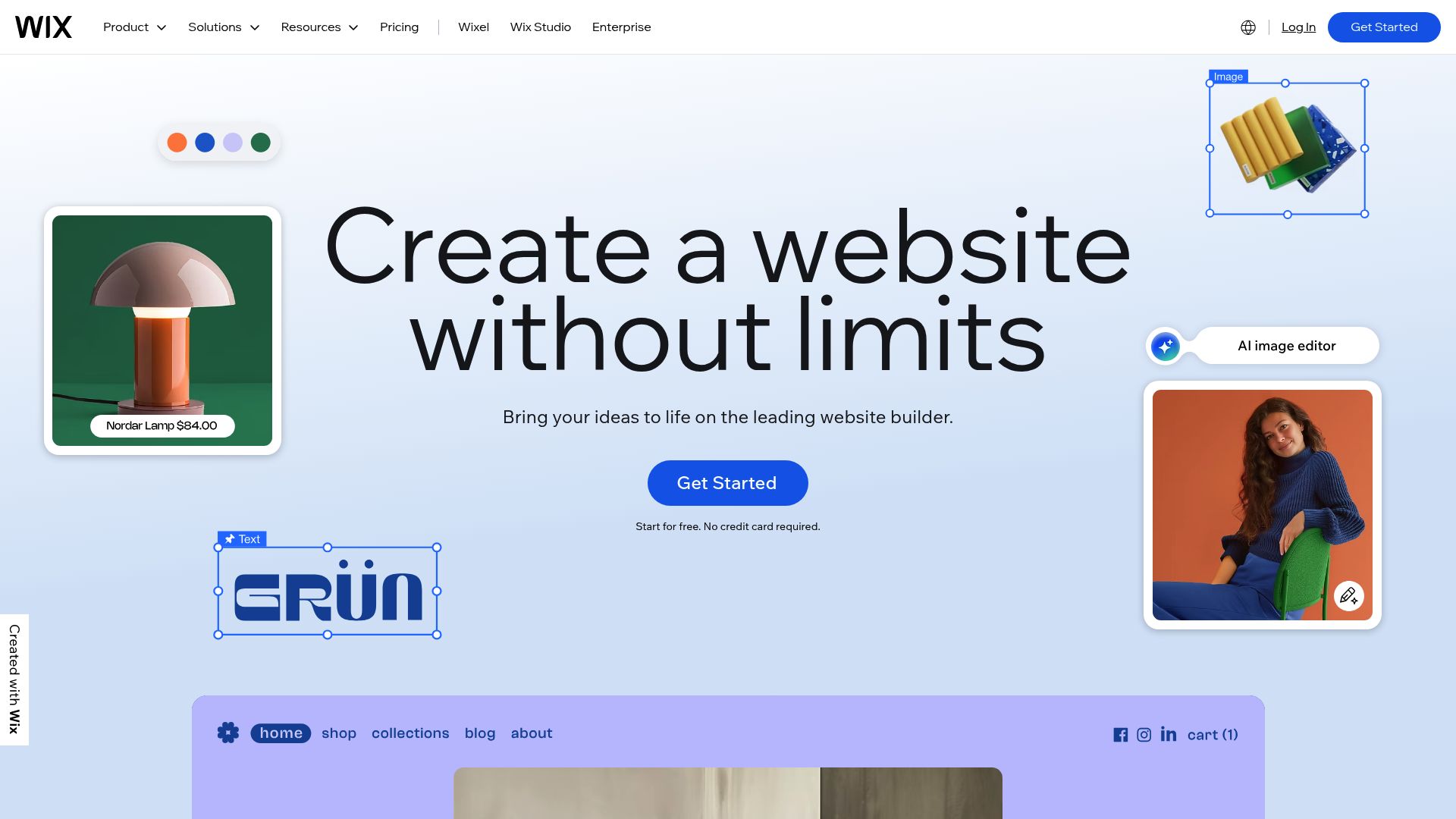
Wix is likely the name you have heard the most. It positions itself as the entry point for practically anyone.
If you have zero coding knowledge, Wix feels safe.
One of its biggest selling points is accessibility. According to industry analysis, Wix wins decisively in user accessibility due to its intuitive drag-and-drop interface. They also introduced Wix ADI (Artificial Design Intelligence), which is their take on automated building.
However, there are limits. While Wix ADI helps you start; it can feel restrictive if you want to scale later.
It is great for a generic restaurant site or a personal portfolio, but it can struggle with complex custom needs.
Template Overload?
Wix boasts a massive library. You have over 800 pre-built templates at your disposal.
That sounds great on paper.
But here is the catch. Once you pick a template, you are stuck with it. The thing is, Wix won't let you switch your content to a new template easily.
So, if you decide to rebrand a year down the road; you could be looking at building your entire site all over again from square one.
If you want to dig deeper into Wix's template limits; you can explore more details at The Alien Design has a great comparison worth checking out.
📸 wix.com
Webflow: The Powerhouse for Pros
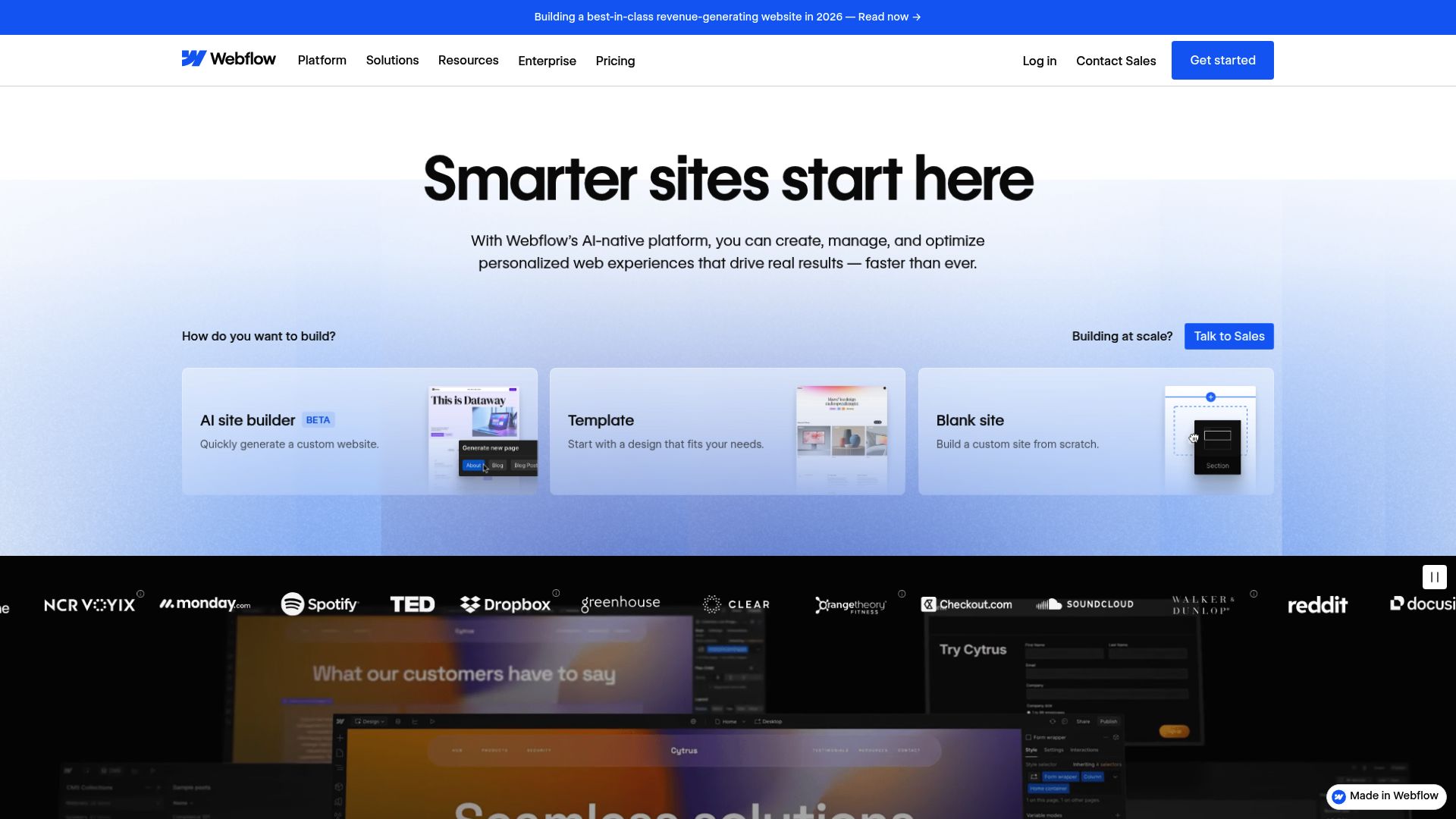
Think of it this way: if Wix is like coloring by numbers, then Webflow is like being handed a blank canvas and a full set of professional oil paints. It serves as the premium option for those prioritizing advanced customization and scalability.
Webflow generates clean code. When you design visually, it writes semantic HTML, CSS, and JavaScript in the background. This is a massive advantage for clean code enthusiasts.
The Steep Learning Curve
Be warned.
Webflow is not for the faint of heart. It requires a steep learning curve.
You need to understand box models, padding, margins, and classes. Honestly, if those terms are new to you, you’re probably going to have a hard time.
That's why so many agencies love it: they can build highly custom designs and charge clients a premium for them.
But what if you're a business owner who just needs to update a headline?
Yeah, it's probably overkill.
Even the folks at Broworks point out that you need more technical know-how to really get the most out of Webflow's advanced features.
Feature Deep Dive: No Code Website Builder Comparison
Alright, let's really get into the nitty-gritty.
1. Design Flexibility & Customization
So, how do they stack up on the features that actually help your business grow?
Let's start with Design Flexibility & Customization, because this is where you'll see the biggest differences.
When it comes to flexibility, Webflow is in a league of its own. We're talking control over animations and interactions right down to the millisecond.
If you've got a super specific vision in your head that just won't fit a standard layout, Webflow is probably for you. Wix, on the other hand, is all about simplicity.
It achieves this using something called absolute positioning.
2. SEO Capabilities
Getting a site up is half the battle. Getting found involves SEO.
Webflow delivers superior SEO performance.
Because the code is clean, Google's bots can crawl it easily. You have full control over Open Graph settings: meta tags, and schema markup.
Wix used to have a bad reputation for SEO. They have fixed a lot of that. They now offer "SEO Wiz," a step-by-step assistant for beginners.
It handles the basics like sitemaps and SSL certificates well.
However, there is a nuance. It's no secret that Google loves truly responsive designs.
That's an area where both Webflow and Kleap shine, since they build responsive sites from the ground up. Wix often creates separate versions for mobile and desktop, which isn't always the gold standard for search engines.
You can read more about the technical SEO differences on Zanger Digital's analysis.
3. E-commerce Capabilities
Are you selling products?
This changes the game.
Wix excels here for traditional stores. It has built-in inventory management: tax calculators, and dropshipping integrations.
It is a solid middle-ground alternative to WordPress website builder plugins like WooCommerce.
Webflow allows for stunning custom product pages, but the backend management is less robust than Wix. You often have to pay extra transaction fees on Webflow's own plans.
Kleap focuses on selling simple products and services fast. If you are a coach, consultant, or creator selling digital goods: Kleap allows you to set up checkout flows in minutes without the bloat of a full e-commerce inventory system.

Making the Right Choice for Your Business
When looking at this no code website builder comparison, the "best" tool depends entirely on your role.
Choose Webflow if:
- You act as a marketing agency building for clients.
- You have a budget for premium templates ($20, $100 each).
- You care about pixel-perfect design more than speed of execution.
Choose Wix if:
- You want a traditional website structure without learning design.
- You need a large app marketplace to add widgets.
- You are okay with a site that might load a bit slower due to code bloat.
Choose Kleap if:
- You are an entrepreneur or freelancer who needs clients now.
- You want an easy AI website builder to handle the heavy lifting.
- You know your audience is primarily on mobile.
- You want to focus on your business, not on maintaining a website.

Why Mobile-First Matters More Than Ever
Something often overlooked in these comparisons is the shift in user behavior.
We aren't just browsing on phones anymore.
We are buying on them.
Webflow and Wix were built in an era where the desktop was king.
They adapted to mobile later. Kleap was born in the mobile era.
This distinction matters for your SEO rankings and your user experience.
Google's Core Web Vitals metrics punish slow websites. Complex drag-and-drop builders often generate "heavy" code that slows down effective load times on 4G networks. By using a leaner, AI-optimized platform, you are giving yourself a head start in the search results.
Final Thoughts
The market is shifting content creation to automation. The idea of spending weeks tweaking padding on a button is becoming obsolete for small business owners.
You need efficiency.
If you are looking for robust alternatives to WordPress website builder tools, you have great options.
Webflow wins on power.
Wix wins on popularity. But if you want the future of automated, high-conversion design?
You should give Kleap a try.
It is free to start, and you might be surprised at how much you can get done in the time it takes to drink your morning coffee.
Ready to launch?
Start building your website with AI today.
FAQ
Which is the best no code website builder for beginners?
For absolute beginners who want total control without skills, Wix is a common choice. However, for beginners who want speed and AI assistance, Kleap provides a faster route to a professional look.
Is Webflow better than Wix for SEO?
Generally, yes. Webflow produces cleaner code and faster hosting speeds, which Google prefers.
However, Wix has improved significantly with its SEO Wiz tools.
Can I use these builders for free?
Kleap and Wix offering generous free plans or trials.
Webflow allows you to build for free but requires a subscription to go live on a custom domain.
Why should I look for alternatives to WordPress?
With WordPress, you're constantly on the hook for maintenance, security updates, and managing your own hosting. The beauty of no-code builders like Kleap, Wix, and Webflow is that they take care of all the hosting and security stuff for you, so you can just focus on your content.


