3 Website Builders That Let You Use a Custom Domain

You have a great business idea. You have the skills to back it up. You might even have a logo ready to go.
But when you launch your website, the URL reads "mybusiness.sitebuilder.com/site1." Nothing kills professional credibility faster than a subdomain that screams "I am using a free tier."
This is a common hurdle for entrepreneurs.
Most website builders dangle a free plan in front of you. However, when you want to connect your own professional URL, you encounter a paywall. Suddenly, that "free" website costs you $12 to $20 a month solely for the privilege of removing their branding from your address bar.
But here is the good news.
There are still platforms out there that buck this trend. As a freelancer, small business owner, or content creator, you can find a website builder with custom domain capabilities included. You can do this without breaking the bank.
We dug deep into the research to find the outliers.
This isn't just about saving a few dollars. It is about ownership.
Owning your domain and having your site connect to it seamlessly allows you to build equity in your brand from day one. You aren't just renting digital space; you are planting a flag.
This guide will look at three specific platforms that allow you to connect a custom domain. However, only one offers it truly for free.
We will also discuss how modern AI tools are changing the landscape for creators who need speed and efficiency along with branding power. If you are looking for a website AI builder free of complexity, sticking around is a good idea.
Let's get your brand on the map properly.

Why the "Custom Domain" Feature is the Holy Grail of Free Plans
Finding a website builder with custom domain integration on a free tier is arguably the hardest challenge in the industry.
Most companies reserve this feature for premium subscribers because it is their primary leverage to get you to upgrade. They know you want to look professional.
They know "consulting.com" looks infinitely better than "consulting.platform.com."
So, why do some offer it for free?
Typically, this relates to their business model. The platforms we are listing below aren't just selling website hosting; they are often selling ecosystems, email marketing, funnels, or payment processing.
They maintain a lower barrier to entry for the website because they want you to grow your business using their backend tools.
This presents a massive advantage for you.
It means you can validate your business idea with a professional look before you have even made your first sale. Readers and clients trust proprietary domains.
It signals longevity and seriousness.
If you are searching for a website builder free trial no credit card required to test these waters, the options below are your best starting point.
Let's break down the three strongest contenders that allow custom domains without an immediate credit card subscription for the connection.
Try it — build your site while you read
Describe what you want and get a live, publishable site in seconds. Free to start, no code.
Join 200,000+ makers building real websites with Kleap.
1. Ucraft: The Best Classic Visual Builder
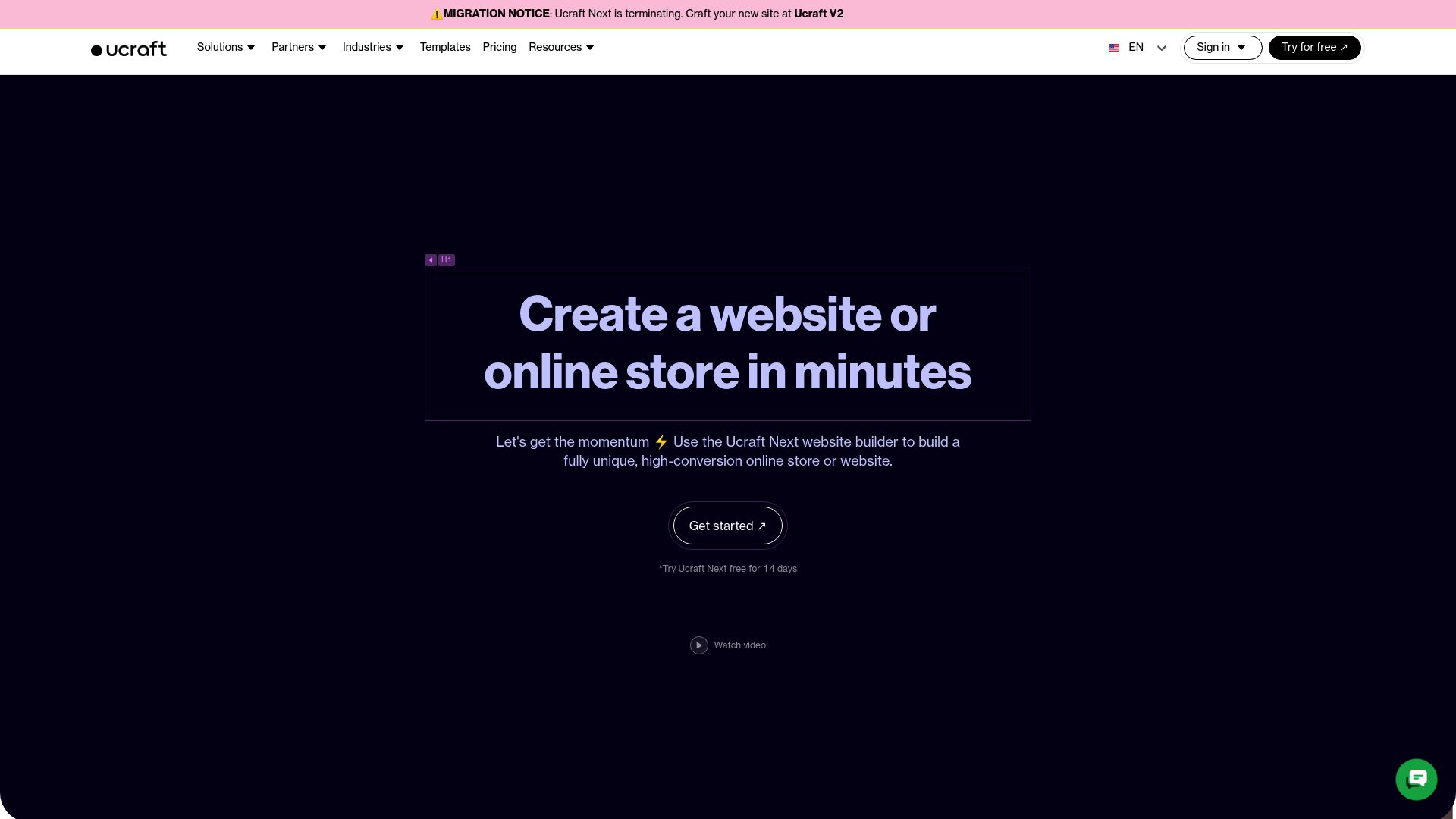
If you love the idea of a classic, hands-on design experience, Ucraft should be at the top of your list.
By "traditional," I mean a builder focused on drag-and-drop control, achieving the visual look, and creating that perfect online brochure.
From what we've seen across the industry, Ucraft is one of the only real website builders out there that lets you hook up your own domain on a plan that is free forever.
Finding that in 2025 is a rare occurrence.
Even a recent review by Fahrenheit Marketing called Ucraft the "Best for Free Custom Domain." They pointed out that you can connect your domain for free; get this: there are no ads on the free plan.
For freelancers, that’s a game-changer.
This is a huge deal for freelancers.
Imagine building a portfolio where the only thing people see is your work and your URL. No flashing banners, no "Powered By" buttons floating aggressively in the corner.
Just your brand.
However, you should be aware of the constraints.
The free plan is limited in terms of page count.
It is designed for small sites, landing pages, or portfolios.
If you try to build a massive 50-page e-commerce store, you will hit a wall. But for a consultant or a local business needing a digital business card, it is perfect.
The interface has a slight learning curve compared to ultra-simple AI builders, but the trade-off is design control.
You get to move pixels around until it looks right.
Who is this best for?
Pick Ucraft if you already own a domain (or plan to buy one separately from a registrar like Namecheap or GoDaddy) and you want a clean, ad-free site without paying a monthly subscription fee.
2. GetResponse: The Marketing Powerhouse
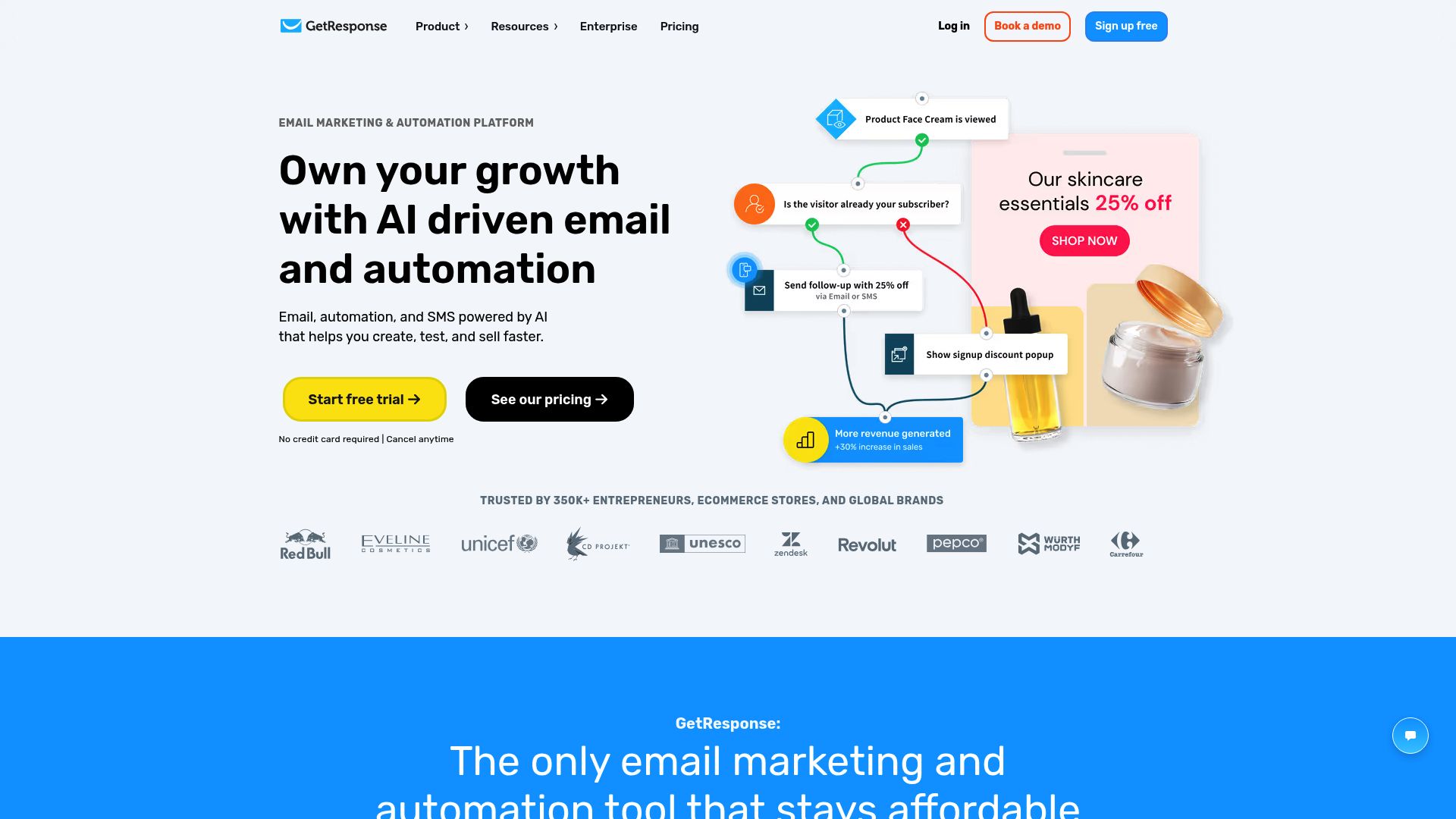
You might know GetResponse as an email tool.
But over the last few years, they have pivoted to become a complete marketing suite. This includes a surprisingly robust website builder.
The kicker?
Their free plan supports custom domain connections.
This creates a unique opportunity for entrepreneurs.
Research from Making That Website notes that GetResponse's builder allows you to put your brand on a professional URL from day one. It is not just about the website; it is about what lives behind the website.
With this platform, you aren't just building pages.
You're really building a machine to bring in leads.
Their free plan usually hooks you up with email marketing tools, simple funnels, and landing pages to get you started.
The setup is fast.
Reviews indicate you can set up a site in under 10 minutes using their AI-driven setup wizard. It helps you skip the 'blank page syndrome' that plagues so many business owners.
There are limits, naturally.
As your business grows and your subscriber list expands, you will eventually hit a cap on contacts (often around 500 or 1,000 depending on the current offer).
Once you cross that threshold, you will need to upgrade.
Think of the free plan as a launchpad rather than a forever home if you plan to go viral.
Who is this best for?
Choose GetResponse if you need a marketing machine. If your goal is to capture emails and send newsletters from a professional URL, this is your best website builder with custom domain choice.
3. Systeme.io: The All-In-One Funnel Builder
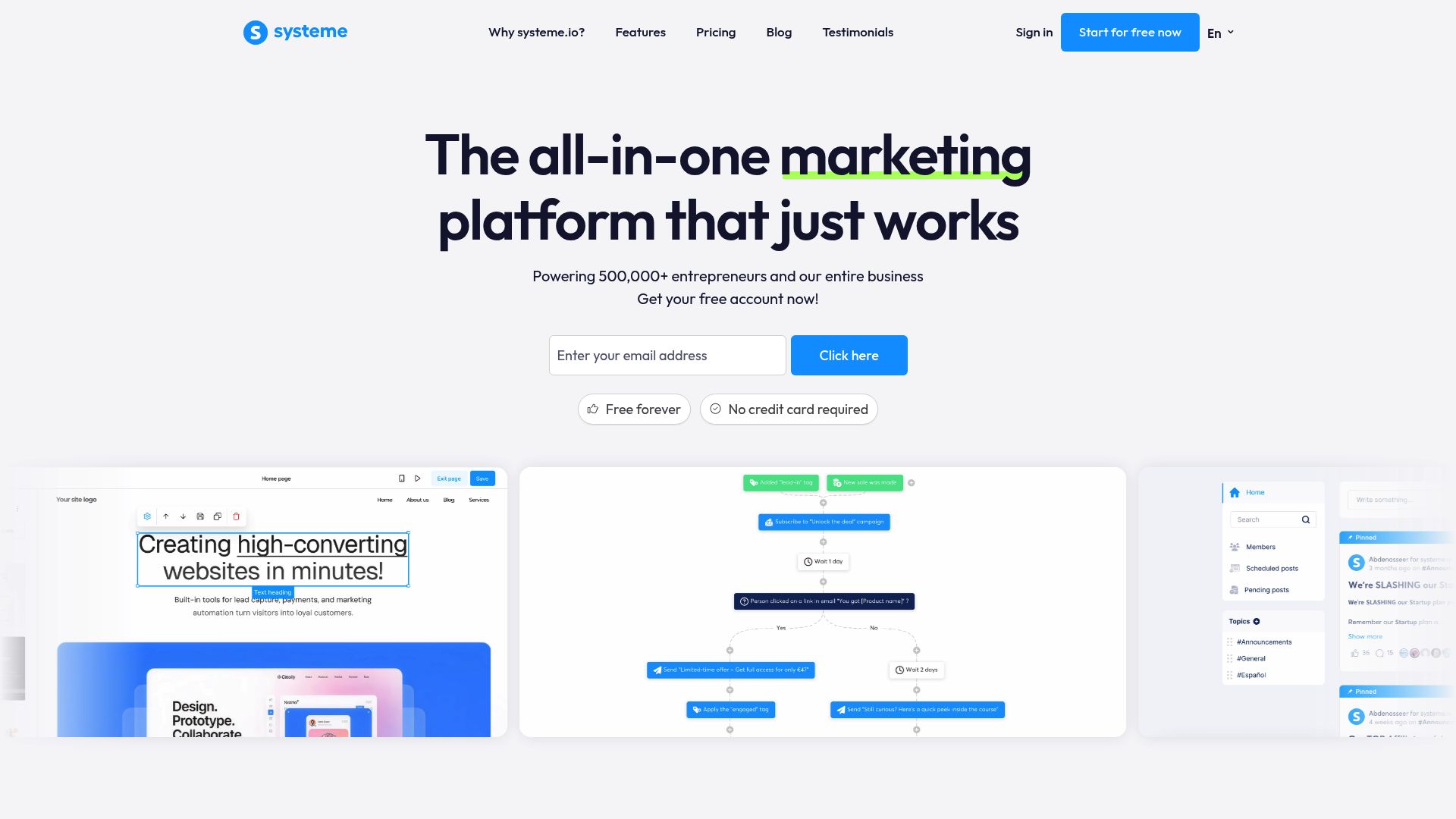
Systeme.io has disrupted the market by providing immense value for free.
Think of them as targeting the ClickFunnels crowd, all the entrepreneurs out there selling digital products, courses, or high-ticket services.
They might be famous for sales funnels, but their funnel builder is basically a website builder in disguise.
What they're offering is seriously aggressive. We're talking about a free-forever plan that actually lets you connect a custom domain.
That means your sales page can use your own www.yourproduct.com URL, and you won't pay a dime for the software that's running it.
Yeah, this thing is built to sell.
You get tools for email sequences, selling products, and hosting courses all under one roof. For a solo founder testing a new offer, this minimizes risk to almost zero.
You only pay for the domain name itself, which is standard everywhere.
The design philosophy is different here.
Don't expect the artistic freedom of Ucraft. Systeme.io is functional. It creates pages designed to convert visitors into buyers.
They look like marketing pages, not art galleries. If you are an artist, this might not fit. If you are a consultant, it fits perfectly.
The ceiling is generous.
You are usually capped at around 2,000 contacts before needing to pay.
For most small businesses, 2,000 active leads is enough to generate significant revenue, paying for the software upgrade many times over.
Who is this best for?
Pick Systeme.io if your website's primary job is to sell a product or service directly. It is less about who we are and more about what we can do for you.
The Platforms That Didn't Make the List
You might be wondering about the big names.
Wix and Squarespace are the undisputed giants here. They're amazing tools, but they completely drop the ball when it comes to this one specific test: letting you use a custom domain on a free plan.
So, what's the deal with them?
With Wix, people always say it's the best free builder if you want total design freedom.
- Wix: Often cited as the best overall free builder for design flexibility.
But here's the catch: the free plan sticks you with a clunky URL like user.wixsite.com/site. If you want to use yourbusiness.com, you have no choice but to open your wallet for a premium plan.
- Squarespace: They don't even offer a permanently free plan. They operate on a free trial basis. While they do give you a 'free domain' for the first year, that is only after you purchase an annual subscription.
Read the fine print.
As noted by Website Planet, while these platforms offer trials or free content tiers, the custom domain privilege is almost always the first feature locked behind a paywall. If your budget is strictly zero for software, stick to the top three we listed above.
Where Does Kleap Fit In? The AI Advantage
We have talked about traditional builders and funnel tools.
But the industry is shifting again.
We are entering the era of the free AI builder of technical headaches. This is where Kleap enters the conversation.
The problem with traditional builders like Ucraft or WordPress is time.
You're still the one stuck dragging, dropping, making sure it doesn't look terrible on a phone, and then writing all the content.
That can take hours, if not days.
Kleap flips the script. Instead of you doing all the work, its AI builds a gorgeous, mobile-first website for you in just a few seconds.
Think about the mobile user.
You have to think about the mobile user first.
While the free options we mentioned are great for certain situations, Kleap is the fast track for businesses that need to start selling right now.

Trần Quang Phú / Unsplash
It's about removing friction.
You can start with a website builder free trial no credit card needed to see exactly what the AI can produce for you. The goal isn't just to have a domain; it is to have a website that actually converts visitors into paying customers without needing a degree in design.
Practical Guide: How to Get Your Custom Domain Live
Regardless of which platform you choose, the process of connecting a domain is similar. Here is a quick rundown so you aren't lost when you log in.
- Registrars like Namecheap or Cloudflare often sell domains cheaper than builders do.
- Access DNS Settings: In your domain registrar, look for "DNS Records" or "Zone File."
- Add a CNAME or A Record: Your chosen builder (Ucraft, Kleap, etc.) will give you a code or an IP address. You simply paste this into your DNS settings.
- Wait for Propagation: It can take anywhere from 1 hour to 24 hours for the connection to work globally. Don't panic if it doesn't work instantly.
Stefano Intintoli / Unsplash
It sounds technical, but it is usually just copy-pasting two lines of text.
Conclusion
You don't have to settle for an amateur URL.
While the market is flooded with "free" tools that hold your brand hostage, options like Ucraft, GetResponse, and Systeme.io genuinely offer a website builder with custom domain capability on their entry-level plans.
Here is the bottom line recommendation:
- Need a visual portfolio? Go with Ucraft.
- Need to build an email list? Go with GetResponse.
- Need to sell a course or product? Go with Systeme.io.
If you want to skip the manual labor entirely and use AI to launch a mobile-optimized business site today, give Kleap a try. We help you turn visitors into customers faster than traditional tools can handle.
Your name is your brand.
Put it on your URL today.

Frequently Asked Questions
Can I really connect a domain name for free?
Usually, no. You almost always have to pay for the domain name itself (e.g., to GoDaddy or Namecheap), which costs about $10-$15/year.
The "free" part discussed in this article refers to the website builder software allowing you to connect that domain on a paid plan or through limited free options.
Does Kleap offer a custom domain connection?
Yes, Kleap allows you to connect custom domains to ensure your brand looks professional. You can start creating your site for free to test the AI capabilities.
Why do most builders charge for this feature?
It is the industry standard "lock-in" feature. Because it is essential for businesses, builders know users will pay for it. The platforms listed above are exceptions to this rule.
Will using a free website builder negatively impact my SEO?
If you use a sub-domain (like site.wix.com), yes, it can be harder to rank. If you use one of the builders above and connect your own proper custom domain, you have a much better chance of ranking on Google, provided your content is good.


