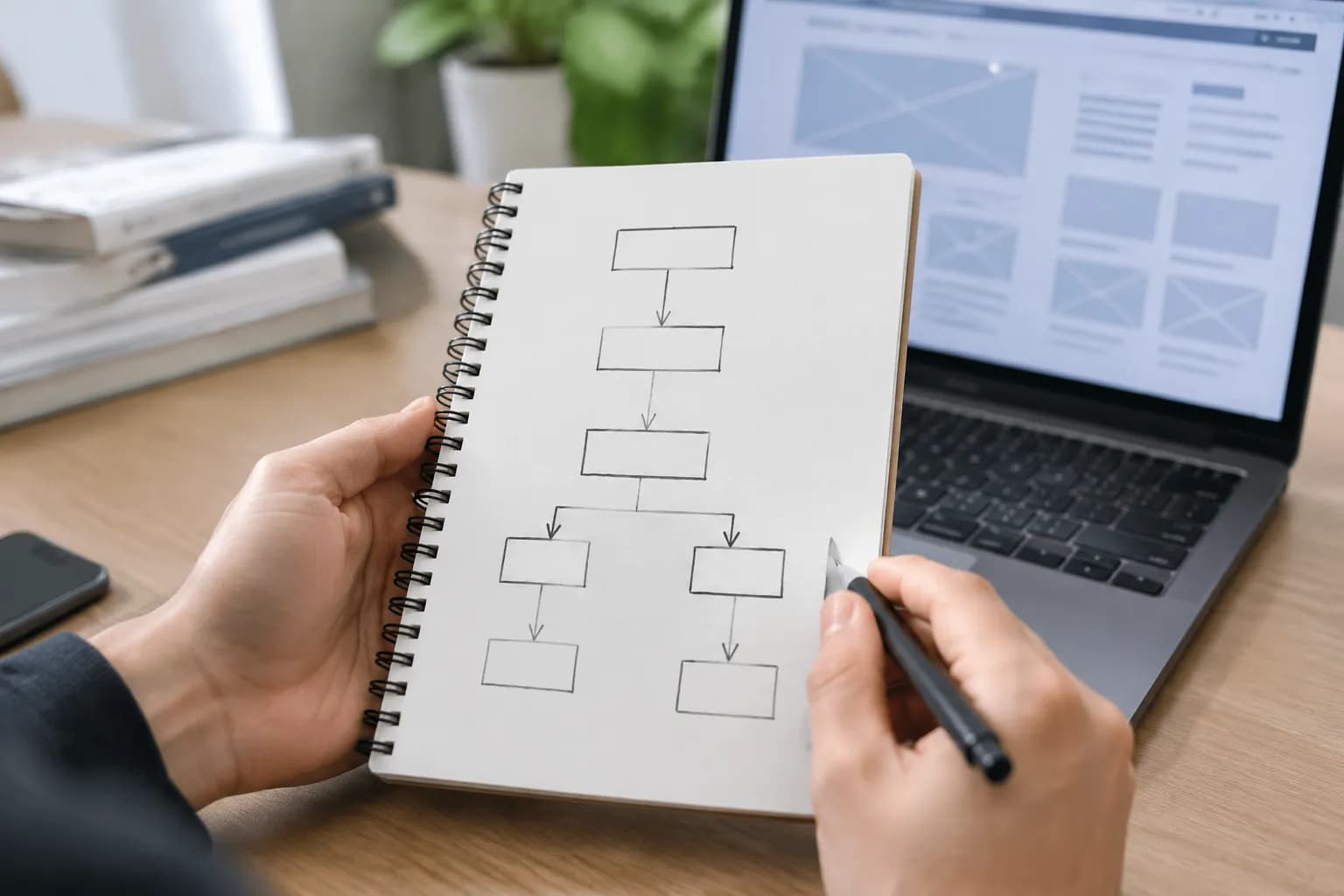
What is AI Website Generation for Business Owners

You have an amazing business idea.
You have the skills to deliver the service. You have the passion. But then comes the roadblock that stops thousands of entrepreneurs in their tracks.
You need a website.
For years, getting online meant one of two things. You either spent thousands of dollars hiring an agency, or you lost weeks of your life trying to learn complicated design software.
That has changed completely.
If you have heard the buzzwords but feel confused, you are in the right place.
We are going to explain exactly what is AI website generation, how it works, and why it might be the best thing to happen to small business owners since the smartphone.

This isn't about robots taking over the world. It is about tools that handle the boring technical work so you can focus on your business.
Let's dive in.
Key takeaways
- Let’s start with the basics.
- You might be wondering what is happening behind the curtain.
- Okay, so understanding what is AI website generation is one thing, but figuring out why it should ma
- When asking what is AI website generation capable of, many people assume it is only for simple blogs
- Let's be real for a second.
What Is AI Website Generation? The Core Definition
Let’s start with the basics. What is AI website generation?
In plain English, this process uses artificial intelligence to build a fully functional website based on a simple description you provide. Instead of dragging and dropping every single box, button, and image yourself, the AI does the heavy lifting for you.
Think of it like hiring a private chef versus cooking everything from scratch.
When you cook from scratch, which is traditional website building, you have to go to the store, pick every ingredient, chop the vegetables, manage the heat, and plate the food. If you mess up the ingredients, the meal fails.
With an AI website generator, you act as the restaurant patron. You tell the chef: "I want a spicy Italian pasta dish with fresh basil." The chef (the AI) knows exactly which ingredients to grab, how to cook them, and how to present them beautifully. You just taste it at the end and maybe ask for a little more salt.
When you use these tools, you typically answer a few questions about your business type, style preferences, and goals.
From there, the system gets to work generating everything from the site's navigation and page structure to design elements like colors, fonts, and the overall layout.
- Structure: The navigation and page hierarchy.
- Design: The colors, fonts, and layout.
- Content: The headlines, paragraphs, and marketing copy.
- Visuals: Relevant images tailored to your specific industry.
This entire process happens in seconds rather than weeks.
According to industry analysis from Wix, these tools aim to eliminate the friction that exists between generating an idea and publishing it online.
It is important to note that what is AI website generation essentially boils down to democratization. It makes professional design accessible to everyone, regardless of technical skill.
Try it — build your site while you read
Describe what you want and get a live, publishable site in seconds. Free to start, no code.
Join 200,000+ makers building real websites with Kleap.
How Does AI Website Generation Actually Work?
You might be wondering what is happening behind the curtain.
Is it magic?
No, it is simply very smart data processing.
The technology relies on something called Natural Language Processing (NLP) and machine learning. These systems have studied millions of existing websites.
They know what a plumber's website usually looks like compared to a lawyer's website.
Here is the step-by-step breakdown of how these engines operate.
1. The Data Intake (The "Prompt")
It starts with you. You enter a prompt or answer a questionnaire.
This is the most critical step.
If you type "I want a website," the AI has to guess everything. The result will likely be generic.
However, if you type "I am a freelance wedding photographer in Austin, Texas, specializing in candid, natural light photography for adventurous couples," the AI has a wealth of information to utilize.
The AI will pick up on keywords like "wedding," "Austin," "candid," and "adventurous."
2. The Blueprint Creation
Once it gets the gist of your business, the AI taps into its massive library of successful design patterns. As the experts at Matchbox Design Group emphasize, the system intelligently selects layouts that have been shown to deliver results for businesses similar to yours.
So, it knows a photographer probably needs a big, beautiful image gallery right on the homepage; but a consultant?
They'd be better off with a "Book Now" button right where people can see it. It basically imagines how a customer will use the site before a single pixel is placed.
3. Content Generation
Now, this is where AI content generation for websites really shows off.
The AI then starts writing the actual words for your site, we're talking catchy headlines, the "About Us" page, and descriptions of what you offer.
This isn't just some generic "Lorem Ipsum" filler text. It crafts real marketing copy that's actually relevant, like text tailored for "Austin wedding photography."
4. Design and Assembly
Finally, the AI pulls it all together, mixing the structure and the text with all the visual stuff. It'll even pick out a color scheme that fits the "adventurous" vibe you mentioned, think earthy tones or lively greens instead of stuffy corporate blue.
And the best part?
It makes sure your site is responsive right from the start, so it looks great on a phone just as it does on a big desktop screen.
📸 wix.com
Why Small Businesses Are Switching to AI Design
Okay, so understanding what is AI website generation is one thing, but figuring out why it should matter to you is what really counts.
For small businesses and freelancers, the advantages are tangible.
Extreme Speed to Market
In business, speed is a currency.
Every day you don't have a website is a day clients can't find you. Traditional web design can take 4 to 12 weeks.
An AI generator can get you a draft in 90 seconds.
Even if you spend a few hours tweaking the result, you are launching on the same day you started.
Cost Efficiency
Hiring a professional developer is expensive.
Let's be real: a custom WordPress site can easily set you back anywhere from $2,000 to $10,000, depending on how complicated you need it to be. And agencies? They'll charge you even more.
On the other hand, AI website builders typically work on a subscription model that costs just a tiny fraction of that. You're paying a small monthly fee instead of dropping a huge chunk of cash all at once.
This makes it so much easier for new entrepreneurs to get started.
Eliminating "Code Phobia"
Look, most business owners are amazing at what they do (whether it's baking, consulting, or landscaping), but the thought of touching HTML and CSS code is downright terrifying.
AI tools remove the code entirely. You interact with the software like you are chatting with a consultant. You say, "Make the logo bigger" or "Change the button to blue," and it happens.
Consistent Design Quality
Unless you have a degree in design, building a site yourself often leads to "Frankenstein" designs.
You know the look: mismatched fonts, clashing colors, and text that is too small to read.
AI generators are trained on design principles. They understand visual hierarchy, contrast, and spacing.
They ensure your site looks professional by default.
What Types of Websites Can You Create?
When asking what is AI website generation capable of, many people assume it is only for simple blogs. That used to be true, but the technology has evolved rapidly.
Here are the common use cases where AI excels.
Professional Portfolios
If you're a creative freelancer, you know your work has to do the talking. With AI tools, you can instantly create stunning grids and galleries that really show off your art, writing, or design work. They'll even pop in a "Contact Me" form for you, making it a breeze for potential clients to get in touch.
Service-Based Business Sites
This is probably the biggest group of users, and for good reason. Think about it: plumbers, therapists, coaches, and cleaners all need a website that clearly explains their services, builds that all-important trust, and gives people an easy way to book an appointment.
AI generators are excellent at structuring these pages: Hero section -> Problem statement -> Solution -> Testimonials -> Call to Action.
Local Business Landing Pages
For a restaurant or a brick-and-mortar shop, you need a digital business card. You need your hours, location map, and menu to be easily accessible.
AI tools can pull location data and format it perfectly for mobile users who are searching while walking down the street.
Simple E-commerce Stores
Sure, huge retailers like Amazon need wildly complex custom systems, but your small shop?
You can absolutely get it off the ground with AI. You can use these tools to whip up product descriptions, sort your items into categories, and build a simple checkout process. Even platforms like Hostinger have seamlessly integrated e-commerce features into their AI process, making it simpler than ever to start selling your products, whether they're digital or physical.
The Human Role: Where AI Ends and You Begin
Let's be real for a second.
As powerful as AI website generation is, it's important to talk about what it *can't* do. Think of AI as an incredibly helpful assistant, not a replacement for your own brain. It hands you a solid first draft, not a finished masterpiece.
Accuracy Checking
Sometimes, the AI can just...
make things up.
This is what people call "hallucinating." It might confidently state your bakery is open on Sundays when it's closed, or suggest you offer "gluten-free grooming" for dogs because it mashed two different ideas together.
You must review every line of text.
The AI provides the structure and the suggestion, but you provide the facts.
Brand Voice Injection
AI creates content that is generally safe and professional. Sometimes, that means it can sound a bit generic or "corporate."
To truly convert visitors, you need to inject your personality. If your brand is more on the cheeky, sarcastic, or warm and fuzzy side, you'll want to tweak the AI's text so it actually sounds like you. Use the AI to cure writer's block, then polish it to sound like you.
Strategic Image Selection
AI works with stock libraries and generated images. While these are high quality, nothing builds trust like a photo of the actual business owner or the actual product.
We highly recommend swapping out at least a few of the AI-selected images with real photos from your phone. Authenticity sells better than perfection.

How to Use AI to Design Website: A Practical Workflow
Ready to try it?
Here is a simple workflow on how to use AI to design website assets effectively.
Follow these steps to get the best result.
Step 1: Preparation is Key
Before you even open a tool, write down three things:
- Your Value Proposition: What do you offer and why is it special?
- Your Target Audience: Who are you talking to? (e.g., "Busy moms in Chicago").
- Your Key Action: Clicks, calls, or emails?
Having this clear will help you write a better prompt.
Step 2: The Detailed Prompt
Don't be shy with the AI. The more detail, the better.
Bad Prompt: "Make a website for a gym."
Good Prompt: "Create a high-energy website for a CrossFit gym in Miami. Target audience is young professionals.
Use bold colors like orange and black. emphasize community and strength.
Include a section for class schedules and a trainer bio section."
Step 3: The Iteration Phase
Let the AI generate the site. Look at it. If you don't like the vibe, most tools allow you to hit "Regenerate" to get a completely new look.
Detailed settings often let you keep the content but swap the layout.
Step 4: The Mobile Check
This is crucial. Most of your customers will visit your site on a phone. Look at the preview in mobile view immediately.
Ensure the buttons are clickable with a thumb and the text is legible.
At Kleap, we specialize in this specific area.
We understand that entrepreneurs often work from their phones, and their customers browse on phones.
Mobile-first isn't just a buzzword; it's the standard.
Limitations and Challenges to Watch Out For
We want to be transparent about what is AI website generation not good at yet.
For starters, really complex, custom logic is still a challenge.
If you're trying to build a site that has to plug into a dusty old inventory system from 1995, track shipping containers in real-time, or need a fancy customer portal with different access levels, a simple AI builder is probably going to hit a wall.
Next, you still need a human touch for some of the finer points of SEO. An AI is great at the basics, like placing your keywords (making sure "what is AI website generation" shows up in headings), but it might completely miss the boat on tricky local SEO tactics or smart internal linking strategies that an expert would spot.
Does AI Website Generation Hurt SEO?
This is a common fear. People worry that Google will penalize AI content.
The truth is that Google cares about quality and value, not who (or what) wrote the code.
If the AI generates a clean, fast-loading site with helpful content that answers user questions, Google is happy.
In fact, because AI generators usually produce code that is cleaner than a beginner's hand-coded attempt, your technical SEO might actually be better.
The HTML tags, heading structures, and mobile responsiveness are handled correctly out of the box.

Griffin Wooldridge / Unsplash
Comparing AI vs. Templates vs. Custom Coding
To really understand what is AI website generation, it helps to compare it to the old ways.
| Feature | Custom Coding | Traditional Templates | AI Generation |
|---|---|---|---|
| Time to Launch | 4-12 Weeks | 1-2 Weeks | 30 Minutes |
| Cost | High ($$$$) | Medium ($$) | Low ($) |
| Skill Required | Advanced | Moderate | None |
| Flexibility | Unlimited | Rigid structure | High customization |
Templates forced you to fit your content into existing boxes. AI builds the boxes around your content.
The Future of Web Design
We are just scratching the surface. As AI gets smarter, website generation will become even more fluid.
Imagine a website that changes itself based on who is looking at it. Or a site that automatically updates its own pricing page when you change a spreadsheet.
The gap between "idea" and "execution" is vanishing.
For entrepreneurs, this is liberating. It means the only limit to your business growth is your imagination, not your ability to hire a developer.
Why Kleap is the Smart Choice for Creators
While discussing what is AI website generation, we have to mention how we approach this at Kleap.
We noticed that most website builders are still designed for desktop computers. They have complex sidebars and require a mouse to navigate deeply.
But modern creators work from anywhere.
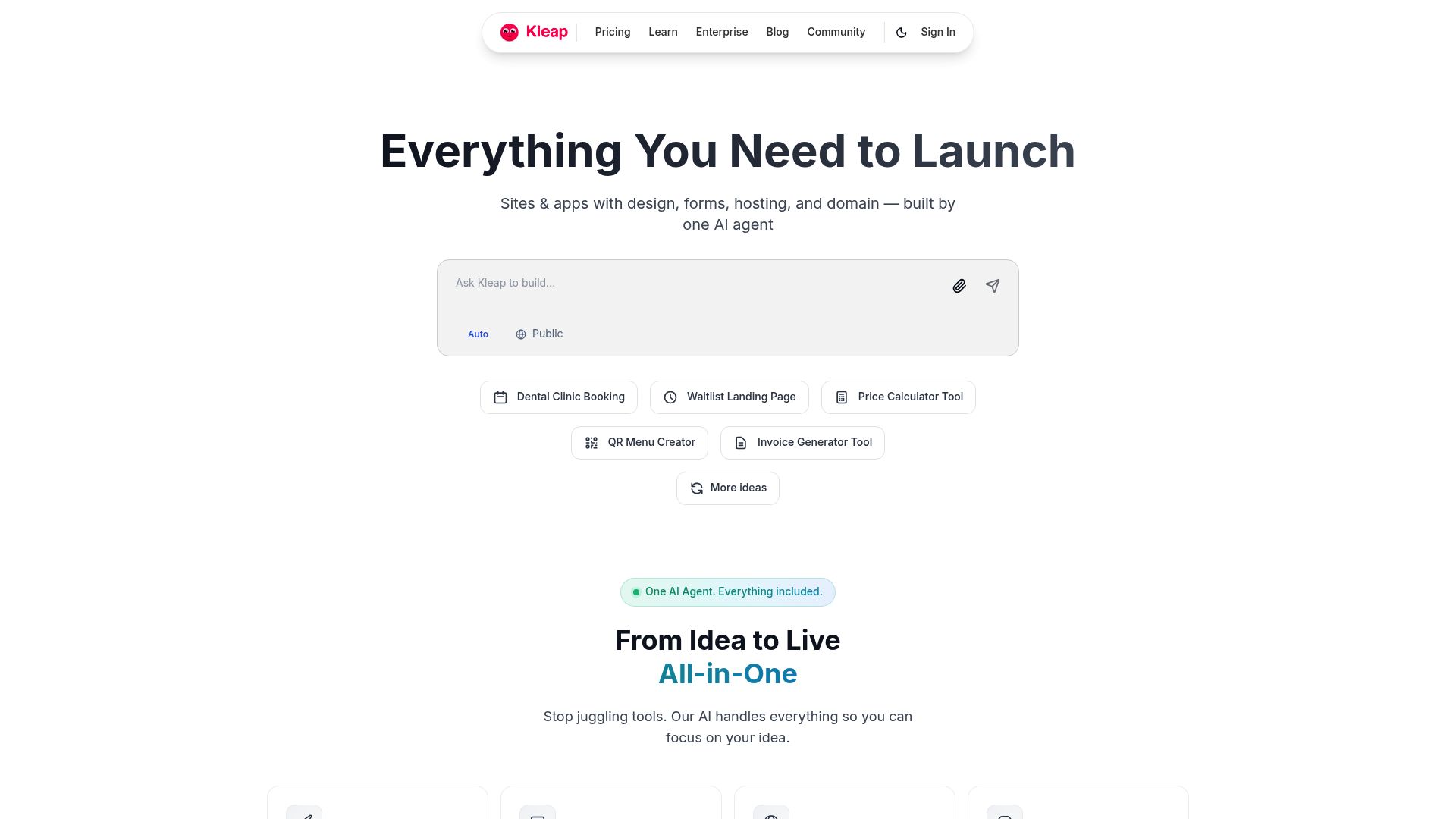
Kleap uses AI to let you build a stunning, professional site directly from your phone.
We focus on speed and conversion. The AI doesn't just make things look pretty; it structures your site to turn visitors into customers.
Whether you need a link-in-bio page, a full portfolio, or an online shop, the AI handles the tech so you can handle the business.
📸 kleap.co
Conclusion
So, what is AI website generation really?
It is your new digital partner. It is the tool that levels the playing field, allowing a local baker to have a website just as professional as a national chain.
You don't need to be a tech wizard. You don't need a massive budget.
You just need to know what you want to achieve.
The days of staring at a blank screen are over. The technology is here to support you. The only question left is: what will you build today?
If you're tired of worrying about code and just want to get back to growing your business, maybe it's time to take the leap.
Try Kleap for free today and generate your website in minutes.
Frequently Asked Questions
1. Will my AI website look like everyone else's?
Not at all. While the core structure uses proven best practices, it's your unique mix of text, images, colors, and fonts that really gives your site its own personality.
Making those personal tweaks is how you really stand out.
2. Can I edit the website after the AI builds it?
Oh, absolutely. You should always think of the AI-generated site as your starting point, not the final product. You'll have complete control to tweak the text, swap out images, add new pages, and shuffle sections around with an easy-to-use visual editor.
3. Is AI website generation free?
In many cases, yes! A lot of platforms will let you try it out or generate a site for free. But, if you want to get it live on your own custom domain (like www.yourname.com) and unlock more powerful features, you'll usually need to sign up for a paid plan.
4. Do I own the content the AI writes?
generally, yes.
Once you generate the content and publish it on your site, you treat it as your own. However, it is always smart to read the specific terms of service of the platform you choose.
5. How does AI help with SEO?
AI gives you a head start by handling a lot of the technical stuff. It builds your site with clean code (like using H1 and H2 tags the right way), makes sure your images load quickly, and can even suggest keywords to sprinkle into your text to help Google find you.