

















Beste Jimdo Alternative in 2026
Suchen Sie eine Jimdo Alternative? Erstellen Sie Websites 10x schneller mit AI. Kein komplexes Setup erforderlich.
Jimdo is a simple, GDPR-conscious German builder, but it makes you choose up front between two products, Dolphin (AI auto-build) and Creator (manual editor), and switching later means rebuilding from scratch while design control stays limited. As a Jimdo alternative, Kleap offers one AI-driven path: describe your site, get a generated multi-page result, and keep editing it by chat or click, published free to a kleap.io subdomain. Both target small businesses and beginners.
Warum Menschen von Jimdo wechseln
Häufige Jimdo Probleme
- Limited templates
- Basic features
- Less known
- Zeitaufwändige Erstellung (Stunden oder Tage)
- Erfordert Designkenntnisse für gute Ergebnisse
Warum Kleap besser ist
- AI erstellt alles in weniger als 10 Minuten
- Keine Design- oder Programmierkenntnisse erforderlich
- Kostengünstiger (kostenloser Start, dann 19 €/Monat)
- Besitzen Sie Ihren Code - jederzeit exportierbar
- Moderne React/Next.js Technologie
Jimdo vs Kleap Vergleich
| Funktion | Jimdo | Kleap |
|---|---|---|
| Startpreis | $9/month | Kostenlos, dann 19 €/Monat |
| Erstellungszeit | 2-8 Stunden | Unter 10 Minuten |
| Benutzerfreundlichkeit | Lernkurve | Beschreiben Sie einfach, was Sie möchten |
| AI Funktionen | Grundlegende AI | Fortschrittlicher AI-Builder |
| Code-Besitz | Nein | Ja - Vollständiger React Code |
| Leistung | Durchschnittlich | Blitzschnell |
| Support | Geschäftszeiten | 24/7 AI-Assistent |
Jimdo vs Kleap: an in-depth look
Two products, one lock-in decision
Jimdo splits into Dolphin (an AI assistant that auto-builds a simple site) and Creator (a more manual editor), and you pick one at signup. Moving between them later effectively means starting over. Kleap avoids that fork entirely: there is a single AI-first flow where the model generates the site and you refine it, in chat or by clicking elements, without committing to an editor type you might outgrow.
Editing depth and the missing blog
Reviewers note that Jimdo Dolphin is deliberately minimal, light on customization and without a proper blog module, which pushes content-led users toward awkward workarounds. Kleap is aimed at marketing sites, portfolios, small-business sites, and simple blogs, and you change anything by describing it or selecting it visually. For a basic brochure site both suffice; if you expect to add and restructure content, Kleap's prompt-and-edit loop is more flexible than Dolphin's fixed output.
European focus and compliance
Jimdo's genuine edge is its German roots and EU posture: GDPR awareness and tooling that local small businesses appreciate. Kleap does not market itself as a compliance product; it focuses on getting a fast, statically rendered site live free on a {name}.kleap.io subdomain, with custom domains on paid plans. If GDPR-by-default and German-language support are decisive for you, that is a real point in Jimdo's favor.
When Jimdo is the better choice
If you are a very small European business that wants a no-fuss site, German-language support, and a vendor visibly oriented around EU data norms, Jimdo is a sensible pick, especially via its Dolphin AI flow for the simplest sites. Its simplicity is a feature when your needs are modest and unlikely to grow much. Choose Jimdo when local, compliant, and minimal outweigh flexibility.
Andere Jimdo Alternativen
Vergleichen Sie alle Optionen, bevor Sie eine Entscheidung treffen
Kleap
AI-gesteuerter Website-Builder, der alles in Minuten erstellt
Bolt.new
StackBlitz AI app builder for creating and hosting web apps in the browser
Replit Agent
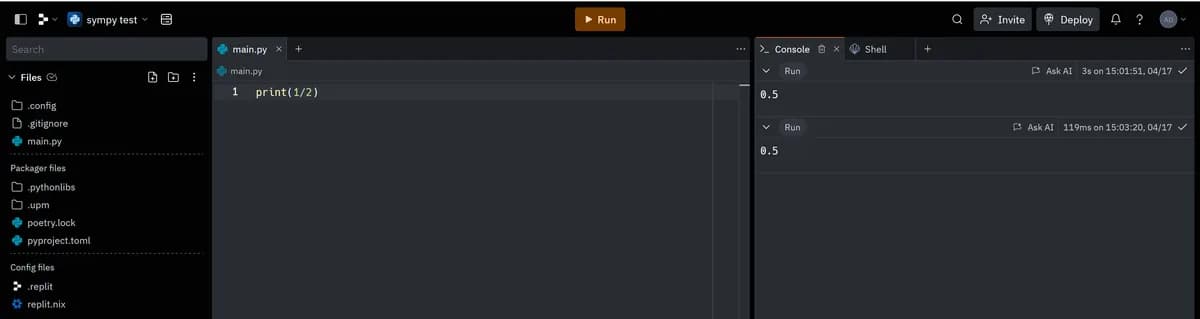
AI software agent inside Replit's browser IDE for building and deploying apps
v0 by Vercel
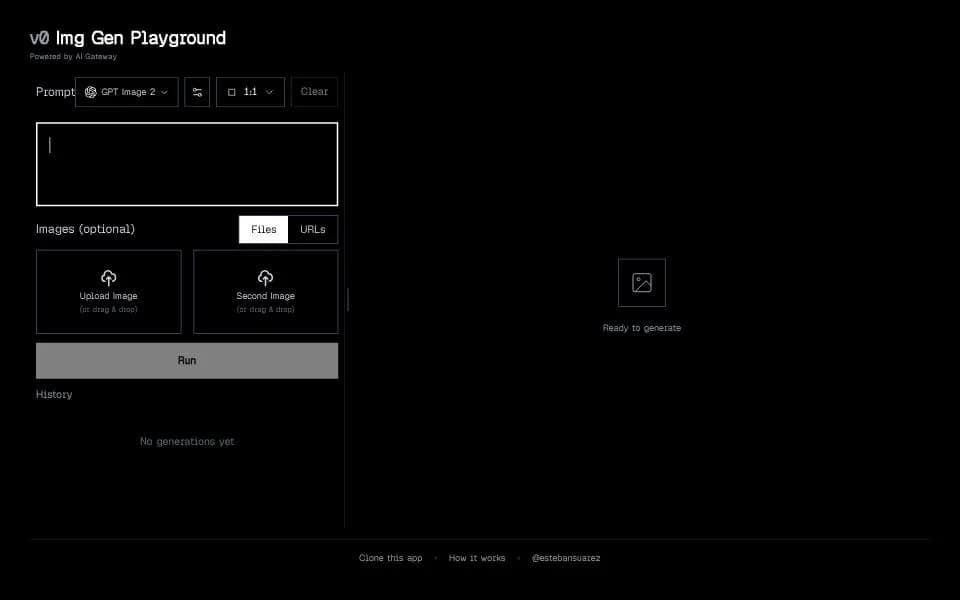
Vercel AI builder for generating, editing, syncing, and deploying Next.js apps
Base44 (Wix)
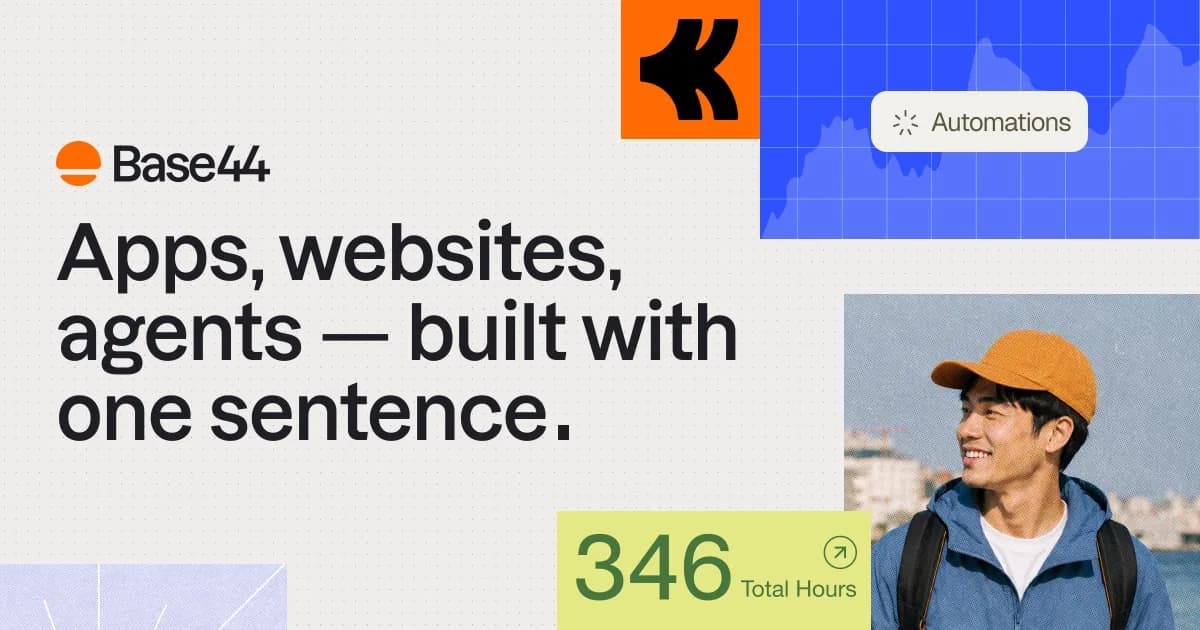
Wix-owned AI app builder with integrated backend, database, analytics, and app infrastructure
Framer
Design and development platform with AI
Wie man von Jimdo zu Kleap wechselt
Bei Kleap anmelden (Kostenlos)
Erstellen Sie Ihr kostenloses Kleap-Konto. Keine Kreditkarte erforderlich, um mit dem Aufbau zu beginnen.
Beschreiben Sie Ihre Website
Beschreiben Sie der Kleap-AI, welche Art von Website Sie haben. Sie können auf Ihre bestehende Jimdo-Seite verweisen oder Verbesserungen beschreiben, die Sie wünschen.
AI erstellt Ihre neue Website
Sehen Sie zu, wie Kleap Ihre gesamte Website in Minuten erstellt, komplett mit Inhalten, Bildern und professionellem Design.
Anpassen und Veröffentlichen
Nehmen Sie Anpassungen vor, indem Sie mit der AI chatten, und veröffentlichen Sie dann. Aktualisieren Sie Ihre Domain-Einstellungen, um auf Ihre neue Kleap-Seite zu verweisen.
Die meisten Nutzer schließen den Wechsel in weniger als 30 Minuten ab
Starten Sie Ihre kostenlose MigrationBuilt with Kleap
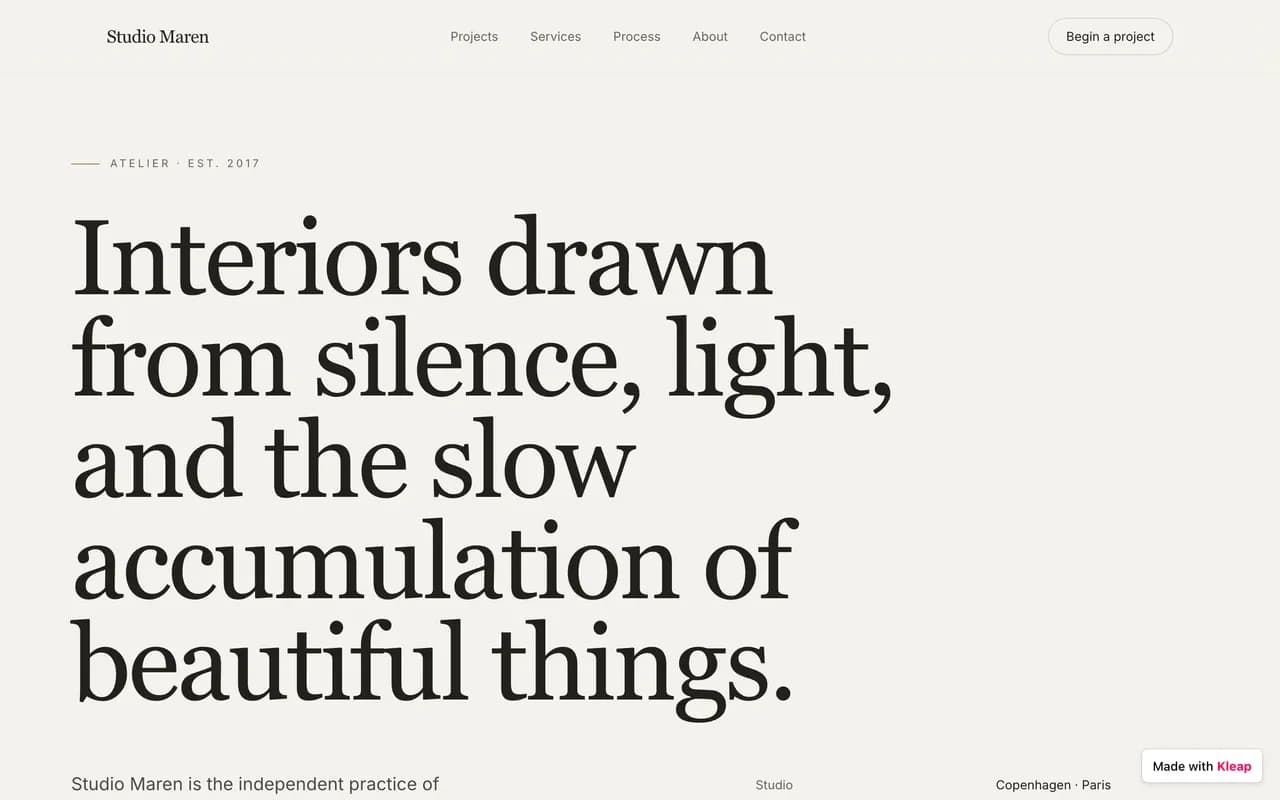
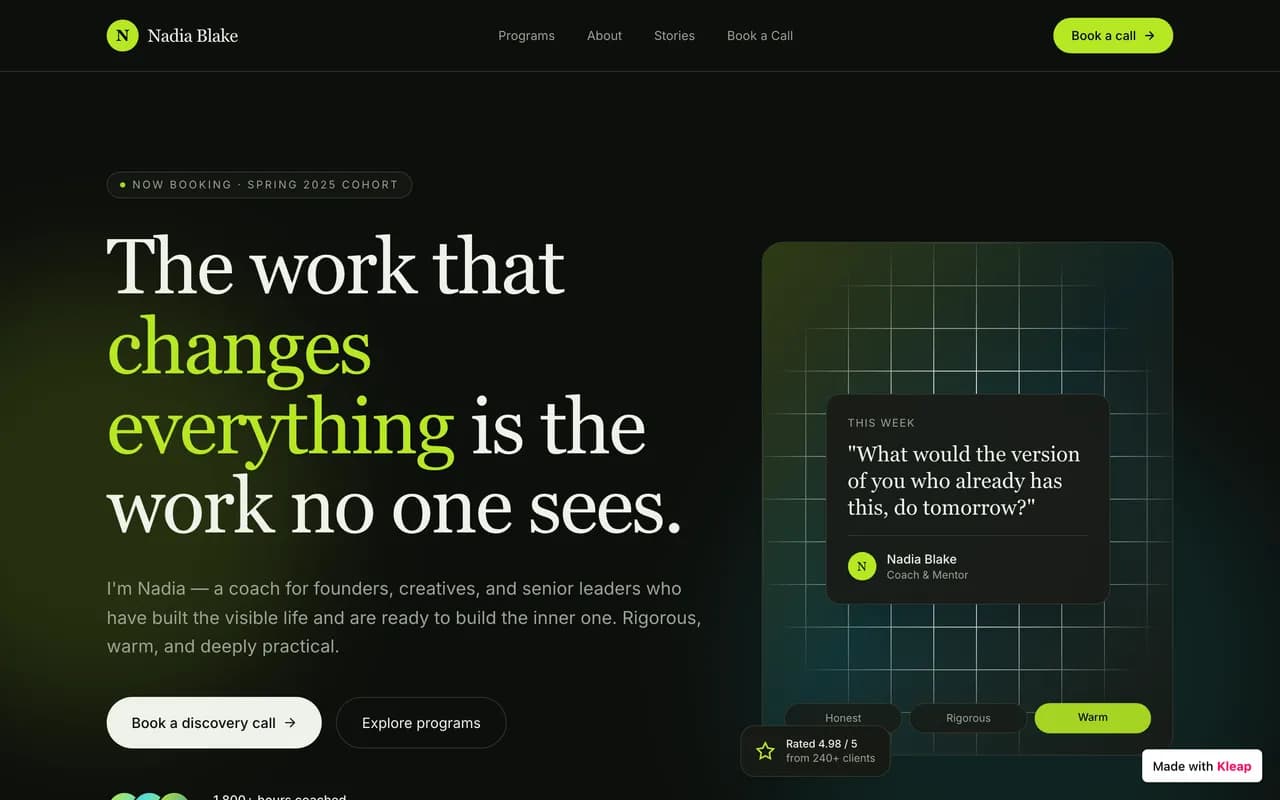
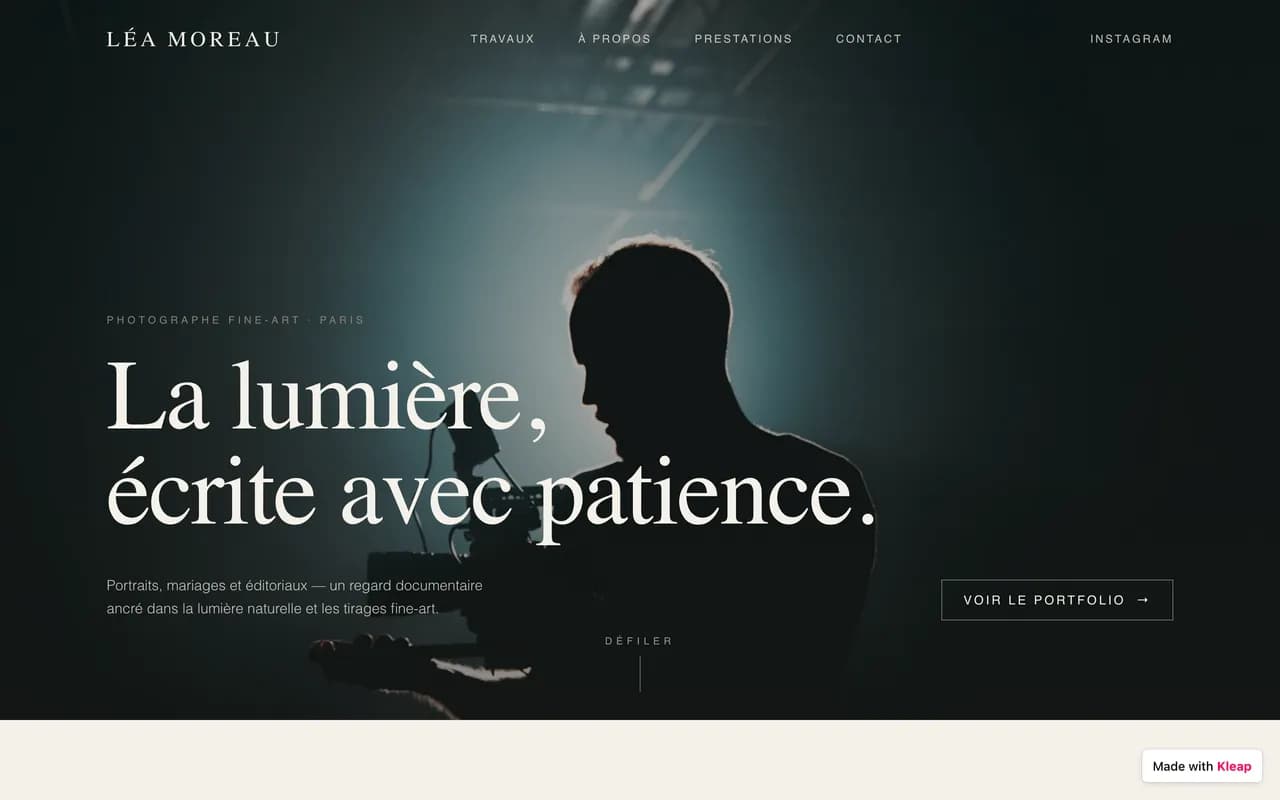
Discover amazing websites created by our community
Häufig gestellte Fragen
Was ist die beste Alternative zu Jimdo?
Kleap ist die beste Alternative zu Jimdo für die meisten Benutzer. Es ist schneller zu erstellen (unter 10 Minuten), kostengünstiger und verwendet AI, um professionelle Websites ohne Programmier- oder Designkenntnisse zu erstellen.
Gibt es eine kostenlose Alternative zu Jimdo?
Ja! Kleap bietet einen kostenlosen Plan zum Einstieg, im Gegensatz zu Jimdo. Sie können Ihre Website kostenlos erstellen und veröffentlichen und dann upgraden, wenn Sie erweiterte Funktionen benötigen.
Wie vergleicht sich Kleap mit Jimdo?
Kleap ist schneller (10 Minuten vs. Stunden), nutzt AI für automatisches Design und Content-Erstellung, bietet vollständigen Code-Besitz und ist kostengünstiger. Jimdo limited templates, während Kleap diese Probleme mit moderner AI-Technologie löst.
Kann ich von Jimdo zu Kleap wechseln?
Ja! Obwohl Sie Jimdo-Seiten nicht direkt importieren können, können Sie Ihre Website schnell mit Kleaps AI neu erstellen, indem Sie beschreiben, was Sie möchten. Die meisten Benutzer erstellen ihre Seiten in weniger als 30 Minuten mit Verbesserungen neu.
Do I have to choose an editor type in Kleap like Jimdo's Dolphin vs. Creator?
No, Kleap has one path. You describe the site, the AI generates it, and you refine it either by continuing the conversation or by clicking elements in a visual editor. There is no upfront fork that locks you into a build mode you would later have to abandon by rebuilding from scratch.
Is Kleap a good fit for an EU small business like Jimdo is?
Kleap is used by small businesses worldwide to build marketing sites, portfolios, and simple blogs, and it is free to publish to a kleap.io subdomain. That said, Jimdo specifically markets German-language support and GDPR-oriented tooling, so if EU compliance positioning is your deciding factor, weigh that directly. Kleap competes on AI speed and editing, not on being a compliance product.
Compare Other Alternatives
Explore how Kleap compares to other popular website builders
Explore More Alternatives & Solutions
More Alternatives
AI Website Tools
The verdict
Jimdo works for a minimal, EU-focused small-business site where its German support and GDPR posture matter and you will not need much customization. Kleap fits better if you want a single AI-driven build with no Dolphin-vs-Creator lock-in, more freedom to keep editing, and a free kleap.io launch, with a custom domain available on paid plans when you are ready.
Sources & further reading
Bereit für einen besseren Website-Builder?
Schließen Sie sich Tausenden an, die von Jimdo zur AI-gesteuerten Plattform von Kleap gewechselt haben