Kleap vs Bolt.new
Bolt.new runs a full dev environment right in the browser and generates fast — but every token counts, and a real custom domain needs the $25/mo Pro plan. Kleap auto-publishes to a real domain from the first generation, free.
Bolt.new

Kleap
Free to start. No credit card required.
sites built with Kleap
builders on Kleap
TL;DR — which one should you pick?
The short version, before the full breakdown below.
Pick Kleap if…
- You want a live, multi-page site in minutes, not hours
- You want real, exportable source code — not a locked-in editor
- You might need a full app later (logins, database, dashboards), not just a brochure site
- You care about page speed and AI/SEO visibility out of the box
Pick Bolt.new if…
Kleap vs Bolt.new, feature by feature
Every row below is checkable — pricing pages, public docs, and real reviews.
| Feature | KleapRecommended | VSBolt.new |
|---|---|---|
| Time to a live site with a real domain | Auto-publishes to {slug}.kleap.io on generation, custom domain attachable in one click | Working app in minutes in the browser, but a custom domain + branding removal require the Pro plan ($25/mo) |
| Hosting included | Yes — Cloudflare edge, no separate deploy step | Web hosting included (up to 333K requests/mo free, 1M on Pro), but Bolt branding stays visible without a paid plan |
| Billing system | Simple AI credits, generation and publishing free to start | Tokens consumed per response — rated the least transparent pricing system in its category (G2 reviews) |
| Starting price | Free to build and publish | $25/mo (Pro, 10M tokens/mo) |
| Free plan | Yes — publish free on a kleap.io subdomain | Yes, but capped at 300K tokens/day (1M/mo) — burnable in a single session |
| Who it's built for | Non-technical founders — no coding knowledge needed | Assumes comfort with web development (React/Node); WebContainers is a full in-browser IDE |
| Native SEO | Pre-rendered static HTML, meta tags and schema generated automatically | No SEO optimization by default — needs to be added by hand in the generated code |
| Database / backend | Built-in Kleap database, ready to use | Connect to an external provider (e.g. Supabase) yourself, choice of provider on Pro |
| Support | Support built into the product | Multi-week response times reported by users (G2 reviews) |
| Best-fit use case | Brochure sites, portfolios, landing pages, simple apps with user accounts | Fast full-stack app prototyping for developers, reliability drops at production scale (G2 reviews) |
| Publishing flow | Automatic, server-side, on every generation | Manual — deploy from the browser environment, then a separate DNS setup |
Pricing: Kleap vs Bolt.new
What you'd actually pay to get a site live.
Free
Build and publish free on a kleap.io subdomain — upgrade only for a custom domain or advanced features.
$25/mois (Pro, 10M tokens/mois)
Starting price, as advertised on Bolt.new's own pricing page.
Start free with Kleap — no card required
Where Kleap wins
Real friction points Bolt.new users report — and why Kleap doesn't have them.
The token system is rated the least transparent in its category
G2 reviews call out Bolt's pricing as the hardest to read among peers: prompts burn through tokens quickly whenever a response isn't right on the first try and needs a retry.
Free plan caps at 300K tokens/day
With only 1M tokens a month (300K/day), it's easy to burn through the free quota in a single ambitious generation session.
Custom domain and branding removal are Pro-only
The free plan runs with Bolt branding visible and no custom domain; removing the branding and attaching a domain requires the $25/mo Pro plan.
Support is reported as slow
G2 reviews report multi-week waits for an email response, and describe the Discord community as unresponsive when you're stuck.
Built for prototyping code, not shipping a finished marketing site
Bolt is excellent at quickly assembling a working frontend and backend in the browser, but leaves SEO, metadata, and marketing structure entirely up to the developer.
Reliability drops on complex projects
Multiple reviews note Bolt works great for a prototype, but depth and reliability degrade as complexity rises toward a real production product.
Kleap builds anything — not just a site
Where Bolt.new stops at the brochure and the blog, Kleap goes all the way to the full application. Describe the feature, AI builds it: database, login and dashboards included.
You write
Build me a CRM for my agency: client records, project tracking, a login for my team and a revenue dashboard.
Kleap delivers

A real application — database, accounts and dashboards — live in minutes.
A real database
Store data, forms, sign-ups. No plugin to hack together: it's built in.
Accounts & login
Member area, login, private zone: give your users a real account, with no technical setup.
Dashboards
Back office, stats, management: ask for a dashboard and run your business in one place.
Any idea
CRM, client portal, booking, directory… If you can describe it, Kleap can build it.
Kleap = your CTO
A whole tech team in one conversation. On Bolt.new, the smallest change means editing a template, adding an app, or hiring a developer. With Kleap, you just ask.
Fast by nature, ready for Google and AI
Every Kleap site is generated as static Astro and served from Cloudflare's edge. The result: pages that load in milliseconds, with no cache plugin and no maintenance.
Typical load time
A static site runs no server round-trip and no database query per visit: it's already ready to serve.
Kleap
Average Bolt.new: 30 to 60
Visible to AI engines too
Clean, fast, static HTML isn't just good for Google: it's easy for ChatGPT, Perplexity and AI Overviews to read. In 2026, being cited by answer engines matters as much as ranking.
Static Astro
Ultra-light, pre-rendered pages. No server round-trip or database query per visit: just speed.
Cloudflare edge
Astro was acquired by Cloudflare: your sites are served from the point closest to each visitor, worldwide.
Native SEO
Server-side rendering, automatic sitemaps, clean meta tags, semantic HTML. Better SEO than Bolt.new from the start.
SSL & zero maintenance
Automatic HTTPS, no updates to manage, no vulnerabilities to watch. We handle the tech, you handle your project.
Ein kleiner Einblick, was Menschen mit Kleap bauen
Von Visitenkarten-Seiten bis zu Business-Apps, in jeder Branche. Echte Beispiele KI-generierter Websites.

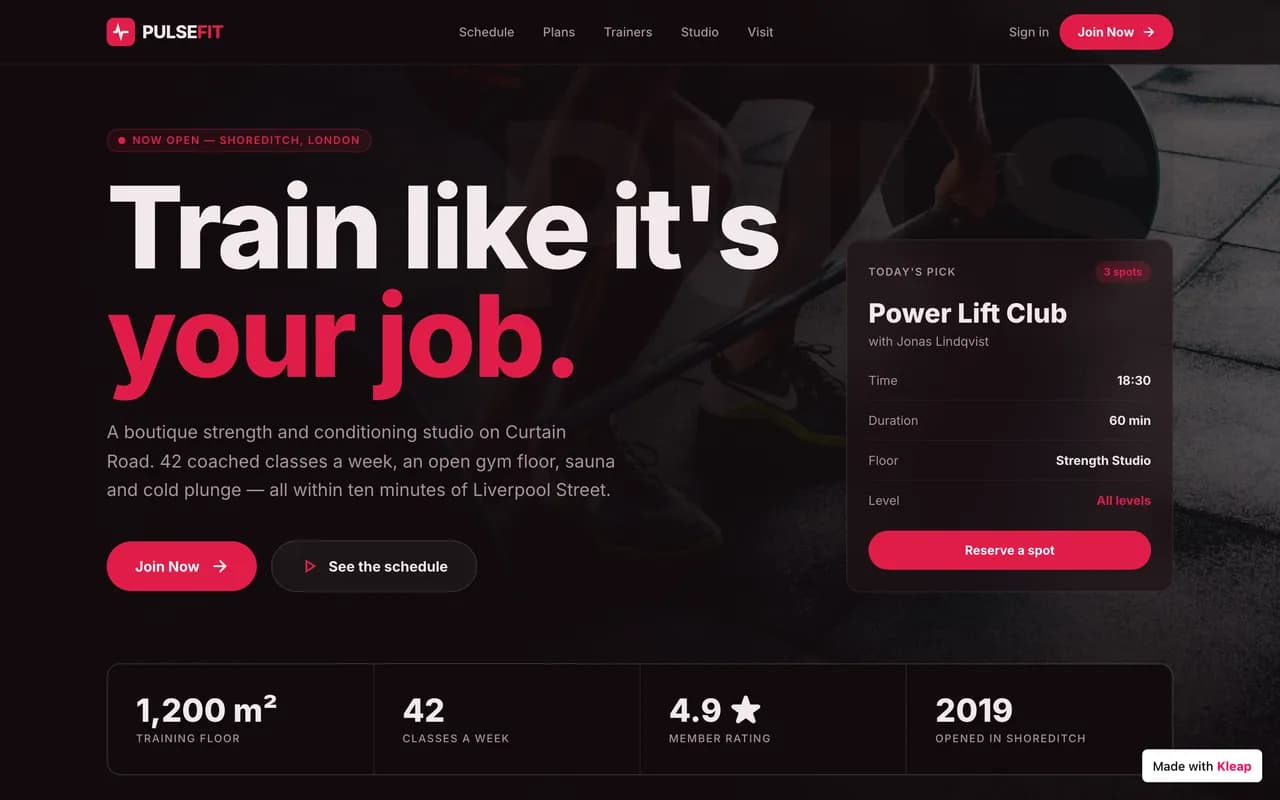
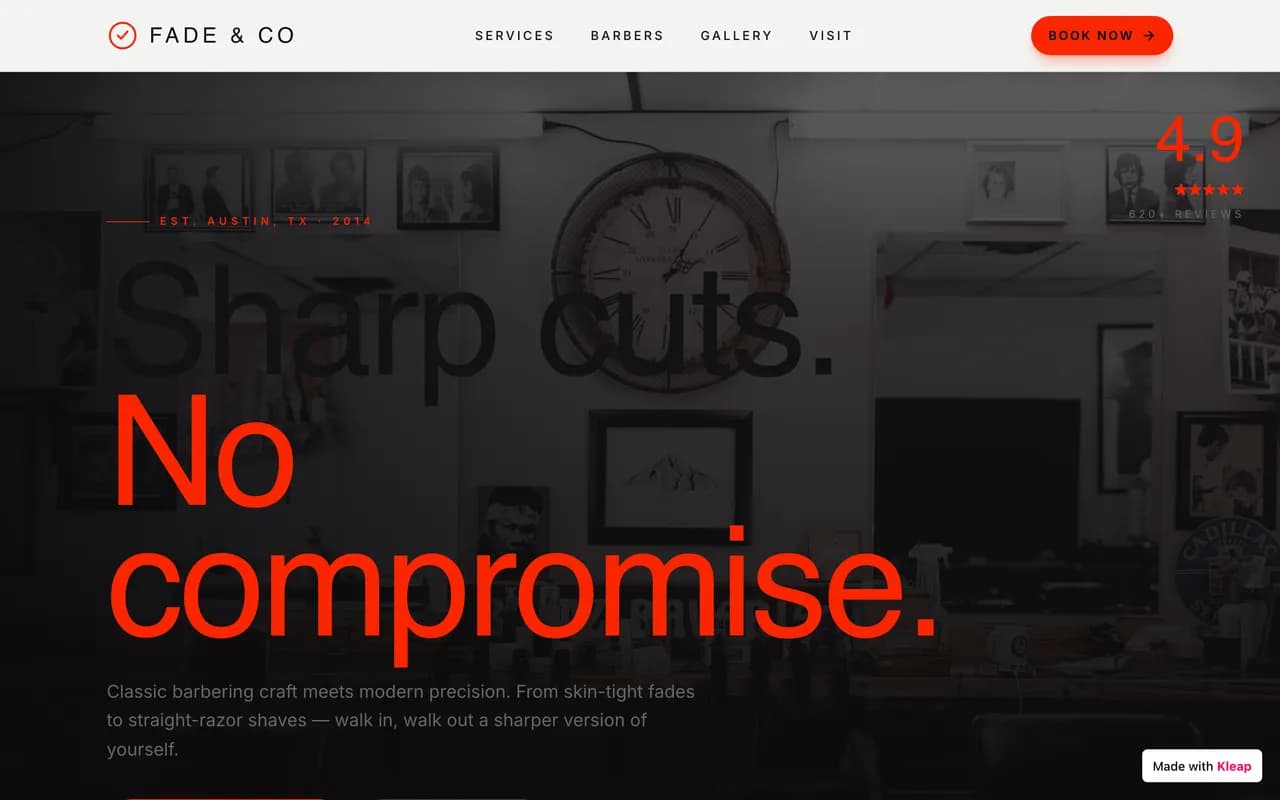

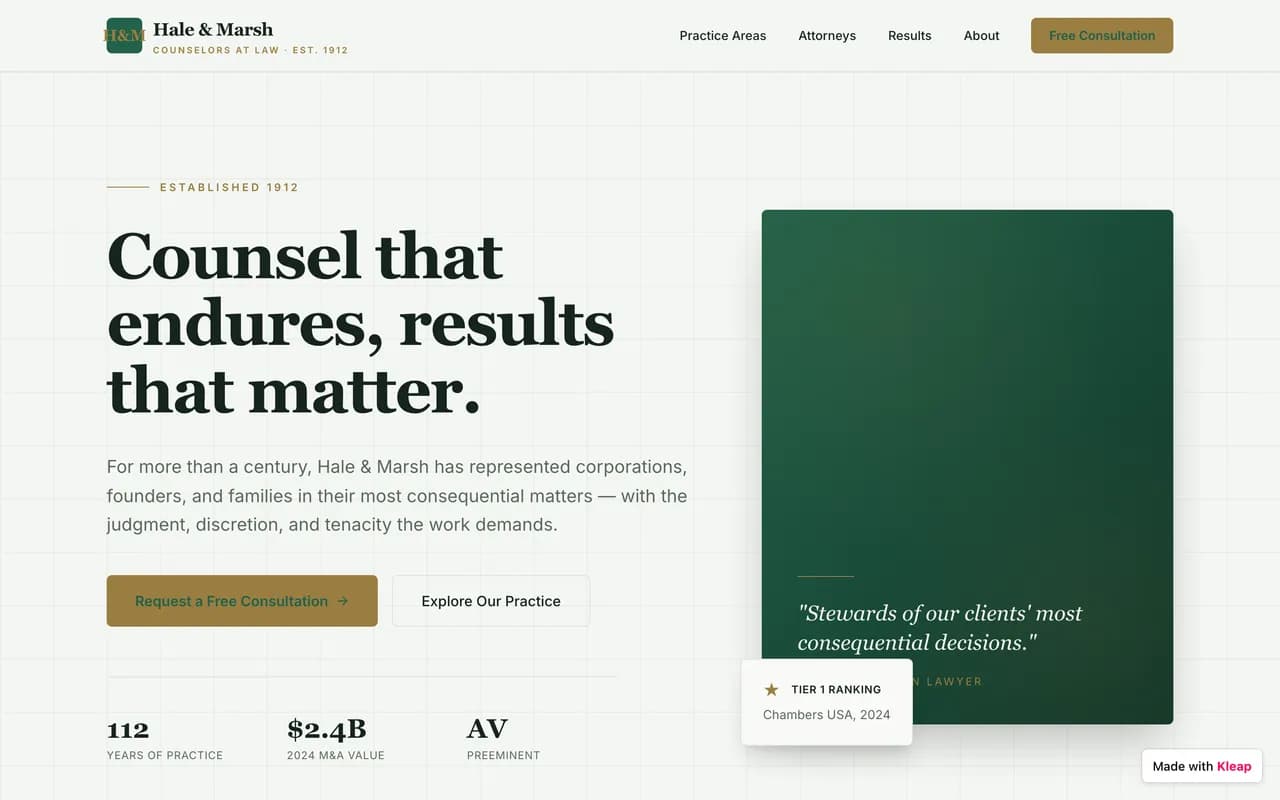




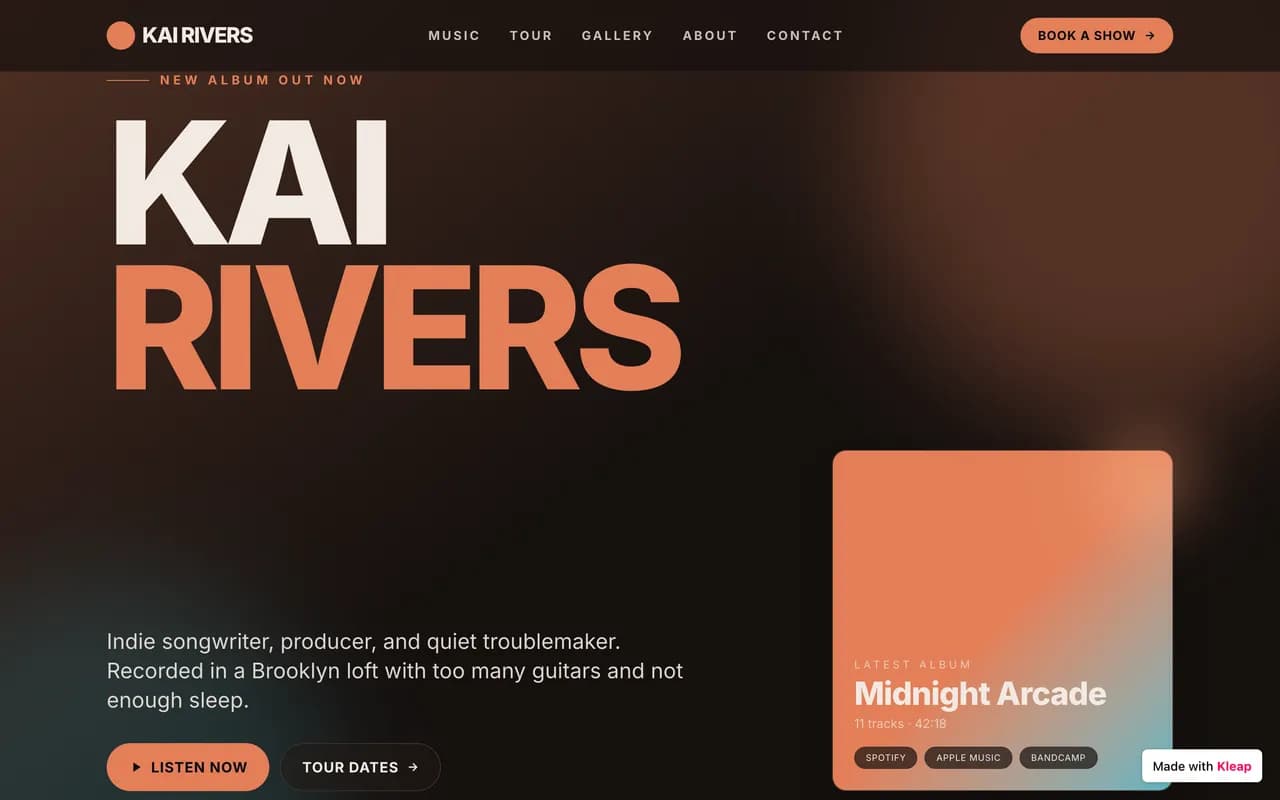



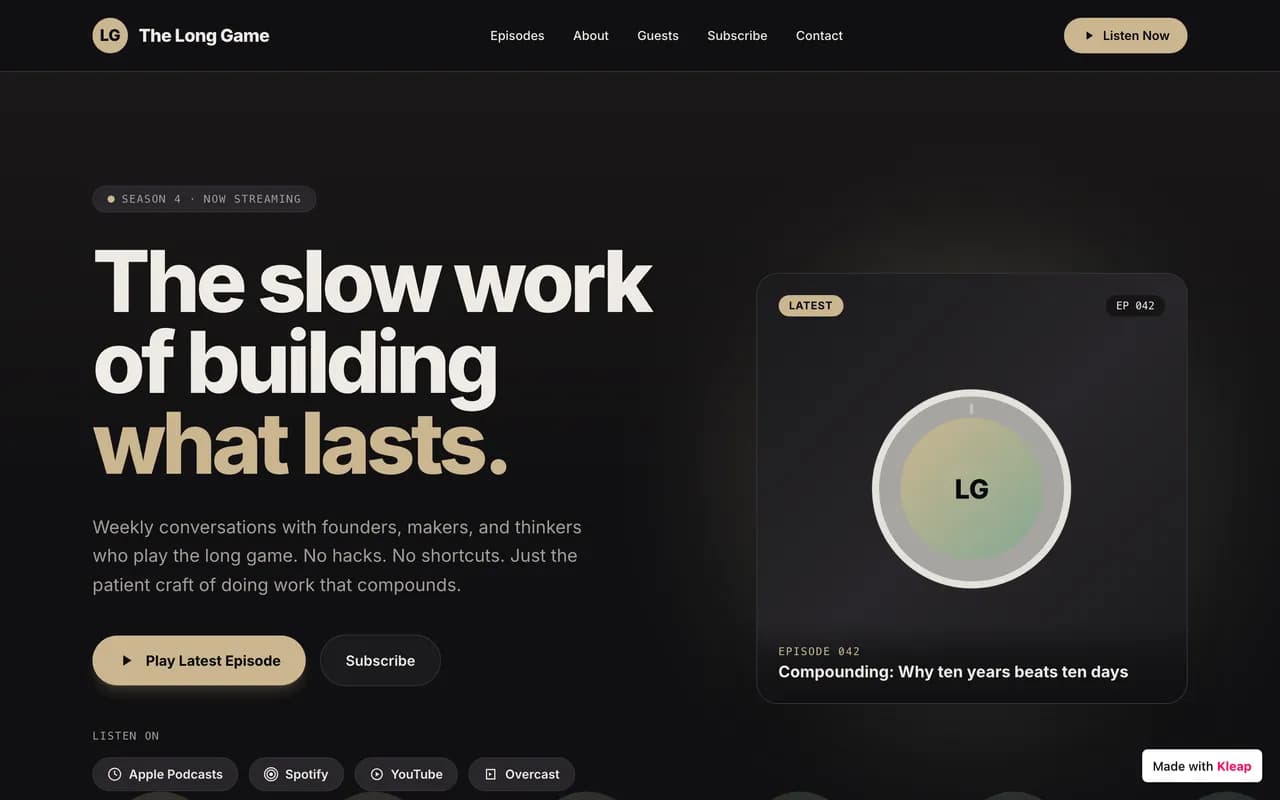
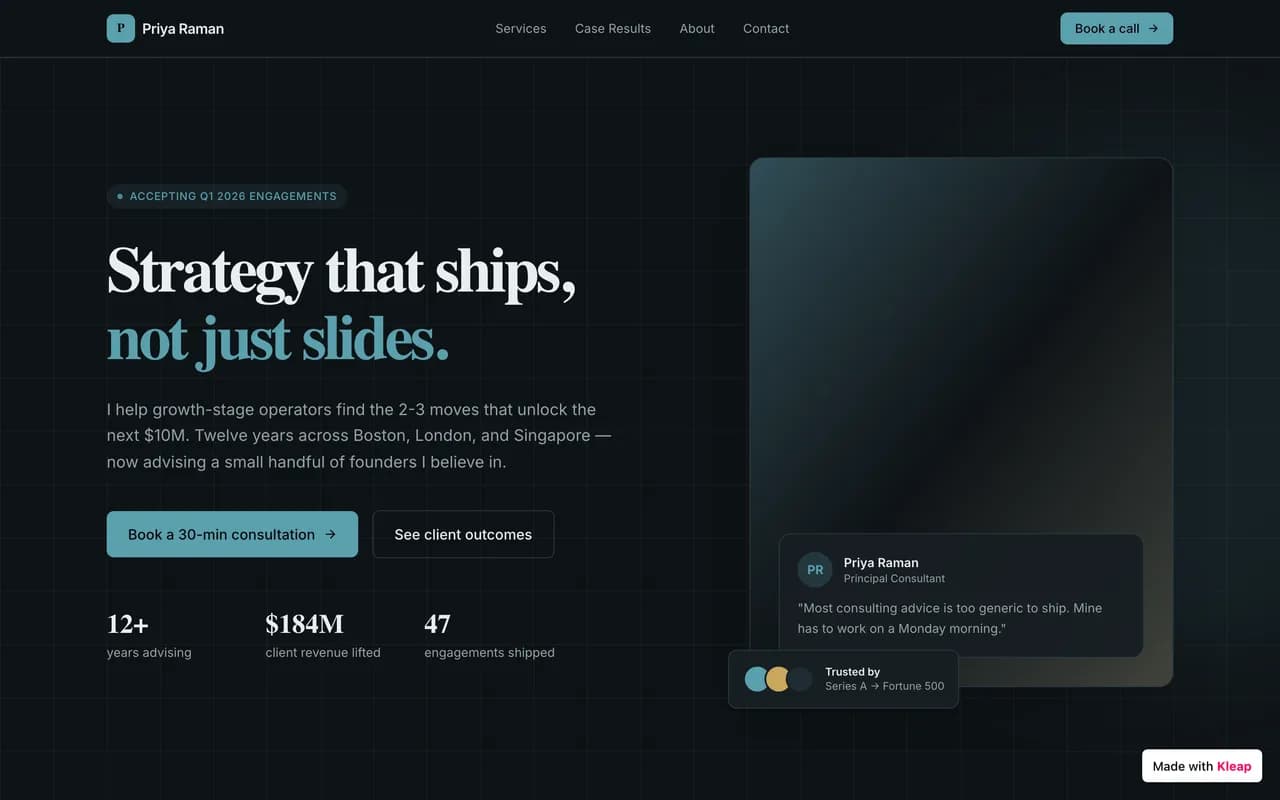
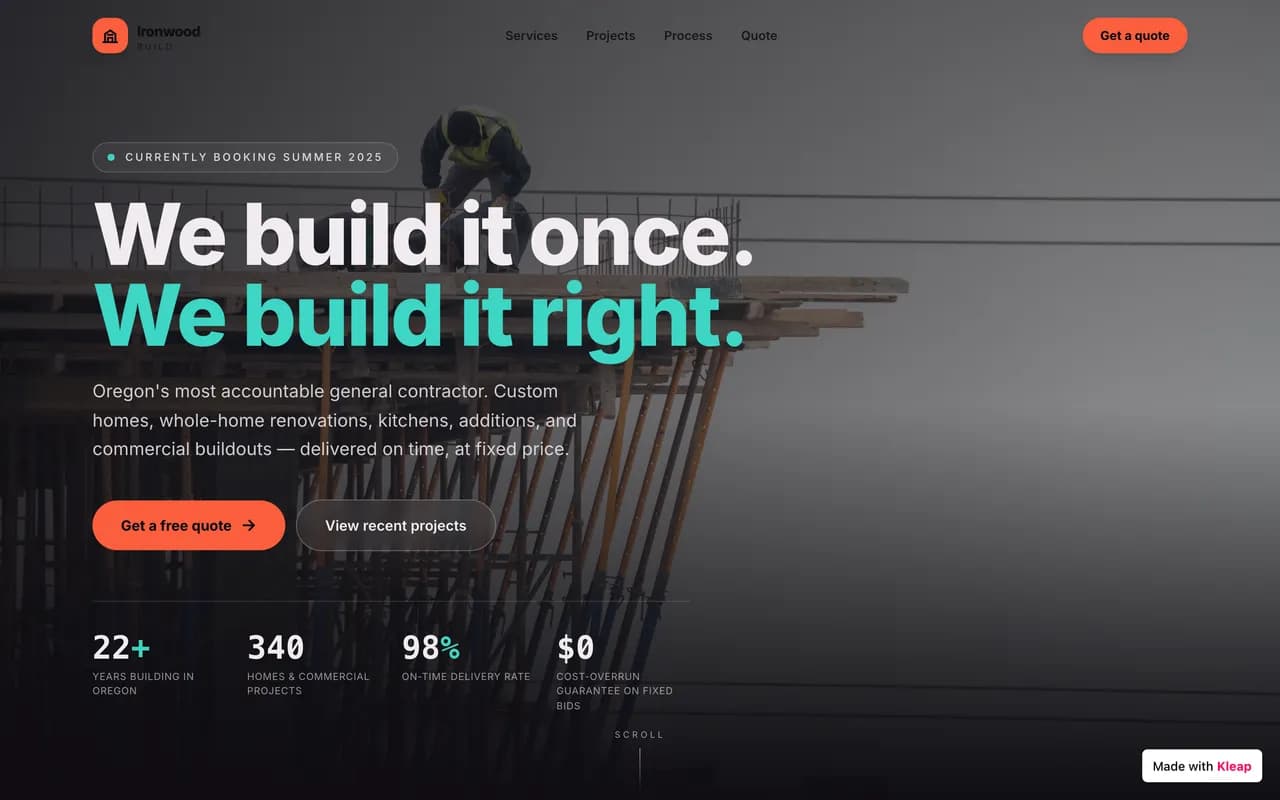
Erstellt mit Kleap
Von der Community veröffentlichte Websites, gerade live.
Where Bolt.new wins
Being straight with you: Bolt.new is genuinely the better pick in some situations.
If you're a developer who wants a full browser-based dev environment — WebContainers, npm, terminal access — to quickly prototype a full-stack idea, Bolt.new is very effective for testing concepts. Kleap is built to publish a real site, without ever touching a terminal or tracking token usage.
Our take : If none of the above matches your situation — and for most people building a site today, it doesn't — Kleap gets you live faster, for less, with real code you own.
Migrating from Bolt.new to Kleap
No import plugin, no technical skills required. You describe it, the AI rebuilds it — often better than the original.
Before · Bolt.new
Templates, settings, plugins, upkeep.
After · Kleap
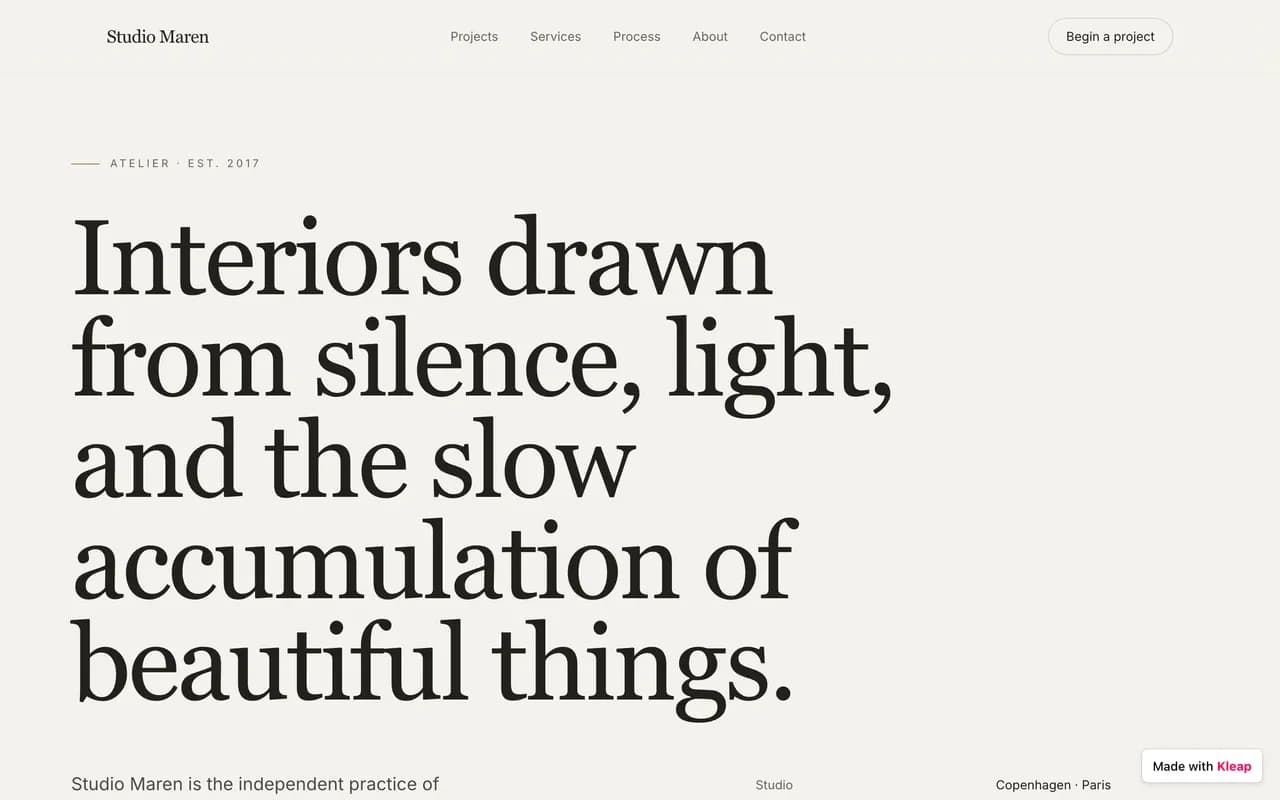
One conversation. A live site.
- 1
Describe your site
Tell Kleap about your Bolt.new site — its purpose, its style, and the pages you need.
- 2
The AI rebuilds it
Kleap generates a complete, modern, multi-page site in minutes. Refine it by chatting.
- 3
Publish for free
Go live on a free kleap.io subdomain, or connect your own domain. No code, no waiting.
To be transparent: there's no one-click Bolt.new import. Kleap's AI rebuilds your site from your description — most people are done in under 30 minutes, often with real improvements.
Kleap vs Bolt.new: frequently asked questions
For a non-technical public site — brochure page, landing page — Kleap publishes faster to a real domain, without ever managing tokens or a terminal. Bolt.new keeps the edge for a developer who wants a full in-browser IDE to prototype a full-stack app.
We compare Kleap and Bolt.new on checkable criteria: pricing, time to launch, page speed, and what you can actually build. Where Bolt.new is the better fit, we say so.
See live Kleap sitesWritten by the Kleap team
Reviewed in 2026
We build Kleap, an AI website and app builder. This comparison relies on public pricing, documented features, and real user reviews — and we say plainly when Bolt.new is the better pick.
Go further
Compare Kleap to other tools, or see the full Bolt.new alternative deep dive.
Ready to move on from Bolt.new?
Describe your site or your app. AI builds it before your eyes, for free.
Free to start. No credit card required.