Jimdo Dolphin propose bien une IA pour démarrer, mais le plan gratuit n'est même pas indexé par Google et les deux éditeurs (Dolphin/Creator) ne communiquent pas entre eux. Kleap génère un site complet avec l'IA, gratuit, indexable dès le départ, et vous laisse repartir avec le code.
Mis à jour en 2026Écrit par l'équipe Kleap
Gratuit pour commencer. Sans carte bancaire.
0+
sites créés avec Kleap
0+
créateurs sur Kleap
Astro + Cloudflare~0.4s · PageSpeed 98
Soutenu par
En bref : Kleap ou Jimdo ?
Choisissez Kleap si…
Vous voulez un site — ou une vraie application — en ligne aujourd'hui, pas le mois prochain.
Vous préférez décrire ce que vous voulez plutôt que déplacer des blocs.
Vous voulez un site rapide et optimisé pour le SEO sans toucher au code.
Vous voulez démarrer, construire et publier gratuitement.
Restez sur Jimdo si…
Vous dépendez d'une fonctionnalité ou intégration précise de Jimdo.
Vous avez déjà beaucoup investi dans une configuration Jimdo.
Vous avez besoin d'une très grande marketplace d'applications tierces.
Vous voulez garder un workflow Jimdo existant tel quel.
Pour la plupart des projets — sites vitrines, portfolios, boutiques et applications métier — Kleap vous met en ligne plus vite, pour moins cher et avec bien moins d'efforts que Jimdo.
Pourquoi quitter Jimdo en 2026
Jimdo est populaire — mais voici ce que ses propres utilisateurs pointent le plus, d'après les avis publics.
5
limitations récurrentes signalées par les utilisateurs
Le plan gratuit n'apparaît pas dans les moteurs de recherche
Sources : G2, Capterra, Reddit
01
Le plan gratuit n'apparaît pas dans les moteurs de recherche
Sur le plan gratuit "Play", Jimdo indique explicitement que le site ne sera pas indexé par Google — impossible d'être trouvé en recherche organique tant que vous ne payez pas.
02
Deux éditeurs incompatibles, un choix permanent
Jimdo propose Dolphin (IA) et Creator (plus manuel) : le contenu ne se transfère pas de l'un à l'autre. Choisir le mauvais éditeur au départ veut dire tout recommencer si vous voulez changer.
03
Aucune fonction d'export ou d'import de contenu
Il n'existe pas d'outil pour exporter son site Jimdo : changer de plateforme signifie ressaisir manuellement tous les textes et produits ailleurs — un point cité comme problème sérieux dans plusieurs comparatifs indépendants.
04
Des designs IA jugés répétitifs
Plusieurs avis notent que l'assistant IA de Dolphin propose des mises en page très similaires d'un site à l'autre, avec seulement des variations mineures de couleur ou de disposition.
05
Support et facturation, principal point de friction
Les avis Trustpilot pointent des délais de réponse longs, des réponses génériques, et des plaintes récurrentes autour de la facturation et de la résiliation — le plus gros irritant remonté par les utilisateurs.
Kleap vs Jimdo, point par point
Pas d'adjectifs vagues — une comparaison concrète, ligne par ligne.
Critère
KleapRecommandé
Jimdo
Temps jusqu'au premier site en ligne
Quelques minutes — l'IA génère un site multi-pages complet à partir d'une simple description
Dolphin propose une base en quelques minutes, puis plusieurs heures de retouches bloc par bloc
Qui construit le site
L'IA (vous décrivez, elle génère ; vous affinez ensuite en discutant)
L'IA Dolphin propose un point de départ ; vous finalisez ensuite tout au clic
Prix de départ
Gratuit pour construire et publier
~9 $/mois pour le plan Start (facturation annuelle)
Plan gratuit
Oui — publication gratuite sur un sous-domaine kleap.io, indexée par Google
Oui, mais NON indexé par les moteurs de recherche, avec pub Jimdo et sans domaine perso
IA générative
IA générative sur l'ensemble du site — design, textes, structure, en un seul prompt, itérable en continu
IA Dolphin propose une structure de départ ; designs souvent similaires d'un site à l'autre
Changer d'éditeur ou de design
Oui — redemandez à l'IA de régénérer le design, à tout moment
Non — Dolphin et Creator sont incompatibles, changer d'éditeur veut dire repartir de zéro
Propriété et export du code
Code source réel, exportable
Aucune fonction d'export ou d'import de contenu
E-commerce et frais
Boutique intégrable, sans commission Kleap
Plan eCommerce séparé (~19 $/mois), 0% de commission mais palier de prix distinct
SEO natif
HTML statique pré-rendu, lisible instantanément par Google et les IA, dès le plan gratuit
SEO avancé réservé aux plans payants ; le plan gratuit n'est pas indexé du tout
Édition mobile
Interface responsive pensée mobile-first, éditable par chat depuis n'importe où
App mobile Jimdo disponible, mais édition avancée pensée pour le desktop
Applications complètes (comptes, base de données)
Oui — comptes utilisateurs, base de données, dashboards, pas seulement un site vitrine
Axé sites vitrine et boutiques ; aucune couche applicative (comptes, base de données)
Migrer depuis Jimdo
L'IA reconstruit le site à partir d'une description, gratuitement, en quelques minutes
Migration manuelle uniquement — pas d'export, il faut tout ressaisir ailleurs
Combien coûte vraiment Jimdo par an ?
Faites glisser les curseurs. La plupart des configurations Jimdo finissent bien au-dessus du prix affiché.
$12/mo
$180
$120
8 h/an
$60/h
Total Jimdo, par an
$924 / an
La même chose avec KleapGratuit pour commencer
Vous ne payez que les extras : domaine personnalisé, retrait du badge, sites supplémentaires.
Estimation approximative basée sur les tarifs courants. Votre coût réel Jimdo dépend de l'offre et des extensions.
Bien plus qu'un site vitrine
Kleap construit n'importe quoi — pas seulement un site
Là où Jimdo s'arrête à la vitrine et au blog, Kleap va jusqu'à l'application complète. Décrivez la fonctionnalité, l'IA la construit : base de données, connexion et tableaux de bord inclus.
Vous écrivez
Crée-moi un CRM pour mon agence : fiches clients, suivi des projets, connexion pour mon équipe et un tableau de bord du chiffre d'affaires.
Kleap
Kleap livre
mon-agence.kleap.io
Une vraie application — base de données, comptes et dashboards — en ligne en quelques minutes.
Une vraie base de données
Stockez des données, des formulaires, des inscriptions. Pas de plugin à bricoler : c'est intégré.
Comptes & connexion
Espace membre, login, zone privée : donnez à vos utilisateurs un vrai compte, sans configuration technique.
Des tableaux de bord
Back-office, statistiques, gestion : demandez un dashboard et pilotez votre activité au même endroit.
N'importe quelle idée
CRM, portail client, réservation, annuaire… Si vous savez le décrire, Kleap peut le construire.
Kleap = votre CTO
Toute une équipe technique dans une conversation. Sur Jimdo, le moindre changement passe par un thème, une app ou un développeur. Avec Kleap, vous demandez.
Rapide par nature, prêt pour Google et l'IA
Chaque site Kleap est généré en Astro statique et servi depuis l'edge de Cloudflare. Résultat : des pages qui se chargent en quelques millisecondes, sans plugin de cache ni maintenance.
Temps de chargement typique
Kleap · Astro + Cloudflare~0,4 s
Jimdo moyen~3,5 s
Un site statique n'exécute aucun aller-retour serveur ni requête base de données à chaque visite : il est déjà prêt à être servi.
0
Score PageSpeed typique
Kleap
Jimdo moyen : 30 à 60
Visible aussi par les moteurs IA
Un HTML statique, propre et rapide n'est pas seulement bon pour Google : il est facile à lire pour ChatGPT, Perplexity et les AI Overviews. En 2026, être cité par les moteurs de réponse compte autant qu'un bon classement.
ChatGPTPerplexityGoogle AI Overviews
Astro, en statique
Des pages ultra-légères, pré-générées. Pas d'aller-retour serveur ni de requête base de données à chaque visite : juste de la vitesse.
Edge Cloudflare
Astro a été racheté par Cloudflare : vos sites sont servis depuis le point le plus proche de chaque visiteur, partout dans le monde.
SEO natif
Rendu côté serveur, sitemaps automatiques, balises meta propres, HTML sémantique. Un meilleur SEO que Jimdo dès le départ.
SSL & zéro maintenance
HTTPS automatique, aucune mise à jour à gérer, aucune faille à surveiller. On s'occupe de la technique, vous de votre projet.
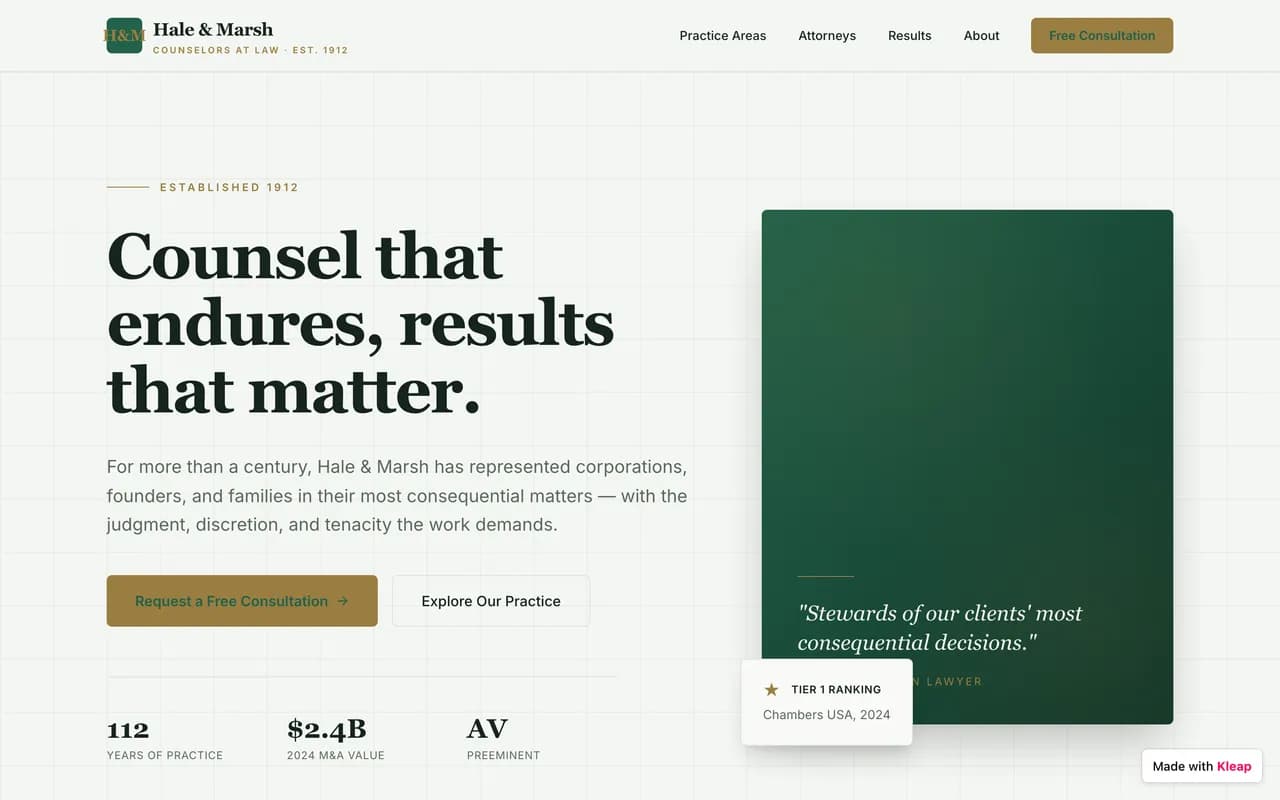
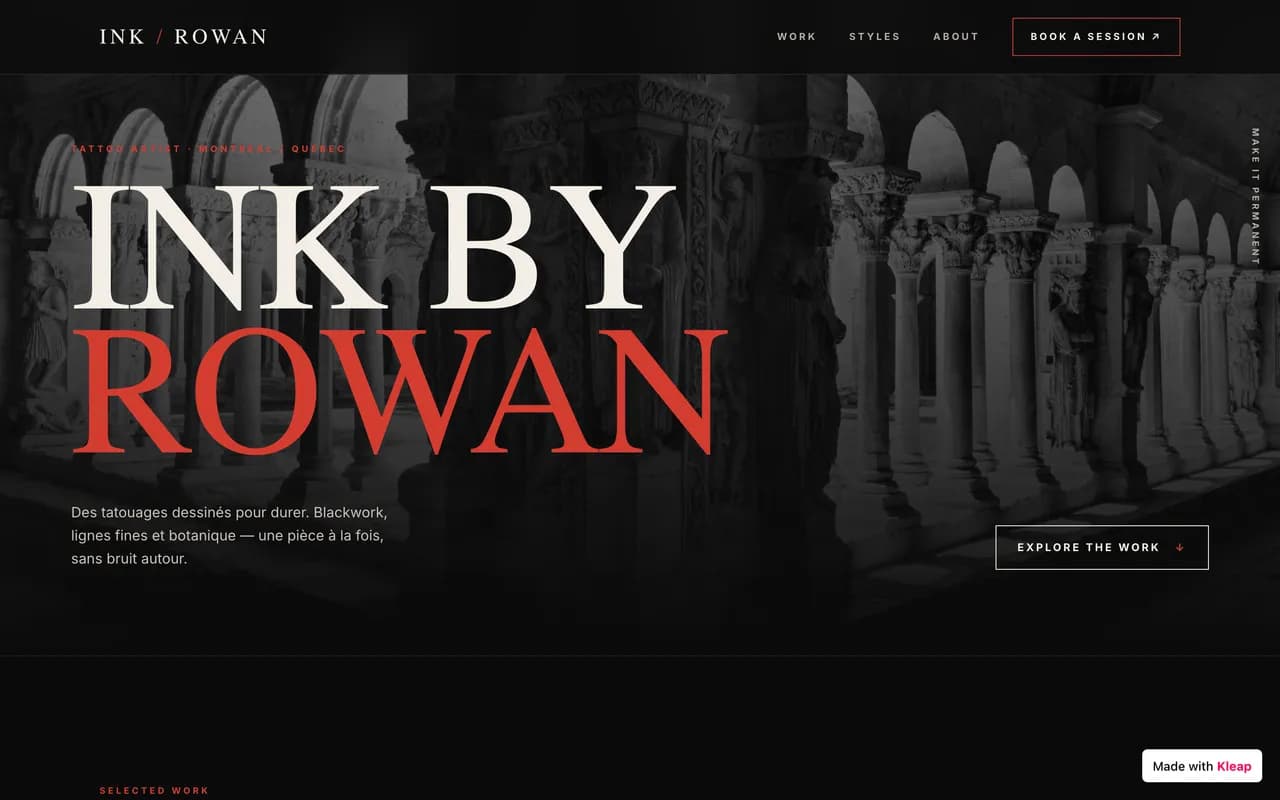
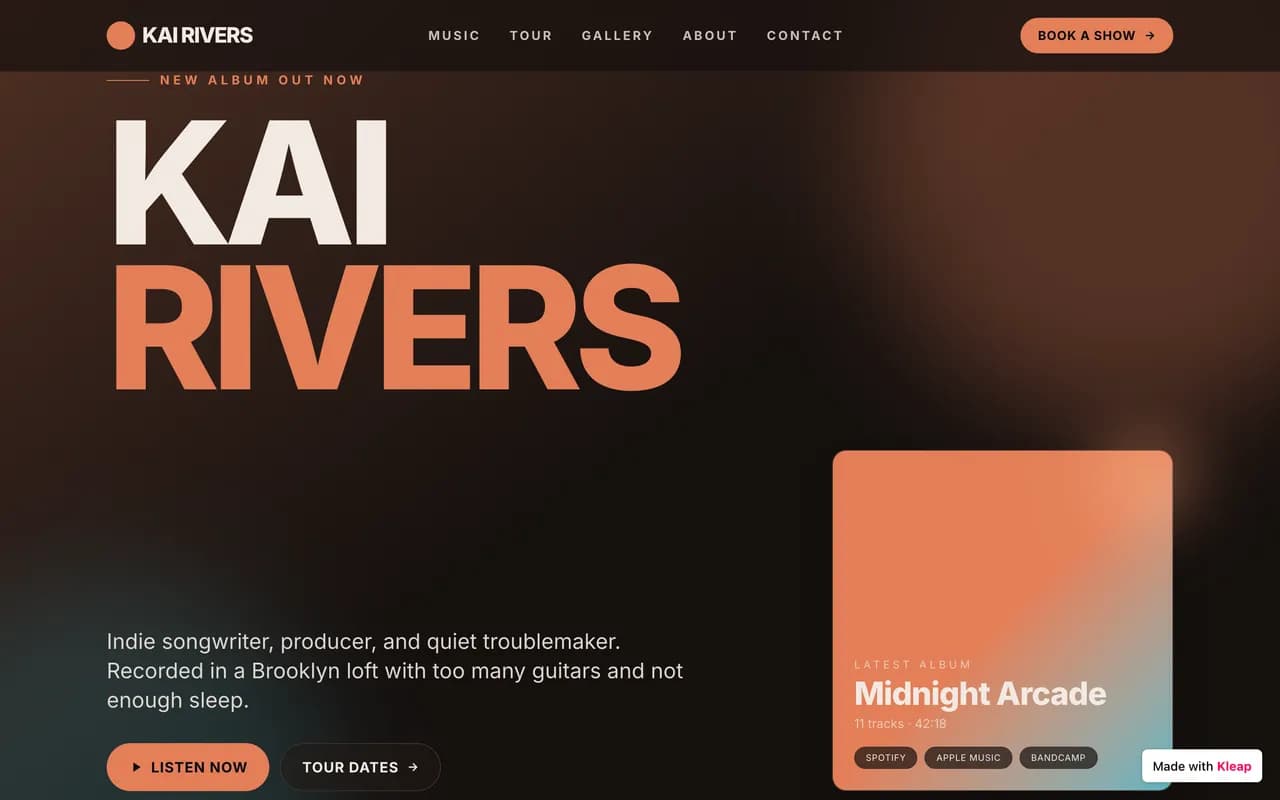
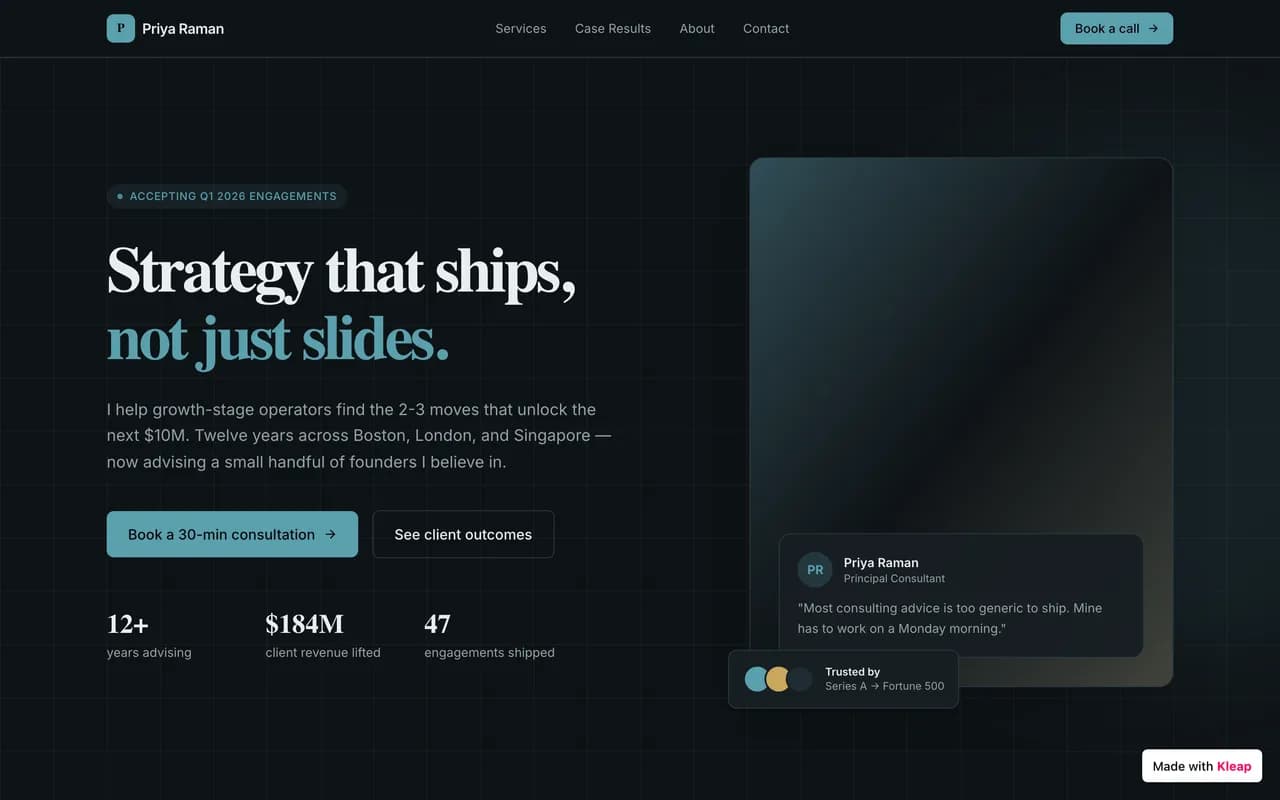
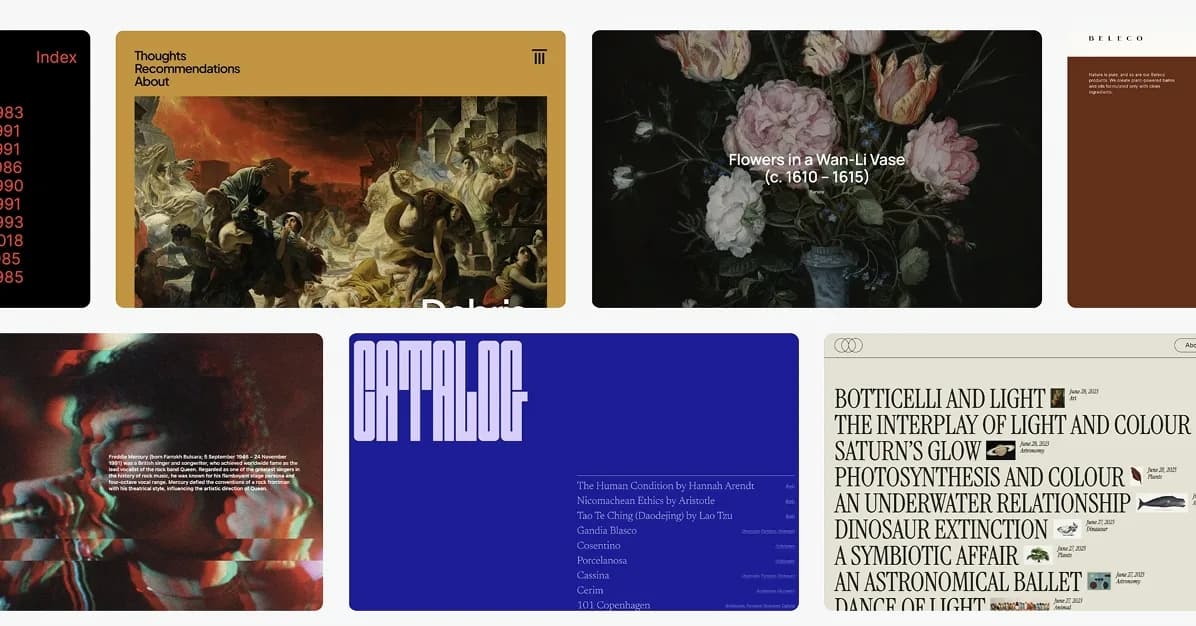
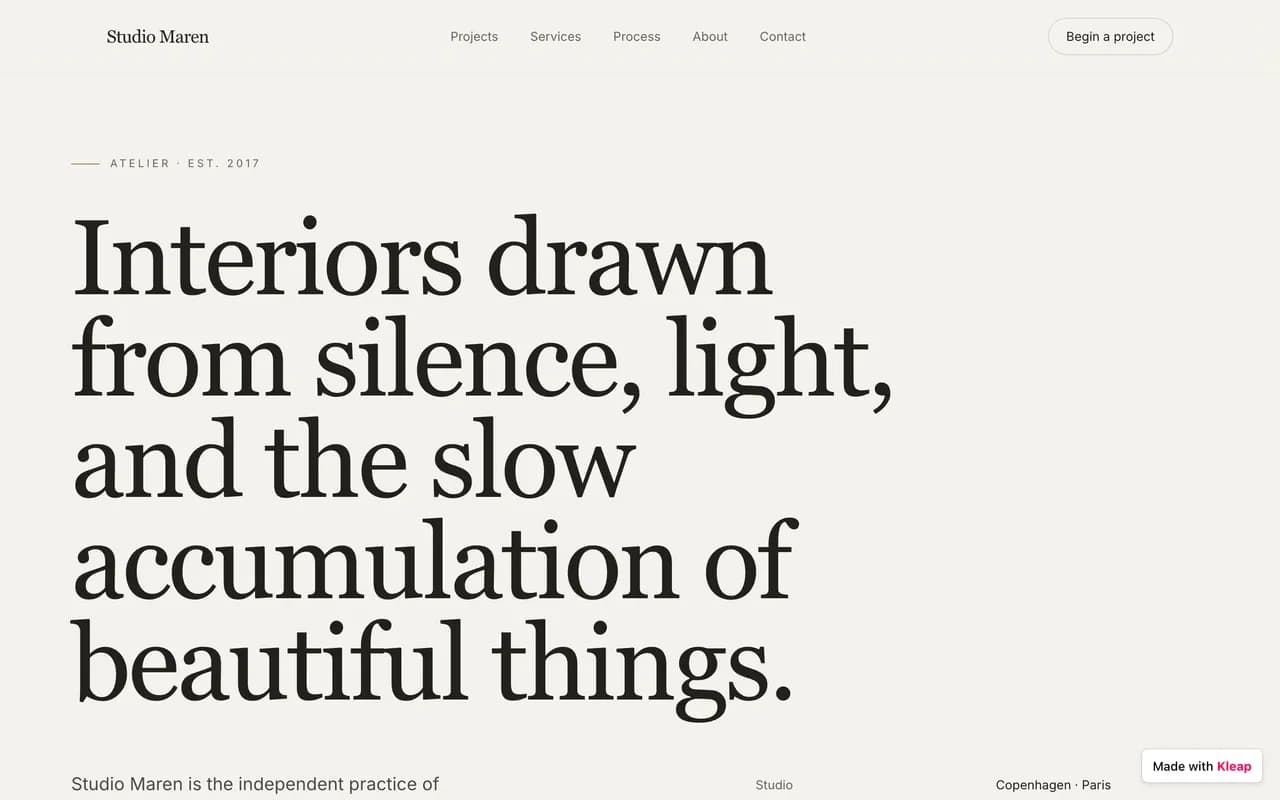
Un aperçu de ce qui se construit sur Kleap
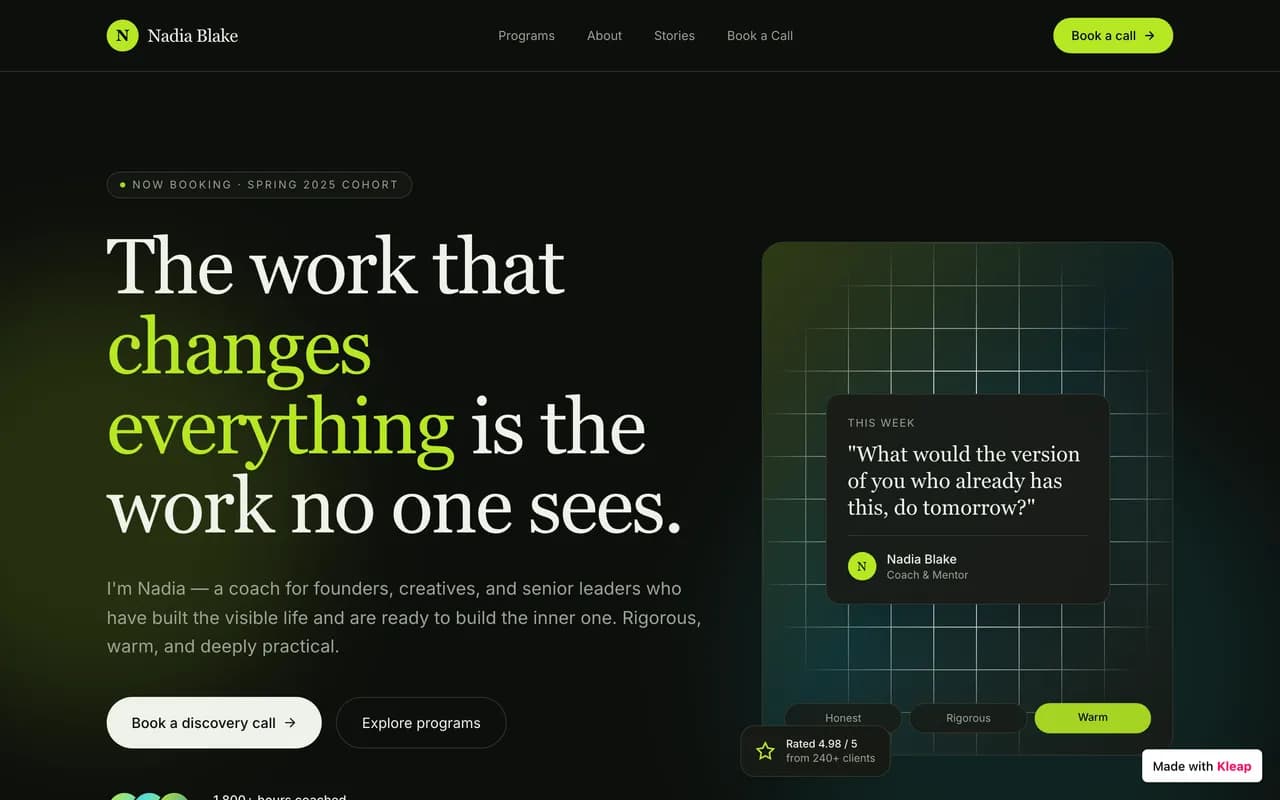
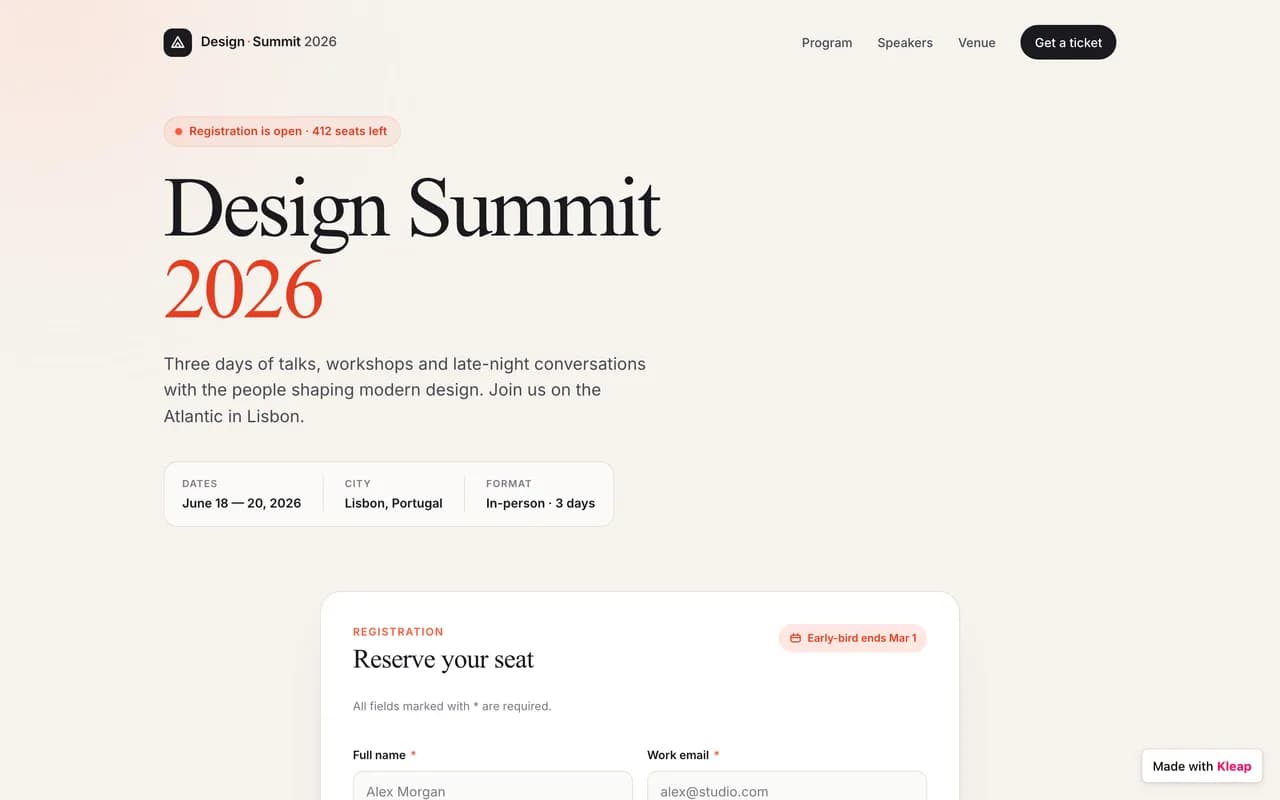
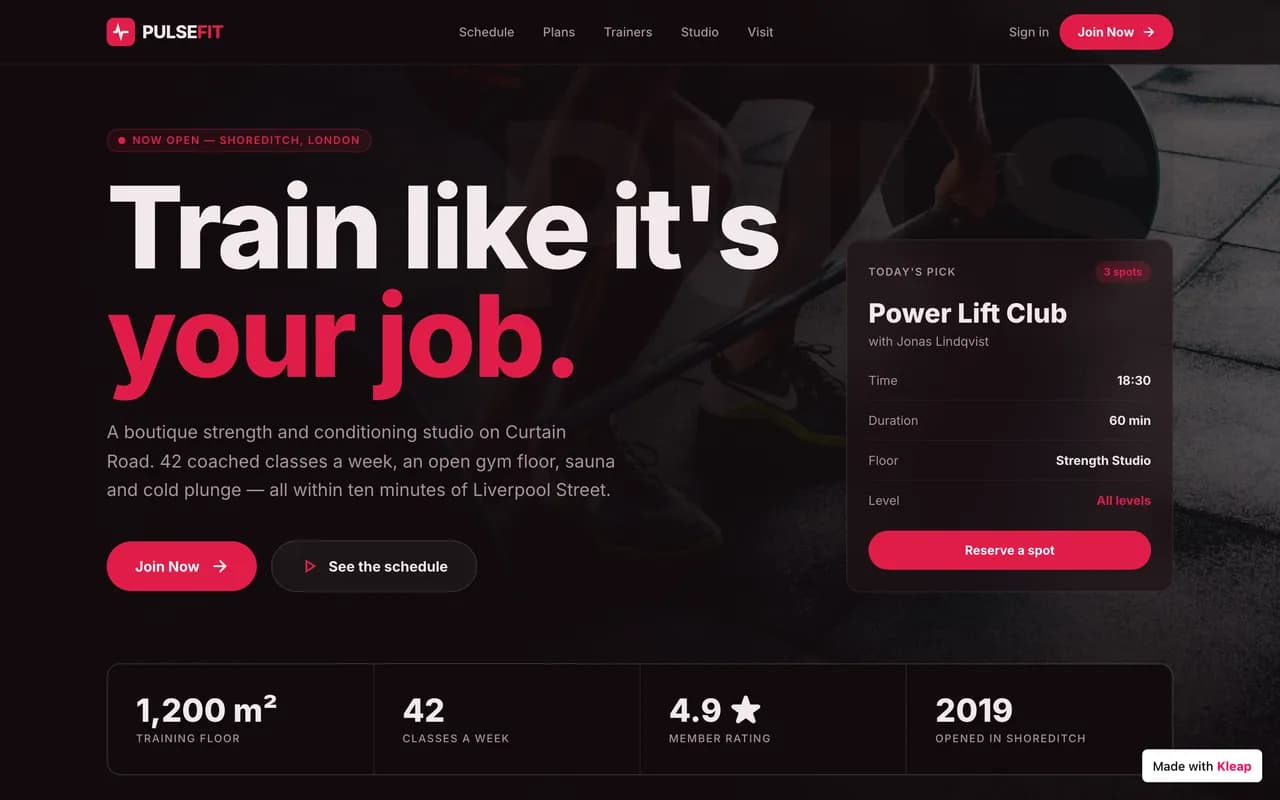
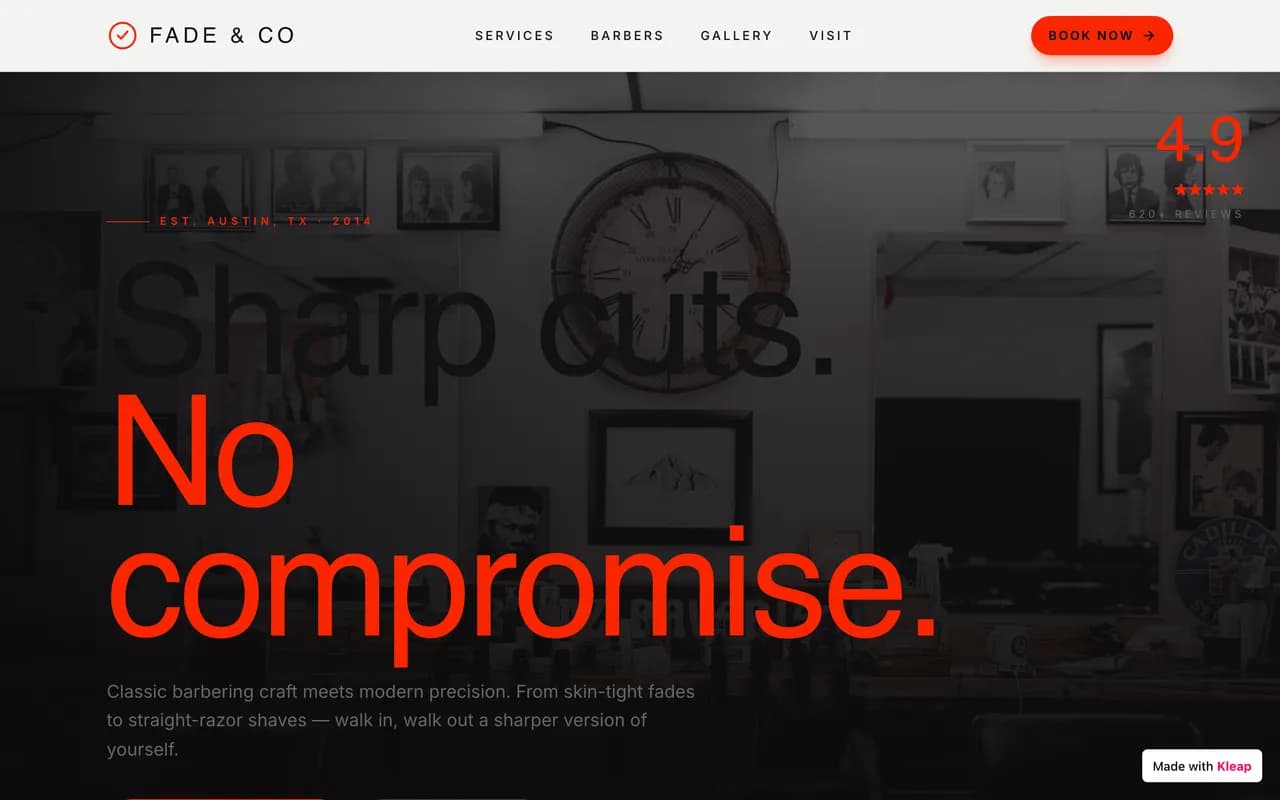
Des vitrines aux applications métier, dans tous les secteurs. Voici des exemples réels de sites générés par l'IA.
Community
Fait avec Kleap
Des sites publiés par la communauté, en ligne en ce moment.
Les alternatives à Jimdo en un coup d'œil
Les principales options, comparées sur ce qui compte avant de choisir.
Alternative
Idéal pour
Prix de départ
Effort de migration
L'avantage Kleap
Liens
KKleapRecommandé
Un site ou une app en ligne en quelques minutes, sans code
Gratuit
Décrivez — l'IA reconstruit
L'IA fait le travail
BOBolt.new
Développeurs qui veulent un IDE complet dans le navigateur pour prototyper vite une app full-stack, sans installation locale.
Développeurs, étudiants et équipes techniques qui veulent un IDE complet dans le navigateur avec un agent IA, et qui sont à l'aise pour revoir et déployer du code.
$25/mois (Core, mensuel) — ≈$20/mois en engagement annuel, hébergement facturé en plus
Blogueurs et éditeurs de contenu qui veulent l'héritage et l'écosystème WordPress, et sont prêts à monter au plan Business pour la vraie liberté de plugins.
Petites équipes qui veulent construire un outil métier interne (CRM léger, dashboard) avec authentification et base de données incluses, sans notion de code.
Un panorama honnête : ce que vaut chaque outil, et là où Kleap va plus loin.
K
KleapRecommandé
L'alternative n°1, propulsée par l'IA
Décrivez votre projet et l'IA construit le site ou l'application — hébergement, sécurité et SEO gérés, en ligne en quelques minutes.
À partir deGratuit
Idéal pour
Tous ceux qui veulent un site — ou une vraie app — en quelques minutes, sans coder.
Le point fort
L'IA fait le travail : le site est en ligne, rapide et optimisé en quelques minutes.
La limite
Pas d'import en un clic — l'IA reconstruit le site plutôt que de le copier.
BO
Bolt.new
Développeurs qui veulent un IDE complet dans le navigateur pour prototyper vite une app full-stack, sans installation locale.
$25/mois (Pro, 10M tokens/mois)
Bolt.new fait tourner un environnement de dev complet dans le navigateur et génère vite — mais chaque token compte, et un vrai domaine perso demande le plan Pro à 25 $/mois. Kleap publie automatiquement sur un domaine réel dès la première génération, gratuitement.
Idéal pour : Développeurs qui veulent un IDE complet dans le navigateur pour prototyper vite une app full-stack, sans installation locale.
Si vous êtes développeur et voulez un environnement de dev complet dans le navigateur — WebContainers, npm, terminal — pour prototyper vite une app full-stack, Bolt.new est très efficace en phase de test d'idée.
Le système de jetons est jugé le moins transparent du secteur
L'avantage Kleap : Kleap génère l'ensemble par IA et reste gratuit à publier.
Développeurs, étudiants et équipes techniques qui veulent un IDE complet dans le navigateur avec un agent IA, et qui sont à l'aise pour revoir et déployer du code.
$25/mois (Core, mensuel) — ≈$20/mois en engagement annuel, hébergement facturé en plus
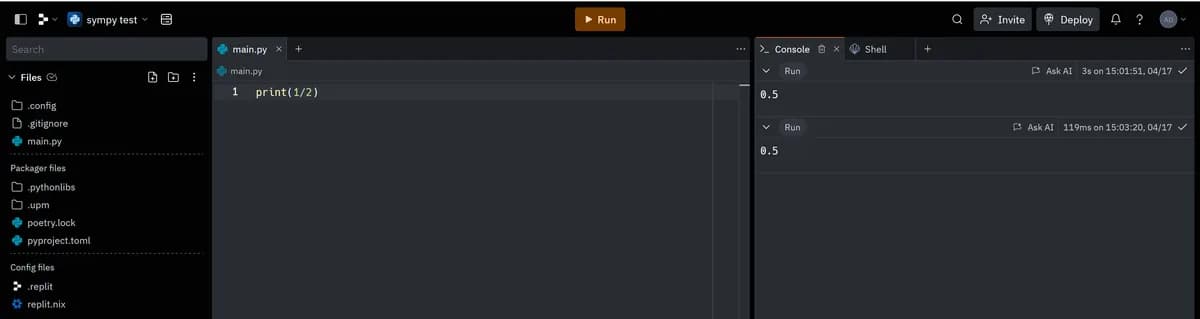
Replit est un IDE complet dans le navigateur avec un agent IA puissant — pensé pour des développeurs qui codent, déboguent et déploient de vraies applications. Kleap vise un objectif plus étroit et plus rapide : un site marketing professionnel, hébergé et prêt pour le SEO, sans une ligne de code à relire.
Idéal pour : Développeurs, étudiants et équipes techniques qui veulent un IDE complet dans le navigateur avec un agent IA, et qui sont à l'aise pour revoir et déployer du code.
Si vous êtes développeur, étudiant en programmation, ou une équipe technique qui veut un vrai environnement de code dans le navigateur — terminal, tous les langages, base de données flexible, et un agent IA pour accélérer le travail — Replit est un outil puissant et éprouvé depuis 2016.
Une tarification "à l'effort" difficile à prévoir
L'avantage Kleap : Kleap génère l'ensemble par IA et reste gratuit à publier.
Boutiques avec un catalogue conséquent, plusieurs entrepôts ou un point de vente physique à connecter en ligne.
~29 €/mois (Basic, facturation annuelle)
Shopify reste la référence pour un catalogue lourd et une vraie logistique multi-entrepôt, mais chaque app et chaque passerelle de paiement tierce ajoute des frais qui s'empilent vite. Kleap génère une boutique simple avec l'IA, gratuite pour démarrer, sans abonnement forcé pour vendre.
Idéal pour : Boutiques avec un catalogue conséquent, plusieurs entrepôts ou un point de vente physique à connecter en ligne.
Si vous gérez un catalogue de plusieurs centaines de références, plusieurs entrepôts, ou avez besoin d'un point de vente physique connecté, Shopify reste la référence du secteur, taillée pour cette complexité logistique.
Une surcharge si vous n'utilisez pas Shopify Payments
L'avantage Kleap : Kleap génère l'ensemble par IA et reste gratuit à publier.
Créatifs, photographes et marques qui veulent un design visuel impeccable dès le départ, et acceptent de payer sans plan gratuit.
~16 €/mois (Basic, facturation annuelle)
Squarespace produit parmi les plus beaux templates du marché, mais sans plan gratuit et sans aucun export de code. Kleap génère un site tout aussi soigné avec l'IA, gratuit pour démarrer, et vous laisse repartir avec le code source.
Idéal pour : Créatifs, photographes et marques qui veulent un design visuel impeccable dès le départ, et acceptent de payer sans plan gratuit.
Si le design visuel prêt-à-l'emploi est votre priorité numéro un — photographie, portfolio créatif — et que vous êtes prêt à payer dès le premier jour sans plan gratuit, Squarespace reste une valeur sûre depuis 2003.
Aucun plan gratuit, seulement un essai de 14 jours
L'avantage Kleap : Kleap génère l'ensemble par IA et reste gratuit à publier.
Développeurs et designers dans l'écosystème Next.js/Vercel qui veulent générer des composants UI haut de gamme à intégrer dans un projet existant.
$30/mois par utilisateur (plan Plus)
v0 excelle pour générer des composants React/Next.js soignés, mais reste pensé pour des développeurs qui assemblent ensuite le projet dans l'écosystème Vercel. Kleap génère et publie un site complet sur un vrai domaine en une fois, sans notion de Next.js ni de déploiement.
Idéal pour : Développeurs et designers dans l'écosystème Next.js/Vercel qui veulent générer des composants UI haut de gamme à intégrer dans un projet existant.
Si vous êtes développeur dans l'écosystème Next.js/Vercel et voulez générer des composants UI de très haute qualité à intégrer dans un projet existant, v0 reste la référence — les avis saluent un rendu 'digne d'un designer senior'.
Conçu pour des blocs UI, pas un site complet clé en main
L'avantage Kleap : Kleap génère l'ensemble par IA et reste gratuit à publier.
Ceux qui veulent tout personnaliser à la main avec un éditeur glisser-déposer, sans coder, et qui ont le temps d'y consacrer plusieurs heures.
~13 €/mois (Light, facturation annuelle)
Wix reste une référence du glisser-déposer, mais son éditeur manuel prend des heures et verrouille votre template une fois le site publié. Kleap génère un site complet avec l'IA en quelques minutes — et vous gardez la main pour tout changer ensuite.
Idéal pour : Ceux qui veulent tout personnaliser à la main avec un éditeur glisser-déposer, sans coder, et qui ont le temps d'y consacrer plusieurs heures.
Si vous voulez tout piloter au pixel près avec un éditeur glisser-déposer mature, un immense App Market, et que le prix n'est pas votre priorité, Wix reste un choix solide et éprouvé depuis 2006.
Impossible de changer de template une fois le site publié
L'avantage Kleap : Kleap génère l'ensemble par IA et reste gratuit à publier.
Blogueurs et éditeurs de contenu qui veulent l'héritage et l'écosystème WordPress, et sont prêts à monter au plan Business pour la vraie liberté de plugins.
~4 $/mois (Personal, facturation annuelle)
WordPress.com hérite de 20 ans d'écosystème CMS, mais la vraie liberté de plugins et de thèmes tiers reste positionnée sur le plan Business à 25 $/mois — et il faut toujours construire le site bloc par bloc. Kleap génère un site complet par IA, gratuit pour démarrer, avec comptes utilisateurs et base de données natifs.
Idéal pour : Blogueurs et éditeurs de contenu qui veulent l'héritage et l'écosystème WordPress, et sont prêts à monter au plan Business pour la vraie liberté de plugins.
Si le blogging et la publication de contenu sont votre coeur de métier, et que vous voulez profiter du plus grand écosystème de plugins et de thèmes au monde une fois sur le plan Business, WordPress.com reste une valeur sûre bâtie sur 20 ans d'héritage.
La liberté de plugins reste chère
L'avantage Kleap : Kleap génère l'ensemble par IA et reste gratuit à publier.
Petites équipes qui veulent construire un outil métier interne (CRM léger, dashboard) avec authentification et base de données incluses, sans notion de code.
~$16/mois (Starter, facturation annuelle)
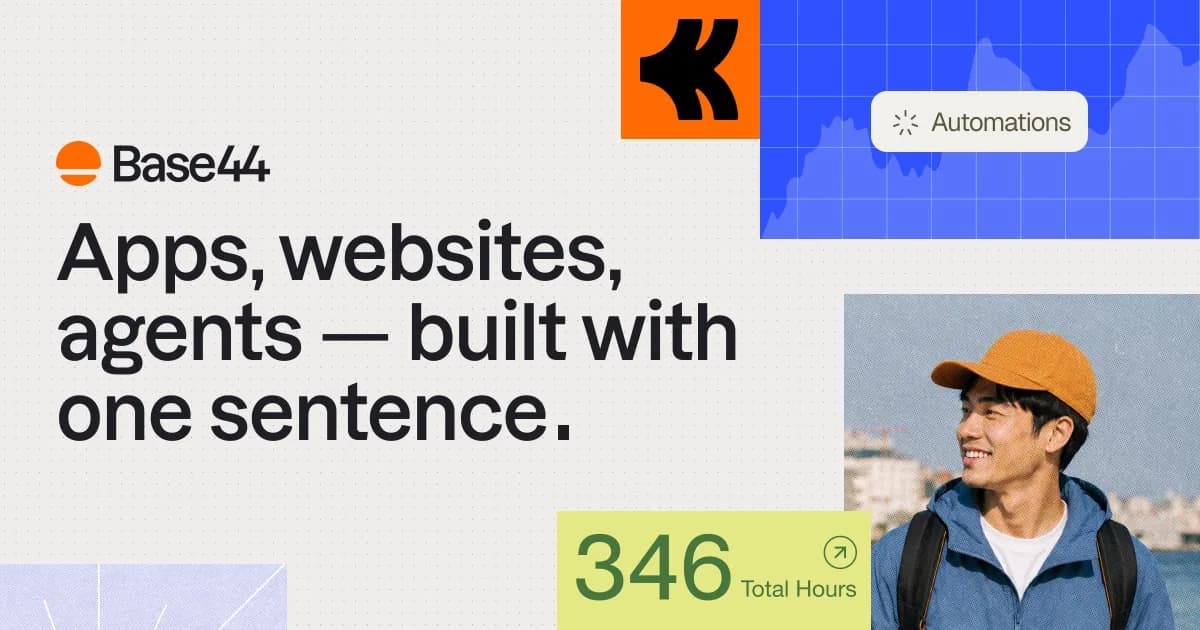
Base44 (racheté par Wix) est le plus proche des IA-builders de ce comparatif d'une approche « tout compris » — hébergement et domaine inclus dès le plan payant. Mais c'est pensé pour des outils métier internes, pas un site marketing optimisé SEO, et l'export du code reste limité.
Idéal pour : Petites équipes qui veulent construire un outil métier interne (CRM léger, dashboard) avec authentification et base de données incluses, sans notion de code.
Si vous construisez un outil interne pour une petite équipe — CRM léger, dashboard, back-office — avec authentification et base de données prêtes à l'emploi, Base44 est l'option la plus « tout compris » de ce comparatif, hébergement et domaine inclus dès le plan payant.
Deux compteurs de crédits séparés à surveiller
L'avantage Kleap : Kleap génère l'ensemble par IA et reste gratuit à publier.
La bonne alternative dépend de votre projet. Voici nos choix.
Un site vitrine rapide
Kleap
L'IA le construit en quelques minutes et c'est gratuit à publier — le moyen le plus rapide de quitter Jimdo.
Une vraie app, pas qu'un site
Kleap
Bases de données, connexions et tableaux de bord — ce que Jimdo ne fait pas.
Une immense marketplace d'apps
Jimdo
Si vous avez besoin d'un large catalogue d'extensions, Jimdo en propose encore plus.
Quand garder Jimdo a du sens
Soyons justes : Jimdo reste un bon choix dans quelques cas.
Vous êtes ancré dans son écosystème
Si votre équipe, vos données et vos intégrations vivent déjà dans Jimdo, rester peut être moins perturbant.
Vous avez besoin d'une fonctionnalité précise
Certaines capacités de niche ou apps de Jimdo n'ont pas encore d'équivalent Kleap direct.
Une très grande bibliothèque de contenu
Migrer des milliers de pages à la main est un vrai travail — à peser avant de changer.
Une configuration établie qui fonctionne
Si votre site Jimdo actuel performe bien et vous convient, rien ne presse.
Notre conseil : Si vous voulez un point de départ IA rapide dans un éditeur allemand établi, que vous êtes prêt à payer dès le premier jour (le plan gratuit n'étant même pas indexé), et que le e-commerce sans commission vous intéresse, Jimdo reste un choix raisonnable. Kleap est fait pour ceux qui veulent rester gratuits plus longtemps, être indexés dès le départ, et garder le code.
Passer de Jimdo à Kleap
Aucun plugin de migration ni compétence technique. Vous décrivez, l'IA reconstruit — souvent en mieux que l'original.
Avant · Jimdo
Modèles, réglages, extensions, entretien.
Après · Kleap
Une conversation. Un site en ligne.
1
Décrivez votre site
Expliquez à Kleap votre site Jimdo — son objectif, son style et les pages qu'il vous faut.
2
L'IA le reconstruit
Kleap génère un site multi-pages complet et moderne en quelques minutes. Affinez-le en discutant.
3
Publiez gratuitement
Mettez-le en ligne sur un sous-domaine kleap.io gratuit, ou branchez votre propre domaine. Sans code, sans attente.
En toute transparence : il n'y a pas d'import Jimdo en un clic. Kleap reconstruit votre site par IA à partir de votre description — la plupart des gens finissent en moins de 30 minutes, avec des améliorations.
Questions fréquentes
Pour la majorité des utilisateurs, Kleap va plus vite : l'IA génère un site multi-pages complet à partir d'une description, gratuit et indexé par Google dès le départ. Jimdo Dolphin reste une option si vous voulez un point de départ IA rapide et êtes prêt à payer immédiatement.
Notre méthodologie
Nous comparons Kleap et Jimdo sur des critères vérifiables : temps de mise en ligne, coût réel, vitesse, SEO, et ce que vous pouvez réellement construire. Quand Jimdo est plus adapté, nous le disons.
Parcourez des sites Kleap en ligne et testez leur vitesse vous-même.
Écrit par l'équipe Kleap
Vérifié en 2026
Nous créons Kleap, un générateur de sites et d'applications par IA. Cette comparaison s'appuie sur les tarifs publics, les fonctionnalités documentées et de vrais avis utilisateurs — et nous disons clairement quand Jimdo est le meilleur choix.