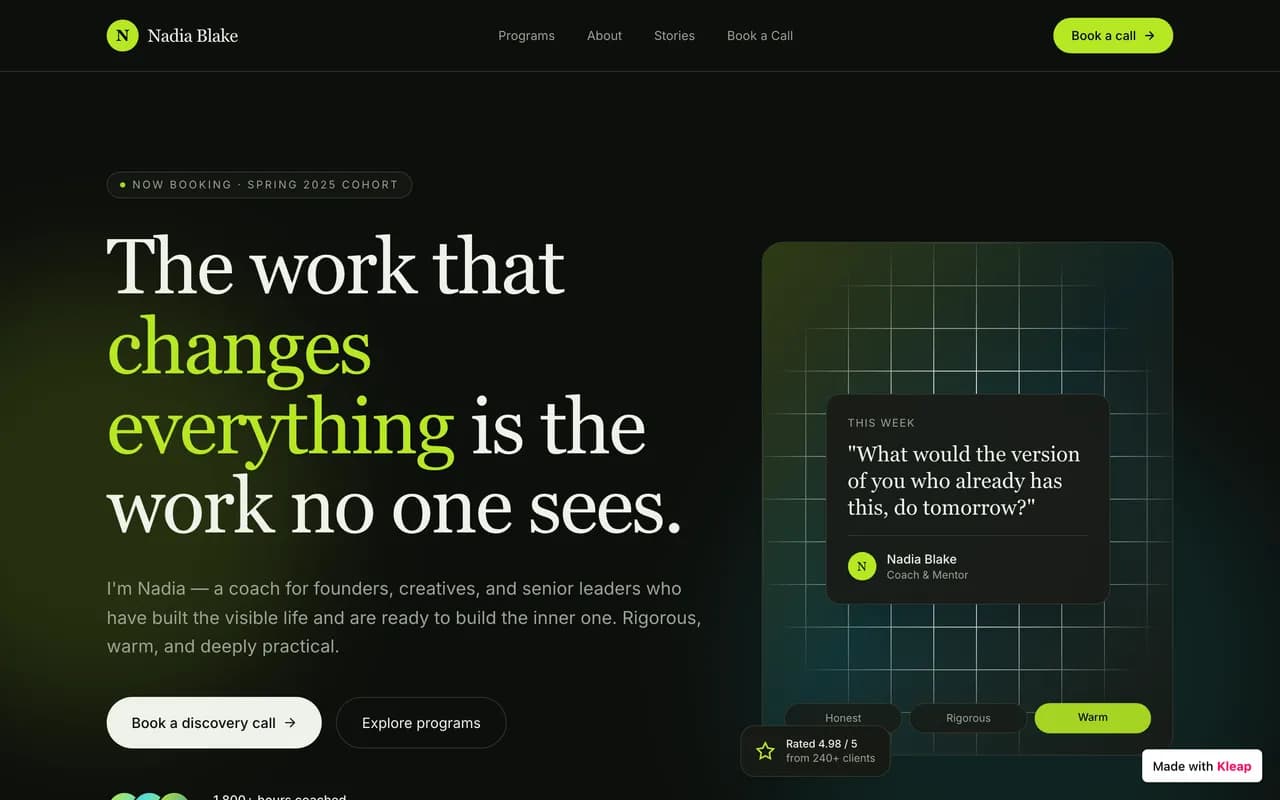
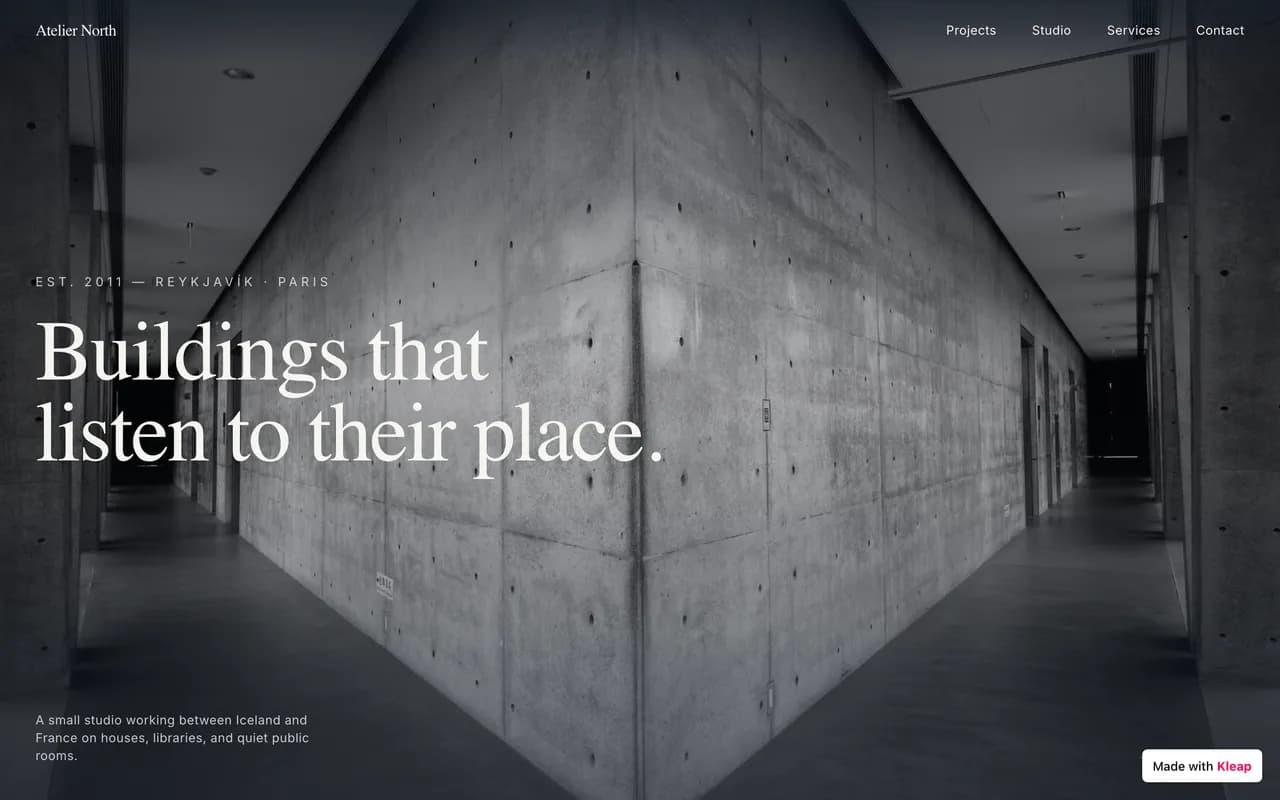
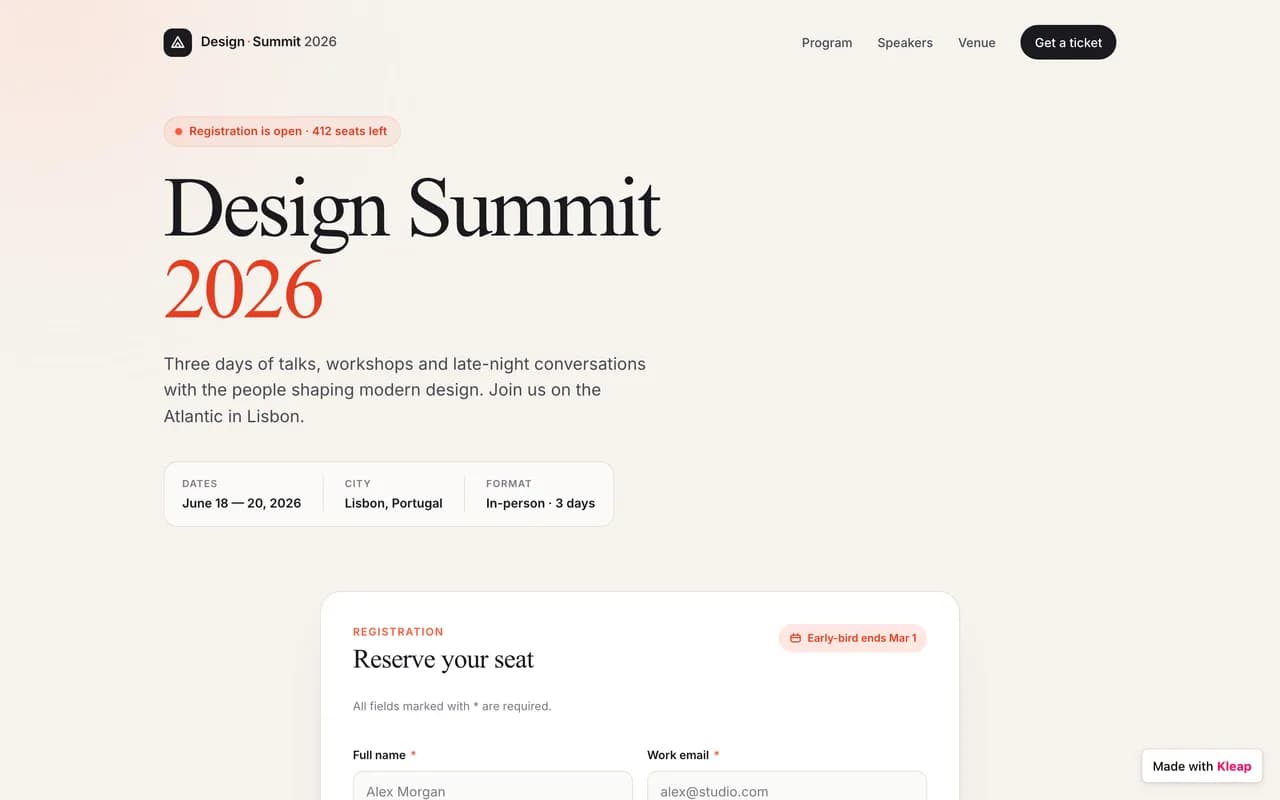
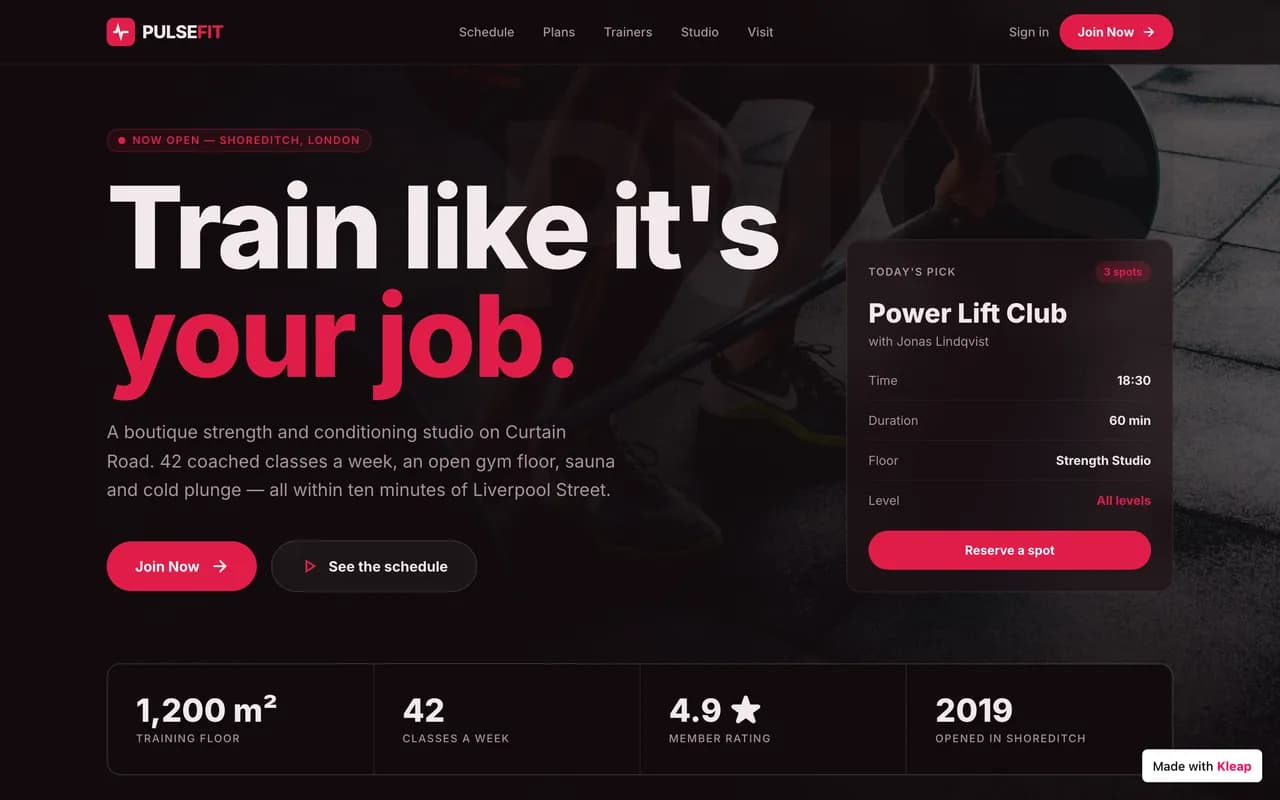
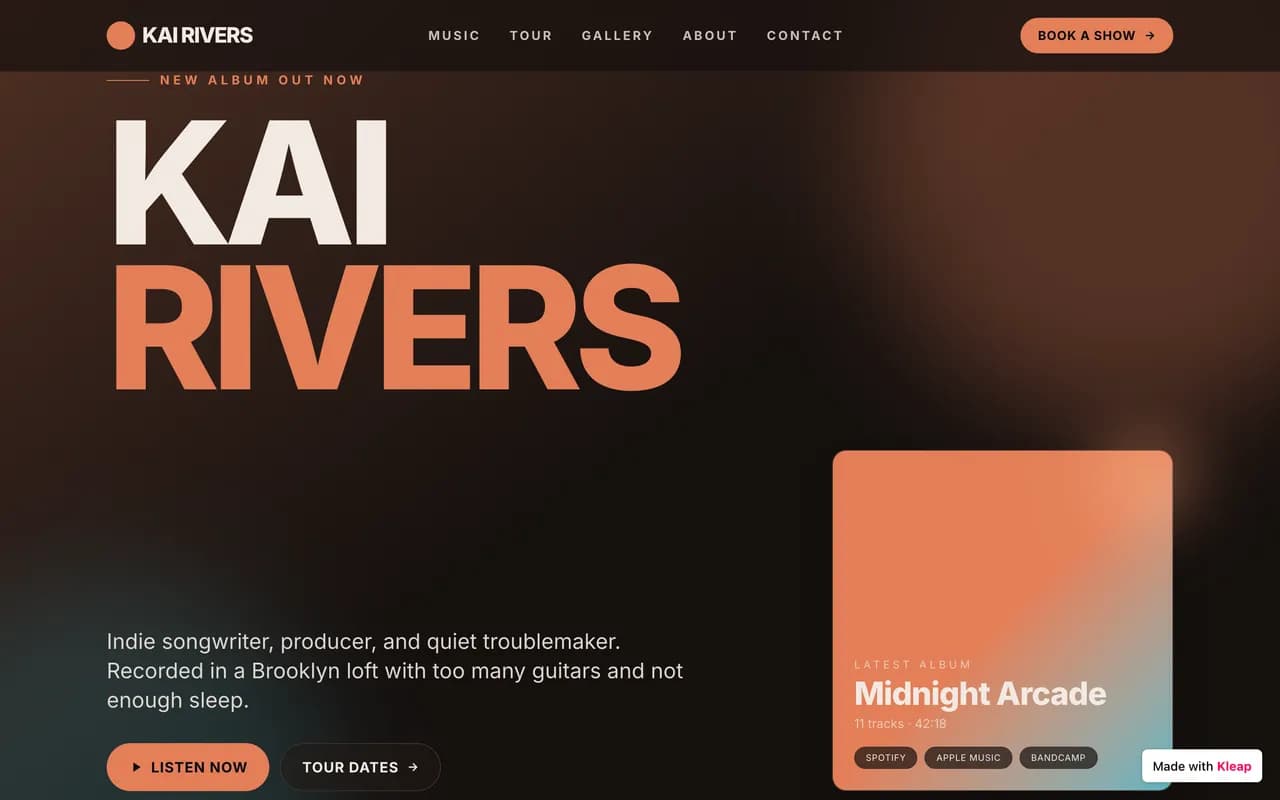
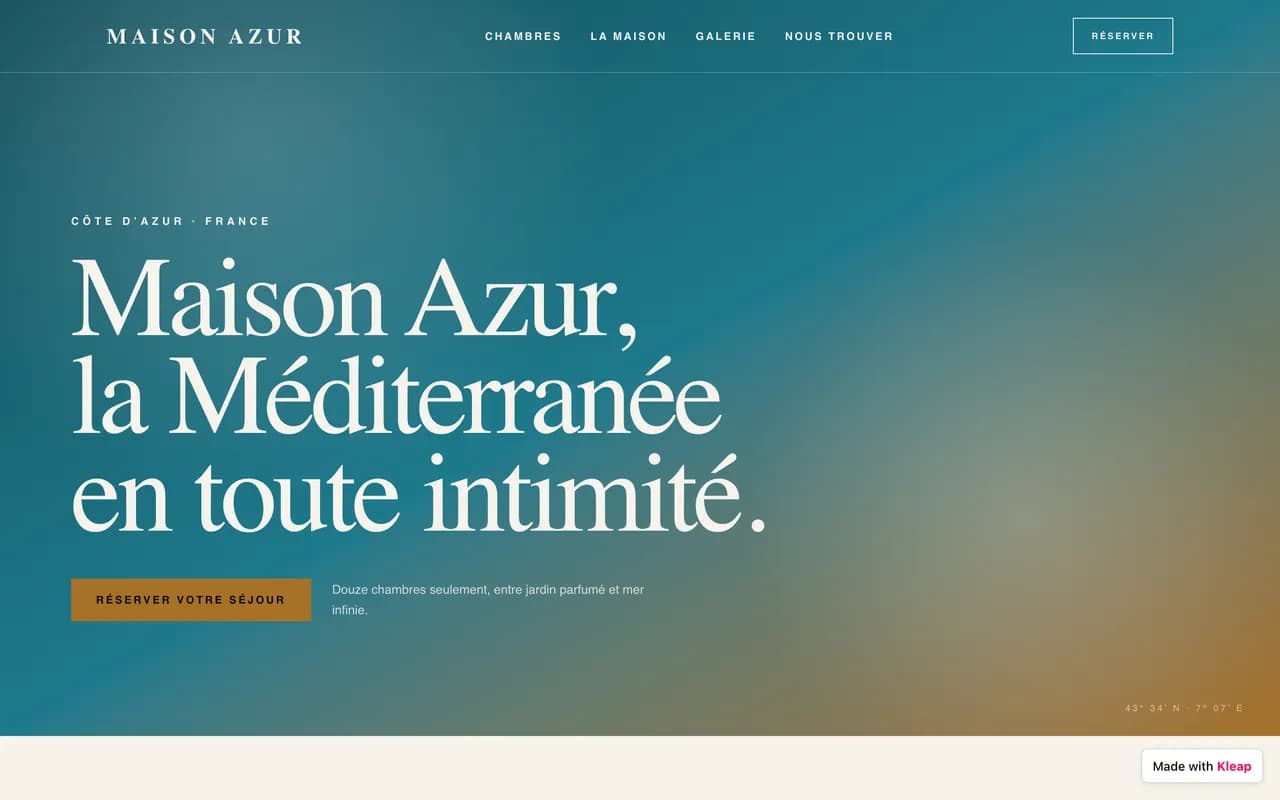
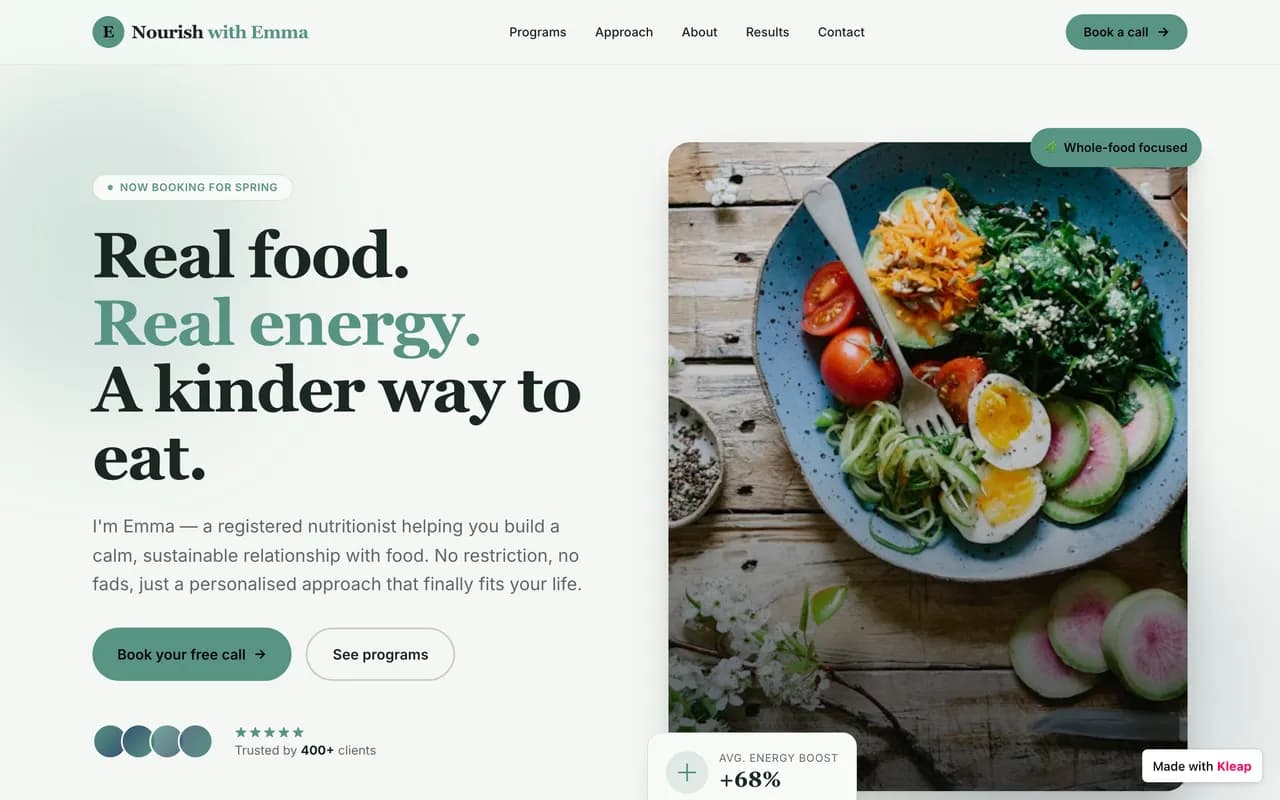
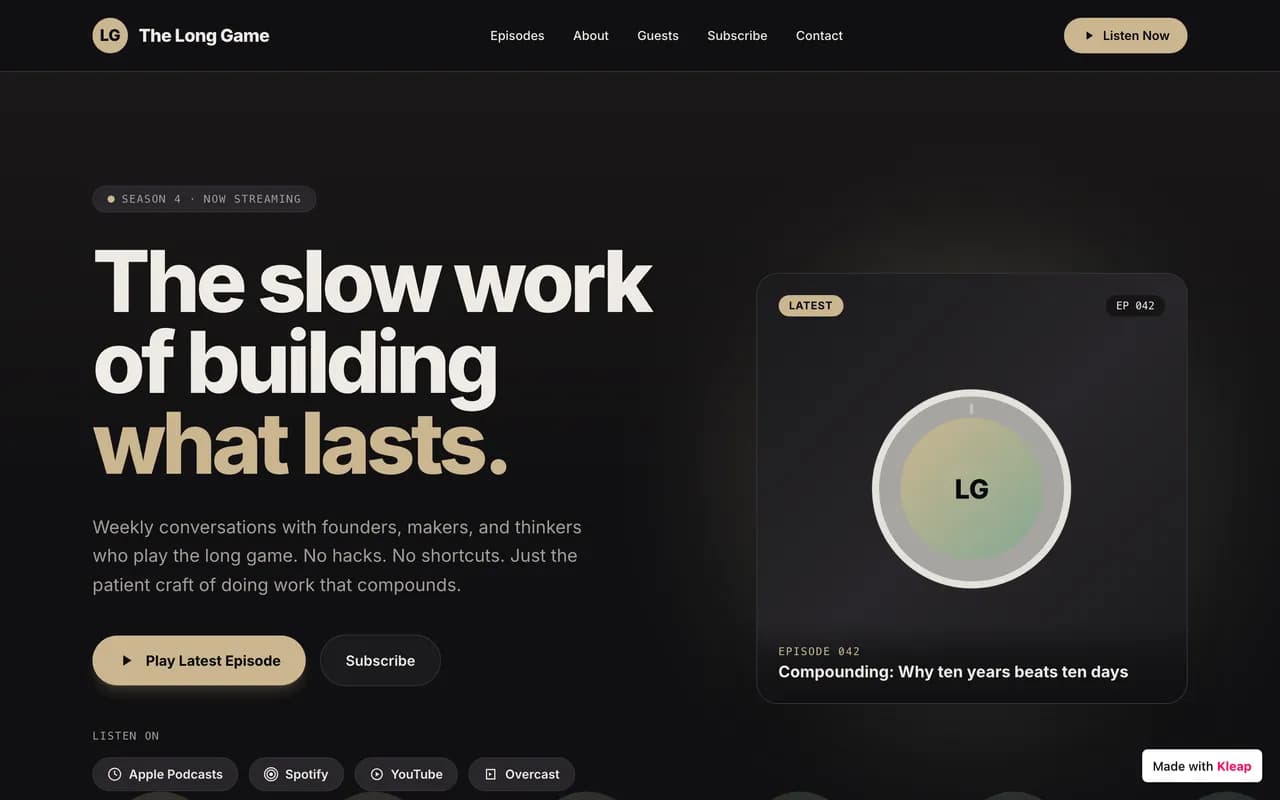
WordPress.com inherits 20 years of CMS ecosystem, but real third-party plugin and theme freedom is positioned on the $25/mo Business plan — and you still build the site block by block. Kleap generates a full site by AI, free to start, with native user accounts and a database.
Updated in 2026Written by the Kleap team
Free to start. No credit card.
0+
sites built with Kleap
0+
builders on Kleap
Astro + Cloudflare~0.4s · PageSpeed 98
Backed by
In short: Kleap or WordPress.com?
Choose Kleap if…
You want a site — or a real app — live today, not next month.
You'd rather describe what you want than drag boxes around.
You want a fast, SEO-ready site without touching code.
You want to start, build and publish for free.
Stay on WordPress.com if…
You depend on a specific WordPress.com feature or integration.
You've already invested heavily in a WordPress.com setup.
You need a very large third-party app marketplace.
You want to keep an existing WordPress.com workflow unchanged.
For most projects — marketing sites, portfolios, stores and business apps — Kleap gets you live faster, for less, with far less effort than WordPress.com.
Why leave WordPress.com in 2026
WordPress.com is popular — but here's what its own users flag most, drawn from public reviews.
4.3 / 5
WordPress.com's average user rating
Plugin freedom stays expensive
Based on public reviews (G2, Capterra, Trustpilot) (8,200+)
01
Plugin freedom stays expensive
Full access to WordPress's third-party plugin and theme ecosystem has historically sat on the Business plan (~$25/mo billed annually, $40/mo monthly) — the entry Personal plan only gets limited access.
02
No generative AI to build the site
WordPress.com offers a block editor and an AI writing assistant (Jetpack AI), but no full-site generation from a prompt — building the site stays manual, section by section.
03
The free plan shows WordPress ads
The free plan forces a wordpress.com subdomain and shows WordPress.com ads on the site — removing them and using a custom domain requires upgrading to a paid plan.
04
WordPress's ecosystem complexity doesn't go away
Even with managed hosting, plugin updates, extension conflicts, and security patching remain a reality for any WordPress.com site that goes beyond basic use.
05
No native app layer
Member accounts, dashboards, or business logic require third-party plugins (often paid) that you assemble and maintain yourself — there's nothing native comparable to an app-level database.
06
Support varies a lot by plan
Live chat and priority support are reserved for the higher paid plans; free and Personal plan users mostly rely on community forums and email.
Kleap vs WordPress.com, point by point
No vague adjectives — a concrete, row-by-row comparison.
Criterion
KleapRecommended
WordPress.com
Time to a live site
Minutes — AI generates a full multi-page site from one description
Several hours: picking a theme, block-by-block customization, manual settings
Who builds it
The AI (you describe it, it builds; you refine by chatting)
You — manual construction with the WordPress block editor
Starting price
Free to build and publish
$4/mo for the Personal plan (billed annually), $9/mo billed monthly
Free plan
Yes — free, lasting publishing on a kleap.io subdomain, no forced ads
Yes, but with WordPress.com ads and a forced wordpress.com subdomain
AI generation
Generative AI across the whole site — design, copy, structure, in one prompt
AI assistant limited to writing help (Jetpack AI); no full-site generation
Third-party plugin & theme freedom
Not applicable — the AI generates and edits the site's code directly
Full access historically reserved for the Business plan (~$25/mo, billed annually)
Code ownership & export
Real, exportable source code
Content export available (posts, WXR); theme/design export limited to the Business plan and WordPress format
E-commerce
Store built in, no Kleap commission
Full WooCommerce via the Commerce plan (~$45/mo, billed annually)
Native SEO
Pre-rendered static HTML, instantly readable by Google and AI crawlers
Solid built-in SEO tools (Jetpack), mature blogging ecosystem, but heavier rendering than a static site
Mobile editing
Mobile-first responsive UI, editable by chat from anywhere
WordPress mobile app available, fine for publishing content, more limited for design
Full apps (accounts, database)
Yes, natively — user accounts, database, dashboards
Possible via third-party plugins (memberships, forms), assembled and maintained yourself
Migrating away from WordPress.com
AI rebuilds the site from a description in minutes, free
Standard WordPress content export (WXR), but design and structure must be recreated
What does WordPress.com really cost per year?
Drag the sliders. Most WordPress.com setups end up well above the sticker price.
$12/mo
$180
$120
8 h/yr
$60/h
WordPress.com total, per year
$924 / yr
The same thing with KleapFree to start
You only pay for extras: custom domain, badge removal, extra sites.
Rough estimate based on common market rates. Your real WordPress.com cost depends on plan and add-ons.
Far more than a brochure site
Kleap builds anything — not just a site
Where WordPress.com stops at the brochure and the blog, Kleap goes all the way to the full application. Describe the feature, AI builds it: database, login and dashboards included.
You write
Build me a CRM for my agency: client records, project tracking, a login for my team and a revenue dashboard.
Kleap
Kleap delivers
mon-agence.kleap.io
A real application — database, accounts and dashboards — live in minutes.
A real database
Store data, forms, sign-ups. No plugin to hack together: it's built in.
Accounts & login
Member area, login, private zone: give your users a real account, with no technical setup.
Dashboards
Back office, stats, management: ask for a dashboard and run your business in one place.
Any idea
CRM, client portal, booking, directory… If you can describe it, Kleap can build it.
Kleap = your CTO
A whole tech team in one conversation. On WordPress.com, the smallest change means editing a template, adding an app, or hiring a developer. With Kleap, you just ask.
Fast by nature, ready for Google and AI
Every Kleap site is generated as static Astro and served from Cloudflare's edge. The result: pages that load in milliseconds, with no cache plugin and no maintenance.
Typical load time
Kleap · Astro + Cloudflare~0.4s
Average WordPress.com~3.5s
A static site runs no server round-trip and no database query per visit: it's already ready to serve.
0
Typical PageSpeed score
Kleap
Average WordPress.com: 30 to 60
Visible to AI engines too
Clean, fast, static HTML isn't just good for Google: it's easy for ChatGPT, Perplexity and AI Overviews to read. In 2026, being cited by answer engines matters as much as ranking.
ChatGPTPerplexityGoogle AI Overviews
Static Astro
Ultra-light, pre-rendered pages. No server round-trip or database query per visit: just speed.
Cloudflare edge
Astro was acquired by Cloudflare: your sites are served from the point closest to each visitor, worldwide.
Native SEO
Server-side rendering, automatic sitemaps, clean meta tags, semantic HTML. Better SEO than WordPress.com from the start.
SSL & zero maintenance
Automatic HTTPS, no updates to manage, no vulnerabilities to watch. We handle the tech, you handle your project.
Kleapで人々が作るもの
名刺代わりのサイトからビジネスアプリまで、あらゆる業界で。AI生成サイトの実例集。
Community
Kleapで作成
コミュニティによって公開され、今この瞬間も動いているサイト。
WordPress.com alternatives at a glance
The main options, compared on what matters before you choose.
Alternative
Best for
Starting price
Migration effort
The Kleap edge
Links
KKleapRecommended
A site or app live in minutes, no code
Free
Describe it — AI rebuilds it
AI does the work
BOBolt.new
Developers who want a full in-browser IDE to quickly prototype a full-stack app, with no local install.
An honest overview: what each tool is worth, and where Kleap goes further.
K
KleapRecommended
The #1 alternative, AI-powered
Describe your project and AI builds the site or app — hosting, security and SEO handled, live in minutes.
FromFree
Best for
Anyone who wants a site — or a real app — in minutes, without coding.
The strength
AI does the work: the site is live, fast and optimized in minutes.
The limit
No one-click import — AI rebuilds the site rather than copying it.
BO
Bolt.new
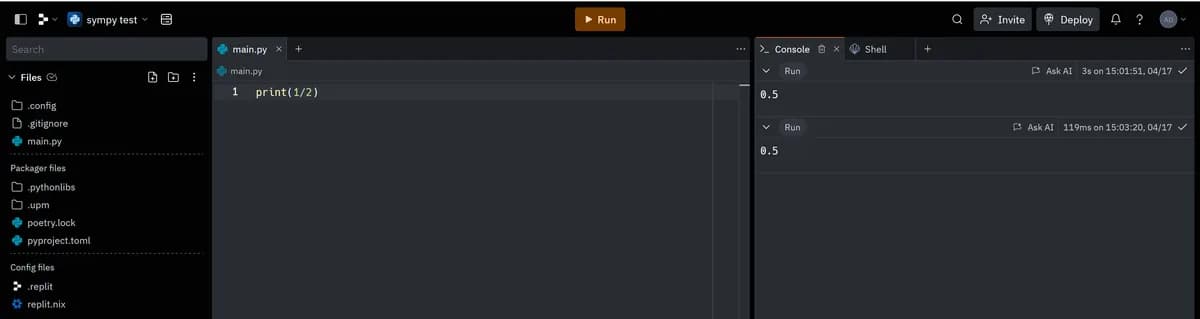
Developers who want a full in-browser IDE to quickly prototype a full-stack app, with no local install.
$25/mois (Pro, 10M tokens/mois)
Bolt.new runs a full dev environment right in the browser and generates fast — but every token counts, and a real custom domain needs the $25/mo Pro plan. Kleap auto-publishes to a real domain from the first generation, free.
Best for : Developers who want a full in-browser IDE to quickly prototype a full-stack app, with no local install.
If you're a developer who wants a full browser-based dev environment — WebContainers, npm, terminal access — to quickly prototype a full-stack idea, Bolt.new is very effective for testing concepts.
The token system is rated the least transparent in its category
The Kleap edge : Kleap generates the whole thing by AI and stays free to publish.
Developers, students, and technical teams who want a full browser IDE with an AI agent, and are comfortable reviewing and deploying code themselves.
$25/mois (Core, mensuel) — ≈$20/mois en engagement annuel, hébergement facturé en plus
Replit is a full browser-based IDE with a powerful AI agent — built for developers who code, debug, and deploy real applications. Kleap aims narrower and faster: a professional, hosted, SEO-ready marketing site, with no code to review.
Best for : Developers, students, and technical teams who want a full browser IDE with an AI agent, and are comfortable reviewing and deploying code themselves.
If you're a developer, a student learning to code, or a technical team that wants a real browser-based coding environment — terminal, every language, a flexible database, and an AI agent to speed things up — Replit is a powerful, proven tool since 2016.
Hard-to-predict "effort-based" pricing
The Kleap edge : Kleap generates the whole thing by AI and stays free to publish.
Stores with a large catalog, multiple warehouses, or an in-person point of sale to connect online.
~29 €/mois (Basic, facturation annuelle)
Shopify remains the reference for a heavy catalog and real multi-warehouse logistics, but every app and every third-party payment gateway stacks extra fees fast. Kleap generates a simple store with AI, free to start, with no forced subscription just to sell.
Best for : Stores with a large catalog, multiple warehouses, or an in-person point of sale to connect online.
If you're running a catalog of hundreds of SKUs, multiple warehouses, or need a connected in-person point of sale, Shopify remains the industry reference, built for that logistical complexity.
A surcharge if you don't use Shopify Payments
The Kleap edge : Kleap generates the whole thing by AI and stays free to publish.
Creatives, photographers, and design-conscious brands who want polished visuals out of the box and don't mind paying with no free tier.
~16 €/mois (Basic, facturation annuelle)
Squarespace makes some of the best-looking templates around, but there's no free plan and zero code export. Kleap generates an equally polished site with AI, free to start, and lets you walk away with the source code.
Best for : Creatives, photographers, and design-conscious brands who want polished visuals out of the box and don't mind paying with no free tier.
If ready-made visual design is your #1 priority — photography, creative portfolios — and you're fine paying from day one with no free plan, Squarespace remains a safe bet since 2003.
No free plan, only a 14-day trial
The Kleap edge : Kleap generates the whole thing by AI and stays free to publish.
Developers and designers in the Next.js/Vercel ecosystem who want to generate high-end UI components to drop into an existing project.
$30/mois par utilisateur (plan Plus)
v0 is excellent at generating polished React/Next.js components, but it's still built for developers who assemble the project inside the Vercel ecosystem afterward. Kleap generates and publishes a full site to a real domain in one shot, with no Next.js or deployment know-how needed.
Best for : Developers and designers in the Next.js/Vercel ecosystem who want to generate high-end UI components to drop into an existing project.
If you're a developer in the Next.js/Vercel ecosystem and want to generate very high-quality UI components to drop into an existing project, v0 remains the benchmark — reviews praise output that looks 'built by a senior designer.' Kleap is built for people who want a complete public site, already hosted on a real domain, without ever opening a Vercel project.
Built for UI blocks, not a turnkey complete site
The Kleap edge : Kleap generates the whole thing by AI and stays free to publish.
People who want to hand-customize everything with a drag-and-drop editor, no coding, and have hours to spend doing it.
~13 €/mois (Light, facturation annuelle)
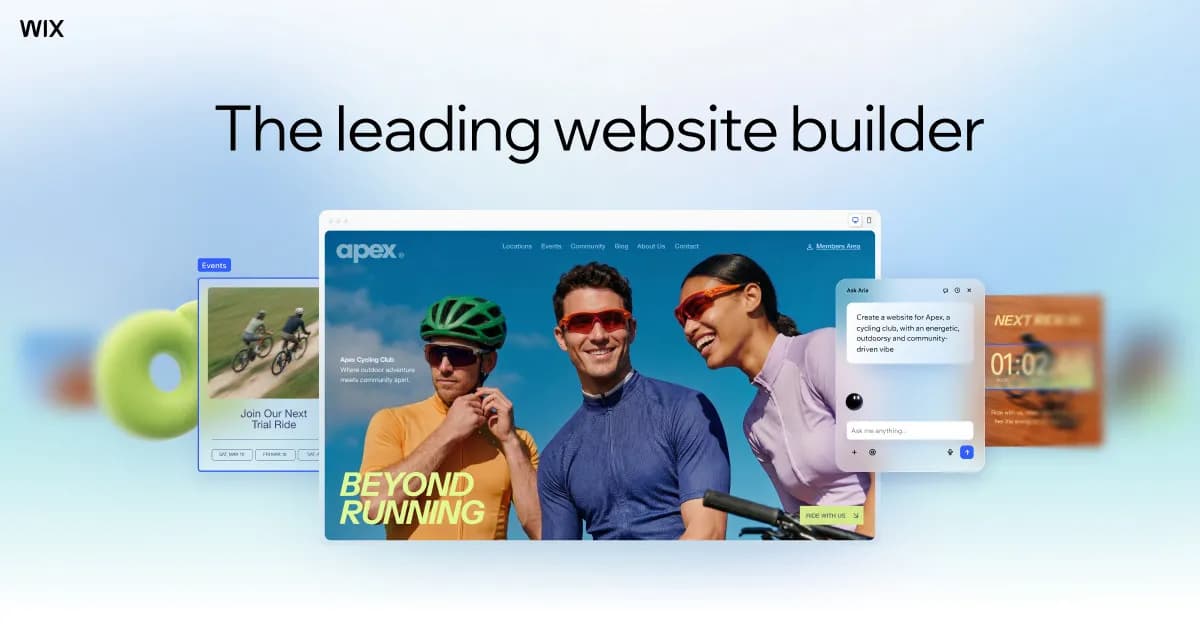
Wix is still the drag-and-drop standard, but its manual editor takes hours and locks your template the moment you publish. Kleap generates a full site with AI in minutes — and you can still change anything afterward.
Best for : People who want to hand-customize everything with a drag-and-drop editor, no coding, and have hours to spend doing it.
If you want to hand-place every pixel with a mature drag-and-drop editor, a huge app marketplace, and price isn't your main concern, Wix remains a solid, proven choice since 2006.
You can't switch templates after publishing
The Kleap edge : Kleap generates the whole thing by AI and stays free to publish.
Small teams who want to build an internal business tool (lightweight CRM, dashboard) with auth and a database included, no coding required.
~$16/mois (Starter, facturation annuelle)
Base44 (acquired by Wix) is the closest of these AI builders to an all-in-one approach — hosting and a domain are bundled from the paid plan. But it's built for internal business tools, not an SEO-tuned marketing site, and code export stays limited.
Best for : Small teams who want to build an internal business tool (lightweight CRM, dashboard) with auth and a database included, no coding required.
If you're building an internal tool for a small team — a lightweight CRM, dashboard, back-office — with auth and a database ready out of the box, Base44 is the most all-in-one option in this comparison, hosting and domain included from the paid plan.
Two separate credit meters to watch
The Kleap edge : Kleap generates the whole thing by AI and stays free to publish.
Agencies and web professionals managing multiple client sites who need white-labeling and team roles.
~19 €/mois (Basic, facturation annuelle)
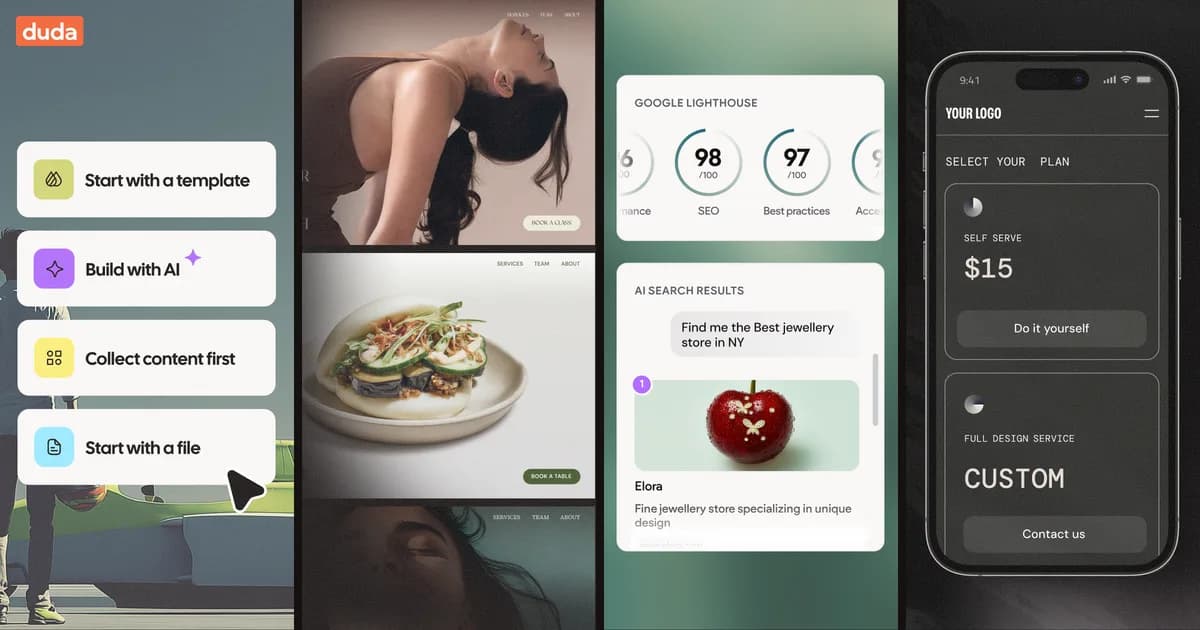
Duda has a real AI Assistant and solid multi-site management, but it's built for agencies running client work — not for launching solo, fast. Kleap generates a complete site with AI in minutes, free from day one, with no agency-tier juggling.
Best for : Agencies and web professionals managing multiple client sites who need white-labeling and team roles.
If you manage multiple client sites and need white-labeling, team roles, and a genuinely agency-built tool, Duda remains well suited for that job since 2009.
No free plan, only a limited trial
The Kleap edge : Kleap generates the whole thing by AI and stays free to publish.
The right alternative depends on your project. Here's where we land.
A fast marketing site
Kleap
AI builds it in minutes and it's free to publish — the quickest way off WordPress.com.
A real app, not just a site
Kleap
Databases, logins and dashboards — things WordPress.com doesn't do.
A huge third-party app marketplace
WordPress.com
If you need a deep catalog of add-ons, WordPress.com still has more.
When keeping WordPress.com makes sense
Let's be fair: WordPress.com is still a solid choice in a few cases.
You're deep in its ecosystem
If your team, data and integrations already live inside WordPress.com, staying can be less disruptive.
You need a specific feature
Some niche WordPress.com capabilities or apps don't have a direct Kleap equivalent yet.
A very large content library
Migrating thousands of existing pages by hand is real work — worth weighing before you switch.
An established, working setup
If your current WordPress.com site performs well and you're happy, there's no urgency to move.
Our advice : If blogging and content publishing are your core business, and you want to tap into the largest plugin and theme ecosystem in the world once on the Business plan, WordPress.com remains a safe bet built on 20 years of heritage. Kleap is built for people who want a site — or a real application — generated by AI in minutes, without WordPress's maintenance complexity.
Moving from WordPress.com to Kleap
No migration plugin and no technical skill. You describe it, AI rebuilds it — often better than the original.
Before · WordPress.com
Templates, settings, add-ons, upkeep.
After · Kleap
One conversation. A live site.
1
Describe your site
Tell Kleap about your WordPress.com site — its purpose, style and the pages you need.
2
AI rebuilds it
Kleap generates a complete, modern multi-page site in minutes. Refine it by chatting.
3
Publish for free
Go live on a free kleap.io subdomain, or connect your own domain. No code, no wait.
In full transparency: there's no one-click WordPress.com import. Kleap rebuilds your site with AI from your description — most people finish in under 30 minutes, with improvements.
Frequently asked questions
Kleap is the fastest alternative for most users: the AI generates a complete multi-page site from a description, free to start. WordPress.com still makes sense if you want to tap into WordPress's huge plugin/theme ecosystem and its editorial heritage.
Our methodology
We compare Kleap and WordPress.com on checkable criteria: time to launch, real cost, page speed, SEO, and what you can actually build. Where WordPress.com is the better fit, we say so.
Browse live Kleap sites and test their speed yourself.
Written by the Kleap team
Reviewed in 2026
We build Kleap, an AI website and app builder. This comparison relies on public pricing, documented features and real user reviews — and we tell you plainly when WordPress.com is the better pick.