
Head-to-head comparison · 2026
Kleap vs Webflow
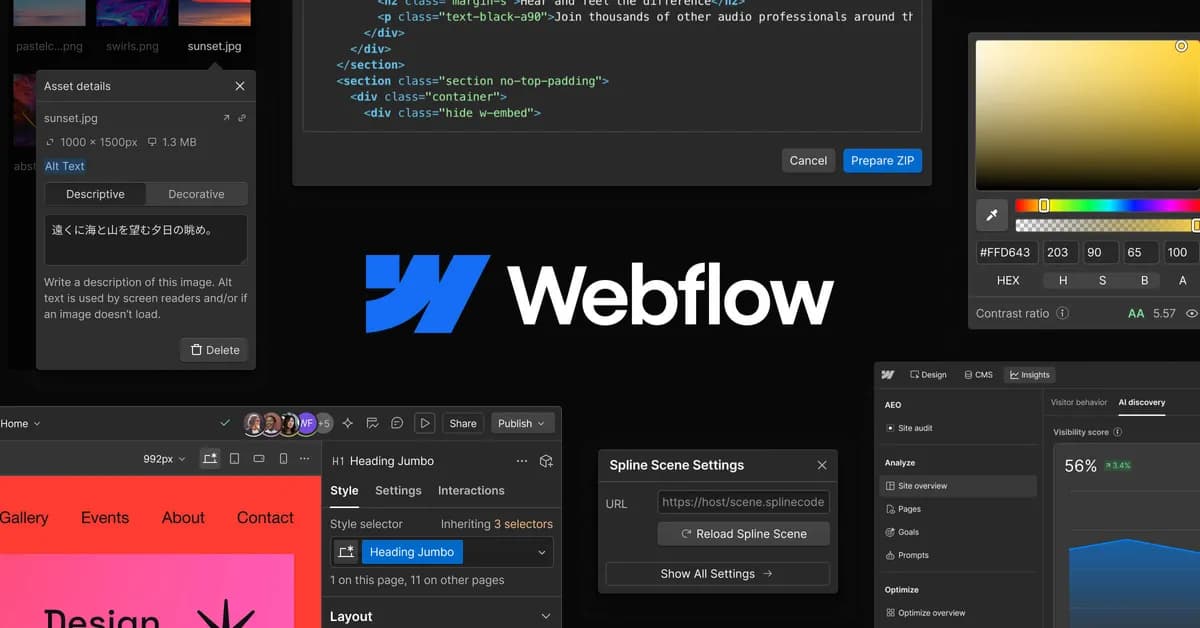
Webflow gives you visual control that's nearly on par with hand-written code, but you have to learn its CSS class system and pay for a site plan AND a team plan the moment you collaborate. Kleap generates an equally polished result with AI, free to start, with no learning curve.
TL;DR — which one should you pick?
The short version, before the full breakdown below.
Pick Kleap if…
- You want a live, multi-page site in minutes, not hours
- You want real, exportable source code — not a locked-in editor
- You might need a full app later (logins, database, dashboards), not just a brochure site
- You care about page speed and AI/SEO visibility out of the box
Pick Webflow if…
Kleap vs Webflow, feature by feature
Every row below is checkable — pricing pages, public docs, and real reviews.
| Feature | KleapRecommended | VSWebflow |
|---|---|---|
| Time to a live site | Minutes — AI generates a full multi-page site from one description | Hours to days in the visual editor, with a real learning curve |
| Who builds it | The AI (you describe it, it builds; you refine by chatting) | You (or an agency) — a code-adjacent visual editor: CSS classes and box model to master |
| Starting price | Free to build and publish | ~$15/mo for the Basic plan (billed annually, no CMS), ~$25/mo for Premium (with CMS) |
| Free plan | Yes — publish free on a kleap.io subdomain, no forced branding | Yes (Starter) — webflow.io subdomain, 2 static pages, 50 CMS items |
| AI generation | Generative AI across the whole site — design, copy, structure, in one prompt | Built-in AI assistance (Webflow AI), but construction stays mostly manual in the editor |
| Content volume (CMS) | No artificial cap on generated content | Capped at 20,000 CMS items even on the top plan, extra cost to go further |
| Code ownership & export | Real, exportable source code, dynamic content included | Static export (HTML/CSS/JS) is possible, but CMS-driven content doesn't come along |
| Native SEO | Pre-rendered static HTML, instantly readable by Google and AI crawlers | Solid technical SEO and clean rendering, but a more expert setup to configure |
| Mobile editing | Mobile-first responsive UI, editable by chat from anywhere | Visual editor built for desktop, mobile app very limited |
| Full apps (accounts, database) | Yes — user accounts, database, dashboards, not just a site or CMS | Site and CMS only; no real native app layer |
| Team collaboration | Share the project and the chat, no added collaboration cost | Requires a paid Workspace plan separate from the site plan once you're more than one person |
| Migrating away from Webflow | AI rebuilds the site from a description in minutes, free | Manual migration — export only covers static pages, CMS content must be recreated |
Pricing: Kleap vs Webflow
What you'd actually pay to get a site live.
Free
Build and publish free on a kleap.io subdomain — upgrade only for a custom domain or advanced features.
~15 $/mois (Basic, facturation annuelle, hors CMS)
Starting price, as advertised on Webflow's own pricing page.
Start free with Kleap — no card required
Where Kleap wins
Real friction points Webflow users report — and why Kleap doesn't have them.
A real learning curve
The CSS box model, classes, interactions: Webflow is built for designers, or for anyone willing to learn a genuine visual design tool. Not something you pick up in an hour.
A site plan AND a workspace plan once you're more than one person
The advertised price only covers site hosting. Collaborating with a team on the project needs a separate Workspace subscription on top of the site plan — a double bill that often catches people off guard.
The CMS stays capped, even on the top plan
Up to 20,000 CMS items on the Premium plan — plenty for a brochure site, but a real wall for a large blog or catalog, with extra cost to raise it further.
Export doesn't cover dynamic content
Webflow lets you export static code (HTML/CSS/JS), but CMS-driven content doesn't come along as-is — the real export is limited to static pages.
Multi-language support is gated behind higher plans
Native multi-language handling stays tied to the top-tier plans — a real friction point for a multilingual site on a tight budget.
Kleap builds anything — not just a site
Where Webflow stops at the brochure and the blog, Kleap goes all the way to the full application. Describe the feature, AI builds it: database, login and dashboards included.
You write
Build me a CRM for my agency: client records, project tracking, a login for my team and a revenue dashboard.
Kleap delivers
A real application — database, accounts and dashboards — live in minutes.
A real database
Store data, forms, sign-ups. No plugin to hack together: it's built in.
Accounts & login
Member area, login, private zone: give your users a real account, with no technical setup.
Dashboards
Back office, stats, management: ask for a dashboard and run your business in one place.
Any idea
CRM, client portal, booking, directory… If you can describe it, Kleap can build it.
Kleap = your CTO
A whole tech team in one conversation. On Webflow, the smallest change means editing a template, adding an app, or hiring a developer. With Kleap, you just ask.
A pre-rendered delivery model
Kleap generates Astro output and serves published sites through Cloudflare. Measure the live result for the pages, assets, and integrations in your project.
Delivery approach
Pre-rendered pages can avoid per-request application work, while the measured result still depends on the complete page.
Kleap
Test the configured Webflow site
Readable HTML foundations
Semantic HTML and complete metadata help crawlers understand a page. They do not guarantee rankings or citations.
Static Astro
Ultra-light, pre-rendered pages. No server round-trip or database query per visit: just speed.
Cloudflare edge
Astro was acquired by Cloudflare: your sites are served from the point closest to each visitor, worldwide.
SEO foundations
Pre-rendered HTML, sitemaps, metadata, and semantic markup provide a technical base for optimization.
SSL & zero maintenance
Automatic HTTPS, no updates to manage, no vulnerabilities to watch. We handle the tech, you handle your project.
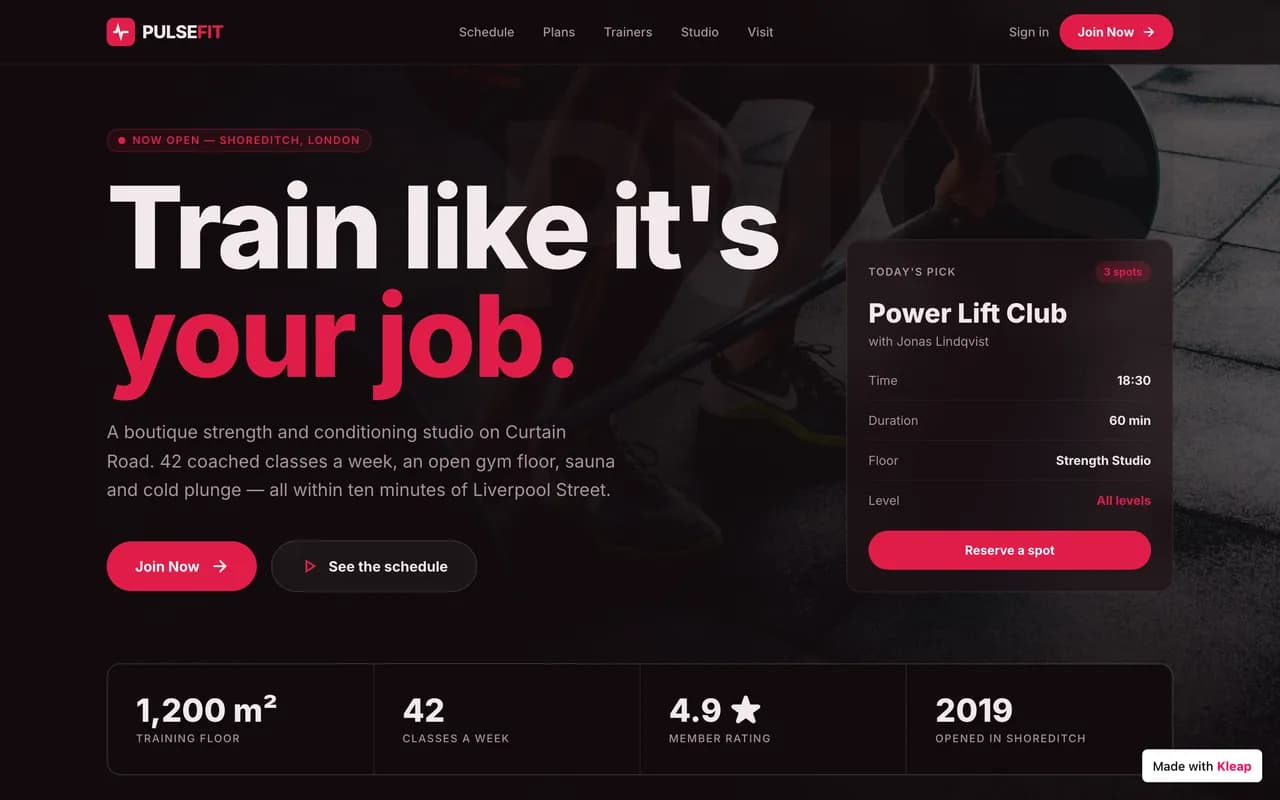
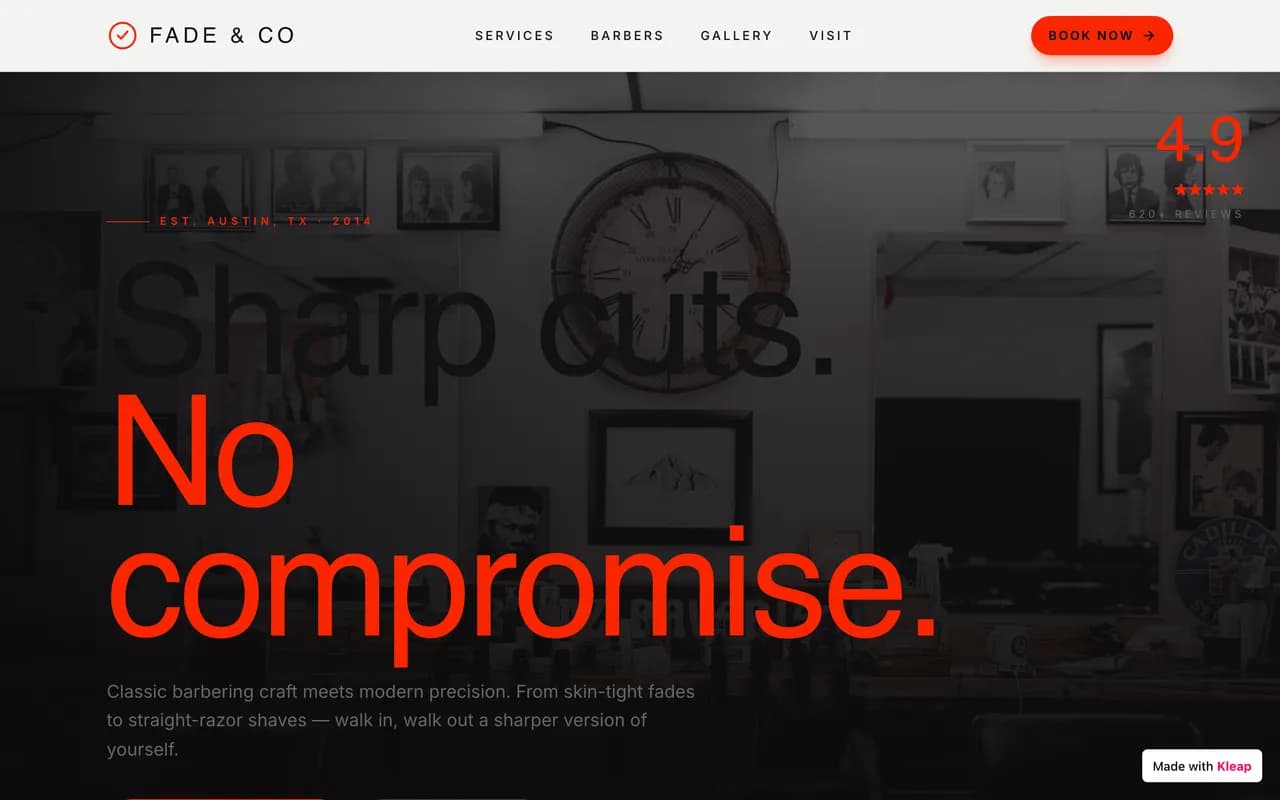
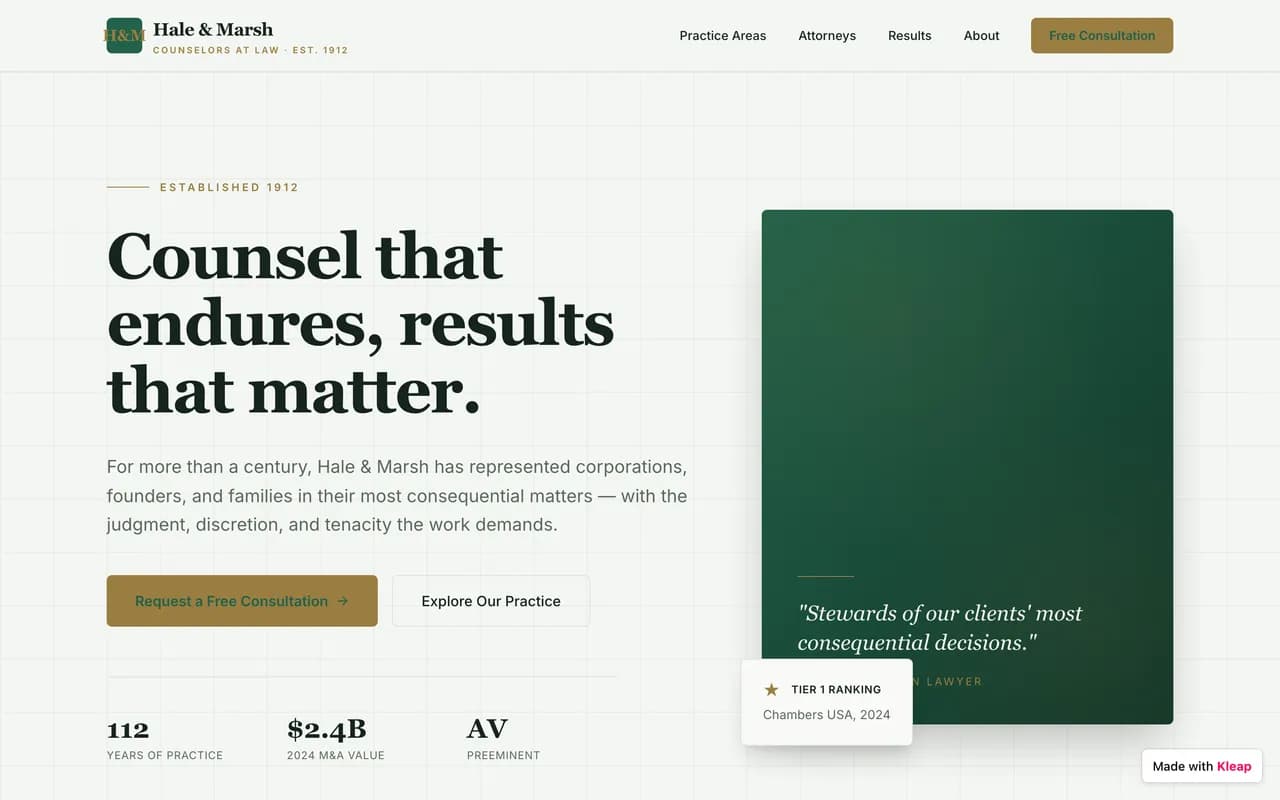
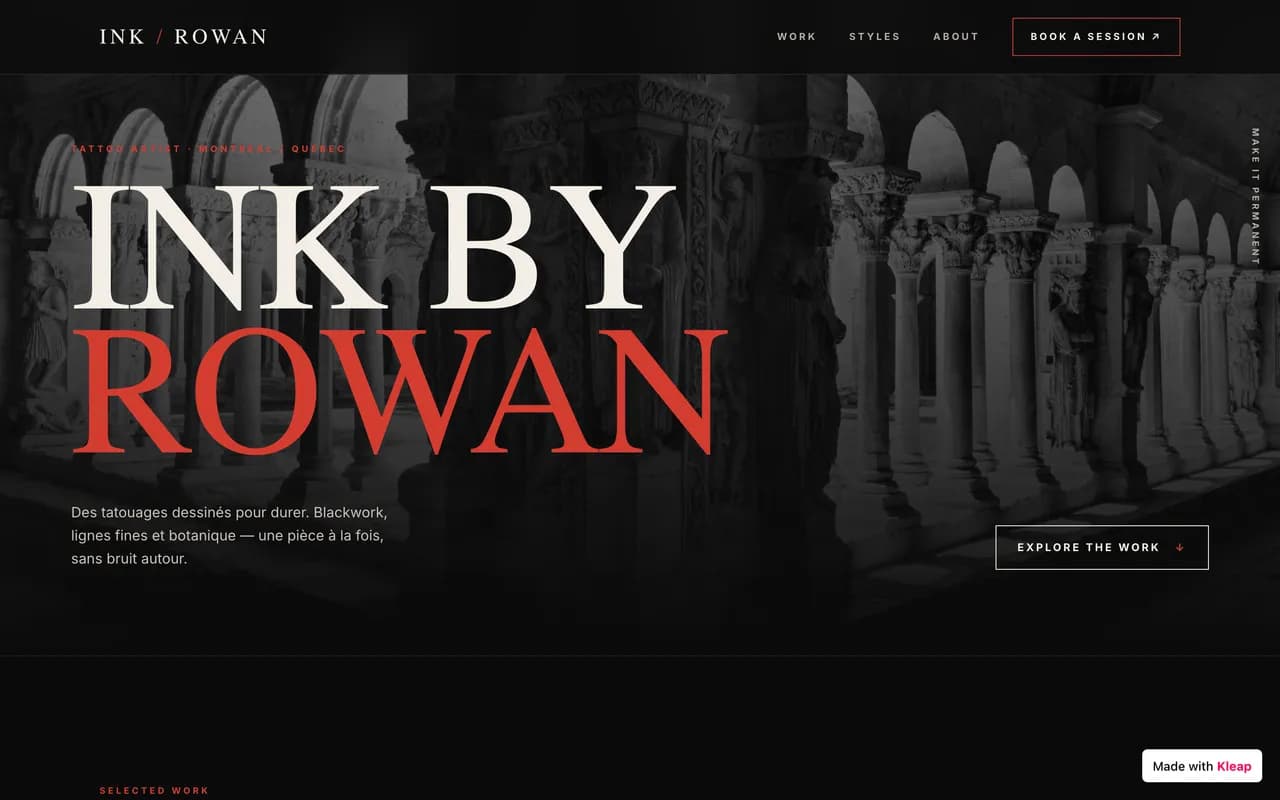
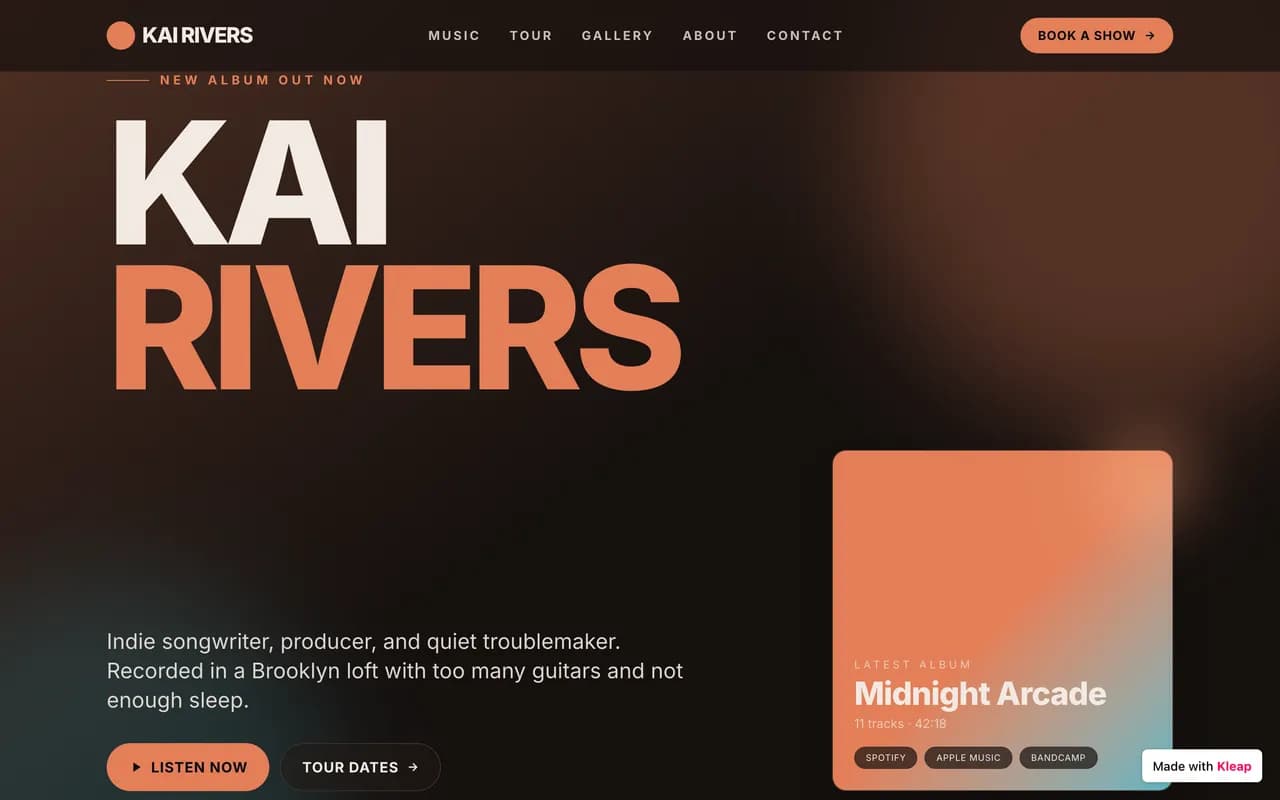
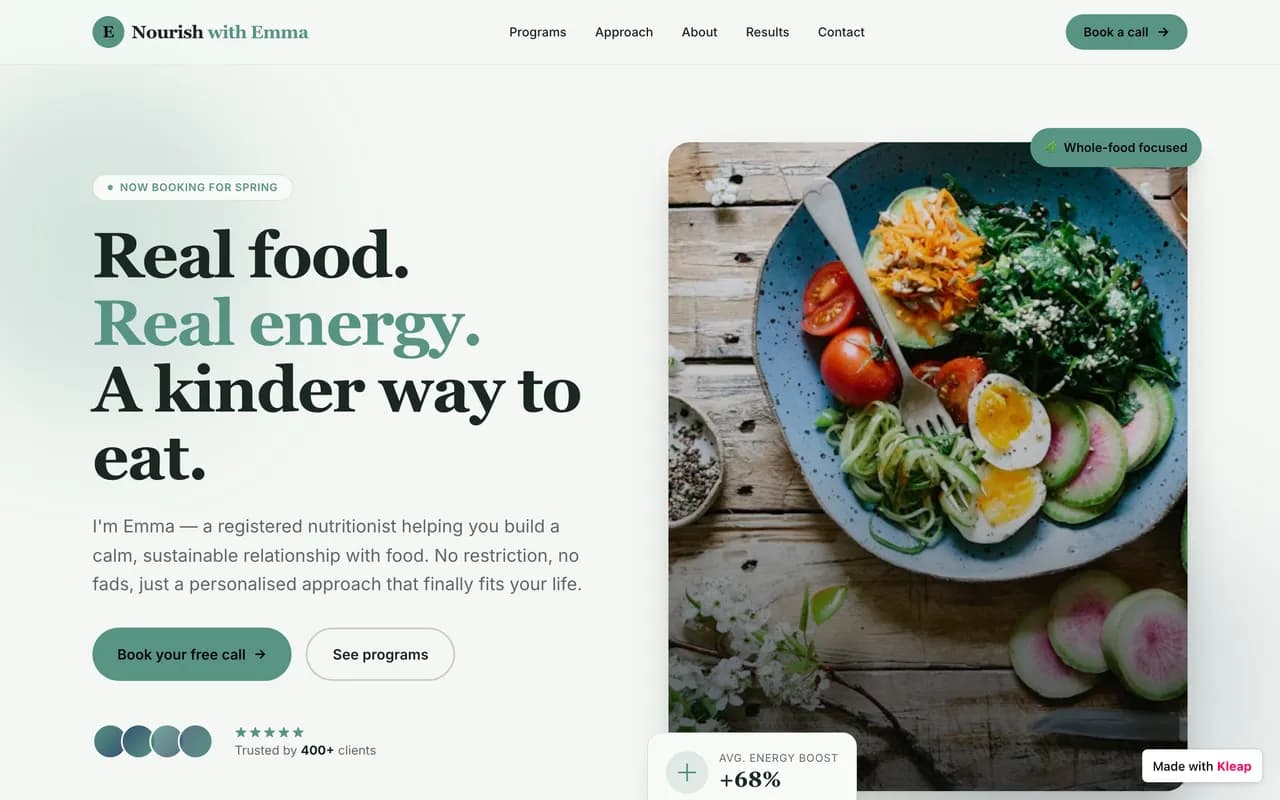
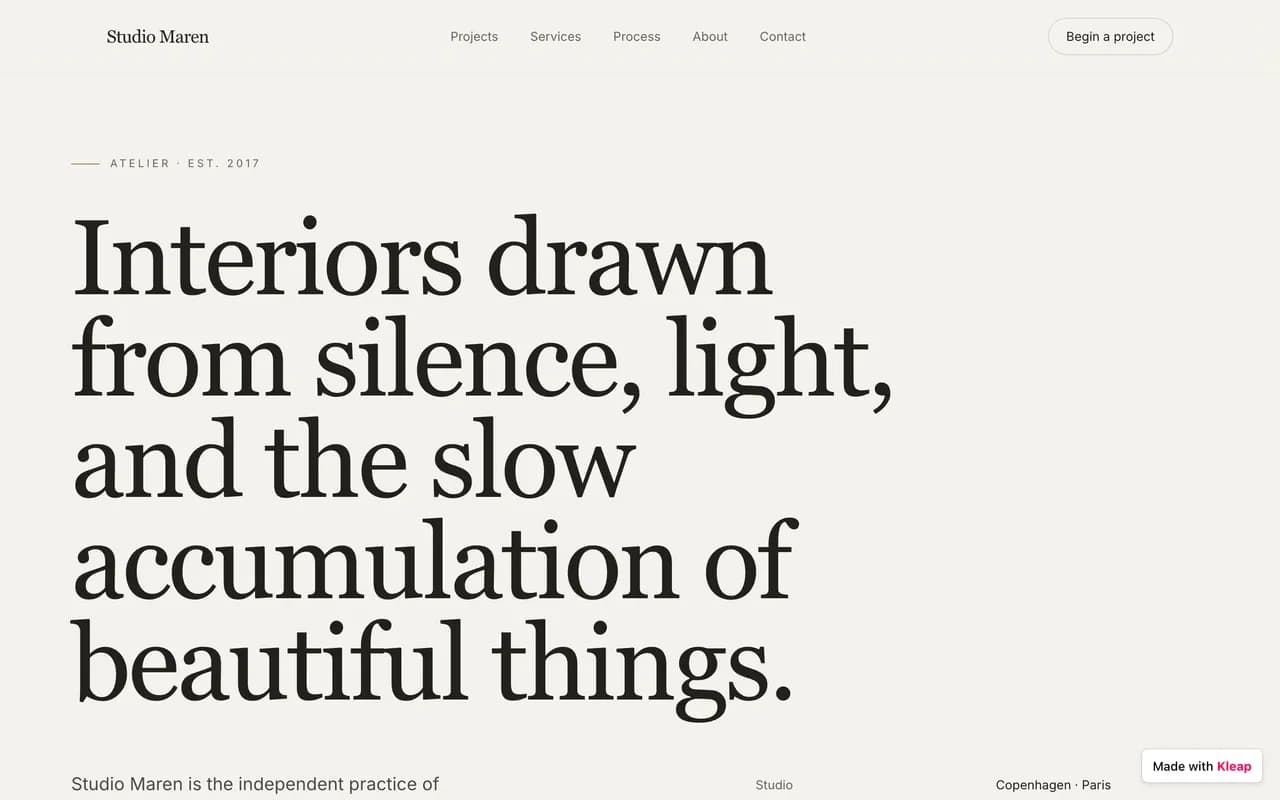
A glimpse of what people build on Kleap
From brochure sites to business apps, across every industry. Real examples of AI-generated sites.









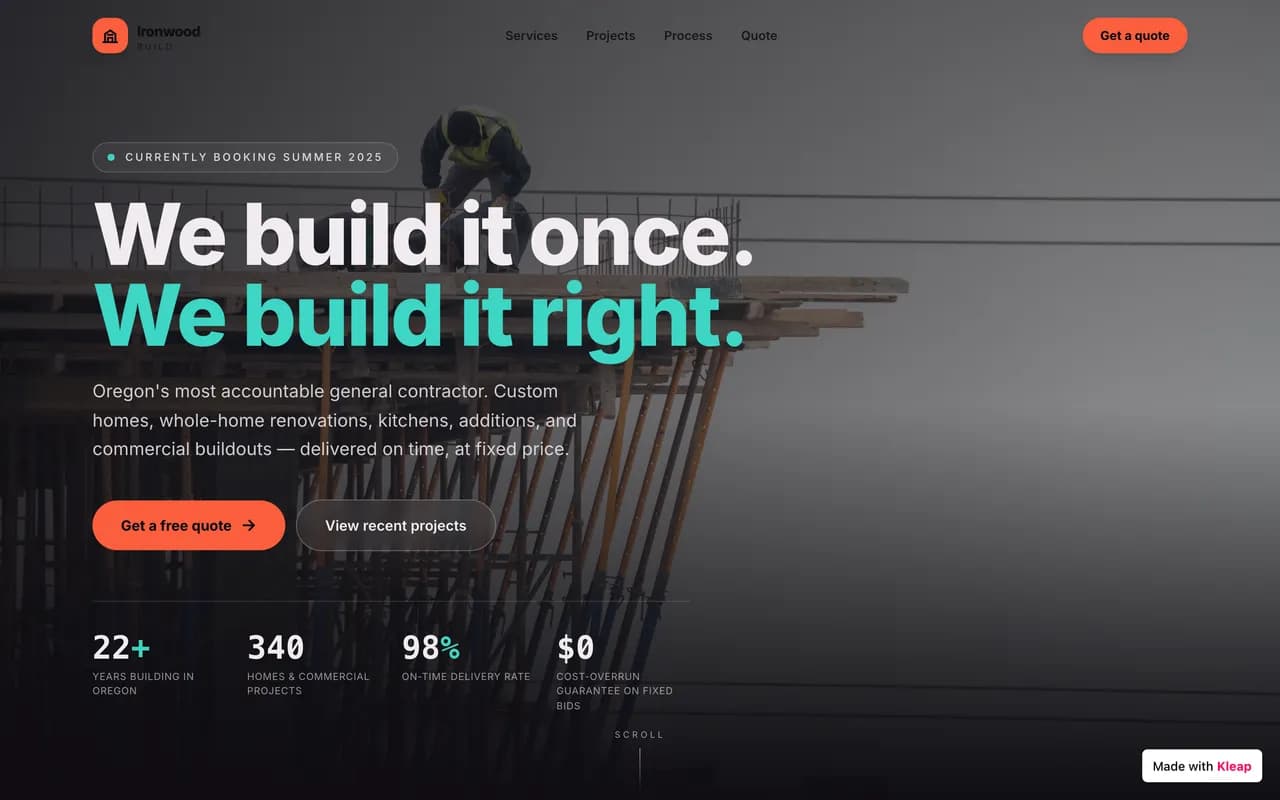
Made with Kleap
Sites published by the community, live right now.
Where Webflow wins
Being straight with you: Webflow is genuinely the better pick in some situations.
If you're a designer or agency who wants to control every pixel, every interaction, every CSS class with near-code visual precision, Webflow remains the most powerful tool on the market — provided you accept its learning curve and its site + team double billing. Kleap is built to move fast without sacrificing quality, letting AI produce the first version.
Our take : If none of the above matches your situation — and for most people building a site today, it doesn't — Kleap gets you live faster, for less, with real code you own.
Migrating from Webflow to Kleap
No import plugin, no technical skills required. You describe it, the AI rebuilds it — often better than the original.
Before · Webflow
Templates, settings, plugins, upkeep.
After · Kleap
One conversation. A live site.
- 1
Describe your site
Tell Kleap about your Webflow site — its purpose, its style, and the pages you need.
- 2
The AI rebuilds it
Kleap generates a complete, modern, multi-page site in minutes. Refine it by chatting.
- 3
Publish for free
Go live on a free kleap.io subdomain, or connect your own domain. No code, no waiting.
To be transparent: there's no one-click Webflow import. Kleap rebuilds the site from your description, and you review the result before publishing.
Kleap vs Webflow: frequently asked questions
What is the best alternative to Webflow?
Kleap fits people who want a polished result without learning a visual design tool: the AI generates the site, free to start. Webflow remains unbeatable if you're a designer who wants pixel-precise control over every interaction.
Is Webflow free?
A free Starter plan exists, with a webflow.io subdomain and a 50-item CMS limit. For a custom domain and more content, you need a paid plan starting around $15/mo. Kleap stays free to build AND publish long-term.
Can you export a Webflow site?
Partially. Webflow exports static page code (HTML, CSS, JS), but CMS-driven content doesn't come along in that export. With Kleap, the source code is real and complete from the start, dynamic content included.
Is Kleap better than Webflow for SEO?
Kleap generates pre-rendered static HTML, instantly readable by Google and AI search engines, with no setup required. Webflow offers very solid technical SEO, but getting the most out of it takes real mastery of the tool.
Do I own my site with Kleap?
Yes. The source code Kleap generates is real, exportable, and covers dynamic content — unlike Webflow's partial static export.
How do I migrate from Webflow to Kleap?
Describe your current site to Kleap's AI (structure, content, visual style) and it regenerates a complete site in minutes, without having to rebuild the CMS by hand. Free to try.
We compare Kleap and Webflow on checkable criteria: pricing, time to launch, page speed, and what you can actually build. Where Webflow is the better fit, we say so.
See live Kleap sitesWritten by the Kleap team
Reviewed in 2026
We build Kleap, an AI website and app builder. This comparison relies on public pricing, documented features, and real user reviews — and we say plainly when Webflow is the better pick.
Go further
Compare Kleap to other tools, or see the full Webflow alternative deep dive.
Ready to move on from Webflow?
Describe your site or your app. AI builds it before your eyes, for free.