
You imagine it. Kleap builds it.
Describe what you want to create. AI builds the design, features and logic, then develops the project further with your feedback.
- Your idea
- A working app
- Your next improvements
Artist websites and online art portfolios made with Kleap. The ones the Kleap team built as examples are labeled that way. After the gallery: how to present the work, the statement and sales inquiries.
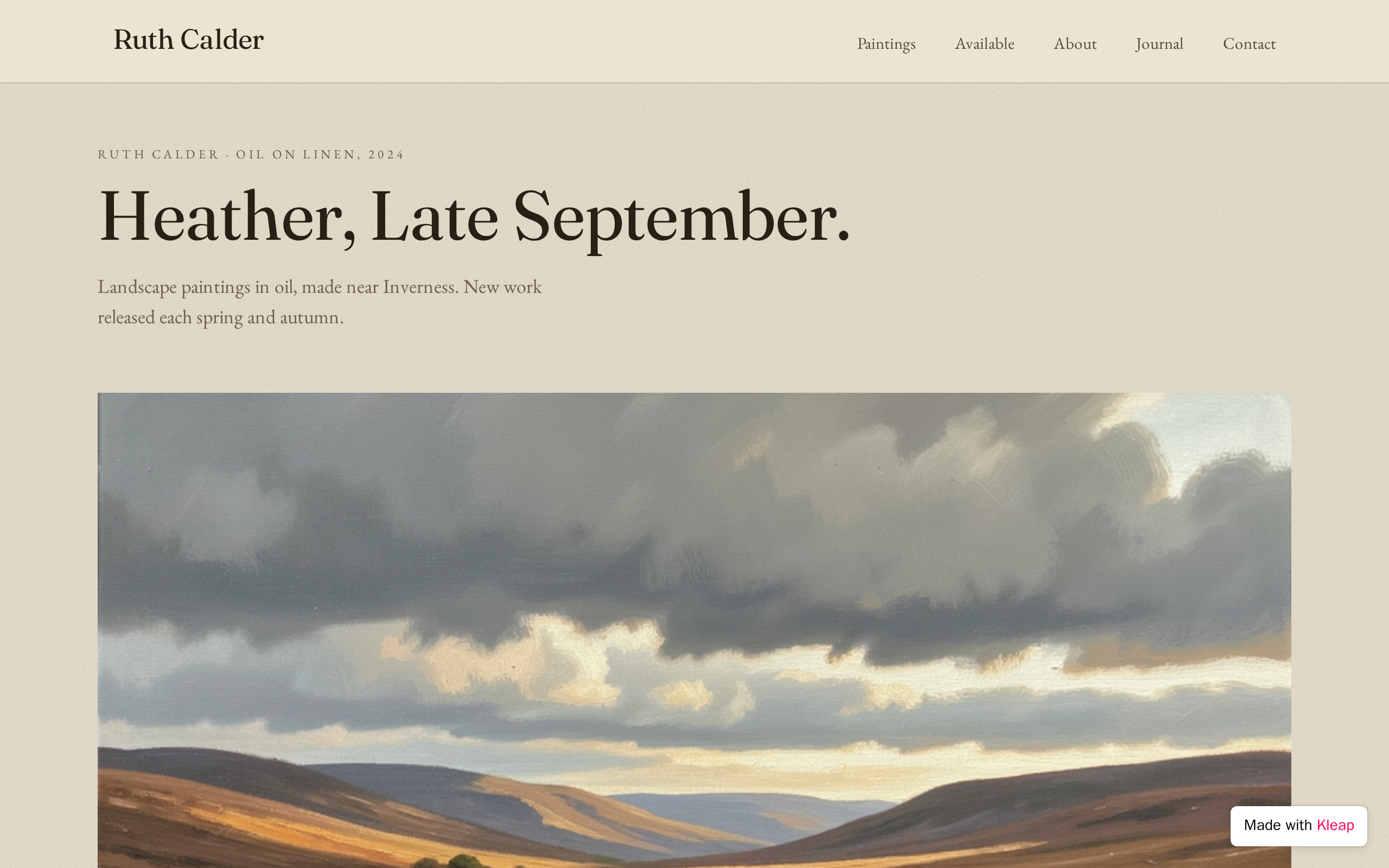
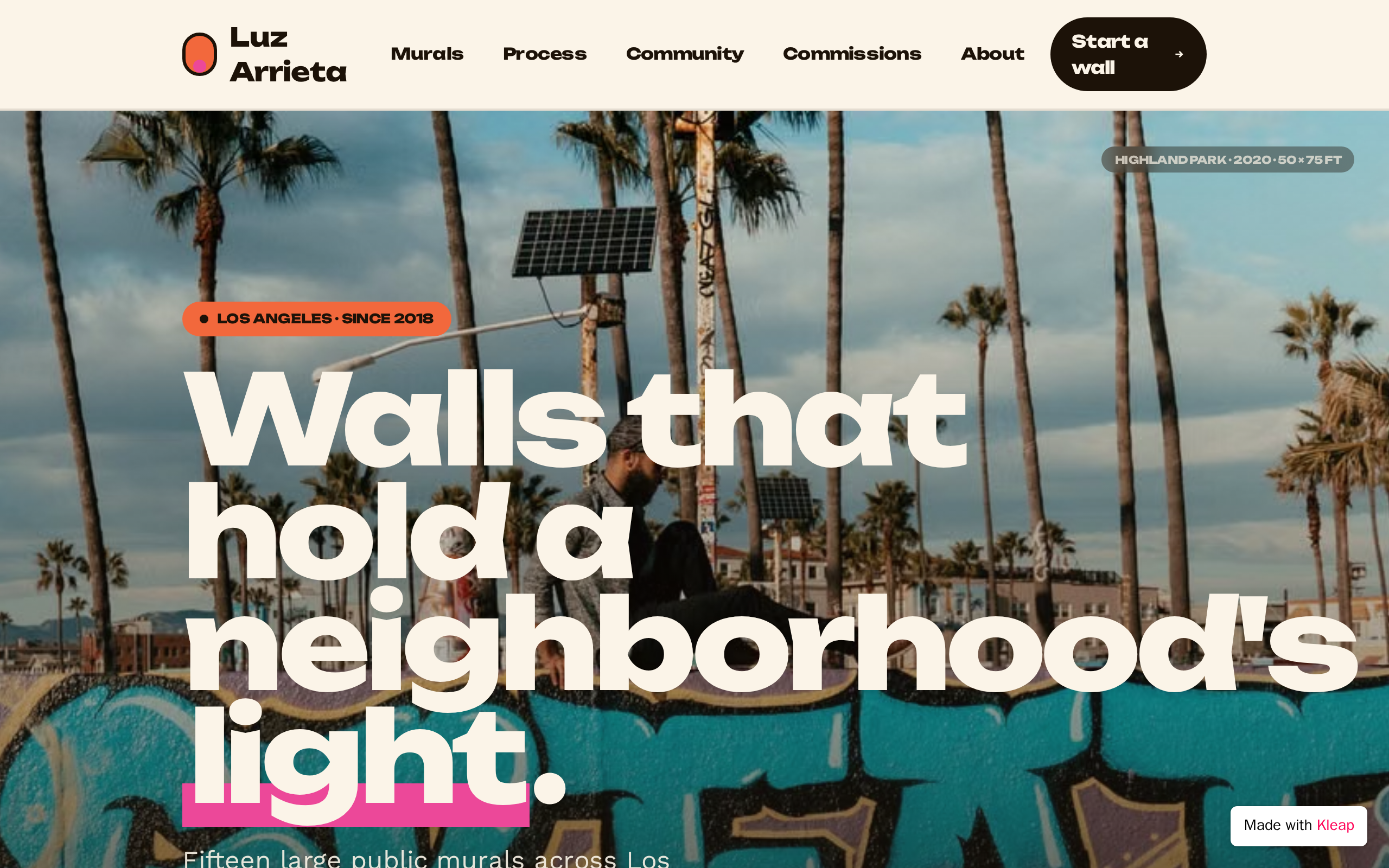
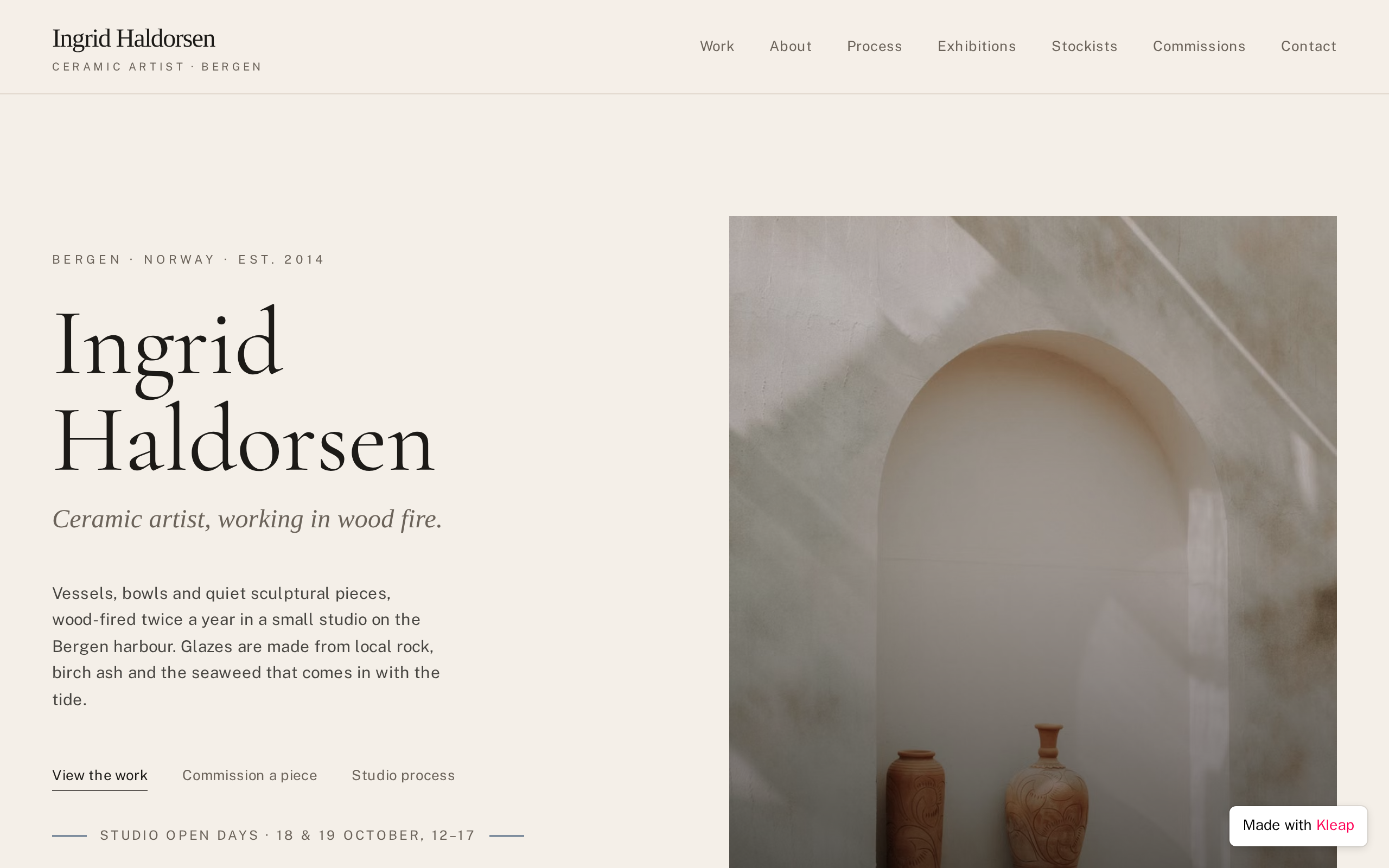

Show your strongest 15 to 30 pieces, grouped by series or year rather than one endless grid. Curators and buyers judge the edit as much as the art, so leave out work you would not show today.
Title, year, medium, dimensions and availability, in the same order every time. Photograph work straight on in even light, and add a detail or installation shot where scale or texture matters.
150 to 300 words on what you make and why, in plain language. Describe the work and your process rather than quoting theory; a reader with no art background should finish it knowing what to look for.
Solo and group shows, residencies, awards, collections and publications, each with year and place. Emerging artists can include student and community shows; a short, honest CV beats a padded one.
Buyers rarely email out of the blue. A form asking which piece or what kind of commission, budget range, timeline and contact details turns a visit into a conversation and gives you what you need to reply.
Upcoming shows, open studios and new series. A short signup form for studio news lets collectors hear about new work from you directly rather than through a social feed.
A photo of you or the studio, where you are based, any gallery representation and how to reach you. Galleries and curators want to know quickly whether you are represented, and by whom.
Paste it into Kleap, then change the names, dates and details to yours.
Build an artist website for Lena Ortiz, a painter based in Santa Fe who makes large oil landscapes. Minimal gallery style: white background, generous spacing, large images and a thin serif font for headings. Pages: a homepage with one full-width image and the latest series; Work, organized into three series, each a grid of pieces showing title, year, medium, dimensions and availability, with a large view on click; Statement with a 250-word artist statement; CV with solo shows, group shows, residencies and press; News for upcoming exhibitions and open studios; Contact with a studio photo. Add an inquiry form that stores the visitor's name, email, piece of interest or commission idea, budget range, timeline and message, plus a newsletter signup that stores email addresses.
A curated portfolio organized by series, an artist statement, a CV with exhibitions and residencies, an About section saying where you are based, and a way to inquire about work or commissions. Many artists add an available-works page or shop, press coverage, and a mailing list signup for studio news and upcoming shows.
Most artists show roughly 15 to 30 pieces per series or body of work, chosen for consistency rather than volume: enough to show a clear direction, not so many that weaker pieces dilute it. Older work can live on an archive page, so it stays available without leading the portfolio.
It depends on how you sell. Listing prices or price ranges saves time for serious buyers and filters out casual inquiries. Artists represented by a gallery often leave prices off and send inquiries through the gallery, since pricing is usually set together. Whatever you choose, keep it consistent across the site and your other channels.
An art portfolio is the curated set of work itself, often submitted for school applications, grants or open calls. An artist website wraps that portfolio with everything around it: statement, CV, news, contact and sometimes sales. Many artists keep a focused portfolio section inside a broader site so they can share either link.
Describe the website or app you imagine. Kleap helps you build it, publish it and keep improving it, with tools to monitor how it works and fix issues.
Describe what you want to create. AI builds the design, features and logic, then develops the project further with your feedback.
Database, authentication and forms: build a client portal or an app with the data and access it needs.
Add Stripe, business tools and integrations. Connect your accounts and keys to fit the project to the way you work.
The Guardian spots website issues and helps you fix them with AI. Return to your project in the chat to make the corrections.
Publish with hosting, connect your domain and follow your activity with analytics and the Search Console integration.
Keep your code, connect GitHub and work with AI tools like Claude or ChatGPT. AI assistance and human support on paid plans help you along the way.
Join thousands of creators who built their website in minutes using Kleap AI. No coding required.