
You imagine it. Kleap builds it.
Describe what you want to create. AI builds the design, features and logic, then develops the project further with your feedback.
- Your idea
- A working app
- Your next improvements
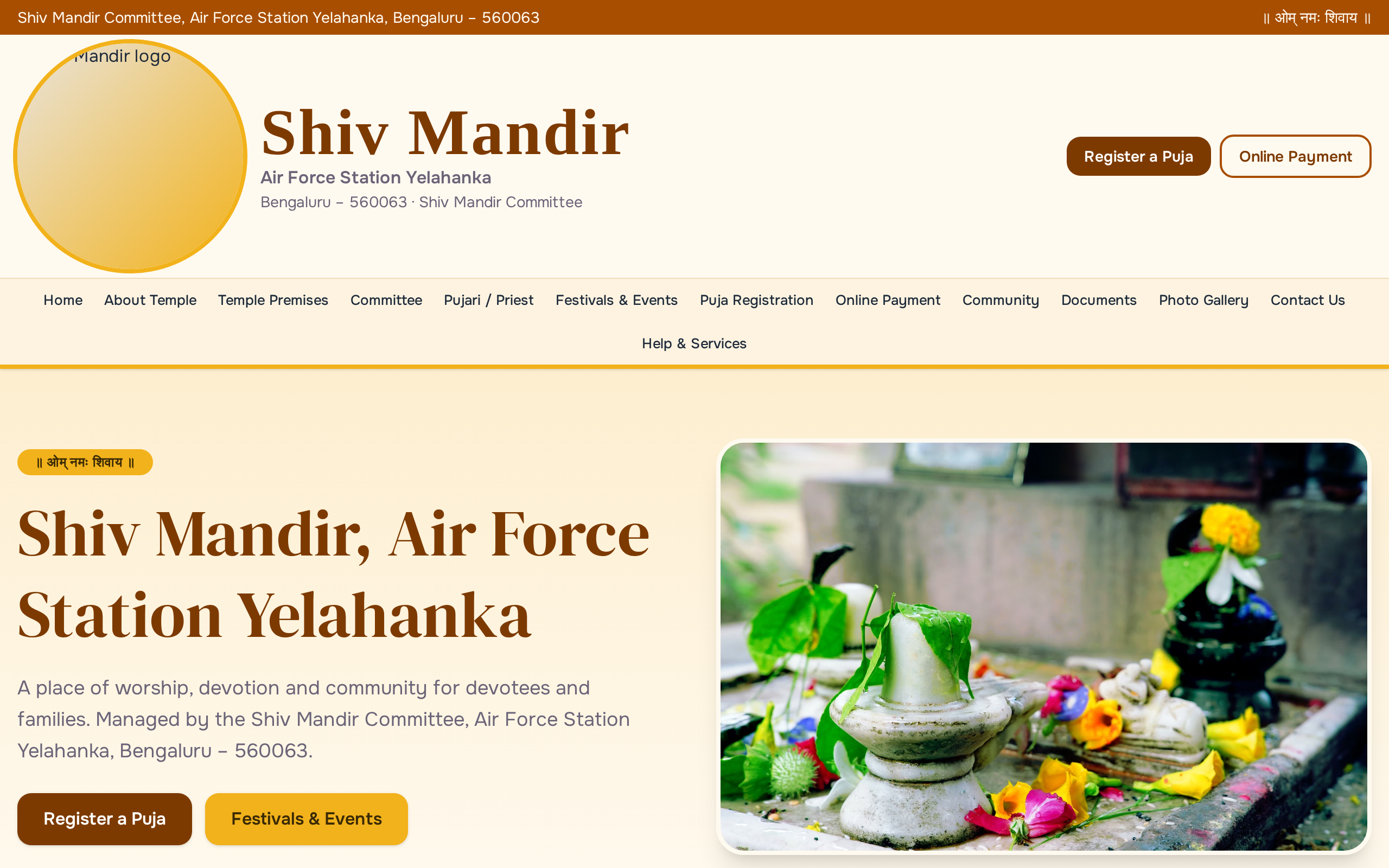
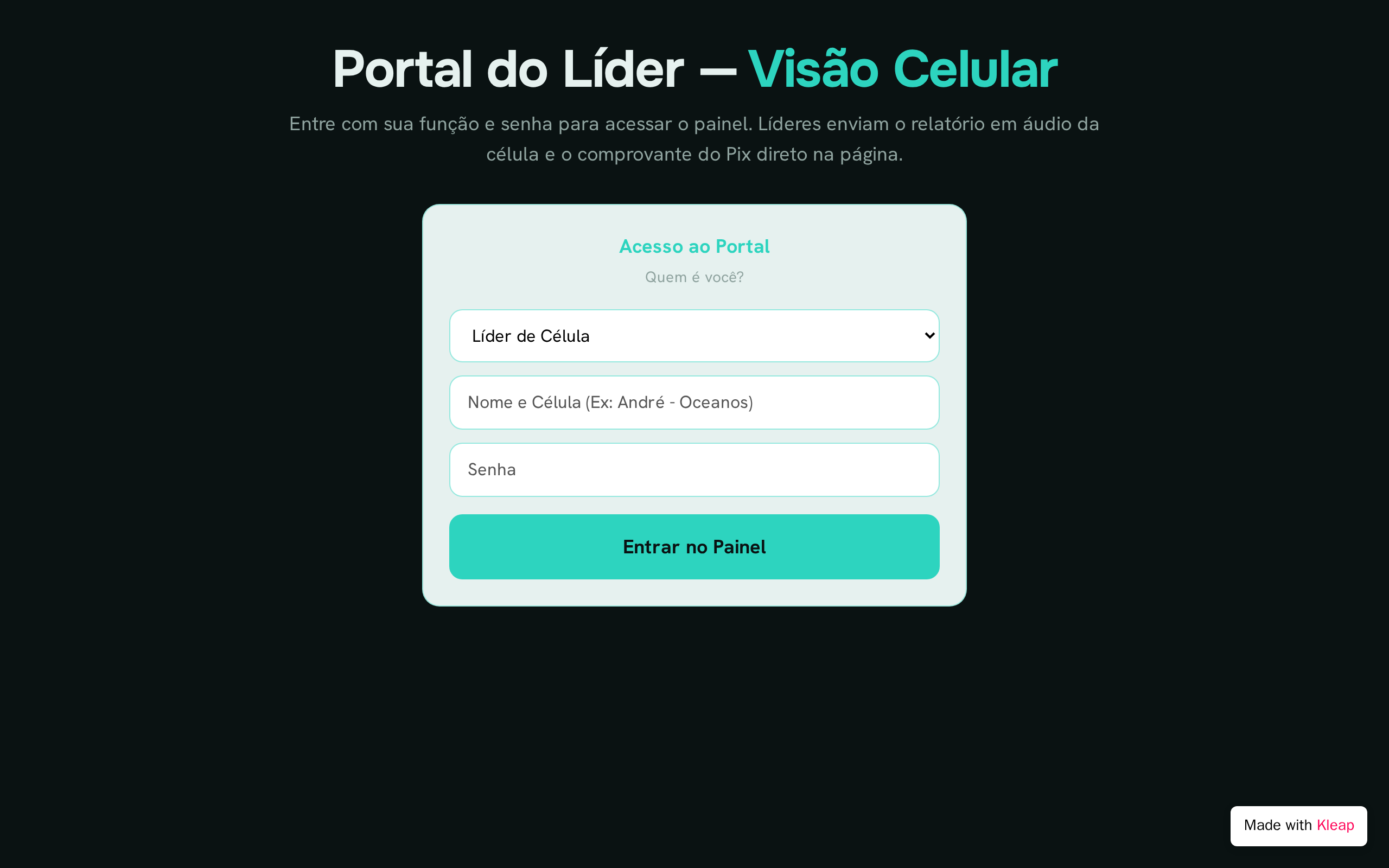
Church websites made with Kleap. The ones the Kleap team built as examples are labeled that way. After the gallery: what first-time visitors and members look for.
The most looked-up information on any church site. Put service times, address and parking on the first screen with a map link, and update it for holiday services and summer schedules.
Answer what a newcomer worries about: what to wear, how long the service lasts, where to park, which door to use, what happens with children, and whether they will be asked to stand up or give.
A short, plain-language statement of faith and your denomination or affiliation, with a link to the longer version. People comparing churches often look for this before anything else.
Recent sermons with date, speaker, scripture passage and a video or audio link, and the livestream link if you have one. Members who missed a Sunday and people considering a first visit both use it.
Children, youth, small groups, music and outreach. For each: who it is for, when and where it meets, and who to contact. List only ministries that are currently active.
Services, studies, volunteer days and community events with dates, times and places. A short registration form for events that need numbers, like meals or retreats, saves the office a lot of phone calls.
A prayer request form with an optional name, the request, and whether it may be shared with the prayer team, plus a general contact form. Say who reads the requests and how they are kept private.
Explain the ways to give (in person, by mail, online) and link to your giving platform. A sentence on how gifts are used builds trust with newer members.
Paste it into Kleap, then change the names, dates and details to yours.
Build a website for Maple Street Community Church, a neighborhood church in Dayton, Ohio. Warm, welcoming style with soft blue and cream colors, large readable text and spots for real photos. Pages: a homepage with Sunday service times (9:00 and 11:00 a.m.), the address, parking and a Plan Your Visit button; Plan Your Visit, answering what to wear, how long the service lasts, children's check-in and where to park; Beliefs, with a short statement of faith; Sermons, listing recent messages with date, speaker, passage and video link; Ministries for kids, youth, small groups and outreach; an Events calendar; Give, with the ways to give. Add a prayer request form that stores an optional name, email, the request and whether it may be shared with the prayer team, plus a contact form that stores name, email and message.
Service times, address and parking, a plan-your-visit page for newcomers, a statement of beliefs, recent sermons, ministries and groups, an events calendar, ways to give, and a contact or prayer request form. The first three matter most, because most visitors come to check when and where to show up.
Check the homepage and events calendar every week, and service times whenever they change for holidays or summer. Sermons are usually added weekly. Pages such as beliefs, history and staff can be reviewed a few times a year. Outdated dates are what visitors notice first, so give weekly updates a clear owner.
Ask permission before posting photos of people, and take extra care with children: do not put names next to their photos. Keep prayer requests private unless the person agrees to share them, and say on the form who will read them. Collect only what each form needs, and limit who can see the submissions.
It is not required, but many churches now stream services or post recordings, and members who are ill, traveling or homebound rely on them. If you stream, put the link where people expect it, near the service times on the homepage, and post the recording afterward with the date, speaker and passage.
Describe the website or app you imagine. Kleap helps you build it, publish it and keep improving it, with tools to monitor how it works and fix issues.
Describe what you want to create. AI builds the design, features and logic, then develops the project further with your feedback.
Database, authentication and forms: build a client portal or an app with the data and access it needs.
Add Stripe, business tools and integrations. Connect your accounts and keys to fit the project to the way you work.
The Guardian spots website issues and helps you fix them with AI. Return to your project in the chat to make the corrections.
Publish with hosting, connect your domain and follow your activity with analytics and the Search Console integration.
Keep your code, connect GitHub and work with AI tools like Claude or ChatGPT. AI assistance and human support on paid plans help you along the way.
Join thousands of creators who built their website in minutes using Kleap AI. No coding required.