
You imagine it. Kleap builds it.
Describe what you want to create. AI builds the design, features and logic, then develops the project further with your feedback.
- Your idea
- A working app
- Your next improvements
Browse data dashboards and admin panels built with Kleap AI. Charts, analytics, and data visualization done right.
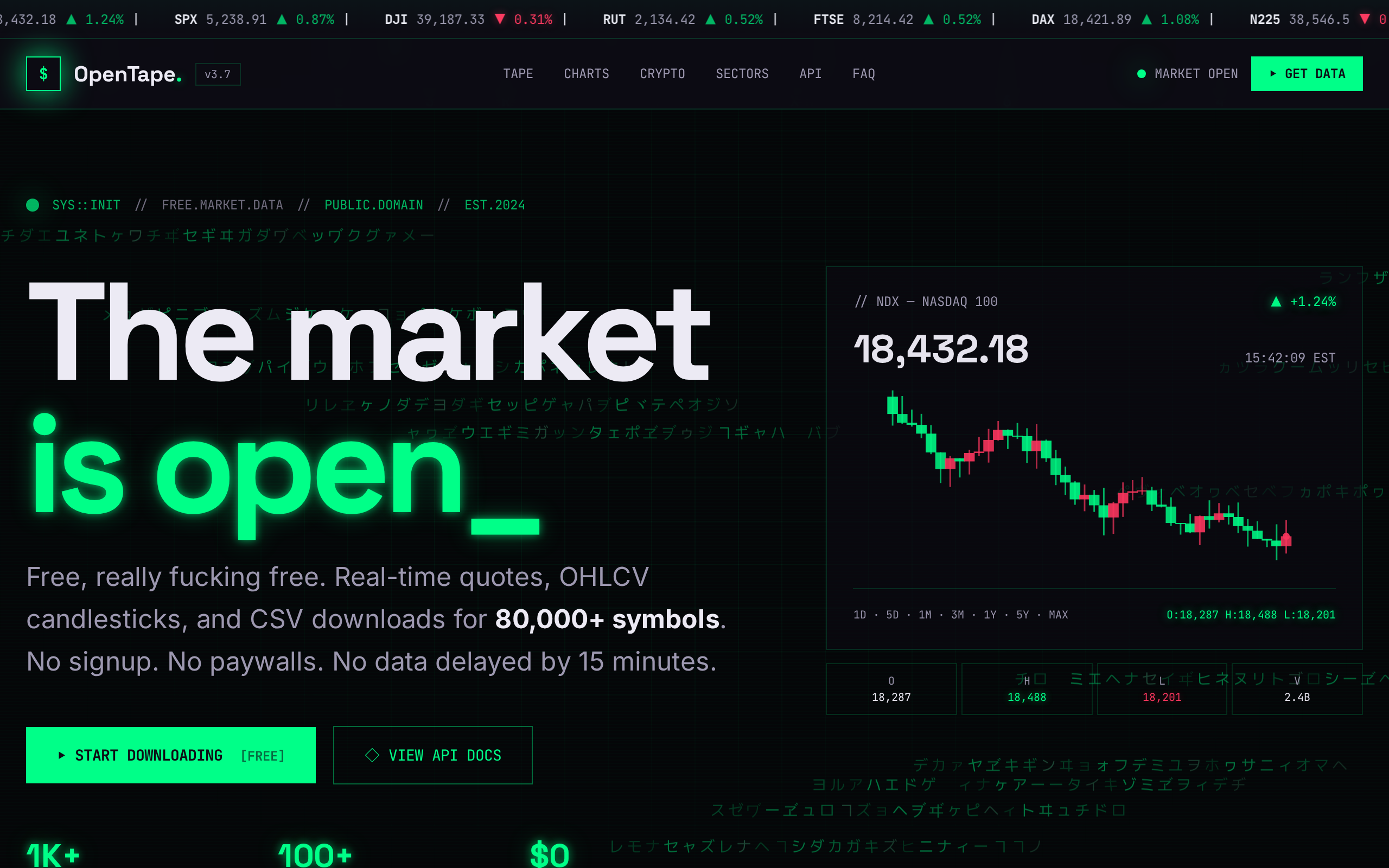
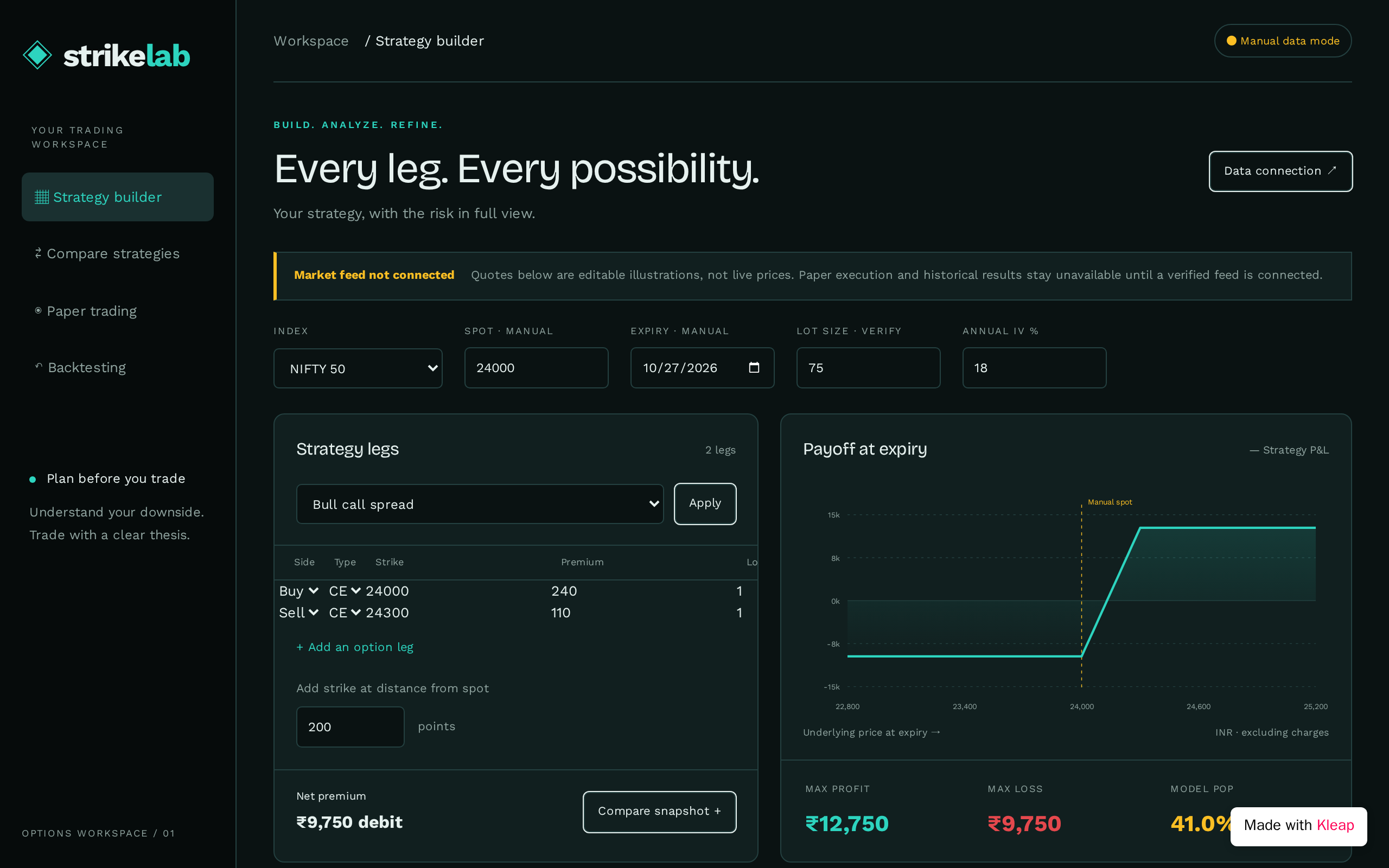

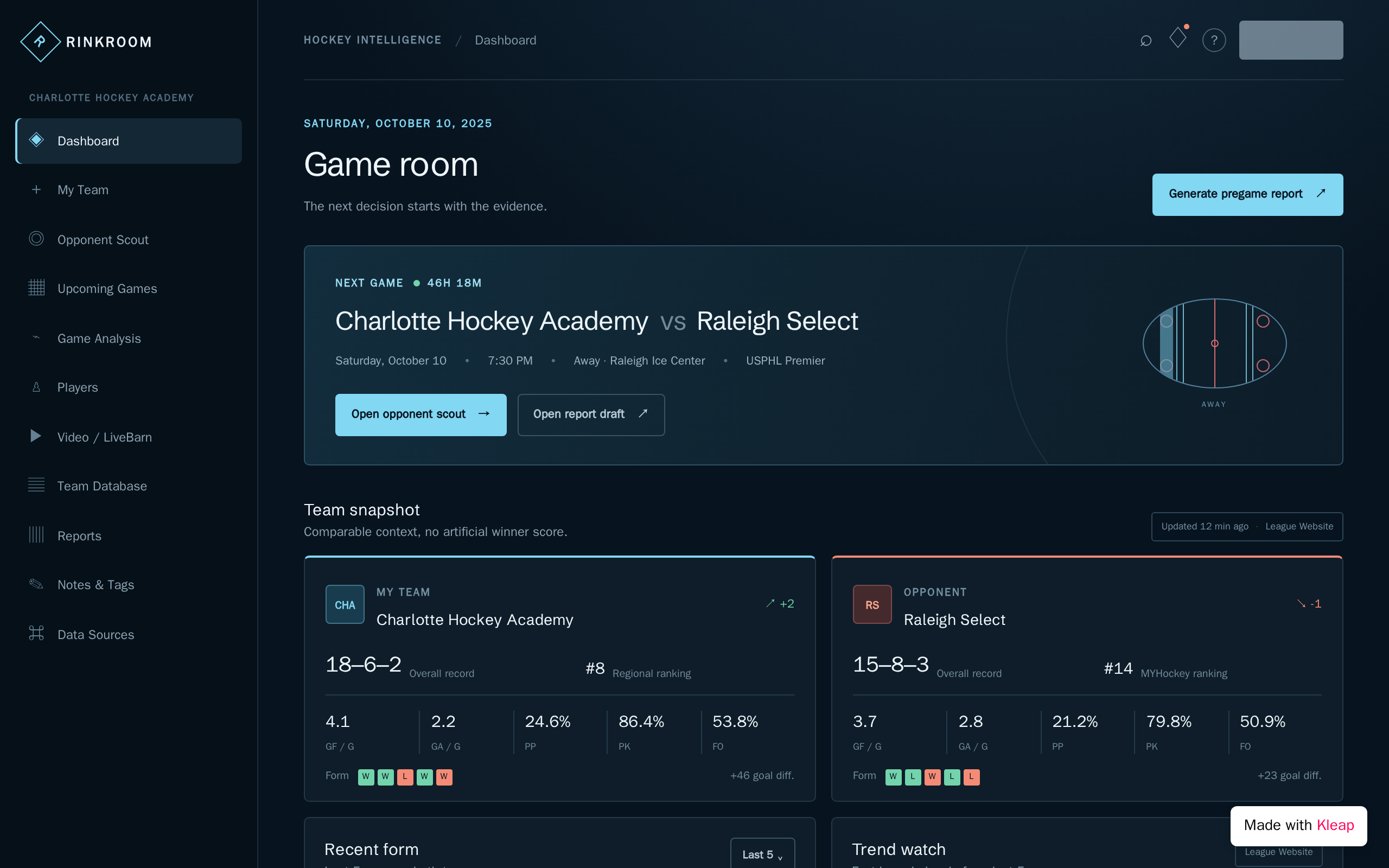
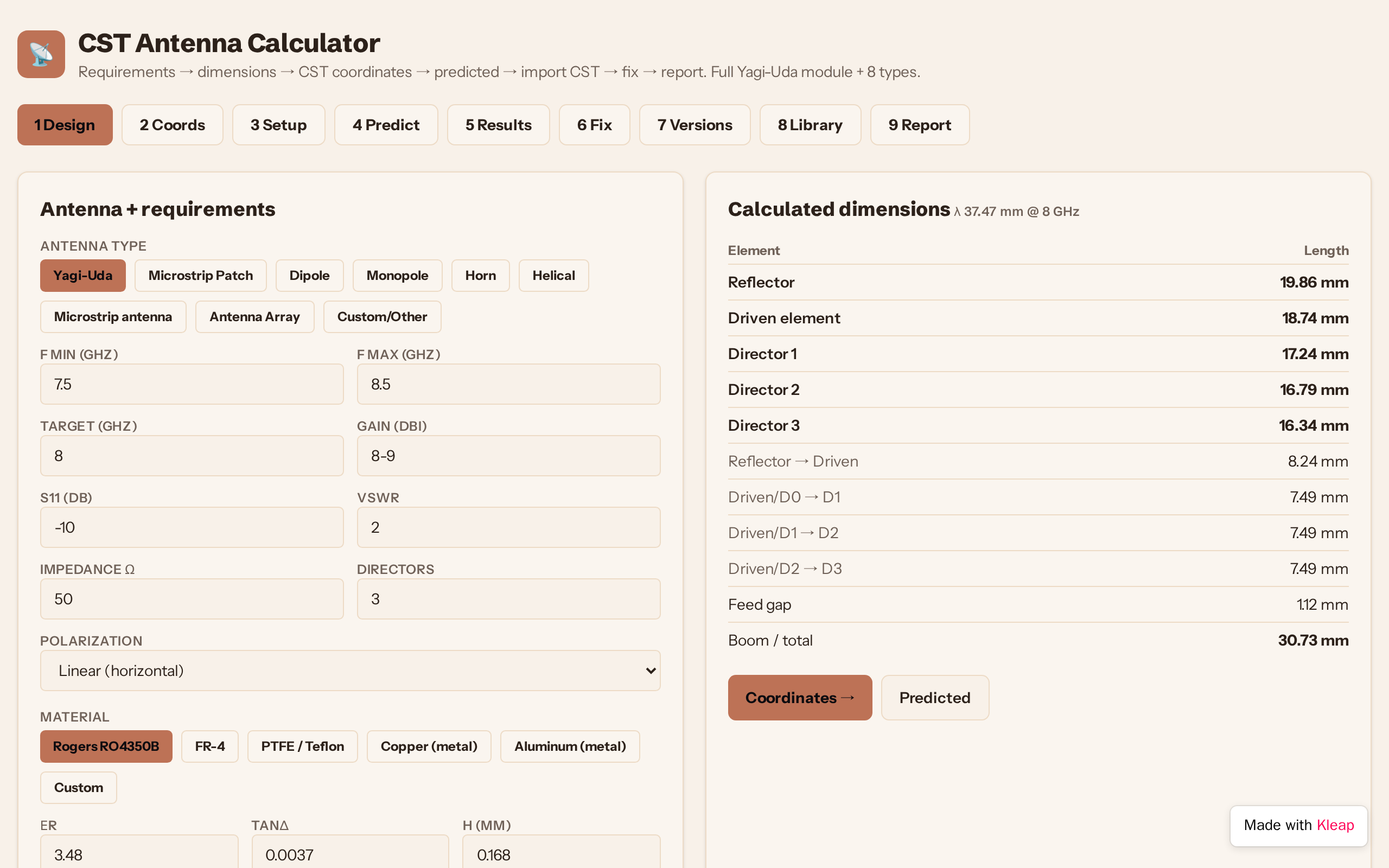
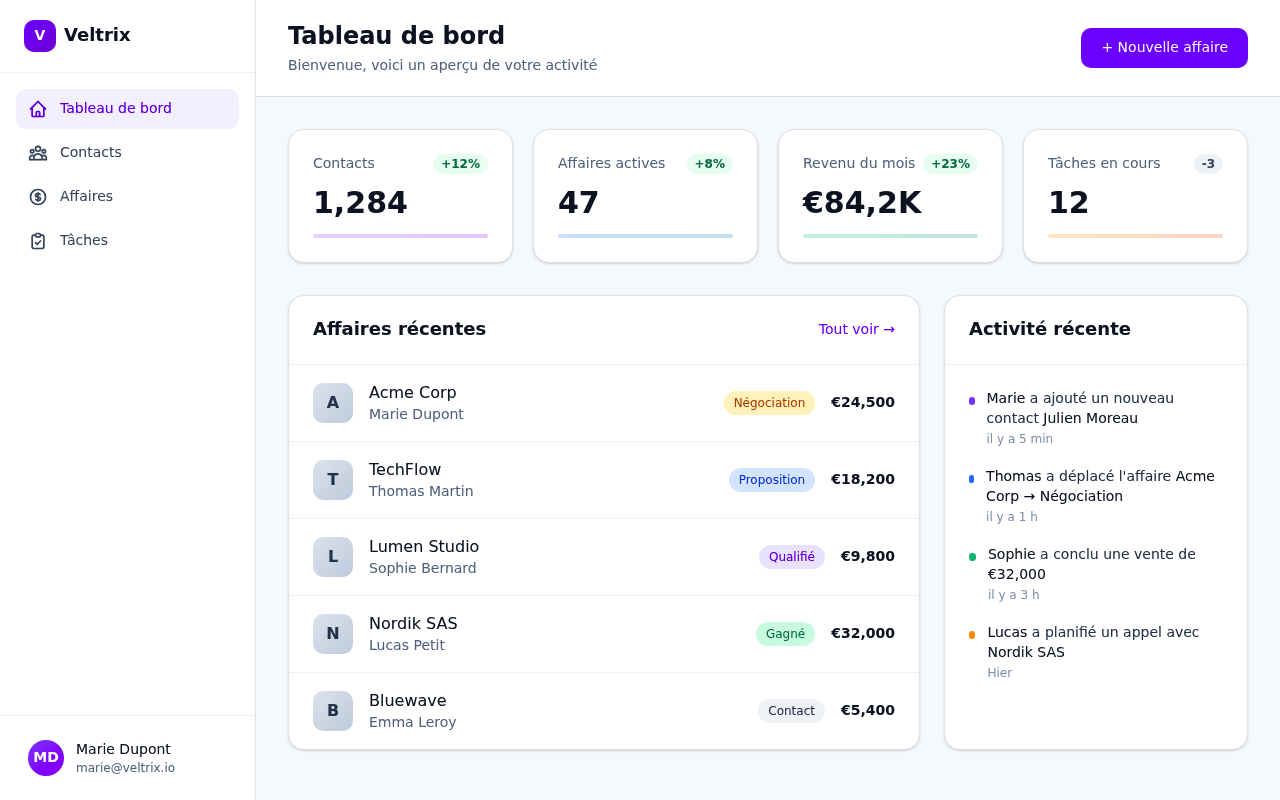
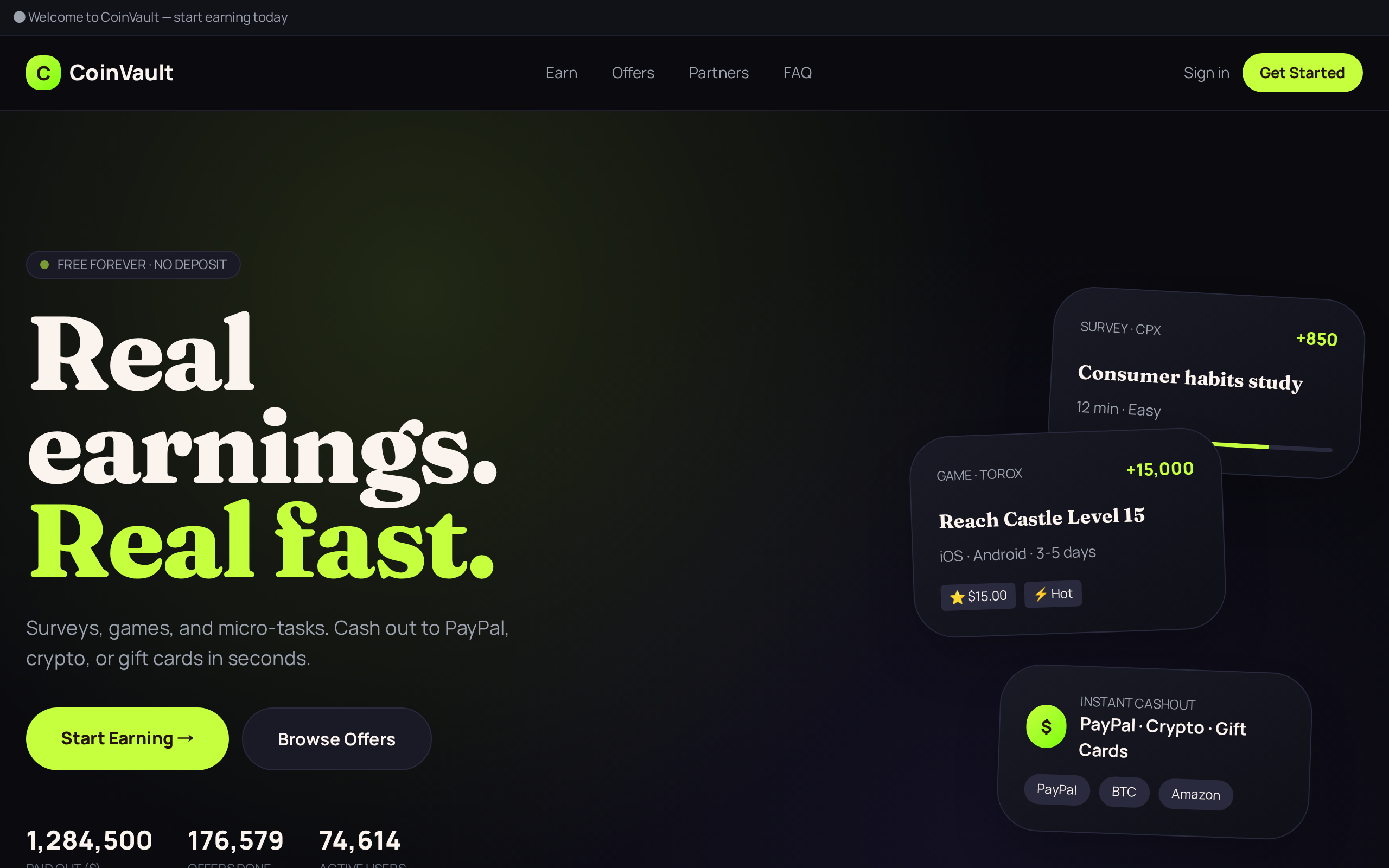
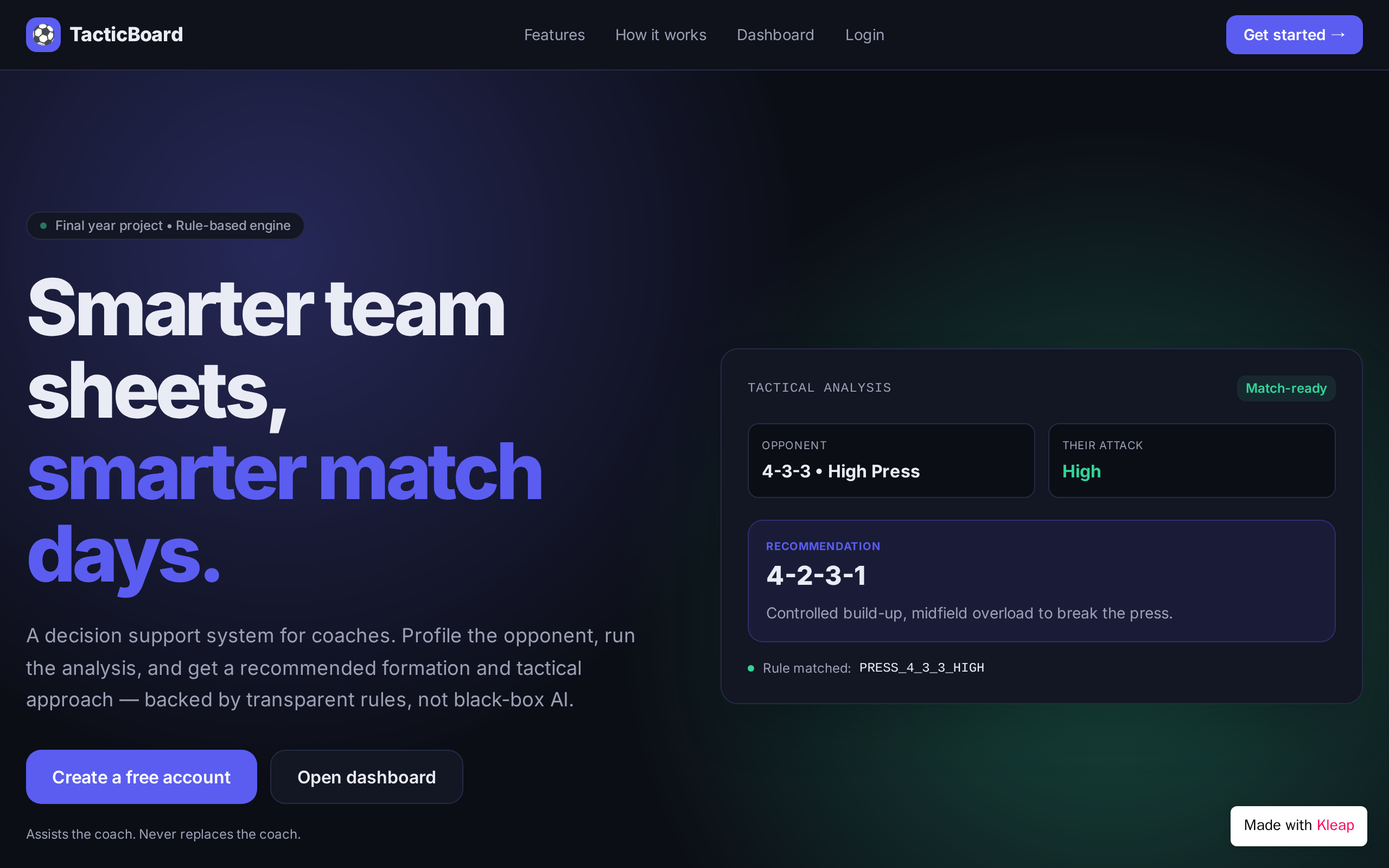
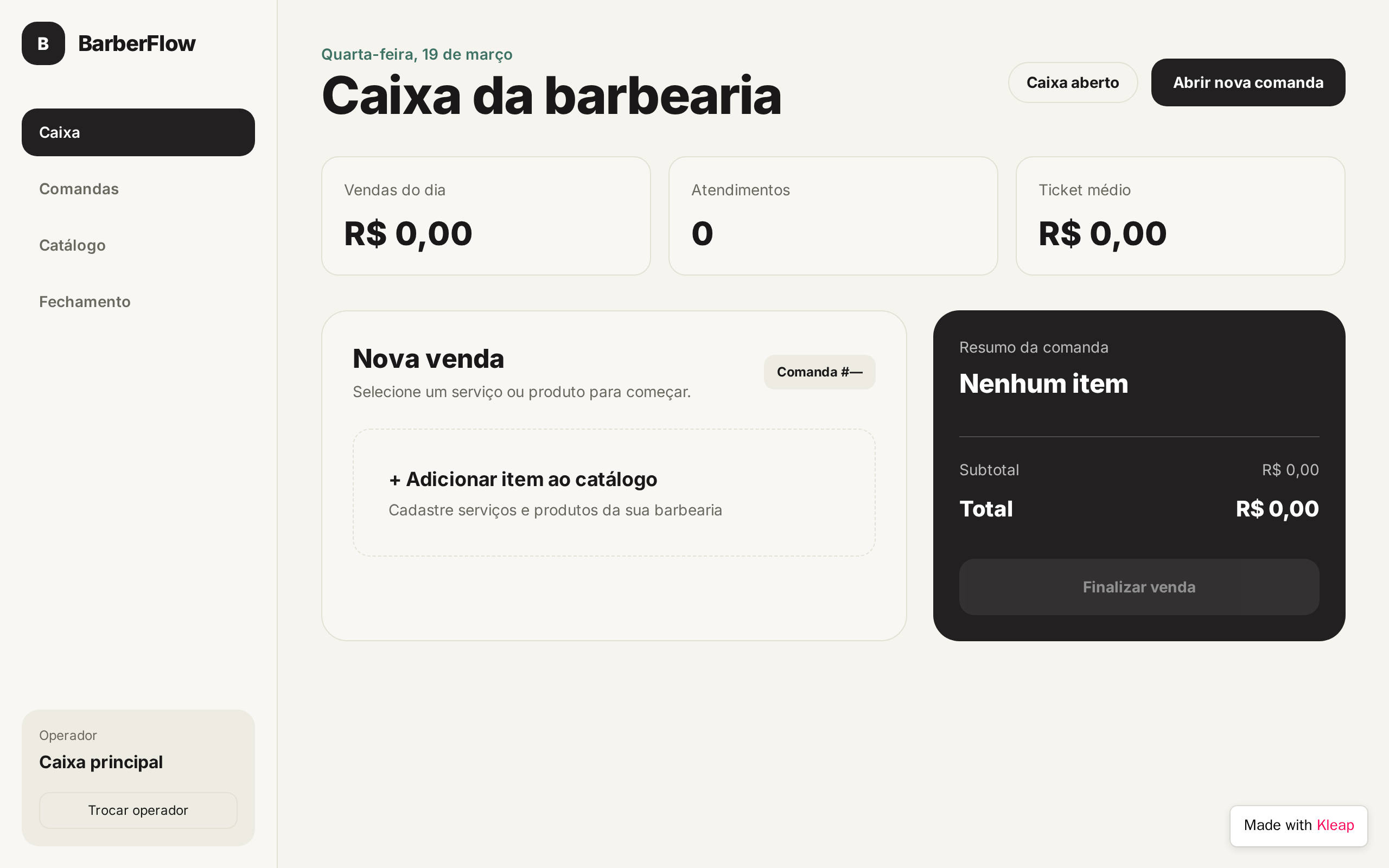


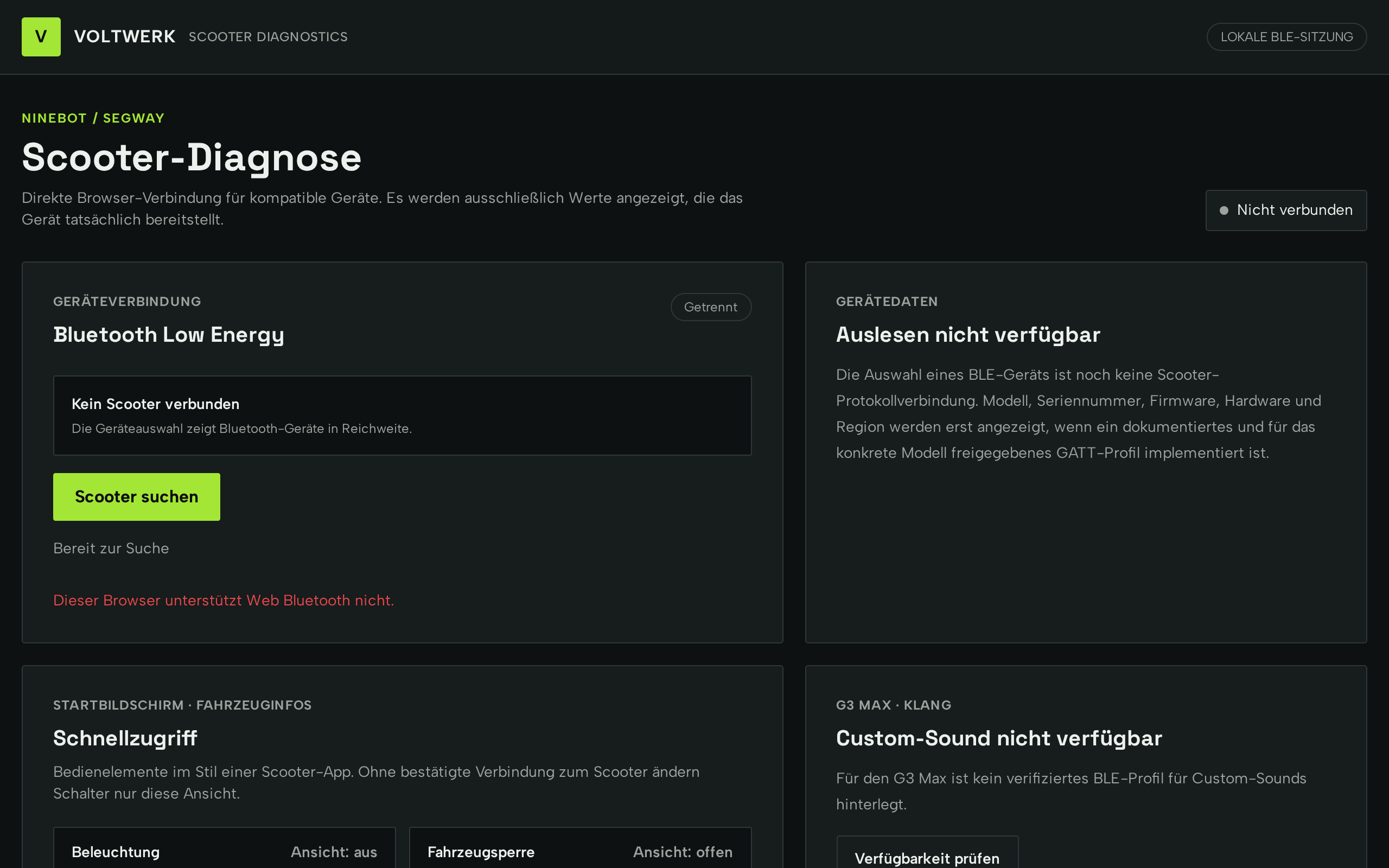
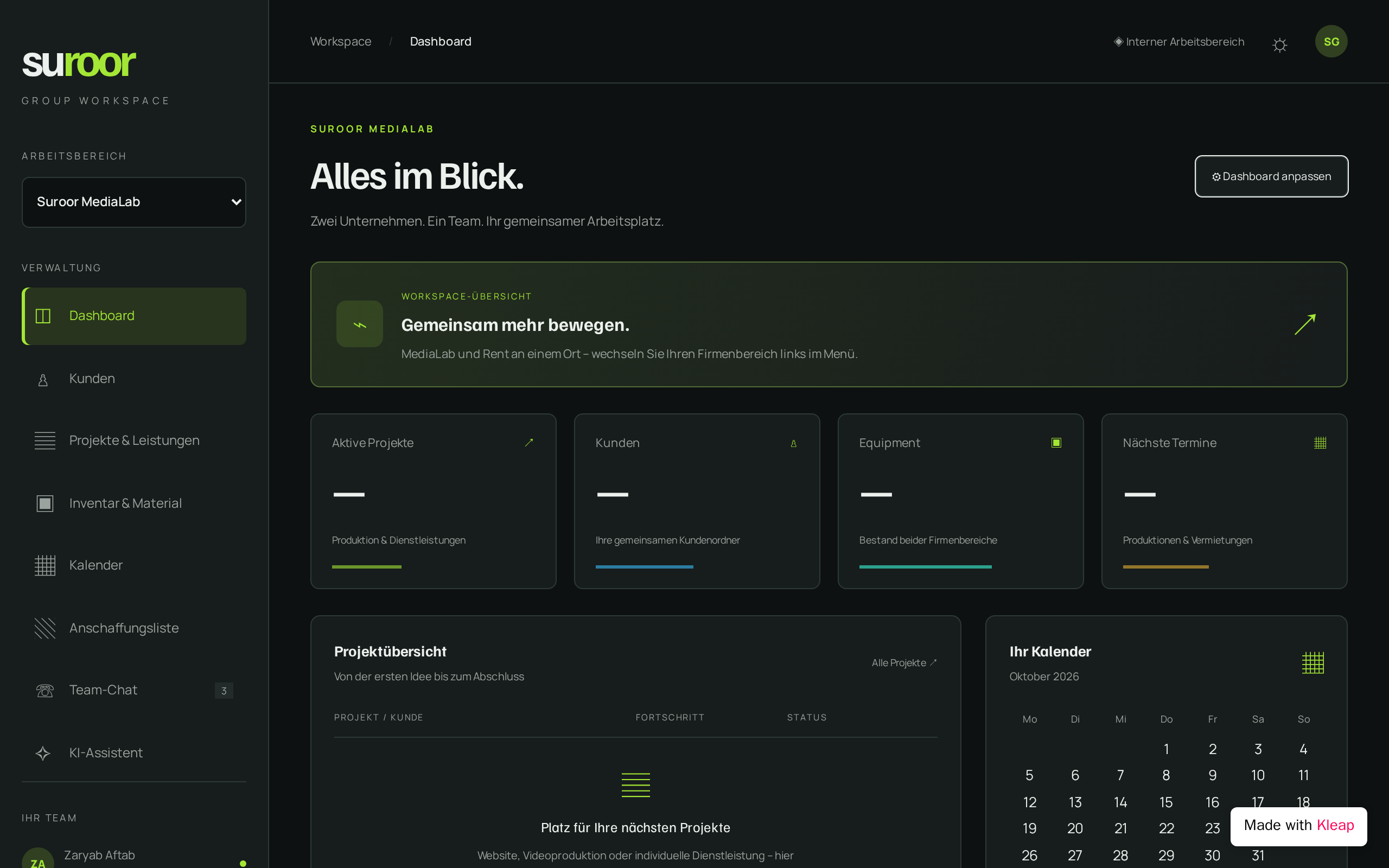

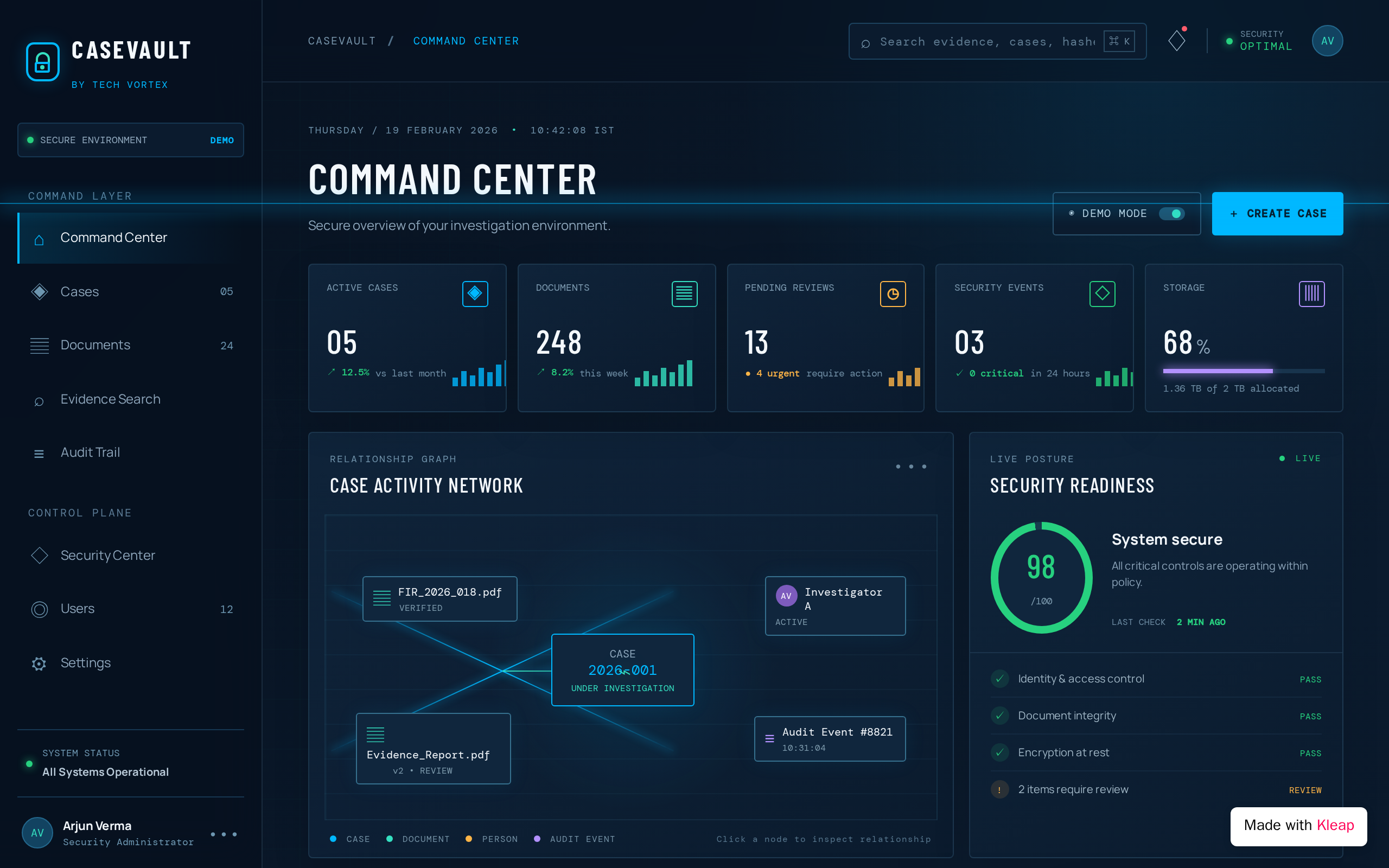

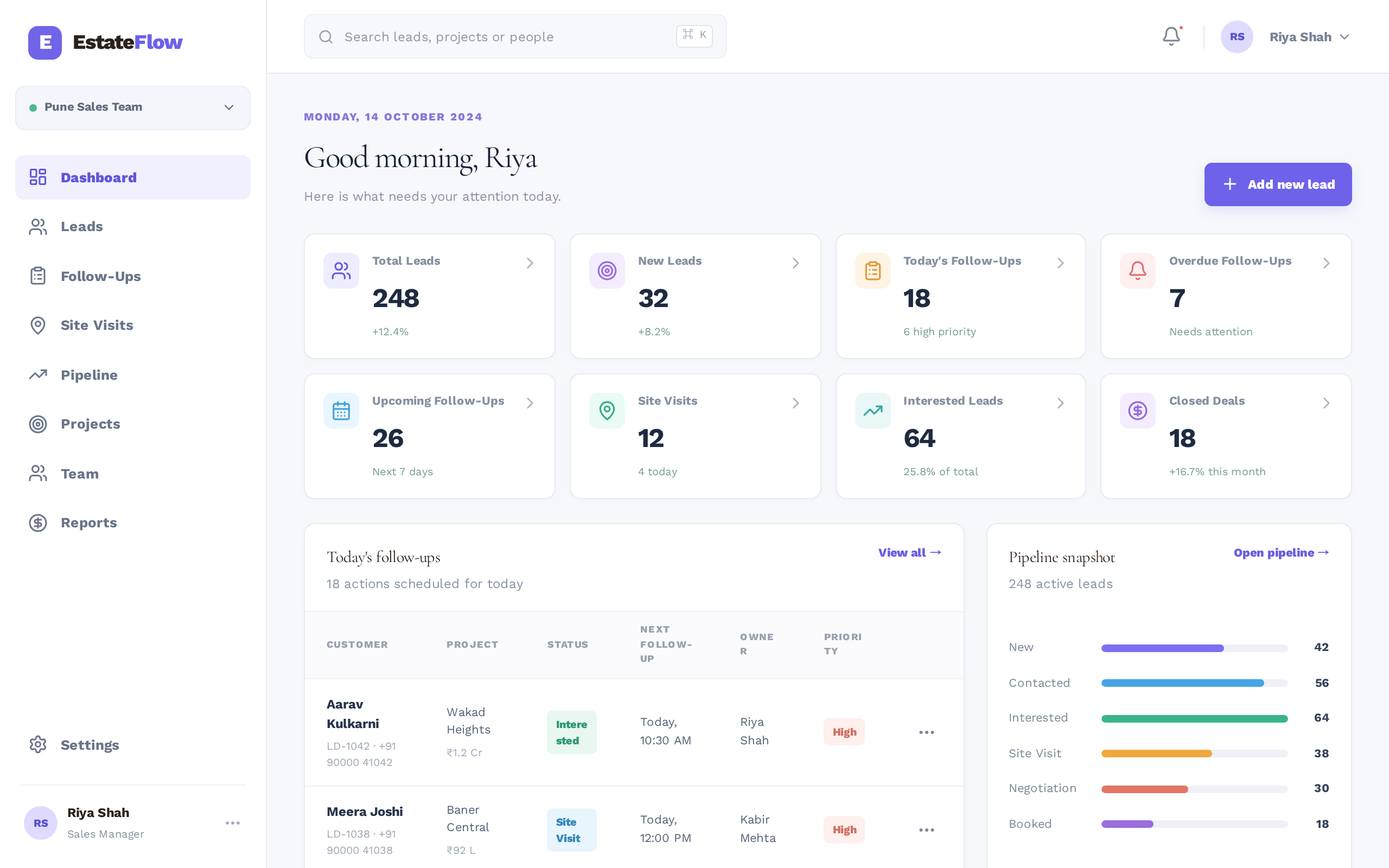
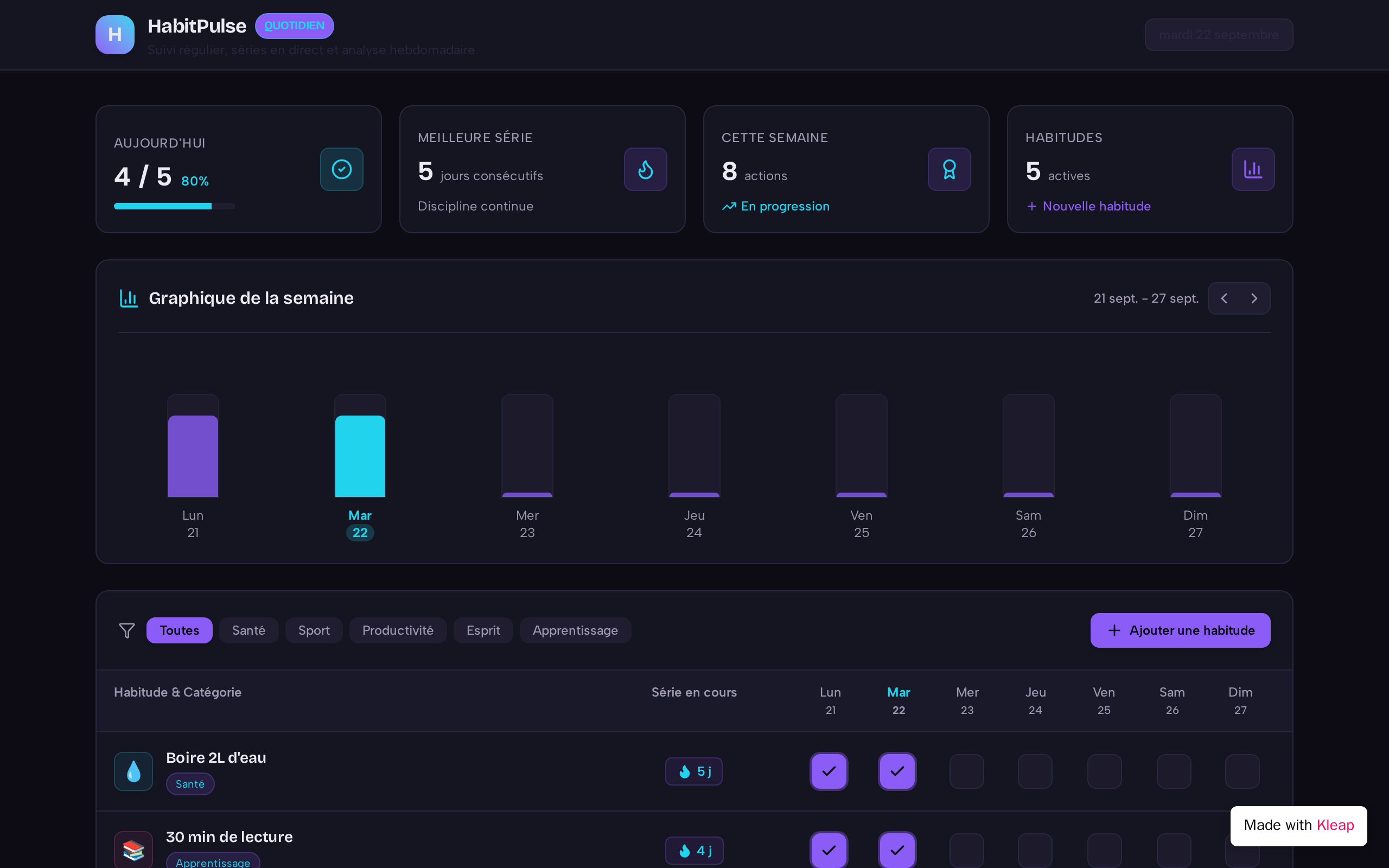

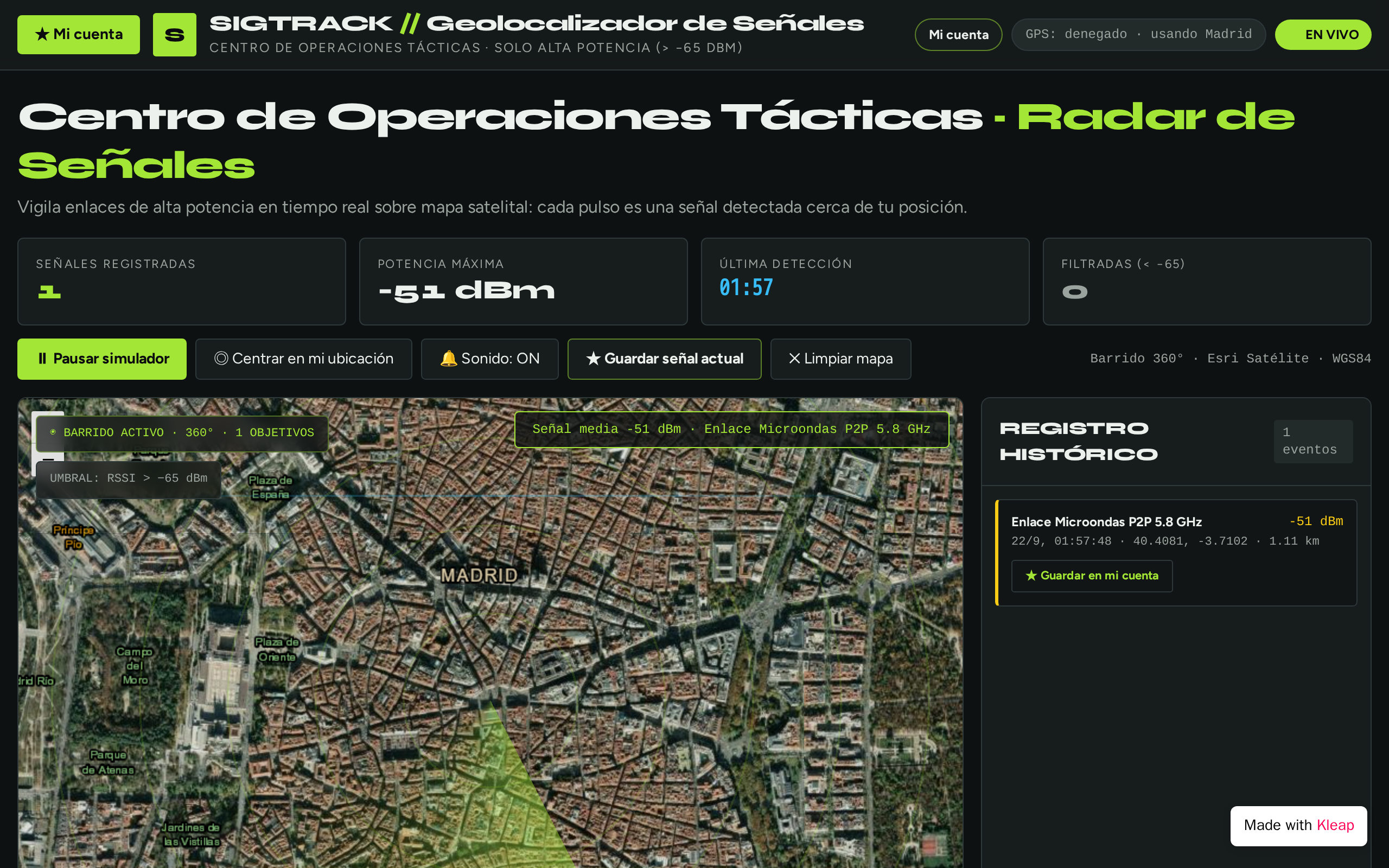

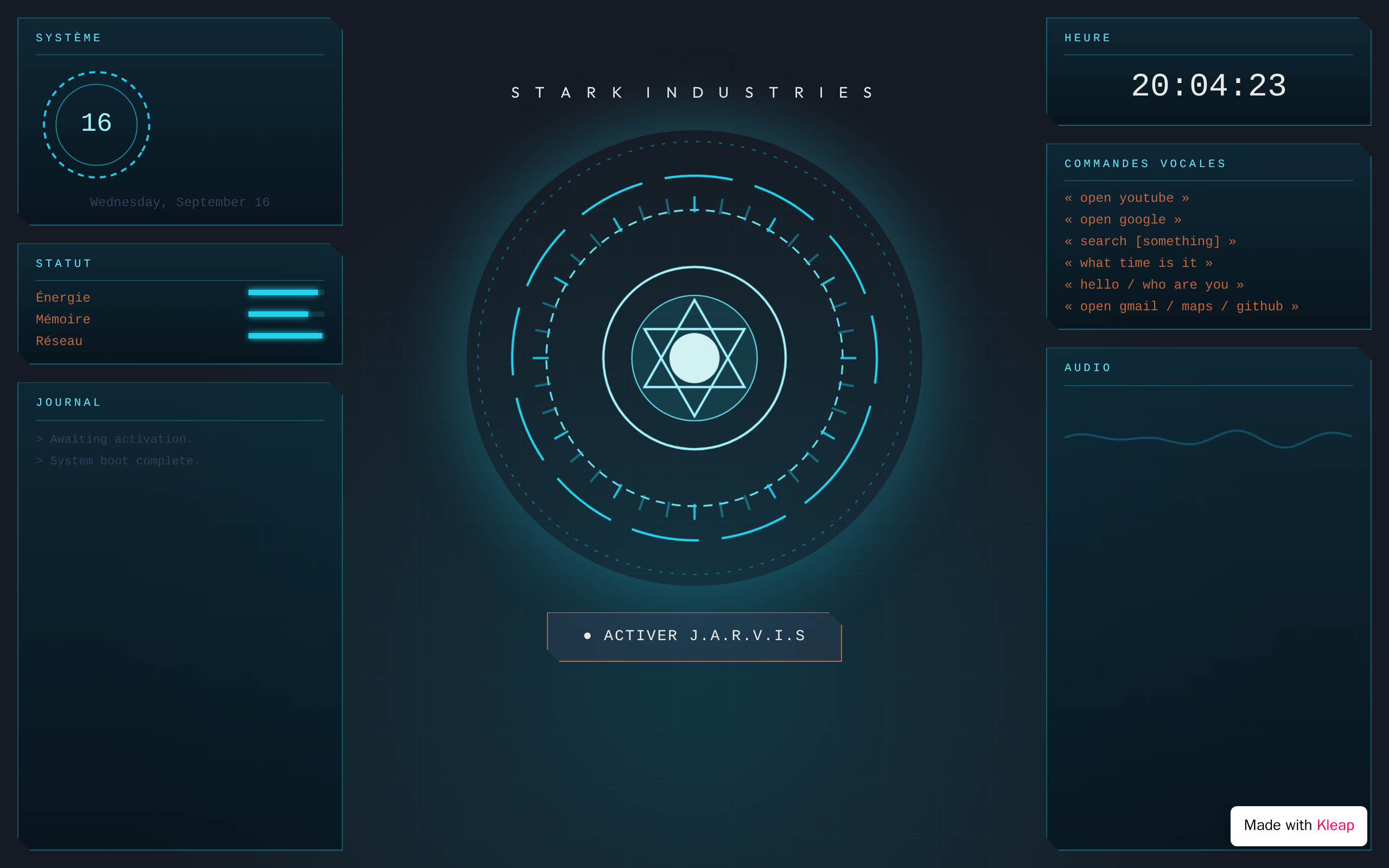
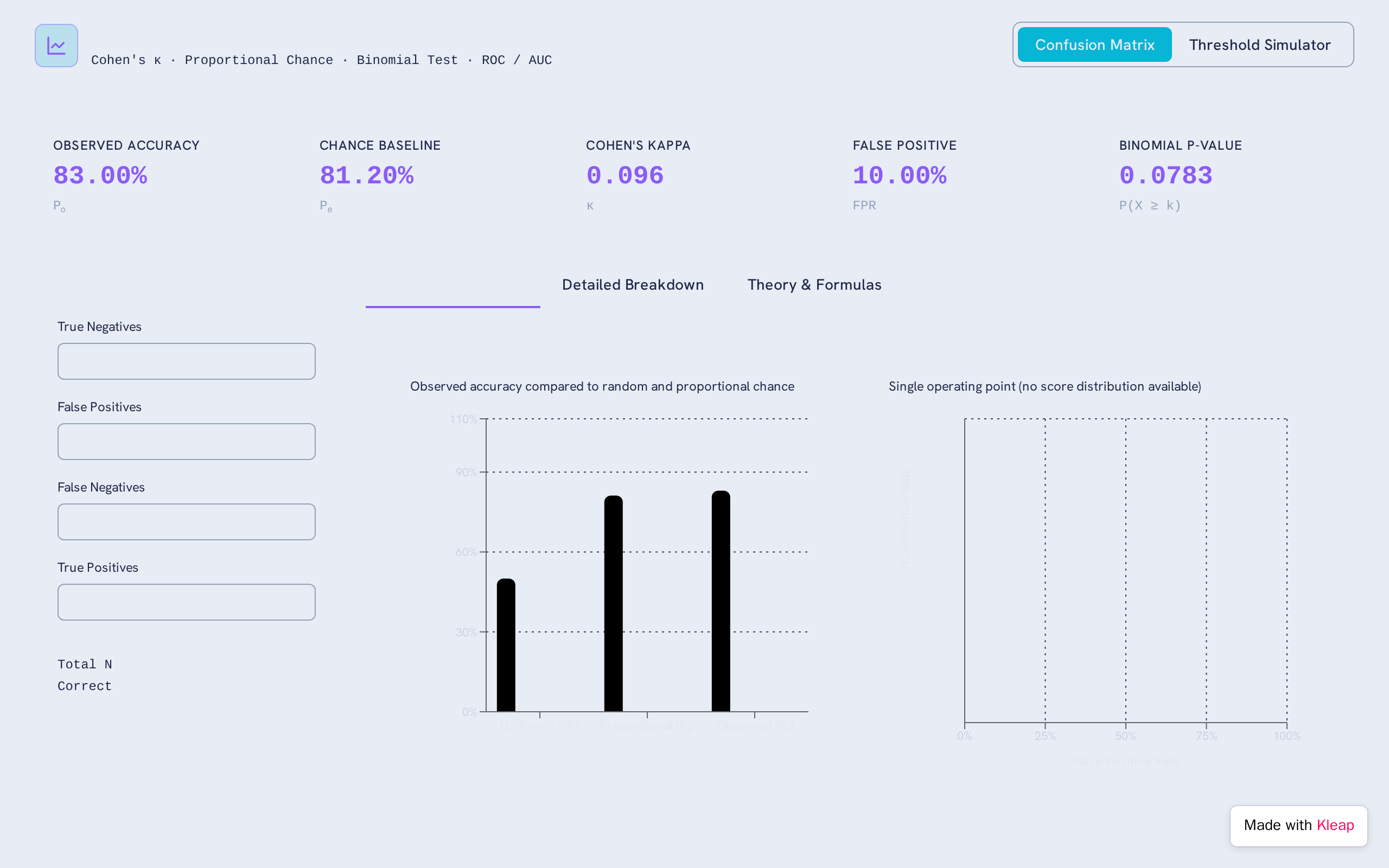
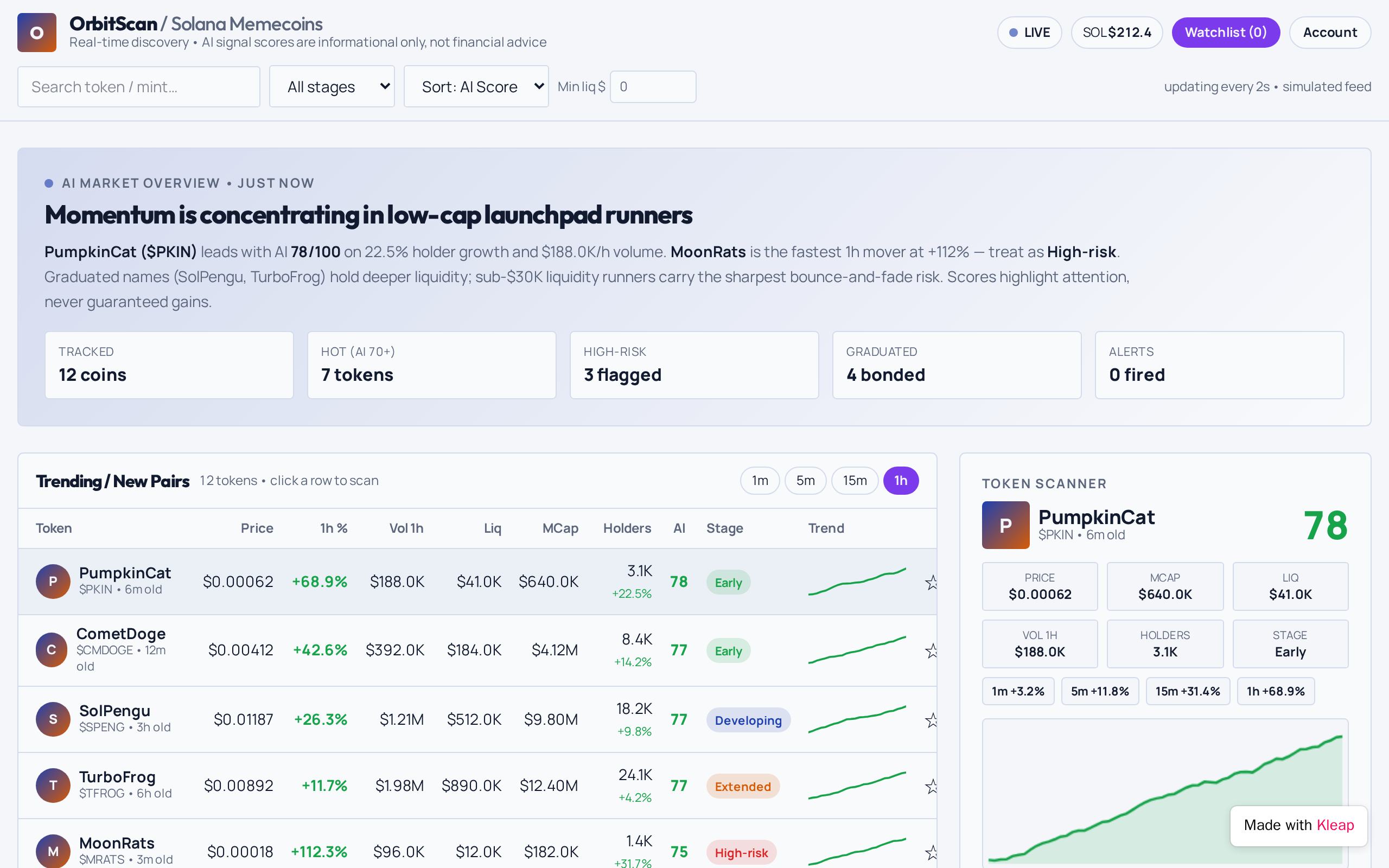

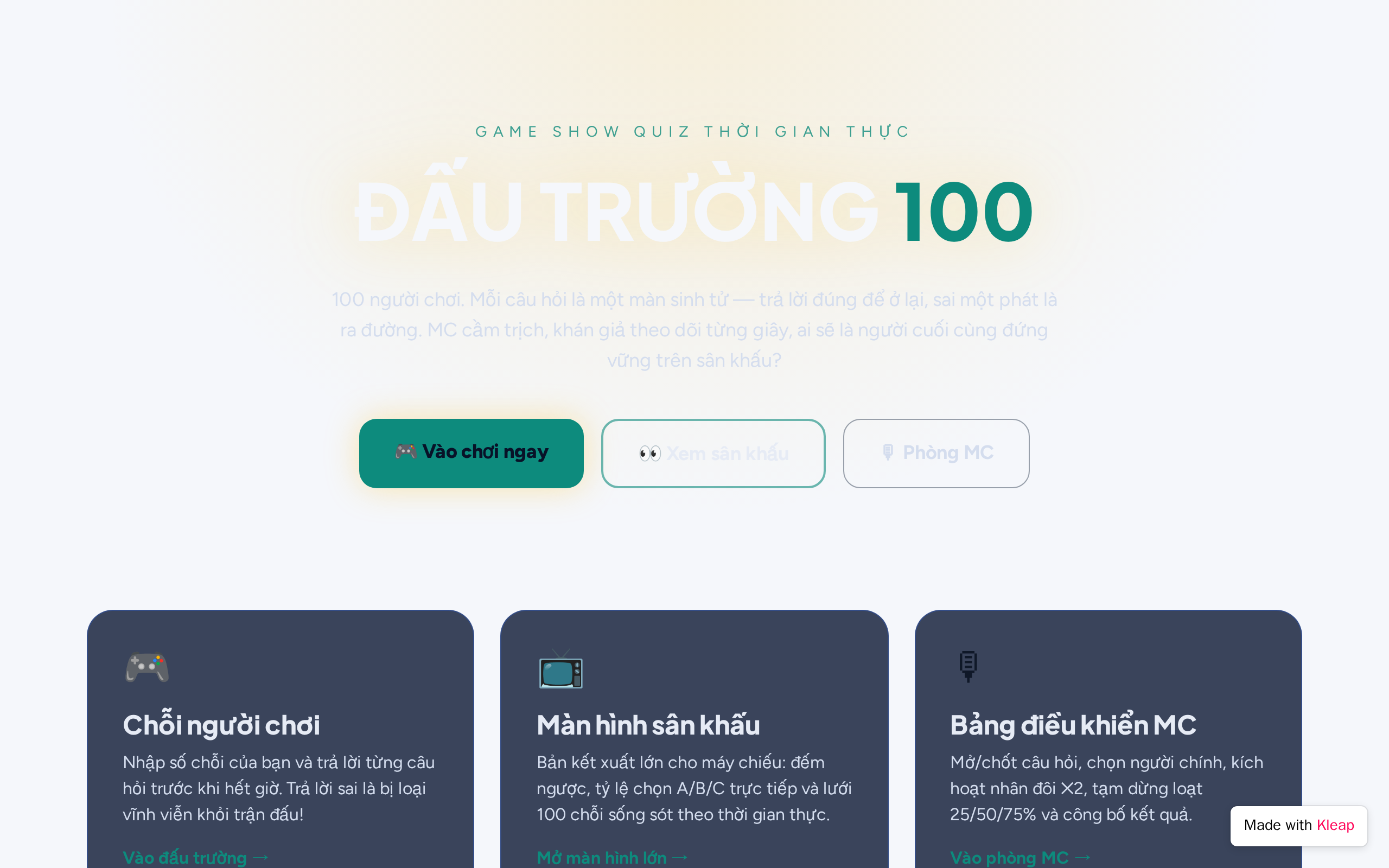
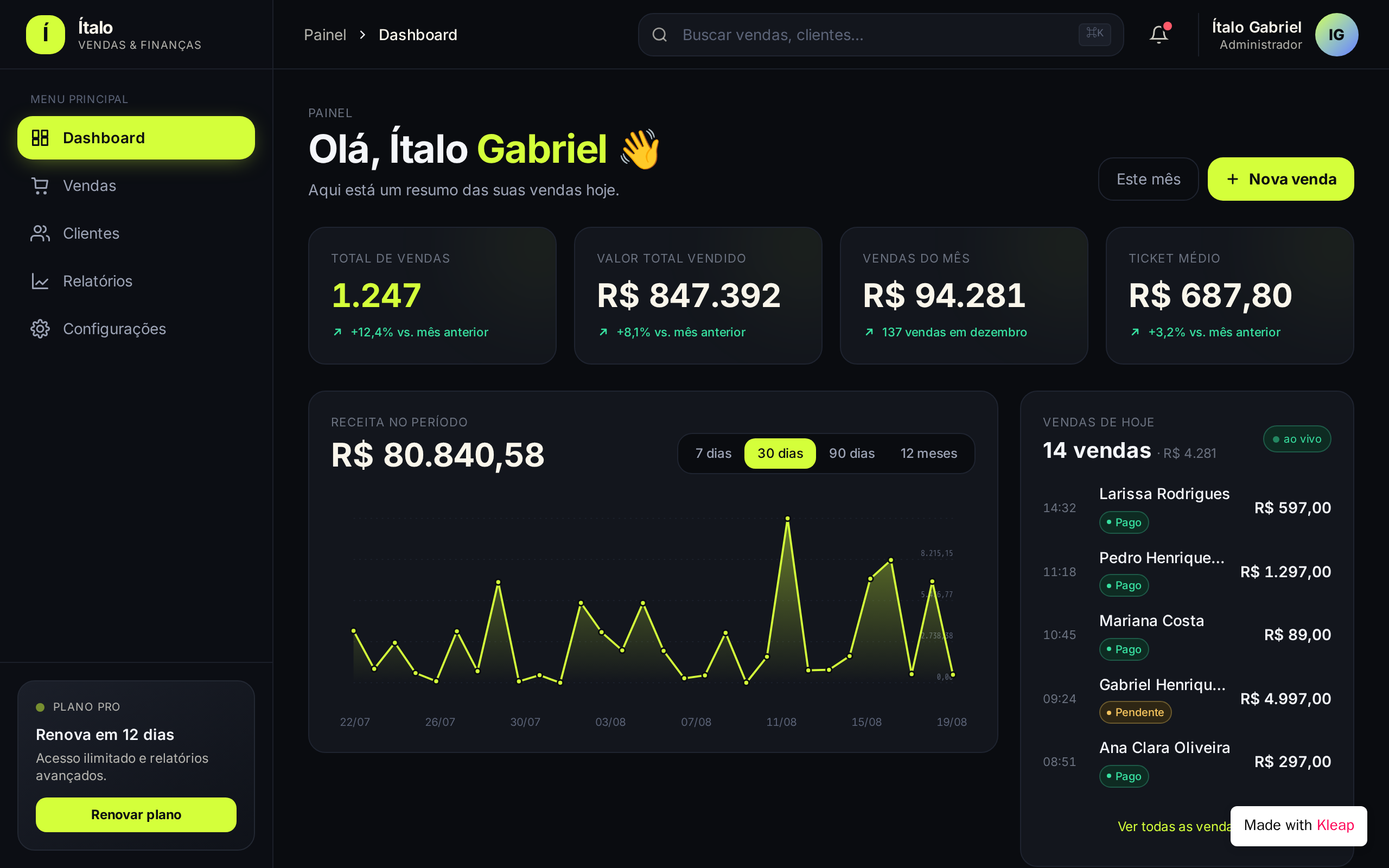
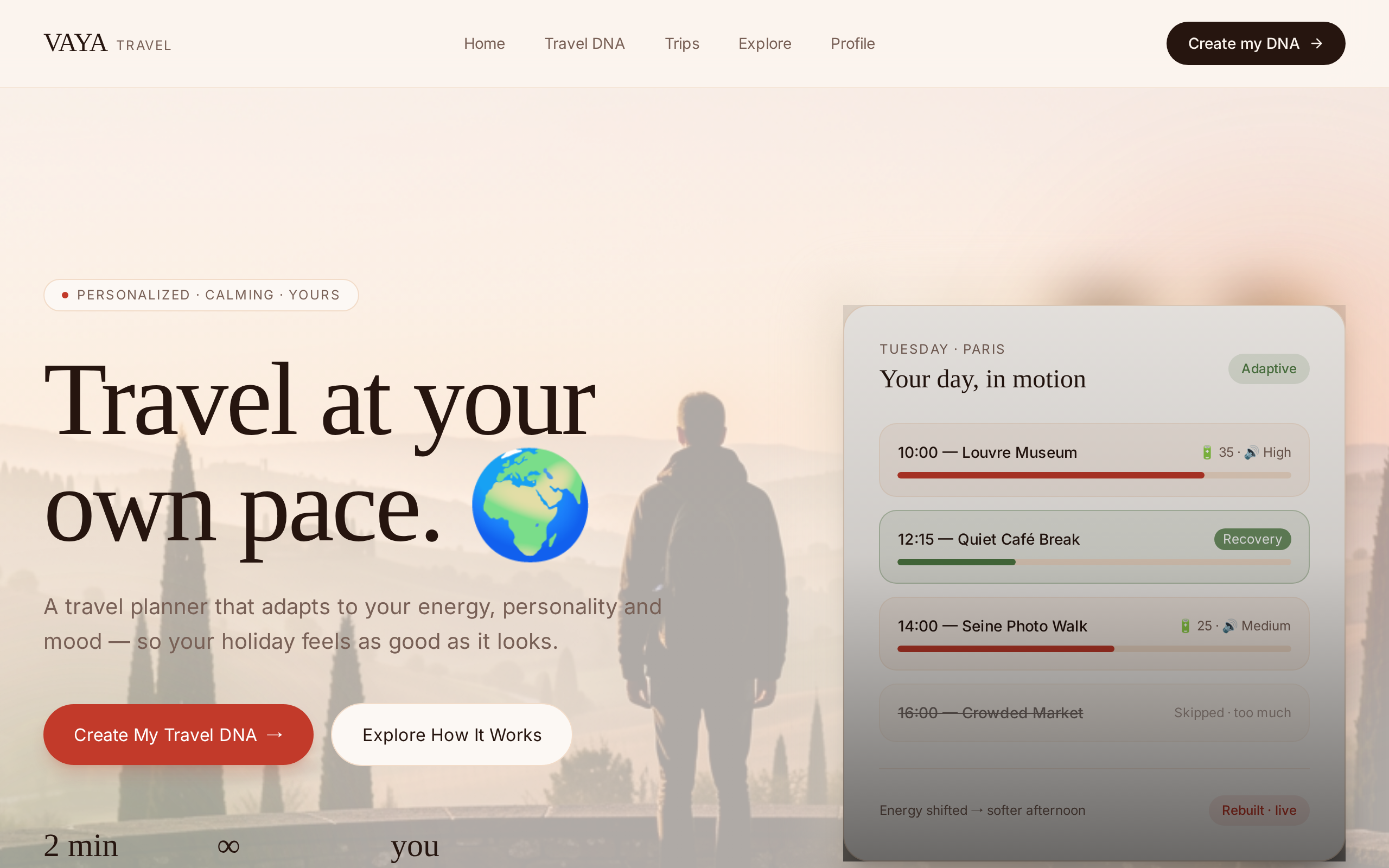
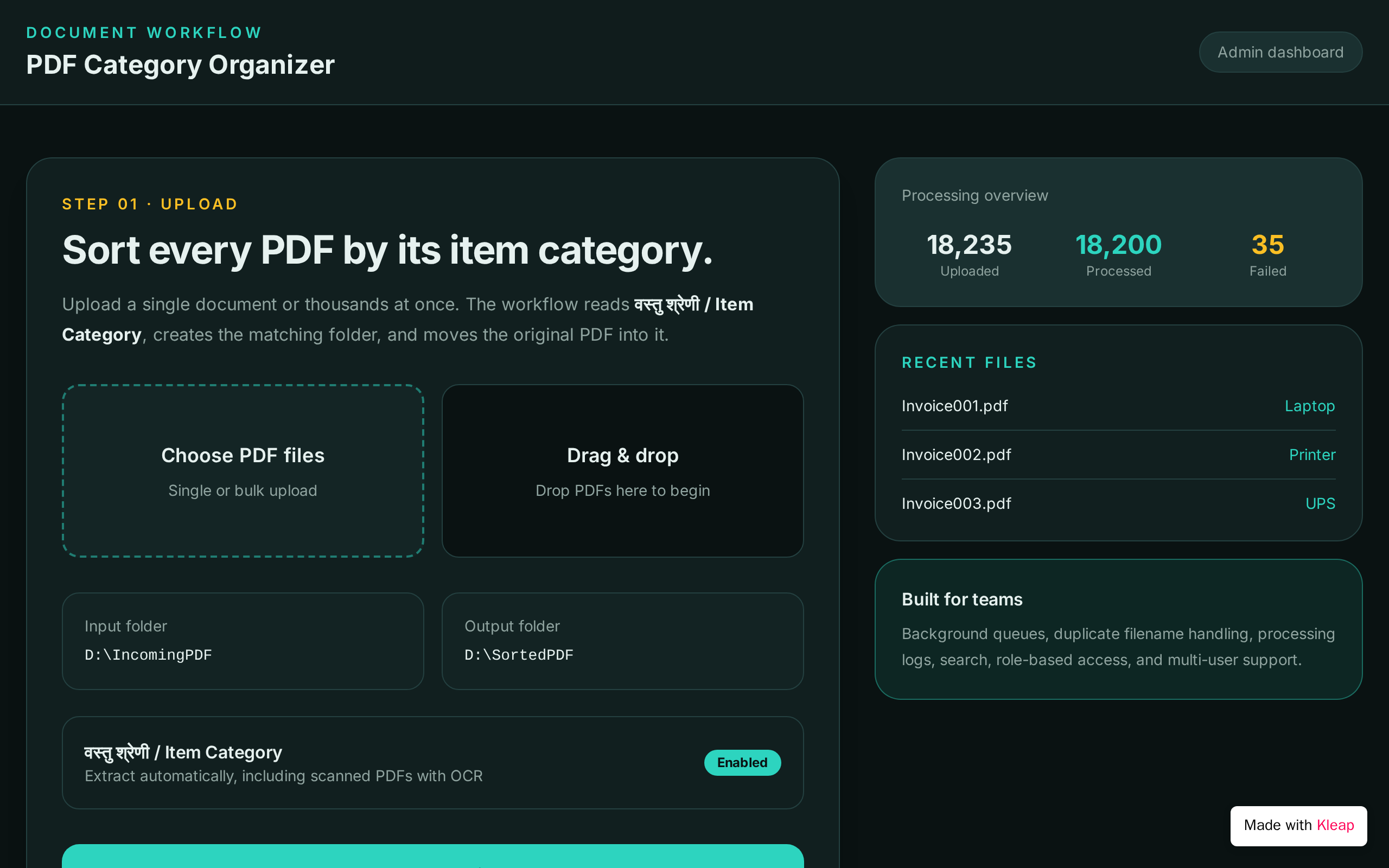
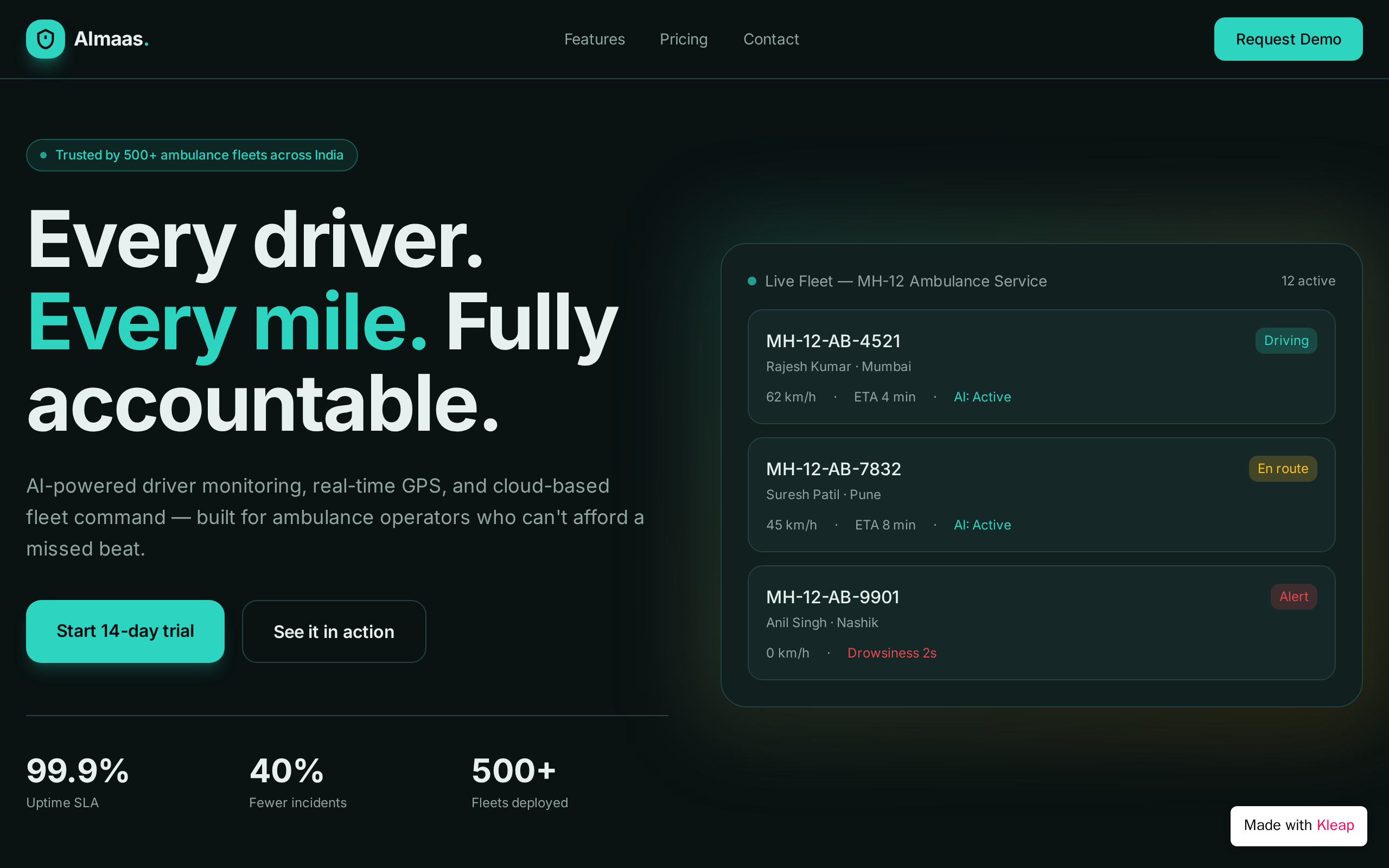
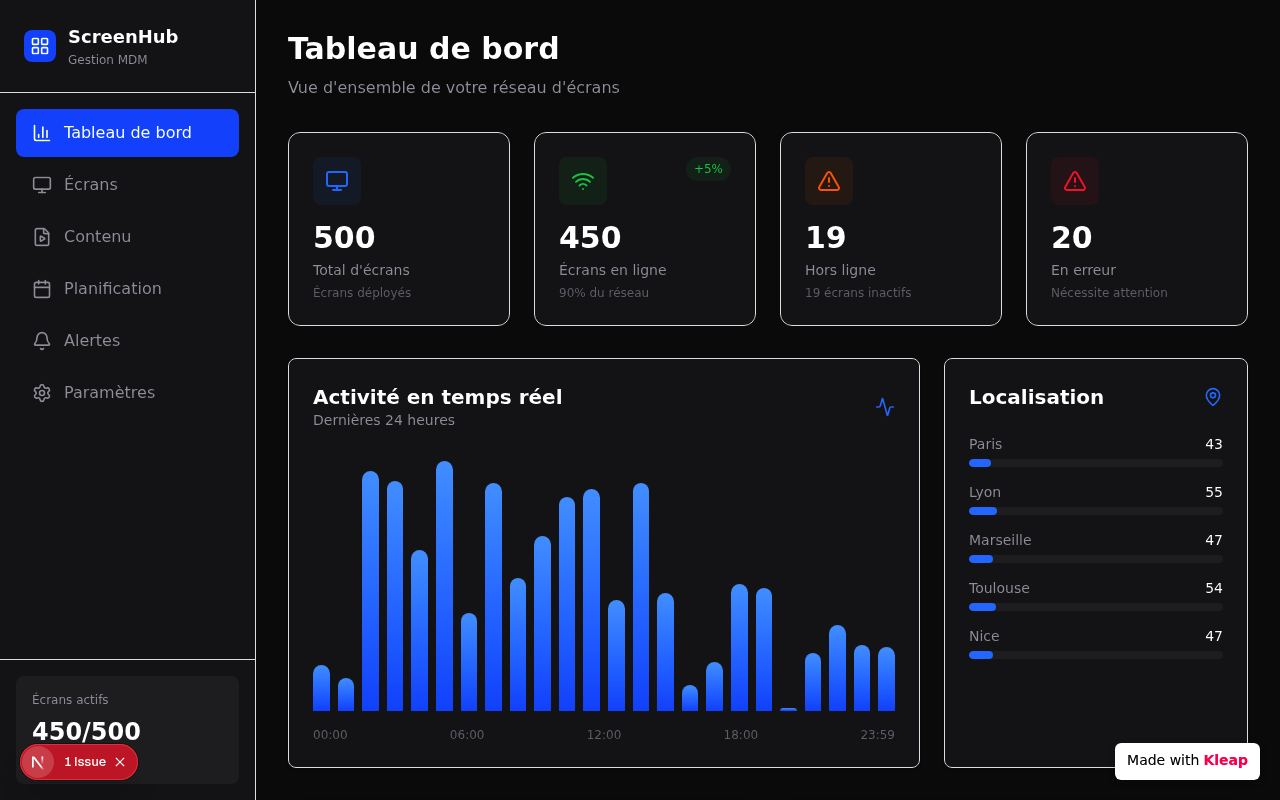
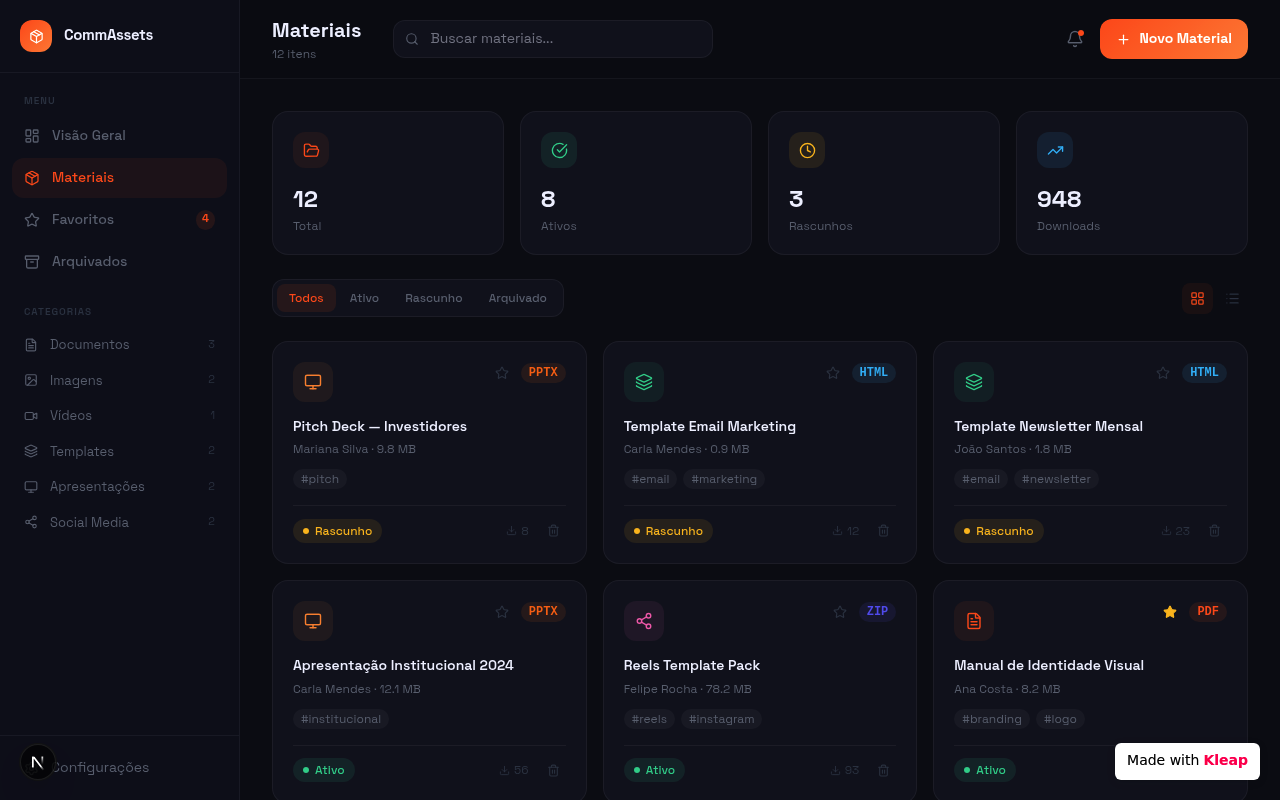
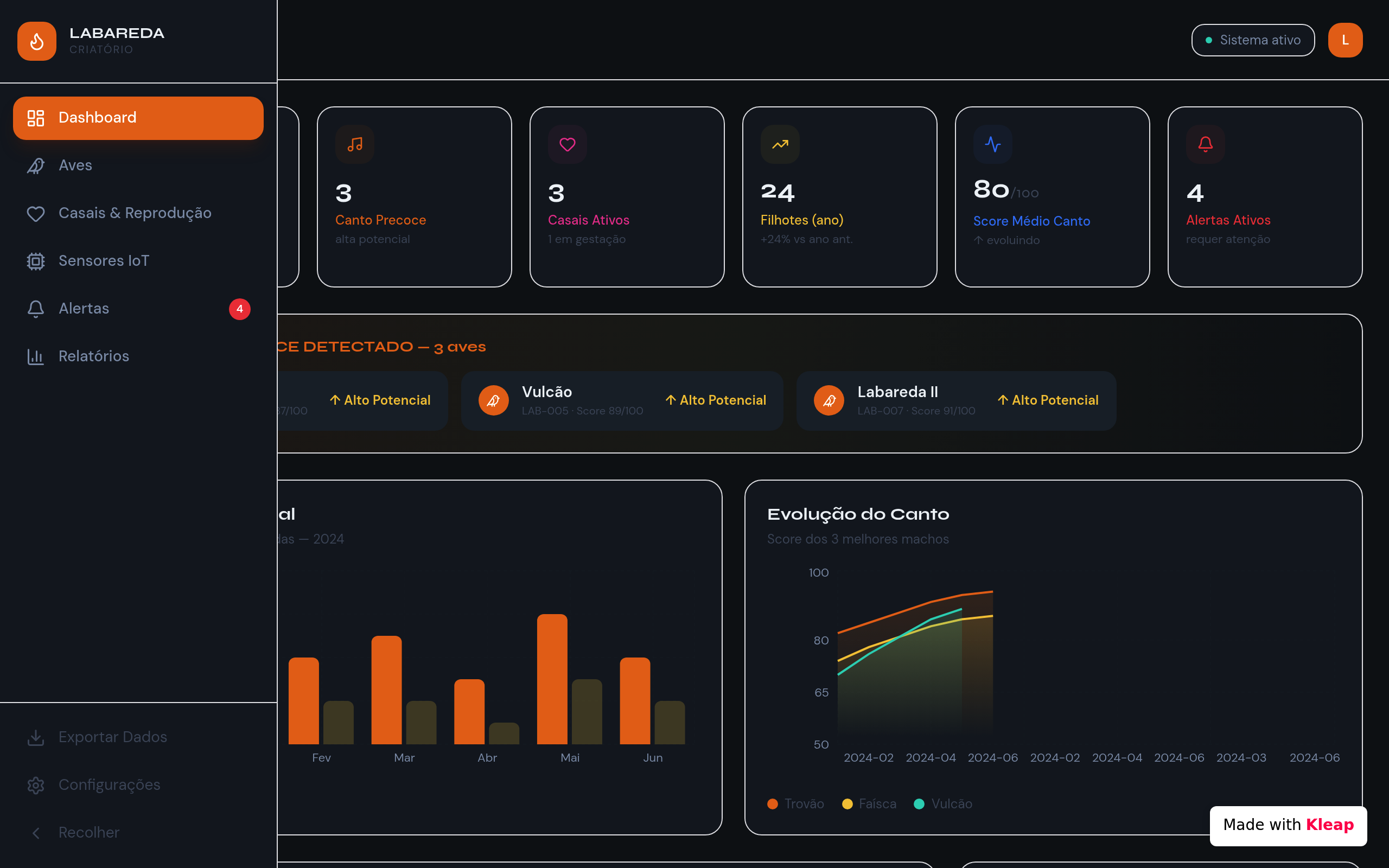
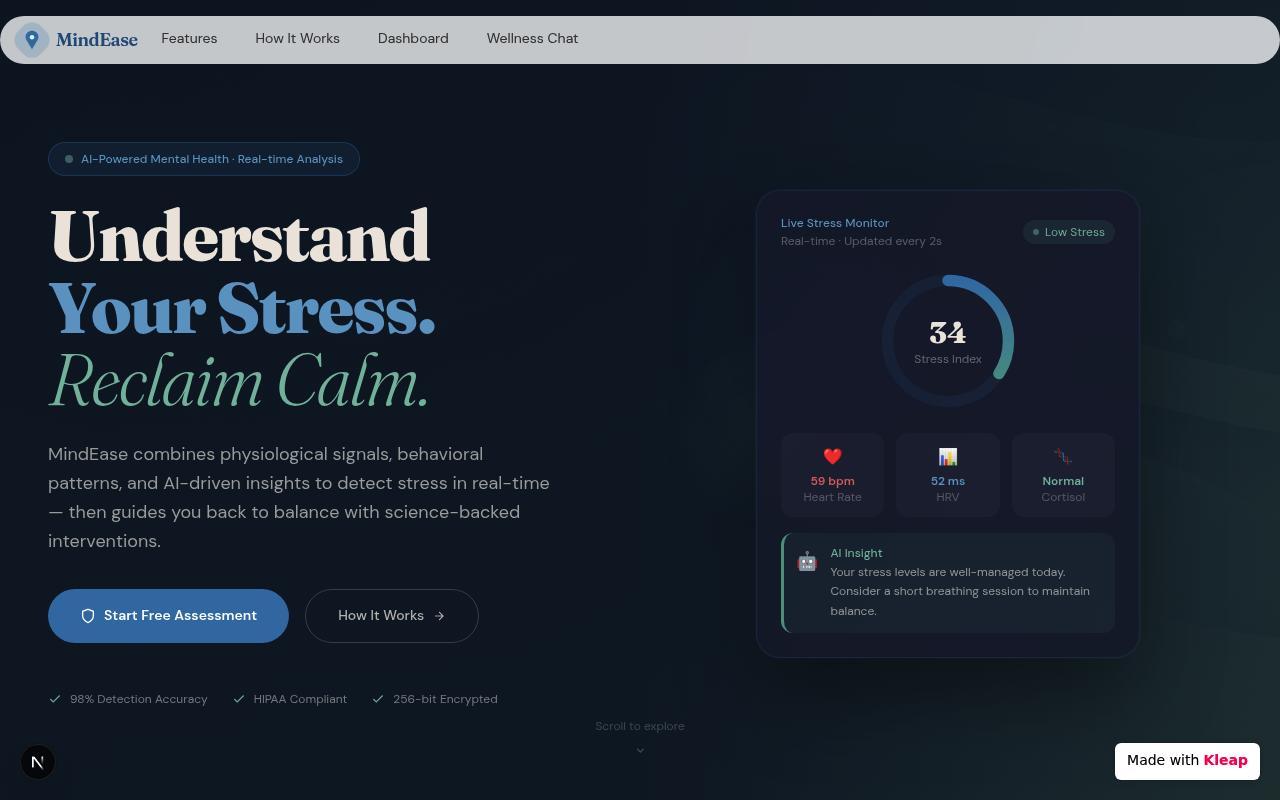
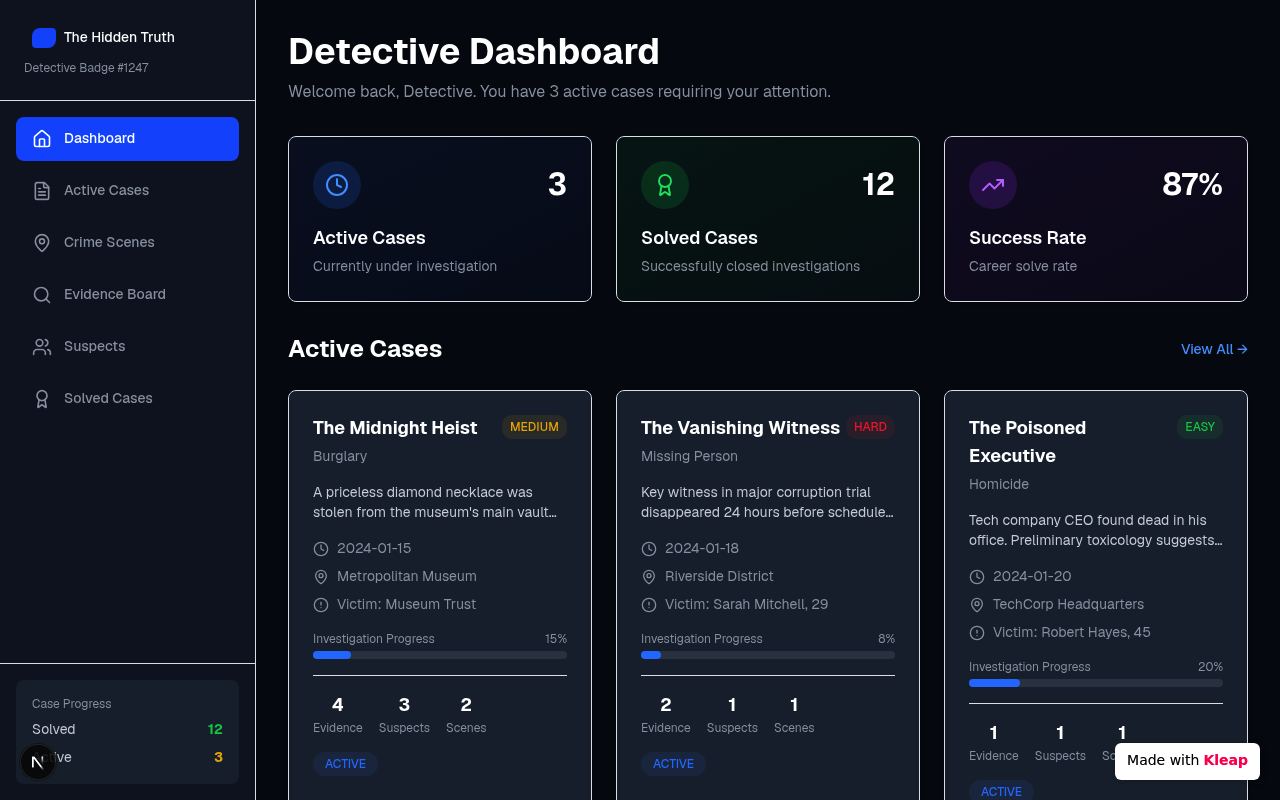


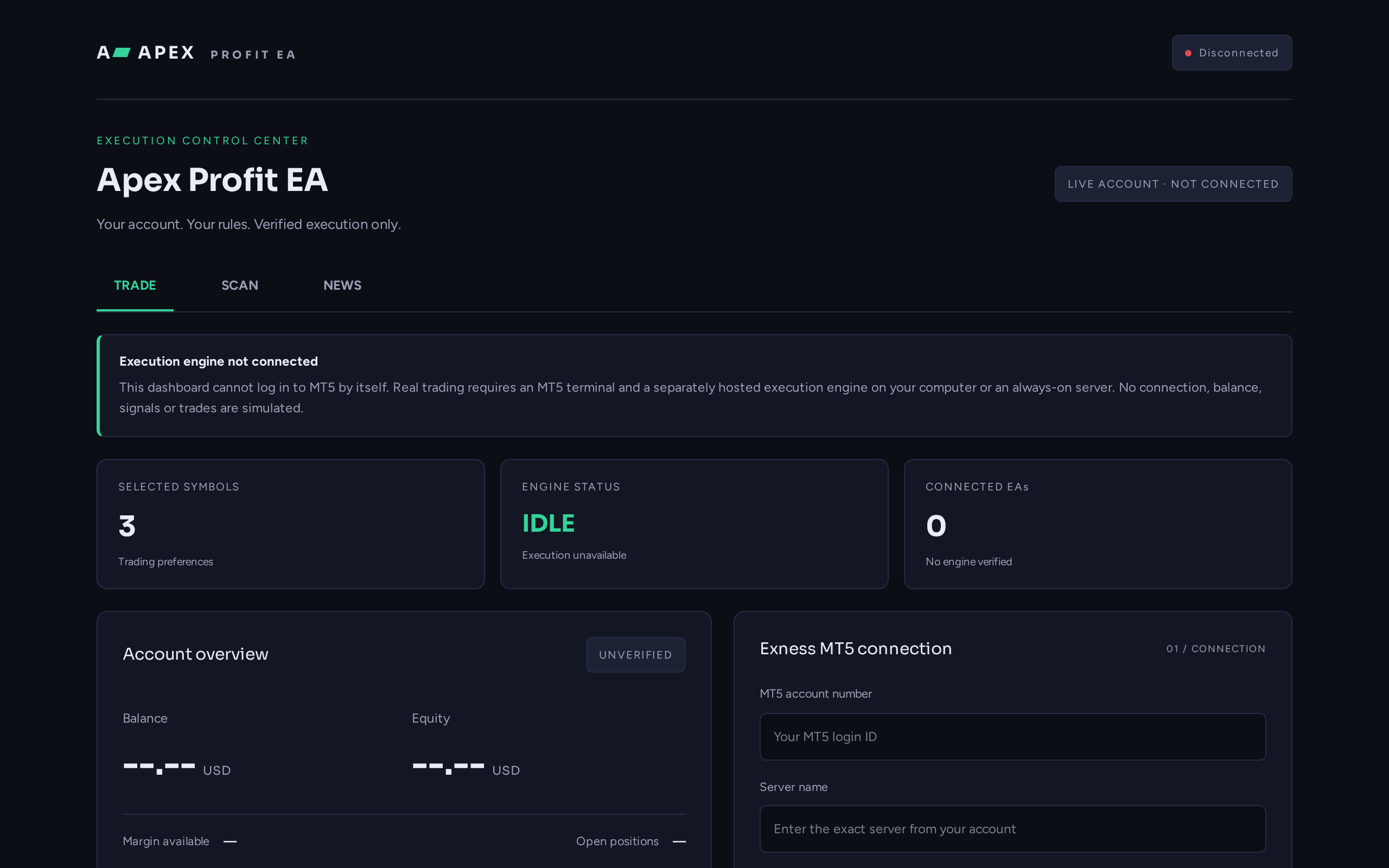
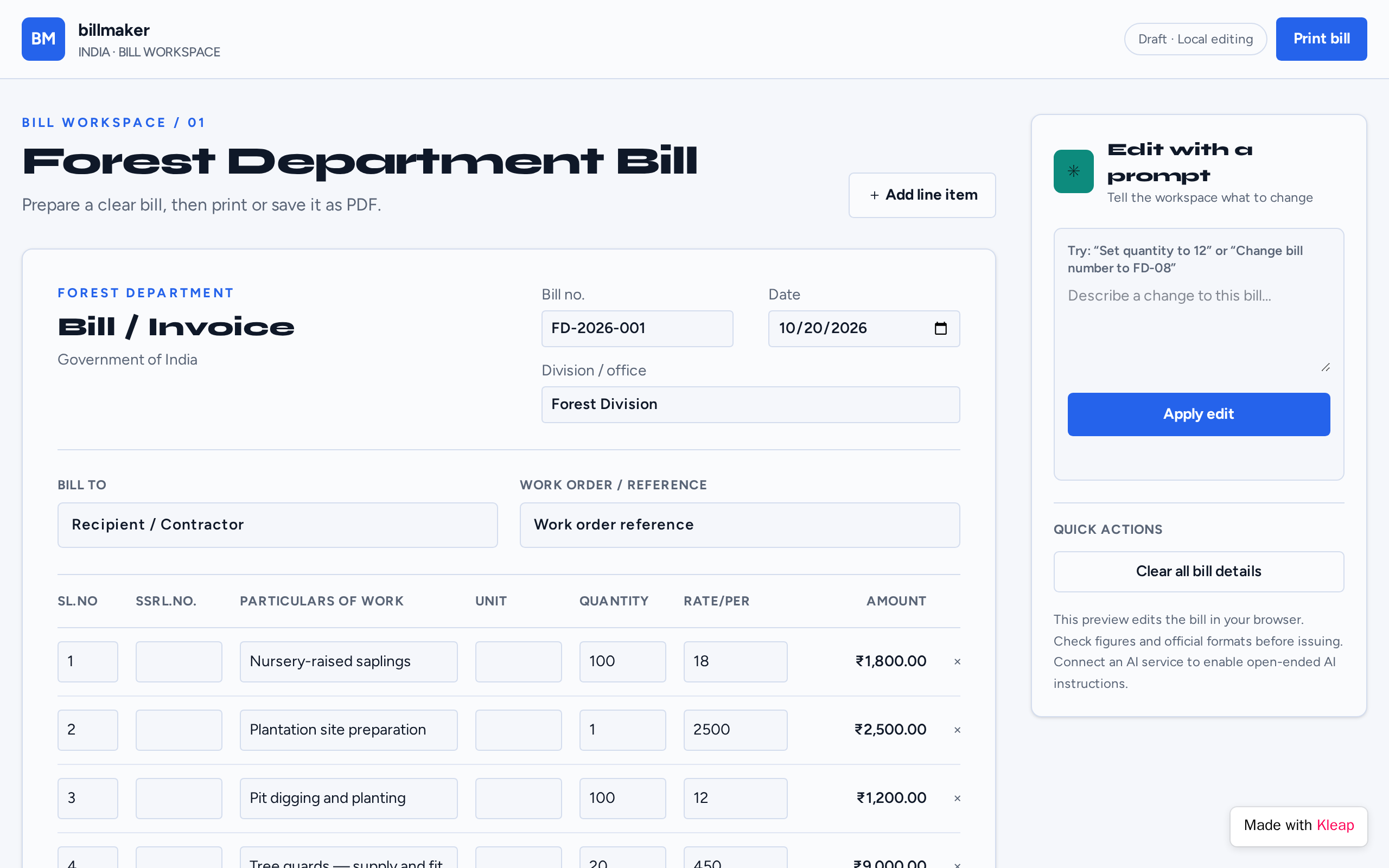
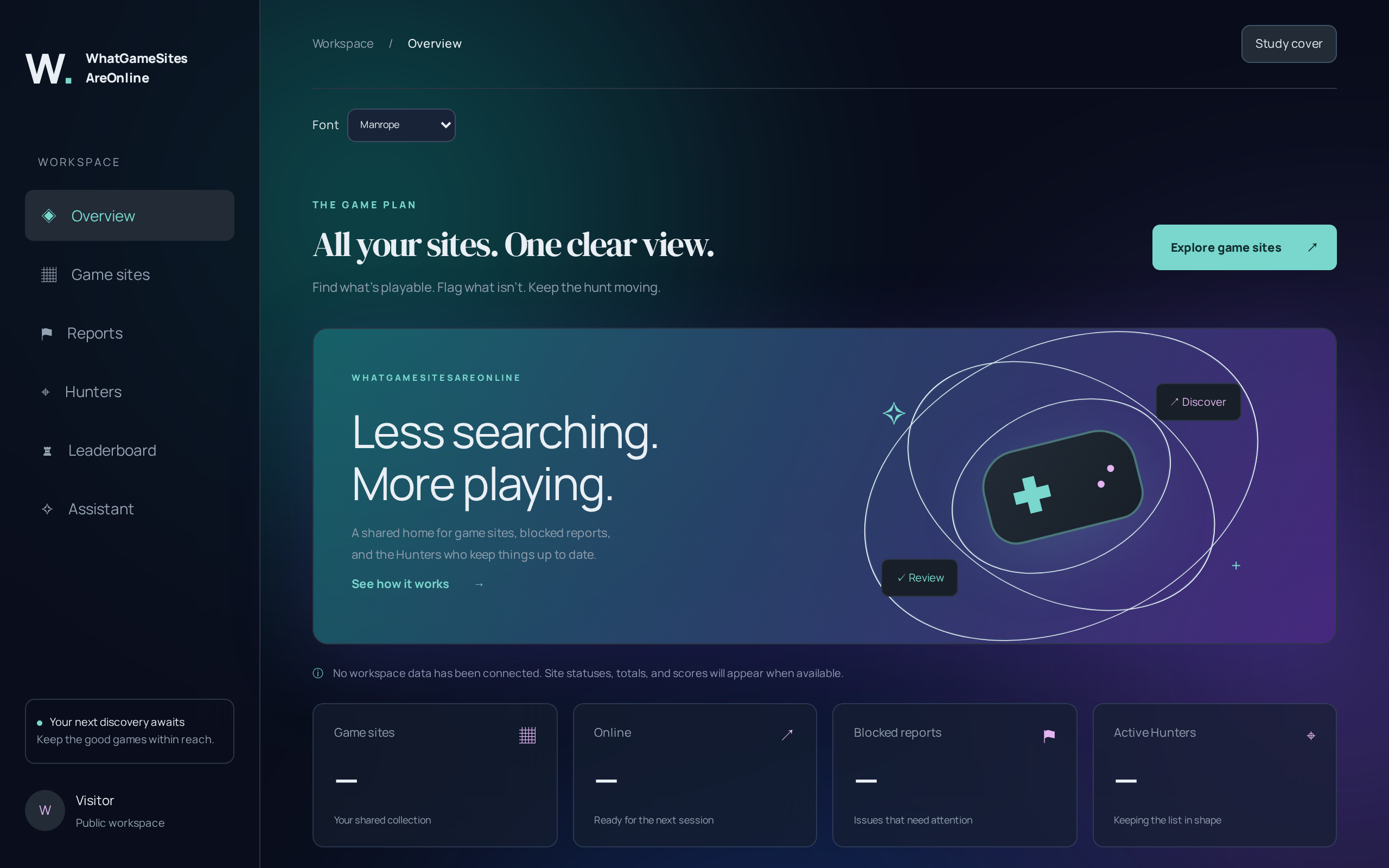
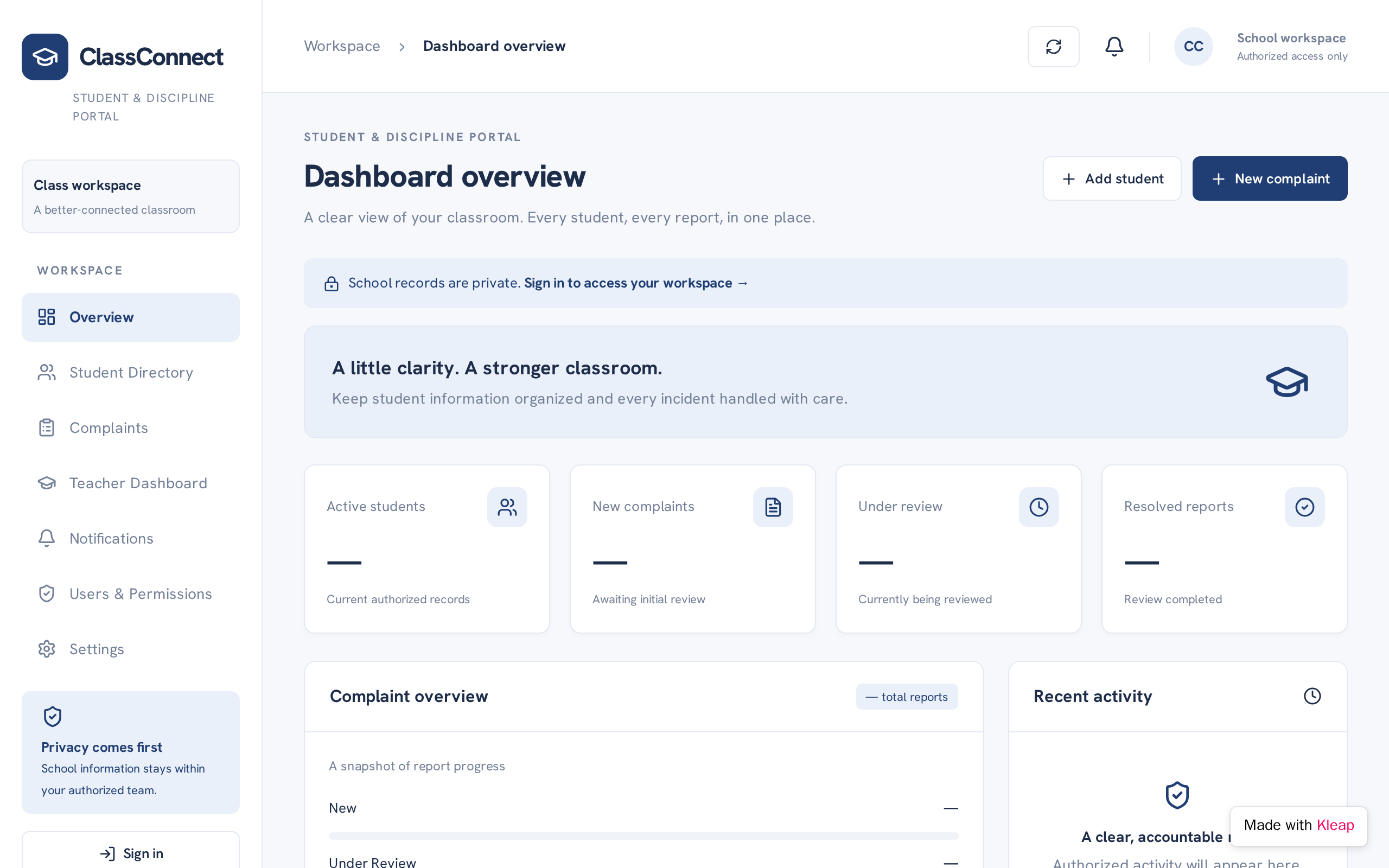
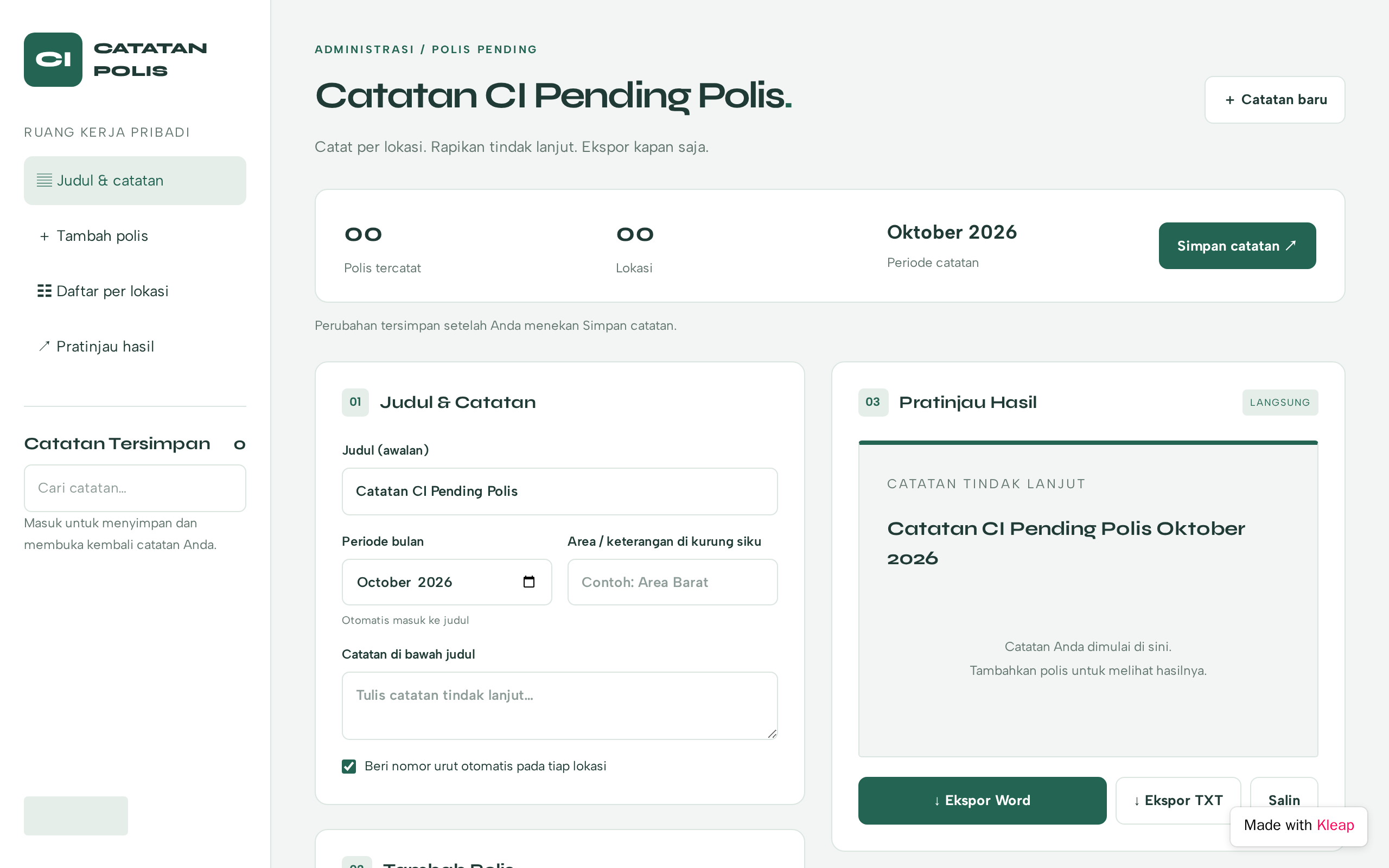
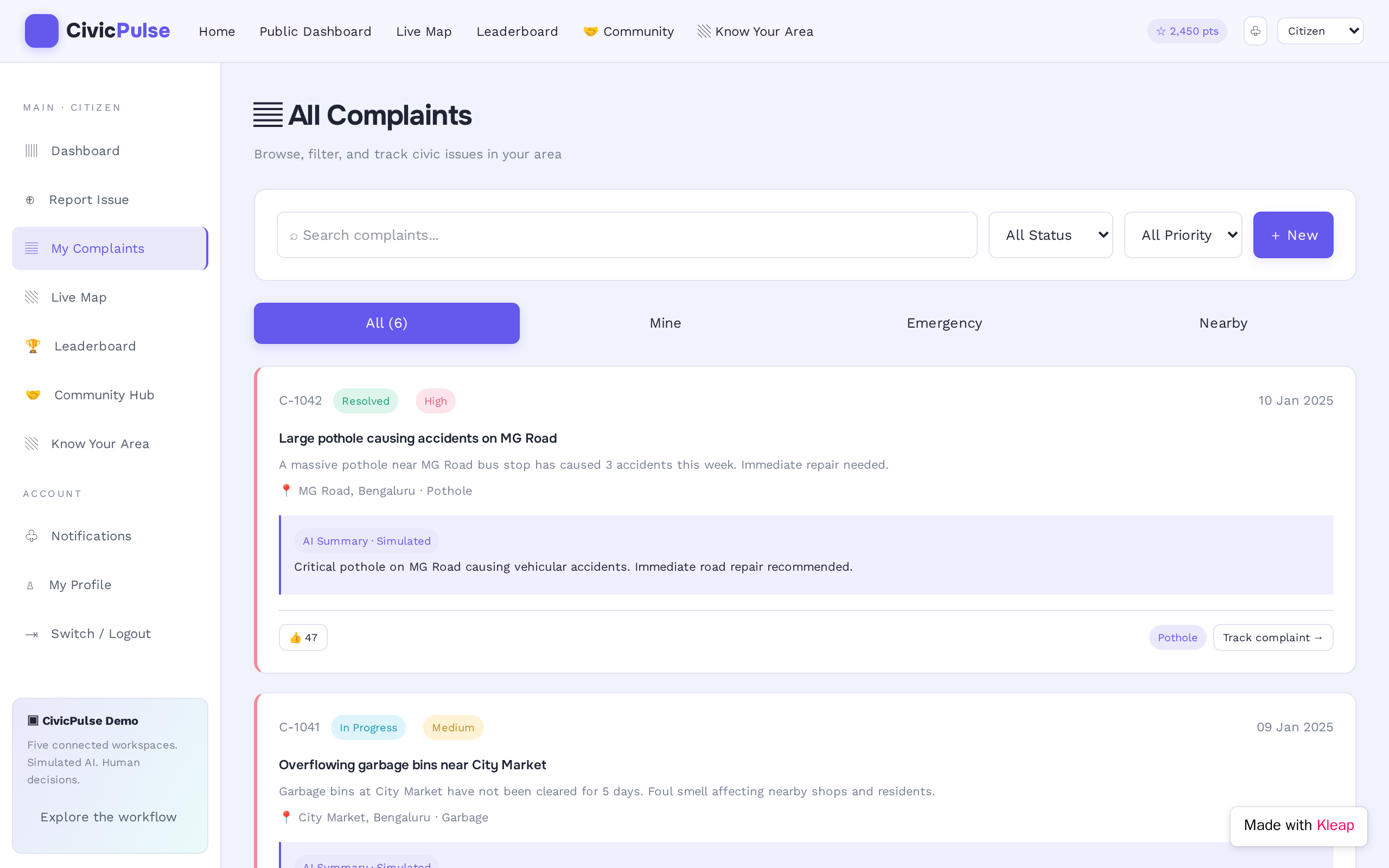

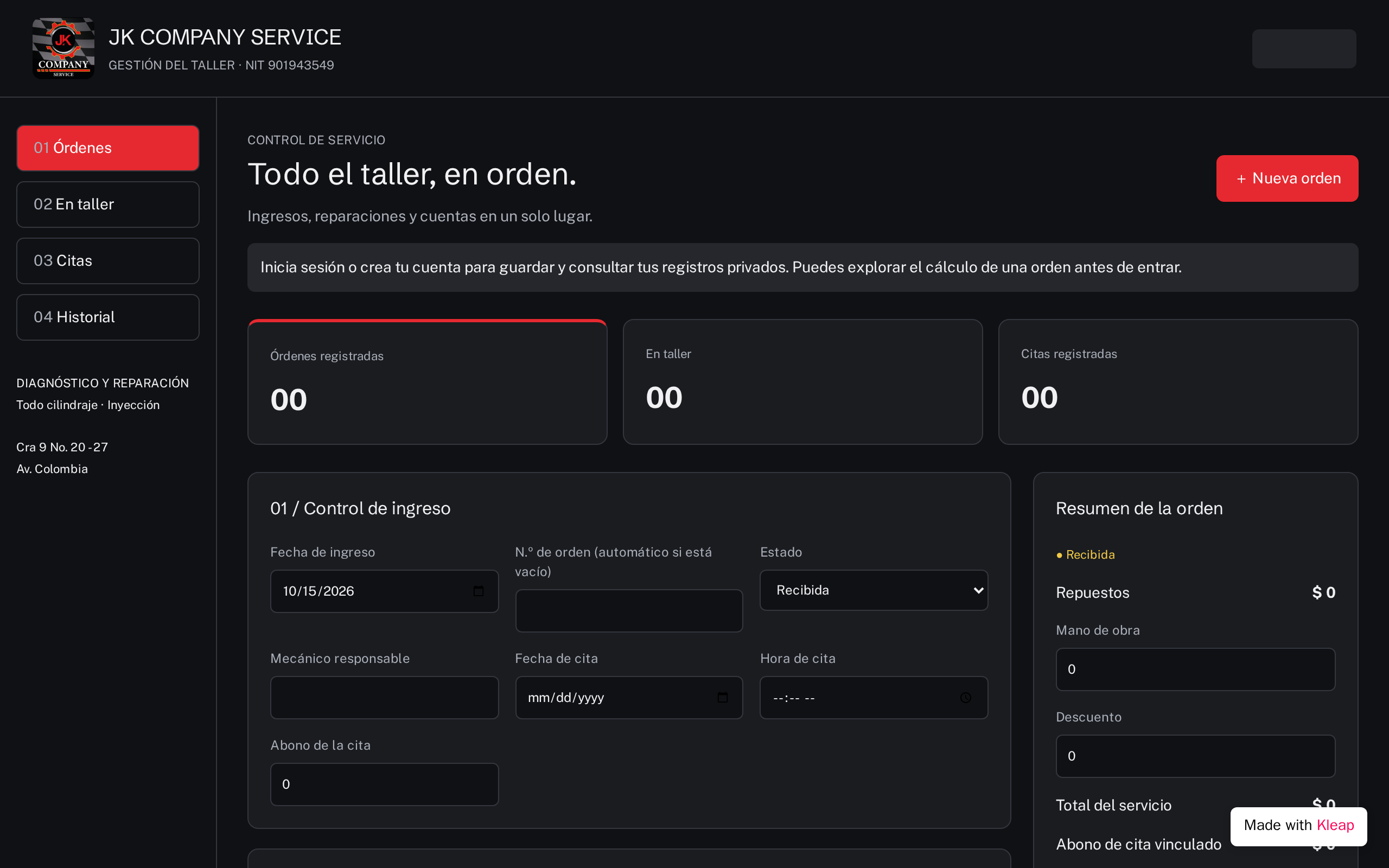
Outstanding dashboard websites present complex data in intuitive, actionable formats. The best dashboards use clear data hierarchy, consistent color coding, and interactive charts that let users explore metrics at different levels. Essential elements include key performance indicators prominently displayed, filterable date ranges, export options, and responsive layouts that work on tablets and phones. Dark mode support reduces eye strain for daily users. AI-generated dashboards excel at creating organized grid layouts with well-proportioned chart components that communicate data stories effectively.
Describe the website or app you imagine. Kleap helps you build it, publish it and keep improving it, with tools to monitor how it works and fix issues.
Describe what you want to create. AI builds the design, features and logic, then develops the project further with your feedback.
Database, authentication and forms: build a client portal or an app with the data and access it needs.
Add Stripe, business tools and integrations. Connect your accounts and keys to fit the project to the way you work.
The Guardian spots website issues and helps you fix them with AI. Return to your project in the chat to make the corrections.
Publish with hosting, connect your domain and follow your activity with analytics and the Search Console integration.
Keep your code, connect GitHub and work with AI tools like Claude or ChatGPT. AI assistance and human support on paid plans help you along the way.
Join thousands of creators who built their website in minutes using Kleap AI. No coding required.