
You imagine it. Kleap builds it.
Describe what you want to create. AI builds the design, features and logic, then develops the project further with your feedback.
- Your idea
- A working app
- Your next improvements
Law firm and attorney websites made with Kleap. The ones the Kleap team built as examples, for fictional firms, are labeled that way. After the gallery: what prospective clients look for, and the disclaimers to plan for.

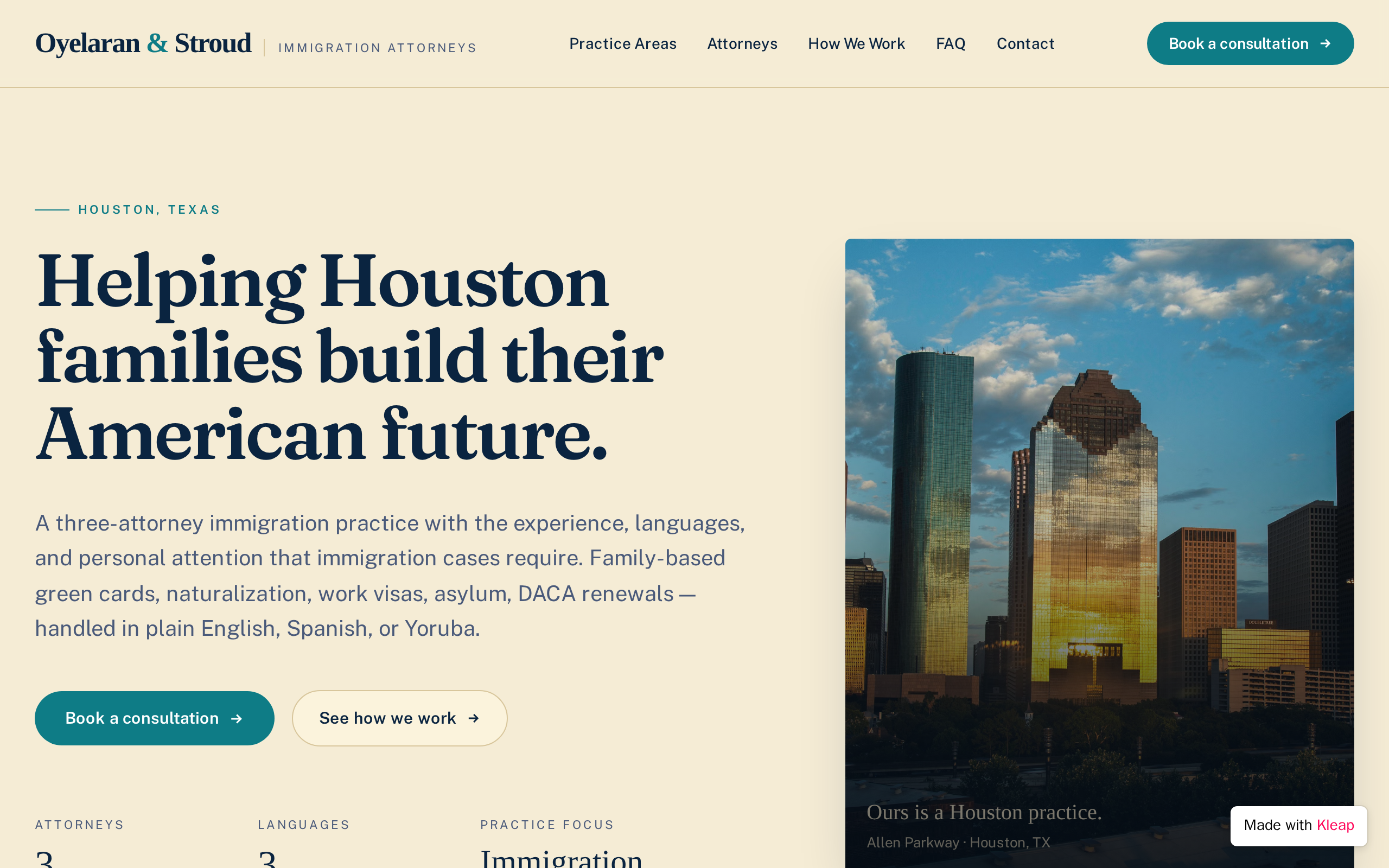
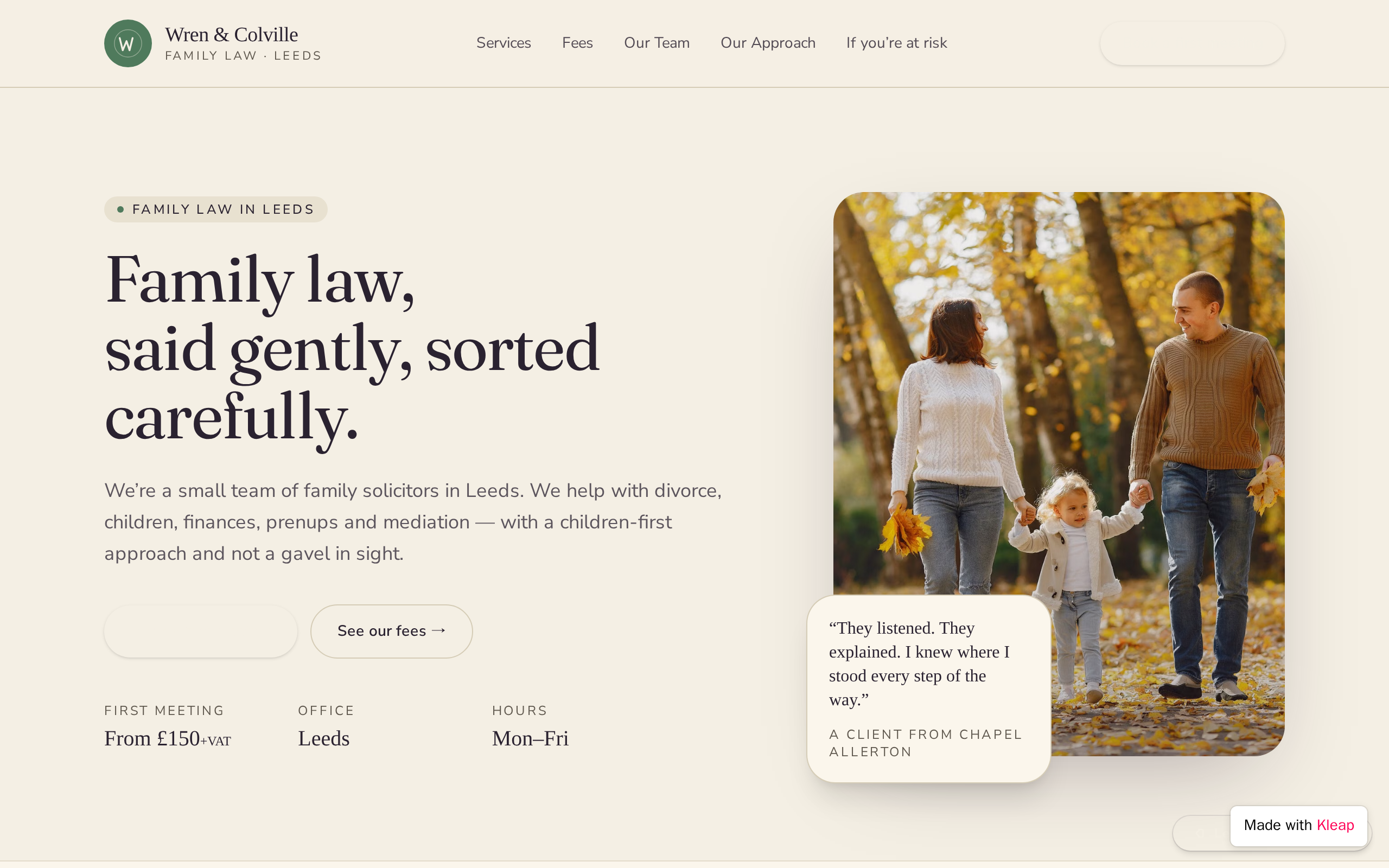

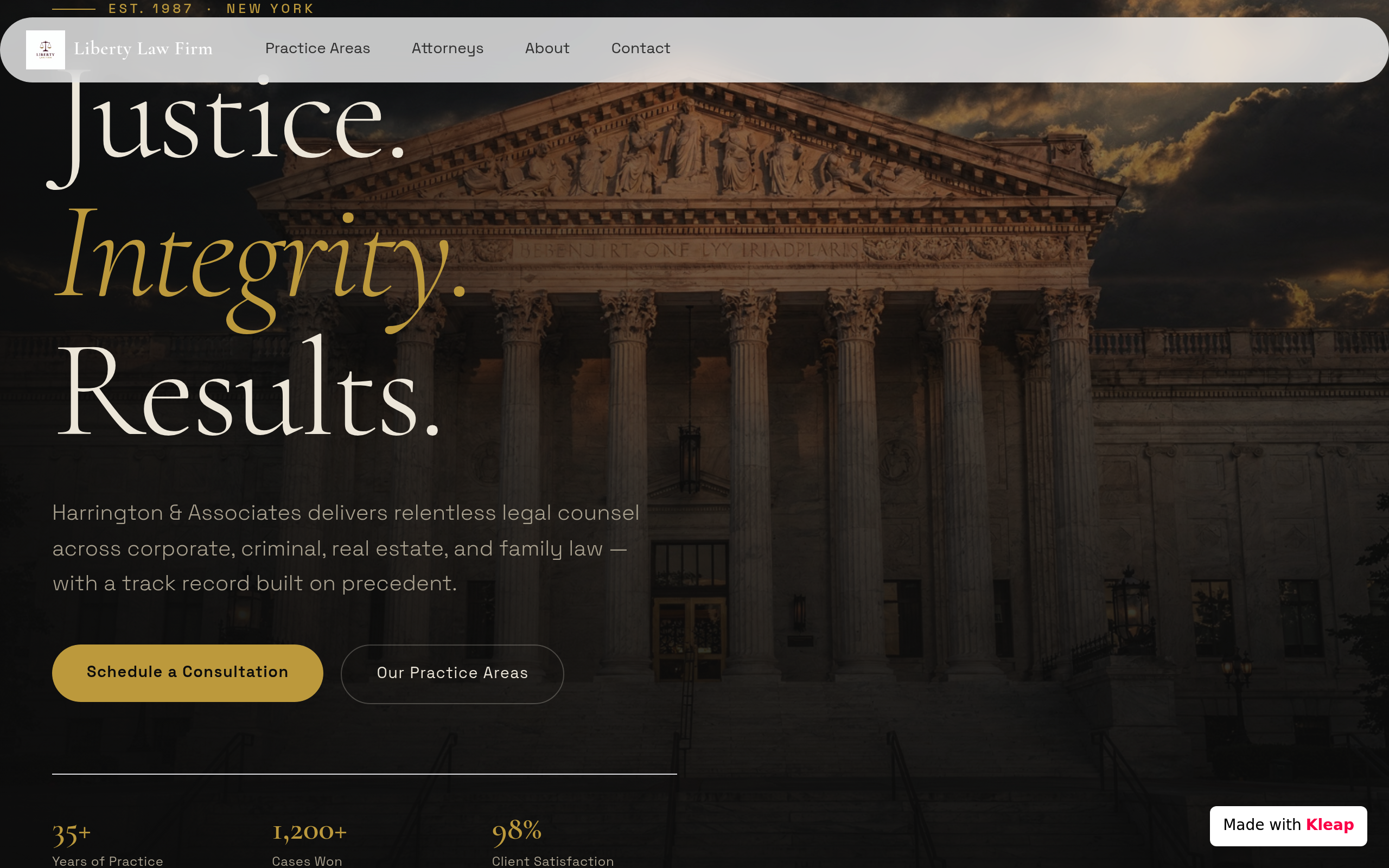
Who it is for, the situations you handle, how the process usually works and what the first meeting looks like. One page per area also matches how people search, such as "DUI lawyer in Tampa".
Photo, bar admissions with states and years, education, practice focus and languages spoken, plus a sentence on why they practice this kind of law. Prospective clients are choosing a person, not only a firm name.
Ask for name, contact details, practice area, a short description and the preferred way to be reached. Note beside it that sending the form does not create an attorney-client relationship and that visitors should not include confidential details.
Say how you bill (flat fee, hourly or contingency) and whether the first consultation is free or paid. Explaining the first steps lowers the anxiety that keeps people from calling.
Office address with a map, parking notes, hours, phone and the counties or states you serve. People facing a deadline need to see immediately whether you can take their case.
Many state bar rules restrict case results and client testimonials, or require disclaimers such as "past results do not guarantee a similar outcome". Check your state's rules before publishing either.
A footer note labeling the site as attorney advertising where your state requires it, a line saying the content is general information and not legal advice, and a privacy notice on how form submissions are stored and who reads them.
Paste it into Kleap, then change the names, dates and details to yours.
Build a website for Ellison & Park, a two-attorney family law firm in Columbus, Ohio. Professional, calm style with navy and warm gray, readable serif headings and the phone number in the header. Pages: a homepage stating who we help, three practice area highlights and a consultation button; one page each for divorce, child custody and adoption, explaining typical situations and the process; attorney bios with photo, bar admissions, education and languages; a fees page explaining flat fees and the paid first consultation; a contact page with map, hours and the counties we serve. Add a consultation request form that stores name, phone, email, practice area, preferred contact method and a short description, with a notice that submitting it does not create an attorney-client relationship. Include an attorney advertising disclaimer in the footer.
Clear practice area pages, attorney bios with bar admissions, a consultation request form, office location and hours, and an explanation of fees and first steps. It should also carry the disclaimers your jurisdiction requires. Many firms add FAQs for each practice area and articles answering common questions, which help clients and bring in search traffic.
In many US states, lawyer websites are treated as advertising under the rules of professional conduct, which may require a label such as "Attorney Advertising" and limit testimonials and case results. Requirements vary by state, so check your state bar's rules or ask ethics counsel. This is general information, not legal advice.
It can create expectations, which is why most firms place a notice next to the form saying that submitting it does not create an attorney-client relationship and that visitors should not send confidential information until one exists. This protects both sides, especially around conflicts of interest. Wording rules vary, so review it against your jurisdiction's requirements.
Start with what the attorney does and for whom, then list bar admissions, education, notable experience and languages. Use plain language and avoid terms your state may restrict, such as "specialist" or "expert" without certification. A recent professional photo and a direct way to contact that attorney make the bio useful.
Describe the website or app you imagine. Kleap helps you build it, publish it and keep improving it, with tools to monitor how it works and fix issues.
Describe what you want to create. AI builds the design, features and logic, then develops the project further with your feedback.
Database, authentication and forms: build a client portal or an app with the data and access it needs.
Add Stripe, business tools and integrations. Connect your accounts and keys to fit the project to the way you work.
The Guardian spots website issues and helps you fix them with AI. Return to your project in the chat to make the corrections.
Publish with hosting, connect your domain and follow your activity with analytics and the Search Console integration.
Keep your code, connect GitHub and work with AI tools like Claude or ChatGPT. AI assistance and human support on paid plans help you along the way.
Join thousands of creators who built their website in minutes using Kleap AI. No coding required.