

You imagine it. Kleap builds it.
Describe what you want to create. AI builds the design, features and logic, then develops the project further with your feedback.
- Your idea
- A working app
- Your next improvements
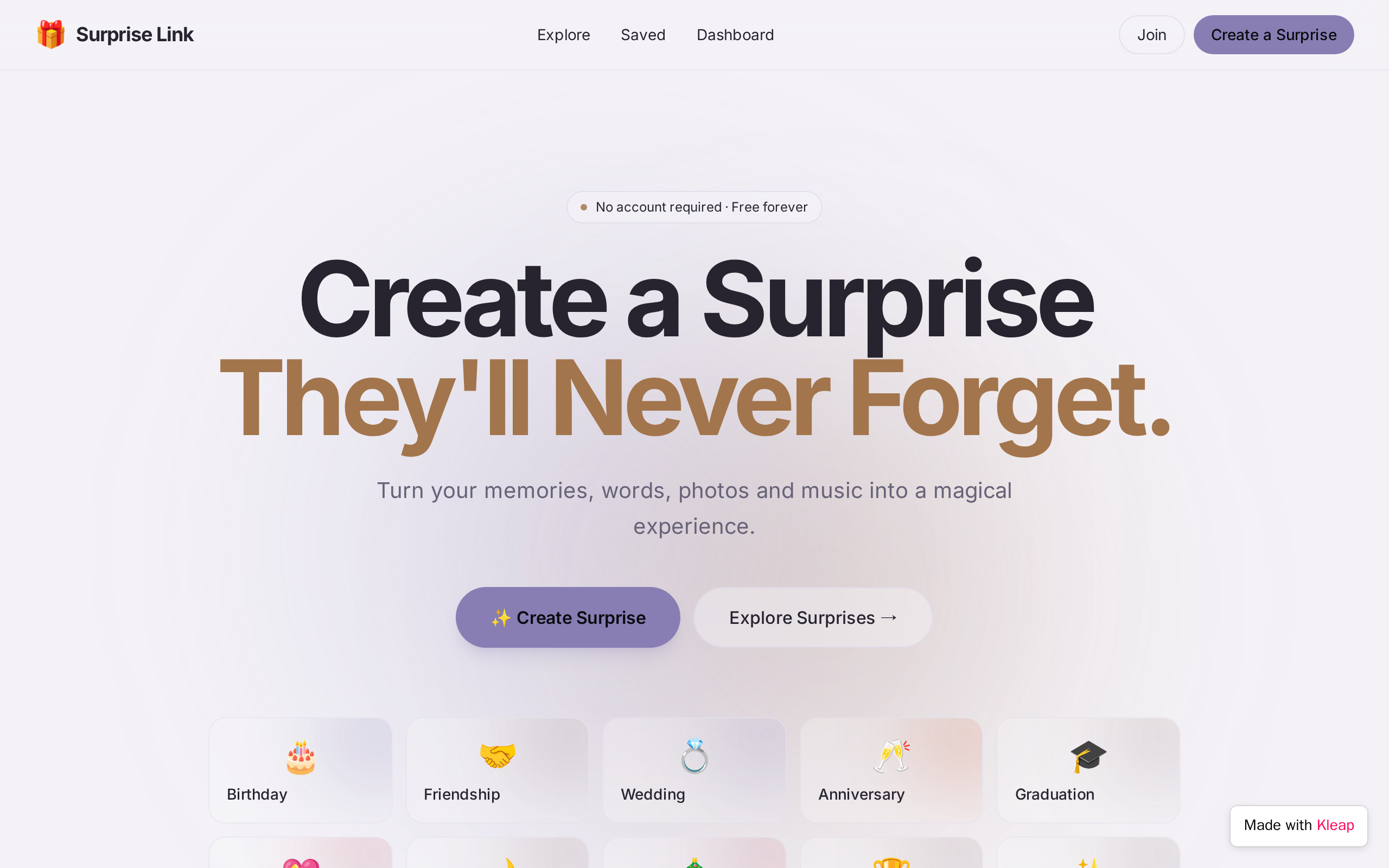
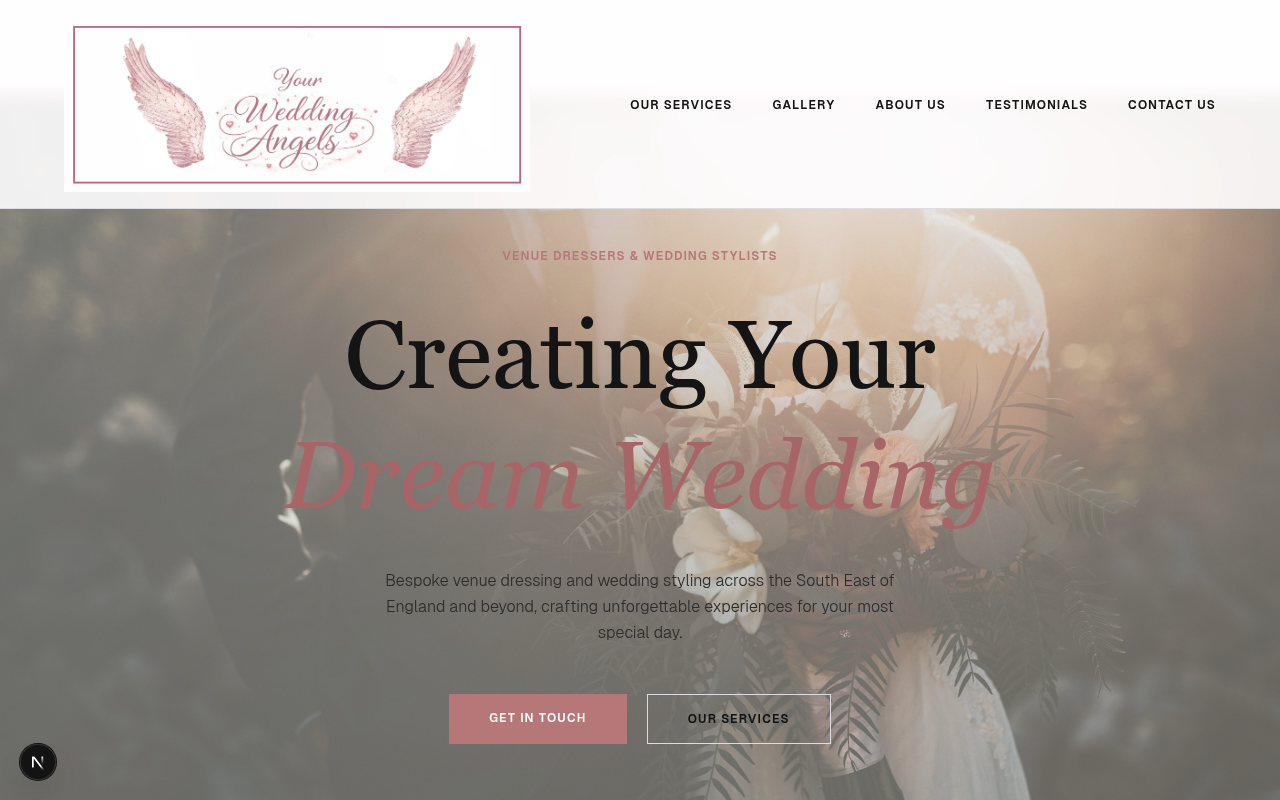
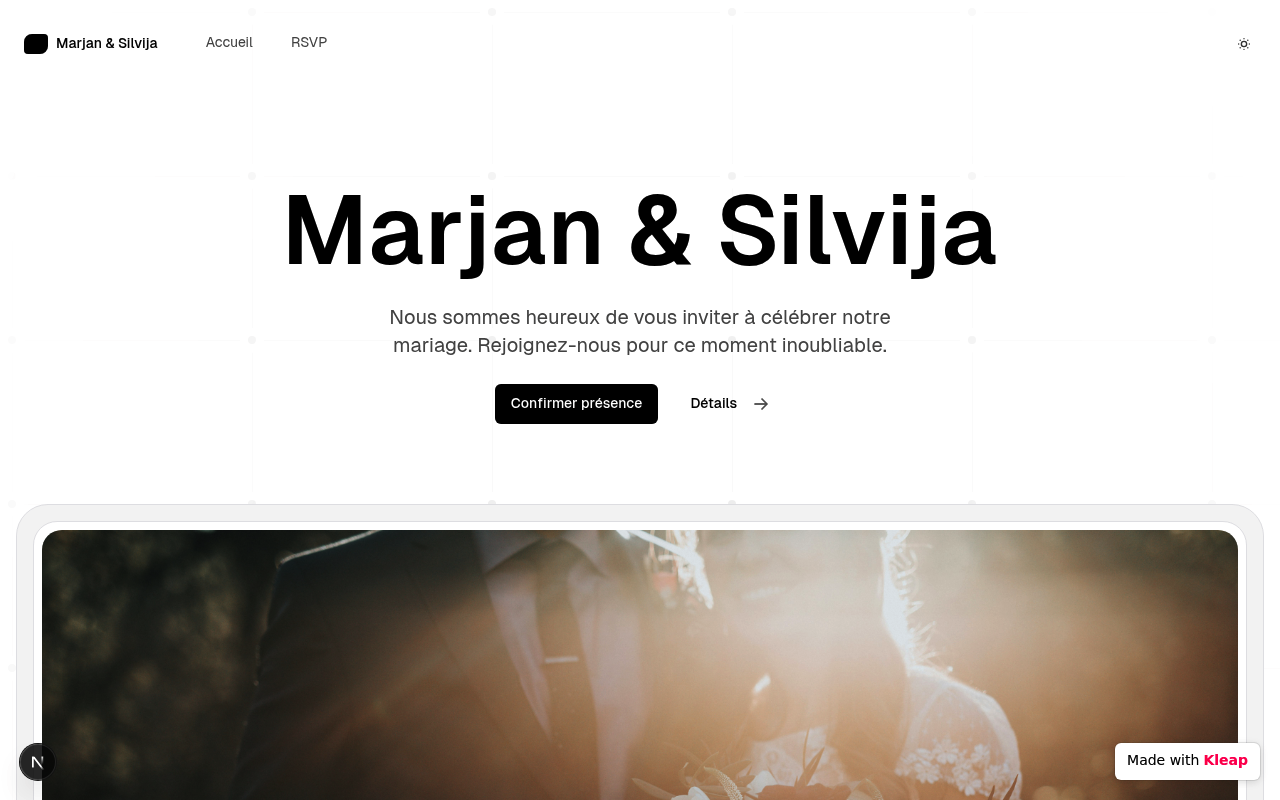
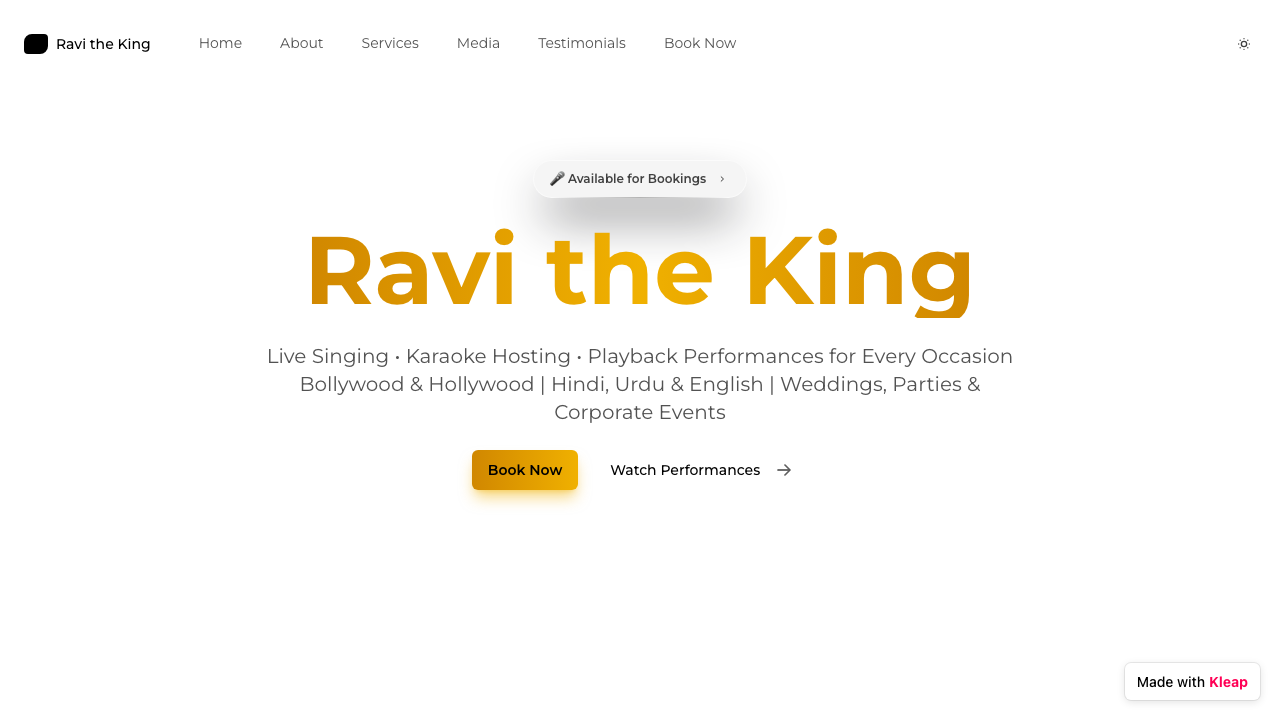
Wedding websites made with Kleap. The ones the Kleap team built as examples are labeled that way. Below the gallery: what to include, from your story to the RSVP form.


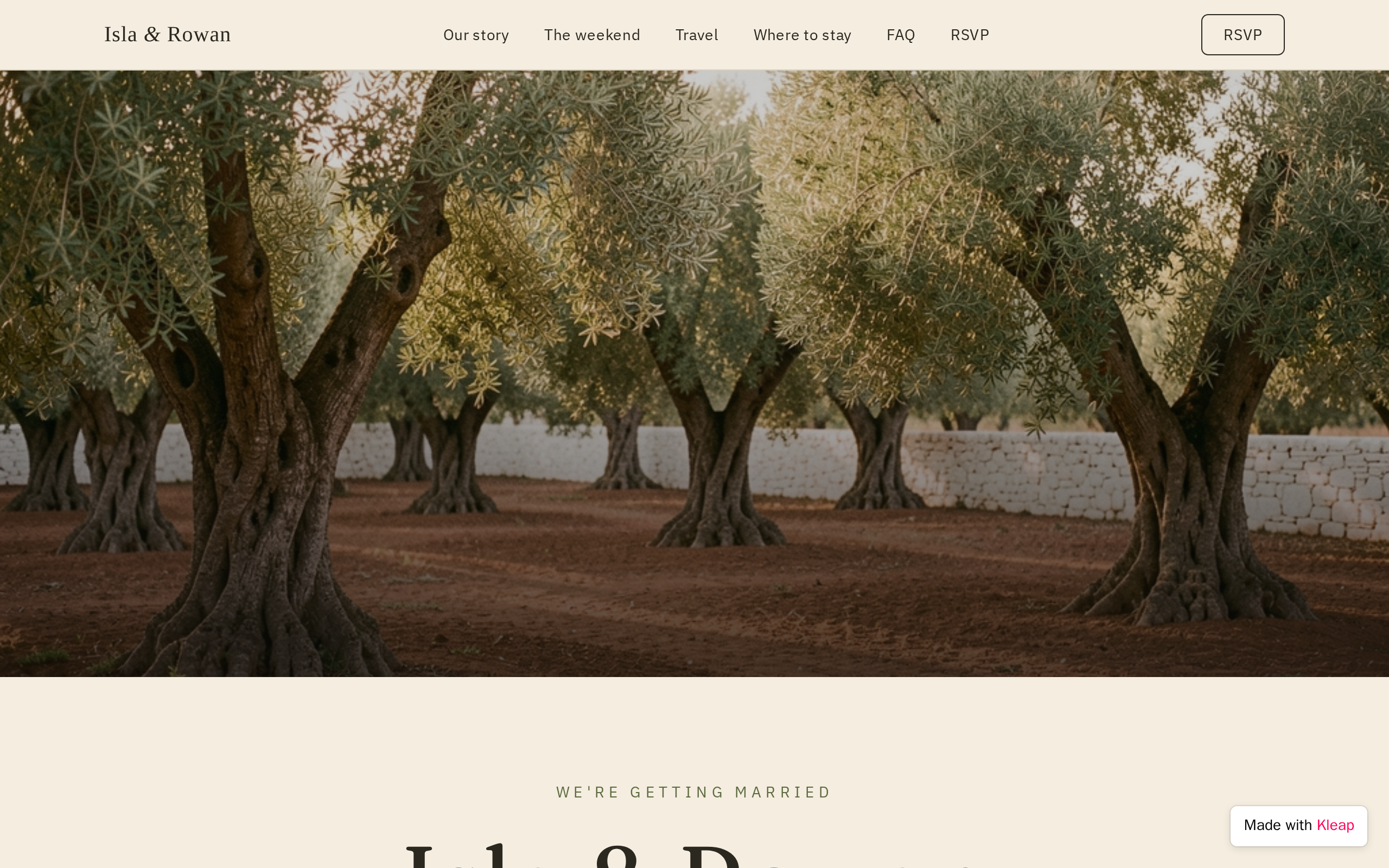
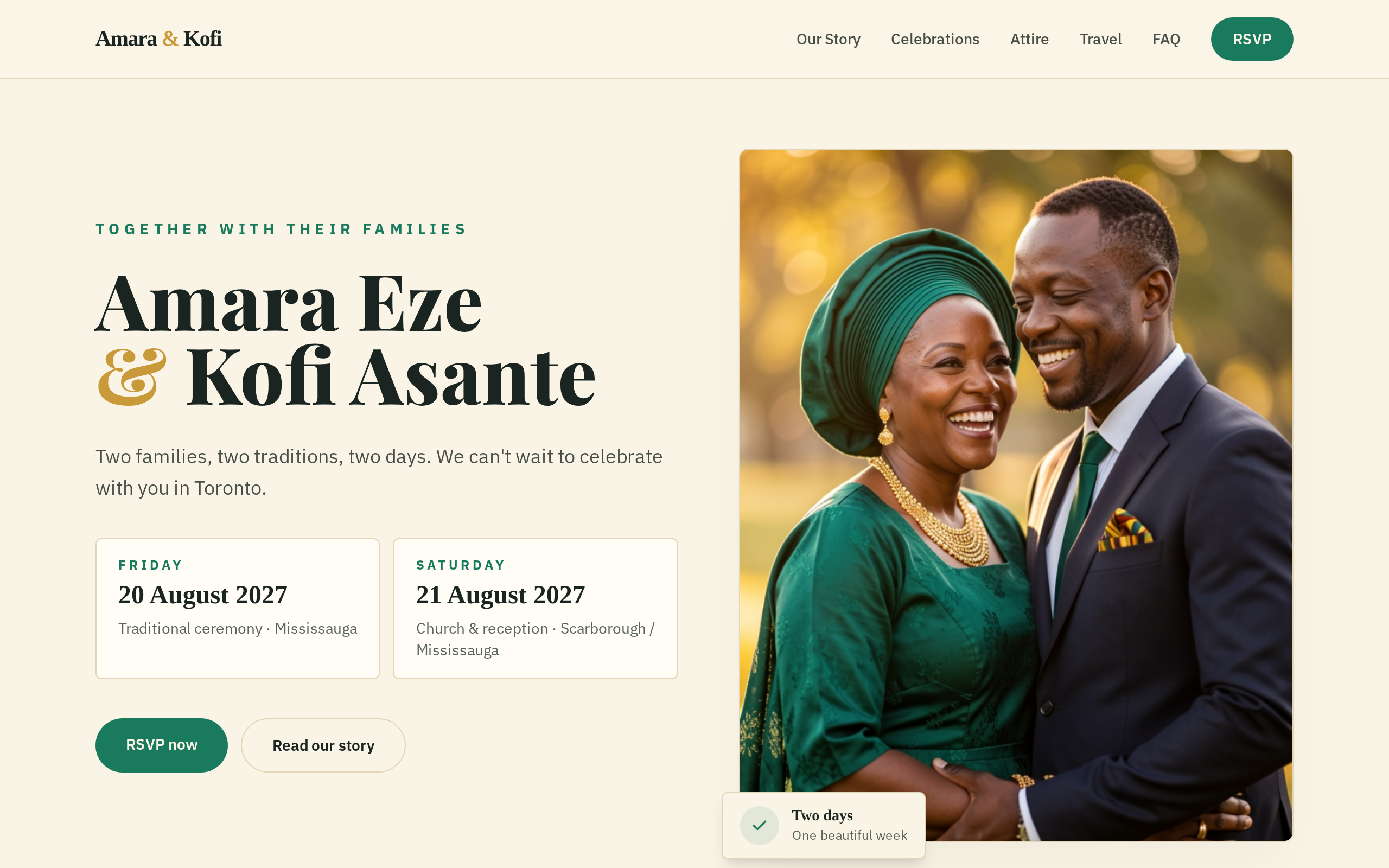
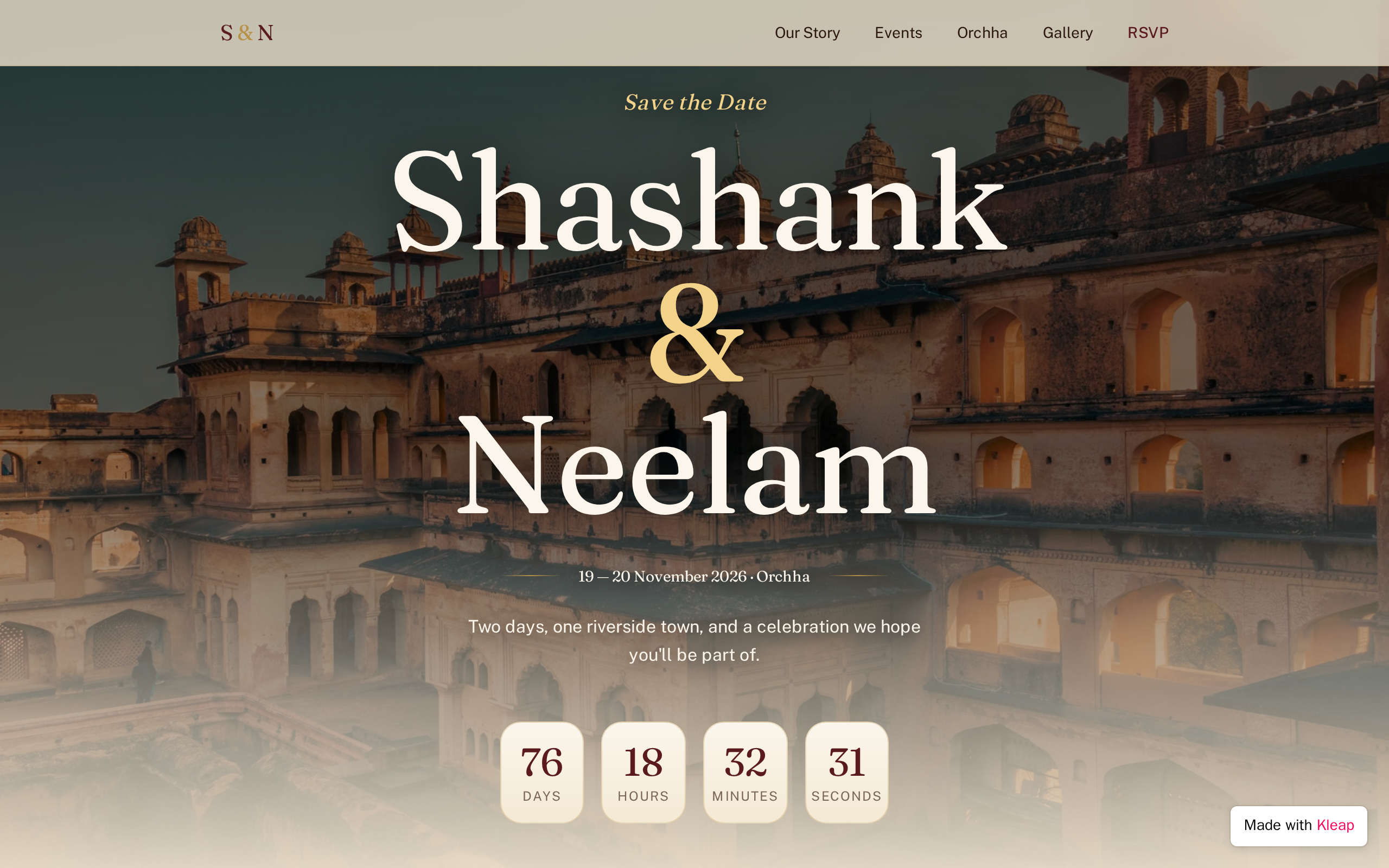
How you met, the proposal and a few photos. Guests read this page more than any other. Keep it to three or four short paragraphs in both your voices, and date the milestones so it reads like a timeline.
Put the date and city on the first screen. The schedule lists every event (welcome drinks, ceremony, reception, brunch) with start time, address, a map link, and whether it is open to all guests or invite-only.
Ask for each guest's name, attendance per event, meal choice, dietary restrictions and a plus-one name if you allow one. Show the deadline. A form that stores every reply saves you from chasing answers by text.
Nearest airports and driving times, the hotel room block with its booking code and cutoff date, and shuttle times if you run one. Out-of-town guests read this page first, often months before the wedding.
Name the dress code and explain it: "garden party, flat shoes recommended" helps more than "semi-formal". Say if the ceremony is outdoors, on grass or at altitude, and what the evenings are usually like.
Link each registry or honeymoon fund with a line on why you chose it. If you would rather have no gifts, say so kindly here instead of on the invitation.
Introduce the wedding party with a photo and a line each. Then answer what guests would otherwise text you about: children, parking, phones during the ceremony, the photo hashtag, and who to call on the day.
Decide what the public page shows. Many couples leave off a private home address and share the link only on invitations. Keep children's names and photos to a minimum.
Paste it into Kleap, then change the names, dates and details to yours.
Build a wedding website for Emma and Daniel, getting married on June 12, 2027 at Willow Creek Farm near Asheville, North Carolina. Warm, elegant style with plenty of white space and a serif font for headings. Pages: a homepage with our names, the date, the location and a countdown; Our Story with a short timeline of how we met and the proposal, plus a photo gallery; Schedule with the welcome dinner, ceremony, reception and Sunday brunch, each with time, address and a map link; Travel with nearby airports, the hotel room block and its booking code; Registry links; and an FAQ on dress code, children and parking. Add an RSVP form that stores each guest's name, email, attendance for each event, meal choice, dietary restrictions and plus-one name, with an RSVP deadline of April 15, 2027.
At minimum: your names, the date and location, a schedule of events, travel and hotel details, an RSVP form and your registry. Most couples add an Our Story page, a wedding party section and an FAQ covering dress code, children, parking and who to contact on the day. Everything else is optional.
Many couples publish it with the save-the-dates, six to eight months ahead, and earlier for destination weddings, because guests need the travel and hotel details first. The RSVP form can open later, when formal invitations go out, usually six to eight weeks before the date.
How you met, a moment or two that shaped the relationship, and the proposal. Specific details work better than general praise: the coffee shop, the missed train, the dog. Keep it short enough to read on a phone, add a few photos, and have both partners read it before it goes live.
Yes. You describe the site in a chat, Kleap builds it, and you refine it in plain language. It can add an RSVP form that stores each response. Publishing on a kleap.io address is free; a custom domain such as yournames.com requires a paid plan. You need an account to generate a site.
Describe the website or app you imagine. Kleap helps you build it, publish it and keep improving it, with tools to monitor how it works and fix issues.
Describe what you want to create. AI builds the design, features and logic, then develops the project further with your feedback.
Database, authentication and forms: build a client portal or an app with the data and access it needs.
Add Stripe, business tools and integrations. Connect your accounts and keys to fit the project to the way you work.
The Guardian spots website issues and helps you fix them with AI. Return to your project in the chat to make the corrections.
Publish with hosting, connect your domain and follow your activity with analytics and the Search Console integration.
Keep your code, connect GitHub and work with AI tools like Claude or ChatGPT. AI assistance and human support on paid plans help you along the way.
Join thousands of creators who built their website in minutes using Kleap AI. No coding required.