Make an App with AI — Free to Start
Type what you want to build and Kleap's AI writes it: a real, working website or app with a live preview, published to a real URL. You can make an app for free with AI here — generating and publishing cost nothing on every plan, no paywall between you and a live link.
No local setup, no design tool to learn, no code to write yourself. Describe the result you want in your own words, then keep describing changes until it matches what you had in mind.
12,892+ sites created in the last 30 days
Discover Apps
Explore what others are building with Kleap

Portfolio
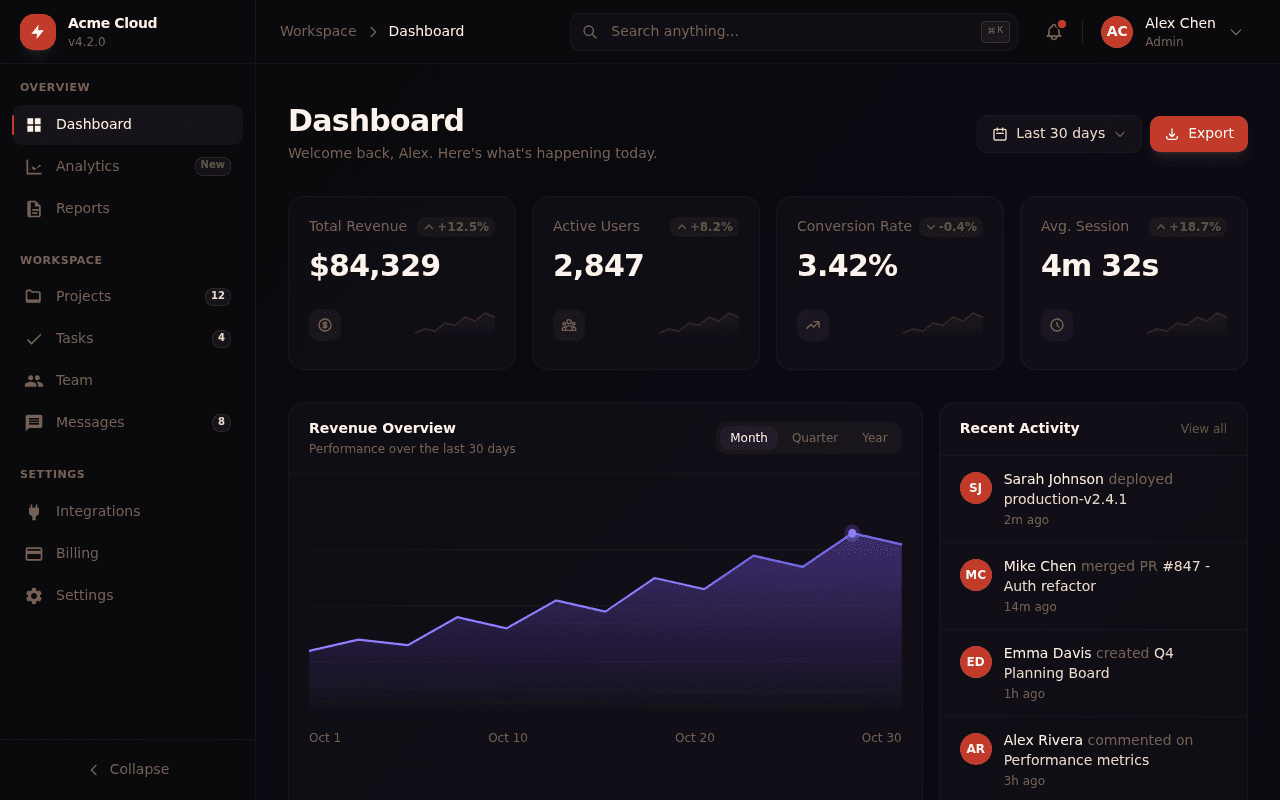
Principal Frontend Engineer
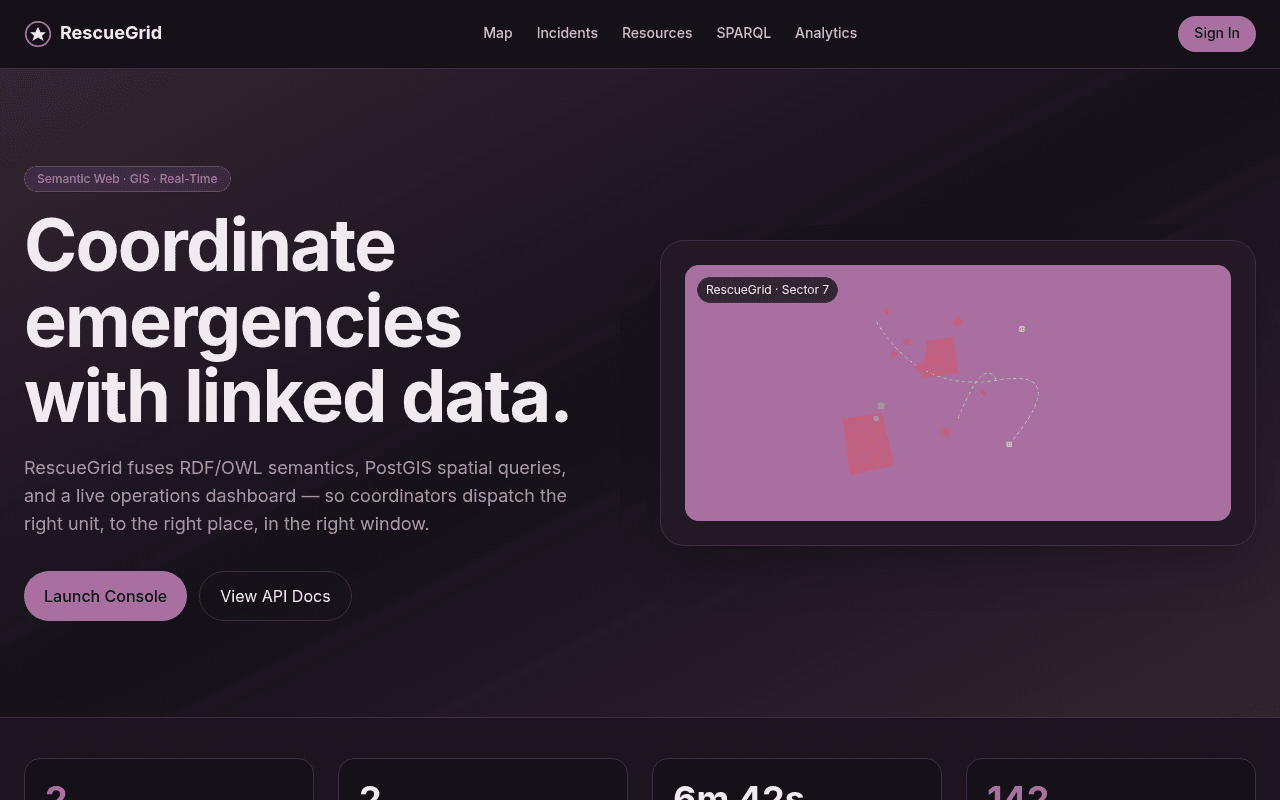
RescueGrid — Emergency Response GIS
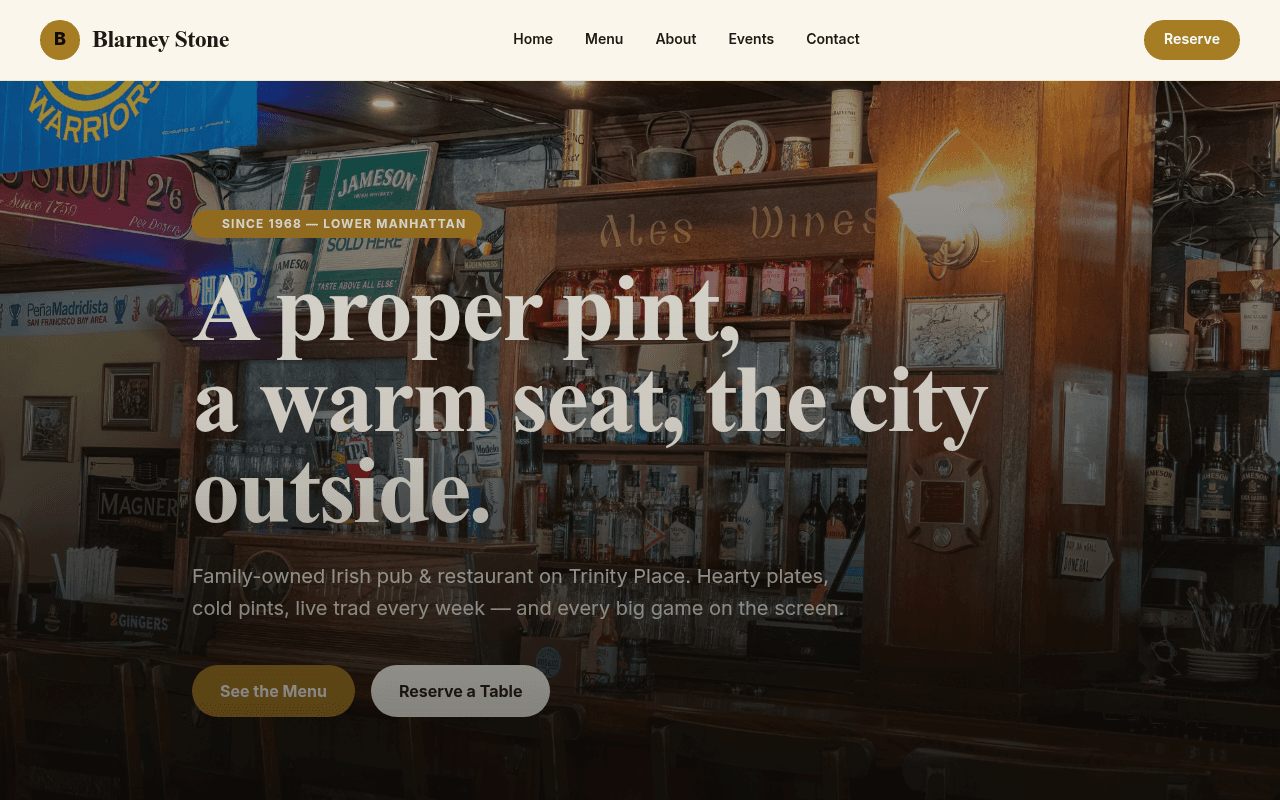
Blarney Stone
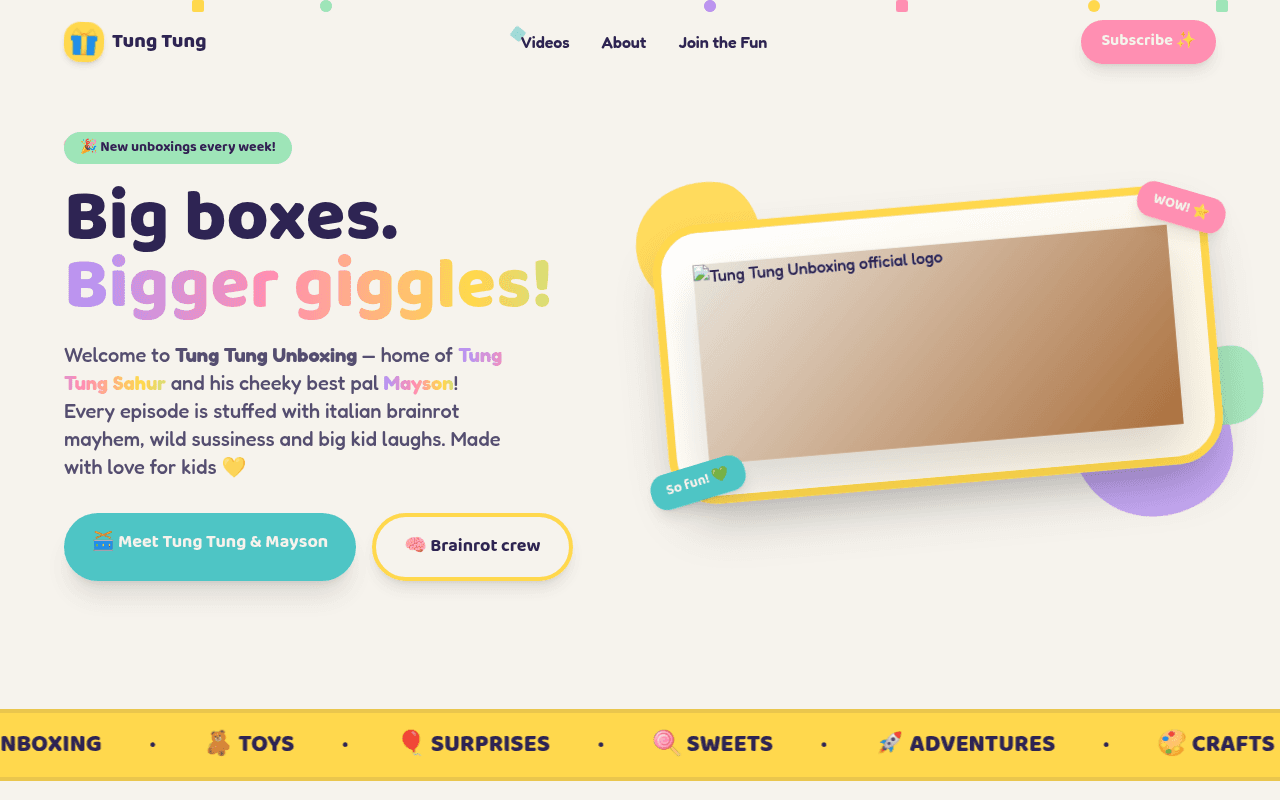
No Child Labour, Tung Tung Unboxing
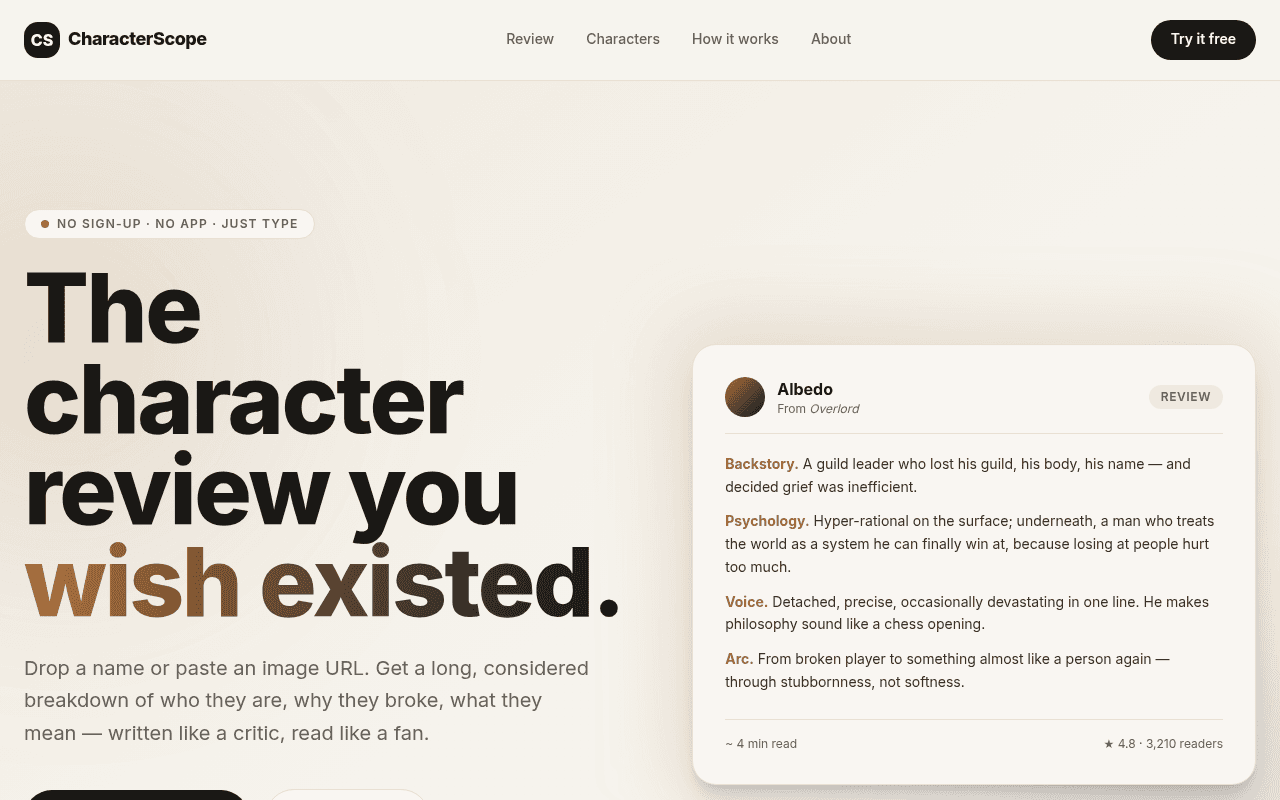
CharacterScope

Absolute Design Replication Task Goal
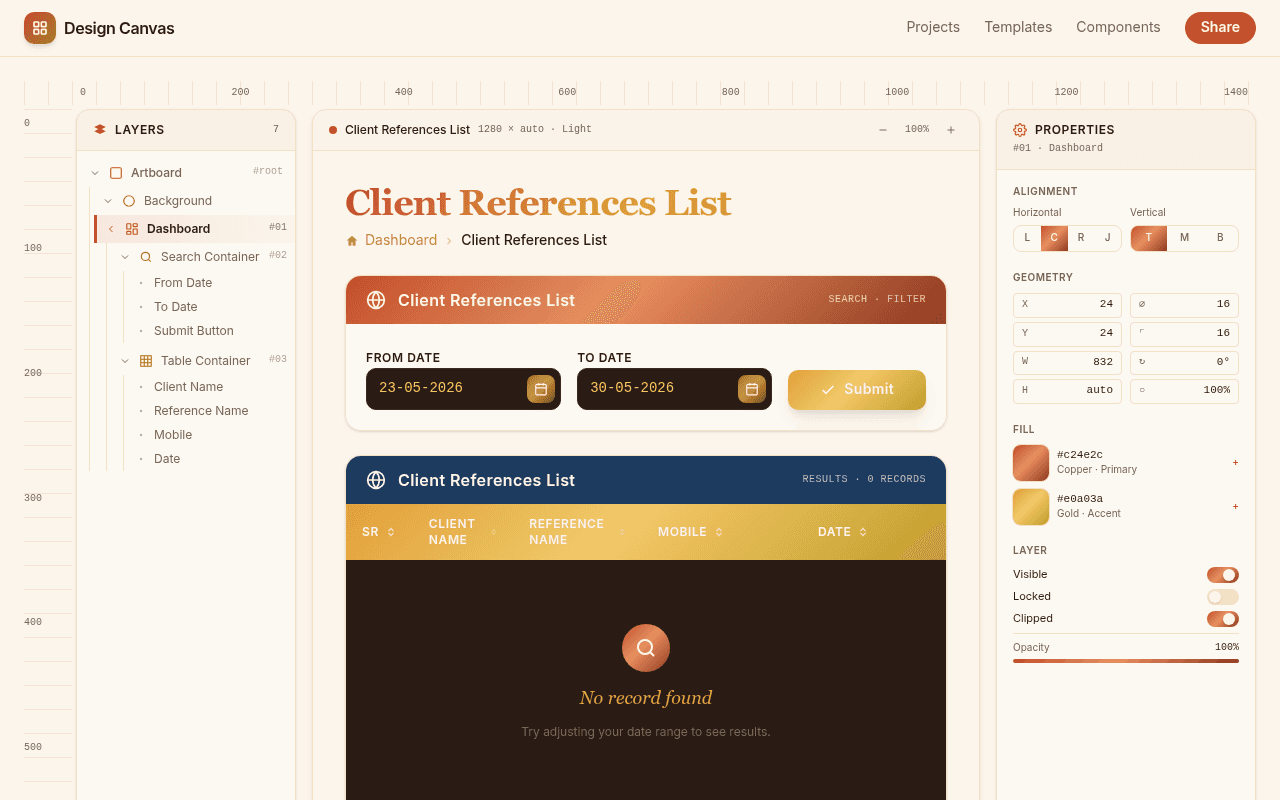
Client References List
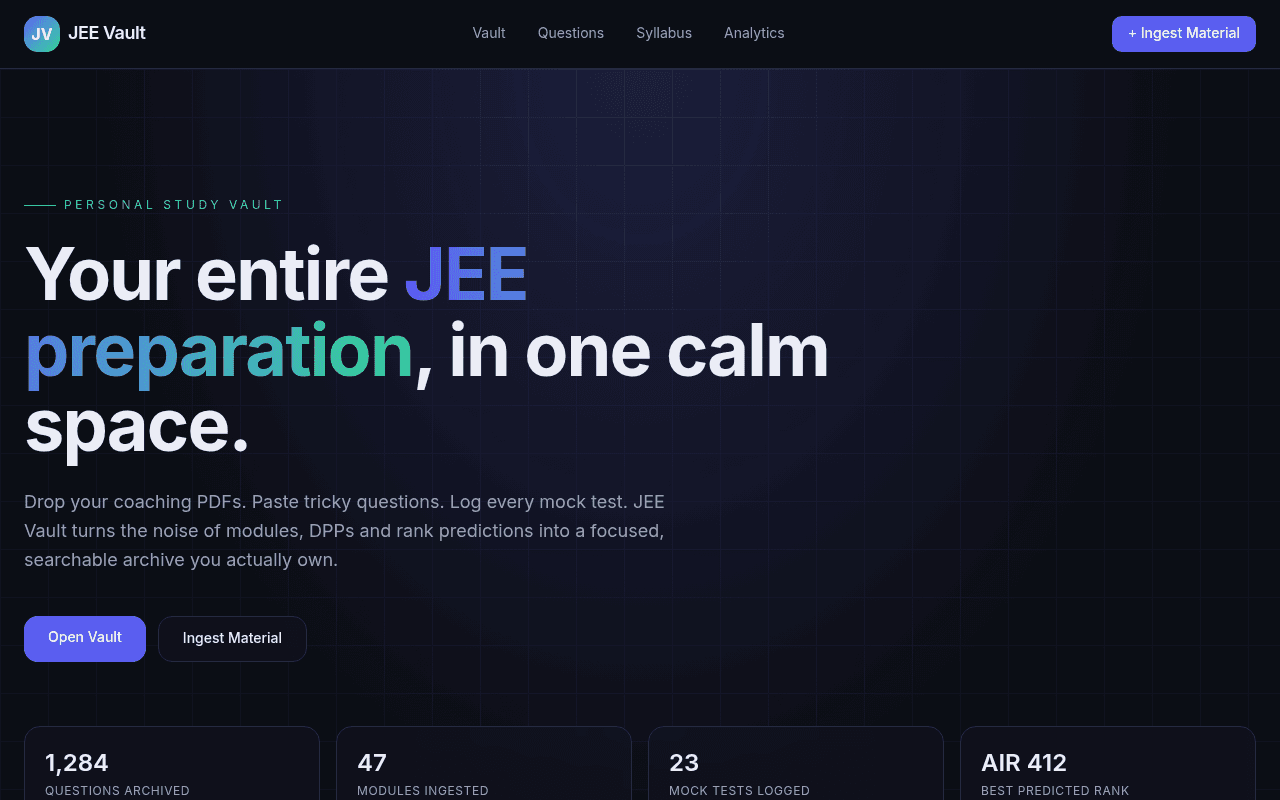
Expert Full
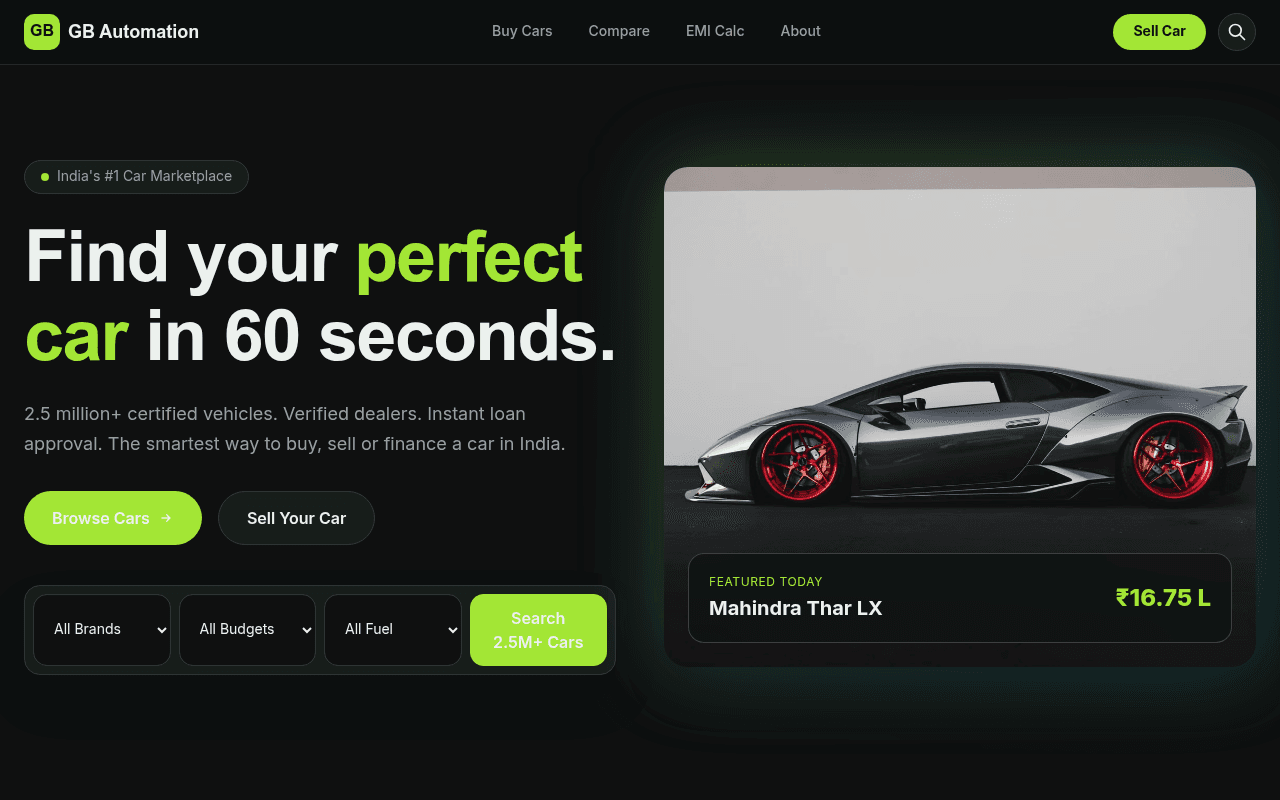
as gb automation include all
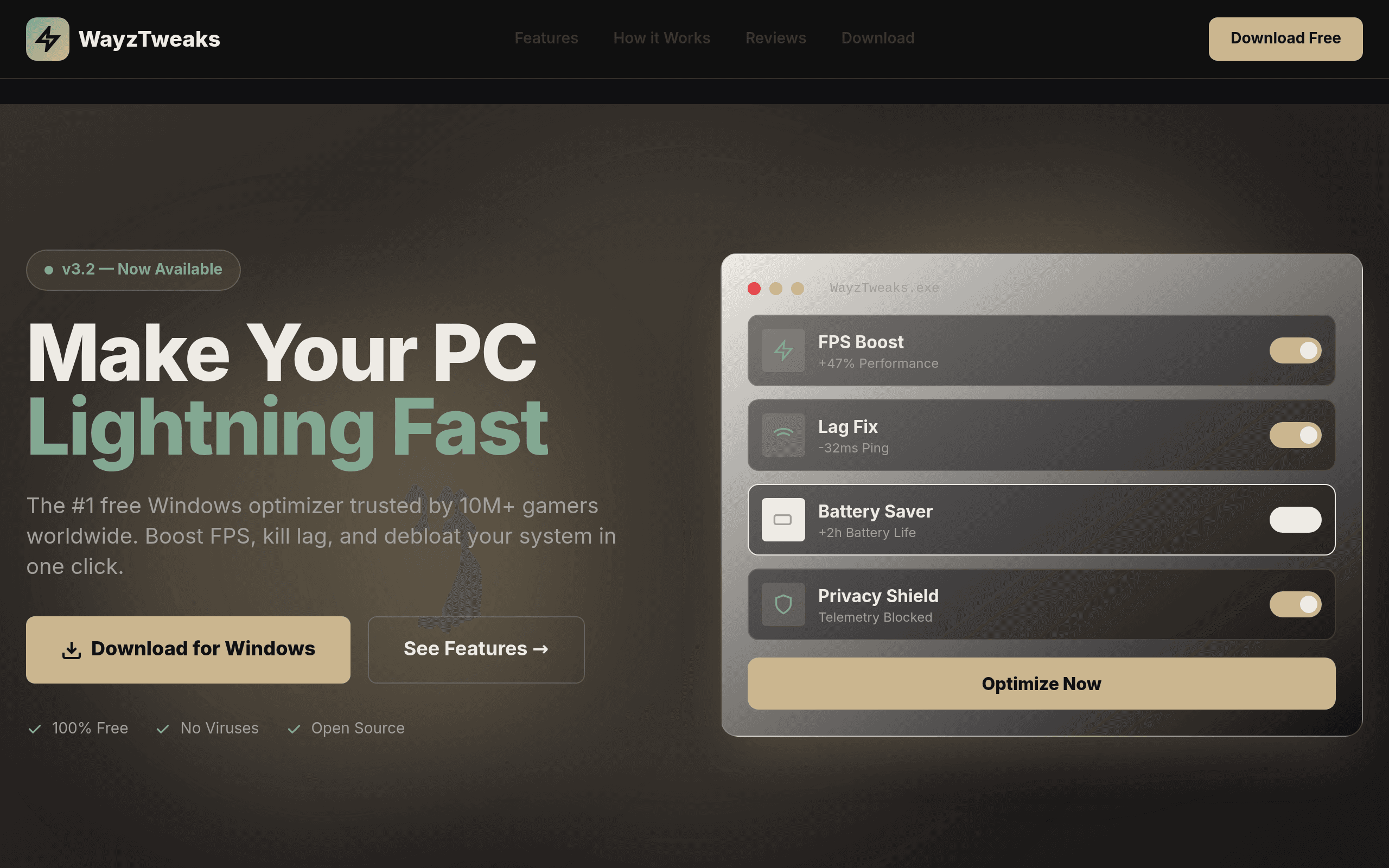
it WayzTweaks
![[Your Gym Name]](/_next/image?url=https%3A%2F%2Fassets.kleap.io%2F32008%2Fscreenshots%2Fscreenshot.png&w=3840&q=75)
[Your Gym Name]
How Kleap turns a sentence into an app
Three steps from a sentence to a live URL.
Say what you're building
Type it the way you'd explain it to a person: a portfolio for a photographer, a waitlist page for a new product, a small tool for tracking client invoices. There's no form to fill in first and no template gallery to scroll through before you start.
Talk it into shape
Kleap generates a working version and opens it next to the chat, as a real live preview rather than a mockup. Keep chatting to change it — swap a headline, try different colors, rewrite a section — and the same preview updates with each request.
Push it to a real URL
Happy with the result? One click puts it live at a free address such as yourbusiness.kleap.io, on Cloudflare's network, visible to anyone with the link right away. A custom domain and removing the "Made with Kleap" badge are paid-plan extras — publishing itself never is.
What "built from scratch" actually means here
Some tools that promise you can build an app from scratch still start you from a template: a pre-built layout with placeholder text and stock sections that you then edit into shape. That's customization, not construction — the structure existed before you typed anything.
Kleap works the other way. When you describe an app, the AI writes the layout, the copy, and the styling for that specific prompt. There's no shared starting template underneath two different requests — a bakery site and a consulting firm's site don't come from the same skeleton with different text dropped in. What you get reflects what you asked for.
That doesn't mean unlimited scope: Kleap generates websites and app front-ends (landing pages, small tools, business sites), not arbitrary software with a fully custom backend. But within that range, every generation starts from your prompt, not from a template you're expected to reshape.
How Kleap compares to Bubble, Lovable, v0, and bolt.new
If you're weighing how to build an app using AI, these five tools are the ones that come up most. All let you build without hiring a developer, but they start from different assumptions about who's building and what for. This is pulled from each product's own pricing and docs, not a ranking.
Kleap(this site)
- How you build
- Describe the app in a prompt, then describe changes the same way
- Free plan
- Yes — generating and publishing are never paywalled
- Publishing
- Yes, to a free *.kleap.io URL; custom domain on paid plans
- Best fit
- Business and personal websites, landing pages, portfolios, small SaaS front-ends
Bubble
- How you build
- Drag-and-drop visual canvas — you wire up the database and workflows by hand
- Free plan
- Yes, on a limited free plan
- Publishing
- Yes, hosted by Bubble
- Best fit
- Web apps and SaaS products that need custom backend logic
Lovable
- How you build
- Prompt-based code generation (Vite + React), typically paired with a Supabase backend
- Free plan
- Yes, with limited monthly credits
- Publishing
- Yes, one-click deploy
- Best fit
- Supabase-backed prototypes, internal tools, and React apps
v0 (Vercel)
- How you build
- Prompt-based UI and app generation, built around Next.js and the Vercel ecosystem
- Free plan
- Yes, with monthly credits and a daily message cap
- Publishing
- Yes, via Vercel deployment
- Best fit
- React/Next.js teams already building on Vercel
bolt.new
- How you build
- Prompt-based generation that runs in the browser via WebContainers
- Free plan
- Yes, with monthly tokens included
- Publishing
- Yes, hosting is bundled in
- Best fit
- Builders who want a browser-native AI coding workflow with hosting attached
Bubble is the closest to a traditional no-code platform here: building means wiring up a visual canvas and a database yourself, which gives you more manual control over backend logic than Kleap currently offers, at the cost of a real learning curve. Lovable and v0 both generate application code (React or Next.js) that's typically paired with a separately configured database service. bolt.new runs the whole workflow in the browser. Kleap's difference is a prompt-only interface end to end — no canvas, no code editor, no separate database service to wire in — at the cost of not offering a live database or CRUD admin feature for end users yet.
Full pricing and feature detail for each of these tools lives on the alternatives page.
Where Kleap fits, honestly
A quick reality check before you start typing: some ideas are a great match for a five-minute prompt-to-live-URL workflow, and some genuinely aren't.
Good fit
- A business site, portfolio, or landing page today
- A waitlist or pre-launch page for an idea you're testing
- The front-end for a small SaaS product
- A simple internal page or form your team can use
Not built for
- A tool where you need to design your own database tables and click-build a workflow between them
- Software with custom logic an engineer would normally write by hand — approval chains, complex permissions, third-party system integrations
- A mobile app for the App Store or Google Play — Kleap publishes websites, not native apps
If what you need is a working site or small tool published today, free to start, this is built for that. If you need a visual database schema builder or a workflow automation canvas wiring together many systems, a platform built specifically for that job will serve you better than stretching a prompt-based tool to cover it.
Frequently asked questions
Is it actually free to make an app with Kleap?
Yes, for the two steps that matter most: generating the app and publishing it to a live URL. Neither is paywalled on any plan. Paid plans add optional extras layered on top of that workflow, not a fee for the core generate-and-publish loop.
What's the catch — what do I actually pay for?
Three things sit behind a paid plan: connecting your own custom domain instead of the default *.kleap.io address, removing the small "Made with Kleap" badge, and access to more advanced edits. Describing the app, previewing it, and publishing it to a live URL all work on the free plan.
Can I build an app from scratch without starting from a template?
Yes. Kleap doesn't put you in front of a template gallery before you start. You describe what you want, and the AI generates the layout, copy, and styling for that specific prompt — there's no shared starting template that two different requests both begin from and get customized away from.
How is this different from Bubble or Lovable?
Bubble is a visual canvas: you drag on elements and wire up a database and workflows yourself, which gives you more manual control over custom backend logic. Lovable generates React code that's typically paired with a Supabase backend you configure separately. Kleap skips both the canvas and the separate backend setup — you describe the app in a prompt and it publishes to a live URL, with less manual wiring but also less built-in database capability right now.
Do I need to know how to code?
No. You describe what you want in plain language, and you describe changes the same way afterward. There's no code editor you're required to open to build, edit, or publish your site.
What can't Kleap build?
Kleap isn't built for enterprise apps that need a visual database schema builder, drag-and-drop workflow automation wiring together many connected systems, or heavily custom backend business logic written by hand. There's currently no live database or CRUD admin feature for end users inside the builder. It's aimed at websites, landing pages, portfolios, and small SaaS front-ends, not a general-purpose enterprise app platform.
Explore more
Start with a sentence, not a template
Type what you're picturing into the box below — a business site, a waitlist, a small tool. You'll see it take shape in seconds, and publishing costs nothing.