
You imagine it. Kleap builds it.
Describe what you want to create. AI builds the design, features and logic, then develops the project further with your feedback.
- Your idea
- A working app
- Your next improvements
Turn an offer into an app people can use. Test demand, connect your payment provider and improve the experience as you learn from your first customers.
Describe the website or app you imagine. Kleap helps you build it, publish it and keep improving it, with tools to monitor how it works and fix issues.
Describe what you want to create. AI builds the design, features and logic, then develops the project further with your feedback.
Database, authentication and forms: build a client portal or an app with the data and access it needs.
Add Stripe, business tools and integrations. Connect your accounts and keys to fit the project to the way you work.
The Guardian spots website issues and helps you fix them with AI. Return to your project in the chat to make the corrections.
Publish with hosting, connect your domain and follow your activity with analytics and the Search Console integration.
Keep your code, connect GitHub and work with AI tools like Claude or ChatGPT. AI assistance and human support on paid plans help you along the way.
Explore what others are building with Kleap

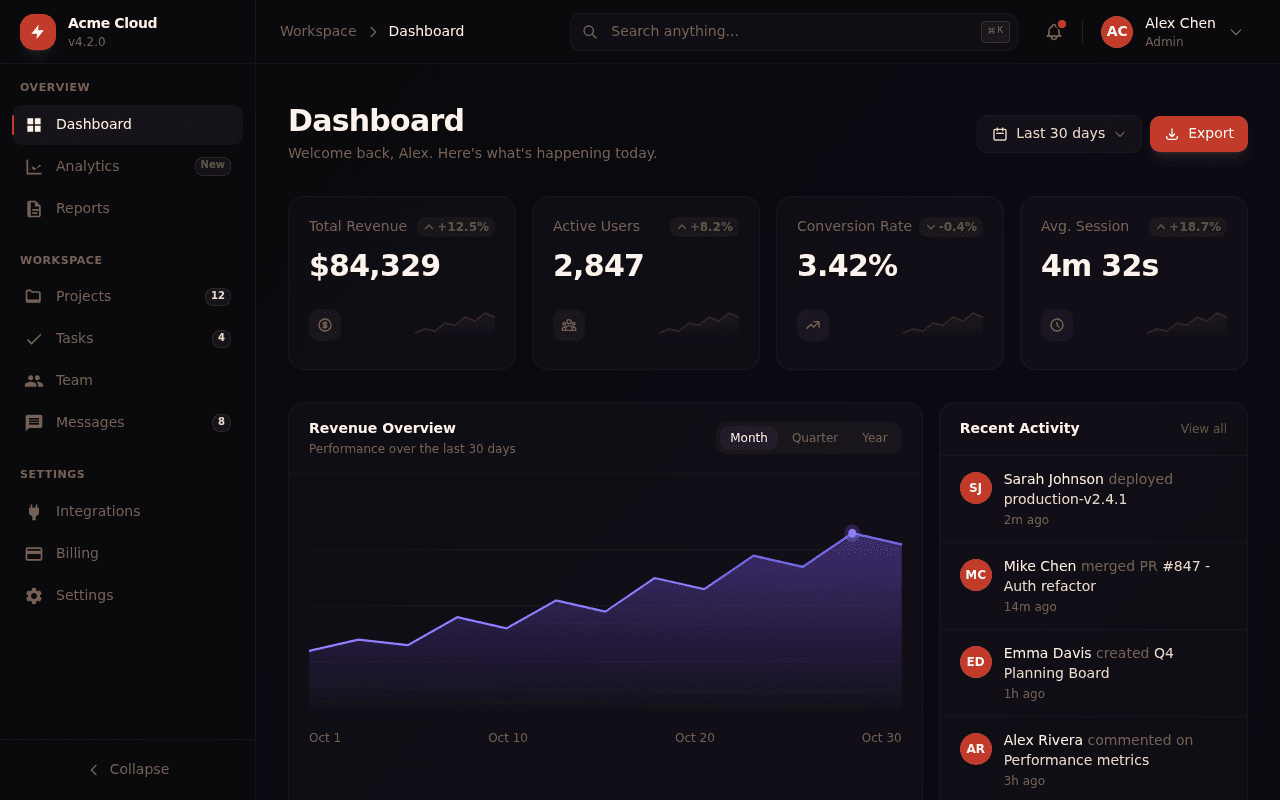
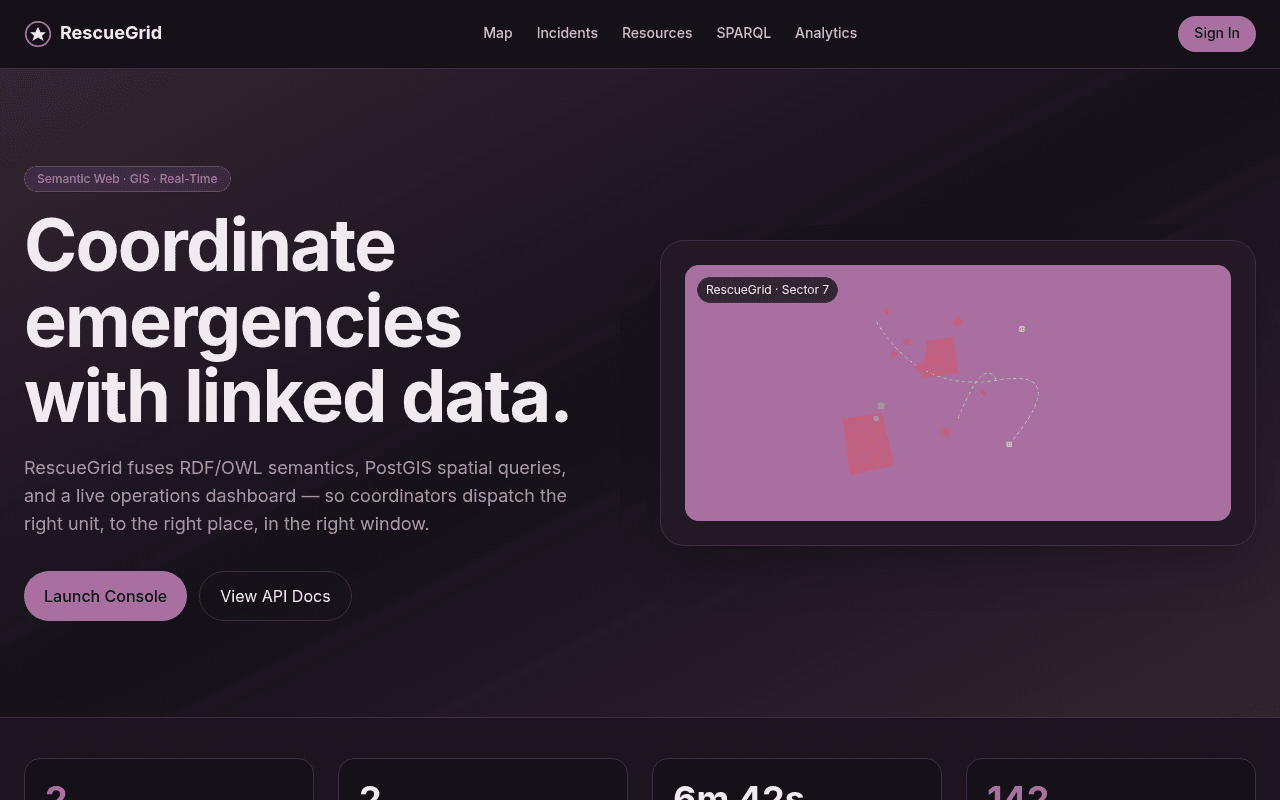
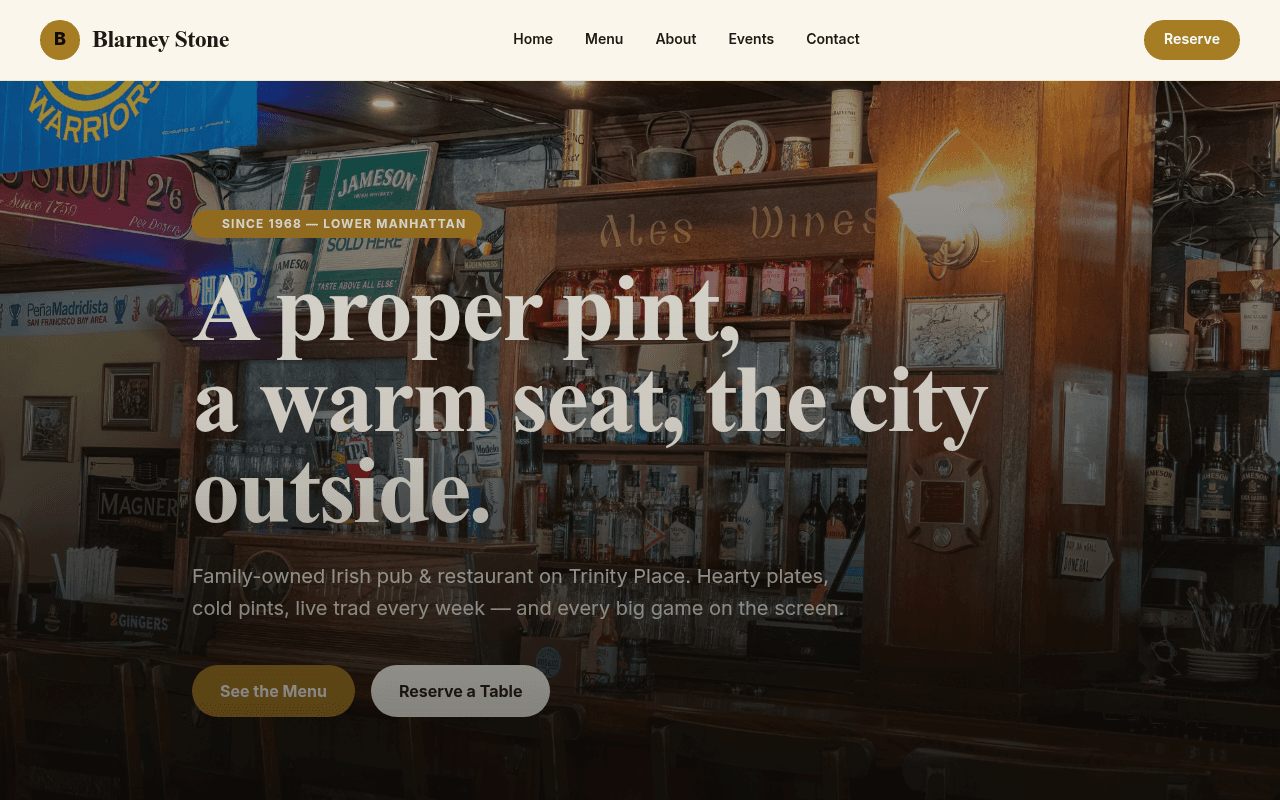
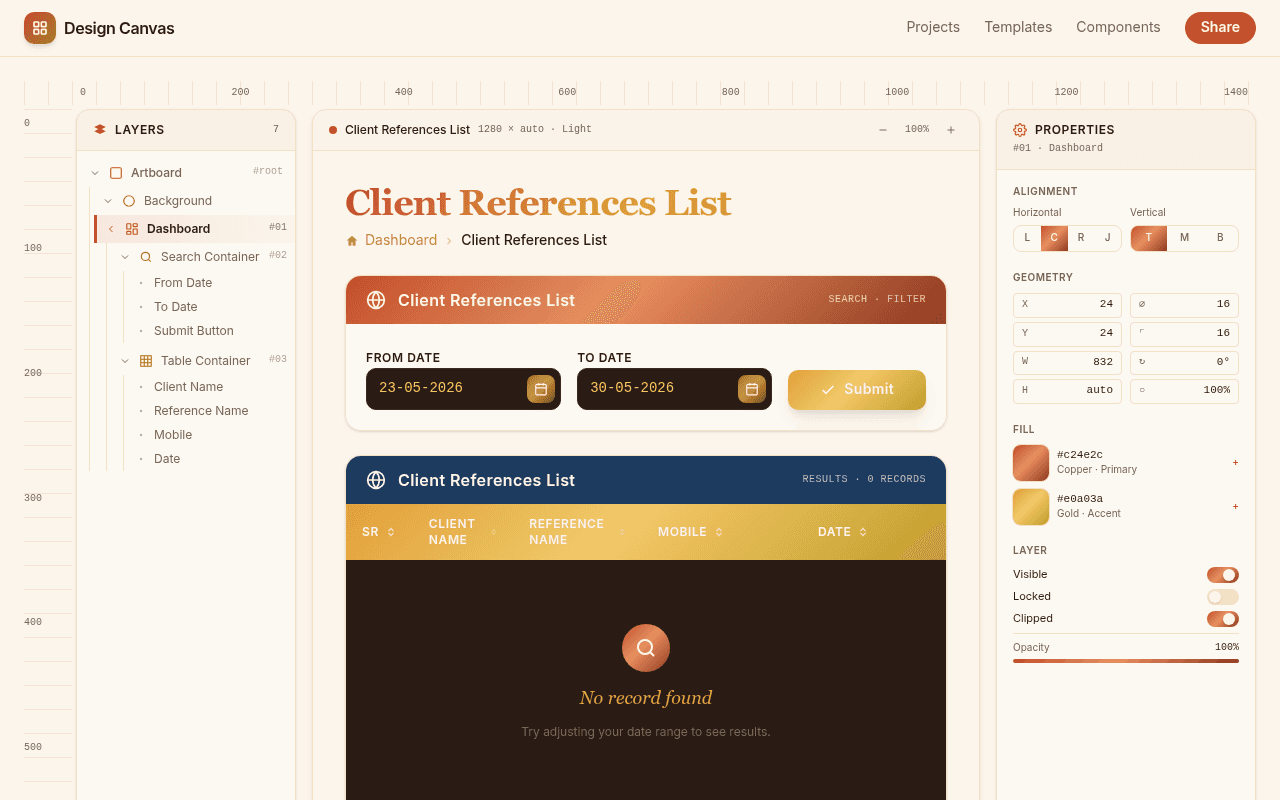




A contractor, salon, personal trainer, or consultant lists their services, pricing, and availability, then embeds a booking widget (Calendly, Square Appointments, or similar) so visitors can book directly. The site's job is to look credible and make booking easy. The money comes from the service itself, not from the website.
A directory lists businesses, professionals, or products in a specific niche, such as local plumbers, wedding photographers, or vintage furniture sellers, and makes money through paid or featured listings, or by referring clicks to listed businesses for a fee. Building the directory is the easy part; getting enough listings and traffic to make the fees worthwhile is the real work.
A single page pitches a paid newsletter, course, or community and collects sign-ups. Connect your own Stripe account and keys to build a payment or subscription flow in Kleap, or link to a service you already use, such as Substack, Beehiiv, or Gumroad. The page explains the offer; your connected provider handles the charge.
The site doesn't sell anything directly. It exists to collect a name, email, or phone number from someone interested in a service, such as roofing, legal advice, real estate, or home renovation, and hand that lead to a business, either your own or one you're paid to generate leads for. The money is made in the follow-up sale, not on the page.
Before building a full product, a landing page describing the idea with an email waitlist, or a small deposit link if you want a stronger signal, tests whether anyone actually wants it. Counting sign-ups, or the lack of them, is cheap, fast validation before spending months on a backend nobody asked for.
Reviews, comparisons, and how-to guides in a niche you know well, with affiliate links to products or services you'd recommend anyway. Kleap can build the pages and provides site analytics. Add your own affiliate codes and use each program's dashboard to verify attributed sales and payouts.
Designers, writers, developers, and other freelancers use a portfolio site to show past work and convert visitors into clients through a contact form or booking link. The site's job is credibility and a clear way to get in touch. The money comes from the freelance work booked afterward.
A page describing an event, its date, location, lineup, and price, with a link out to a ticketing platform like Eventbrite or Ticket Tailor to actually sell tickets. The Kleap page explains the event, while your connected ticketing platform handles ticket sales and seat management. If you build a custom ticket flow, configure and test those rules before selling.
Kleap generates the site or app itself from a prompt and publishes it to a live URL. It's not a business-in-a-box, so here's honestly where it fits for something meant to make money, and where it doesn't.
If your idea involves collecting money from strangers, plan on connecting a real payment processor, or a booking or ticketing tool, before telling anyone the page can take their money. A page that promises a purchase it can't actually complete does more damage to your reputation than one that's upfront about linking out to handle the transaction.
You can use an app built on Kleap to sell a product, service, or subscription through your connected payment provider. Kleap does not guarantee revenue or pay you for building an app. Earning money depends on demand, your offer, and how you reach and serve customers.
Kleap supports payment and subscription flows through your own connected Stripe account and keys. Stripe processes the payments. You can also link to a payment, booking, or ticketing service you already use. Configure the connection and test checkout before accepting customer payments.
Build a single landing page describing the offer, then link a waitlist form or, if you want a stronger signal, a Stripe payment link, and see whether real people sign up or click through before you build anything else. A page that gets zero interest is a cheap way to learn that, before you've built a product.
Not necessarily. Tools like Stripe Payment Links, Calendly, or Eventbrite let you add a pay or book button without writing backend code; you just link or embed them on your Kleap page. Kleap can also build payment flows using your connected Stripe account and store app data. More complex checkout rules need careful configuration and testing, and may benefit from a developer reviewing them.
You can start validating an idea with free credits and a published page. AI generation and edits use credits, and available features depend on your plan. Before accepting payments, connect your own provider and test the transaction flow. Check current pricing for domain and branding options.
Describe the site you want to test, a booking page, a directory, a waitlist. Kleap writes it and publishes it to a live URL, free to start; you connect payments yourself when you're ready to charge.