
Build a website with Codex
Tell Codex: “read this repository and build a landing page for it”. It builds the site and publishes it at a kleap.io link.
- Copy the command
codex mcp add kleap --url https://kleap.co/api/mcp - ConnectRun it in Codex, then sign in on kleap.co when asked.
- Paste the promptThe tested prompt is just below. Change the studio for your business.
- Median time to a live link
- 6 min5 of 5 counted runs of our same-job test (a yoga studio site), Codex CLI 0.163.0, first word to the link
- Kleap's build itself
- 4 minmedian of the 5 builds inside those runs
codex mcp add kleap --url https://kleap.co/api/mcpChecked Oct 20, 2026
Use Kleap to build a website for my yoga studio: class schedule, teachers, pricing and a booking request form. Calm colours. Wait for the build to finish, publish it and send me the link.
5 of 5 counted runs reached a live link
No run was set aside. See every run
Build started, task id returned.
Codex read the generated waitlist component to check it saves leads.
status published, kleap-cli.kleap.io.
1 submission: the test sign-up Codex sent from the live page.
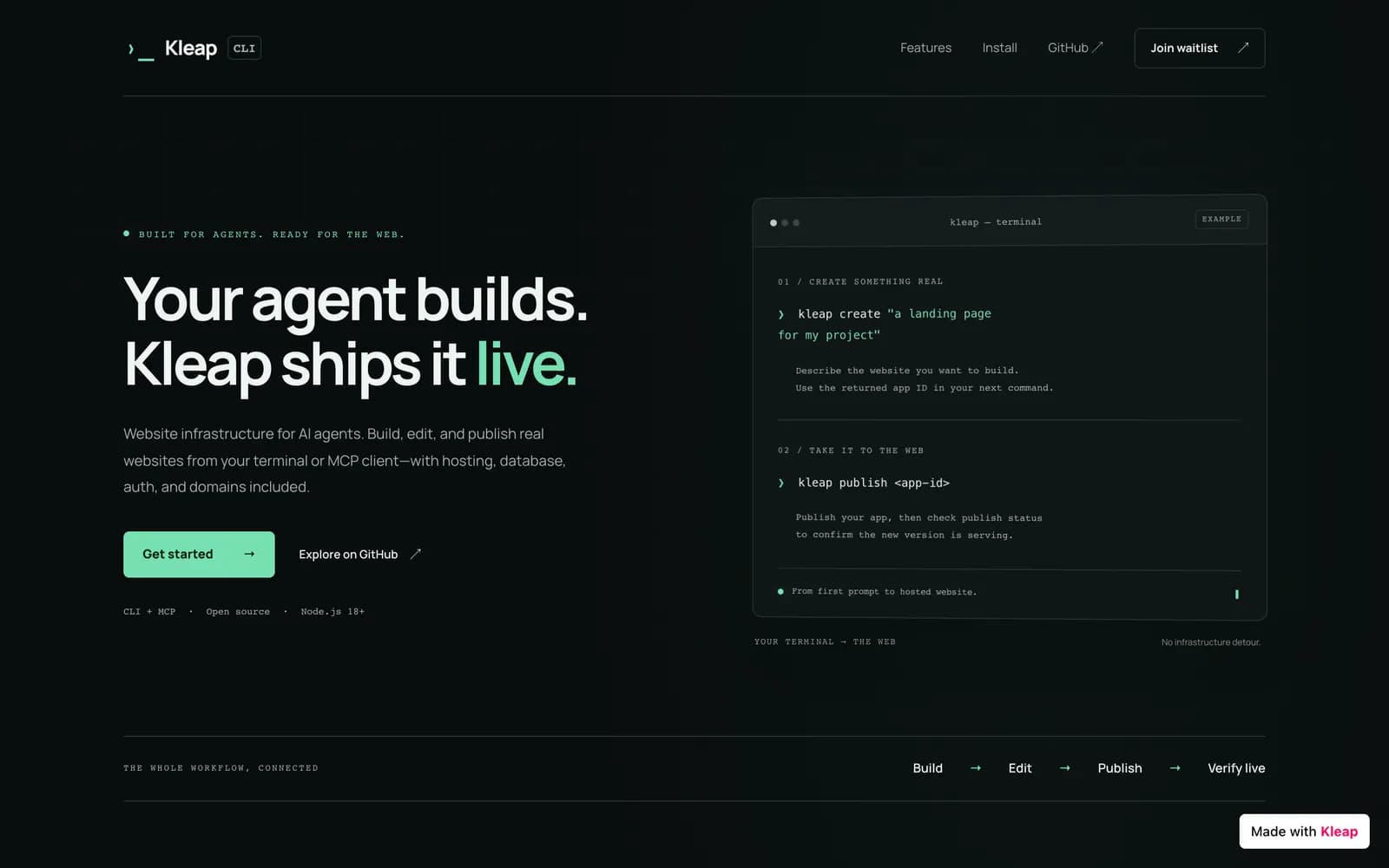
The replay is a real run of another job (Oct 18, 2026), so it shows a different site than the yoga job behind the medians on the left. Its own times are in the run below.
How do you connect Kleap to Codex?
The Codex CLI, the Codex app and the IDE extension read the same ~/.codex/config.toml, so you set this up once. Run live with the Codex CLI, non-interactive, with a Kleap key as a bearer token. The browser sign-in the command above starts is from Codex' docs and was not run by us. The Codex app and the IDE extension share its config.
For you at the terminal, the Codex app or the IDE extension.
Add the server
Register Kleap as a streamable HTTP server. This writes an entry to ~/.codex/config.toml, which you can also edit by hand.
Terminalcodex mcp add kleap --url https://kleap.co/api/mcp~/.codex/config.toml[mcp_servers.kleap] url = "https://kleap.co/api/mcp"You should see: codex mcp list shows kleap. The entry is in ~/.codex/config.toml, shared by the CLI, the app and the IDE extension.
Sign in with OAuth
Codex registers a client automatically and opens the browser so you can sign in to Kleap. In the Codex app or the IDE extension, select Authenticate instead. Check the result with codex mcp list, or type /mcp in the terminal interface.
Terminalcodex mcp login kleapYou should see: A browser opens, you sign in to Kleap and approve. In the app or extension select Authenticate instead.
Optional: install the Kleap skills
The skills CLI detects Codex and writes the five Kleap skills where it expects them.
Terminalnpx skills add kleaphq/skillsYou should see: The skills CLI writes the five Kleap skills where Codex expects them. Our run read kleap-build and kleap-publish before it called a tool.
For codex exec, automation and CI. This is the route our real run used.
Non-interactive runs: use an API key
For automation with nobody at the browser, create a key at https://kleap.co/settings/api-key with the narrowest preset, export it, and tell Codex to send it as a bearer token.
Terminalexport KLEAP_API_KEY=kleap_live_sk_... codex mcp add kleap --url https://kleap.co/api/mcp --bearer-token-env-var KLEAP_API_KEYYou should see: Codex sends the key as a bearer token. Nothing opens a browser.
The exact command of our real run
We passed the server as configuration overrides and approved Kleap's tools up front, since nobody can click an approval in a non-interactive run.
codex execcodex exec --json --skip-git-repo-check -s workspace-write \ -c 'mcp_servers.kleap.url="https://kleap.co/api/mcp"' \ -c 'mcp_servers.kleap.bearer_token_env_var="KLEAP_API_KEY"' \ -c 'mcp_servers.kleap.default_tools_approval_mode="approve"' \ "Read README.md in this repository, then use Kleap to build a landing page for the project with a feature list, an install snippet and a waitlist form. Publish it and add the live URL to the README."You should see: A stream of JSON events ending in the final message with the live URL.
What can you ask Codex to do with Kleap?
Copy one, change the details to yours. Each names what you want and what done looks like, then shows the Kleap tools it makes the agent call and what comes back.
Read README.md in this repository, then use Kleap to build a landing page for the project with a feature list, an install snippet and a waitlist form. Wait for the build to finish, publish it and add the live URL to the README.
- create_app
- check_task
- get_publish_status
- get_form_submissions
What you get. This is the prompt of our real run: kleap-cli.kleap.io, six features, an install snippet with a copy button, a working waitlist, and the URL added to the README.
status published · form submission stored · README updated. The whole job took 7 min 42 s, the build 4 min 54 s.
Turn the Markdown files in docs/ into a Kleap site with a sidebar-style navigation, a search-friendly title on every page, and a consistent footer. Publish it.
- write_files
- publish_app
What you get. A docs site built from your Markdown with write_files, so the wording is exact. Publish builds it and checks it is live.
src/layouts/Base.astro
src/components/KleapForm.tsx
src/pages/index.astro
public/robots.txt
…
Read the files of my Kleap site, find the pages missing a meta description or with a duplicate H1, fix them, publish and show me the audit from get_publish_status.
- list_app_files
- read_files
- edit_files
- publish_app
- get_publish_status
What you get. Missing descriptions and duplicate H1s fixed by exact edits, then the audit from get_publish_status.
✓ status published✓ form submission stored✓ README updated
Show me the form leads and the top pages of my Kleap site for the last 7 days, then list two changes that would help the most.
- get_form_submissions
- get_analytics
What you get. A 7-day summary of leads and top pages, and two changes ranked by expected help.
✓ 7d: 1 visitors, 6 pageviews — top: / (1), /#main (1), /#waitlist (1)
Does Codex really get a site live on Kleap?
We ran the same job, on the same day, and kept every run.
5 of 5 counted runs reached a live link
Compare all agentsSame prompt for every agent on Oct 19–20, 2026, one build at a time. Median time to a live link: 5 min 50 s (first word to the link in the agent's last message); the shortest 5 min 34 s, the longest 8 min 16 s.
- Run 1: 5 min 34 s
- Run 2: 5 min 47 s
- Run 3: 5 min 50 s
- Run 4: 5 min 58 s
- Run 5: 8 min 16 s
Without “Wait for the build to finish” in the prompt: 3 of 3 (tiny sample) after Kleap changed its first answer. The prompts on this page include the sentence anyway.
In numbersCodex and Kleap in numbers
Four measured figures from our runs, and what each one is.
- 7 min 42 sfrom the prompt to a published landing page and an updated README in our real Codex run. Kleap's build took 4 min 54 s, 1 credit
- 1 leadCodex submitted on the live form, then read back through Kleap to prove it is stored
- +3 linesadded to README.md with the live URL. The only change in the repository
- 35 toolsCodex can call over the same server: build, edit, publish, leads, traffic, domains
Real runWhat did a real Codex CLI run look like?
Every call, in order, with the times we measured.
On Oct 18, 2026 we gave Codex CLI this job and kept every call. Here is what happened, with the times we measured.
- 0:00create_app
Codex reads the repo first
It read README.md and the installed kleap-build and kleap-publish skills, then wrote a build brief from the README and called create_app.
- during the buildread_files
It reviews while Kleap builds
Codex read the generated pages and the form component to confirm leads are stored by Kleap before it trusted the page.
- about 6 minget_publish_status
Verified live, then a real test
published_at 16:31:18 UTC. Codex opened the live page, copied the install snippet with the page's own button, filled the form with a clearly fake sign-up and checked it appeared in the dashboard.
- 7 min 42 sget_app
Closing the loop in the repo
Codex added three lines to README.md with the live URL and finished with a narrow-screen check. The whole job started from one sentence.
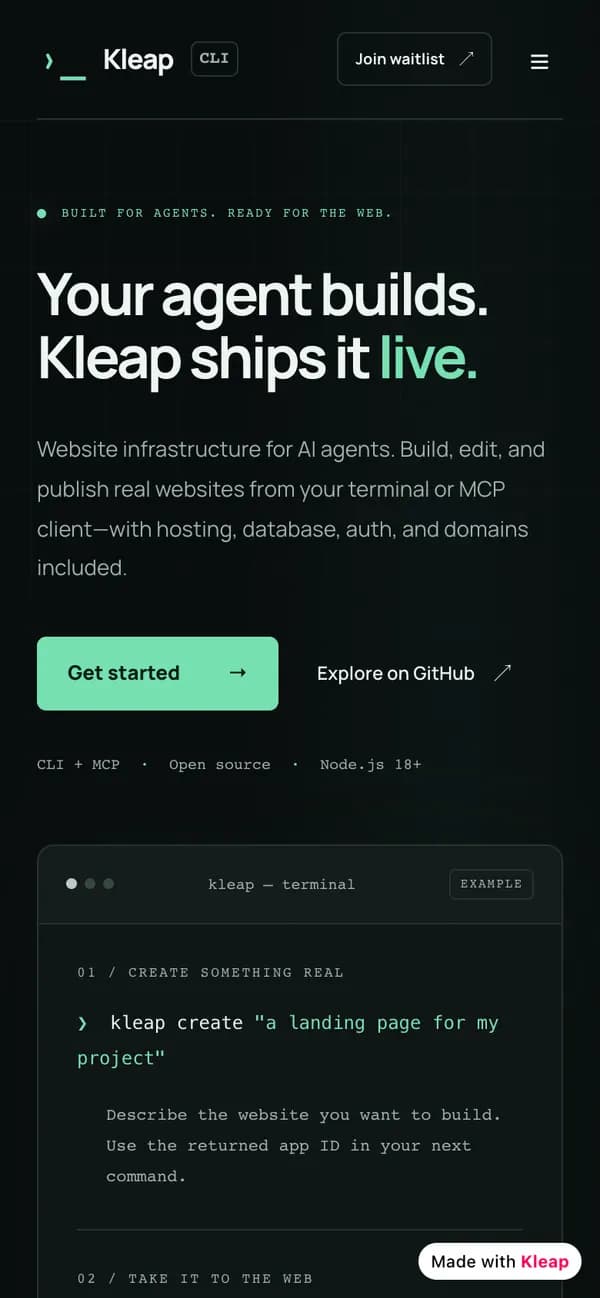
Kleap CLI landing page, live at kleap-cli.kleap.io. Receipt: status published · form submission stored · README updated
| Client | Codex CLI, with a Kleap API key |
|---|---|
| Build task | 4 min 54 s (16:26:25 to 16:31:19 UTC) |
| Cost | 1 credit charged for the build |
| Whole job | 7 min 42 s, from prompt to README updated |
| Repository | +3 lines in README.md, nothing else |
Codex read a repository, had Kleap build a landing page from its README, published it, submitted the live form and read the lead back, then wrote the URL into the README.
A run on a large codebase. The repository was a small CLI project, and the key was an API key, not a browser sign-in.
Ask Codex for a site and watch it go live.
What can't Codex do with Kleap yet?
Every guide says what does not work, so you do not find out in the middle of a project.
Non-interactive runs need pre-approval
codex exec cannot show an approval prompt. We set default_tools_approval_mode to approve for Kleap in the run. Do that only with a narrow key.
Scheduled tasks and MCP are unconfirmed
OpenAI's docs do not say whether scheduled tasks can use MCP servers from config.toml, and note that tool calls needing app access fail in read-only mode. Test a scheduled run by hand first.
Project config needs a trusted project
A .codex/config.toml only applies to trusted projects. The global ~/.codex/config.toml always applies.
Our run used a small repository
The repository was a small CLI project. We make no claim about a large codebase.
VerificationWhat we verified for Codex, and what we did not
Each claim is marked: we ran it, we read it in the docs, or we do not know.
Setup guides rot quietly. So each claim here is marked by how we know it. Runs last checked Oct 20, 2026; setup steps were verified on October 18, 2026 unless a line gives its own date.
We ran it
- A real codex exec run on Oct 18, 2026 against https://kleap.co/api/mcp, with a bearer key from an environment variable. It read the repository README, read the kleap-build and kleap-publish skills, built and published kleap-cli.kleap.io, submitted the live form, read the lead back and edited the README. 7 min 42 s end to end.
We read it in the docs
- codex mcp login, the Authenticate button in the Codex app and the IDE extension, and Scheduled tasks come from OpenAI's Codex documentation.
- OpenAI's docs do not say whether scheduled tasks can use MCP servers from config.toml, so we do not promise it.
What if something doesn't work?
The failures we met, or the ones this setup is known to produce, with the fix.
Codex says it needs approval for the Kleap tool and stops
- Why:
- A non-interactive run cannot ask you.
- Fix:
- Pass -c 'mcp_servers.kleap.default_tools_approval_mode="approve"' as in the command above, or run it interactively.
Codex cannot find the Kleap server in the app or IDE
- Why:
- The server was added in a project config that is not trusted, or you did not authenticate.
- Fix:
- Check ~/.codex/config.toml, then use Authenticate in the app or extension where the CLI uses codex mcp login.
The build is still running when Codex wants to publish
- Why:
- check_task has not reported completed yet.
- Fix:
- Let Codex wait. In our run it reviewed the generated files while the build finished, then published. Our run took 7 min 42 s.
I do not want a test lead in my dashboard
- Why:
- Codex verified the form by submitting it.
- Fix:
- Tell it not to in the prompt, or ask it to label the test clearly. Ours was labeled QA test, ignore.
What do people ask about Codex and Kleap?
Can Codex build and publish a website?
Yes, with Kleap connected. Codex asks Kleap to build the site, or writes the files itself with write_files, then publishes it. Kleap hosts it on a kleap.io address or your own domain and confirms it is live.
Do I need an API key for Codex?
Not for interactive use: codex mcp login signs you in with OAuth. A key is for non-interactive runs, through the --bearer-token-env-var option.
Should Codex write the files or let Kleap's AI do it?
For exact wording, URLs or markup, let Codex write the files with write_files; that step does not run Kleap's AI. For a whole new section described in words, modify_app lets Kleap's AI write it.
Does it work from the Codex app and the IDE extension?
Yes. They share the CLI's config.toml, so the server you added is there too. Use Authenticate in the app or extension where the CLI uses codex mcp login.
Does it cost anything to connect Kleap?
Connecting is free. Building and AI edits draw on your Kleap usage: every build we recorded was charged 1 credit, and the free plan includes some usage. If your agent writes the files itself with write_files or edit_files, Kleap does not run its own AI for that step. Publishing on a Kleap address is free. Codex use is billed through your OpenAI plan, not by Kleap. See the pricing page for what each plan includes.
What did Codex actually do in your run?
It read the repository's README, read the Kleap build and publish skills, asked Kleap to build a landing page, reviewed the generated files while the build ran, published it, opened the live page, copied the install snippet with the page's own button, submitted a clearly fake sign-up, read it back through Kleap, checked a narrow-screen layout and added three lines with the live URL to README.md. 7 min 42 s in total.
How much does a Codex-built site cost in Kleap usage?
In our run the build was charged 1 credit (Kleap's task log). Codex's own usage is billed through your OpenAI plan, not by Kleap. Exact edits written with write_files or edit_files run no Kleap AI. See the pricing page for what your Kleap plan includes.
Why did the Codex job take longer than the Kleap build?
Kleap's build task took 4 min 54 s; the whole job took 7 min 42 s. Codex read the README and two skills first, reviewed the generated files while the build ran, then opened the live page, tested the install button and the form, read the lead back through Kleap, checked a narrow screen and edited the README. Those checks are the difference, and they are why you can trust the result.
Official documentation: Model Context Protocol in Codex (OpenAI), codex mcp commands (OpenAI).
More about this setup
What it is, how it compares with the other ways in, and how to put it on a schedule.
In shortKleap + Codex, in one paragraph
What it is and the three steps.
Point Codex at a repository and ask for its landing page. Kleap builds it, hosts it, and Codex writes the live URL back into your README. In our run Kleap's build took 4 min 54 s and the whole Codex job 7 min 42 s.
Connect
Paste the command or URL above into Codex, then sign in on kleap.co.
Ask
Describe the site in plain words. The prompts below are ready to copy.
Live
Kleap builds and publishes, and reports it live only when the address answers.
Your optionsWhere does the website live when Codex builds it?
Alone, in the app, or with Kleap, side by side.
Codex can put a site in your repo or send one out to a host. The difference is who runs it afterwards.
- Your pipeline
Codex writes a site into your repo
- The site is part of your codebase, reviewed like any change.
- You still set up hosting, a domain, forms and analytics.
- Best when the site is part of the product.
Best for docs that ship with the code.
- What our run did
Codex builds on Kleap, links back
- Kleap builds and hosts it. Codex checks the result, publishes, and writes the URL into the README.
- The waitlist form stores leads on Kleap. Codex read one back.
- The repository stays clean: three lines in the README.
Best for a landing page, a client page or a waitlist that should just exist.
- Full control
Codex pushes exact files to Kleap
- write_files lets Codex write the exact markup, with no Kleap AI in that step.
- Good for pages you generate from Markdown or JSON in the repo.
- Publish builds it and checks it is live.
Best when you have the content and want it exact.
Our take. Use the second to get something live today, the third when the wording has to be exact.
SEO on a scheduleCan Codex run the SEO work every day?
A scheduled prompt, and what we ran ourselves.
Codex can create scheduled tasks from a chat, managed in the Scheduled view of the ChatGPT desktop app or ChatGPT on the web. They run unattended with your sandbox settings, and per OpenAI, tool calls that need app access fail in read-only mode. OpenAI suggests testing the prompt in the CLI first, which is what we would do with the prompt below.
Every morning, for each of my Kleap sites: read get_search_console, improve the one page that deserves it with edit_files, publish_app and confirm with get_publish_status, then send me what changed. Never invent statistics, never change the design, touch at most two pages per site.
Google Search Console must be connected to the site for the search data. If it is not, Kleap hands the agent a consent link for you to open. The full step-by-step prompt lives on the hub.
We ran this loop for real with Claude Code and the Grok CLI on a test site. We did not run it with Codex, so run it once by hand and read the result before you schedule it.
More from Kleap
Pages on the rest of the site that pair with this guide.
- Landing page builderThe kind of page the run produced
- AI website builderWhat Kleap builds without an agent
- Can ChatGPT build a website? TestedCodex alone, three runs: a finished site each time, no live link
- Connect a domain you ownMove from kleap.io to your own address
- MCP, CLI and skills referenceEvery tool and every way in
Using another agent? Same Kleap account, same sites. Compare the seven agent guides.
Put Codex to work on your website
Connect once, then ask in plain words. Kleap builds, hosts and publishes, and your agent keeps the site improving.
