Mobile Website Check: A 3-Point Builder Checklist

Most of the traffic hitting your website today comes from smartphones. It is just a fact of life in the digital age.
If you are currently hunting for a mobile friendly website builder tool, you are probably overwhelmed by the sheer number of options that claim to be "fully responsive" or "mobile-first."
The reality is often quite different. You sign up, find a template that looks amazing on your big desktop screen, and then pour hours into getting the design just right.
Then comes the moment of truth.
You finally pull it up on your phone, and… disaster.

The text is overflowing. You can't tap the buttons, and the menu is totally broken.
It’s a complete nightmare for entrepreneurs and small business owners who just want to move quickly. We see this all the time. When building Kleap, we recognized that the hardest part of web design is not the desktop view. It’s making sure that view translates perfectly to the thousands of different screen sizes out there.
You shouldn't have to be a coder to get this right. Before you commit your budget to any platform, whether it is a free tier or an enterprise solution, you need to have a strict vetting process.
This isn't about just resizing your browser window to see if the text moves. It goes much deeper into performance, touch targets, and how the underlying code handles layout shifts.
A truly mobile friendly website builder tool does the heavy lifting for you.
If you choose the wrong tool now, you will face migration headaches later.
To help you avoid that, we synthesized a 3-point checklist based on expert research and our own experience in the AI building space. These checks are designed to make sure your site actually turns visitors into customers, no matter what device they’re on.
1. Verify Built-in Responsive Templates and Adaptive Layouts
Okay, the first check digs into the very foundation of the builder. You've got to make sure the mobile friendly website builder tool you're considering comes with responsive templates already built-in, ones that just automatically fit any screen size without forcing you to code. I mean, true responsiveness uses things like fluid grids and CSS breakpoints, which is something Strikingly's checklist also discusses.
This means the content determines the layout, not a fixed pixel width. When you are testing a builder, try to break it. Add a weirdly long headline or an oversized image.
Does the tool automatically stack the elements vertically on a mobile view, or does it just shrink everything until it is unreadable?
A responsive website builder for small business needs to be smart enough to change navigation patterns automatically.
For example, a horizontal menu bar on a desktop should instantly transform into a "hamburger" menu on mobile without you having to drag and drop elements manually.
The team built the AI at Kleap to handle this because we know users hate fiddling with breakpoints.
The tool should use viewport meta tags to ensure the browser knows exactly how to scale the content.
You also want to look for what we call "auto-scaling elements." If you have a three-column layout, does it become a single column on a phone?
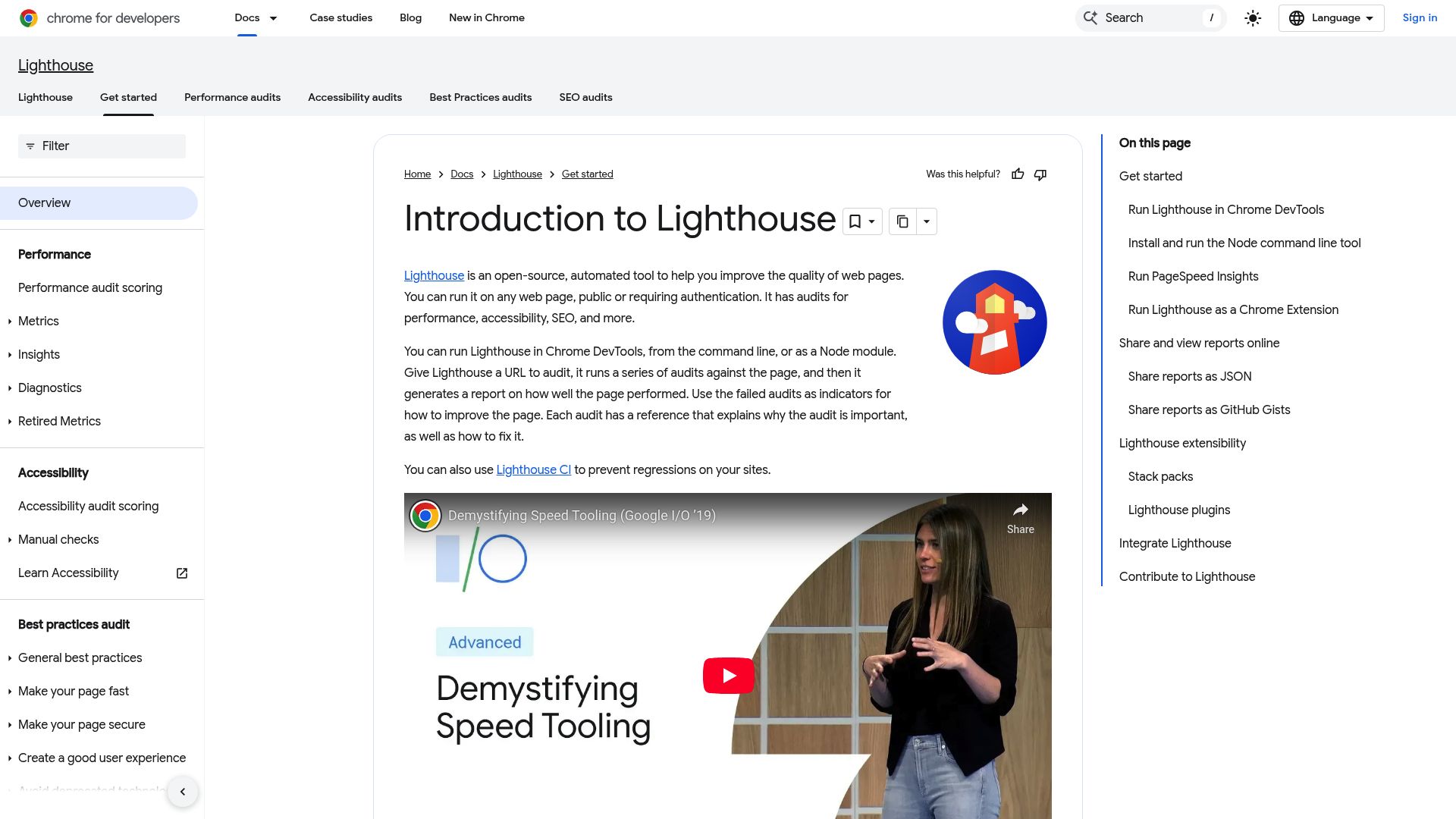
According to Network Solutions, ensuring your site passes Google's Mobile-Friendly Test is non-negotiable.
📸 search.google.com/p>
Don't just trust the "preview" button inside the builder. Sometimes those previews are just sophisticated iframes that don't render code exactly like a real mobile browser. Take the published URL of a demo template and run it through external validation tools.
If the builder's templates fail basic responsiveness tests out of the box, walk away. No amount of manual tweaking is worth that time sink.
Try it — build your site while you read
Describe what you want and get a live, publishable site in seconds. Free to start, no code.
Join 200,000+ makers building real websites with Kleap.
2. Assess Speed and Performance Optimization Tools
A pretty site that doesn't load is useless. The second critical check for your mobile friendly website builder tool is performance architecture. Mobile networks are faster than they used to be, but they can still be spotty.
If your site takes more than three seconds to load, you will lose a potential customer.
You need to ensure the builder includes specific technical features.
WP Rocket suggests that proper optimization can significantly reduce file sizes by 30 to 40 percent, which is massive for mobile data plans.
Does the builder support lazy loading?
This limits the browser to only loading images that are currently on the screen. It saves bandwidth and speeds up that initial "paint" of the website.
If a builder loads every single image on your long landing page at once, your mobile score will tank.
Advanced builders, including easy AI website builder platforms, should handle minification automatically.
This is the process of stripping out unnecessary spaces and comments from the specific code (CSS, JS, and HTML) so the files are lighter.
Mobile SEO is heavily dependent on Core Web Vitals.
You want to see features that prevent "layout shifts", that annoying thing where the text jumps around as images load.
It establishes authority when a builder gives you these tools upfront.
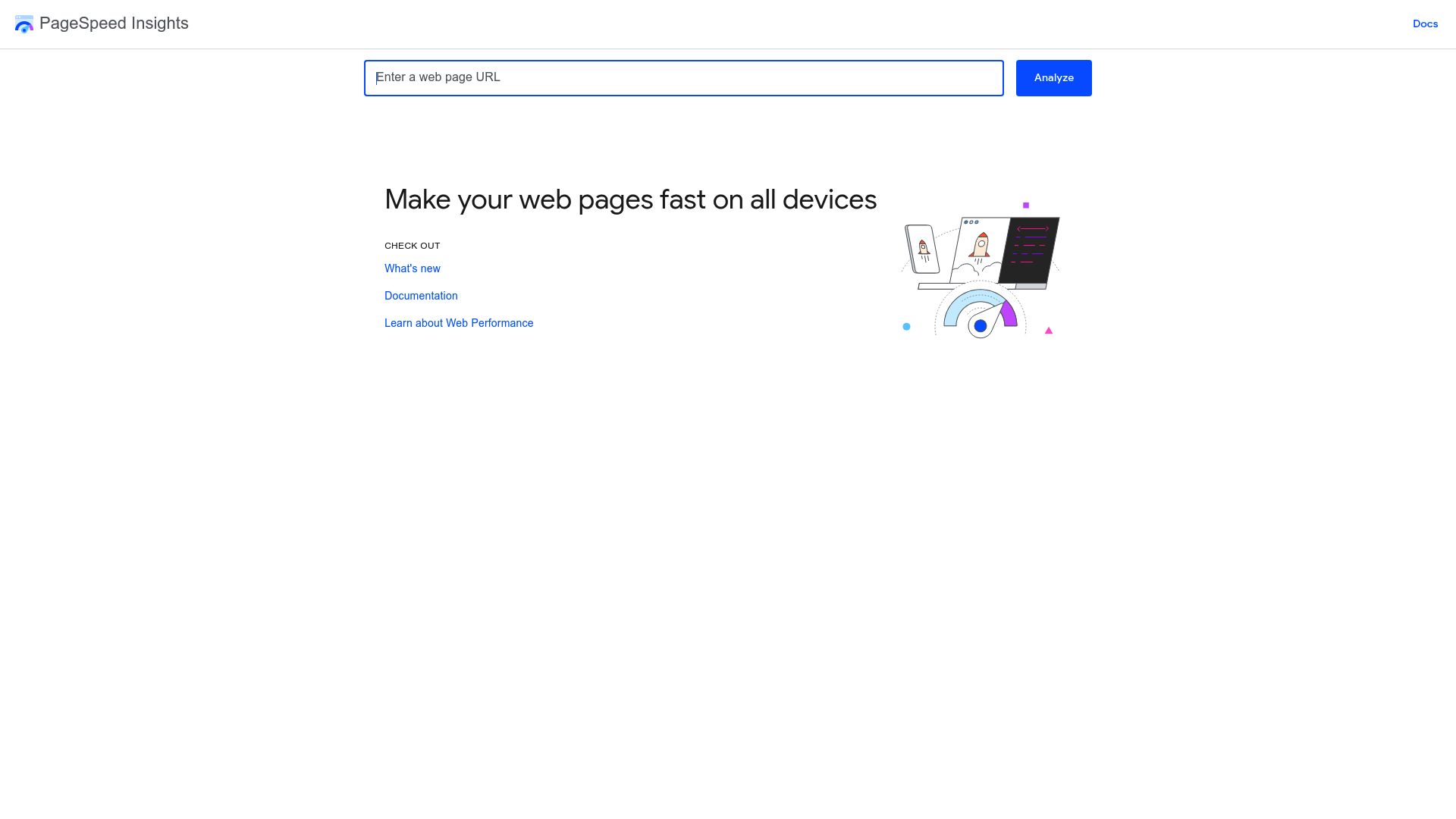
We recommend running a PageSpeed Insights audit on a site built with the tool you are considering. Aim for mobile scores above 90.
It is a high bar, but necessary. As Net Solutions points out, minified resources and browser caching are essential components of a mobile-friendly design checklist.
If the builder doesn't offer CDN (Content Delivery Network) integration or caching controls, your site will struggle to rank.
3. Confirm Cross-Device Testing and User Experience Features
The final check is all about the human experience. A machine can tell you if code is valid, but only a human review can tell you if it is usable.
A robust mobile friendly website builder tool must facilitate cross-device testing and prioritize UX features designed for touchscreens.
Check for integrated emulators. Does the builder allow you to simulate an iPhone, a Samsung Galaxy, and an iPad directly in the editor?
While not perfect, these give you a good baseline.
You should, however, go a step further. Use real-device cloud testing if you are building something complex.
Pay close attention to "tap targets." Fingers are much larger than mouse cursors.
A link or button should have a minimum touch target size, usually around 48x48 pixels. If the builder allows you to overlap buttons or place links too closely together without a warning, that is a red flag.
Readable fonts are another big one. A font size of 16px is generally widely accepted as the minimum for comfortable mobile reading.
You don't want your users pinching and zooming just to read your about section.

Katya Azimova / Unsplash
Also, look at how the builder handles pop-ups. Google penalizes "intrusive interstitials" on mobile because they ruin the experience. A good builder will have settings to disable pop-ups on mobile devices or style them as less intrusive banners.
Finally, navigation needs to be decluttered. The best responsive website builder for small business usage will prioritize the most important links. Voice search compatibility is also becoming a factor for enterprise teams, as noted in various design checklists.
Ensure your builder allows for accessible, semantic HTML structure that screen readers and voice assistants can parse easily.
Key Insights for Different User Budgets
When you're shopping for a tool, let's be real: your budget is probably going to decide what features you get. But here's the thing: mobile-friendliness isn't some 'premium' add-on; it's a must-have.
So here’s a quick breakdown of what you can expect at different price points.
If you're a freelancer or starting out on a free plan, you're typically going to find basic adaptive templates.
They'll get the job done, sure, but you might not get that fine-tuned control over things like mobile-only padding or font sizes. It is a good starting point to validate an idea quickly.
If you have a budget between $25 and $100 per month, like our Pro or Business plans, this is where AI really shines. You gain access to innovations like auto-complete search modules optimized for mobile typing and personalized content blocks.
Enterprise teams typically look for deeper analytics integration. You need to know if mobile users are bouncing at a higher rate than desktop users. Integrating Google Analytics or tools like Hotjar helps you see "heatmaps" of where people are tapping.
A common pitfall we see is over-complication. Entrepreneurs sometimes choose a builder that offers "pixel-perfect" control, but this often leads to rigid sites that break on odd screen sizes. It is usually better to trust a builder with mobile-first defaults than to try and manually code every pixel position yourself.
Speed is the currency of the mobile web. Prioritize efficient code over flashy animations. If you are targeting the 25-65+ demographic, clarity and speed will always win over complex design elements that slow down the scrolling experience.
How to Choose the Right Tool
Navigating the market for a mobile friendly website builder tool doesn't have to be a guessing game. By strictly applying this 3-point checklist, you filter out the noise.
You move past the marketing hype and look at the actual engineering of the platform.
Remember, your website is often the first interaction a meaningful prospect has with your brand. If they pull it up on their phone while waiting for a coffee and it loads slowly or looks broken, they are gone.
You rarely get a second chance to make a first mobile impression.
The team built Kleap specifically to address these friction points. The team designed the AI agent to take the 'mobile-first' idea to heart, creating layouts that are already fast and responsive right from the get-go.
You don't have to stress about shrinking code files or resizing images, the platform just takes care of all that for you. It doesn't matter if you're a one-person shop or running an enterprise team, when a tool automates all the techy stuff, you get to focus on what really matters: your content and your business.
Don't settle for "good enough" on mobile. The standards are high, but with the right builder, meeting them is effortless.
Ready to build a site that looks perfect on every device without writing a single line of code?
Start building with Kleap today and launch your mobile-ready platform instantly.
FAQ
What is the most important feature of a mobile friendly website builder?
Responsiveness is the most critical feature. At its core, responsiveness means the website's layout just flows and fits itself perfectly to any screen: whether it's a phone, tablet, or desktop; it uses tech like fluid grids and breakpoints.
How can I test if a website builder creates mobile-friendly sites?
A great first step is to grab a URL from a site made with the builder and pop it into Google's Mobile-Friendly Test tool. But don't stop there, actually pull it up on your own phone and tablet to see how things like button sizes, text, and load speed really feel.
Does mobile-friendliness affect my SEO ranking?
Oh, absolutely. It's a huge deal.
Google now uses 'mobile-first indexing,' which is just a fancy way of saying it mainly looks at the mobile version of your site to decide how to rank it. So if your site isn't mobile-friendly, you're probably going to see your search rankings take a hit.
Can I convert an existing site to be mobile-friendly using these tools?
With most modern AI website builders, including Kleap, you can actually recreate your site pretty fast.
Honestly, it's often way faster to just rebuild it on a platform that's mobile-first from the ground up than to try and fix the code on an old, clunky site.