
You imagine it. Kleap builds it.
Describe what you want to create. AI builds the design, features and logic, then develops the project further with your feedback.
- Your idea
- A working app
- Your next improvements
Personal and professional websites made with Kleap. The ones the Kleap team built as examples are labeled that way. After the gallery: what to put on yours and how to keep it current.

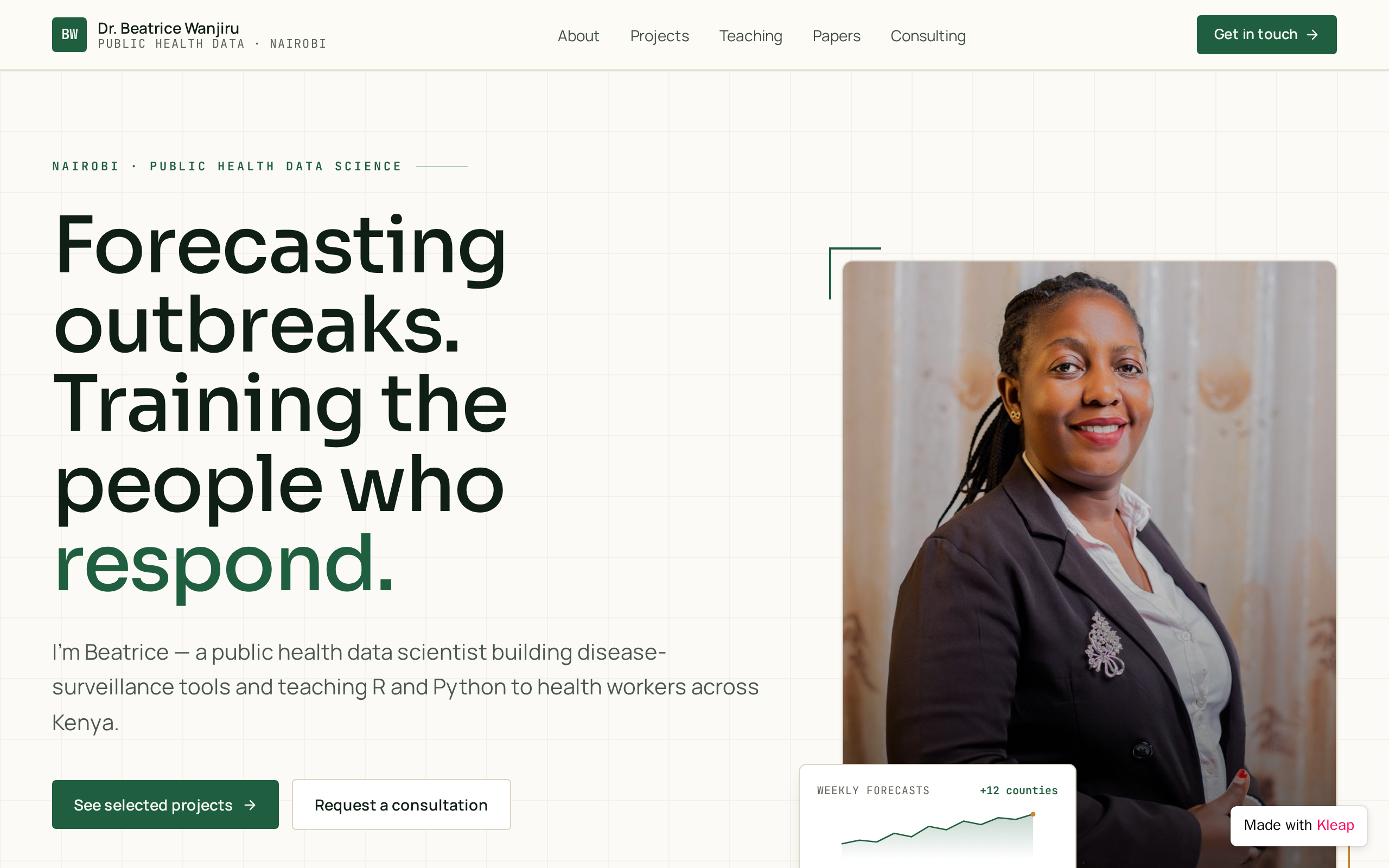
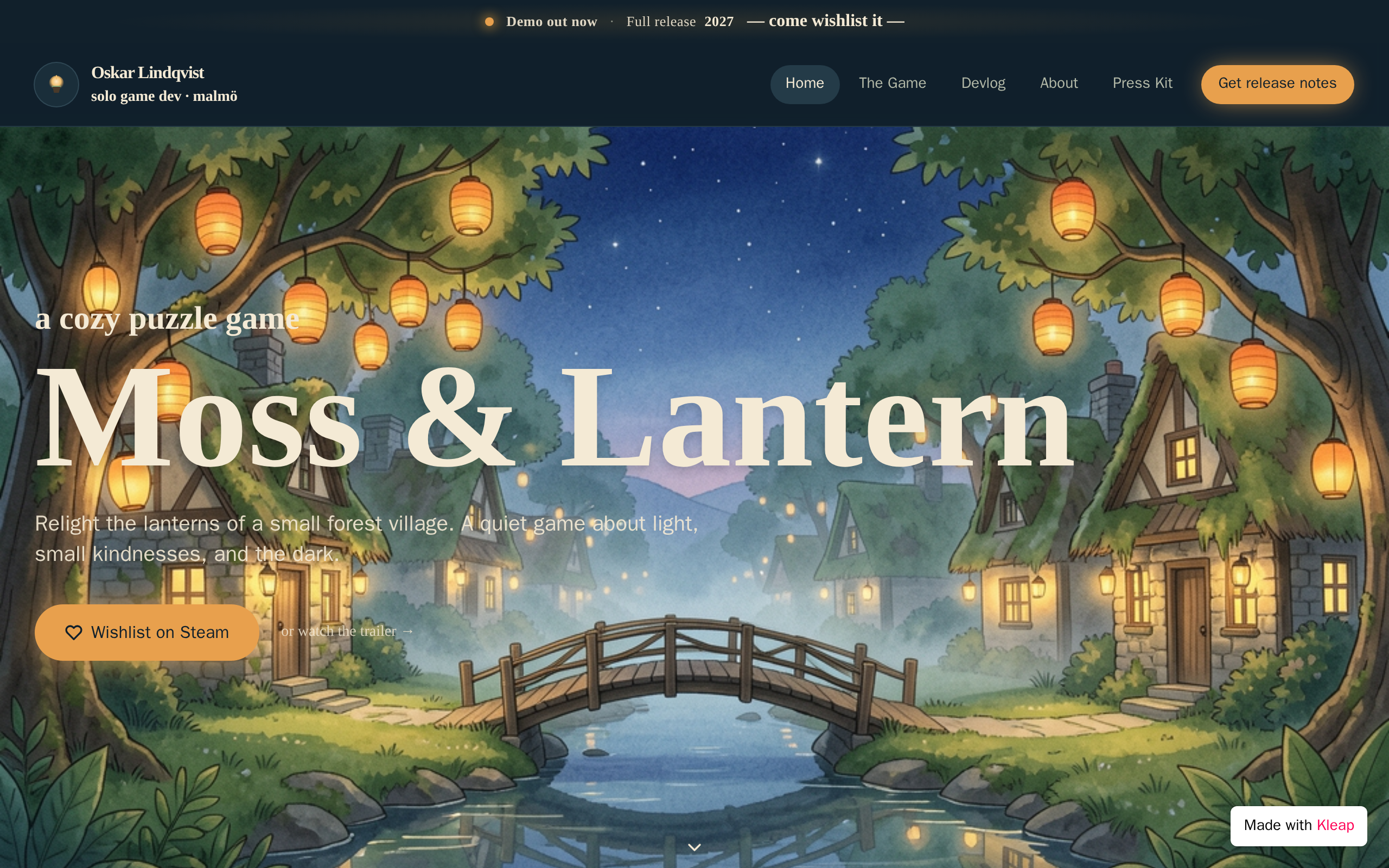
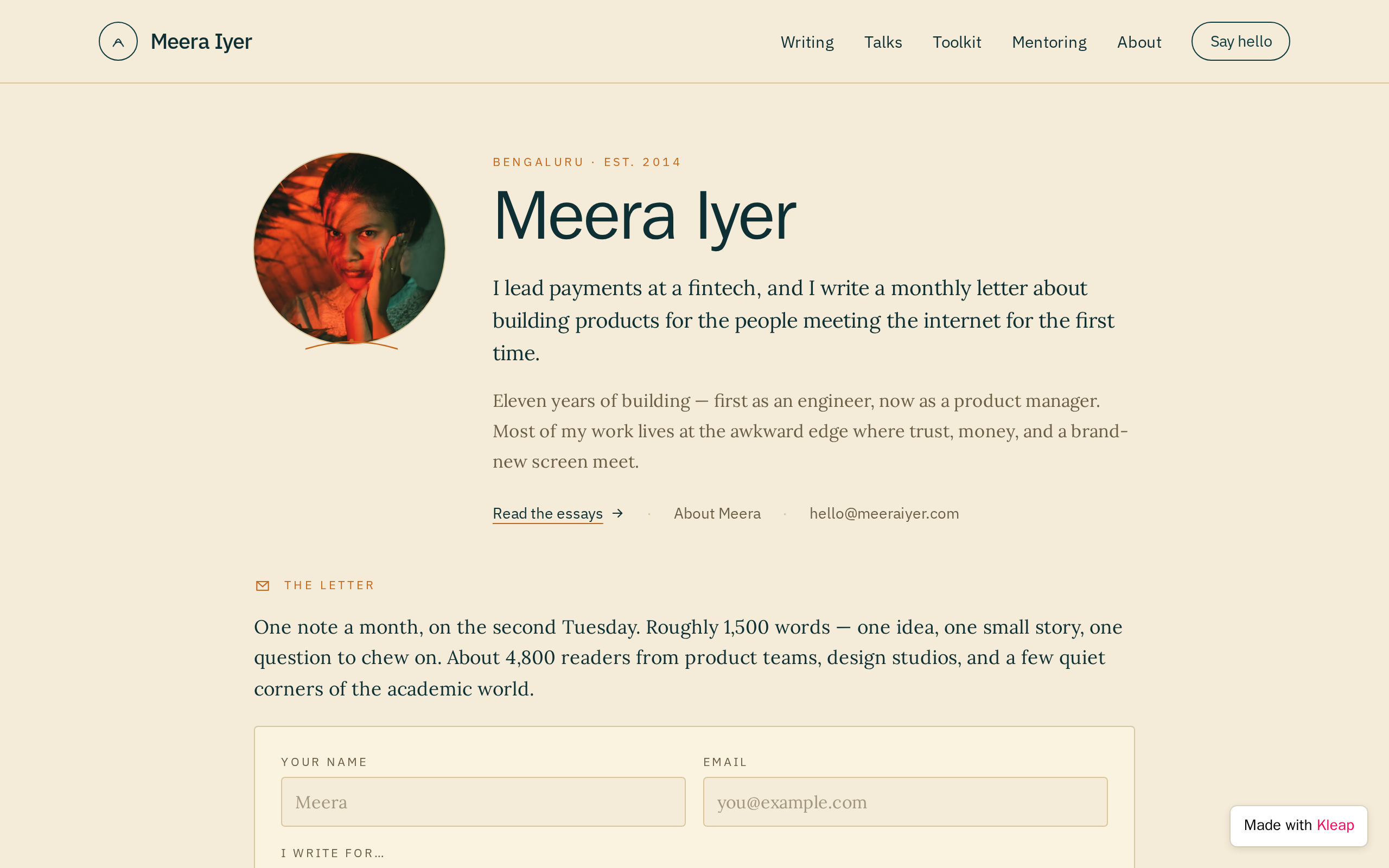

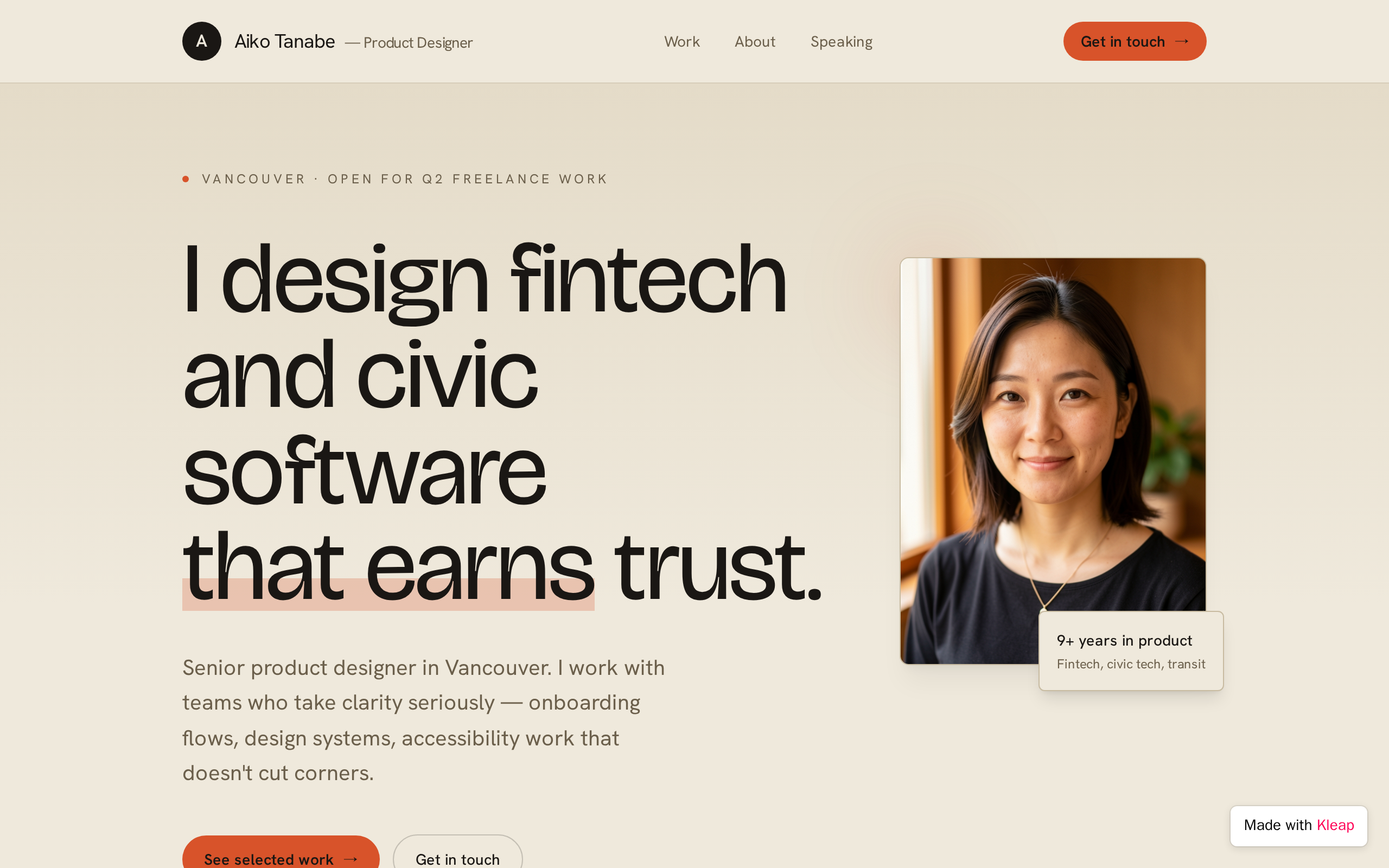
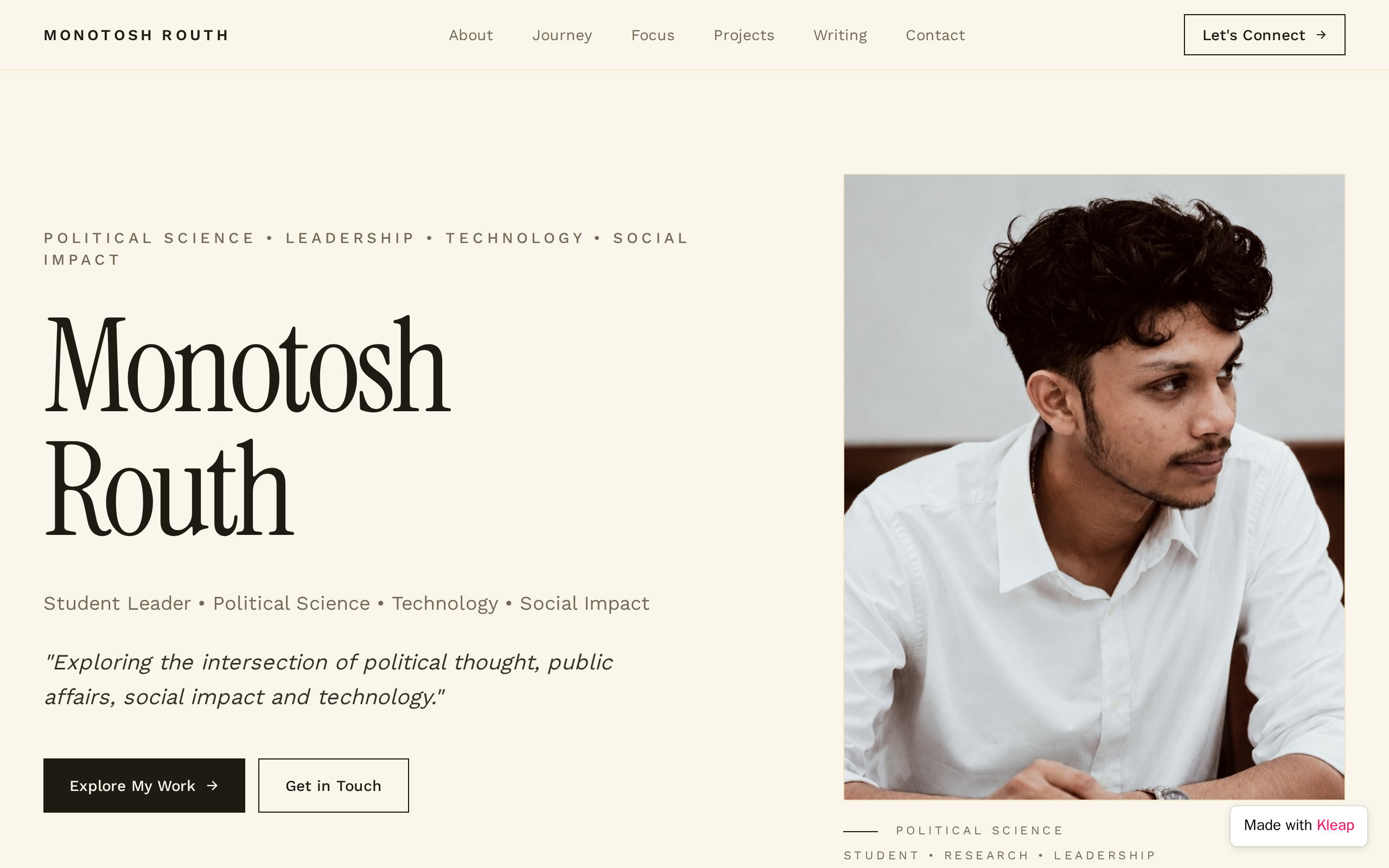
The first screen should say who you are and what you do in one sentence, next to a photo. "Product designer in Chicago who works on healthcare apps" tells a visitor far more than "Welcome to my website".
Write it in the first person, around 150 to 300 words: what you do now, how you got here and what you care about. Add a short third-person version that event hosts and journalists can copy.
Show three to six things you are proud of, each with the problem, what you did and the result. A few well-explained projects are more convincing than a long wall of logos.
If you publish articles, give talks or keep notes, list them on one page with dates. It shows how you think and gives people a reason to come back.
A short form (name, email, what it is about) is easier for visitors than copying an address, and it keeps your email away from scrapers. Say which messages you welcome and how quickly you reply.
LinkedIn, GitHub, Dribbble, a newsletter or a podcast. Pick the few that matter for your work and drop the rest; a row of abandoned profiles does more harm than good.
Decide what you want visitors to do: hire you, book a call, subscribe or read your latest piece. Put that single action on the homepage and at the end of each page.
Paste it into Kleap, then change the names, dates and details to yours.
Build a personal website for Jordan Ellis, a product designer in Chicago who works on healthcare apps. Clean, modern style with lots of white space and one accent color. Homepage: a one-sentence introduction with a headshot, three featured projects and a Work With Me button. About page: a 200-word first-person bio and a shorter third-person version for event organizers. Projects page: six case studies, each with the problem, my role, what I did and the result. Writing page: a list of articles with dates and links. Contact page: a form that stores each visitor's name, email, reason for reaching out (freelance project, full-time role, speaking, other) and message. Footer with LinkedIn, Dribbble and email links.
A clear one-line introduction, an About page, examples of your work, a way to contact you and links to the profiles you actually use. Many people add a blog, a Now page describing current projects, or a downloadable resume. Start small: one well-written page is better than five empty ones.
A personal website is about you as a whole: interests, writing, side projects. A professional website focuses on your work and one audience, usually clients or employers, and ends with a way to hire or contact you. Many sites combine both, with the professional content first and personal notes further down.
It is not required, but a domain with your name is easier to remember and looks more established on a resume or business card. It also stays yours if you change tools later. If budget is tight, start on a free address and switch once the site is ready to share widely.
Yes. You describe the site in a chat, Kleap builds it, and you change anything by asking in plain language, such as "make the projects a two-column grid". It can add a contact form that stores messages. Publishing on a kleap.io address is free; your own domain requires a paid plan. You need an account to start.
Describe the website or app you imagine. Kleap helps you build it, publish it and keep improving it, with tools to monitor how it works and fix issues.
Describe what you want to create. AI builds the design, features and logic, then develops the project further with your feedback.
Database, authentication and forms: build a client portal or an app with the data and access it needs.
Add Stripe, business tools and integrations. Connect your accounts and keys to fit the project to the way you work.
The Guardian spots website issues and helps you fix them with AI. Return to your project in the chat to make the corrections.
Publish with hosting, connect your domain and follow your activity with analytics and the Search Console integration.
Keep your code, connect GitHub and work with AI tools like Claude or ChatGPT. AI assistance and human support on paid plans help you along the way.
Join thousands of creators who built their website in minutes using Kleap AI. No coding required.