







WordPress Alternative · 2026

The best WordPress alternative in 2026

Describe your project in one sentence. Kleap builds your site — or your full application — in minutes. Served from Cloudflare's edge, optimized for Google and AI engines from the first line. Zero plugins, zero maintenance.

Updated July 19, 2026Written by the Kleap team

Free to start. No credit card.

0+

sites built with Kleap

0+

builders on Kleap

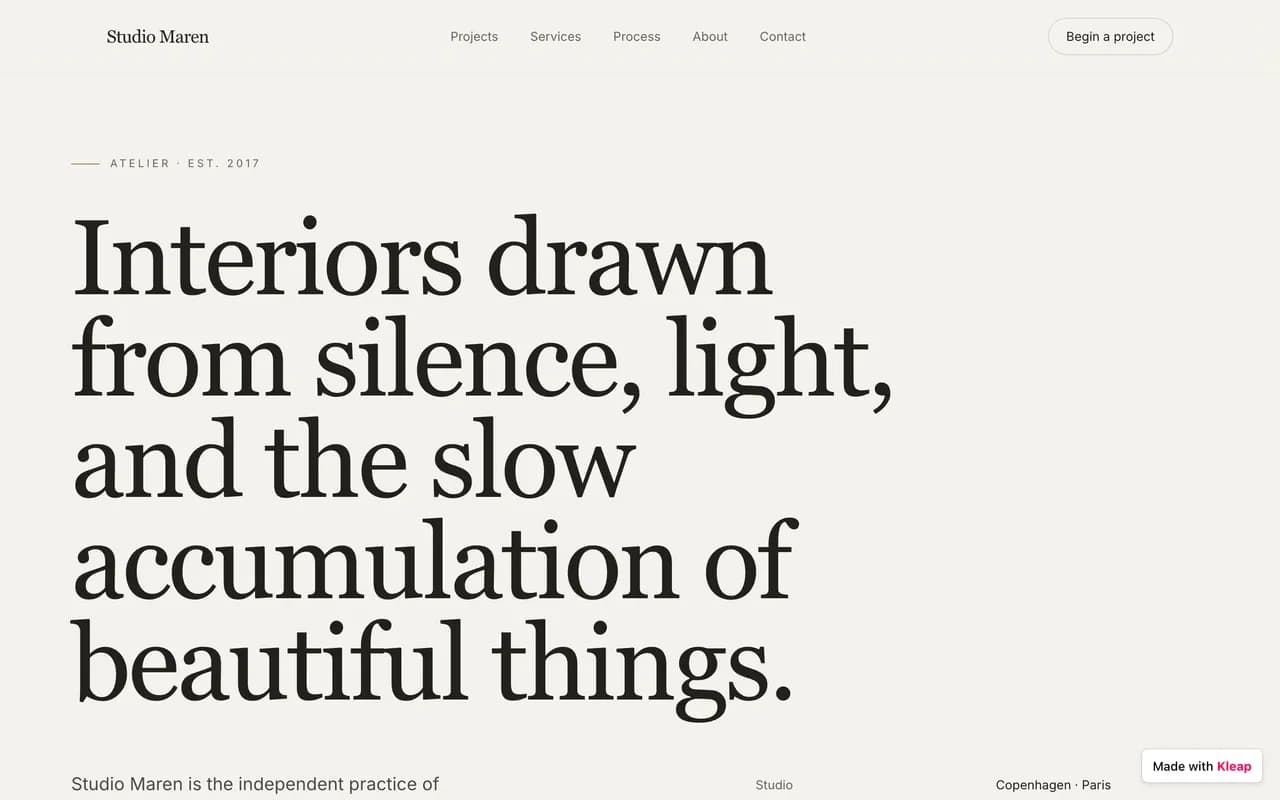
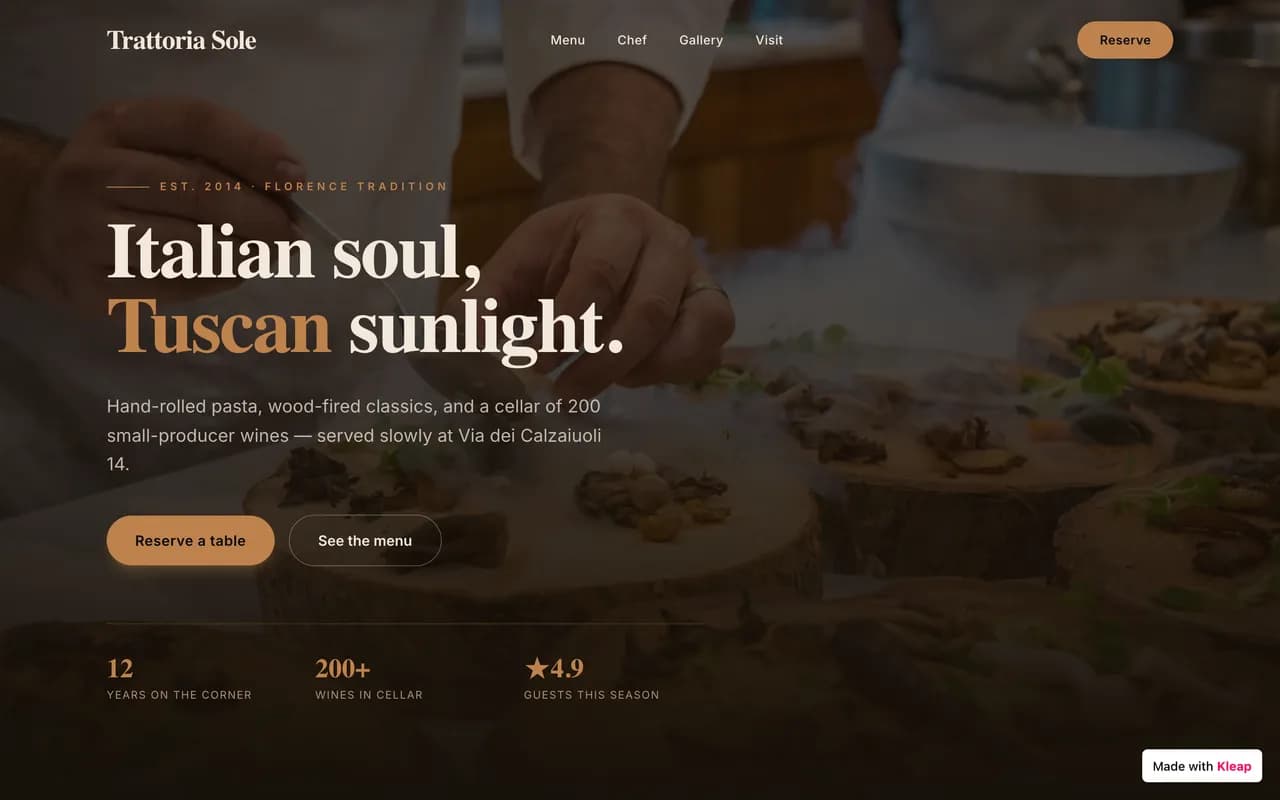
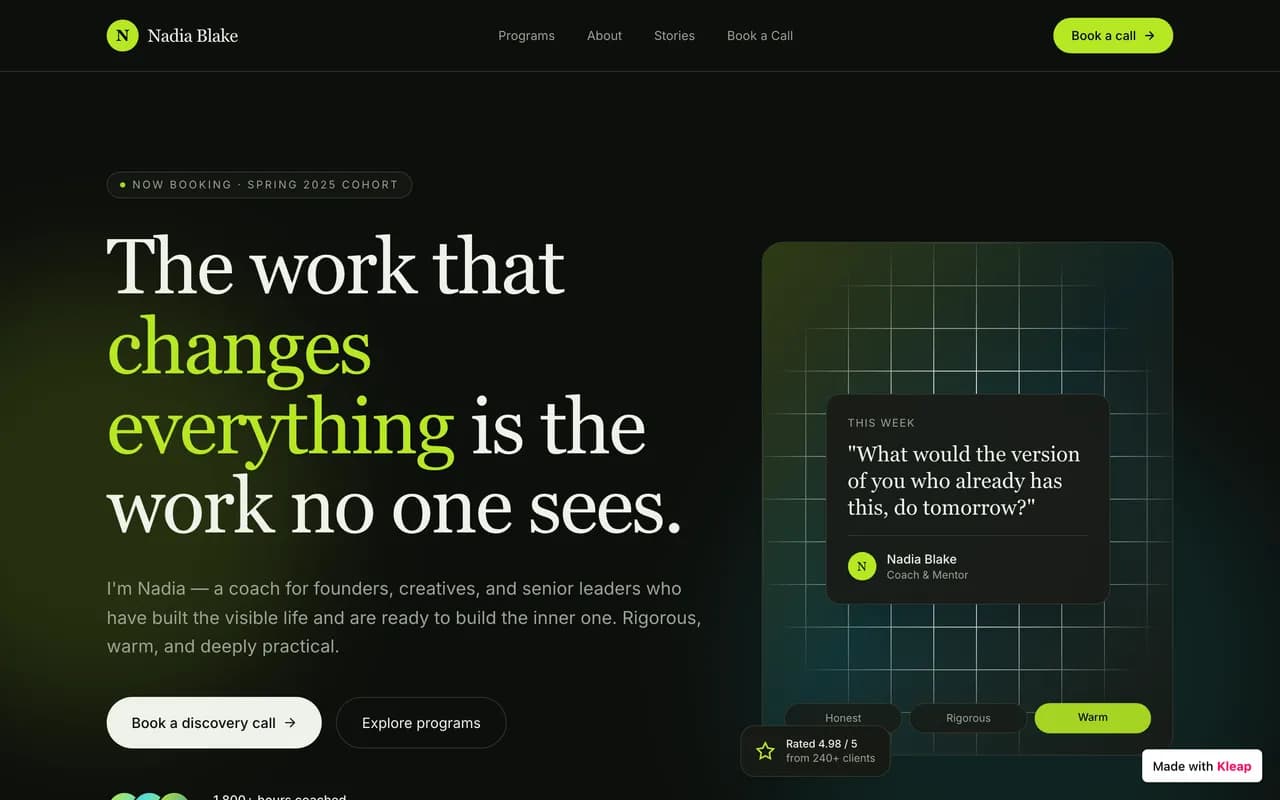
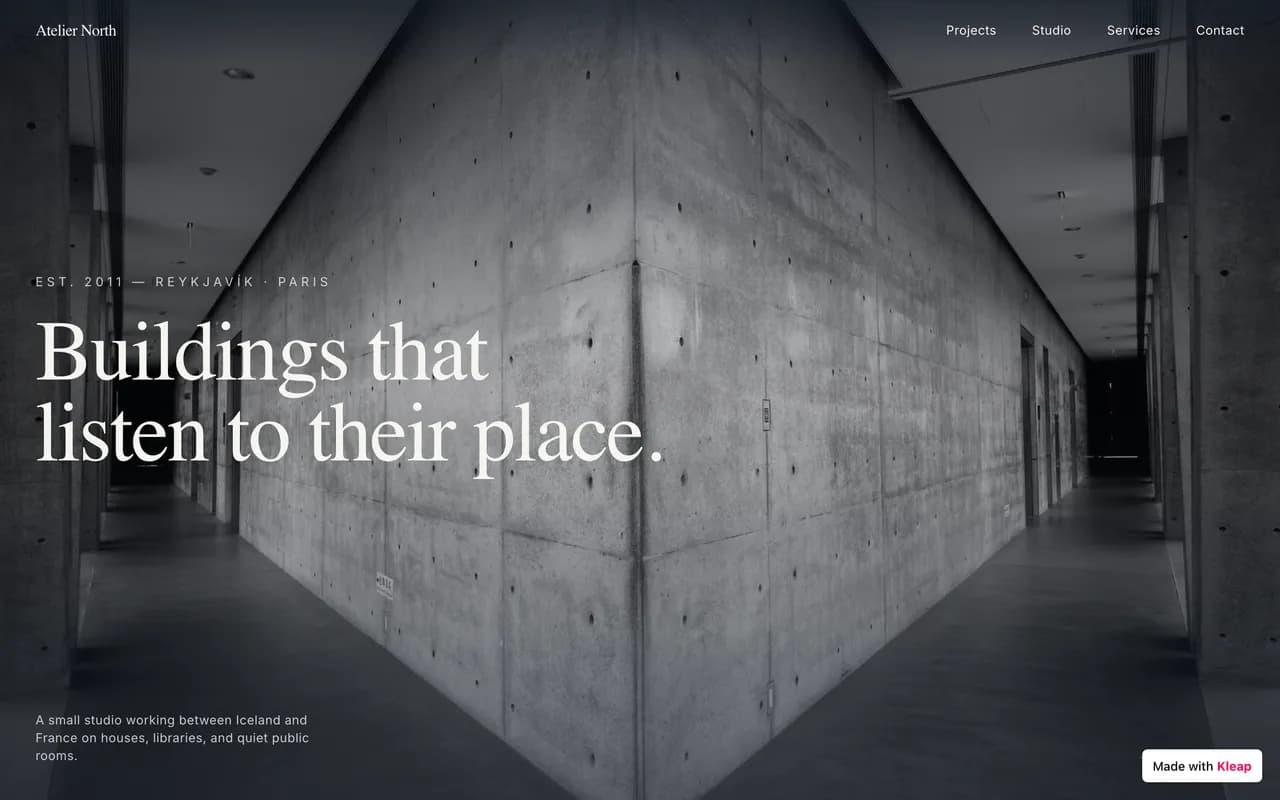
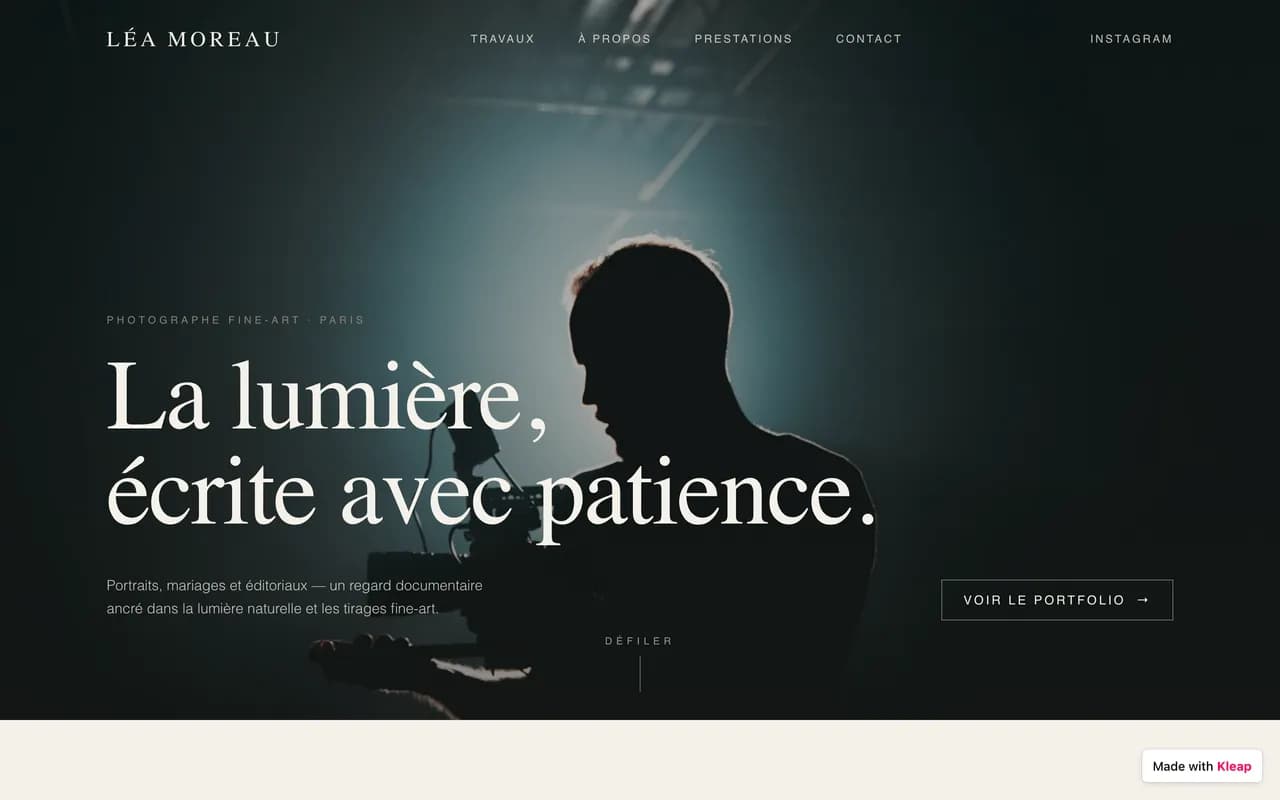
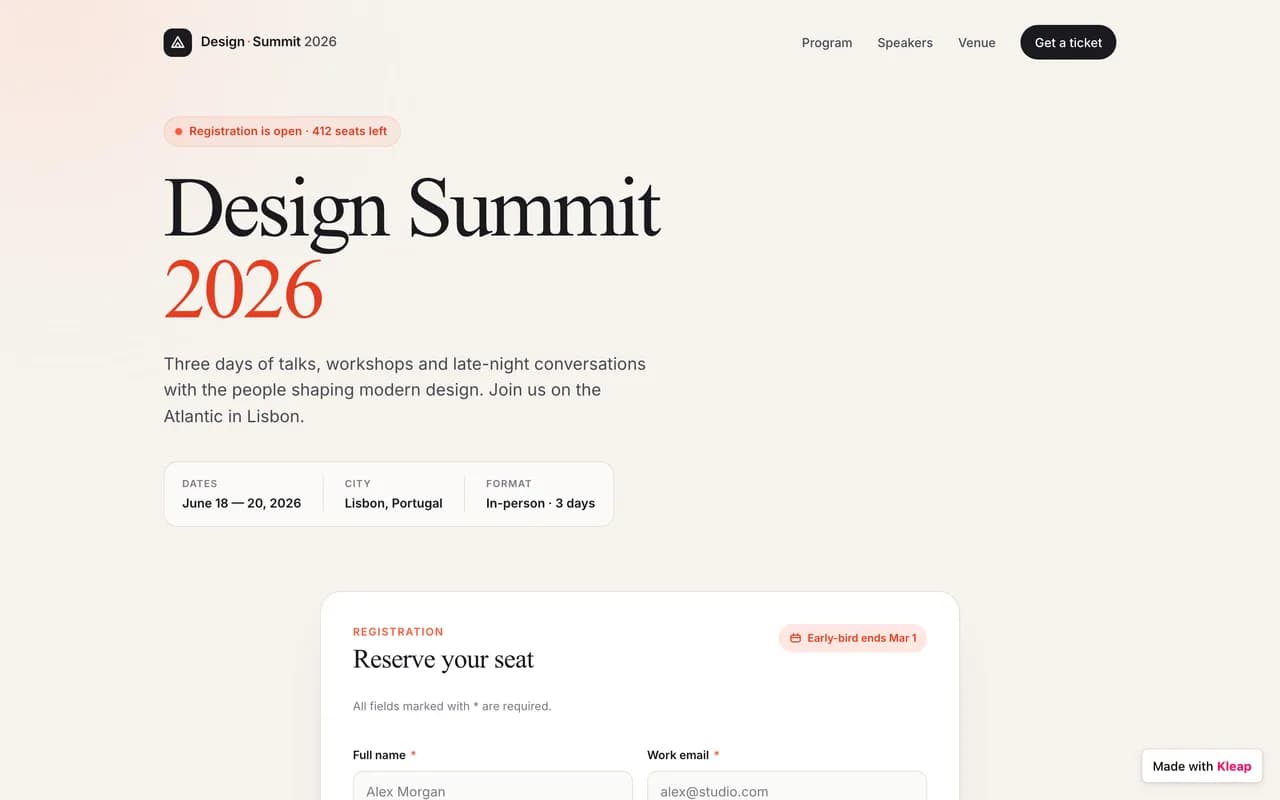
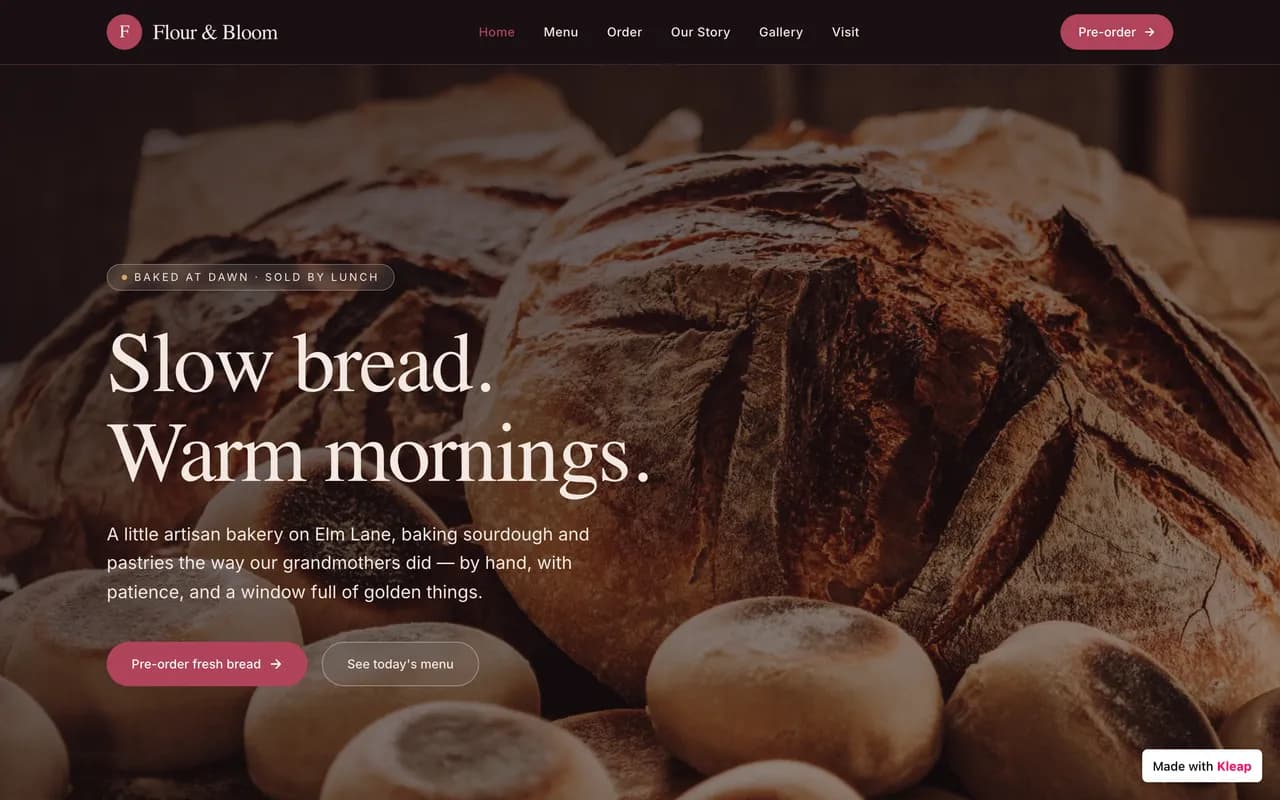
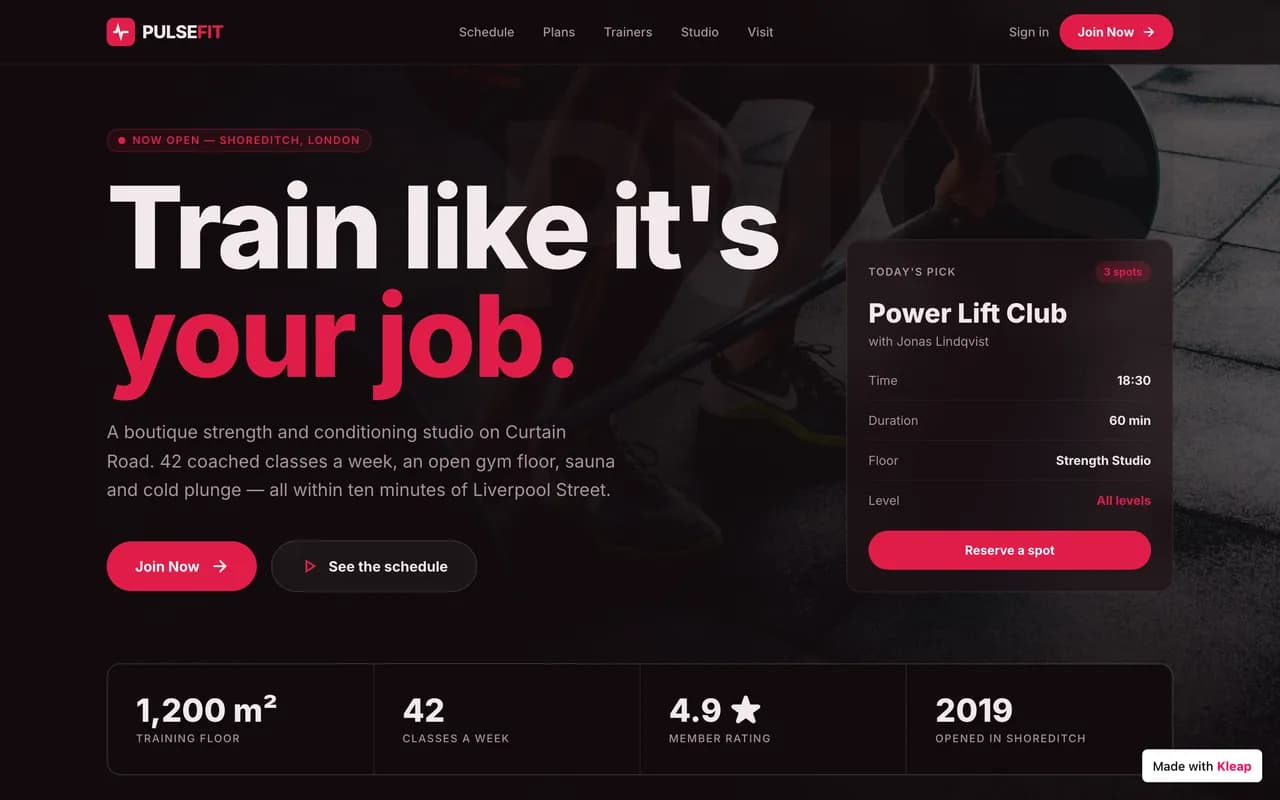
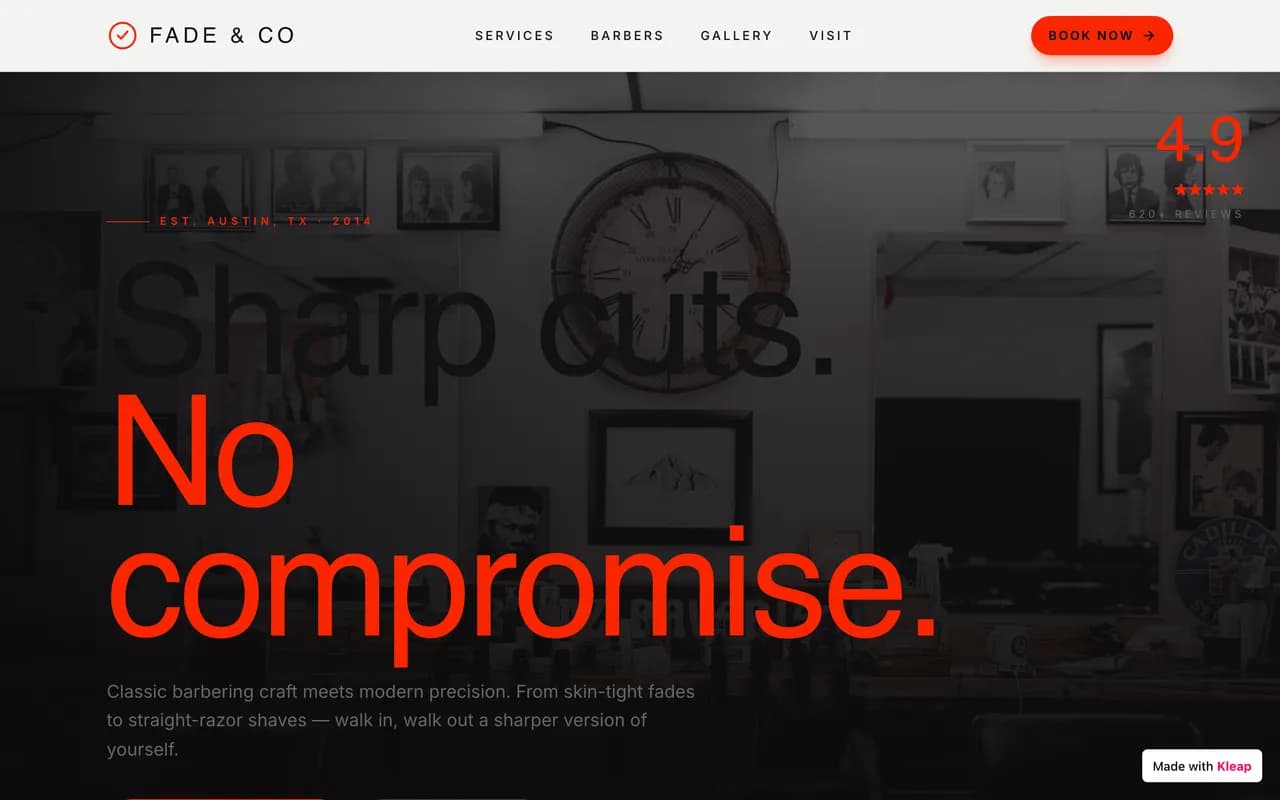
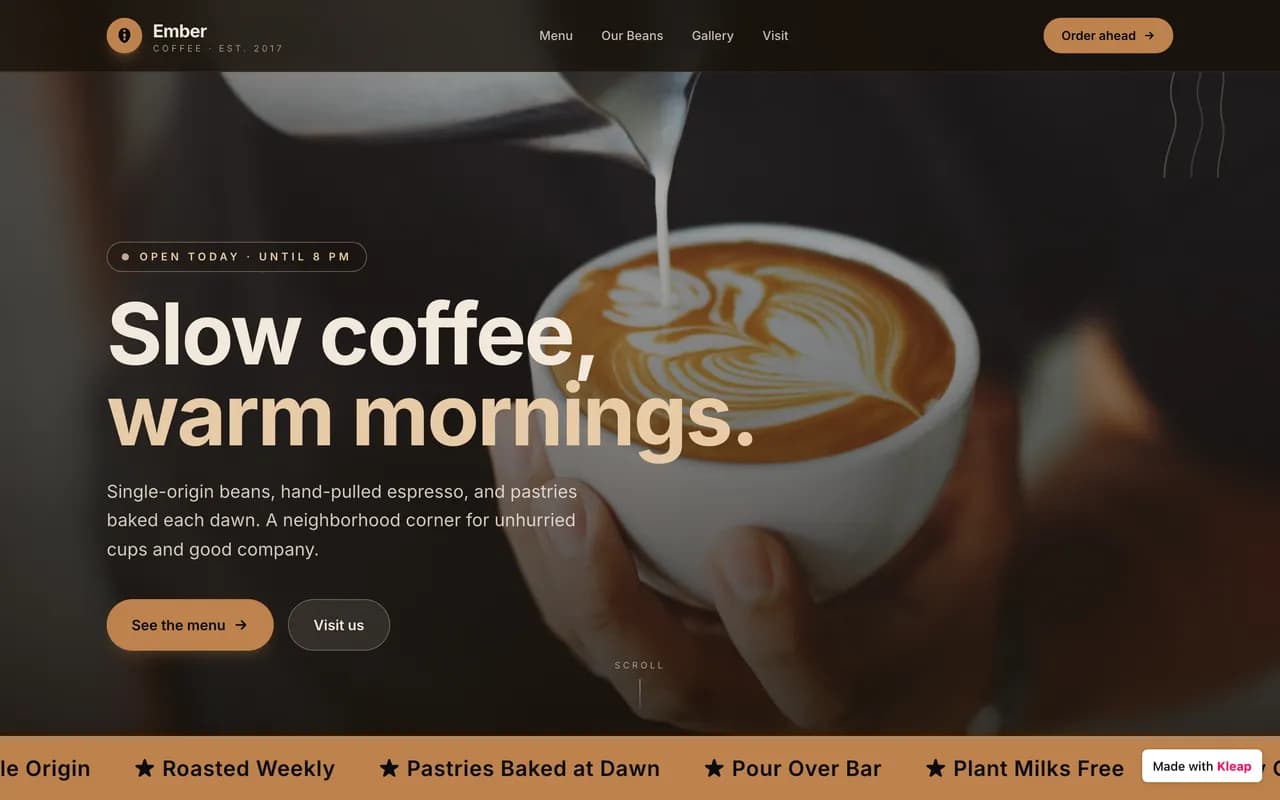
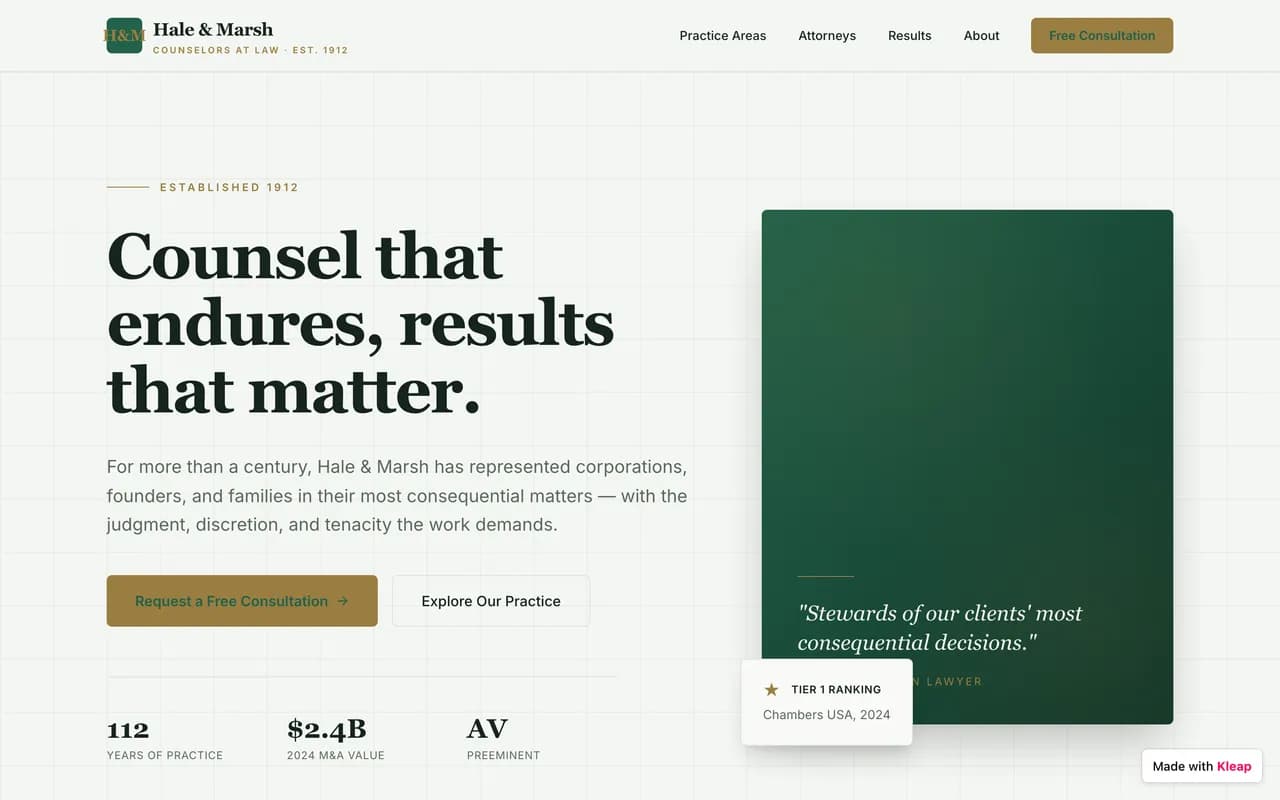
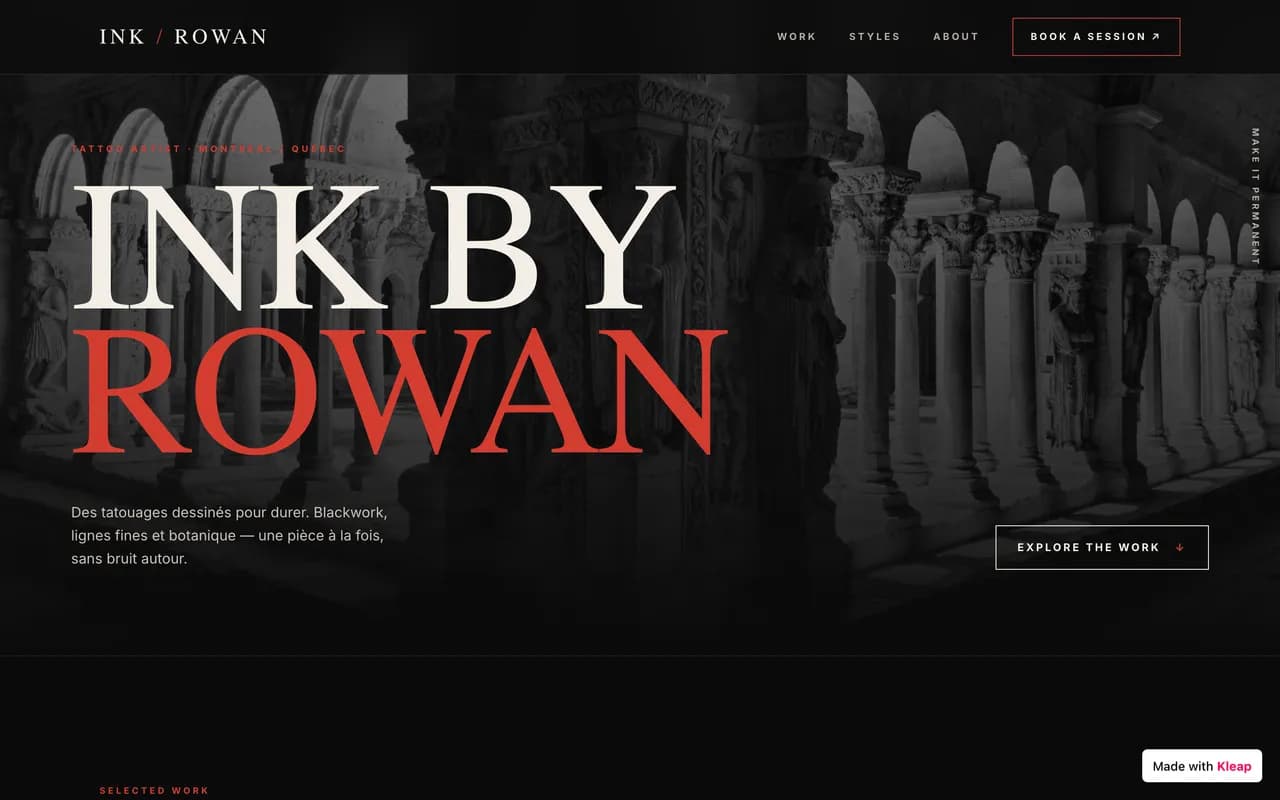
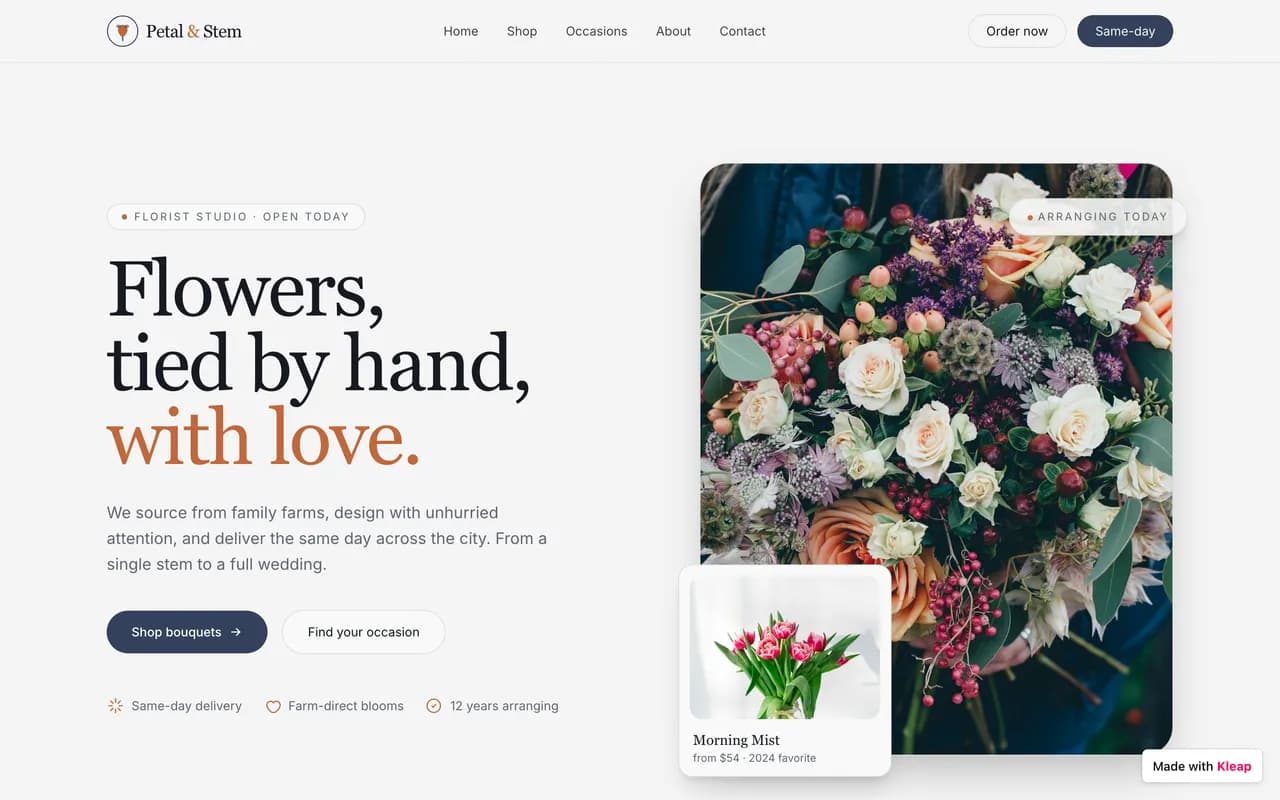
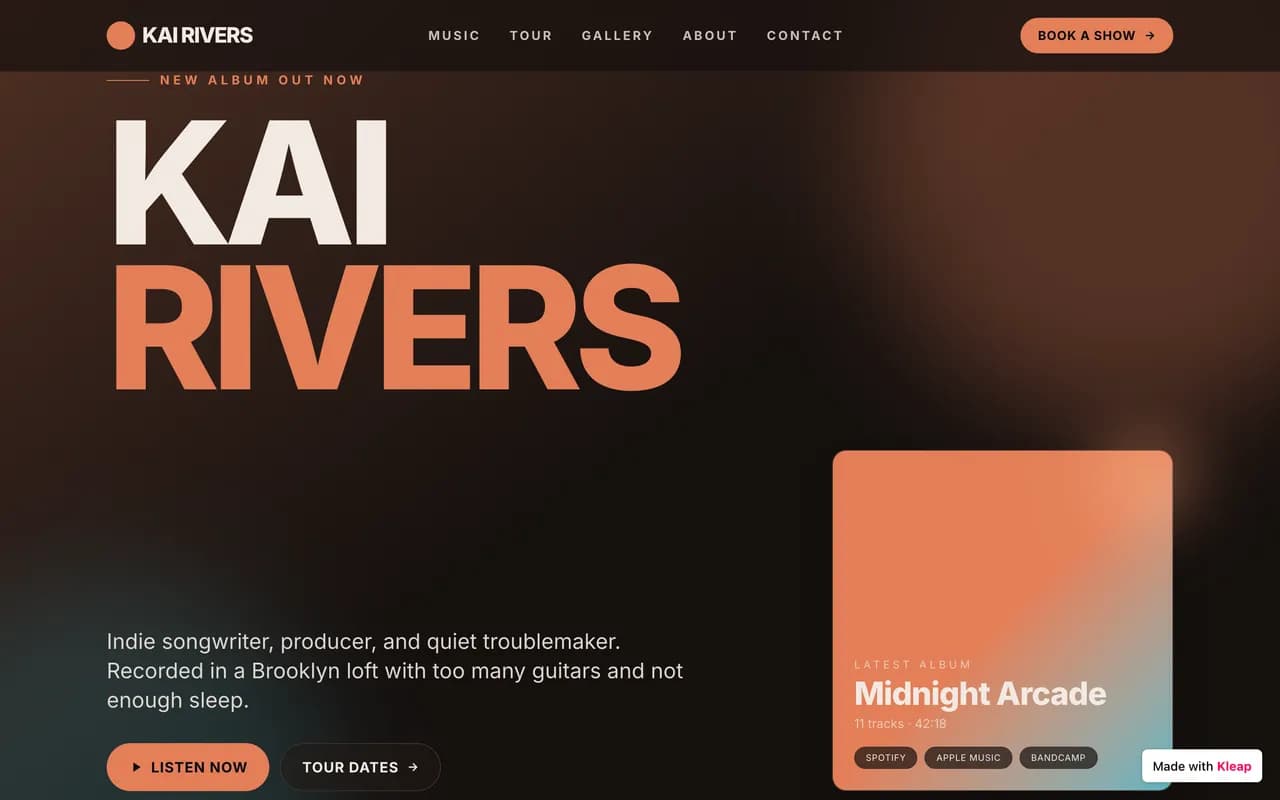
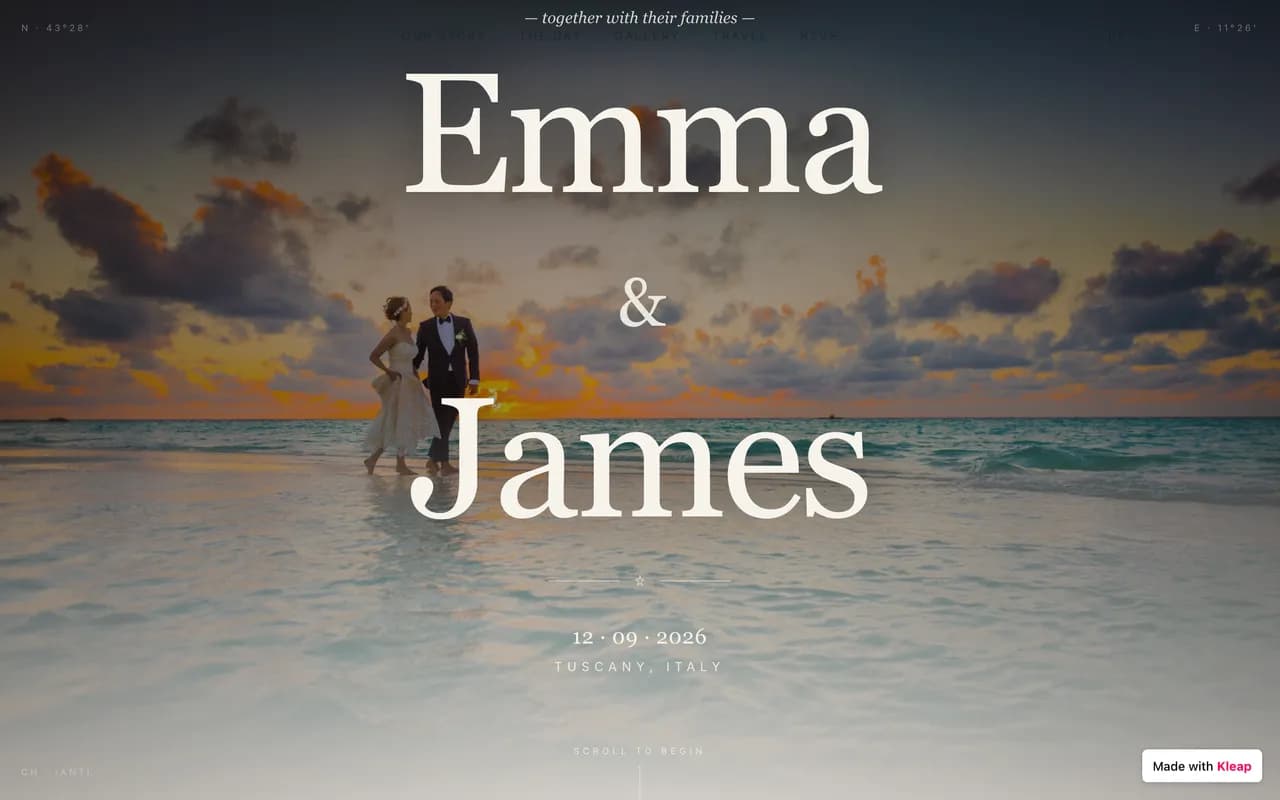
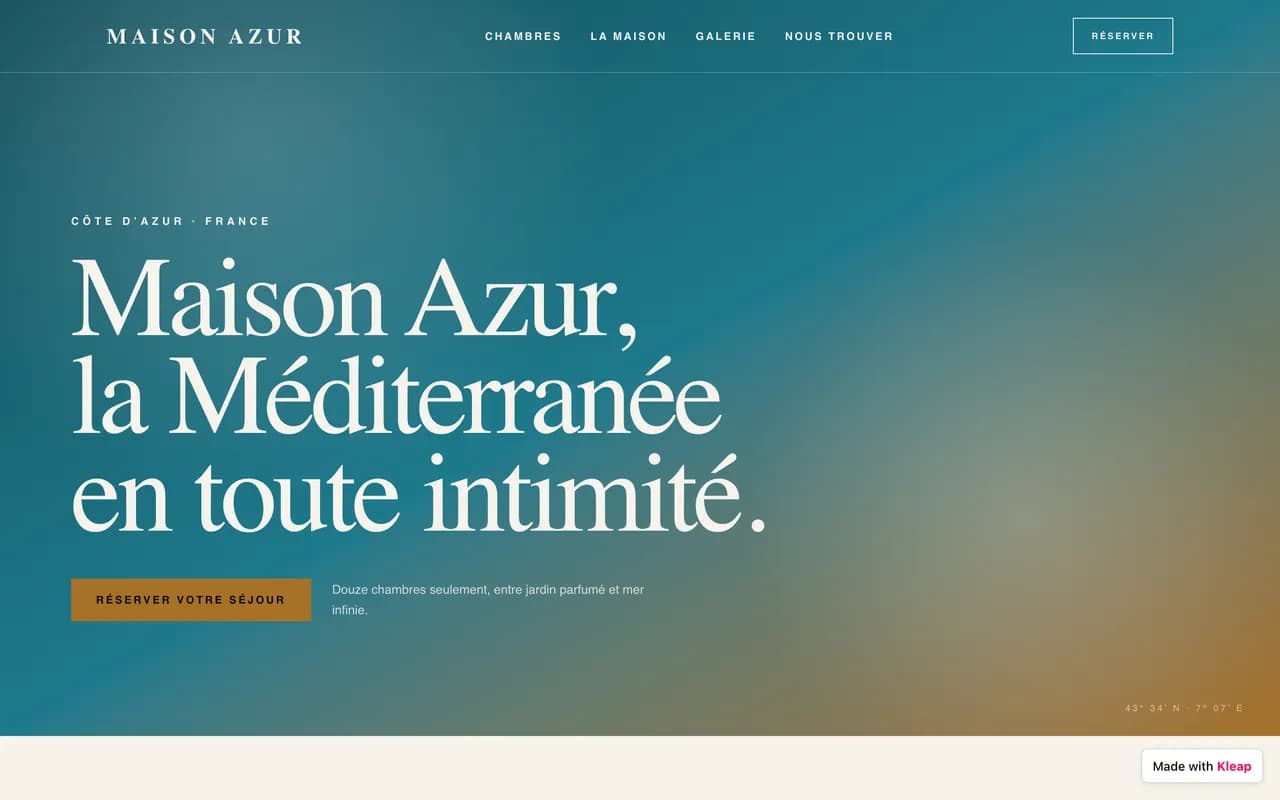
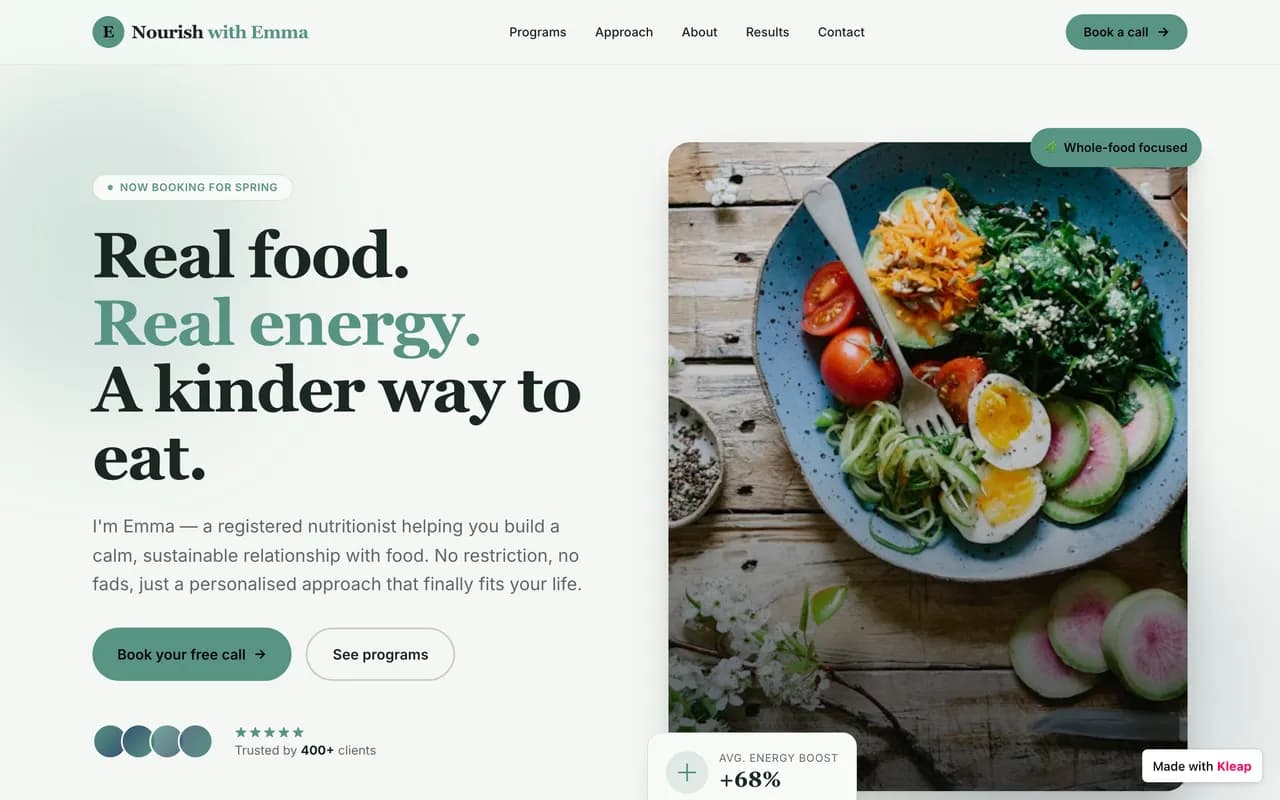
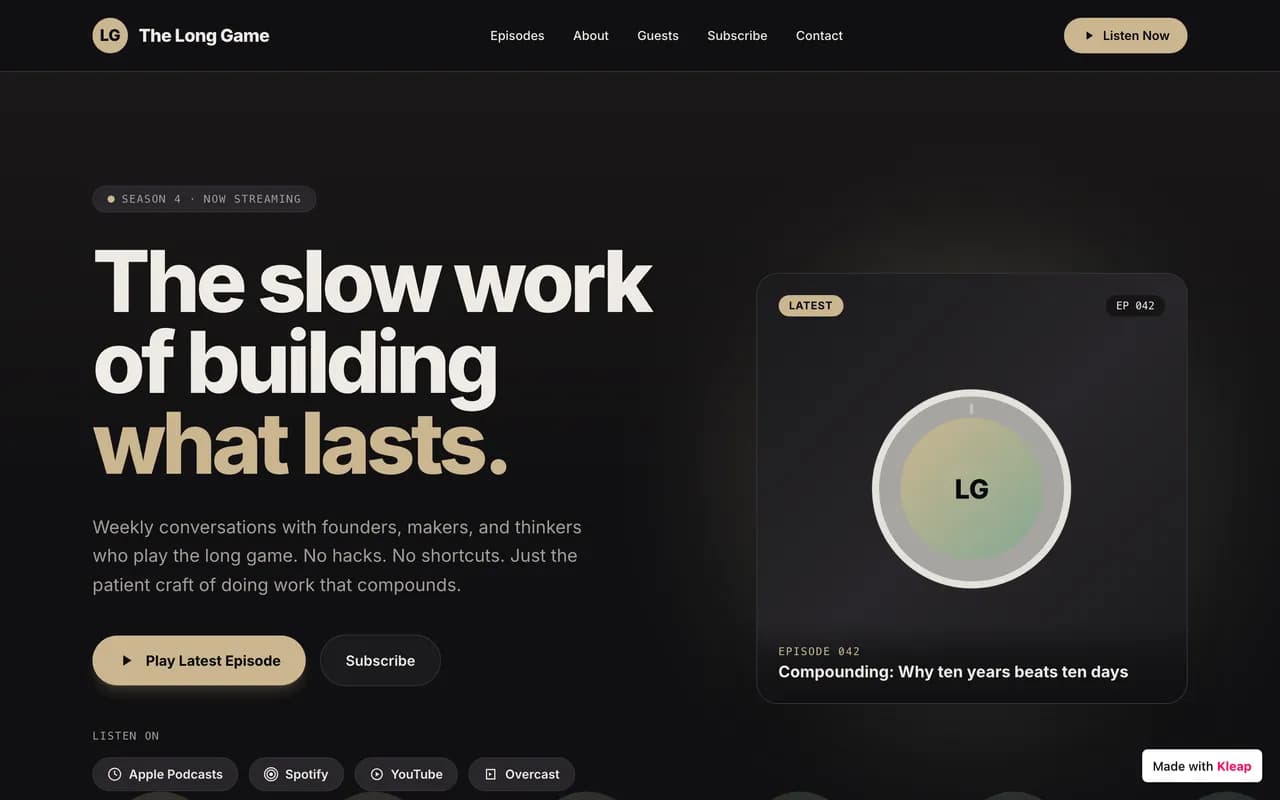
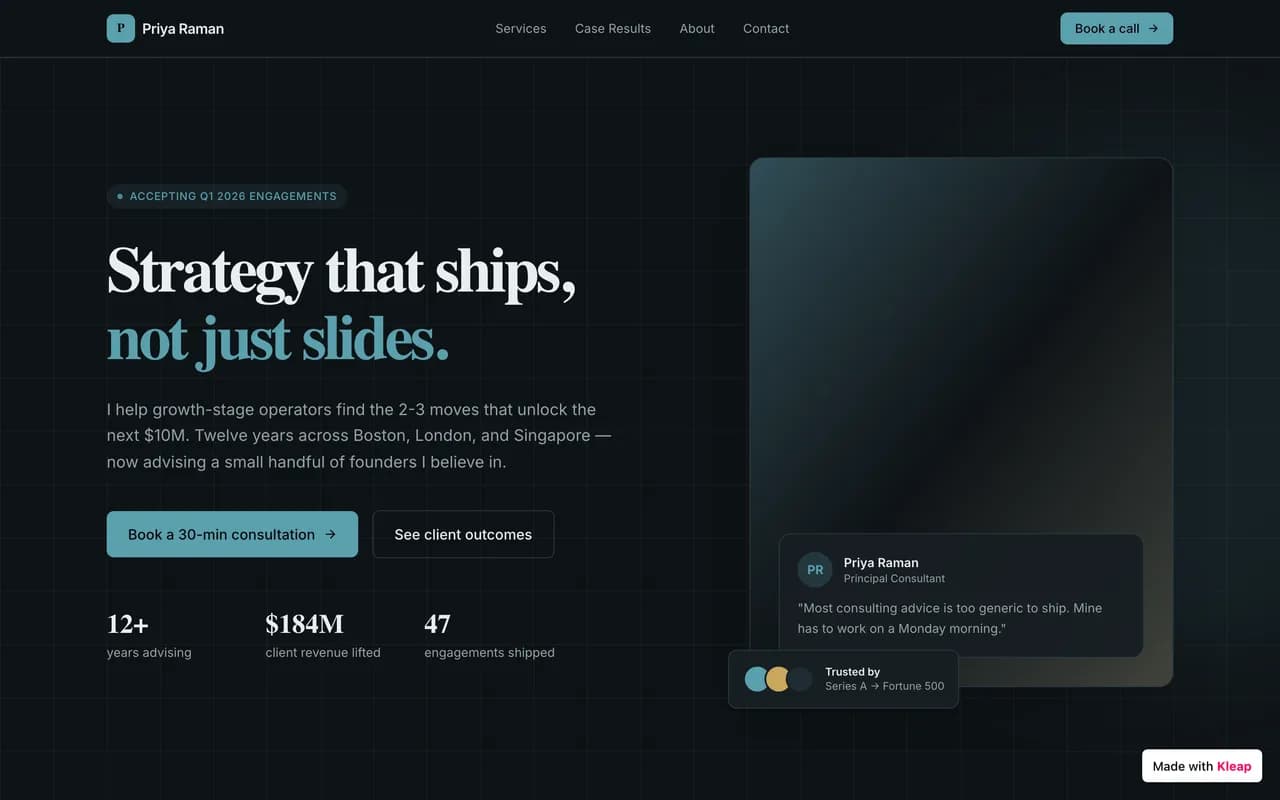
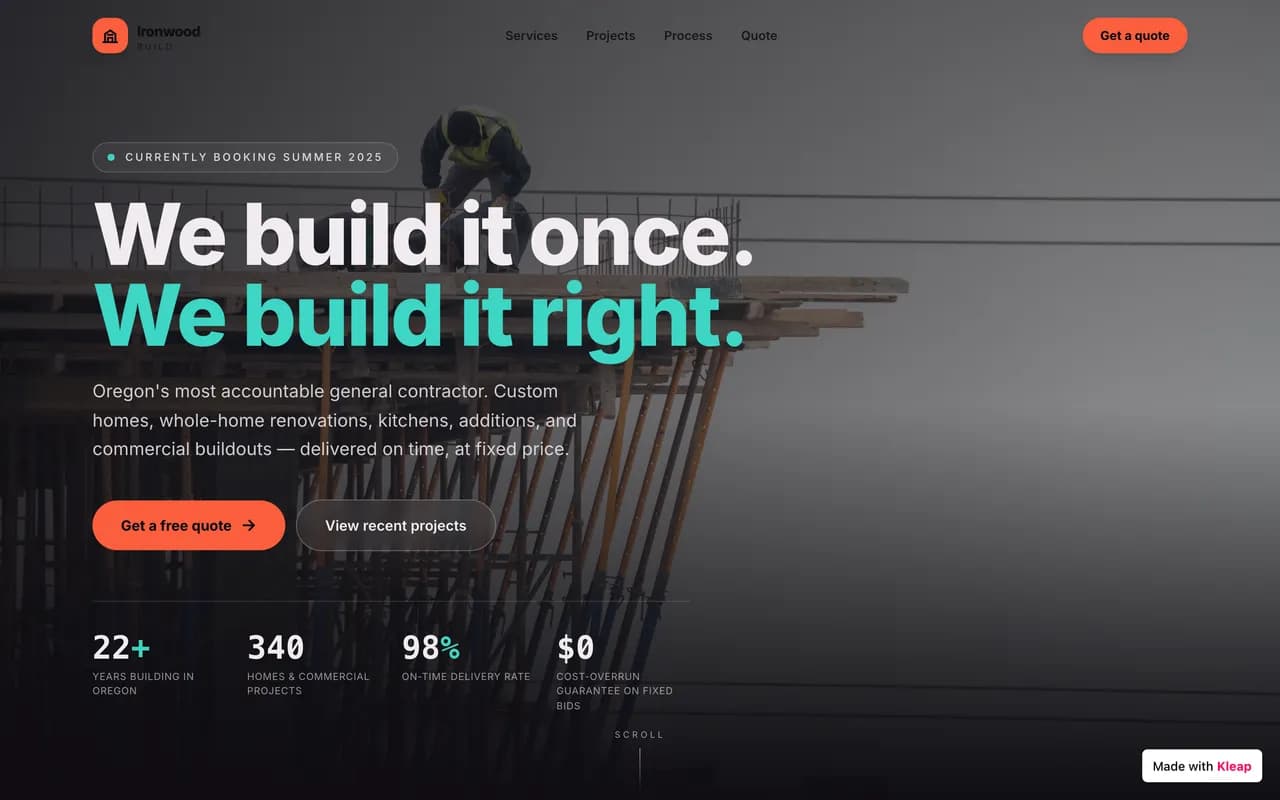
Examples of sites built with Kleap

Backed by

AWSMicrosoft for StartupsNVIDIA InceptionCloudflareBlueLionThe Ark

In short: Kleap or WordPress?

Choose Kleap if…
  • You want a site or app live today, not in three weeks.
  • You don't want to manage plugins, updates or security holes.
  • You need more than a brochure: database, accounts, dashboards.
  • You want a fast, well-ranked site without installing a single tool.
Stay on WordPress if…
  • You're a developer and want to control every line of code.
  • You depend on a very specific niche plugin that only exists on WordPress.
  • You run a large editorial newsroom already trained on WordPress workflows.
  • You insist on self-hosting and owning your whole stack.

For the vast majority of projects — brochure sites, portfolios, stores, business apps — an alternative like Kleap is faster to launch, simpler to maintain and better for SEO.

Why leave WordPress in 2026

WordPress powers roughly 43% of the web. That dominance has a flip side: here's what pushes its users toward an alternative.

0%

of the web runs on WordPress

That market share makes it the most attacked platform on the web. Nearly all vulnerabilities come from third-party plugins and themes — but patching them is on you.

Sources: W3Techs, Sucuri

  1. 01

    Plugin pile-up

    One feature = one plugin. You end up with 20–30 overlapping plugins that slow the site down and break on every update.

  2. 02

    A huge attack surface

    At 43% of the web, WordPress accounts for most reported hacked sites. Most holes come from third-party plugins and themes, not the core — but fixing them is your job.

  3. 03

    Hosting and servers to manage

    Pick a host, configure PHP, the database, SSL, backups… You wanted a website, you inherited a sysadmin role.

  4. 04

    Updates that break things

    Core, theme, plugins: any update can take the site down. You end up dreading the 'Update' button.

  5. 05

    The real cost, once you add it all up

    The core is free, the rest isn't: premium theme, paid plugins, decent hosting, a developer. A serious site often runs €250–600 per year.

  6. 06

    A developer's platform

    Blocks, child themes, hooks, filters, custom fields: WordPress has become a framework. The learning curve puts off most non-technical users.

Kleap vs WordPress, number by number

No vague adjectives: concrete benchmarks, row by row.

Criterion
KleapRecommended
WordPress
Time to launchA few minutesDays to weeks
Cost to start€0~€250–600/yr (theme + plugins + hosting + dev)
Who builds and editsAI, in plain languageYou or a developer
Plugins to install020+ on average
Security patches to manage0 (handled for you)Ongoing, on you
Speed / Core Web VitalsLCP in milliseconds (static Astro)Varies with theme and cache
SEONative: sitemap, meta, schemaPlugin required (Yoast, Rank Math…)
HostingIncluded, global Cloudflare edgeChosen and paid separately
App / CRM (database, login, dashboards)Yes, just describe it to AICustom development, complex
Editing from mobileYes, in plain languageHeavy admin, poorly suited to mobile
E-commerce fees0% Kleap commissionWooCommerce + paid extensions
Ownership & portabilityCode exportable to GitHubYours, but with the maintenance
What does WordPress really cost you per year?

Drag the sliders. Most 'free' WordPress sites end up well above zero.

60 €
180 €
120 €
8 h/yr
60 €/h

WordPress total, per year

840 / yr

The same thing with KleapFree to start

You only pay for extras: custom domain, badge removal, extra sites.

Rough estimate based on common market rates. WordPress core is free; the ecosystem around it is not.

Far more than a brochure site

Kleap builds anything — not just a site

Where WordPress stops at the brochure and the blog, Kleap goes all the way to the full application. Describe the feature, AI builds it: database, login and dashboards included.

You write

Build me a CRM for my agency: client records, project tracking, a login for my team and a revenue dashboard.

Kleap

Kleap delivers

mon-agence.kleap.io
Application built by Kleap's AI

A real application — database, accounts and dashboards — live in minutes.

A real database

Store data, forms, sign-ups. No plugin to hack together: it's built in.

Accounts & login

Member area, login, private zone: give your users a real account, with no technical setup.

Dashboards

Back office, stats, management: ask for a dashboard and run your business in one place.

Any idea

CRM, client portal, booking, directory… If you can describe it, Kleap can build it.

Kleap = your CTO

A whole tech team in one conversation. On WordPress, the smallest change means a theme, a plugin or a developer. With Kleap, you just ask.

Fast by nature, ready for Google and AI

Every Kleap site is generated as static Astro and served from Cloudflare's edge. The result: pages that load in milliseconds, with no cache plugin and no maintenance.

Typical load time

Kleap · Astro + Cloudflare~0.4s
Average WordPress~3.5s

A static site runs no PHP and no database query per visit: it's already ready to serve.

0
Typical PageSpeed score

Kleap

Average WordPress: 30 to 60

Visible to AI engines too

Clean, fast, static HTML isn't just good for Google: it's easy for ChatGPT, Perplexity and AI Overviews to read. In 2026, being cited by answer engines matters as much as ranking.

ChatGPTPerplexityGoogle AI Overviews

Static Astro

Ultra-light, pre-rendered pages. No PHP or database query per visit: just speed.

Cloudflare edge

Astro was acquired by Cloudflare: your sites are served from the point closest to each visitor, worldwide.

Native SEO

Server-side rendering, automatic sitemaps, clean meta tags, semantic HTML. Better SEO than WordPress from the start.

SSL & zero maintenance

Automatic HTTPS, no updates to manage, no vulnerabilities to watch. We handle the tech, you handle your project.

A glimpse of what people build on Kleap

From brochure sites to business apps, across every industry. Real examples of AI-generated sites.

Site bakery créé avec Kleap
Site gym créé avec Kleap
Site barber créé avec Kleap
Site cafe créé avec Kleap
Site lawyer créé avec Kleap
Site salon créé avec Kleap
Site tattoo créé avec Kleap
Site real estate créé avec Kleap
Site bakery créé avec Kleap
Site gym créé avec Kleap
Site barber créé avec Kleap
Site cafe créé avec Kleap
Site lawyer créé avec Kleap
Site salon créé avec Kleap
Site tattoo créé avec Kleap
Site real estate créé avec Kleap
Site florist créé avec Kleap
Site musician créé avec Kleap
Site wedding créé avec Kleap
Site hotel créé avec Kleap
Site nutritionist créé avec Kleap
Site podcast créé avec Kleap
Site consultant créé avec Kleap
Site contractor créé avec Kleap
Site florist créé avec Kleap
Site musician créé avec Kleap
Site wedding créé avec Kleap
Site hotel créé avec Kleap
Site nutritionist créé avec Kleap
Site podcast créé avec Kleap
Site consultant créé avec Kleap
Site contractor créé avec Kleap
Community

Made with Kleap

Sites published by the community, live right now.

WordPress alternatives at a glance

Nine options, compared on what matters before you choose.

AlternativeBest forStarting priceMigration effortThe Kleap edgeLinks
KleapRecommended
Sites + apps by AIFreeRebuilt by AI (~30 min)AI does the work for you
Wix
Beginners~€13/moManualAI builds it — no more dragging blocksSee comparison
Squarespace
Portfolios & design~€16/moManualJust as polished, generated and far fasterSee comparison
Webflow
Advanced designers~€14/moManual, technicalZero learning curveSee comparison
Framer
Design landing pages~€10/moManualMulti-page sites and apps, not just landingsSee comparison
Ghost
Blogs & newsletters~€9/moContent importFar more than a blog: real applicationsSee comparison
Shopify
Pure e-commerce~€27/mo + feesManualA simple store with no forced subscriptionSee comparison
Joomla
Self-hosted CMSFree + hostingComplexNo server to manageSee comparison
Drupal
Large custom sitesFree + developerVery complexThe same custom build, without a developerSee comparison

WordPress alternatives, in detail

An honest overview: what each tool is worth, and why Kleap goes further.

KleapRecommended

The #1 alternative, AI-powered

Describe your project and AI builds the site or app: hosting, security and SEO included, without a line of code.

FromFree

Best for

Anyone who wants a site — or a real app — in minutes, without coding.

The strength

AI does the work: the site is live, fast and optimized in minutes.

The limit

No one-click WordPress import — AI rebuilds the site rather than copying it.

Screenshot of the Wix interface

Wix

Mainstream drag-and-drop

~€13/mo

A visual drag-and-drop editor with hundreds of templates and a built-in app store.

Best for : Beginners who want to place everything themselves with the mouse.

Very easy to pick up, no technical knowledge needed.

You do all the work manually, and sites are often slow and rigid.

The Kleap edge : Kleap builds the page for you from a sentence — and the result is faster.

Screenshot of the Squarespace interface

Squarespace

Polished templates, design-first

~€16/mo

High-end templates made for creatives, with built-in e-commerce and blog.

Best for : Portfolios, restaurants, creatives and elegant brochure sites.

A polished look out of the box, with no design effort.

Little freedom beyond the templates, and a mandatory monthly plan.

The Kleap edge : Just as polished a design, generated bespoke and served in milliseconds.

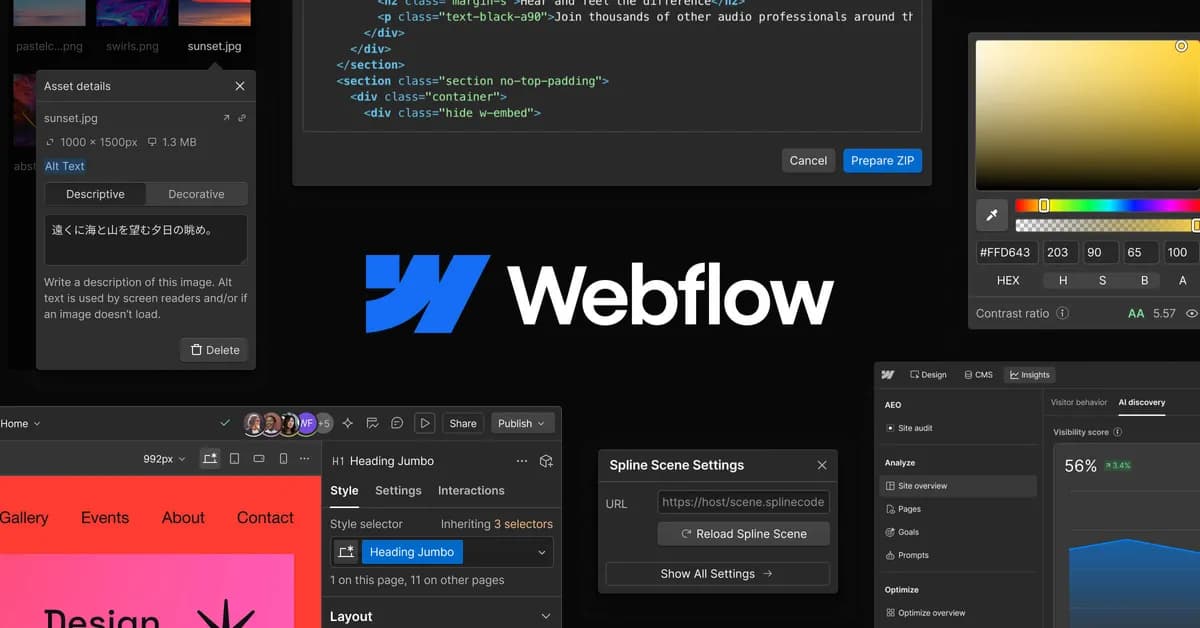
Screenshot of the Webflow interface

Webflow

Advanced no-code for designers

~€14/mo

A visual tool that outputs real HTML/CSS, with very fine layout control.

Best for : Designers and agencies who want to master every pixel.

Near-total design freedom without writing code.

A real learning curve: you have to think like a front-end developer.

The Kleap edge : Zero learning curve: you describe, AI lays it out.

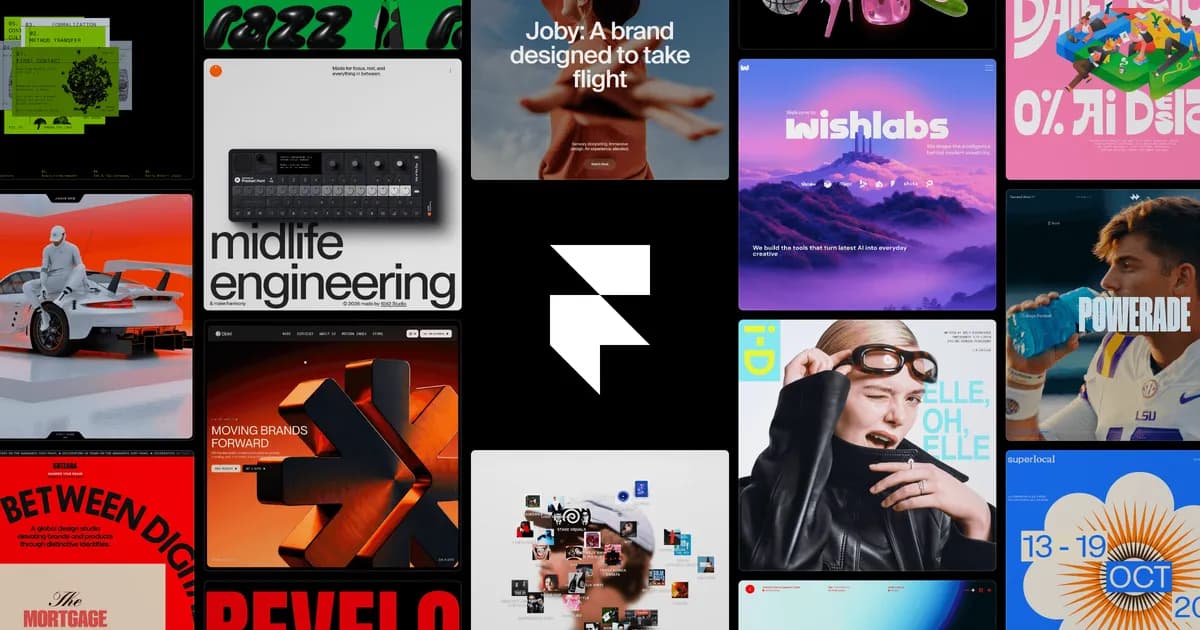
Screenshot of the Framer interface

Framer

Design sites, landing-focused

~€10/mo

A modern tool, popular for landing pages and design-forward sites.

Best for : High-impact landing pages and brochure sites.

Very current animations and look, quick to produce.

Quickly limited for content-heavy sites or real applications.

The Kleap edge : Kleap also handles multi-page sites and applications with a database.

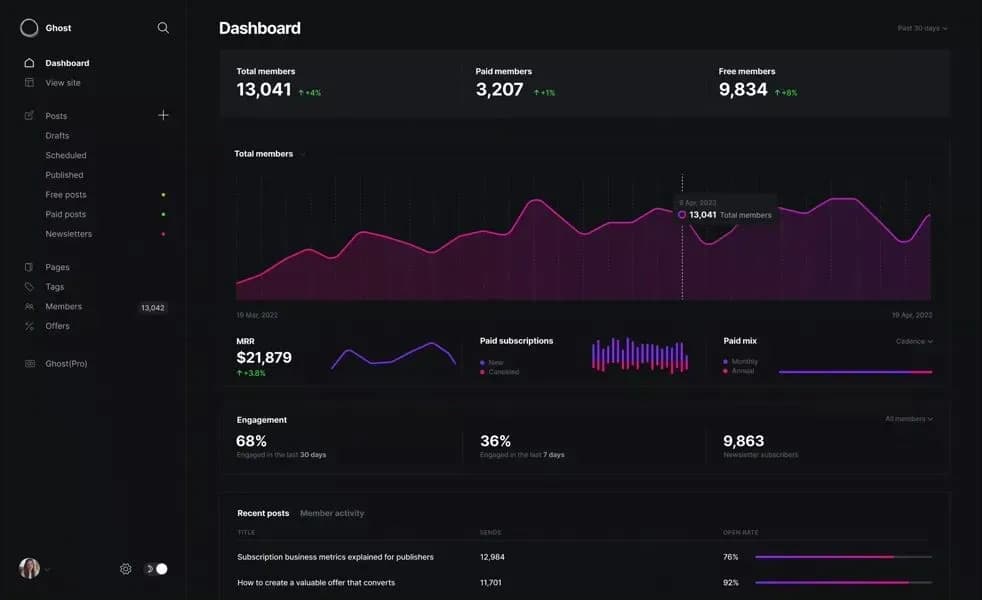
Screenshot of the Ghost interface

Ghost

Blogging & newsletters

~€9/mo

A clean platform dedicated to publishing and email subscriptions.

Best for : Creators, publishers and authors who live off the written word.

A flawless writing and newsletter experience.

Deliberately limited: no complex brochure site, no application.

The Kleap edge : Blog included, but also brochure sites, stores and apps in one tool.

Screenshot of the Shopify interface

Shopify

The e-commerce benchmark

~€27/mo

The most complete e-commerce platform, built for catalogs and logistics.

Best for : High-volume online stores with a large catalog.

An unmatched e-commerce ecosystem (payment, inventory, shipping).

Monthly subscription + commissions, and overkill for a small store.

The Kleap edge : For a brochure site with a simple store, Kleap is enough — no e-commerce subscription.

Joomla

Open-source CMS

Free + hosting

A self-hosted CMS, between WordPress and fully custom development.

Best for : Those who want a self-hosted CMS with fine-grained permissions.

Powerful and flexible for structured multi-user sites.

Complex to install and maintain, with a shrinking community.

The Kleap edge : The same flexibility, with no server or updates to manage.

Drupal

CMS for large custom sites

Free + developer

A robust CMS for very large, complex institutional sites.

Best for : Large organizations with complex editorial needs and a technical team.

Extremely powerful and secure at scale.

Developers only: expensive and slow to implement.

The Kleap edge : Custom work described to AI, with no development budget.

Our verdict by use case

The right alternative depends on your project. Here are our picks.

E-commerce

Shopify or Kleap

Shopify for heavy logistics; Kleap for a brochure site that sells, with no e-commerce subscription.

Blog & newsletter

Ghost or Kleap

Ghost for a purely written publication; Kleap if the blog comes with a real site.

Agencies & designers

Webflow or Kleap

Webflow for pixel-by-pixel control; Kleap to deliver 10× faster.

Trades & small businesses

Kleap

A professional site and a contact flow in minutes, with nothing to learn.

Portfolios & creatives

Squarespace or Kleap

Squarespace for the templates; Kleap for a bespoke, AI-generated look.

When keeping WordPress makes sense

Let's be honest: WordPress is still powerful. Here are the cases where it keeps the edge.

A gigantic plugin ecosystem

Need a very specific niche extension that already exists? WordPress's ecosystem of tens of thousands of plugins is hard to beat.

Total control of the code

You're a developer and want to master every hook, filter and line? WordPress lets you open and change everything.

A mature CMS for large blogs

A large editorial team already trained on WordPress and complex publishing workflows may prefer to keep its habits.

Self-hosting and full ownership

If you absolutely want to self-host and own your entire stack, maintenance included, open-source WordPress still reigns.

Our advice : If none of these cases apply to you — and that's true of most projects — you'll save time with an alternative like Kleap.

What about WordPress.com?

WordPress.com (Automattic's hosted offering) simplifies hosting, but locks you into its plans: ads on the free plan, plugins and themes blocked until you upgrade to the Business plan, and sites that stay heavy.

Kleap is a simpler, faster WordPress.com alternative: you describe, AI builds, and everything is already optimized. No plan to decode to unlock a basic feature — creating your site and publishing it on kleap.io is free.

See the full WordPress.com comparison
WordPress.com vs Kleap
WordPress.com
Kleap
Price to start
Free, but with forced ads
Free, no ads
Plugins & themes
Blocked before the Business plan (~€25/mo)
Not needed: AI builds what's required
Speed
Often heavy sites
Static, milliseconds
Creation
You assemble everything
Described to AI, built for you

Moving from WordPress to Kleap

No migration plugin and no technical skill. You describe, AI rebuilds — often better.

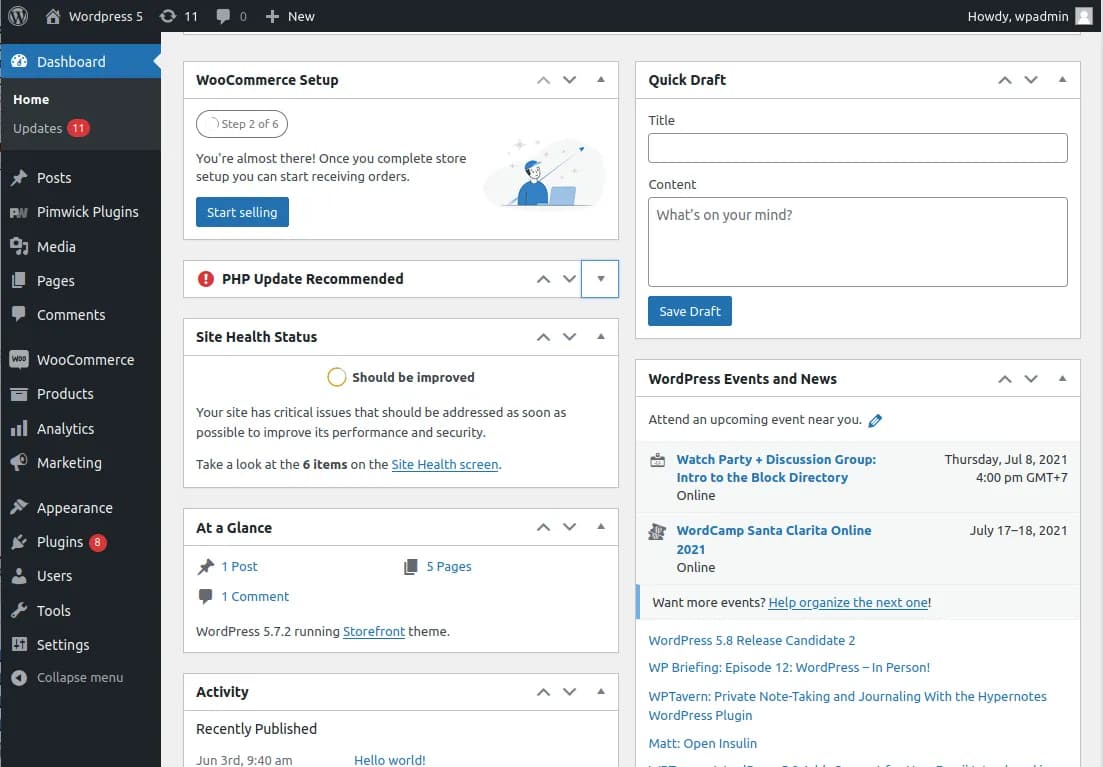
Before · WordPress

The real WordPress admin dashboard, with its menus, plugins and updates

Admin, themes, plugins, updates.

After · Kleap

Modern site rebuilt by Kleap

One conversation. A live site.

  1. 1

    Describe your current site

    Give the AI your WordPress site's address or its content, and say what you want to keep, improve or drop.

  2. 2

    AI rebuilds it, better

    In minutes, Kleap generates a modern, fast, responsive version, ready to tweak.

  3. 3

    Tweak and publish

    Refine in plain language ('change this color', 'add a contact page'), then publish in one click on kleap.io.

In full transparency: there's no one-click WordPress import. Kleap rebuilds your site rather than copying your installation. Most users redo theirs in under 30 minutes, with a faster, cleaner result.

Frequently asked questions

For most projects, an AI builder like Kleap: you describe, AI builds in minutes, and the site is already fast, secure and SEO-optimized. WordPress keeps the edge for developers who want to manage everything themselves.

Our methodology

We compare Kleap and WordPress on checkable criteria: time to launch, real cost, speed, SEO and features. The prices cited are the vendors' public rates; speed and PageSpeed scores can be measured on any live Kleap site.

See live sites

Browse live Kleap sites and test their speed yourself.

Written by the Kleap team

Reviewed July 19, 2026

We build Kleap, an AI website and app builder. This comparison relies on public, checkable numbers — not superlatives.

Ready to leave WordPress?

Describe your site or your application. AI builds it before your eyes, for free.

Free to start. No credit card required.

WordPress Alternative: the #1 AI Website Builder (2026) | Kleap