5 Criar QRCode Tips for Modern Marketers Success
To create a QR code, you need a QR generator tool, your target URL or content, and 5 minutes; no coding is required.
- Free tools like QR Code Generator handle basic codes; dynamic codes require paid tiers starting around $5 to $15 per month.
- Test your QR code on multiple devices before printing; broken codes cost you conversions.
- Dynamic QR codes let you update destination URLs without reprinting, which is critical for campaigns that evolve.
Your competitor just printed 10,000 flyers with a QR code that leads nowhere. The cost? $3,000 wasted, plus the trust you can't buy back.
QR codes aren't new, but their role exploded post-2020 when contactless interactions became non-negotiable. By 2026, they will be embedded in payment systems, product authentication, event ticketing, and omnichannel marketing. Yet many small businesses still fumble the basics (wrong file format, insufficient contrast, no testing).
The gap between 'I need to create a QR code' and 'I deployed a code that actually converts' is where most campaigns die.
This guide walks you through the exact process: selecting your QR type (static vs dynamic matters more than you think), customizing without sacrificing scannability, generating with the right error correction level, downloading in print-ready formats, and deploying with real-world testing. You'll learn why free tools break at scale, which mistakes corrupt your codes instantly, and what happens when you skip the preview step (spoiler: expensive reprints).
We cover the hidden costs dynamic QR platforms don't advertise, the contrast ratio that determines whether your code scans under retail lighting, and the one file format mistake that turns your marketing collateral into expensive coasters. No theory, just the implementation details that separate functional QR codes from decorative failures.
Why QR Codes Became Fundamental in 2026
Three years ago, most people wouldn't scan a QR code even if you paid them. Then the pandemic hit.
Contactless menus, payment systems, and venue check-ins forced every demographic from Gen Z to retirees to point their cameras at those pixelated squares. What started as a necessity became a habit.
By 2024, QR codes had infiltrated retail checkouts, event tickets, business cards, and product packaging. The comeback nobody predicted turned into the bridge every business needed between physical presence and digital engagement.
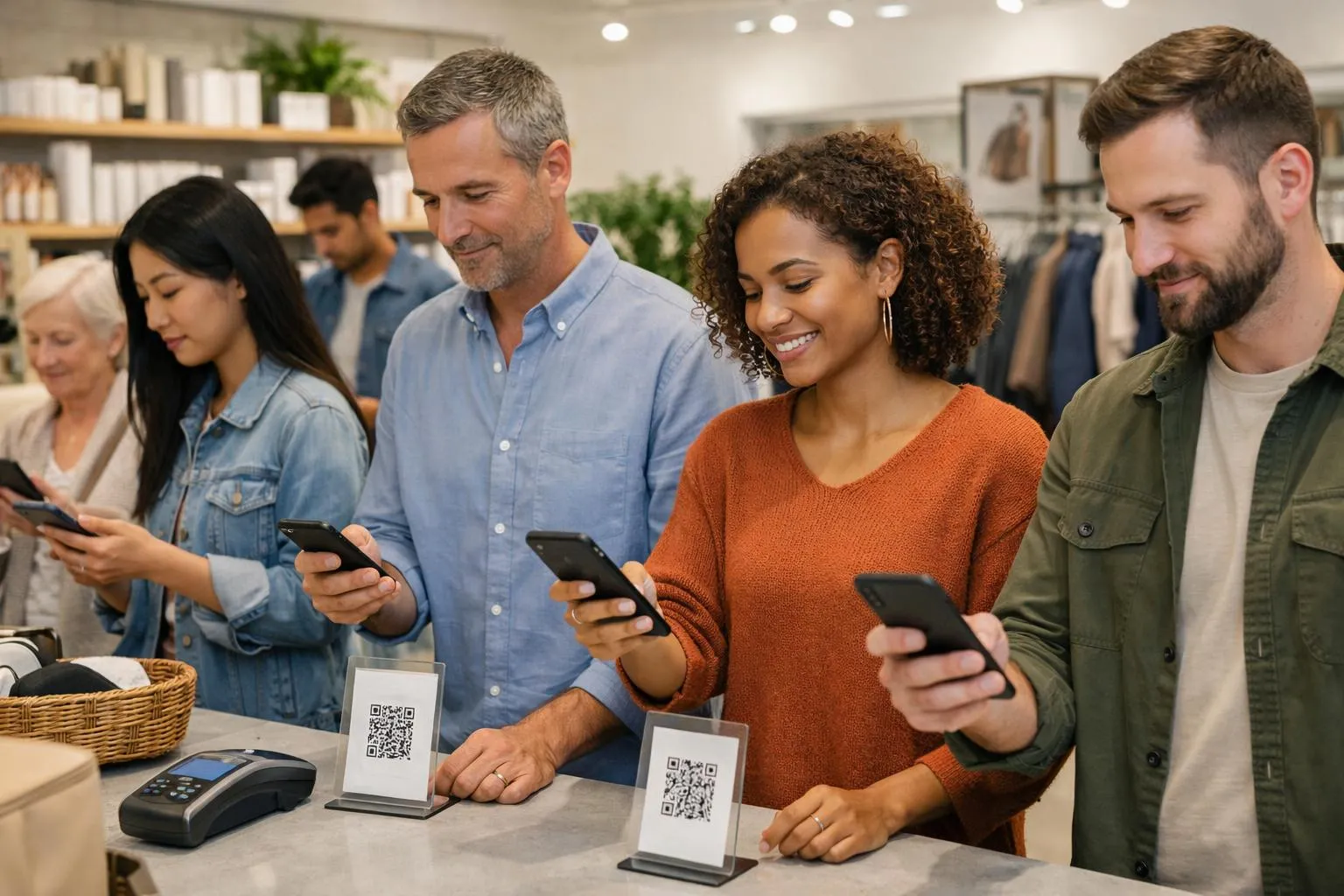
The shift wasn't just about adoption; it was about comfort. Smartphone cameras now recognize QR codes instantly, with no app required.
Restaurants ditched printed menus permanently. Healthcare providers use them for patient intake forms.
Marketing agencies track campaign performance through dynamic codes that log every scan. The barrier between 'I saw your flyer' and 'I'm on your website' dropped to zero seconds.
Real-world scenarios where QR codes dominate
Walk into any coffee shop: the loyalty program lives in a QR code on the counter. Attend a conference: your badge is a scannable vCard that populates contacts instantly.
Small businesses print them on packaging to link customers to tutorial videos or warranty registration. Freelancers embed them in portfolios to showcase live project demos.
The pattern repeats across industries because the friction disappeared; scanning became as natural as tapping a screen.
Try it — build your site while you read
Describe what you want and get a live, publishable site in seconds. Free to start, no code.
Join 200,000+ makers building real websites with Kleap.
What You Need Before You Start
Zero downloads. Zero signups.
Zero credit card. That's the reality most people miss when they think creating a QR code requires software installation or complex accounts.
The truth? You need exactly two things: an internet connection and your destination content ready to go.
What trips people up isn't the technical requirements; it's choosing the wrong QR code type for their use case and then discovering six months later they can't update it. The stakes?
A static code printed on 10,000 business cards with a dead link costs you every potential client who scans it.
The only two things required
Your browser. Your content.
That's it. No app store visits, no 'free trial' that demands payment details.
Have your destination ready: a website URL for your portfolio, contact details formatted as vCard data, WiFi credentials (network name, password, security type), or plain text for product instructions. Most free qr kode generators support all these formats in under three minutes.
The catch? Prepare your content BEFORE you start; retyping a 40-character WiFi password because you didn't copy it first wastes more time than the entire QR creation process.
Choosing between static and dynamic QR codes
Static codes are permanent. Once generated, the embedded data never changes, making them perfect for business cards or product labels where the destination stays fixed forever.
They're free, work offline after creation, and never expire. Dynamic codes act as redirects: the QR code points to a short URL that forwards to your real destination, allowing you to edit the target later without reprinting.
The trade-off? Dynamic codes require subscriptions (though some tools offer 2 free dynamic codes forever) and need the internet to redirect.
Decision framework: use static codes for anything you'll print in bulk, and dynamic codes for marketing campaigns where you'll A/B test landing pages or track scan analytics.
Step 1: select your QR code type and content.
Most generators fail you before you even start; they default to URL codes when your campaign needs vCard, or they hide WiFi options three menus deep. The trap?
Picking the wrong format locks you into a static code that can't pivot when your strategy changes. A smart approach is to match the content type to the outcome first, and the generator second.
This step takes 60 seconds but determines whether your QR code delivers an effortless experience or a dead link that costs you conversions.
The 8 most popular QR code formats.
But the other seven formats solve friction points that URL codes can't touch. vCard codes eliminate manual contact entry: scan once, and save name, phone, email, and company directly to contacts.
WiFi codes bypass password typing entirely; guests scan and connect in 3 seconds, eliminating the "What's your network name?" conversation. Payment codes (Venmo, PayPal, UPI, Bitcoin) pre-populate the recipient and amount, cutting checkout abandonment.
Text codes deliver simple messages; SMS codes auto-fill the recipient and body text. Email codes pre-load the recipient, subject line, and message draft.
The hidden advantage: tools like 100 free qr code generator platforms let you test multiple formats before committing, so you're not guessing which type converts.
Matching content type to your goal.
A common mistake: entrepreneurs generate URL codes for everything, then wonder why restaurant customers can't save the menu link. The fix is to reverse-engineer from the desired action.
Want instant contact saves? Use vCard. Need event check-ins?
Use a URL to the registration page. Sharing office WiFi with clients?
A WiFi code eliminates IT calls. Payment collection at pop-ups?
Use a UPI or PayPal code with a pre-set amount. It's critical to test your destination before generating the code; br.qr-code-generator.com's 3-step process (select type, input details, download) works flawlessly only if your landing page loads in under 2 seconds and your vCard fields don't have typos.
One more thing: avoid shortened URLs that expire after 90 days. We've seen campaigns die mid-flight because a bit.ly link hit its free-tier limit.
Kleap tip: Generate two versions of your QR code, one with the raw destination URL and one with UTM parameters for tracking. Test both on three different phone models before printing 5,000 flyers.
The 10-minute validation catches broken links that would otherwise cost you thousands in wasted print runs.
Step 2: Customize Your QR Code Design
Most generators ship a basic black-on-white code that scans fine but looks forgettable. The catch?
Customization can destroy scannability if you ignore contrast thresholds.
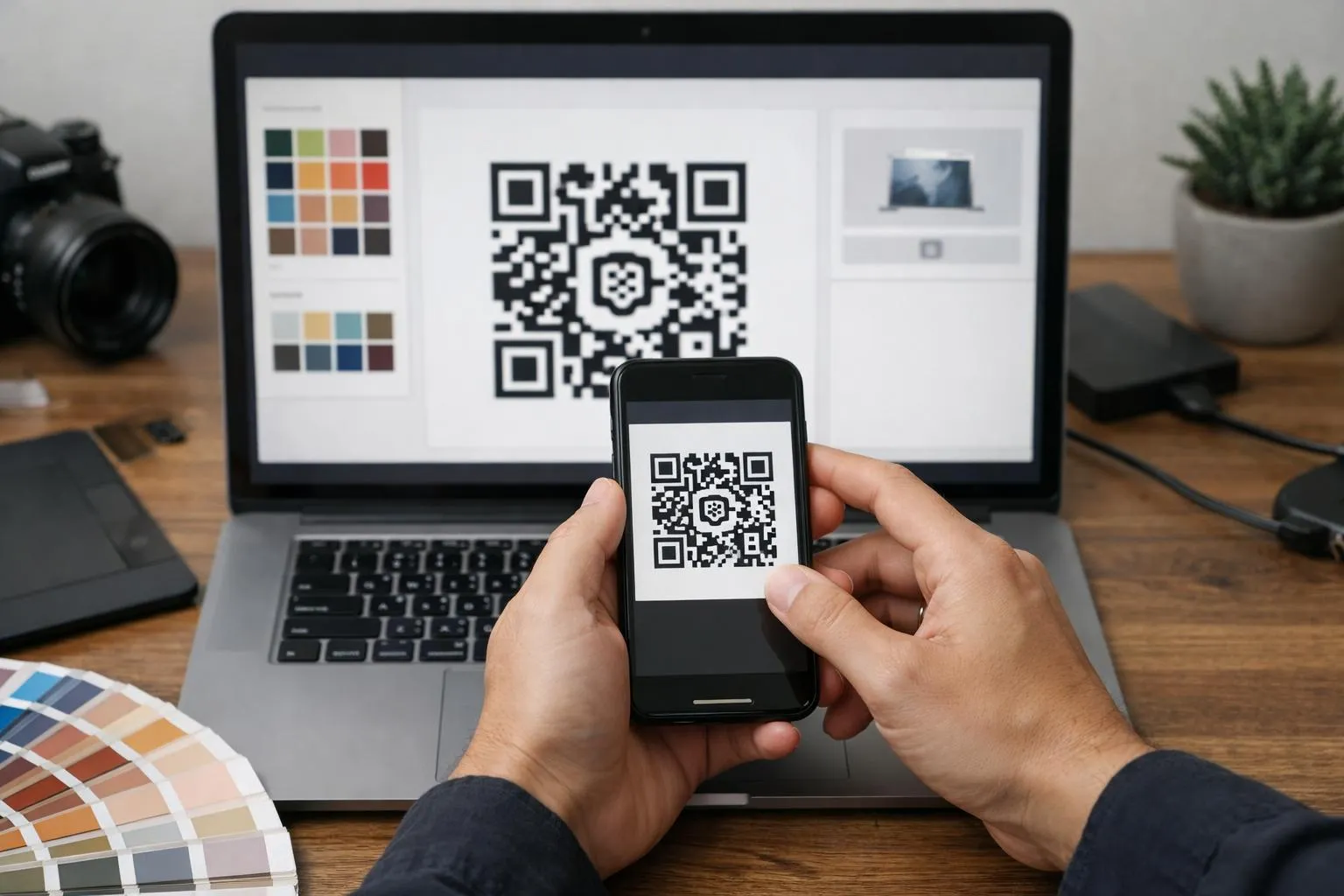
Colors that maintain scannability
The foreground must be significantly darker than the background, not "a bit darker," but significantly. Navy on cream works.
Lime green on white fails instantly. Gradients are forbidden.
Camera sensors need sharp edge detection, and gradients blur those edges into scan-failure territory.
Stick to high-contrast pairs, test with your phone's native camera (not a third-party app), and if you squint and cannot see clear separation, your customers' phones will not either.
For detailed guidance on how to create a qr code that balances branding with reliability, prioritize contrast over aesthetics every time.
Adding logos without breaking functionality
Upload high-resolution PNGs with transparent backgrounds (not JPEGs with white boxes).
Logo file size matters less than pixel clarity: a blurry 2MB file performs worse than a crisp 200KB one.
Framing text like "Menu" or "Connect" boosts engagement, but keep fonts bold and sans-serif; script fonts fail under low light. Test the final code on an iPhone 12, a Samsung Galaxy, and an older Android device before going to print.
Step 3: Generate and Preview Your QR Code
Hit the generate button and watch your QR code render in under two seconds. Behind the scenes, the algorithm applies error correction protocols that determine how much damage your code can survive before it stops scanning.
The catch? Higher error correction means denser pixel patterns, so your code needs more white space around it to scan reliably from a distance.
The Critical Preview Scan Test
Before you download anything, open your phone's camera and scan the on-screen preview. Test from 10 cm away, then back up to 1 meter.
Both distances should trigger instant recognition. If the scan fails or takes more than three seconds, you've hit a contrast or complexity problem.
Most generators let you regenerate static codes infinitely at no cost, so iterate until your preview scan is bulletproof.
Only then should you commit to the download; a vcf qr code that doesn't scan on the first try kills conversion instantly.
Step 4: Download in the Right Format and Size
Most free generators default to PNG at 1000x1000 pixels, which is adequate for websites but a disaster for billboards. The catch?
Free tools typically cap exports at 2000x2000, while premium tools offer SVG and EPS vector formats that scale infinitely without pixelation. What trips people up is downloading at 500x500 "because it looks fine on screen," then discovering print shops reject anything under 300 DPI.
Here's the decision tree that saves entrepreneurs from costly reprints.
File Format Decision Tree
For digital use, websites, emails, and social media, PNG handles everything. Export at a minimum of 500x500 for Retina displays; 300x300 barely passes on standard screens.
Print demands vector: SVG for flexible resizing, and PDF or EPS for expert offset printing. The hidden mechanism is that raster formats (PNG, JPG) lock you into fixed dimensions, while vectors can be redrawn at any size without quality loss.
Save your master file in the highest resolution available; most tools offer a "download original" option that preserves 4000x4000 or larger for future reproduction, which is critical when your business idea AI scales from flyers to trade show banners.
Size Requirements for Different Uses
Business cards need a minimum of 2x2 cm at 300 DPI (approximately 236x236 pixels); billboards require 50x50 cm or larger to remain scannable from 10 meters away. The 300 DPI threshold is non-negotiable for print; anything less produces blurry edges that scanners reject.
Digital screens tolerate 72-96 DPI, but high-DPI devices (phones, tablets) demand 2x resolution: a 300x300 web QR should export at 600x600 to avoid pixelation on modern smartphones.
Kleap Tip: Download both PNG at maximum resolution and SVG if available. Store the vector as your master file, use PNG for quick digital deployment, and you'll never scramble for print-ready assets when opportunity knocks.
Step 5: Deploy and Test Your QR Code in Real Conditions
Most QR codes fail not during creation but after deployment. The code that scanned perfectly on your laptop screen may refuse to work on a printed flyer under fluorescent lights, or it may become unreadable when laminated for outdoor use.
This final step determines whether your QR code actually functions in the wild, and it takes 15 minutes of deliberate testing to avoid the embarrassment of a non-scanning code at your product launch.
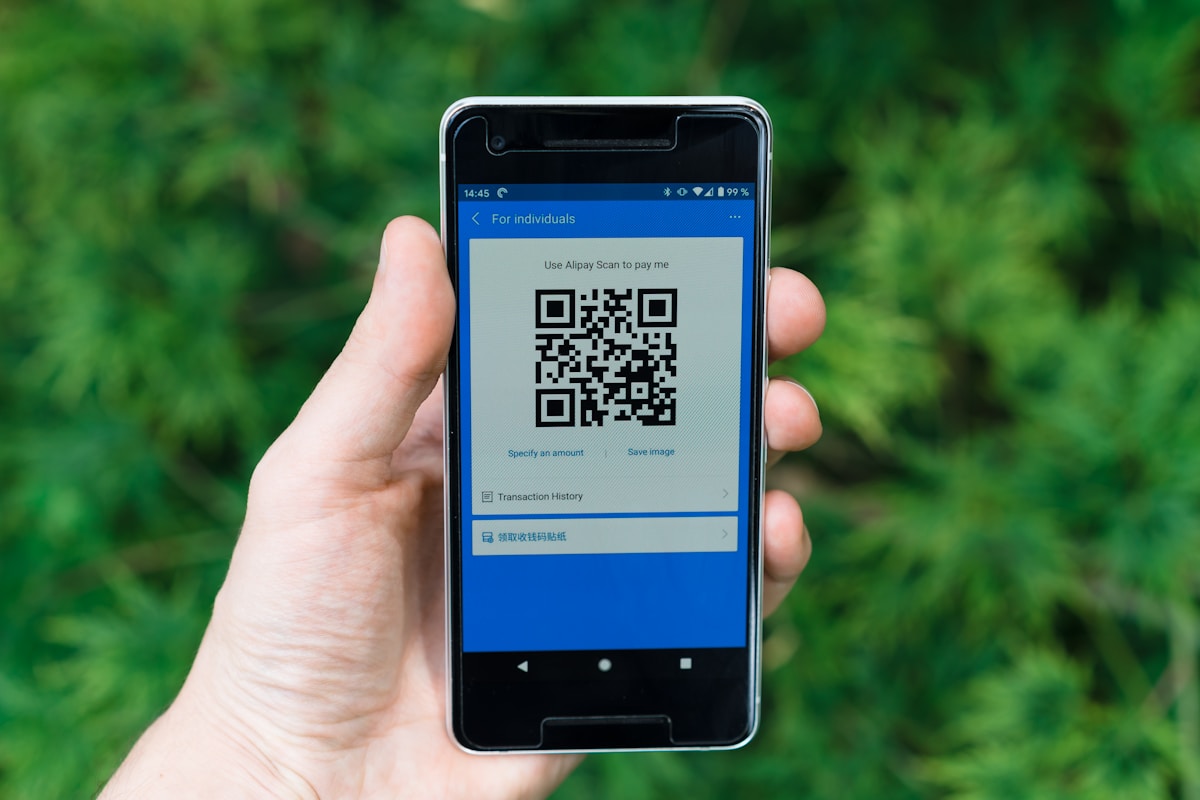
The deployment checklist professionals use starts with placement physics. Eye level matters: position codes between 1 and 1.5 meters in height whenever possible, ensuring users don't crouch or crane their necks.
For printed materials, a matte finish prevents glare that kills scannability, and flat surfaces without creases ensure the pattern remains intact.
Outdoor codes demand lamination to prevent fading and water damage, extending functional life from weeks to months.
Testing Across Devices and Lighting Conditions
Real-world testing exposes failures before customers do. Test your deployed code with both iPhone and Android devices; camera quality varies dramatically, and what works on a flagship Samsung Galaxy might fail on a budget Android.
Scan from multiple angles: codes should register from 15 to 45 degrees, not just head-on. Test under actual environmental conditions: indoor fluorescent lighting, outdoor sunlight, reflective surfaces, and even rain if the code is used outdoors.
The contrast you perfected on-screen can vanish under harsh noon sun or dim restaurant lighting.
Dynamic QR codes provide scan analytics that reveal performance issues. If your code gets 50 views but only 3 scans, placement or visibility is the problem. Static codes require manual tracking, so test them yourself weekly to catch degradation early.
One laminated code, one lighting test, and one multi-device scan: 15 minutes that separate functional deployment from expensive reprints.
What Other Digital Tool Providers Won't Tell You
Free QR generators bury a trap most businesses discover too late: the code you printed on 5,000 flyers stops working after 14 days. While platforms like br.qr-code-generator.com advertise 'free' dynamic codes, the fine print reveals 14-day trial limits that convert to paid plans the moment your campaign goes live.
Worse? Some tools harvest your destination URLs and scanning data for ad targeting, turning your customer traffic into their revenue stream.
Budget generators use minimal error correction, meaning a single coffee stain can render your code unscannable, forcing costly reprints.
The hidden costs of 'free' QR generators
The upsell trap hits hardest after printing: platforms wait until you've distributed thousands of codes, then demand $49/month to keep them active.
No provider guarantees permanent hosting; platform shutdowns can orphan your codes overnight.
Why your QR code might suddenly stop working
Static codes eliminate third-party dependency entirely. For critical business use, generate static codes and archive source files with regeneration instructions, which is the only insurance against sudden expiration or service discontinuation.
Common Mistakes That Break QR Codes
Most QR failures happen before the first scan. You design a code, print it, distribute it, and then discover nobody can read it.
The culprit? Avoidable errors that static generators never warn you about.
The code generates.
It just won't scan. Here's what breaks codes in practice and the exact thresholds that separate working from worthless.
Design errors that prevent scanning
Contrast kills more codes than any other factor. Light blue on white fails in sunlight; scanners need sharp boundaries between foreground and background.
Most free tools let you upload any logo at any size, but they don't calculate coverage percentages.
Result? A visually appealing code that cameras ignore.
Distribution mistakes that waste your efforts
Static codes lock you into permanent URLs. Change the destination link?
The printed code becomes a dead end, and static generators like QR Code Fácil offer no redirect layer. Printing at low DPI (below 300) creates pixelation that scanners misread as corrupted data.
Glossy materials reflect light directly into camera sensors, obscuring the pattern entirely. The fix is matte finishes, vector formats (SVG), and dynamic codes for anything that might change.
Skip the call-to-action? Users won't scan; they need to know what they will get before pointing their camera.
Frequently Asked Questions
Most QR code confusion stems from one misunderstanding: static versus dynamic. Static codes lock your destination permanently. Change the URL, and you must regenerate the entire code.
Dynamic codes let you edit the target link anytime, but here's what trips people up: free generators like QuillBot offer unlimited static codes, while The QR Code Generator provides 2 free dynamic codes forever. After that, a subscription is required.
The 14-day trial window at br.qr-code-generator.com catches users off guard when tracking features vanish post-trial.
Technical questions about QR code creation
Size matters more than you think. The minimum print size is 2x2 cm for reliable scanning at arm's length.
Go smaller, and users need to move their phone closer, which is fine for business cards but disastrous for billboard campaigns.
Choose High for outdoor codes exposed to weather. You do not need a scanning app; iOS and Android cameras have built-in QR detection since 2017. But here's the catch: the code works offline, but the destination content doesn't unless it's plain text or vCard contact info.
Usage and maintenance concerns
Free generators are safe if you verify one thing: their privacy policy regarding scan data. QRCode Fácil adds watermarks to free codes, which is acceptable for internal use but problematic for client-facing materials.
Tracking requires dynamic codes with built-in analytics, or you must route static codes through URL shorteners like Bitly. The editing limitation hits hardest: static codes printed on 10,000 flyers cannot be updated.
Period. Dynamic codes solve this but cost money after initial free allocations expire.
Start Creating Your QR Code in Under 5 Minutes
You now have the complete roadmap to create a QR code that drives real engagement. The three-step framework—choose your content type, customize your design, and test across devices—takes less time than brewing coffee.
The barrier to entry disappeared years ago. What matters now is the speed of execution.
Open your QR generator right now. Pick one piece of content: a product page, a contact form, or a video demo.
Generate the code. Test it on your phone.
That's your first win.
Need QR codes that integrate directly into your web presence? Kleap builds AI-powered sites where QR codes connect physical touchpoints to digital experiences, no developer required.
The platform handles responsive design, analytics tracking, and seamless updates across all your codes.
Your customers expect frictionless transitions between offline and online. QR codes are the bridge.
Build yours today.


