How to Build High-Converting Online Forms for Small Businesses

You know the feeling. You've found a product you love or a service you absolutely need, you hit "Contact Us," and bam, you're staring at a monster.
A totally endless online form that wants your life story, your pet's name, and maybe even your favorite childhood memory.
You just take one look, let out a sigh, and click away. Just like that, a poorly designed form cost a business a customer. Now, here's the thing for you as a small business owner, entrepreneur, or freelancer, you can't afford for that lost customer to be yours.
Your website is your digital storefront, and in many cases, your online forms are the front door to new relationships, crucial feedback, and sales. Building a powerful online form is not just a technical task it is a strategic imperative for growth.
Effective forms are the unsung heroes of digital marketing. They’re what drive your lead generation, they're the easiest way to handle data collection, and honestly, they're the most direct way you can talk to your audience. But let's be real, most of the time, they're just an afterthought, thrown together with zero thought about who's actually using them or why.
And that’s exactly where you have a huge advantage. If you can think beyond a basic contact form and actually put some thought into the design, you can turn that simple page into a serious conversion machine.
It’s all about making the whole thing smooth, easy, and maybe even a little pleasant for the person on the other side of the screen.
A great form does way more than just collect info, it gets more people to finish it, gives you better quality data, and starts building a strong customer relationship from day one.
In this guide, we're going to get into exactly how to do that.
We'll break down what it takes to design forms that people won't hate filling out, using tips from experts who live and breathe this stuff.
We'll also look at the essential types of forms every business needs and how a platform like Kleap provides the capabilities to build them without needing a single line of code. Because let's face it, creating a great user experience shouldn't require a degree in computer science.
It should be accessible, intuitive, and ultimately, effective.
So, let’s get into building forms that don't just collect data, but actively build your business.
What you'll learn
- Mastering the Art of Powerful Online Forms Key Best Practices
- The Essential Forms Every Small Business Website Needs
- Unlocking Advanced Form Capabilities with Kleap
- Bringing It All Together Your Next Steps to Better Forms
Mastering the Art of Powerful Online Forms Key Best Practices
So, what's the difference between a form that works and one that just annoys people?
It usually boils down to a few key ideas. User experience experts will tell you that great online forms are a mix of two things: smart, clean design and the right tech to back it up. It’s not about adding flashy animations; it’s about showing you respect the user’s time.
Honestly, just think of it like a real conversation.
If you met a potential client in person, you wouldn't immediately bombard them with dozens of questions. You'd start with the basics. That same logic applies perfectly to your digital interactions.
Keep it Simple and Focused
The single most important rule is to keep your forms as short and focused as possible. Every field you add introduces another point of friction, another reason for a user to abandon the process. When you're trying to get a new lead or just make first contact, only ask for what you absolutely need.
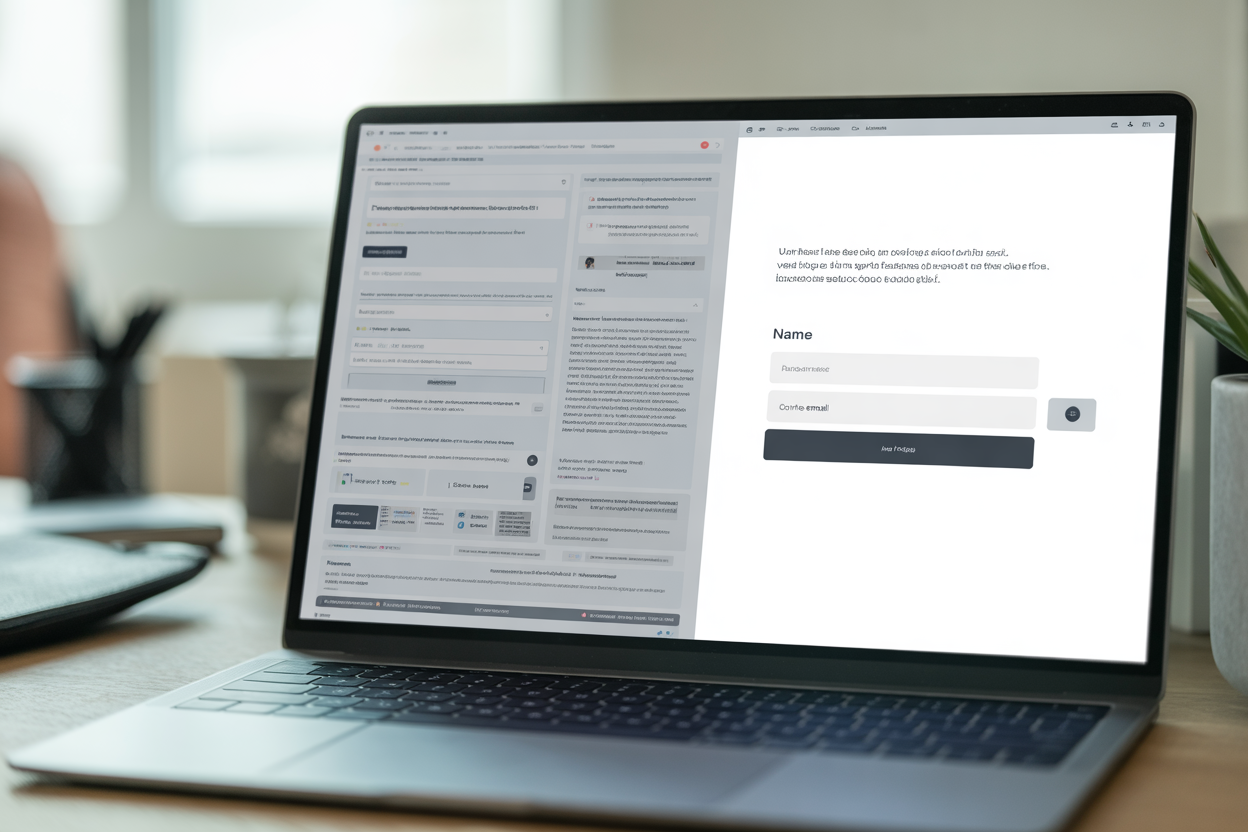
A name and an email are usually more than enough to get the ball rolling. You can always ask for more details later on as you get to know them. Keeping it simple lets your visitors know you value their time, which is a huge trust-builder and makes it way more likely they'll finish the form.
Just remember: your goal here is to open the door, not conduct a full-blown interview right away.
What if you genuinely need more details, like for a project quote or a detailed registration?
So what's the fix?
Don't just make one terrifyingly long form.
A much better way is to break it up into smaller, bite-sized pieces.
It's a method called multi-step form design. When you serve up questions in smaller groups, maybe with a progress bar so people can see the finish line, the whole thing feels way less intimidating. As usability specialists point out, this simple change can turn something that feels like a huge chore into an easy step-by-step process, which keeps people going until they hit that final "submit" button.
Clarity and Guidance are Your Best Friends
Your form’s usability hinges on how easily a user can understand what you're asking for. Use simple and clear field labels.
It is not the place for clever jargon or internal company terminology. For example, use "First Name" and "Last Name" instead of "Full Legal Name." This might seem obvious, but it has a huge technical benefit. Using common terms helps browsers' autofill features work properly, which Adobe suggests is a major factor in streamlining the user experience and reducing abandonment.
When someone can fill out most of your form with a single click, you have removed almost all the friction.
The layout itself also plays a surprisingly large role.
Stick to a single-column layout wherever possible. Multiple columns can disrupt a user's vertical reading rhythm, making them scan the page in a Z-pattern, which can lead to missed fields and confusion. A straight, top-to-bottom path is the clearest and most efficient way for users to progress.
Also, you’ve got to be crystal clear about which fields are required and which are optional.
Everyone knows the little asterisk (*) means a field is required. But what about sensitive info, like a phone number? Idealist Consulting suggests adding a quick note to explain why you're asking for it.
That little bit of transparency goes a long way in easing privacy fears and building trust. And look, people are going to make mistakes, so you need a plan for that.
The way you deal with errors is a make-or-break moment. You need to give people instant, clear feedback in a friendly tone the second they mess something up.
Things like inline validation, you know, when a little green checkmark or a red error message pops up right next to the field, work wonders.
This lets them fix any problems right then and there, instead of making them hit 'submit' only to get kicked back to some error they can't even find.
Think about it: an error message that says something like, “Oops, please enter a valid email address,” feels a lot more helpful than a robotic “ERROR: Invalid Input.”
Try it — build your site while you read
Describe what you want and get a live, publishable site in seconds. Free to start, no code.
Join 200,000+ makers building real websites with Kleap.
The Essential Forms Every Small Business Website Needs
Alright, we've covered the 'how,' so let's get into the 'what.' There are some types of online forms that pretty much every small business, entrepreneur, or freelancer absolutely has to have. Think of these as the workhorses that power your lead generation, customer service, and all your marketing.
Think of them as your digital receptionists, salespeople, and researchers, all working 24/7.
Integrating these essential tools into your website is a non-negotiable for modern business growth.

According to business tool experts at Cognito Forms, there are several key forms that provide the most value. Each one does something different, but they're all super important for connecting with your customers.
- Contact Forms: This is your most basic, must-have form. It’s the digital welcome mat for general questions, partnership ideas, and support issues. A good contact form is simple, easy to find, and reassures users that their message will be received and responded to promptly.
- Lead Generation Forms: These are custom-built to get contact info from potential customers. This is where you might offer something valuable, like a free ebook, a consultation, or a spot in a webinar, in exchange for their contact info. For these forms, keeping it short is everything if you want to get more people to sign up.
- Feedback and Survey Forms: The only way to know what your customers really think? Is to ask them! Feedback forms are gold for getting real opinions on your products, services, or how happy people are in general. This is the kind of direct data collection that helps you make much smarter choices for your business.
- Order Forms: If your business sells anything directly online, a secure, easy-to-use order form is that last, crucial step in the sales journey. A confusing or clunky checkout form is a leading cause of abandoned carts.
- Newsletter Signup Forms: Building an email list is one of the smartest marketing moves you can make. A simple sign-up form, maybe in your website footer or as a pop-up, is your gateway to building a loyal audience you can market to directly.
Unlocking Advanced Form Capabilities with Kleap
Understanding best practices is one thing but implementing them requires the right tools.
This is where a powerful website builder platform becomes a game changer for small businesses and freelancers. With Kleap, you don't need to be a developer to create sophisticated, high-converting forms. We've built our platform to empower you with the features you need to turn form-building from a chore into a strategic advantage for your business operations and marketing funnels.

At the core of our platform is a really intuitive drag-and-drop form builder. This means you can design completely custom forms by just looking at them, no code required. All you have to do is pick the fields you need, like text boxes, dropdowns, or radio buttons, and move them around to match your design.
Because it's so fast and simple, you can get new forms up and running for a marketing campaign or a quick feedback request in minutes, not hours. On top of that, every form you build with Kleap automatically looks and works great on phones.
Since so many people are browsing on their phones these days, this is a must for giving every visitor a smooth experience, and it's a game-changer for capturing lead generation from people who aren't at their desks.
Kleap also has some powerful features that take your data collection strategy to the next level. For instance, our conditional logic feature lets you build smart forms that change based on what a person enters.
You could, for example, show or hide questions depending on how someone answered earlier, which makes the whole thing feel cleaner and more personal. You can even hook your forms right into your CRM or email marketing tools, which puts all your follow-ups and customer nurturing on autopilot. All data is handled securely with encryption and GDPR compliance, giving your users peace of mind.
Finally, our built-in analytics let you track submissions and conversion rates, so you can see exactly how your forms are performing and make data-driven adjustments to improve them over time.
Bringing It All Together Your Next Steps to Better Forms
So, we've walked through how focusing on simplicity, clarity, and a little guidance can turn a clunky online experience into a smooth one.
When you keep your forms short, use plain English, and give helpful feedback, you're really just making it easier for people to want to connect with you.
This isn't just about being polite; it's a smart business move. Every single person who fills out a form is a new opportunity, maybe a hot sales lead, some golden customer feedback, or a new member of your community.
Remember that building effective forms is an ongoing process of refinement. The journey doesn't end when you publish the form.
One of the most important steps you can take is to test your forms with real users. Get their feedback and watch how they interact with it.
Use analytics to identify where people might be dropping off and use that data to make improvements. As you collect more data, you can personalize your follow-up messages, building stronger relationships from that very first point of contact. This cycle of tweaking and improving is how you make sure your forms stay useful, effective, and up-to-date with all the changing privacy rules.
At the end of the day, a great website builder is your best friend here. When you use the tips we've talked about with a solid tool like Kleap, small businesses and freelancers can get so much better at lead generation, collecting feedback, and just talking to their users. Our platform gives you everything you need, from a simple drag-and-drop interface to advanced features like conditional logic and CRM integration, all in one place.
You have the expertise in your business we provide the tools to help you share it with the world.
Ready to stop losing leads to bad forms?
Explore Kleap today and start building the powerful, high-converting forms your business deserves.


