How to Build and Manage Unlimited Websites with One Kleap Account
Let's be honest, managing an online presence can feel like you're juggling flaming torches.
You've got your main business website: that side hustle you're passionate about, a personal brand page, and probably a few test sites for those 'what if?' ideas.
If you're an entrepreneur, freelancer, or running a small business, you know that this digital footprint can get complicated and expensive. It can happen fast. Wouldn't it be great to find one single, streamlined place where you can build and manage everything without spending a fortune or getting lost in a maze of dashboards? That's exactly why the idea of building unlimited websites from a single account is so appealing: it offers a way to bring everything together, save some cash, and grow your ideas without all the usual friction.
It's a really powerful idea that could make life a lot simpler for anyone juggling multiple projects.
The digital world is packed with tools, but finding a platform that lets you manage multiple sites from one spot?
That’s a total game changer for getting things done. But here's the catch: that promise of creating endless sites is usually buried in fine print and technical roadblocks.
Which brings us to the big question you're probably asking: can you *really* create and manage a limitless number of websites with just one Kleap account?
Kleap has shown up as a real contender, using AI to help people whip up mobile-friendly sites faster than ever. Sources like Deepgram highlight that the platform's most impressive feature is its ability to leverage AI for building a functional website in roughly 30 seconds, without any coding needed.
That kind of speed and simplicity is a dream for busy entrepreneurs.
But we've got to dig a little deeper and see if it can actually handle a limitless website portfolio, and what that really means for your game plan and your wallet.

We will dive into what Kleap is all about, check out its claim of building unlimited websites, and see if it is actually a good fit for anyone trying to run more than one site.
It really comes down to weighing the awesome speed and low price against what it really takes to manage a whole bunch of different websites. Think of this as your guide to understanding whether Kleap is the right tool to not just build a website, but to build your entire digital empire from a single, powerful command center.
We'll look at the features, the costs, and the potential workflows, all based on what trusted industry analyses have reported.
This will help you make an informed decision as you look to expand your digital presence without adding unnecessary complexity or cost to your operations.
What you'll learn
- So, What is Kleap and How Does it Actually Handle Multi-Site Management?
- The Promise of Creating Unlimited Websites with One Kleap Account
- Building a Website Portfolio Without Breaking the Bank
- A Real-World Workflow for Managing a Website Portfolio with Kleap
- But let's be real about Kleap's limitations, especially for power users
So, what is Kleap and how does it actually handle multi-site management?
At its heart, Kleap is an AI-powered website builder that focuses on speed and simplicity.
The whole platform is designed so you don't have to be a techie or a design pro to get a professional-looking site up and running.
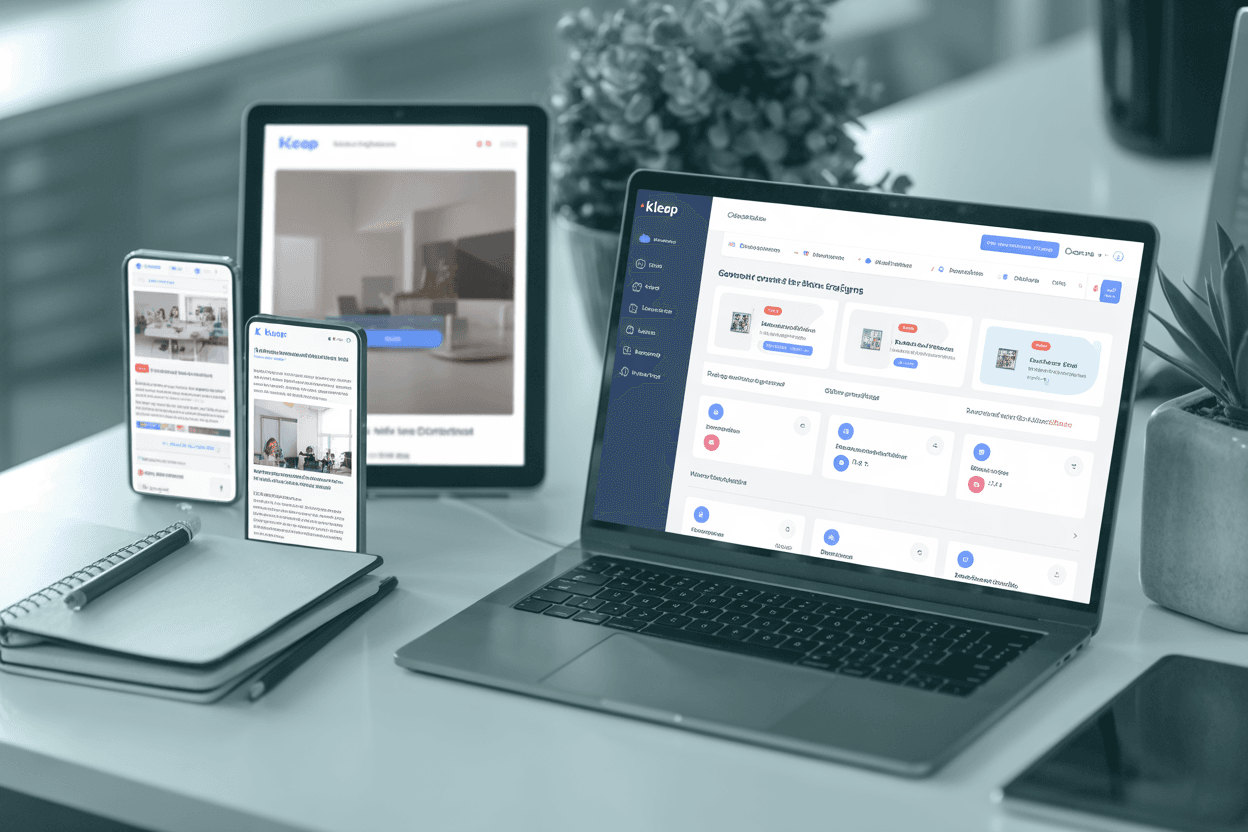
What's really cool is its focus on mobile. Kleap builds mobile-first websites, so your content looks great on the phones and tablets people are actually using.
From what Deepgram says, the AI can put together a complete, working site in less than a minute.
That just blows past all the old hurdles of technical setups and coding.
This makes it a super appealing choice for anyone who needs to get a project off the ground quickly.
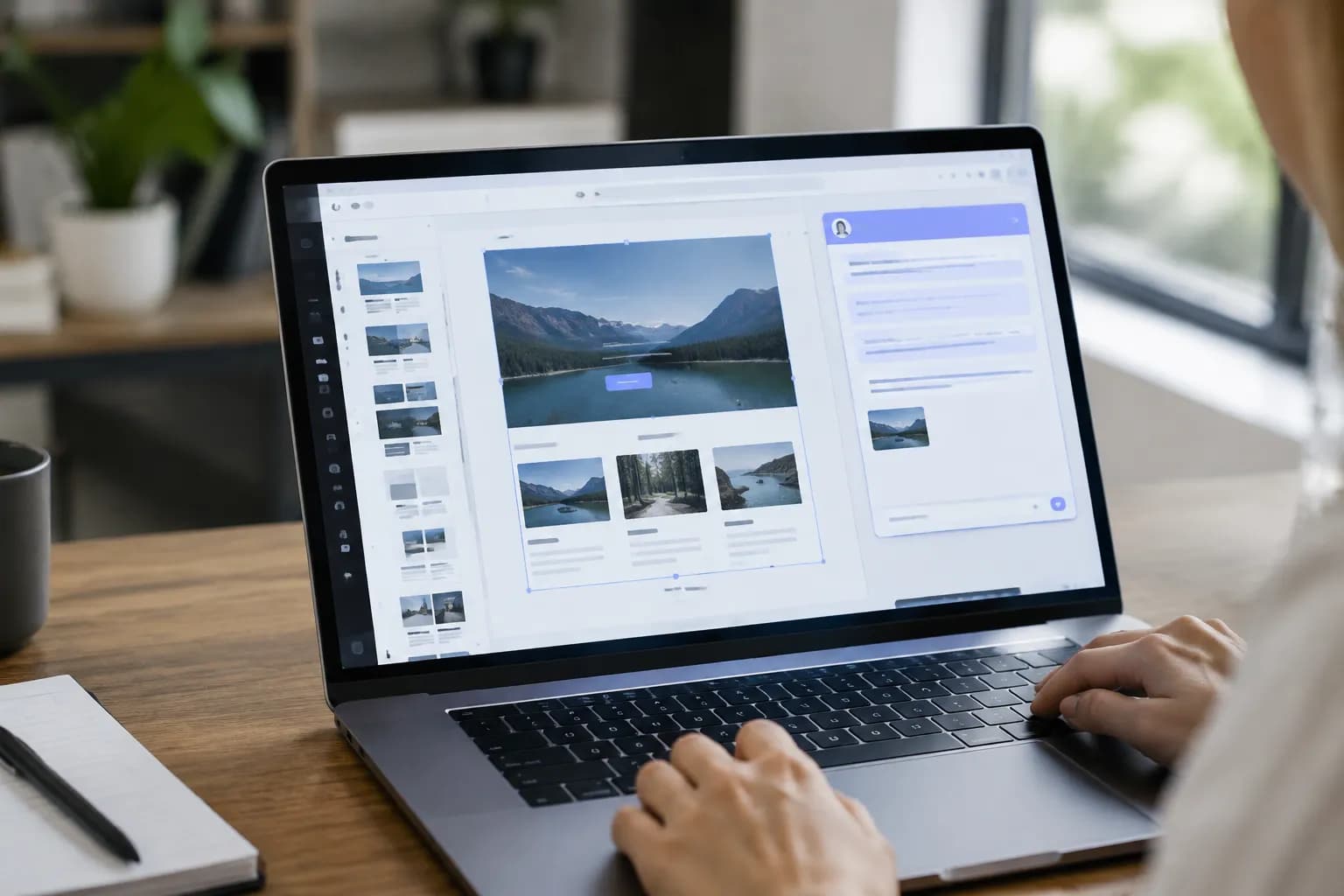
The platform isn’t just fast; it’s also really easy to edit. Kleap has a WYSIWYG editor, which stands for "What You See Is What You Get." You can tweak your site and see the changes happen in real time. There is no need to hit "preview" or "publish" over and over.
If you're juggling a website portfolio, that’s a massive time-saver.
And as SaaSworthy, the platform also provides a wealth of tools such as templates, landing pages, and even e-commerce features like online stores and booking systems.
When you combine the AI generator with those simple editing tools, you get a really powerful setup for multi-site management. You can whip up new sites for different campaigns, products, or clients in no time. You can do this all while keeping your process simple and consistent, and you never have to write a single line of code.
This super-simple approach is what really paves the way for managing a portfolio effectively.
Instead of juggling logins for a ton of different platforms or wrestling with complicated servers, the dream is one single dashboard where all your websites reside.
You can hypothetically launch a site for a new business idea in the morning and a landing page for a marketing campaign in the afternoon. The ease of creation is a cornerstone of Kleap's value proposition.
The question that remains, of course, is how many of these sites you can actually create and manage under one umbrella account.
Try it — build your site while you read
Describe what you want and get a live, publishable site in seconds. Free to start, no code.
Join 200,000+ makers building real websites with Kleap.
The promise of creating unlimited websites with one Kleap account.
Now we get to the heart of the matter: the appealing promise of creating unlimited websites.
For a freelancer juggling client sites or an entrepreneur with a few brands, a feature like this could be a total game changer. But when you really dig into the details, the picture gets a bit more complicated. While Kleap is great at generating sites quickly, I couldn't find any solid sources confirming that one paid account lets you build a truly infinite number of websites.
That's a pretty important difference between a marketing pitch and what's actually in the fine print. It seems like the whole "unlimited" thing might be more about the *idea* of what you can create rather than a concrete feature you get with a paid plan.
The free plan gives you a much clearer idea of the limits. An analysis by B12.io reveals that the free version allows you to create one site with up to five pages hosted on a kleap.co subdomain.
It’s a great way to try it out for sure, but it’s obviously not built for someone who needs a huge portfolio.
Things get a little fuzzy when you look at the premium plans.
They definitely unlock more features, but I couldn't find any official guides or reviews that clearly state you can create and host an endless number of different websites with just one subscription. There's a pretty big gap between the marketing speak and what you can actually verify about the product.
And that's a huge contrast to some of the old-school shared hosting platforms.
A lot of hosting providers, like the ones Laughton Creatives points out, are very clear about offering plans where you can host as many domains and websites as you want for one monthly price.
With those services, your only real limits are usually just storage space and bandwidth.
With Kleap, the focus seems to be more on how easy it is to create and manage sites within its own environment; however, exactly how many sites you can have on one account remains a bit of a mystery, something you would definitely want to ask them about directly. That "unlimited" part might be more of a "what's possible" idea than a guaranteed feature.

Building a Website Portfolio Without Breaking the Bank
One of Kleap's best features is its price tag, which makes it a fantastic choice if you want to build a cost-effective website portfolio. In a world where solid website builders can cost a small fortune every month, Kleap comes in at a much, much lower price. If you are a small business, freelancer, or entrepreneur trying to keep an eye on your budget, this is a huge win.
You need tools that actually work without sucking your bank account dry, and that's exactly what Kleap seems built to do. The low price makes it so much easier for anyone to set up a few different websites for various projects or brands.
And when you look at the actual numbers, the value is just undeniable.
Some research from Revoyant shows Kleap starts at only $12 a month.
Put that up against a competitor like Loopgenius, which is charging $79 a month, and the savings are just massive.
We're not talking about a small discount here; this price difference completely changes the math for anyone wanting to build a portfolio of sites.
At such a low price, you could probably run a handful of websites on Kleap. This is for what it costs to run just one site on another platform.
That makes it a super practical choice for trying out new business ideas, spinning up landing pages for marketing campaigns, or even managing small client websites without racking up huge bills.
Being this affordable is a huge part of what makes Kleap so attractive for multi-site management. So even if the platform doesn't really offer unlimited websites, being able to launch a new, pro-looking site for so little money is incredibly powerful.
It lets you experiment and grow without the huge financial risk you usually face when you're trying to expand your online presence.
For an entrepreneur trying to see if a new product has legs, or a freelancer building starter sites for local shops, this affordable approach gives you flexibility and protects your wallet. It makes Kleap a smart tool for anyone running a lean, agile business.
A Real-World Workflow for Managing a Website Portfolio with Kleap
So, let's get practical. What would it actually look like to manage a website portfolio with Kleap?
Just imagine a freelance web designer who works with small local businesses. Their clients need simple, professional, mobile-friendly sites but don't have a lot of cash.
By using Kleap, that freelancer could get work done so much faster. With the AI generator that sources like Deepgram talk about, they could probably build a working first draft for a new client right there in the initial meeting. That immediately shows the client they know their stuff and sets a great, collaborative vibe for the whole project.
The whole process would be super smooth.
The freelancer could grab a template or let the AI make a starter site, then just use the easy WYSIWYG editor to change the colors, add logos, and pop in content to match the client's brand. And since every website is managed from just one Kleap account, you can say goodbye to remembering tons of different passwords or trying to figure out complicated hosting panels.
Having everything in one place, as reviews on SaaSworthy hint, would make keeping things updated so much easier. When a client needs a quick update, the freelancer can just log in, make the change in a few minutes, and get back to their day.
That kind of efficiency is a huge competitive edge, letting the freelancer handle more clients without getting stuck in the technical weeds.

And this workflow isn't just for freelancers.
Think about an entrepreneur with a few niche e-commerce ideas; they could use Kleap to quickly roll out test sites for every single one. They could build a custom landing page, hook up a simple online store, and start running ads to see if the idea has wings. They can do all of this in just a couple of hours.
Because it's so affordable, it means that even if an idea is a total flop, you haven't lost a lot of money.
Being able to pivot and experiment quickly is what modern entrepreneurship is all about, and Kleap's platform seems tailor-made to support that nimble way of building a business. It basically turns building a website from a huge headache into a simple task you can do over and over.
But let's be real about Kleap's limitations.
While Kleap is a champ at speed and simplicity, it's just as important to know where it falls short. The very things that make it so easy to use can also feel limiting if you've got really specific or complex needs.
For example, an analysis from Revoyant notes that the customization options are pretty limited.
You can mess with colors, fonts, and the layout of the templates they give you, but you can't just dive in and edit the actual code. So, if your brand needs a super unique design or some kind of custom feature, you might feel a bit boxed in by Kleap's setup.
There's also no API integration, which is disappointing because it means you can't automatically connect your site to other specialized tools or services.
Another big drawback mentioned in that same report is the lack of features for team collaboration. If you're working with a team—designers, writers, marketers, you name it—this can be a real roadblock. Kleap seems to be built mainly for one person to use, which is great if you're a solo-preneur or freelancer, but not so great for a growing agency or business where multiple people need to get in and edit a site.
That's a really important thing to think about if you're planning to grow.
You need a tool that can grow with your team, and not having collaboration features could really slow you down later.
And finally, you've got to remember what Kleap is all about. As Deepgram points out, the platform is built to make amazing mobile-first websites.
While that's a massive plus in a mobile-first world, the guides and reviews are a bit vague on how much control you actually have over the desktop and tablet versions. For any business where the desktop experience is just as crucial as the mobile one, that lack of clarity could be a real problem.
These limits don't make Kleap a bad tool, but they do make it clear who it's really for: people who care more about speed, ease of use, and a great mobile site than about deep customization or fancy team features.
Kleap vs. Traditional Hosting: A Quick Showdown
To really get a feel for where Kleap stands, it's helpful to compare it side-by-side with traditional shared hosting.
You can use both to manage a website portfolio, but they are totally different experiences. Kleap is your all-in-one package.
You get the website builder, the hosting, and all the templates wrapped up in one simple bundle.
Traditional hosting, on the other hand, is more of a DIY project.
You get the server space and a control panel, but then you're on your own for the rest.
The biggest difference really comes down to how many sites you can build and how much tech skill you need. As we've discussed, the idea that you can build unlimited websites on Kleap's paid plans isn't something that sources like B12.io clearly confirm.
On the flip side, plenty of shared hosting plans, like the ones you'll see on sites like Laughton Creatives, openly promise unlimited sites and domains.
The catch?
It's way more complex. With shared hosting, you're the one who has to install something like WordPress, keep plugins updated, worry about security, and maybe even fix server problems yourself.
Kleap abstracts all of that away, requiring no coding knowledge.
It's a classic case of control versus convenience.
Based on what we've found, here's a simple table that breaks it all down, so you can see which path makes the most sense for you.
| Platform | Site Limitations | Pricing | Coding Needed | Portfolio Management | Customization |
|---|---|---|---|---|---|
| Kleap | Not explicitly stated (paid tier may allow multiple sites, but not confirmed as unlimited) | $12/month | No | Easy; WYSIWYG, AI templates | Limited |
| Shared Hosting | Often unlimited sites | $2-$10/month | Yes/Optional | Classic cPanel; full control | Extensive |
| Loopgenius | Not specified | $79/month | No | Automated marketing | Moderate |
Making the Right Call for Your Digital Portfolio
So, where does that leave you?
When it comes to building out and managing your online portfolio, the right path really just boils down to your priorities.
Kleap has definitely found its sweet spot as a tool that's all about speed, simplicity, and a price you can't really argue with.
If you're a freelancer who needs to get a client online quickly, an entrepreneur testing a dozen ideas this year, or a small business that just wants a clean, mobile-friendly site without the tech headaches, Kleap is a seriously strong choice.
That AI generator isn't just a gimmick; it's a real-deal time-saver that completely changes how fast you can go from a simple idea to a live website. The idea of managing a bunch of projects from one simple dashboard is pretty tempting; it just makes your digital life easier.
But let's be clear about what a platform is and what it isn't. The research we've looked at shows that while Kleap is great for getting a portfolio up quickly, that big claim of creating truly unlimited websites on one paid account is still a bit of a gray area.
The official sources, including product guides and reviews from places like B12.io, haven't confirmed this feature, leaving a question mark for anyone who needs a solid guarantee that they can scale up forever. That doesn't make Kleap any less valuable; it just puts it in the right context. It's a fantastic, cost-effective website solution for simple but professional portfolios.
It might not be the right choice for you if you need to do deep-level coding or manage hundreds of sites at once.
The best way to know if a tool fits your workflow is to try it yourself.
The landscape of website builders is always evolving, and hands-on experience is invaluable. Kleap’s strengths in speed and simplicity are best understood by seeing them in action.
We encourage you to explore how the AI can build a stunning, mobile-optimized site for your next project in just minutes.
You can start by building a site for free to see just how intuitive and powerful the platform is. From there, you can check out all the premium features and figure out how Kleap can truly help you build and grow your entire website portfolio. Are you ready to get your next website live in seconds?
Give Kleap a try today and see what the future of website building feels like.