4 AI Website Builders for Event Organizers That Make Launching Easier

An AI website builder for event organizers uses automation to create event pages, draft content, and structure sections like agendas, speakers, and registration forms. These tools range from general-purpose platforms that build promotional sites to event-focused systems that sync schedules, tickets, and attendee data directly with the published website.
The four platforms evaluated, Kleap, Wix, Hostinger Website Builder, and 10Web, differ in generation speed, event-native features, design control, and operational integration. A promotional website that displays event details isn't the same as a platform that manages ticket inventory, processes payments, or maintains attendee records in real time.
Some builders create polished pages but leave registration to external tools, while others advertise live synchronization between event data and the site. Event-focused products typically include sections for speakers, sponsors, exhibitors, and schedules, though these are standard capabilities rather than universal requirements.
- Builders that integrate ticketing may support pricing tiers, promo codes, capacity limits, and group bookings alongside the website itself.
- Platforms advertising live event-data synchronization can automatically update speaker profiles, session times, or sponsor listings across connected pages without manual editing.
How We Evaluated These Event Website Builders
We tested four AI-powered platforms based on their ability to meet the specific needs of event organizers, including content generation, event-specific page structures, registration and ticketing support, design flexibility, and publishing speed. The goal was to find which tools simplify promotional site creation and which also handle operational tasks like attendee management and check-in.
AI Content Generation
Platforms that draft event descriptions, speaker bios, agenda copy, and FAQs from structured input save organizers time. However, AI output requires review to ensure accuracy and alignment with the desired tone.
Event-Specific Page Structures
Useful event sites usually include agendas, speaker profiles, sponsor listings, venue details, maps, and registration pages. For multi-track programs, check whether agendas support filtering by day, track, or speaker and whether updates propagate automatically.
Registration and Ticketing
Some builders offer promotional pages only, requiring third-party tools for ticketing. Others integrate ticket types, pricing tiers, promo codes, capacity limits, group bookings, and payment collection directly into the site, cutting friction for attendees.
Operational Integration
Platforms that sync attendee records, send confirmation and reminder emails, and handle check-in or badge printing work as event-management systems, not just website builders. This distinction matters when picking between a marketing site and an end-to-end solution.
Our comparison uses publicly available product positioning and the provided business details. Check current integrations, plan limits, and pricing before committing to any platform.
Try it — build your site while you read
Describe what you want and get a live, publishable site in seconds. Free to start, no code.
Join 200,000+ makers building real websites with Kleap.
Kleap, Fast AI Launches With Room to Shape the Experience
Kleap is a general-purpose AI platform that builds websites and applications from natural-language descriptions, giving you a quick path from concept to live site without coding. For event organizers who need a professional landing page, speaker profiles, agenda sections, venue details, and inquiry forms fast, Kleap's AI-designed layouts and integrated hosting cut out many setup steps.
The platform is free to start, with Pro at $25 per month, Business at $50 per month, and Enterprise at custom pricing.
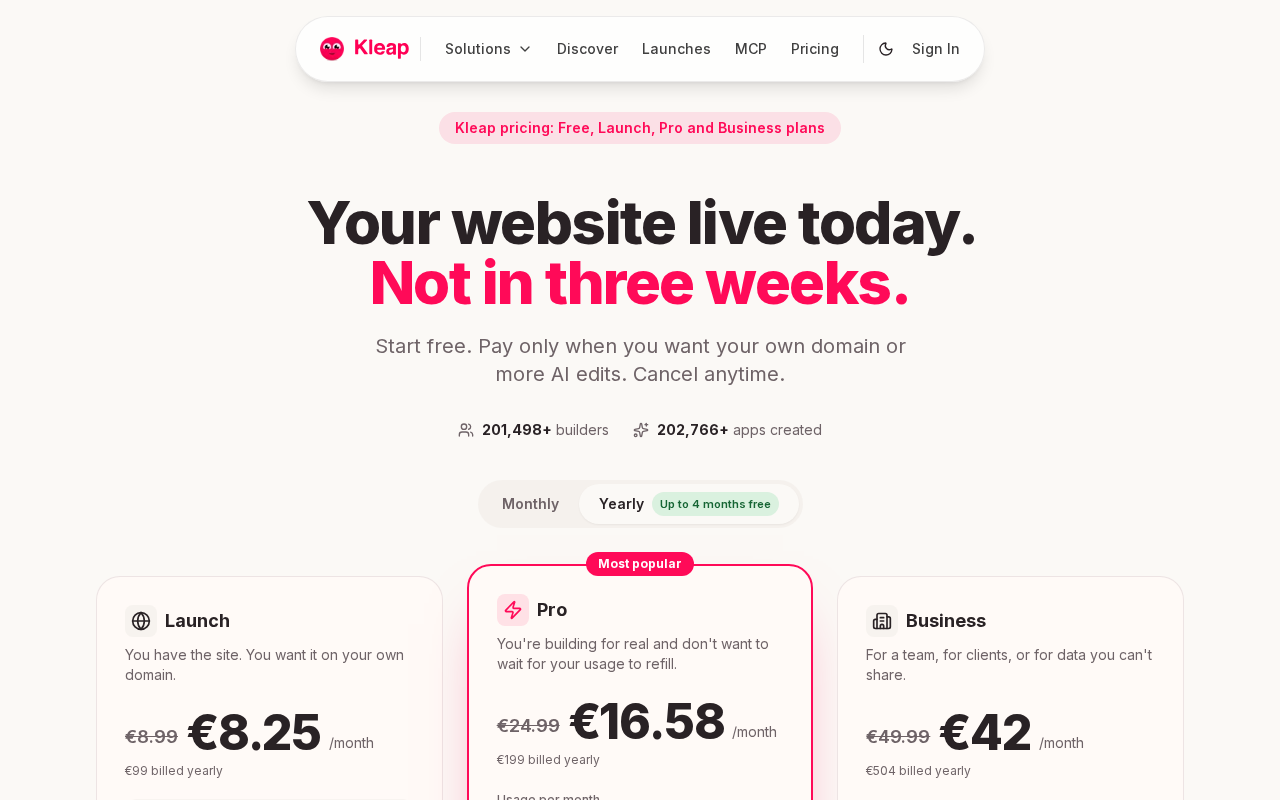
Where Kleap Fits an Event Organizer's Workflow
Kleap builds full-stack websites, designs, hosting, forms, and custom domains from a text prompt, which suits organizers who want to publish promotional content quickly. You describe your event, speakers, schedule, and sponsor information in plain language, and the AI structures the pages.
Full code ownership means agencies and developers can customize the initial AI output when needed. For a straightforward event site that collects inquiries through forms and sends attendees elsewhere for registration, this approach works well.
The Trade-Offs to Check Before Publishing
Kleap's product description doesn't specify built-in ticketing, payment processing, attendee records, session management, or check-in tools. If your event needs integrated ticket sales, capacity limits, promo codes, confirmation emails, or attendee synchronization, check whether Kleap includes these capabilities or whether you'll need to connect a separate service like Eventbrite.
The natural-language builder speeds up the design phase, but operational event workflows may still need additional integration work. Review what the platform generates during your free trial to confirm it matches your registration and data-management requirements before committing to a paid plan.
Wix, Broad Design Flexibility for Branded Event Pages
Wix is a general-purpose website builder with drag-and-drop editing, templates, and design tools that can be set up for event landing pages, speaker sections, schedules, venue information, and forms. Unlike event-specific platforms that sync ticketing, attendee records, and check-in workflows directly with the published site, Wix works mainly as a presentation and content tool.
Its strength lies in visual control and branded page design, making it appealing to organizers who prioritize custom layouts and familiar editing experiences over integrated registration systems.
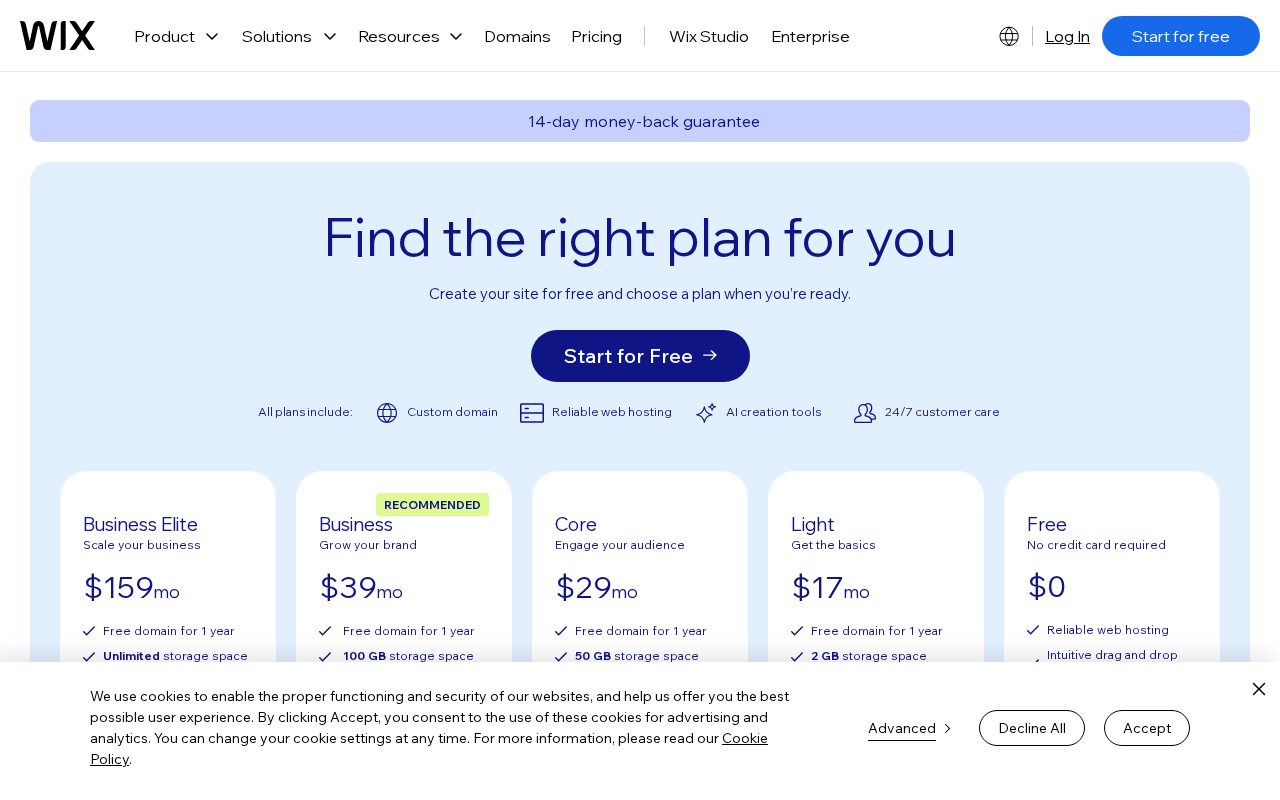
What Makes Wix Attractive for Promotional Sites
Wix provides responsive templates, SEO settings, analytics, and form builders that handle RSVP collection or contact requests. You control the page structure, colors, fonts, and image placement through a visual editor instead of writing prompts or depending on automated layout decisions.
This approach works when brand presentation drives the event experience and registration needs are straightforward enough to be managed by embedded forms or external ticketing services connected through links or widgets.
Questions to Ask About Registrations and Integrations
Check if your chosen Wix plan supports the integrations needed for payment processing, ticket tiers, capacity limits, confirmation emails, promo codes, and attendee data synchronization. General-purpose builders typically need third-party tools like Eventbrite or payment gateways to handle these workflows.
Check how agenda changes, speaker updates, or pricing adjustments will be maintained: manual page edits may replace the live data synchronization advertised by event-focused platforms. Confirm mobile responsiveness during setup because attendees often access event information from their phones.
Hostinger Website Builder
Hostinger Website Builder gives organizers running single events, local workshops, or community gatherings a streamlined path to build a mobile-responsive promotional site without technical hassle. The platform pairs AI-assisted content generation with drag-and-drop editing, letting you draft event descriptions, speaker bios, and schedule pages fast.
Its appeal lies in simplicity: fewer configuration steps, integrated hosting, and domain management under one subscription.
When simplicity matters more than a complex stack
Hostinger's builder suits organizers who prioritize speed and ease over advanced event operations. If your primary goal is publishing venue details, a schedule, and a contact form, the platform delivers without requiring separate hosting accounts or technical configuration.
The AI generates initial layouts and copy from prompts, which you can then refine to match your branding. This approach works well when your event registration happens through a third-party service like Eventbrite or when you need only an informational site.
The integrations that prevent surprises
Check if Hostinger's form builder handles the data collection your event needs, like names, email addresses, dietary preferences, and session picks, and confirm where submissions get stored. If you need ticketing, payment processing, capacity limits, promo codes, or attendee sync, plan to connect external tools because general-purpose builders typically don't include those features natively.
Test the mobile display before launch, review SEO metadata options, confirm custom-domain setup, and clarify how you'll publish urgent updates to schedules or speaker changes. Hostinger cuts setup friction, but operational event workflows may still need additional services.
10Web: AI-Generated Event Structures Worth Testing Carefully
10Web describes an AI-generated event site with sections for schedules, venues, speakers, tickets, galleries, RSVP forms, maps, and social links. This structured approach can shorten the drafting phase when your event brief is already organized because the builder creates a cohesive starting point rather than a blank canvas.
That said, page generation isn't the same as event operations. Confirm whether 10Web processes registrations, manages ticket types, enforces capacity limits, applies promo codes, and synchronizes attendee data, or whether you'll need to connect a separate ticketing platform.
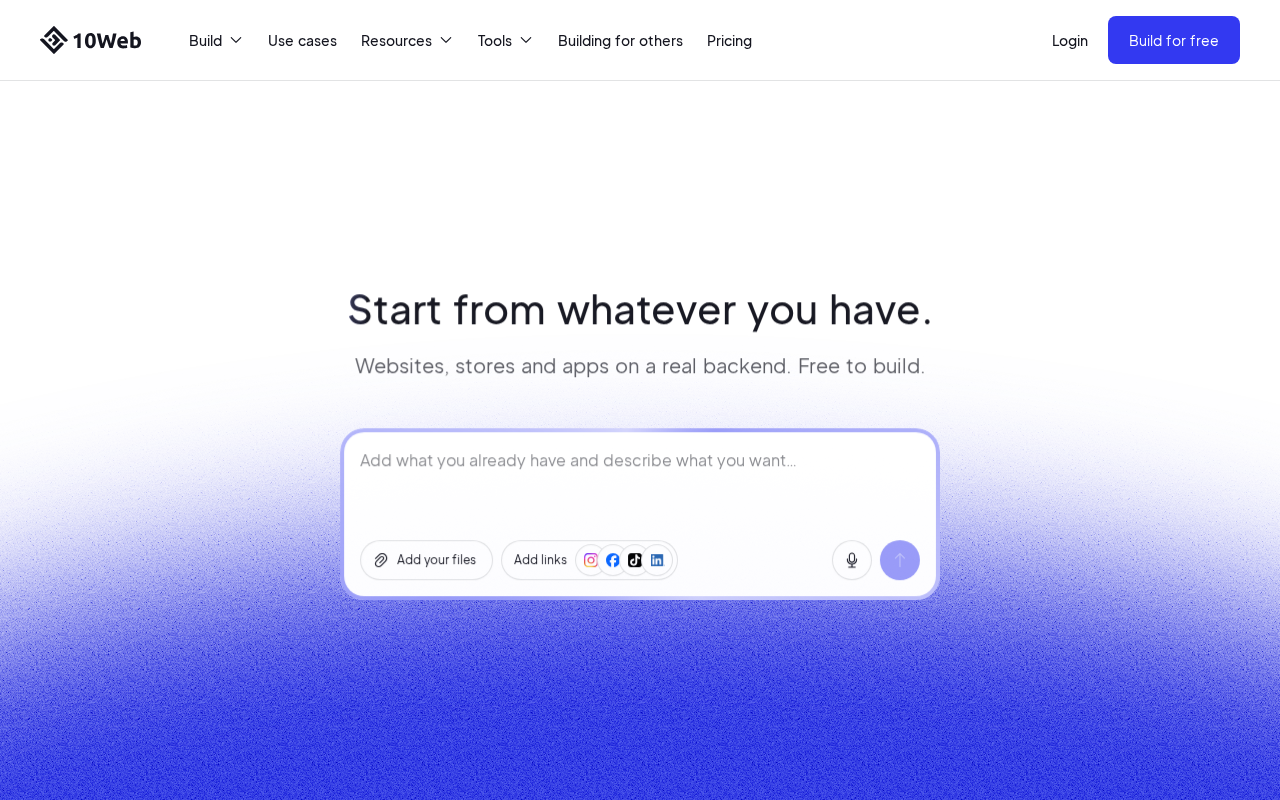
The event sections its AI workflow can support
The supplied research associates 10Web with event-oriented sections including schedules, venues, speakers, ticket information, galleries, RSVP forms, location maps, and social media links. When your event details are documented in advance, this structure can produce a usable first draft quickly.
Inspect how easily you can edit, rebrand, and update these sections after publication, particularly when speaker lineups change or agenda details shift closer to the event date.
Where verification matters most
A page showing ticket tiers isn't the same as a system that handles payments or tracks attendee records. Before using 10Web for a live event, check which registration workflows are built in and which need external integrations.
Event-focused platforms like EventCombo document integrated ticketing, capacity management, and CRM synchronization. General-purpose builders typically need third-party tools to deliver those capabilities.
Test 10Web's output with your actual event data to make sure it meets your operational requirements.
The Verdict: Which Builder Matches Your Event?
Four platforms came out of this analysis, each suited to different event needs. The selection criteria focused on AI-assisted setup, event page structure, design control, registration readiness, and operational transparency.