

















Better Alternative Available

Best Jimdo Alternative in 2026

Looking for a Jimdo alternative? Build websites 10x faster with AI. No complex setup needed.

Typical launch draft: 1-3 creditsUnused credits never expire
Builds in minutes
No design skills needed
Free to start
100,000+
Websites built with Kleap
~10 min
Average build time
Free
To get started
TL;DR

Jimdo is a simple, GDPR-conscious German builder, but it makes you choose up front between two products, Dolphin (AI auto-build) and Creator (manual editor), and switching later means rebuilding from scratch while design control stays limited. As a Jimdo alternative, Kleap offers one AI-driven path: describe your site, get a generated multi-page result, and keep editing it by chat or click, published free to a kleap.io subdomain. Both target small businesses and beginners.

Why Switch

Why People Switch from Jimdo

Common Jimdo Issues

  • Limited templates
  • Basic features
  • Less known
  • Time-consuming to build (hours or days)
  • Requires design skills for good results

Why Kleap is Better

  • AI builds everything in under 10 minutes
  • No design or coding skills required
  • More affordable (free start, then $19/month)
  • Own your code - export anytime
  • Modern React/Next.js technology
Side by Side

Jimdo vs Kleap Comparison

FeatureJimdoKleap
Starting Price$9/monthFree, then $19/month
Time to Build2-8 hoursUnder 10 minutes
Ease of UseLearning CurveJust describe what you want
AI FeaturesBasic AIAdvanced AI Builder
Code OwnershipNoYes - Full React Code
PerformanceAverageLightning Fast
SupportBusiness Hours24/7 AI Assistant
Kleap wins in every category
In-Depth

Jimdo vs Kleap: an in-depth look

Two products, one lock-in decision

Jimdo splits into Dolphin (an AI assistant that auto-builds a simple site) and Creator (a more manual editor), and you pick one at signup. Moving between them later effectively means starting over. Kleap avoids that fork entirely: there is a single AI-first flow where the model generates the site and you refine it, in chat or by clicking elements, without committing to an editor type you might outgrow.

Editing depth and the missing blog

Reviewers note that Jimdo Dolphin is deliberately minimal, light on customization and without a proper blog module, which pushes content-led users toward awkward workarounds. Kleap is aimed at marketing sites, portfolios, small-business sites, and simple blogs, and you change anything by describing it or selecting it visually. For a basic brochure site both suffice; if you expect to add and restructure content, Kleap's prompt-and-edit loop is more flexible than Dolphin's fixed output.

European focus and compliance

Jimdo's genuine edge is its German roots and EU posture: GDPR awareness and tooling that local small businesses appreciate. Kleap does not market itself as a compliance product; it focuses on getting a fast, statically rendered site live free on a {name}.kleap.io subdomain, with custom domains on paid plans. If GDPR-by-default and German-language support are decisive for you, that is a real point in Jimdo's favor.

When Jimdo is the better choice

If you are a very small European business that wants a no-fuss site, German-language support, and a vendor visibly oriented around EU data norms, Jimdo is a sensible pick, especially via its Dolphin AI flow for the simplest sites. Its simplicity is a feature when your needs are modest and unlikely to grow much. Choose Jimdo when local, compliant, and minimal outweigh flexibility.

Compare Options

Other Jimdo Alternatives

Compare all options before making a decision

RECOMMENDED

Kleap

AI-powered website builder that creates everything in minutes

Free to start
Builds in minutes
Try Kleap Free

Bolt.new

StackBlitz AI app builder for creating and hosting web apps in the browser

From $25/mo
Best for: Founders and builders who want a browser-native AI coding workflow with hosting

Replit Agent

AI software agent inside Replit's browser IDE for building and deploying apps

From $25/mo
Best for: Technical founders, students, and teams that want an AI agent inside a full IDE

v0 by Vercel

Vercel AI builder for generating, editing, syncing, and deploying Next.js apps

From $30/mo
Best for: React and Next.js teams already building on Vercel

Base44 (Wix)

Wix-owned AI app builder with integrated backend, database, analytics, and app infrastructure

From $16/mo
Best for: Non-technical founders and operators who want app infrastructure included

Emergent

Y Combinator-backed autonomous coding agent that generates, tests, and deploys full-stack apps from a plain-language prompt

From $20/mo
Best for: Builders who want an AI agent to handle both web and mobile app generation from one platform
Migration Guide

How to Switch from Jimdo to Kleap

1

Sign Up for Kleap (Free)

Create your free Kleap account. No credit card required to start building.

2

Describe Your Website

Tell Kleap's AI what kind of website you have. You can reference your existing Jimdo site or describe improvements you want.

3

AI Builds Your New Site

Watch as Kleap creates your entire website in minutes, complete with content, images, and professional design.

4

Customize and Publish

Make any adjustments by chatting with AI, then publish. Update your domain settings to point to your new Kleap site.

Most users complete the switch in under 30 minutes

Start Your Free Migration
Community

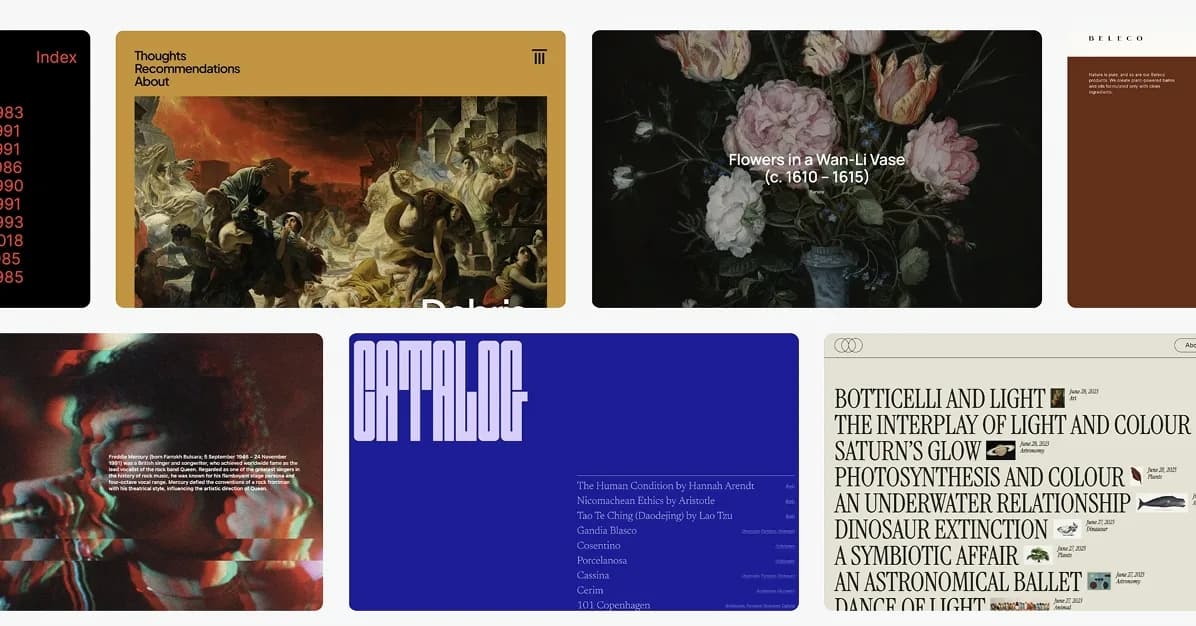
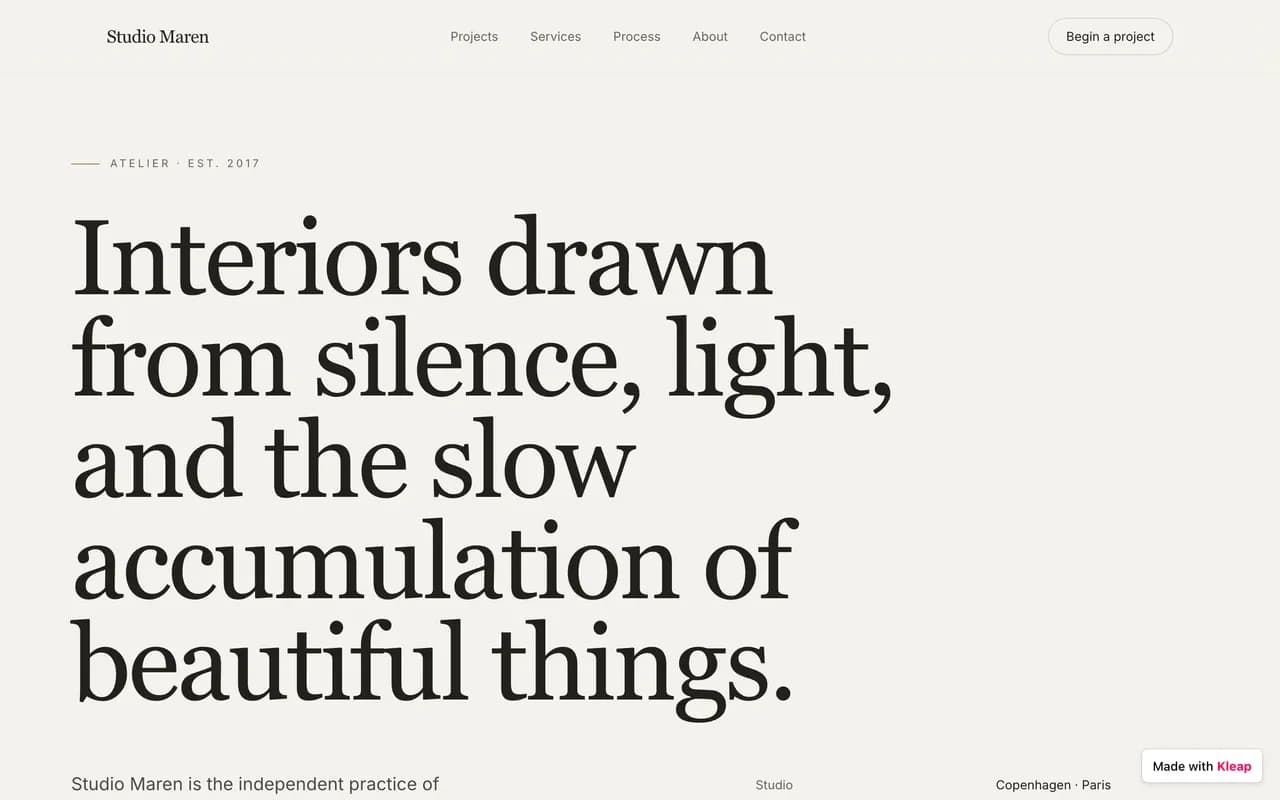
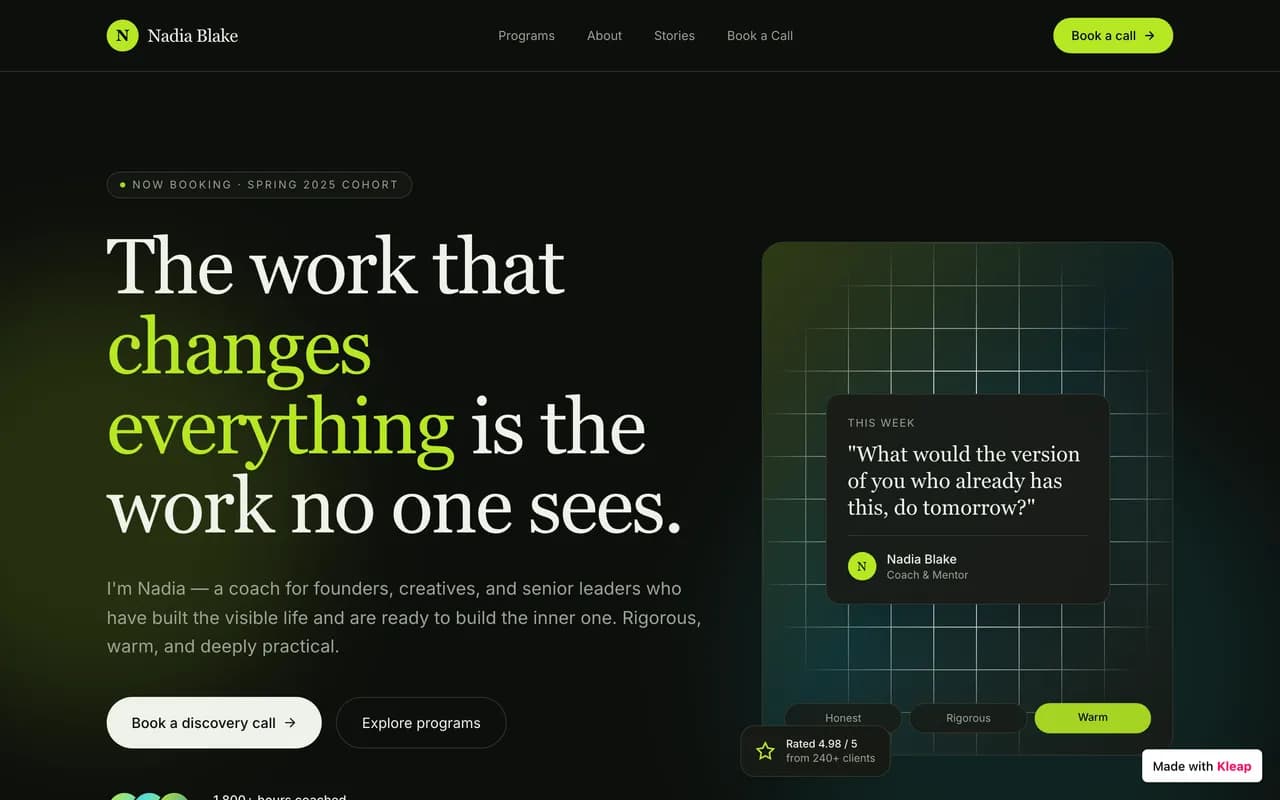
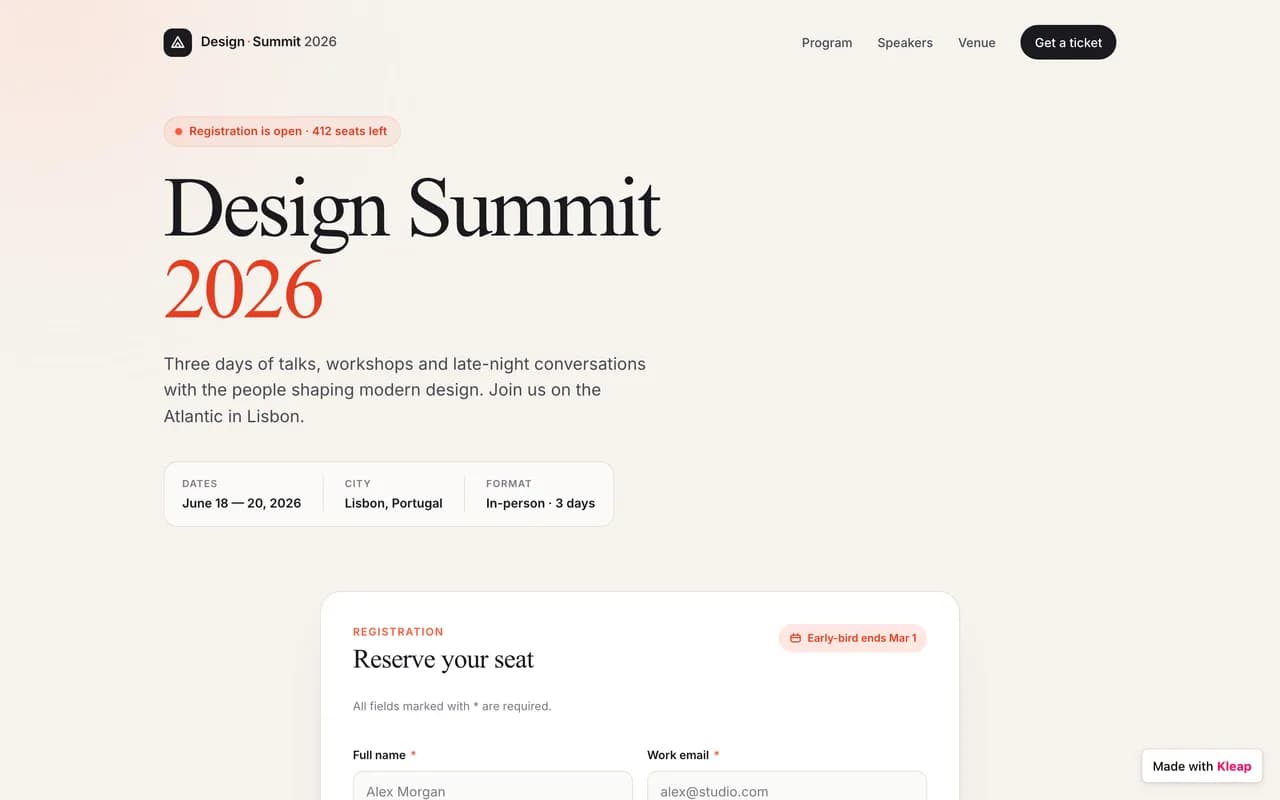
Built with Kleap

Discover amazing websites created by our community

FAQ

Frequently Asked Questions

What is the best alternative to Jimdo?

Kleap is the best alternative to Jimdo for most users. It's faster to build with (under 10 minutes), more affordable, and uses AI to create professional websites without any coding or design skills required.

Is there a free alternative to Jimdo?

Yes! Kleap offers a free plan to get started, unlike Jimdo. You can build and publish your website for free, then upgrade when you need advanced features.

How does Kleap compare to Jimdo?

Kleap is faster (10 minutes vs hours), uses AI for automatic design and content creation, provides full code ownership, and is more affordable. Jimdo limited templates, while Kleap solves these issues with modern AI technology.

Can I switch from Jimdo to Kleap?

Yes! While you can't directly import Jimdo sites, you can quickly rebuild your website with Kleap's AI by describing what you want. Most users recreate their sites in under 30 minutes with improvements.

Do I have to choose an editor type in Kleap like Jimdo's Dolphin vs. Creator?

No, Kleap has one path. You describe the site, the AI generates it, and you refine it either by continuing the conversation or by clicking elements in a visual editor. There is no upfront fork that locks you into a build mode you would later have to abandon by rebuilding from scratch.

Is Kleap a good fit for an EU small business like Jimdo is?

Kleap is used by small businesses worldwide to build marketing sites, portfolios, and simple blogs, and it is free to publish to a kleap.io subdomain. That said, Jimdo specifically markets German-language support and GDPR-oriented tooling, so if EU compliance positioning is your deciding factor, weigh that directly. Kleap competes on AI speed and editing, not on being a compliance product.

Keep Exploring

Compare Other Alternatives

Explore how Kleap compares to other popular website builders

The Bottom Line

The verdict

Jimdo works for a minimal, EU-focused small-business site where its German support and GDPR posture matter and you will not need much customization. Kleap fits better if you want a single AI-driven build with no Dolphin-vs-Creator lock-in, more freedom to keep editing, and a free kleap.io launch, with a custom domain available on paid plans when you are ready.

Better Alternative Available

Ready for a Better Website Builder?

Join thousands who switched from Jimdo to Kleap's AI-powered platform

Typical launch draft: 1-3 creditsUnused credits never expire
No credit card required
Free plan available
Build in minutes
Jimdo Alternative 2026 — Free AI Website Builder