





How it works
Three steps, a few minutes.
- 1. In Canva, download your page as PNG or JPG (one image per page works best)
- 2. In Kleap, attach the images and say what the site is for
- 3. Review the result, adjust by chat, publish
Kleap builds your website and writes every page for Google.
1,300,000+ sites created with Kleap
Describe your business in one sentence. Kleap writes every page, picks the images and puts your site online at its own address.
On every page of your site.
Written for Google
Every page gets its title, meta description and headings, written from what your business does.
Automatic sitemap
Your sitemap is generated and kept up to date, so Google finds every page you publish.
Fast pages
Your site is served as fast static pages, on mobile and desktop.
Search Console in one click
Connect Google Search Console in one click and see how people find you.
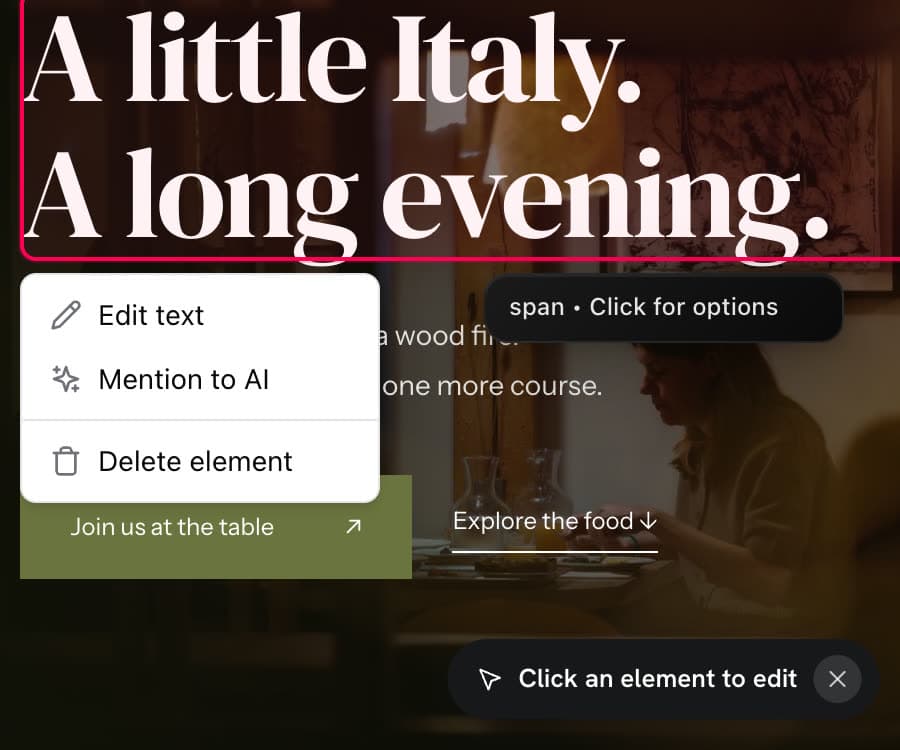
Click any text or image on your site and tell Kleap what to change. No editor to learn.
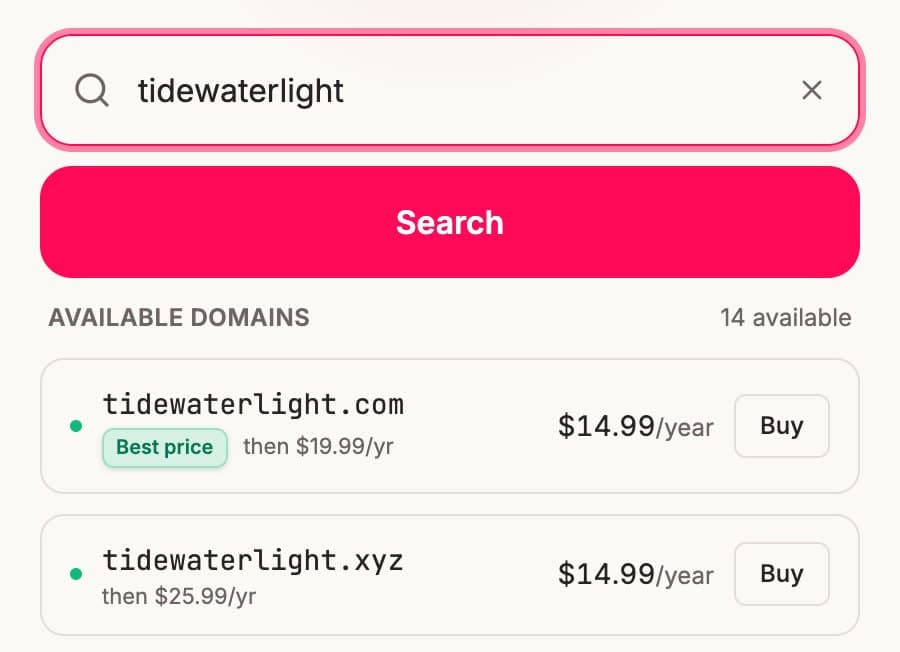
Publish on a kleap.io address, or connect your own domain, with HTTPS included.
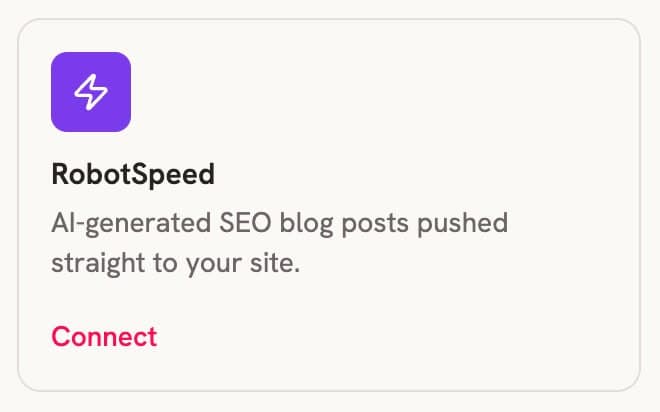
Connect Robot Speed and get SEO articles written and published on your site.
Keep designing where you like to design. Kleap turns the picture into real pages.
Kleap reads the layout, colors and text in your design and rebuilds it as live HTML, with real text Google can read instead of a picture.
Contact forms that collect entries, booking with Calendly or Cal.com, buttons that go where they should.
Every page gets a mobile layout, so a design made for a big screen still reads well on a phone.
Change text, add a section or a page in plain words. You don't go back to Canva for every edit.
Export your Canva design as an image, drop it into Kleap's chat and say what the site should do. The AI rebuilds it as a real, editable website with working forms, booking and pages built for Google.
Canva is where a lot of small businesses design everything: the logo, the flyer, the Instagram posts, and often the website mockup too. The question comes right after: how do you turn that design into a website people can use?
Kleap starts from your design. Export the page from Canva as a PNG or JPG, attach it in the Kleap chat and describe what the site is for. The AI rebuilds the layout as a real website, keeps your colors and structure, and adds what a design file can't do on its own: working forms, a booking calendar, several pages and clean structure for search.
You can keep using Canva for your visuals and let Kleap handle the website, or describe a new site from scratch in one sentence.
Three steps, a few minutes.
You can, and for a simple one-page site it may be all you need. People move to Kleap when the site has to do more: take bookings, collect leads through forms, grow to several pages, or be structured so Google understands it.
Anyone who already has a Canva design they like.
Not directly. You export your design from Canva as an image (PNG or JPG) and attach it in the Kleap chat. That's the whole import.
Kleap matches the layout, colors and text it sees. For exact brand colors and fonts, give the hex codes and font names in the chat, and ask for any tweak in plain words.
Yes. Publish to a free Kleap link first and connect your own domain on a paid plan.
Yes. You can upload your design, generate the site and publish it to a live link without paying.
Yes. Describe your business in one sentence and Kleap designs the site for you.
Describe it in one sentence. Kleap does the rest.