8 Best Free AI for Legal Drafting Tools

Best free AI for legal drafting tools include ChatGPT for versatile contract creation.
- Free tiers provide 20-50 daily queries across major platforms, enough for solo practitioners handling routine documents
- Specialized tools like Spellbook and LegalGPT offer jurisdiction-specific language models that reduce editing time by focusing on legal terminology
- Enterprise options like Harvey AI provide limited free access, letting firms test AI capabilities before committing to paid deployments
Claude for document analysis, and Google Gemini for research-integrated drafting.
Legal drafting consumes many a junior associate's billable hours, yet most firms still rely on manual template editing. AI tools promise to slash that time investment significantly. What the marketing materials don't mention: truly free options come with token limits, jurisdiction gaps.
Accuracy trade-offs that can turn a time-saver into a liability risk.
Solo practitioners and small firms need tools that work within budget constraints while maintaining the precision legal work demands. The challenge isn't finding AI that drafts legal text, since dozens exist. It's identifying which platforms deliver professional-grade output without requiring enterprise subscriptions.
Understanding where free versions fall short versus where they genuinely replace manual work. We compared eight platforms that offer meaningful free access: ChatGPT's contract generation speed, Claude's contextual document analysis, Google Gemini's research integration. Microsoft Copilot's Word-native drafting, LegalGPT's legal-specific training, Spellbook's clause libraries, MyCase AI's practice management tie-ins, and Harvey AI's limited enterprise preview. Each comparison reveals which meilleurs outils de création justify the use of free tools and when it might be time for paid upgrades in your practice.
Verdict shows where AI genuinely transforms drafting workflows and where it merely adds formatted text that still requires complete legal review.
How We Evaluated the Best Free AI for Legal Drafting
Ran each tool through actual drafting scenarios, including contract clauses, demand letters, discovery responses. And client memos, to see how free versions hold up when you're racing the clock. Our comparison zeroed in on five factors that matter most to solo practitioners and small firms without enterprise budgets: accuracy with legal terminology. Versatility across document types: how much the free tier actually gives you; data privacy protections; and how quickly you can start producing useful work.
Our Testing Methodology for Legal AI
Each tool underwent identical tasks across three practice areas: contract drafting, litigation support, and transactional work. We compared how well ChatGPT and Claude AI handled boilerplate clause generation, case opinion summarization, and argument outlining without specialized legal training.
We documented usage limits, feature restrictions, and whether confidential data entry posed risks.
Why Free Doesn't Mean Compromised Quality
Free tools work as helpers, not substitutes. ChatGPT handles clause rewording and builds research frameworks, while Claude AI adjusts tone using dialogue-based prompts. Both fit non-confidential tasks where you maintain final oversight.
Try it — build your site while you read
Describe what you want and get a live, publishable site in seconds. Free to start, no code.
Join 200,000+ makers building real websites with Kleap.
ChatGPT, the Versatile Powerhouse for Legal First Drafts
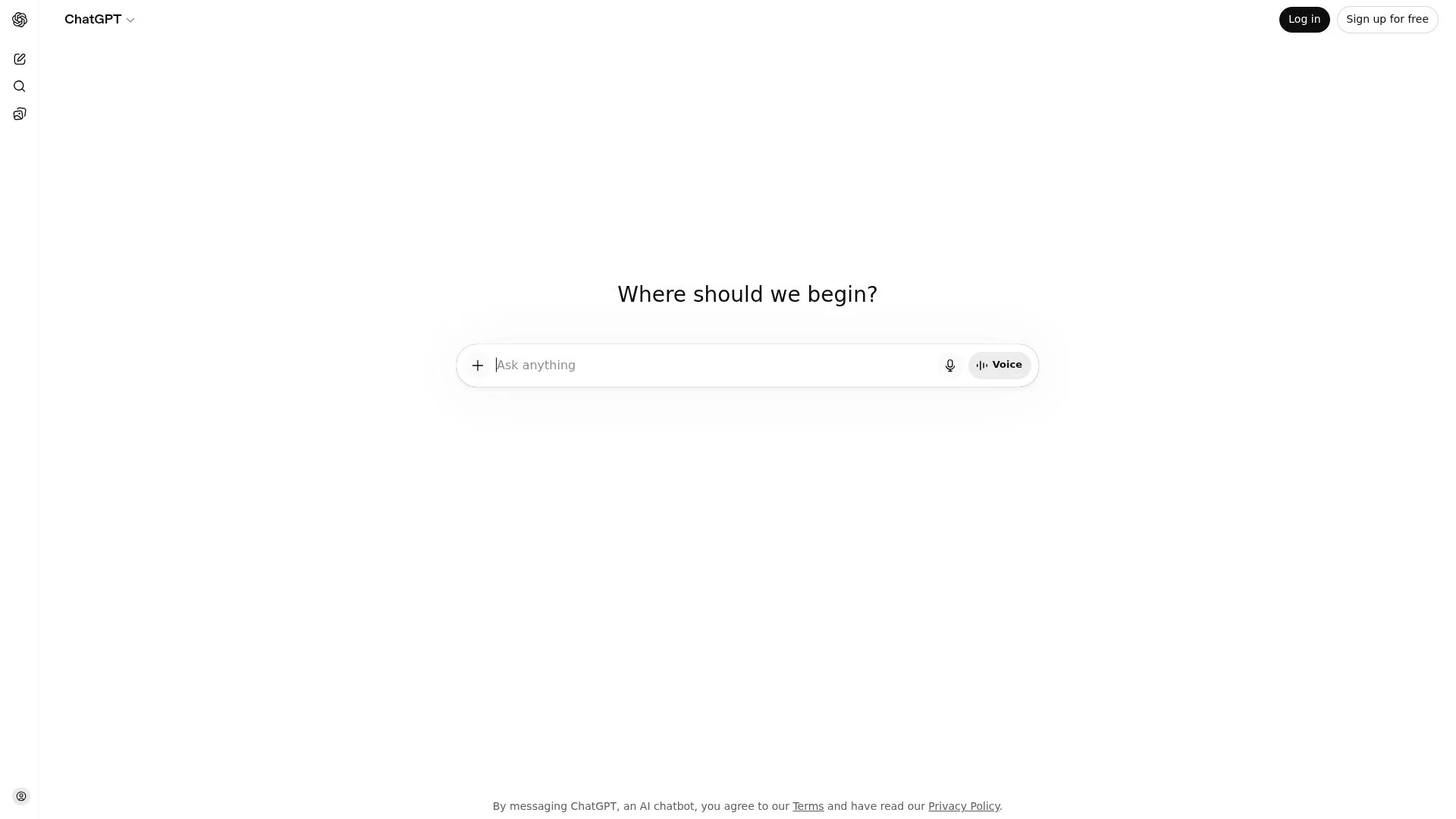
ChatGPT ranks as the best free AI for legal drafting when solo practitioners and small firms need quick, no-cost support. The free tier provides solid daily usage with GPT-4o mini access, handling initial legal letters. Case opinion summaries, and boilerplate clause rewrites pretty well.
ChatGPT doesn't have legal-specific training, so every output needs careful human verification. This gap actually matters quite a bit.
What you gain in accessibility; you lose in guaranteed precision.
What ChatGPT Does Best for Lawyers
ChatGPT works well for building research strategies: spotting relevant legal issues, and breaking down complex case law into clear summaries. When you add legal context to your prompts, case type, jurisdiction, specific clauses, the results get noticeably better.
It's also solid for client correspondence, standard contract clauses, and brainstorming tasks. To diversify your workflow, check out tools like a free AI portfolio generator that can simplify related content work.
Free Tier Limitations and Privacy Considerations
Never input confidential client information or sensitive case details. ChatGPT's terms don't guarantee attorney-client privilege protection, creating liability risk.
Best use cases remain non-sensitive drafting: rephrasing boilerplate, and legal education. Experts urge treating free AIs as assistants, not replacements, accelerate workflows, but verify outputs against legal databases before relying on them.
Claude, superior Document Analysis and Contextual Refinement
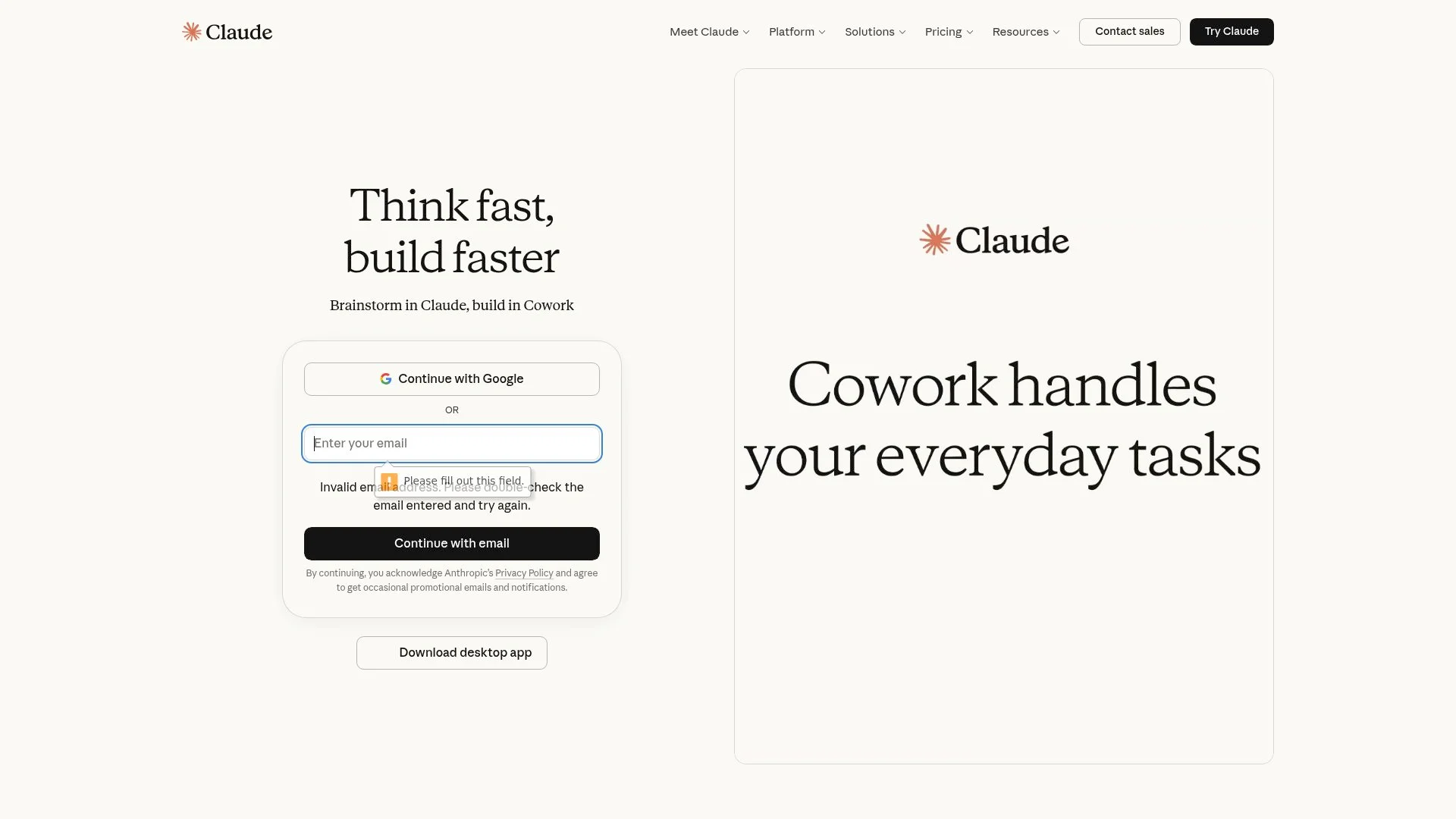
Most free AI tools handle quick drafting well, but Claude stands out with superior document comprehension. Its free tier processes long depositions, discovery materials, and case files without hitting frustrating token limits. That makes it perfect for solo practitioners dealing with document-heavy litigation.
Platform keeps context across multiple turns, so you can refine a contract clause three times without re-explaining the whole agreement each round.
Claude's Document Summarization Advantage
Claude processes 40-page depositions into organized summaries way faster than manual review can handle. It excels at refining tone and structure conversationally. Shifting argument rhythm from aggressive litigation mode to collaborative mediation style when client strategy pivots mid-draft.
Anthropic's Constitutional AI framework provides fine ethical reasoning for sensitive client communications. But the tool doesn't include legal citations or specialized training, so verification remains fundamental for any AI writer free forever approach.
When to Choose Claude Over ChatGPT
Claude when you're prepping early-stage document reviews and outlining arguments where logical structure trumps pure speed. It shines in scenarios that need multiple draft rounds with tone tweaks. That said, skip it for citation-heavy briefs or case law research since the lack of legal database integration means you'll do manual Westlaw crosschecks anyway.
Kleap tip: feed Claude your opposing counsel's motion next to your draft response and ask it to spot argument gaps instead of writing new text.
This turns it into a strategic review tool rather than just another drafting assistant.
Google Gemini, integrated Research and Multi-Modal Legal Analysis
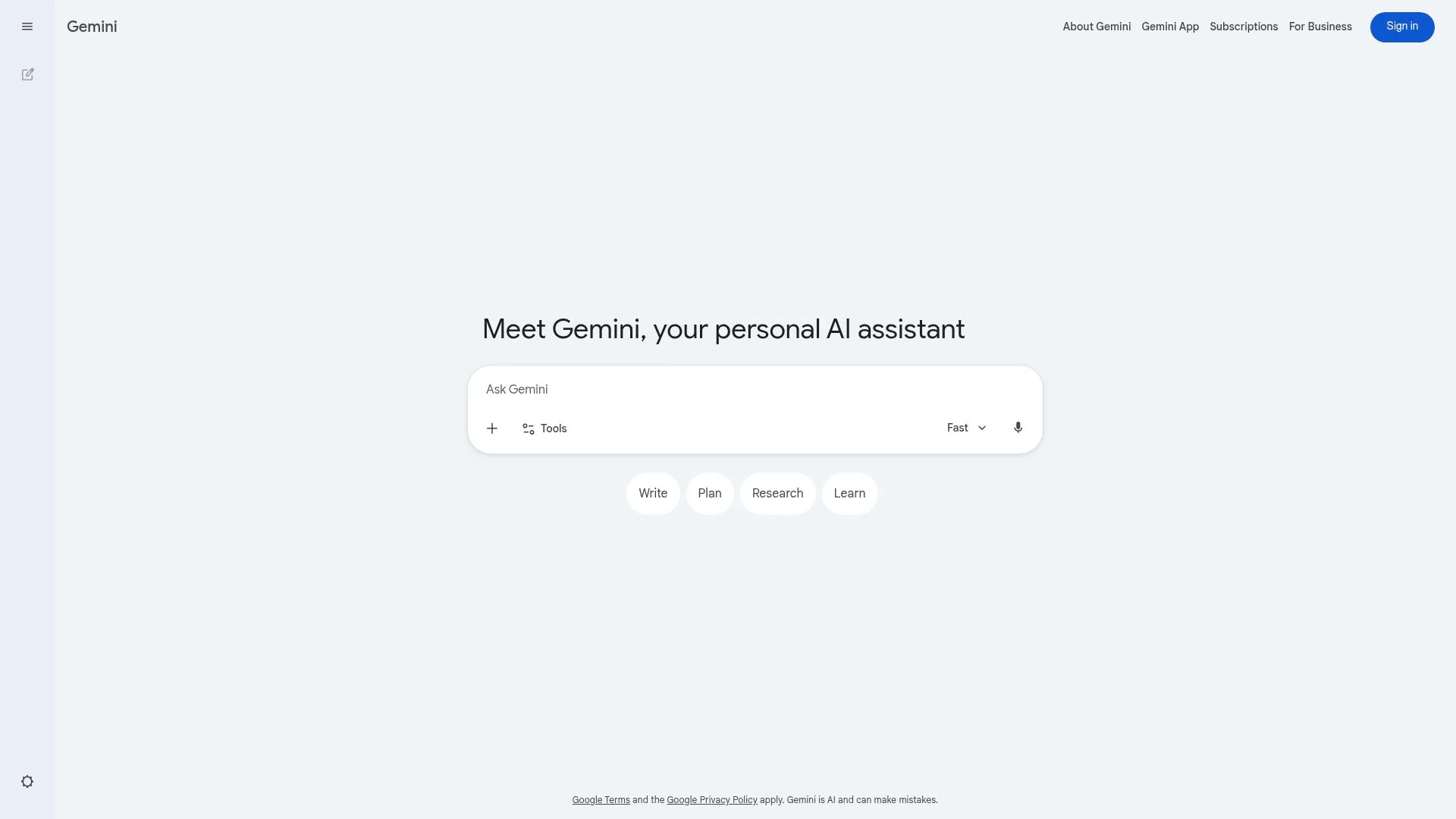
Google Gemini works directly inside Workspace tools that legal professionals use every day. It runs right within Google Docs and Drive, so there's no separate login or file exports needed. This setup works well for solo practitioners and small firms that want quick drafting help without learning new systems.
Free tier handles initial contract outlines: client correspondence, and clause rephrasing in familiar interfaces. Though you still need to verify accuracy carefully.
Gemini's Google Workspace Integration Benefits
Platform's real-time web search sets it apart from standalone AI tools. When you're drafting compliance documents, Gemini pulls current regulatory language straight into your workflow, which helps verify evolving standards.
Multi-modal analysis handles scanned PDFs and image-based legal filings, extracting text from non-native formats. For deeper guidance on document synthesis, check out our AI text summarizer review.
Multi-Modal Analysis for Legal Documents
Limitations reflect typical free-tool trade-offs: less conversational polish than Claude, plus outputs that need attorney review. That said, for Google-centric practices testing AI without budget constraints, Gemini provides practical entry and drafting help right where you already work.
What Legal Professionals Won't Tell You About Free AI Tools
Here's what most legal tech vendors won't admit: even premium AI drafting platforms hallucinate citations and fabricate case law. The dirty secret?
Free tools like ChatGPT and Claude AI don't hide their limitations, they're transparent about requiring review, which makes them paradoxically more honest than expensive alternatives marketing themselves as turnkey solutions.
The real risk isn't accuracy (every output needs checking regardless of price). It's confidentiality breaches from attorneys who input sensitive client data into general-purpose systems.
Solo practitioners who treat free AI as a drafting assistant, never a replacement, often achieve identical first-draft quality to firms paying enterprise fees for basic documents.

The Accuracy Myth Nobody Discusses
Law firms using premium AI still manually verify every output, the workflow hasn't changed, just the starting point. Free tools excel at ideation and structural outlining, then practitioners verify against Westlaw or Lexis+ databases exactly as they would with paid alternatives.
The best AI app for legal drafting isn't necessarily the most expensive; it's the one matching your verification habits. Agentic AI integrating research-to-drafting remains firmly in the paid tier, but for rephrasing boilerplate clauses or summarizing case opinions, ChatGPT's free version performs comparably to thousand-dollar subscriptions when prompted with proper legal context.
Why Free Tools Suit Most Solo Practitioners
ChatGPT and Claude AI handle the majority of low-risk drafting tasks solo attorneys need: initial demand letters, contract clause variations, client email templates. These tools suit practitioners who understand they're workflow accelerators, not licensed counsel.
Consensus among legal professionals testing AI? Free platforms provide identical core drafting quality to paid versions for non-sensitive, routine documents.
Just avoid inputting confidential client data, and always cross-reference outputs against authoritative legal databases before filing.
Microsoft Copilot, Office Suite Native Legal Document Creation
Most lawyers see AI as a separate research task: open a tab, copy-paste, format later. Copilot removes that friction completely.
Works directly inside Microsoft Word, so you can draft client engagement letters, discovery responses, and motion drafts without leaving the document. No context switching or reformatting headaches.
Firms already using Microsoft 365 will find that this embedded setup feels less like new software. It feels more like discovering a feature you didn't know existed. The free tier offers daily AI-assisted drafting that's enough for solo practitioners handling moderate document volume.
Making it a smart entry point before checking out premium free AI tools.
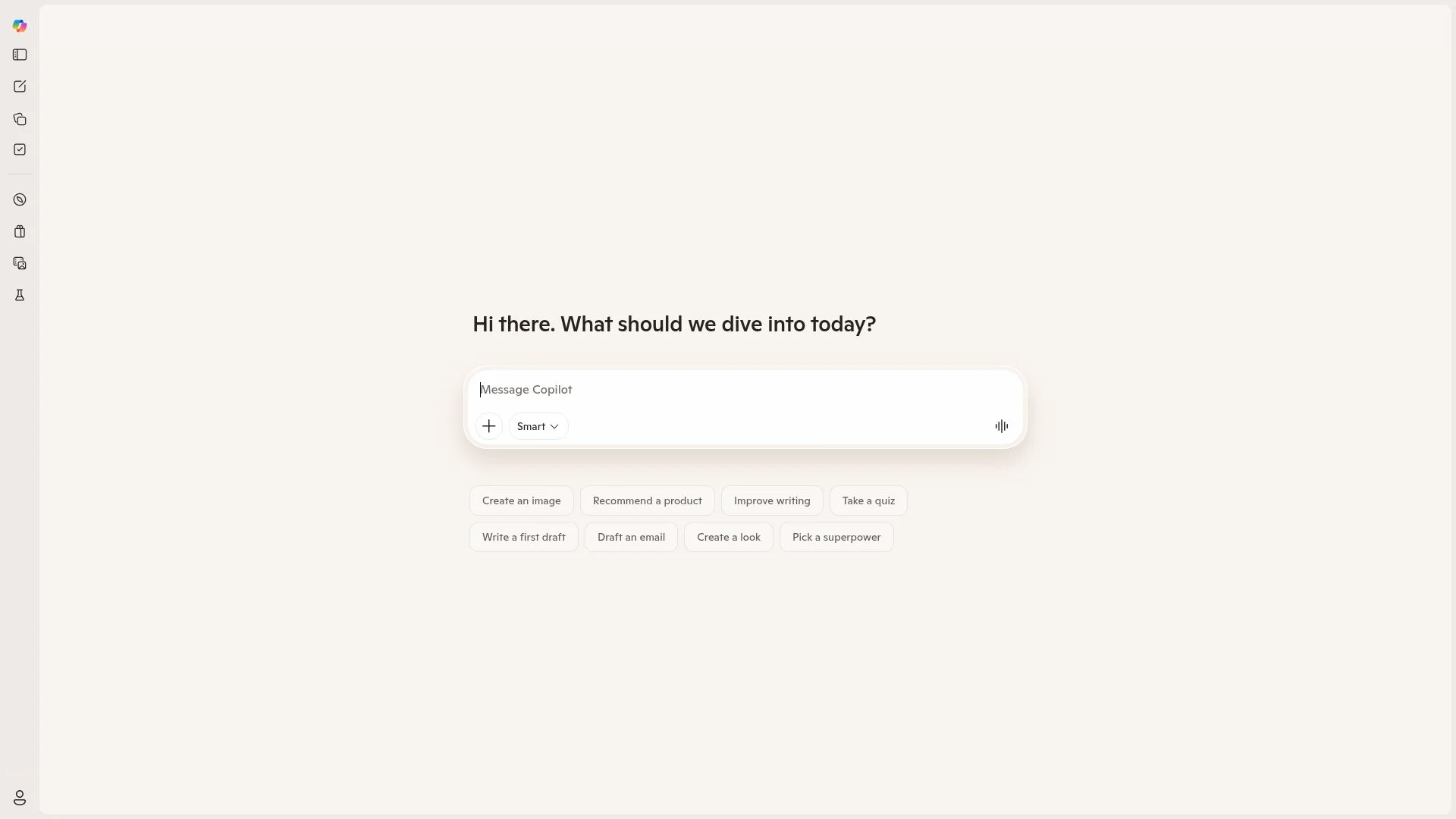
Copilot's Microsoft Word Integration Advantage
Where ChatGPT handles conversational drafting well and Claude works best for summarizing long depositions. Copilot dominates talking about formatting precision.
Legal documents need rigid structure with numbered paragraphs, nested subheadings, and consistent indentation throughout. Copilot applies these formatting rules automatically while referencing other documents in your OneDrive to replicate clause language across different matters.
This consistency really matters when opposing counsel examines every single semicolon. The trade-off is clear though: Copilot feels more template-driven than conversational, so it generates predictable contract sections better than creative legal arguments.
Enterprise Security for Legal Compliance
Confidentiality isn't optional in legal work. Copilot's enterprise security architecture operates within Microsoft's existing compliance framework, meeting standards that solo tools like ChatGPT's free tier can't guarantee. Your client data stays within your tenant, subject to your firm's existing data governance policies.
This matters less for drafting generic demand letters, critically more when handling sensitive litigation materials. even Copilot's security doesn't replace human review.
Kleap tip: Before uploading any client document to Copilot.
Strip identifying details and replace them with placeholders like "[Client Name]" and "[Matter Number]" to maintain confidentiality even within secure environments.
LegalGPT, purpose-Built Legal Language Model with Specialization
LegalGPT appeals to lawyers who want legal-specific language without paying premium subscription costs. General tools train on broad datasets, but this model zeroes in on legal corpus, statutes, case law, and contracts exclusively. That focus gives it stronger grasp of citation formats and jurisdictional phrasing.
Solo practitioners drafting non-disclosure agreements or demand letters get specialized training that cuts down on awkward phrase constructions revealing AI authorship.
Legal-Specific Training Benefits
Tool shines at contract clause generation, creating language that matches professional drafting standards. Correct "whereas" clauses, indemnification frameworks, and governing law provisions. It understands statutory interpretation details that confuse ChatGPT, like telling apart "may" from "shall" in regulatory settings.
How LegalGPT Compares to General AI Models
Downside is clear: a smaller user base translates to fewer prompting guides compared to ChatGPT's massive community. You'll need to invest time figuring out what queries work. lawyers seeking legally-tuned outputs without subscription fees find real value here.
Especially for routine documents where precise legal phrasing trumps advanced research features.
Spellbook, contract Drafting Directly Inside Microsoft Word
Spellbook operates where attorneys work, embedded directly in Microsoft Word as an add-in. Unlike general-purpose tools that generate documents from scratch, this AI analyzes existing contracts in real time. It flags aggressive language, missing clauses, and potential risks as you review.
Training on billions of legal clauses means it suggests contextual improvements rather than generic boilerplate. Perfect for negotiation workflows where you're redlining third-party agreements, not building initial drafts.
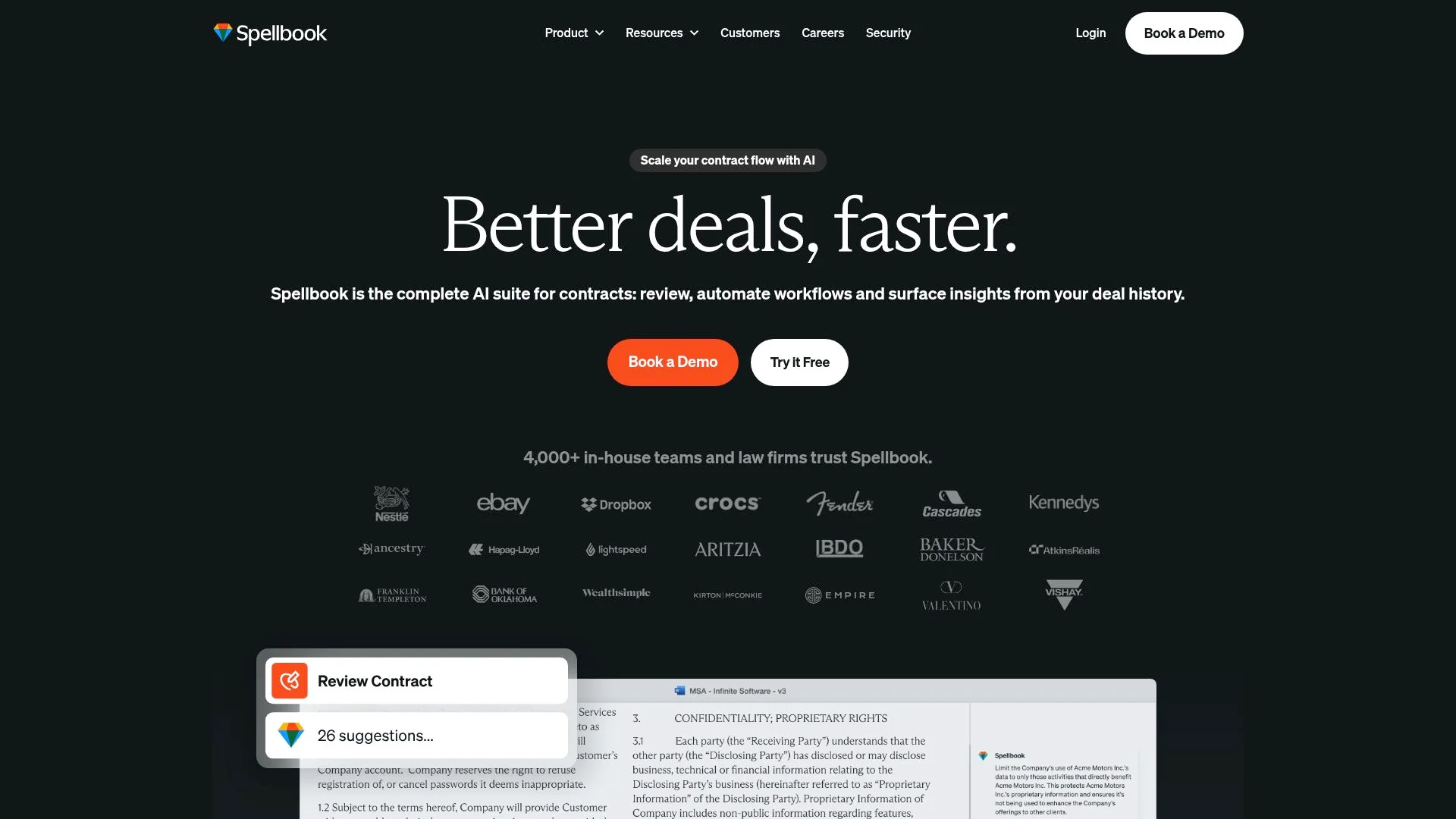
Spellbook's Contract Analysis Capabilities
This tool handles detailed contract review work that general AIs can't manage well. It catches subtle problems in indemnity clauses, flags unusual termination wording, and suggests exact edits that match your negotiation position.
Don't copy-paste anything into ChatGPT since analysis runs right where you're working. The integration cuts out switching between apps, but you're locked into using Microsoft Word for drafting.
Free Trial Limitations and Upgrade Requirements
Spellbook's free access is trial-based only. Temporary access lets you test contract-specific AI before committing, but sustained use requires a paid subscription.
The upgrade locks capabilities behind pricing tiers, check official rates as public figures aren't disclosed. Ideal for attorneys handling frequent contract reviews rather than occasional drafting, given its narrow workflow focus.
MyCase AI, practice Management with Integrated Drafting Intelligence
MyCase AI delivers something most standalone tools can't: drafting intelligence that pulls directly from your active cases. Instead of copying client details into a separate AI interface, the system auto-populates documents with information already stored in your practice management platform.
This means contracts, demand letters, and client correspondence generate with names, dates, and case specifics embedded from the start. The free trial grants access to these integrated AI features alongside billing, scheduling, and communication tools. This eliminates the workflow friction of juggling multiple applications.
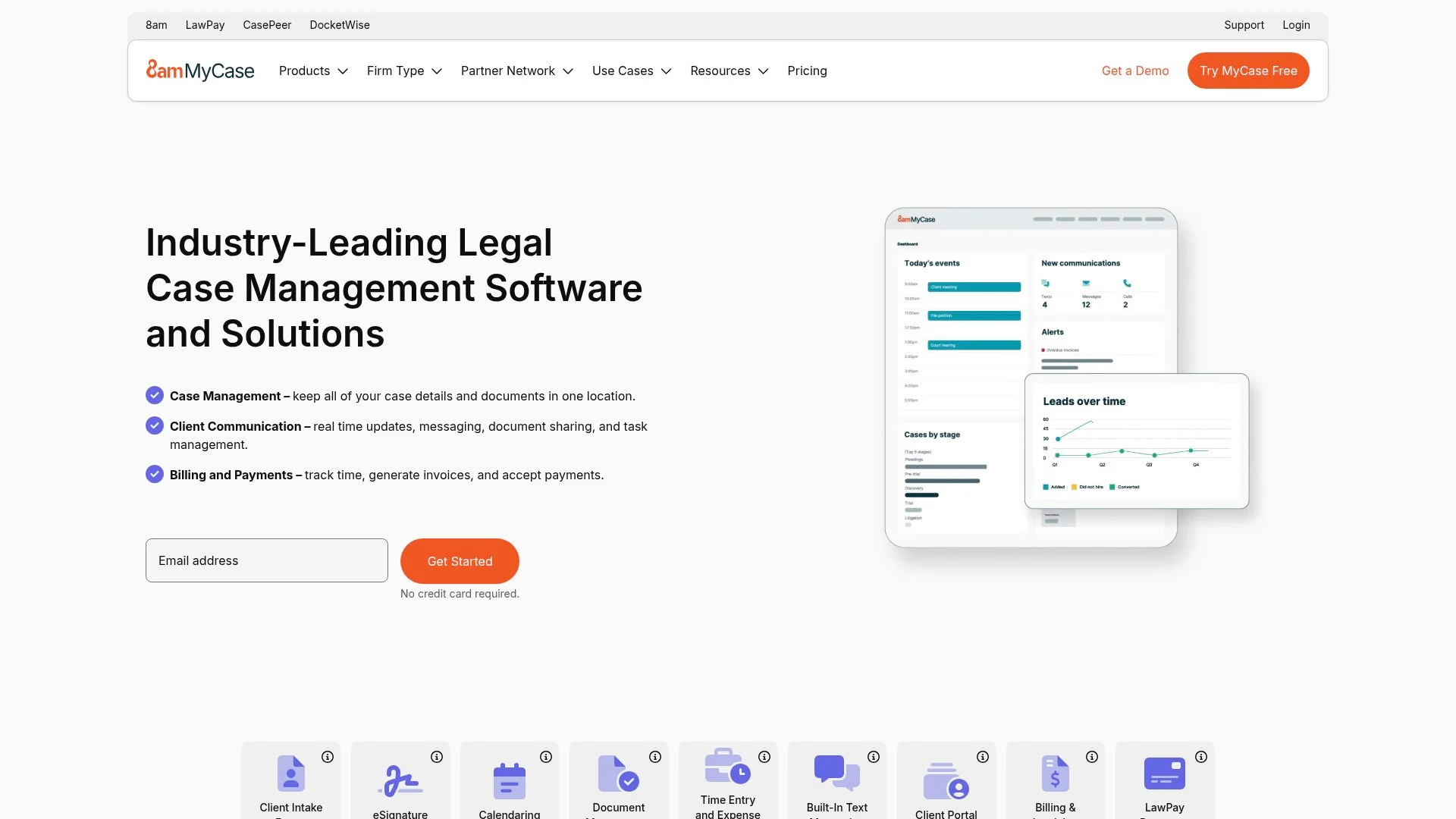
Integrated Practice Management Benefits
Context-aware drafting accelerates turnaround because the AI references case files you're already managing. Generate invoices, draft correspondence, and track deadlines without switching platforms.
24/7 AI chat support handles both drafting questions and broader practice management troubleshooting, a dual capability standalone tools lack. However, the learning curve climbs higher than single-purpose options due to the full feature set.
Who Should Choose MyCase Over Standalone AI
Solo practitioners and small firms benefit most when they need detailed infrastructure, not just drafting assistance. If you're managing cases, billing, and client communication separately today, MyCase consolidates those workflows while adding AI capabilities within the same subscription.
Harvey AI, enterprise-Grade Legal Intelligence with Limited Free Access
Harvey AI does what ChatGPT and Claude can't: purpose-built legal reasoning trained on real case law, contracts, and regulatory documents. Unlike free alternatives that repurpose consumer chatbots, Harvey handles multi-jurisdictional questions with precision Allen Overy and other major firms trust for high-stakes work. The accuracy gap matters here.
Where free tools need constant human verification, Harvey's legal-specific training delivers outputs closer to attorney-grade analysis right from the first draft.
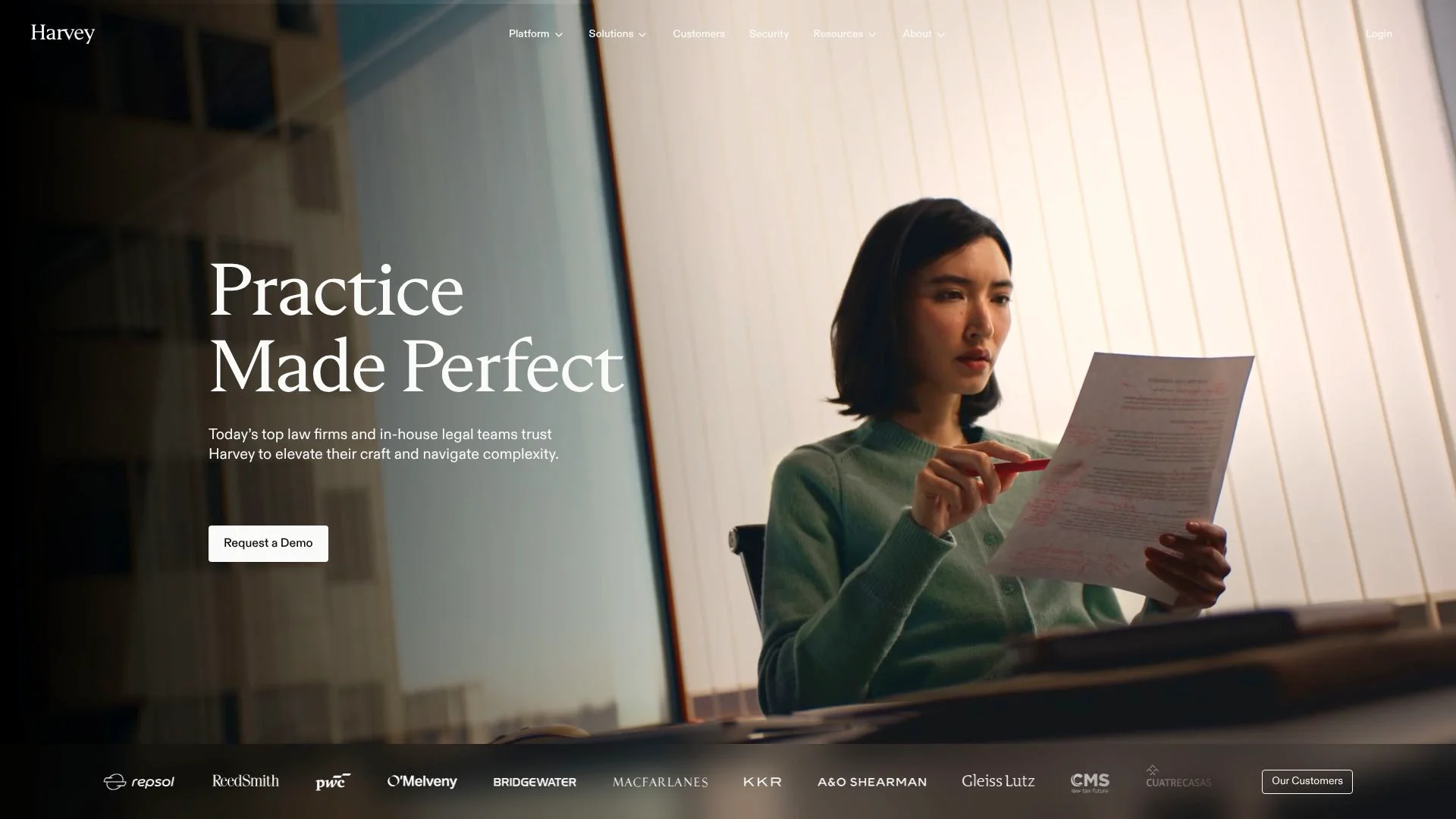
Harvey AI's Enterprise Capabilities
Harvey tackles complex legal work that free tools simply can't match: multi-jurisdiction regulatory reviews, precedent-driven drafting, and complex contract workflows.
Solo lawyers trying free AI, Harvey shows the performance ceiling, what you get when budget allows specialized legal training instead of general-purpose models.
Free Access Limitations and Trial Options
Harvey doesn't offer a free tier for individual attorneys at all. You get access through enterprise agreements or limited demos set up with their sales teams.
Pricing targets BigLaw budgets, which makes it pretty unrealistic for freelancers who rely on the best free AI for legal drafting right now. understanding Harvey's capabilities helps solo practitioners evaluate whether free tools meet their current needs or signal when scaling justifies investing in purpose-built legal intelligence.
Side-by-Side Comparison, which Free AI Fits Your Practice
Choosing the best free AI for legal drafting hinges on what you do day-to-day. ChatGPT dominates for versatility, drafting initial letters, rephrasing boilerplate clauses, and generating research strategies without upfront cost.
Claude AI excels at summarizing long documents and outlining arguments, particularly when you need conversational refinement of tone.
U.S.-focused legal questions, LawConnect provides 24/7 AI chat at no charge, ideal for quick clarifications on non-sensitive matters.

Feature-by-Feature Comparison Matrix
Choosing Based on Your Practice Needs
Match the tool to your workflow. If you draft letters and repurpose clauses constantly, ChatGPT handles that load well. Document-heavy practices benefit from Claude's summarization depth.
Hybrid use works best: free AIs for ideation and first drafts, then verified against legal databases. That's become the consensus strategy among practitioners testing AI without budget. Experts urge prompts with legal context for best results, since general-purpose models lack the specialized training that paid tools offer.
Broader AI workflow automation beyond legal drafting. When your practice needs extend to client portals or document management systems, Kleap offers AI-powered development capabilities.
What Legal Professionals Say About These Tools
Solo practitioners consistently praise ChatGPT and Claude AI for speeding up routine correspondence and demand letters, tasks that previously ate up billable hours.
Students report an unexpected benefit, these platforms help decode legal writing structure and clause construction patterns faster than textbooks alone.

Universal complaint? Every free tool demands substantial editing before documents approach court-ready quality.
Privacy anxiety runs high, since inputting real client information into free platforms violates confidentiality norms. Forcing users to anonymize facts or work with hypothetical scenarios.
Small firms adopt hybrid workflows: free AI generates initial ideas, then paid legal databases verify citations and statutory accuracy. The consensus among practitioners: these tools democratize drafting assistance previously locked behind expensive software subscriptions, but they serve as assistants, not replacements.
Common Frustrations and Workarounds
Jurisdiction gaps create the biggest frustration for users right now. Free models don't have state law training, so they miss deal-breaking differences between New York contract rules and California employment terms.
Experienced attorneys build template libraries of winning prompts, treating prompt engineering as a legitimate practice skill that deserves proper documentation.
Frequently Asked Questions About Free AI Legal Drafting
Are free AI tools accurate enough for real cases? They accelerate first drafts significantly, but no AI, free or paid, replaces legal judgment.
ChatGPT and Claude AI excel at drafting initial letters and summarizing case opinions, yet their outputs require attorney verification since they lack legal-specific training.
Ethics and Confidentiality Concerns
You ethically use free AI tools given your confidentiality obligations? Yes, but only if you avoid inputting any identifying client information.
Users must treat AI outputs as research assistance rather than final work product.
ChatGPT offers versatility for rephrasing standard boilerplate clauses, while Spellbook trials deliver contract-specific review capabilities. State law compliance demands attorney verification regardless of which tool you use.
Choose Your AI Drafting Assistant and Transform Your Practice Today
ChatGPT and Claude AI stand out as solid all-around picks for solo practitioners and small firms that need fast first-draft help without upfront investment. Pick tools that fit your current tech setup, Google Workspace users get native integration benefits. While Microsoft 365 environments work naturally with specific workflow methods.
Start with one platform, then build a prompt library for your common document types and slowly weave AI into your practice. The gap between free and paid options keeps shrinking as competition heats up, which makes this a great time to jump in.
Your Next Steps to AI-Powered Legal Drafting
Start testing with low-risk documents today to see the efficiency boost yourself. Free AI tools speed up initial drafts, but they're assistants, not substitutes for legal judgment. You've got to double-check everything against proper legal databases and never upload truly sensitive client data.
Keep direct attorney oversight on all outputs. For firms wanting more complete AI workflow automation beyond just drafting. Platforms like Kleap offer AI-powered development tools for custom legal apps that go past document creation into full practice management systems.
Your Path to Smarter Legal Drafting Starts Here
You now have a clear picture of the best free AI for legal drafting tools available today. ChatGPT excels at generating versatile first drafts across contract types, while Claude shines when you need deep document analysis and contextual refinement of complex legal language.
Start by testing one tool with a straightforward task tomorrow morning. Draft a standard NDA section or analyze a client contract clause you've worked with before.
Notice which interface feels intuitive and which outputs require fewer manual corrections. That's your signal.
While these AI tools transform how you approach legal drafting, they work best when used as part of a broader workflow. If you are exploring AI solutions beyond document creation, such as building client portals, automating intake forms, or streamlining case management, Kleap offers powerful tools for legal professionals who want to integrate AI across their entire practice.
The firms gaining competitive advantage aren't waiting for perfect AI. They're learning by doing, one contract at a time.