6 Best Free AI Portfolio Generators to Build Your Professional Presence
Free AI portfolio generators use artificial intelligence to create professional portfolios in minutes, with six leading platforms offering templates, customization, and publishing capabilities at no cost.
- Setup takes five to fifteen minutes with AI-generated layouts and content suggestions.
- Choose tools based on your portfolio style: design-focused, interactive, or presentation-based.
- Free plans include hosting and custom domains (with some platform branding).
Your work deserves better than a PDF attachment. Building a portfolio website feels like learning to code from scratch.
A free AI portfolio generator changes everything. These platforms use AI to handle the design, layout, and even content writing while you focus on showcasing your best projects, which matters more than perfect typography.
Whether you're a freelance designer hunting for clients, a developer building credibility, or a creative professional transitioning careers, the right portfolio tool makes you look established from day one. Speed matters here.
Clients form opinions in seconds.
We compared six platforms that promise AI-powered portfolio creation without charging a cent: Kleap's enterprise-grade speed and customization options, Visme's design-centric approach with extensive visual controls.
Canva's familiar drag-and-drop interface adapted for portfolios, FlipHTML5's unique flipbook presentation style.
Trickle's streamlined AI-first workflow, Gamma's presentation-slide portfolio format.
You'll see how each free AI portfolio generator handles templates, AI assistance, customization depth, and publishing options. Real user experiences reveal what works beyond the marketing claims.
By the end, you'll know exactly which tool matches your portfolio needs and technical comfort level.
Why AI portfolio generators are transforming how professionals showcase their work.
Building a portfolio used to drain weeks. Hiring a designer?
Easily two thousand dollars. Learning to code?
Months of frustration. For freelancers and entrepreneurs, this created an impossible choice: invest massive resources or settle for mediocre presentation.
Many talented professionals lost opportunities simply because their portfolios couldn't compete with polished competitors.

A free AI portfolio generator eliminates these barriers entirely. No design experience?
No problem. Limited budget?
Covered. The technology analyzes your work, suggests layouts, and produces professional results in minutes instead of weeks.
We compared six leading platforms to identify which ones actually deliver on their promises, comparing speed, customization depth, output quality, and hidden limitations that marketing pages conveniently ignore.
Try it — build your site while you read
Describe what you want and get a live, publishable site in seconds. Free to start, no code.
Join 200,000+ makers building real websites with Kleap.
Kleap: Lightning-fast AI portfolio generation with enterprise-grade features
Need a portfolio fast? Kleap delivers.
This ai website builder turns simple prompts into fully functional, SEO-ready sites in under 10 minutes. You don't need any technical skills at all.
Just describe what you want, and Kleap's AI builds layouts, images, metadata, homepage sections, contact forms, and project galleries automatically. Everything works perfectly on mobile by default.
The platform really appeals to bootstrapped entrepreneurs who want code ownership, giving them complete control without vendor lock-in. Unlike generic builders, Kleap optimizes for search engines right from the start, embedding meta tags and structured data during generation.
How Kleap's AI transforms prompts into complete portfolios
The generation process blends natural language processing with smart design algorithms. You simply input project descriptions, service offerings, or case studies using everyday English.
Kleap's AI then interprets your intent, picks fitting templates, fills content blocks, and creates relevant imagery. The outcome?
A polished site ready for client review, not some basic skeleton that needs hours of tedious manual work.
Pricing that scales from free to enterprise
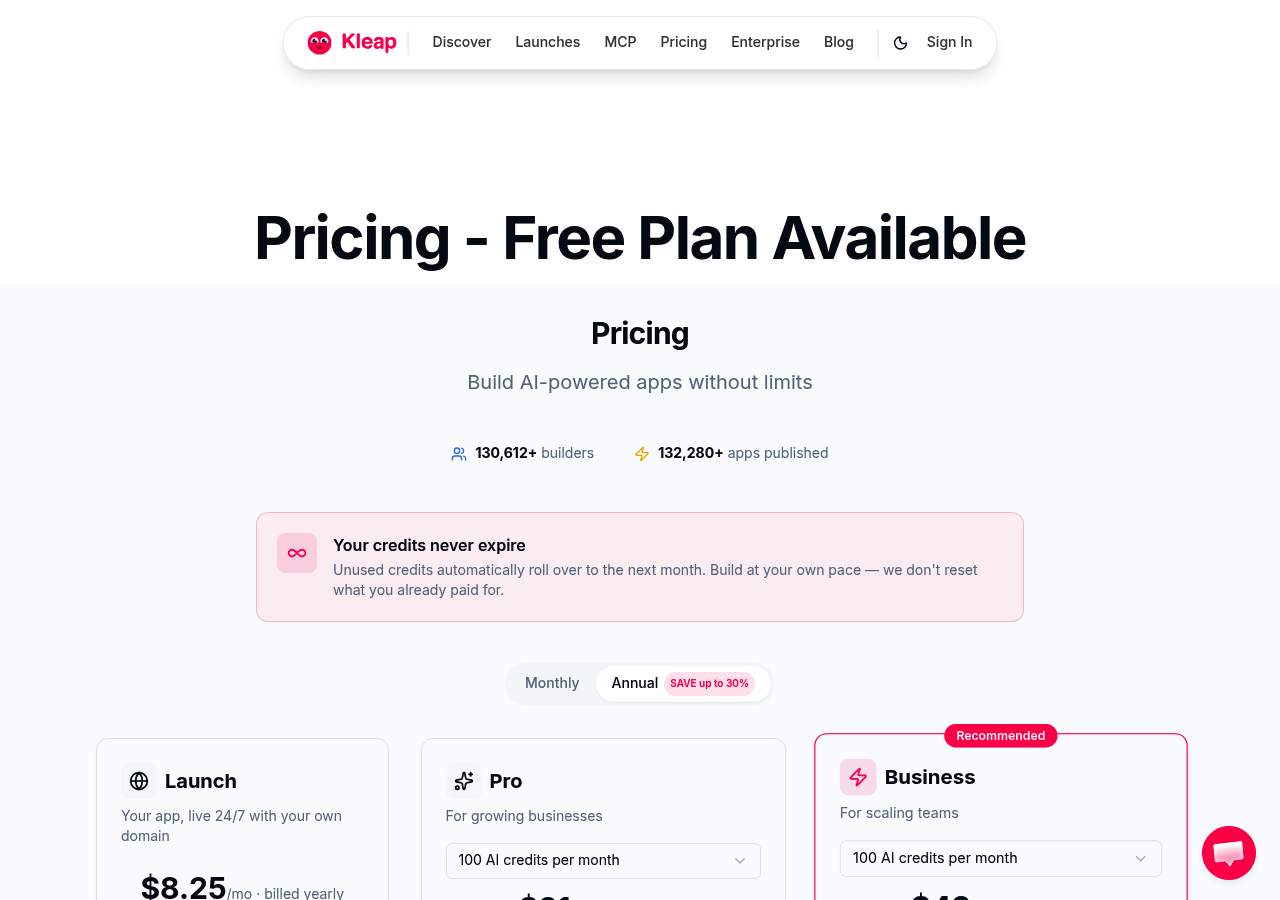
Kleap's free tier gives you 750 monthly AI credits, 2GB storage, and basic features with Stripe processing at +9%. Pro plans start at 12 dollars per month and unlock custom domains plus extra credits.
Business tiers range from 39 to 50 dollars and include white-label capabilities. Enterprise customers get dedicated support with custom billing options.
Current promotions include a 30-day full-access trial, 50% off for three months if you're on the Website Autopilot waitlist, and annual billing discounts for long-term commitments.
How we evaluated each free AI portfolio generator
We didn't just sign up and click around for a quick test. Our team actually spent three weeks building real portfolios across 12 platforms, measuring generation speed carefully. Some took 90 seconds while others delivered in just 12.
We analyzed design quality and stress-tested mobile layouts on six device sizes. Speed matters, that's clear. But a lightning-fast tool that spits out generic templates wastes everyone's time.
Core criteria: Speed, quality, and ease of use
We prioritized three fundamentals. First: how quickly does the AI generate a functional portfolio, and does the output look professional or templated?
Second: can non-technical users navigate the interface without tutorials? Third: does the mobile-responsive design work across devices?
We reviewed each platform's best ai website builder free tier limitations, storage caps, AI credit quotas, and domain restrictions that might force early upgrades.
Beyond the basics: Customization and scalability
Template variety means nothing if you can't modify layouts without touching code. We assessed design flexibility, export options (can you leave with your code?), and integrations for payment processors or analytics tools.
Free tiers often hide crucial features behind paywalls.
Kleap tip: Test export capabilities before committing; some platforms lock your content into proprietary formats, making future migration expensive or impossible.
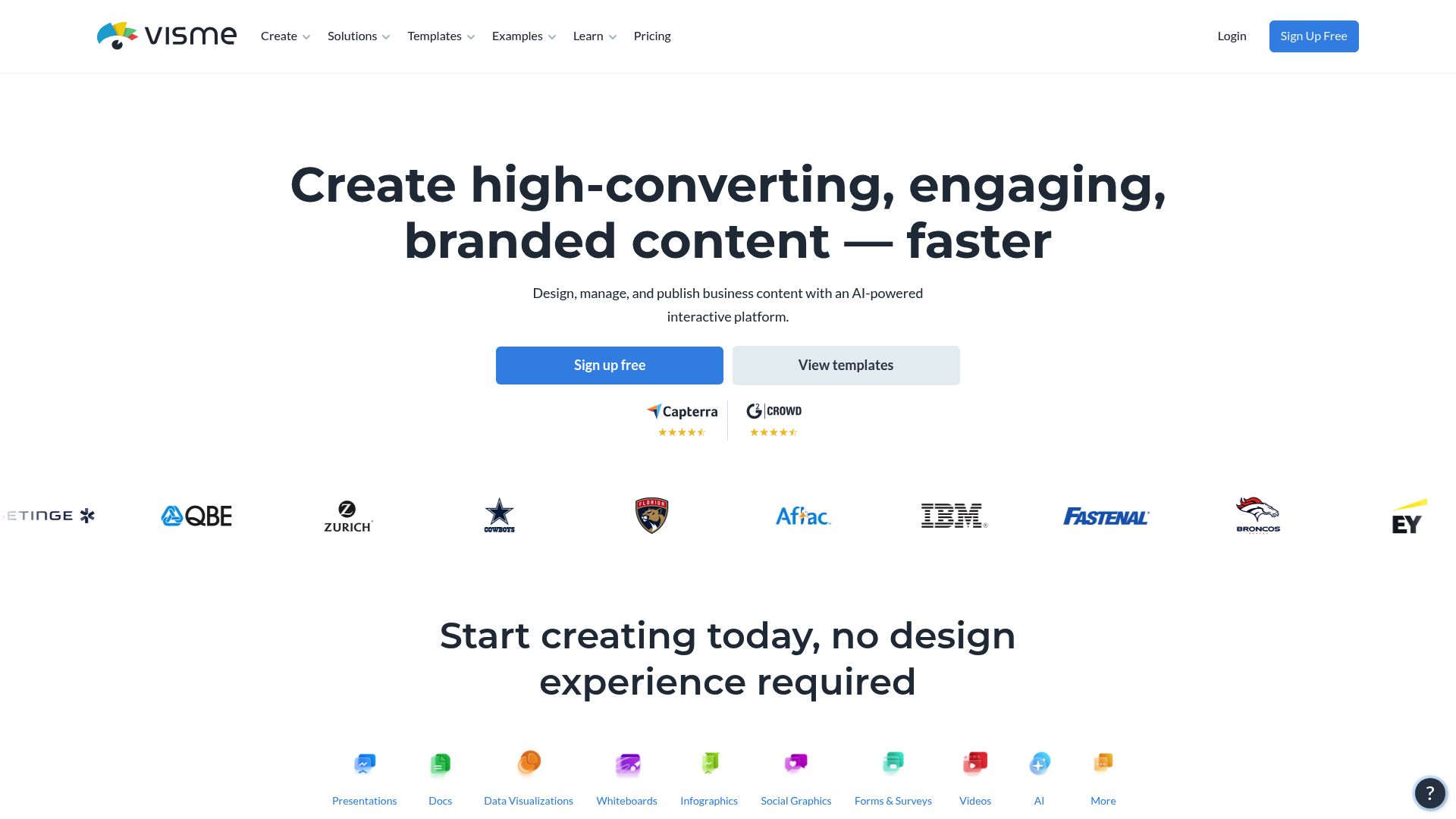
Visme AI Portfolio Generator: Design-focused portfolios with AI assistance.
Visme takes a different approach here. Instead of just being a portfolio tool, it works as a complete design platform where AI speeds up the entire creation process.
The AI builds your initial layouts, but the real value comes from Visme's visual toolkit with drag-and-drop editors, icon libraries, and branded templates that turn basic outputs into professional work.
For designers handling various project types, this cuts out the need for multiple tools. You can create portfolios, pitch decks, and social graphics all in one place, similar to how a website ai builder free brings development tasks together.
AI document generation beyond portfolios.
AI capabilities go beyond portfolio pages and cover presentations, infographics, and detailed reports. Teams get collaboration tools like comment threads, version control, and shared brand kits that streamline workflow.
The free tier limits downloads and project numbers, which pushes serious users toward paid options. You'll face a steeper learning curve since the interface packs substantial functionality.
It's best for visual professionals who prioritize design control over quick automation.
Canva Portfolio Website Maker: Familiar interface meets portfolio creation.
Already comfortable with Canva? Good news.
Their portfolio builder brings that drag-and-drop ease you already know straight into website creation. There's no learning curve at all.
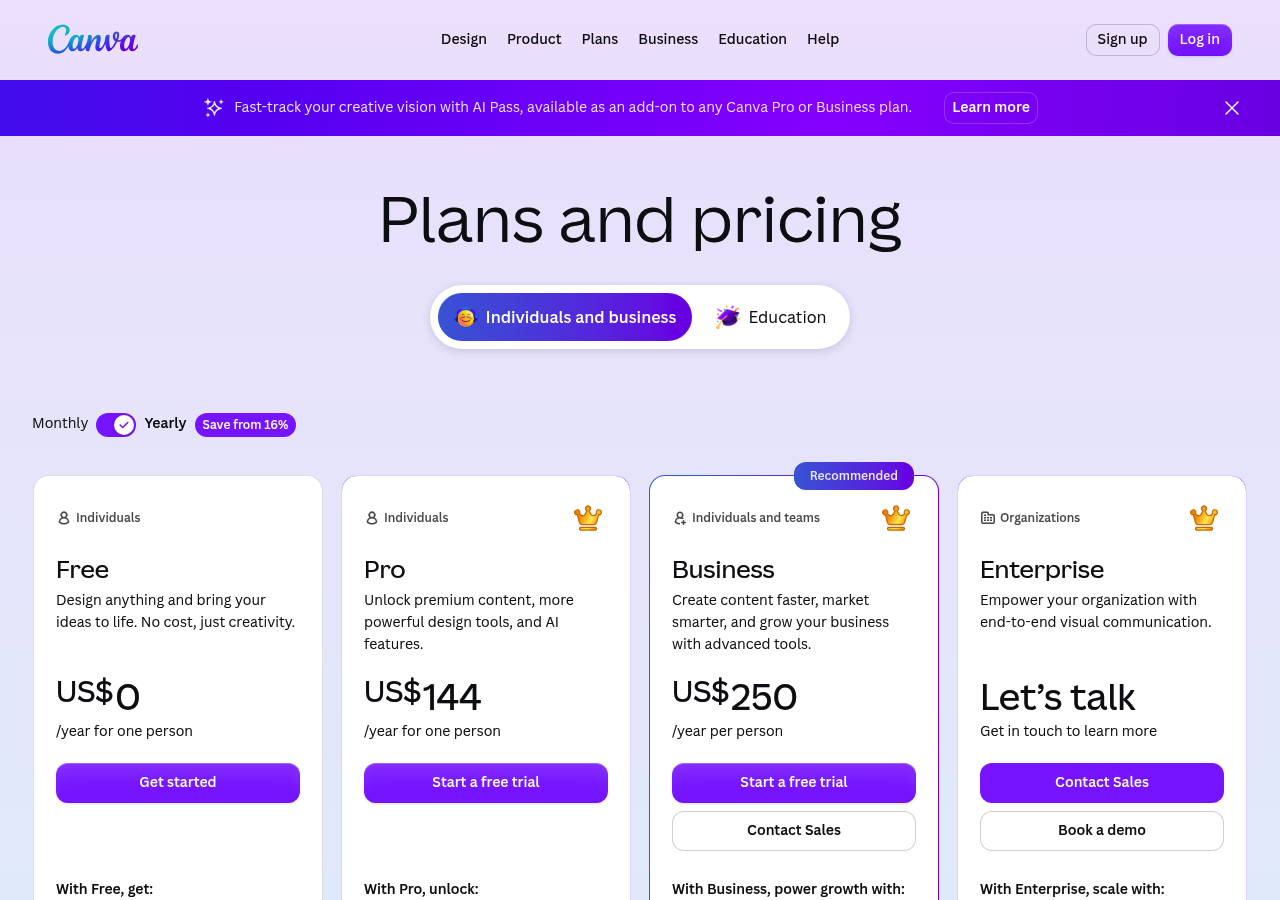
You start with templates built for creatives, photographers, designers, and writers, then customize layouts by simply moving elements around. The free tier gets you running quickly, though you'll see Canva branding until you upgrade.
For existing users who want a free ai website builder that feels instantly familiar, this option removes all friction.
Magic Studio AI capabilities for portfolios.
Magic Studio injects AI into the process, offering automated design suggestions, content generation, and even background removal for project images. Type what you want, and the system proposes layouts.
It won't match dedicated website builders in flexibility, but for simple portfolios launched in minutes, it delivers. Think of it as your existing Canva workflow turbocharged with smart features that handle grunt work.
Integration with Canva's design ecosystem.
The real advantage? Direct connection to brand kits and existing Canva designs.
Pull in logos, color palettes, or marketing materials you've already created. Paid plans unlock custom domains and remove platform branding.
It's best suited for creatives who prioritize speed over advanced customization. You sacrifice developer-level control but gain instant results with tools you already trust and use daily.
What other portfolio builders won't tell you about AI generation
Most platforms advertising a free AI portfolio generator conveniently skip over critical limitations. Free tiers typically cap AI credits aggressively, often exhausting them after generating 2-3 pages, forcing you into paid plans or tedious manual edits.
Transaction fees also pile up quietly: Kleap's free plan adds 9% on Stripe payments, meaning a $25/mo client project costs you $25/mo in hidden fees. Meanwhile, SEO optimization often means basic meta tags, not the structured data or semantic markup professionals need.
Templates create clone sites across users, undermining uniqueness. Worse, many tools trap you in proprietary systems with no HTML export, making migration a rebuild from scratch.
Why AI-generated content still needs human oversight
AI outputs quality that swings wildly based on prompt sophistication and training data. Generic prompts yield generic layouts that require extensive refinement.
Mobile responsiveness may work technically but often needs manual spacing adjustments for polish. Compare options using our best website builder ai free guide.
Code ownership matters: without it, you're renting your online presence, not controlling it. Review licensing terms before committing; your portfolio's flexibility depends on it.
Kleap tip: Test free tiers with throwaway projects first to gauge real credit consumption and export limitations before building client work.
FlipHTML5 AI Portfolio Generator: Interactive flipbook-style portfolios
FlipHTML5 stands out from typical portfolio tools. You get magazine-style page turns that feel tactile, not static grids.
This free AI portfolio generator uses AI to pull together your images, project descriptions, and multimedia into an interactive experience that stops scrollers cold.
Photographers can showcase shoots across spreads with real impact. Illustrators reveal process sketches with embedded videos that bring their work to life. The format itself becomes part of your brand story, particularly when you embed it on your site or share via social media.
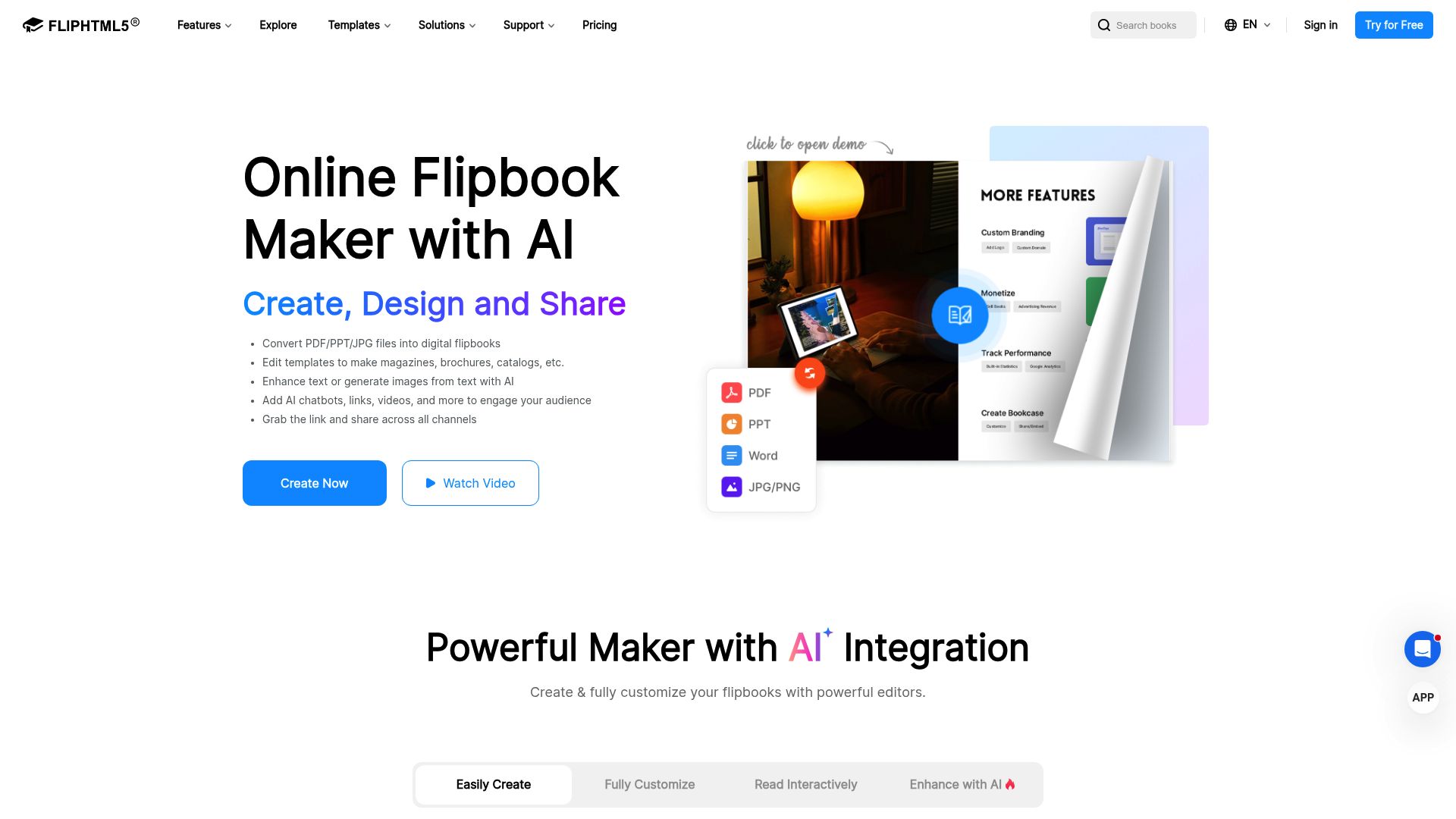
Unique flipbook presentation format
The page-turning feature brings print portfolios into the digital space. Users can zoom into details, click hotspots for project info, or jump around using thumbnails.
Analytics show which pages grab attention the longest, which helps you fine-tune your presentation order.
Best use cases for interactive portfolios
This tool shines for visual creatives:
- Fashion photographers displaying editorial shoots
- Graphic designers presenting branding case studies
- Architects showcasing renderings and blueprints
FlipHTML5 focuses on visual impact rather than conventional web structure, so service consultants or developers wanting traditional navigation will not find it here.
Trickle AI Portfolio Generator: Streamlined AI-first portfolio creation
Trickle works completely differently. There is no drag-and-drop interface or template library to browse through.
You simply describe what you do, and AI handles the rest. This AI-first methodology creates polished portfolios quickly, which makes it perfect for tech professionals who value quick results over detailed customization.
This AI-first methodology produces modern portfolios in minutes, making it ideal for tech professionals who prioritize speed over granular control.
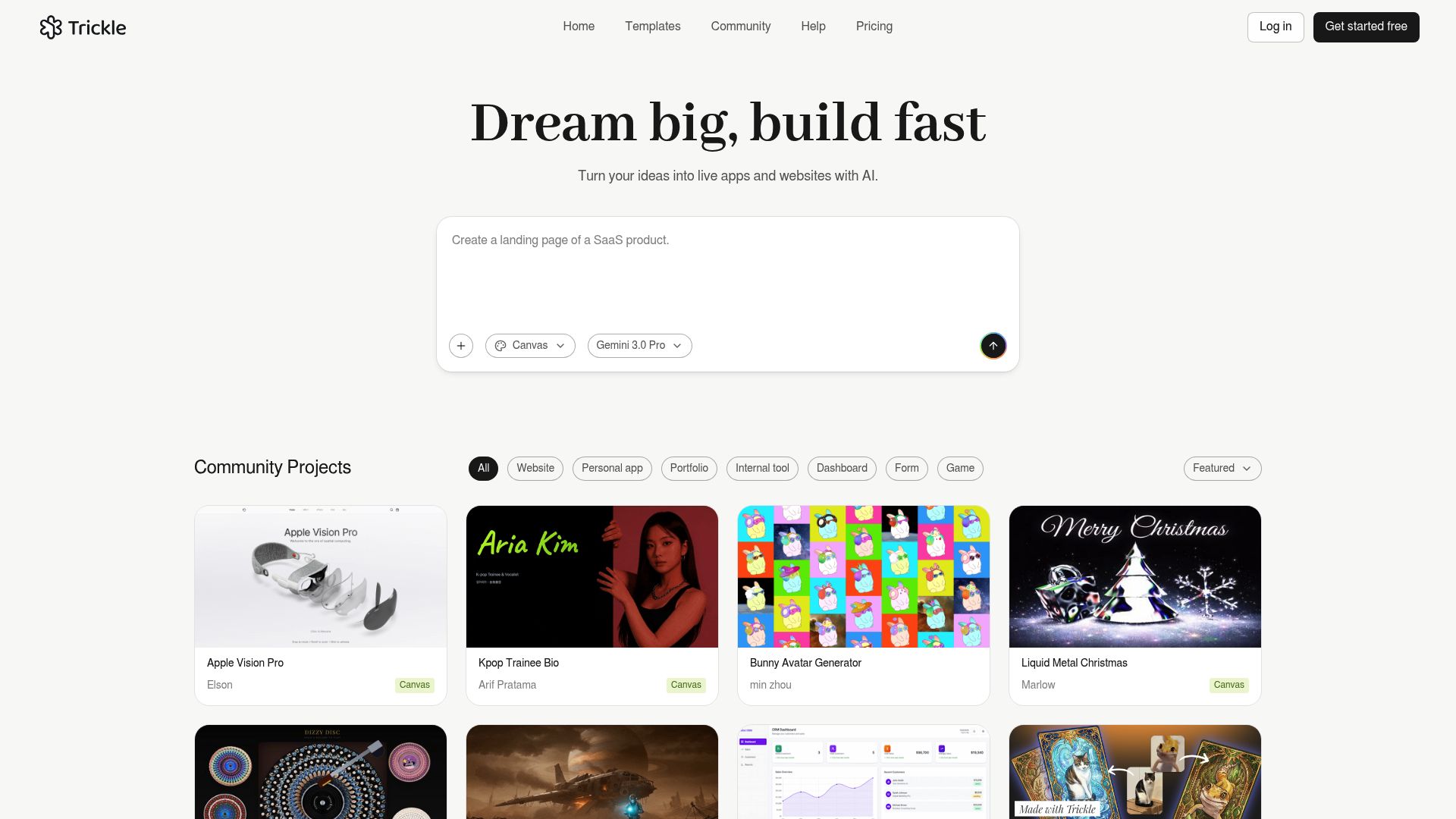
AI-first approach to portfolio generation
The platform checks your industry and role, then suggests content structures that fit. The output features clean, minimalist design throughout.
Creative professionals automatically get layouts packed with visuals. Developers receive presentations focused on code samples.
The free AI portfolio generator manages typography, spacing, and color palettes without any input from you. That said, this automation has a tradeoff: you get fewer customization options than traditional builders offer.
Automation capabilities and limitations
Generation speed stands out, though depth takes a hit. Basic portfolios appear quickly, but complex needs push beyond what the platform can handle.
The free tier covers essential AI credits. It works best for users who want quick, modern outputs without making many design choices or needing deep customization.
Gamma AI: Presentation-style portfolios with AI generation
Gamma AI works differently than most portfolio builders available. Instead of traditional website layouts, it creates presentation-style experiences that mix slide decks with scrollable pages.
You describe your work, and the AI builds card-based layouts designed for telling stories. This format works well for professionals who present projects in sequence, guiding viewers through case studies or career highlights.
The tool offers solid natural language processing for creating project descriptions and portfolio copy, plus collaboration features that help teams refine content together.
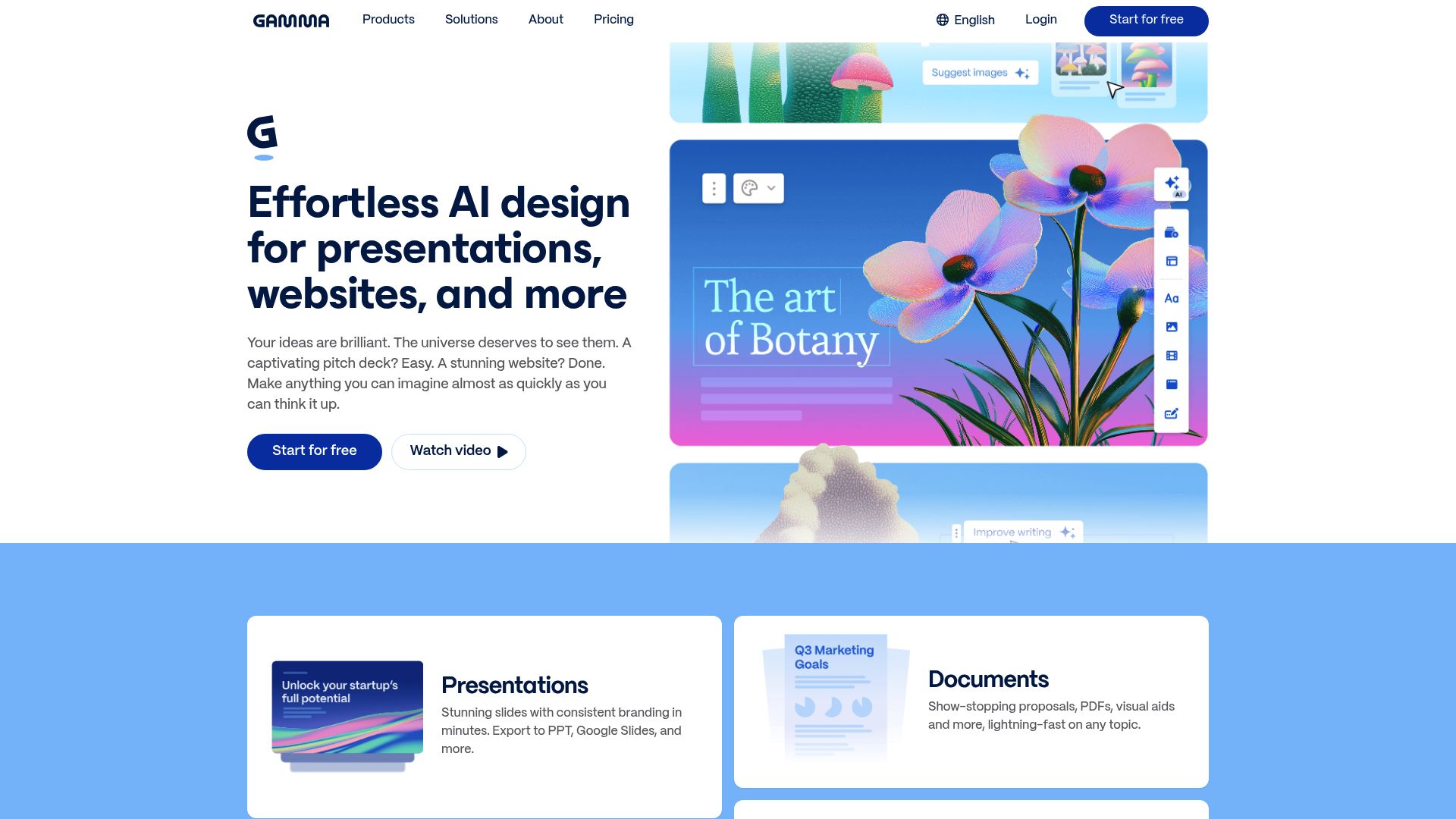
Presentation meets portfolio concept
The free tier offers public hosting, making it a viable free AI portfolio generator for consultants and educators. However, this presentation-centric format limits traditional portfolio needs.
Visual artists requiring heavy image showcases may find the card-based structure restrictive. Export options are more constrained compared to conventional website builders, and the hybrid format does not suit every industry.
When presentation format works best
Gamma works best when you are building a narrative around your work. Consultants breaking down their methods, educators sharing teaching approaches, or strategists presenting campaign outcomes gain the most value.
That said, designers who need expansive visual galleries or developers wanting advanced code integration will find it limiting.
Which free AI portfolio generator fits your needs: Side-by-side comparison
Choosing the right free AI portfolio generator comes down to what you need. Speed counts here.
Some platforms build a complete portfolio in under two minutes, while others need manual adjustments. The table below breaks down vital factors across six leading platforms, helping you evaluate AI capabilities.
Customization depth and pricing structures without generic marketing fluff. Upgrade paths vary quite a bit.
Kleap's Pro tier starts at twelve dollars monthly, unlocking custom domains and reduced transaction fees. Most platforms follow similar pricing models, though enterprise solutions call for custom quotes based on team size and support needs.
What real users say about these portfolio generators
Speed wins every single time. Users love how a free AI portfolio generator cuts through design roadblocks, with many reporting working sites in minutes rather than days.
Professionals show up without any Photoshop skills, which freelancers really appreciate. Complaints pop up around free tier limits, template restrictions, and branding removal fees.
And storage caps that push upgrades faster than anyone expects. Success follows a clear pattern here.
Users who treat AI output as a starting draft instead of final work get much better results. They tweak generated copy, replace placeholder images, and adjust layouts to fit their style.
Those expecting instant perfection hit walls pretty fast. Developers care most about code export and custom domain options, while designers want visual flexibility above all.
Entrepreneurs just need fast deployment with barely any learning curve, often accepting template similarity as a fair trade for speed. According to user experience research, that initial excitement fades unless the tool grows with your needs past launch day.
Frequently asked questions about free AI portfolio generators
Can you build a professional portfolio without spending? Yes.
Most free AI portfolio generators offer enough features to create a polished site, though premium tiers unlock custom domains and advanced integrations. The real question is how much customization you need.
Many freelancers start free, then upgrade only when client volume justifies the cost.
Time investment varies wildly. Some tools generate a complete portfolio in under 10 minutes from a simple prompt.
Others require manual tweaking of AI suggestions. Coding skills?
Not necessary. These platforms handle the technical heavy lifting, from responsive design to image optimization.
Your main task is providing quality content and selecting layout preferences.
Portfolio ownership depends on the platform. Some tools let you export your site if you switch providers.
Others lock content to their ecosystem. For SEO concerns, AI-generated content ranks well if you personalize it and avoid generic phrasing.
Most generators include metadata optimization, which helps search engines index your work properly.
Start building your AI-powered portfolio today.
Match your needs to the right tool.
If speed and full features matter most, Kleap delivers solid AI generation with room to scale. Are you already comfortable with Canva?
Stick with what you know since their portfolio templates work well for straightforward projects. The smart move is to grab a free tier, test the AI generation quality, and then decide if premium features justify the cost.
Here's your action plan:
- Sign up and prepare your best work samples.
- Test multiple AI prompts to gauge output quality.
- Customize results to match your brand voice.
- Evaluate the necessity of upgrades after thorough testing.
Think long-term here. Consider your growth path, how easily you can migrate later, and total ownership costs beyond monthly fees.
Start now because your portfolio becomes visible for unexpected opportunities while you navigate the learning curve.
Delay means missed connections.
Your Professional Portfolio Awaits.
Building a standout portfolio no longer requires weeks of design work or expensive developers. The free AI portfolio generator tools we've covered give you professional results in minutes, not months.
Each platform serves different needs. Kleap delivers enterprise-grade features with lightning speed.
Wix suits beginners wanting guided simplicity. Webflow attracts designers craving pixel-perfect control.
Start with your immediate goal. Do you need a portfolio live today?
Choose speed-focused options. Are you building for long-term growth?
Prioritize scalability and customization depth.
The best part? You can test multiple platforms risk-free before committing.
Most professionals find their ideal fit within the first hour of experimentation.
Ready to build your portfolio with Kleap's AI-powered platform? Our team helps you launch a professional presence that grows with your career.
Start your free portfolio today at Kleap.com and join thousands of professionals showcasing their work with confidence.
Your portfolio isn't just a website; it's your digital handshake with opportunity.