Where Can You Get the Best AI Website Builder? A Guide to Choosing Well

The search phrase "'Onde posso obter o melhor gerador de sites de ia?' A Guide" is Portuguese for "Where can I get the best AI website generator?" and asks about finding the right fit rather than a single winner. The best choice depends on your project goal, technical ability, budget, and how much design control you need.
Recent comparisons point to different strengths. Wix is often described as a balanced option for small businesses, Framer as a choice for visual control, Shopify for online stores, 10Web for WordPress sites, and Hostinger for tighter budgets.
- Check portability before you subscribe: confirm that your content, images, customer data, products, SEO settings, and domain can be transferred.
- Treat the lowest starting price as a starting point, and look at renewal pricing, domain, email, and AI usage limits.
What the Best AI Website Builder Really Means
An AI website builder usually pairs natural language generation with templates, visual editing, hosting, and domain tools. What "best" means depends on the kind of project behind the prompt.

Recent comparisons of AI website builders sorts tools by use case rather than naming a single winner. Wix appears as a broad option for beginners, Framer as a choice for designers, 10Web for WordPress sites, Shopify for online stores, and Hostinger for low entry costs.
These are recommendations, not universal rankings, and plan prices and features change often.
Application builders add a further category. Products such as Lovable and Base44 now appear next to website builders in marketing comparisons.
However, because they emphasize generating applications, test them against software requirements, not only visual quality.
Your situation shifts the weighting. A local small business may value speed and integrated hosting.
A startup or development team may care more about code access, integrations, security, and scalability.
Check portability early. Ask whether you can move your content, images, customer data, products, SEO settings, domain, and functionality to another platform.
This is a recommendation, not a documented comparison, so verify the answer with each provider before you commit.
Try it — build your site while you read
Describe what you want and get a live, publishable site in seconds. Free to start, no code.
Join 200,000+ makers building real websites with Kleap.
Why Your Project Type Changes the Answer
Check portability early by asking whether customer data, products, SEO settings, and functionality can move to another platform, not just content and images.
A feature count tells you little until you know what the site must do. Independent comparisons treat these tools as recommendations by use case, not universal rankings.
Therefore, start with the project and match the platform to it.

For general use and small businesses, comparisons such as this Forbes Advisor roundup place Wix among the broad-use choices. One published comparison notes that its free plan carries provider branding and a subdomain, while the Core-level plan is the first listed tier with online payments.
Check which tier your project needs before you judge the cost.
For brand-led marketing sites, Framer is described as design-oriented, with responsive breakpoint control. However, its free plan is positioned for non-commercial use and has limits tied to free hosting, so confirm the commercial terms early.
Comparisons also note that some design-focused workflows are less convenient for phone-first editing.
If WordPress is central to your plan, 10Web is the WordPress-focused option in these comparisons. A general builder may not fit that requirement.
For stores, Shopify is the commerce platform that comparisons point to. Treat it as a different kind of tool from one built mainly to generate attractive pages.
For a simple, fast launch on a tight budget, Hostinger is positioned as the lower-cost option. Check the billing term and renewal price before committing.
Because hosting is part of that decision, our guide to a website builder with AI hosting included is useful further reading.
Applications are a different category. Lovable and Base44 now appear beside website builders in marketing comparisons, but their emphasis is application generation.
As a result, test them against software requirements, not visual quality alone. Review the generated code, the integrations you need, security, and how you will run the product after launch.
How AI Website Builders Turn an Idea Into a Live Site
Most AI website builders follow the same loop. You describe what you want, the system drafts it, you revise it, and then you publish it.
Steps and outputs vary by platform, so treat this as a general pattern, not a feature list for any single tool.
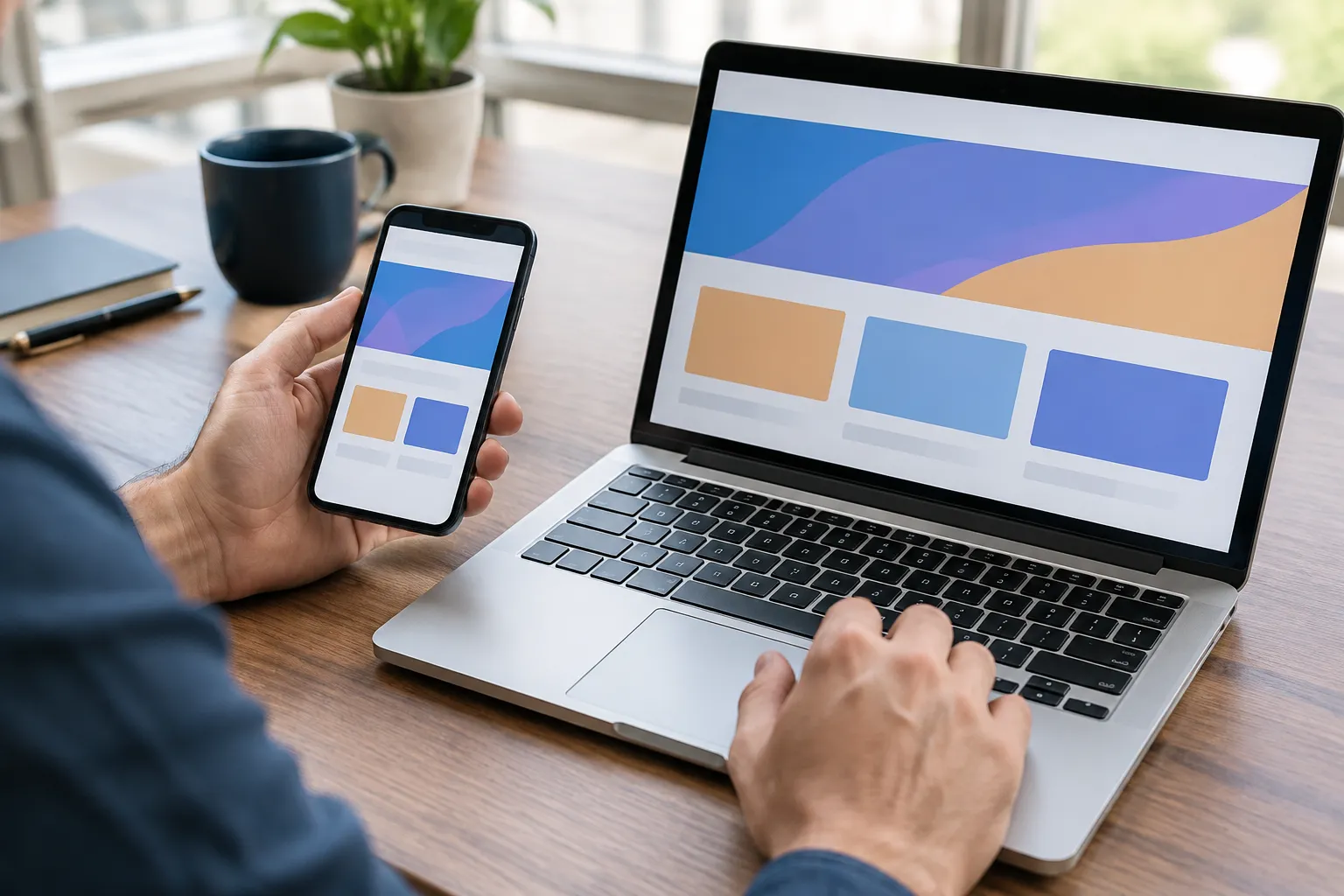
From Natural Language Brief to Generated Pages
The brief usually covers the business idea, the audience, the visual style, the pages you need, and any functionality, such as a contact form. A specific brief leaves the system fewer gaps to fill with guesses.
Depending on the platform, the draft can include layouts, copy, navigation, forms, and responsive page structures.
The type of tool matters here. Published comparisons now places products such as Lovable and Base44 beside website builders. However, their emphasis on application generation means they should be tested against software requirements, not judged on visual quality alone.
For an app, that means inspecting the code and testing integrations. For a hosted site, it mostly means checking the editor, including whether it offers responsive breakpoint control, which Framer is described as providing.
Where Human Review Still Matters
Treat the first draft as a proposal. Before publishing, I recommend checking:
- Facts, prices, and claims in the generated copy
- Brand consistency in tone, colors, and imagery
- Accessibility, including contrast and readable text
- Mobile behavior on a real phone
- Calls to action and form submissions
- SEO settings such as page titles and descriptions
Publishing adds its own decisions: domain connection, hosting, analytics, how forms store customer data, and security settings. Plan terms also matter.
Comparisons note that Wix's free plan carries provider branding and a subdomain, while Framer's free plan is positioned for noncommercial use. If a custom address is your priority, this guide on a free AI website builder with a custom domain provides useful further reading.
Faster generation does not remove the decisions that follow. Before committing, ask who owns the content, whether you can export it, who has editing permissions, how backups work, and how dependent you become on one platform.
Answering these questions early is cheaper than discovering the gaps after launch.
The Seven Checks That Prevent a Costly Platform Choice
If you are still asking where to find the best AI website generator, seven checks will narrow the field. Run them on a shortlist of two or three platforms rather than on a single favorite.
Features, control, and ownership
First, judge the draft and the editing experience. A useful draft matters less than whether you can change layouts, copy, and structure without fighting the system.
Second, find the project's ceiling. List what the project needs now and in a year, such as forms, a store, content management, a custom domain, logins, or application logic.
Then confirm that each item is supported instead of assuming it.
Third, separate ownership into its parts. Code, written content, images, customer records, product data, SEO settings, and domain configuration can each have different rules.
Kleap's description lists complete code ownership, so confirm what that covers for your project. Fourth, clarify who runs the infrastructure.
Integrated hosting, as Kleap describes it with forms and custom domains included, removes setup work. A setup built on separate hosting, plugins, or manual deployment shifts updates and maintenance to you.
Fifth, review security and governance if the site handles customer data or business processes. Look at permissions, data handling, testing, and the support you can expect.
Kleap's description cites enterprise-grade security and support, which is worth verifying against your own requirements.
Pricing, portability, and long-term effort
Sixth, compare total cost over 12 months, not just the entry plan. Recent comparisons reports substantial differences in starting prices, promotional periods, and capabilities. The billing term and renewal price can change the picture, so a headline price is not the final cost.
Kleap's published plans are free to start: Pro at $25 per month, Business at $50 per month, and Enterprise with custom pricing. Check which plan includes the features your project needs before assuming the cheaper tier is enough.
Seventh, plan the exit before you subscribe. Ask what you could take with you and what depends on the vendor's own services.
Portability matters most on hosted platforms, where the site may run only inside the provider's environment.
Finally, put the checks to work. Write one brief, build it on each shortlisted platform, and publish test versions.
Compare them on phones, speed, accessibility, editing, forms, domain setup, and 12-month cost. A side-by-side trial gives you evidence that no ranking can.
Where Kleap Fits in the AI Website Builder Landscape
For readers asking where to find the best AI website generator, Kleap is one option to evaluate, not a proven category leader. The research supplied here does not rank it against Wix, Framer, Hostinger, or 10Web, so its fit depends on your project.
Kleap describes itself as an AI website and app builder that uses natural language to create professional digital platforms without coding.
One AI agent for websites and applications
Kleap's stated positioning is all-in-one. It bundles design, hosting, forms, and custom domains, and it offers separate builders for e-commerce stores, landing pages, blogs, and portfolios.
Its stated value centers on one AI agent taking a project from idea to live site, with AI-designed layouts, full-stack capabilities, complete code ownership, and enterprise-grade security and support.
These are the company's own claims. I recommend verifying them against your requirements, especially your code export, integration, and security needs.
Pricing is listed as free to start: Pro at $25 per month, Business at $50 per month, and Enterprise with custom pricing. Because plan details change, confirm what each tier includes before you commit.
Who should examine its trade-offs
Kleap's stated audience includes entrepreneurs, small business owners, freelancers, marketing agencies, developers, and enterprise teams who value speed and AI-driven development. Because Kleap covers both sites and applications, test it the way you would any application-generation tool: inspect the output and check how it behaves under your actual requirements.
If your priority is fine-grained visual control, the supplied comparisons point to Framer. If you need a dedicated store, they point to Shopify.
Kleap makes the most sense when you want one platform for both a site and an app, and when its ownership, export, and security terms hold up under your own review.
Frequently Asked Questions About Choosing an AI Website Generator
Are AI website builders suitable for beginners?
Yes, for many simple sites. You describe what you need, and the builder produces a first version without any coding.
Kleap works this way: you use natural language, and design, hosting, forms, and custom domains come together in one place.
However, a generated draft is not a finished site. Review the text for accuracy, check the settings, and test how the pages read for people using assistive technology.
Confirm the publishing details before you go live. For quick launches of simple sites, Forbes testing rated GoDaddy highly for ease of use and speed.
Can an AI website builder create an online store?
Some can. Kleap lists an AI E-commerce Store Builder among its products.
Shopify is a dedicated ecommerce platform whose AI features focus on products and sales operations, not only page design.
Because "store" can mean very different things, verify the essentials before committing. Check how you manage products, how checkout and payments work, and how inventory is tracked.
Also ask where customer data is stored and which operational tools are included. A store that looks right but lacks these pieces will slow you down later.
Are AI-generated websites good for SEO?
AI generation itself does not decide this. Results depend on what you can control afterward.
That includes editable page content, technical settings, page performance, site structure, and the ongoing work of improving pages over time.
So test the editing side as carefully as the generation side.
Treat the first draft as a starting point, then keep refining it.
Do I own the website and content created by an AI builder?
It depends on the platform, so read the terms instead of assuming. Look at what they say about the code, your content, your data, your domain, and any proprietary services the site relies on.
Export rights deserve special attention. If you cannot take your site with you, switching later becomes expensive.
Kleap states that users get complete code ownership. As with any provider, confirm the specifics in the current terms before you build.
When should I choose an application-focused AI builder instead of a standard website builder?
Choose the application route when the product itself is the point. That usually means workflows, integrations, user authentication, or logic that will keep evolving as you learn from users.
A standard website builder suits content and marketing pages well. In contrast, an app needs a foundation that can grow with its features.
Kleap positions itself as a builder for both websites and apps, with full-stack capabilities. Even so, check that any platform supports the specific workflows and integrations you need.
Should I test multiple AI website builders before subscribing?
Yes. Write one project brief and give it to each platform.
Then compare the output quality, how much editing the result needs, the cost, the support available, and how easily you could leave.
Recent roundups show why a single test is not enough. Zapier's comparison recommends Wix for general use, Framer for greater visual control, and 10Web for WordPress. Pricing needs the same scrutiny, since promotional prices can be lower than later list prices.
Free tiers make testing easier. Kleap, for example, is free to start, with Pro at $25/month and Business at $50/month.
Choosing the Right Builder for Your Project
The best AI website builder is the one that fits your project, not a universal winner. Comparisons point to different tools for different needs.
Therefore, start with what your site must do, then test a shortlist of two or three platforms against those requirements.
Kleap is one option to evaluate. Its plans are listed as free to start, so you can try it against your own checklist before you commit.