Free AI Website Builder With a Domain: Real Costs
Building a website, connecting a custom domain and registering that domain are separate things. Kleap lets you build and publish free on a Kleap address. Launch starts at US$9 per month for connecting your own domain; domain registration and renewal are separate. Compare billing periods and renewal terms before choosing.
- Free plans, free trials and first-year domain promotions have different conditions.
- Kleap stands out with instant AI generation.
Ever noticed how 'free' website builders require payment the moment you want to connect your own domain? It's frustrating.
The free AI website builder market often has hidden costs for custom domains. What starts as a free trial often leads to monthly subscriptions once you want professional branding, as custom domains typically require a paid plan.
Entrepreneurs and freelancers waste hours testing platforms, only to encounter paywalls at the final step. Marketing agencies need scalable solutions that won't drain client budgets on hosting alone.
We compared the leading free AI website builders. Four made our shortlist, and all four allow you to start building for free.
You'll see how Kleap delivers instant AI site generation. You will also learn why Wix's enterprise-grade features rival paid tools, what makes WebWave ideal for designers who hate coding, and how Canva expanded beyond graphics into full websites. We'll expose the hidden restrictions that other builders bury in fine print and compare all four side-by-side for speed and storage.
By the end, you'll know exactly which builder matches your technical skills and business goals without spending a cent on surprises.
Why Most Free AI Website Builders Lock Custom Domains Behind Paywalls
Here's the reality: platforms hook users with free tools, then gate the one feature that screams legitimacy: a branded web address.
A custom-domain connection can require a paid website plan. Check registration and renewal separately: a domain voucher bundled with a subscription is not a permanently free domain.

The Custom Domain Paywall Problem
A custom domain gives your brand a portable address. A subdomain can still be useful for testing and publishing a first version.
A custom domain does not guarantee higher Google rankings. Compare the indexing controls, content and performance of the actual website instead of assuming that every free plan has the same limitations.
What This Comparison Covers
We assessed four builders and mapped exactly where each one's custom-domain paywall sits. This guide examines:
- Tools offering custom domain support (available on a paid plan)
- Hidden costs in 'free' domain promises
- Speed and AI capabilities beyond domain access
Try it — build your site while you read
Describe what you want and get a live, publishable site in seconds. Free to start, no code.
Join 200,000+ makers building real websites with Kleap.
How We Evaluated These Free AI Website Builders
This guide compares published plan information, distinguishing free plans from trials and domain connection from registration. Check each provider’s linked offer before purchasing; prices and eligibility can vary by location.
The goal is to identify which platforms genuinely support custom domains on paid plans versus those that do not.
How We Compared Them
Compare the amount due upfront, the renewal price, the AI allowance and custom-domain eligibility. Test the editor with a real project before selecting a subscription.
Hidden costs mattered most: storage caps, bandwidth throttling, and paywalled features that render 'free' plans useless for actual businesses.
What We Prioritized for Business Owners
Forget aesthetic rankings. We focused on practical constraints: can you edit from mobile during client meetings?
Do upgrade paths lock you into annual contracts? Will your site break when traffic doubles?
Kleap tip: Test DNS propagation times before launch.
Kleap
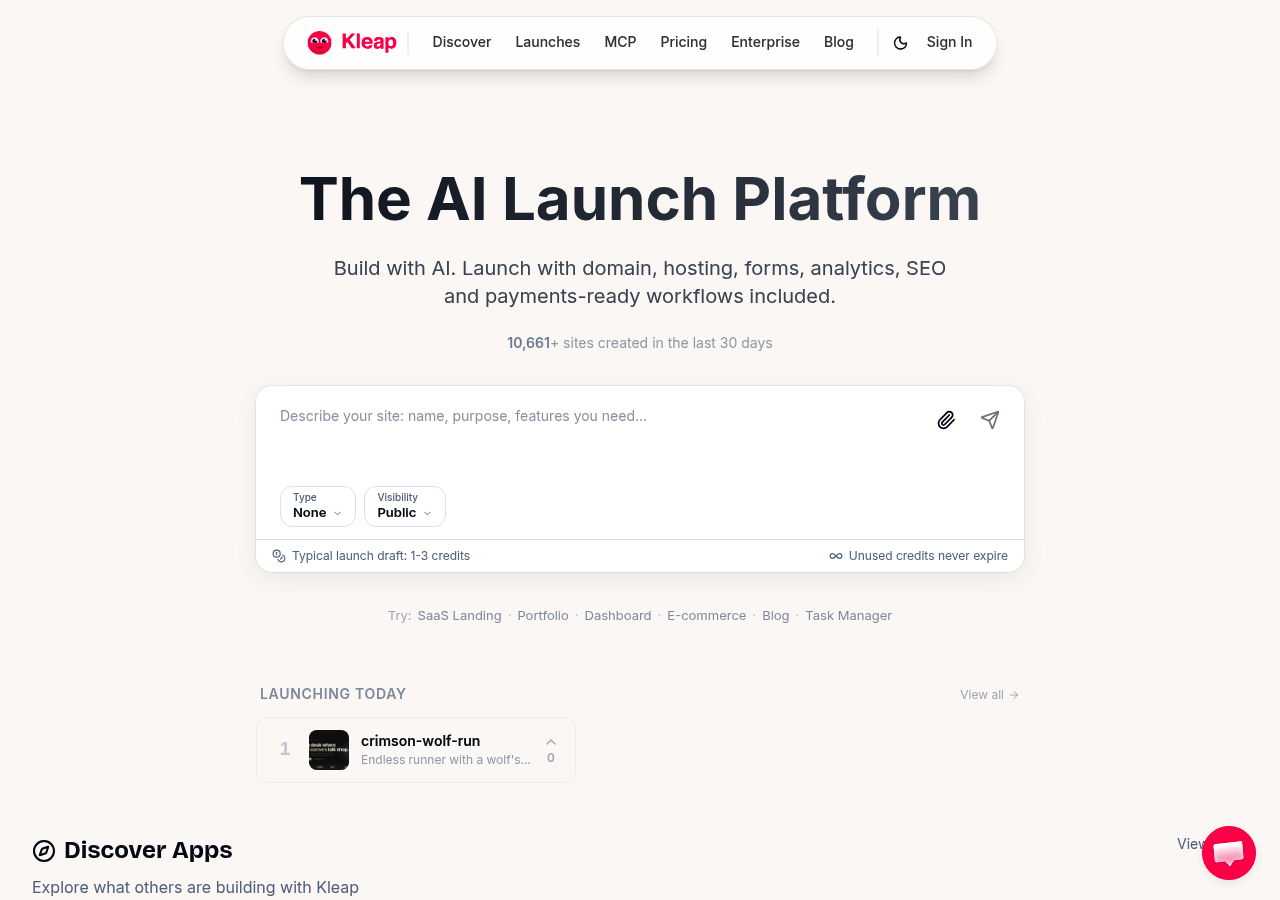
Many free builders trap you behind paywalls when you try connecting a custom domain. Kleap is clear about it: you can build for free, but a custom domain requires a paid plan.
Describe your site and review the generated design, text and functionality. Generation time depends on the project. You can try a first generation without signing up, then create a free account to save your work and publish it.
Why Kleap Leads in AI-Driven Development
Unlike generic website builder with custom domain tools that bolt AI onto outdated systems, the team built the entire architecture around AI efficiency. The system understands context: mention 'law firm' and you get professional color schemes, trust-building layouts, and compliance-friendly structures.
Say 'café' and watch warm palettes, menu sections, and location maps appear instantly.
Custom Domain Setup and Pricing
Connect your domain through standard DNS configuration. The platform provides step-by-step guidance within the dashboard. Free accounts run on a Kleap subdomain, which suits content-heavy sites well; a travel agency, for example, could publish its travel planning resources on one.
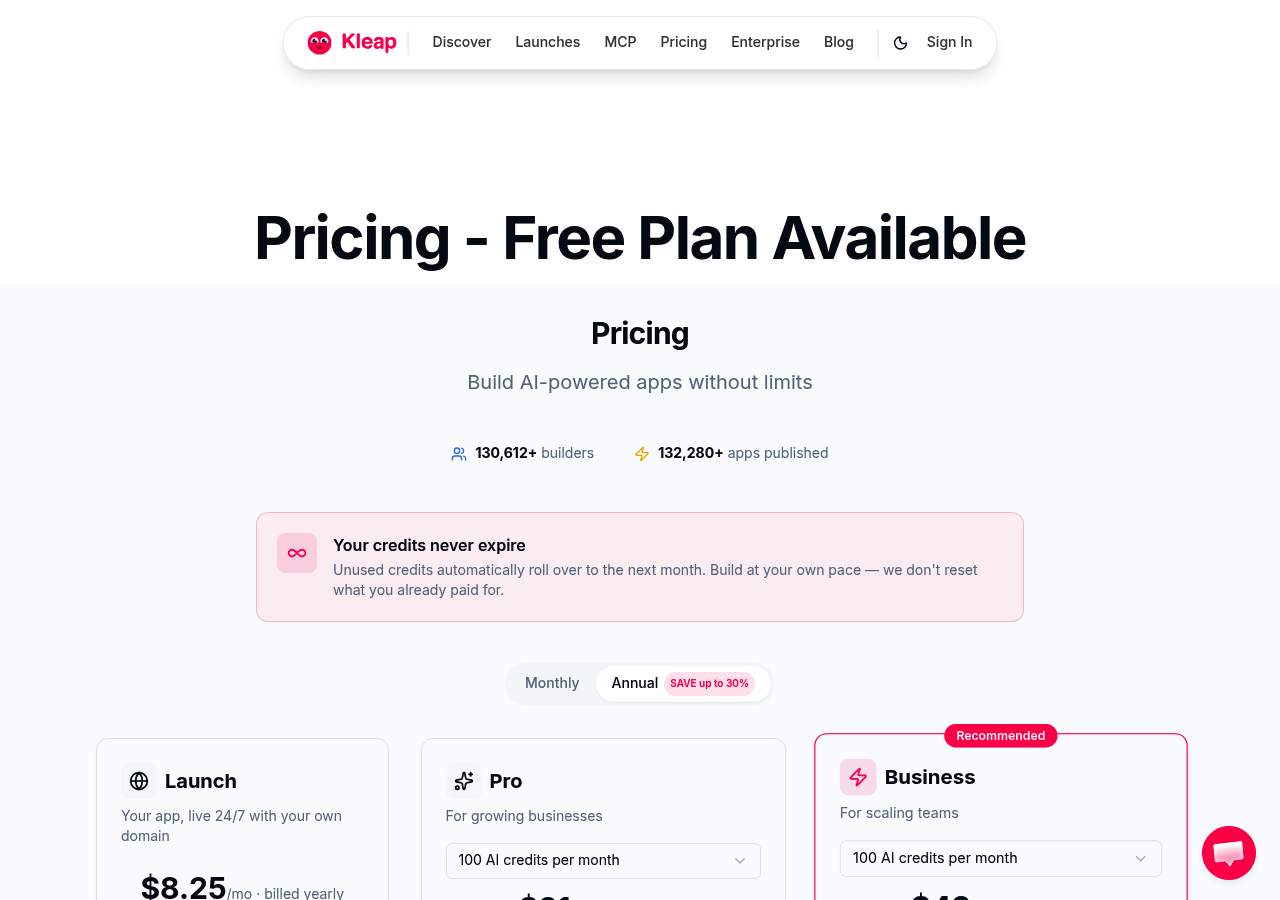
Launch starts at US$9 per month for connecting a custom domain. Domain registration and renewal are separate purchases. Launch adds no AI credits above Free: 5 per day, up to 30 per month. Pro starts at US$25 per month and Business at US$50 per month; their prices and monthly AI credits vary with the selected tier. See the current Kleap plans for local prices and billing options.
Best for: Speed-Focused Entrepreneurs and Agencies
The platform serves two groups exceptionally well: solo founders launching quickly and agencies managing multiple client sites. Both need velocity without compromising quality, exactly what the AI delivers.
try Kleap’s AI website builder before choosing a subscription. Publish free on a Kleap address, or select Launch to connect your own domain. Compare providers using the same billing period and include renewal costs.
Wix
Wix dominates the established builder market for good reason. Their free plan delivers generous bandwidth, a rare find among competitors, though storage is capped at 500MB.
You'll run on a subdomain (yoursite.wixsite.com), which limits branding flexibility. However, the AI-powered design tools rival premium platforms, making this a strong choice for testing concepts before committing to paid tiers.
Wix AI Design Intelligence Explained
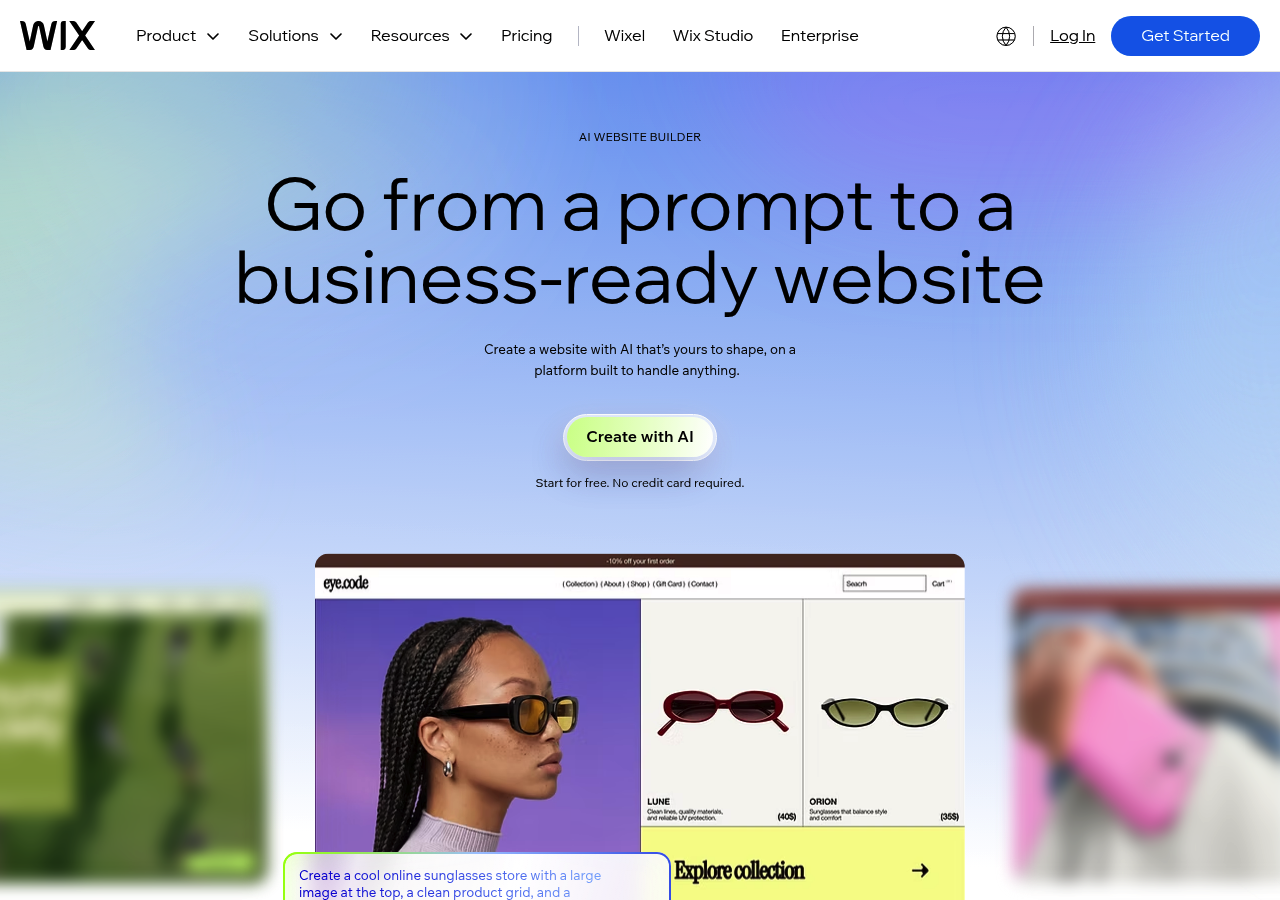
The Wix ADI (Artificial Design Intelligence) system analyzes your business type and content preferences to generate complete sites in minutes. It is not just templating.
The AI adjusts layouts dynamically, suggests relevant imagery, and even crafts on-brand copy through integrated text generation. Many creators use these tools, though the website AI builder free version requires manual upgrades for advanced customization.
The Custom Domain Trade-Off
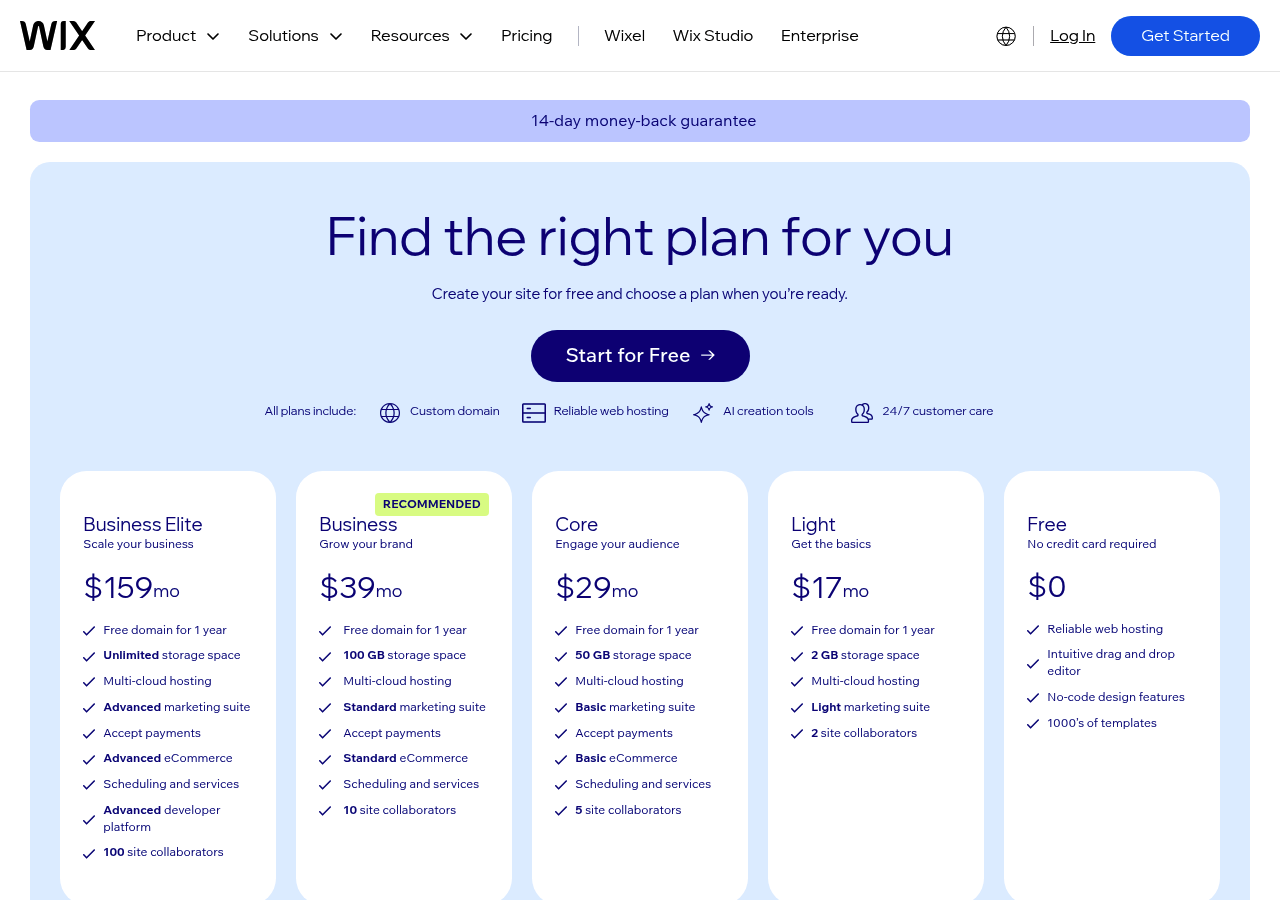
Wix requires an eligible paid plan for a custom domain. Its official pricing page explains that prices vary by location and displayed monthly rates can refer to annual subscriptions paid upfront. Check domain-voucher conditions separately.
Established businesses needing scalability should budget for these costs upfront rather than rebuilding later.
WebWave
Many free plans force you into rigid templates. WebWave flips that script.
It treats your canvas like Photoshop meets a website editor: absolute positioning, layered elements, and granular control over every pixel. The AI doesn't dictate; it suggests layout improvements, color harmonies, and responsive breakpoints while you maintain creative authority.
This approach attracts graphic designers moving from print to the web who want a straightforward builder.
Custom Domain Setup
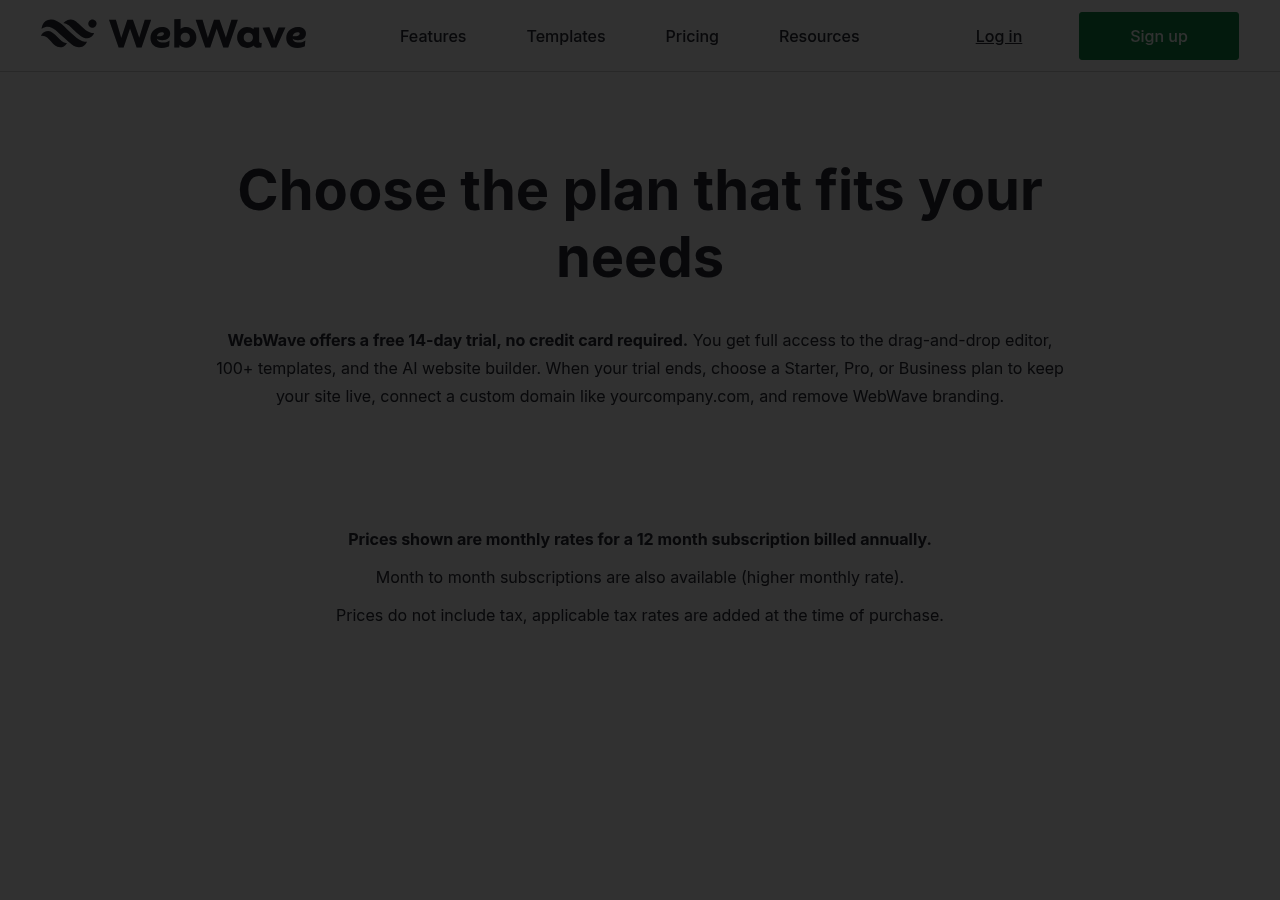
WebWave currently offers a 14-day trial. An eligible paid plan is required after the trial to keep the site live and connect a custom domain. Its official pricing page states that displayed monthly rates are for annual billing; month-to-month options cost more.
Follow the provider’s current DNS instructions, and verify the selected plan’s storage, domain and publishing limits before purchase.
Best for: Freelancers and Creative Agencies
The learning curve bites non-designers hard. Unlike WYSIWYG builders that abstract complexity, WebWave exposes it: Z-index conflicts, breakpoint inconsistencies, and alignment headaches plague beginners.
But for studios pitching bespoke client work, that granularity becomes the selling point. You design once, export production-ready code, and deliver without developer handoffs.
Canva
Most designers hit a wall when their beautiful brand assets need a home online. Canva dissolves that friction entirely.
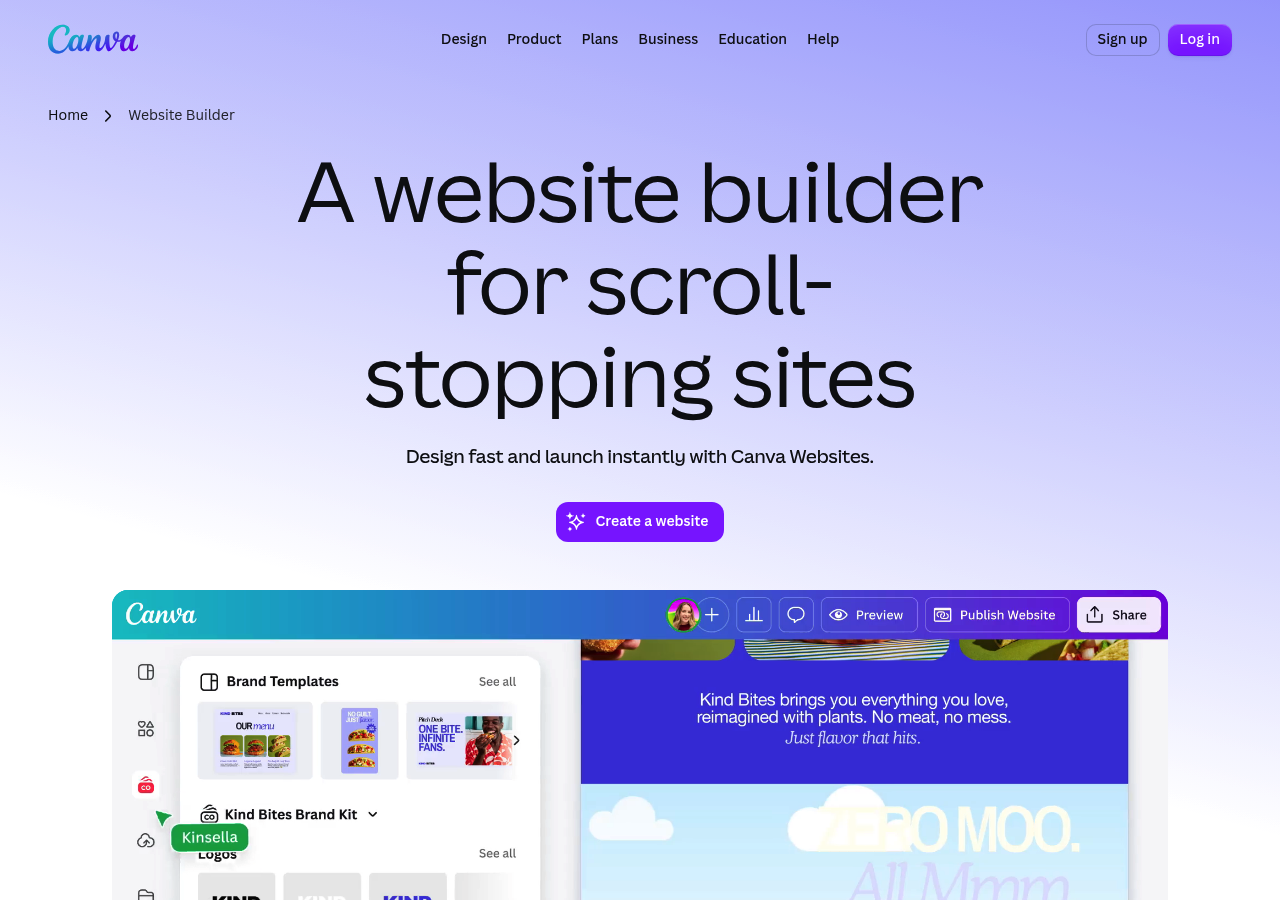
What started as a graphic design powerhouse now extends into website building: it lets you transform presentations, social posts, and brand kits into live sites without switching platforms. The AI layer (Magic Design for instant layouts, text-to-image generation, and brand kit integration) means your visual identity flows seamlessly from logo to landing page.
This unified ecosystem appeals strongly to anyone who values aesthetic consistency over raw code flexibility.
Unified Design Ecosystem with AI Enhancement
Canva's real strength lies in continuity. Your brand architecture (fonts, colors, logos) lives in one centralized kit that auto-populates website templates.
Magic Design suggests layouts based on uploaded content, while the AI image generator fills gaps when stock photos fall flat. Unlike traditional builders that treat design as an afterthought, Canva treats code as invisible plumbing beneath your creative vision.
Website Builder Capabilities and Domain Options
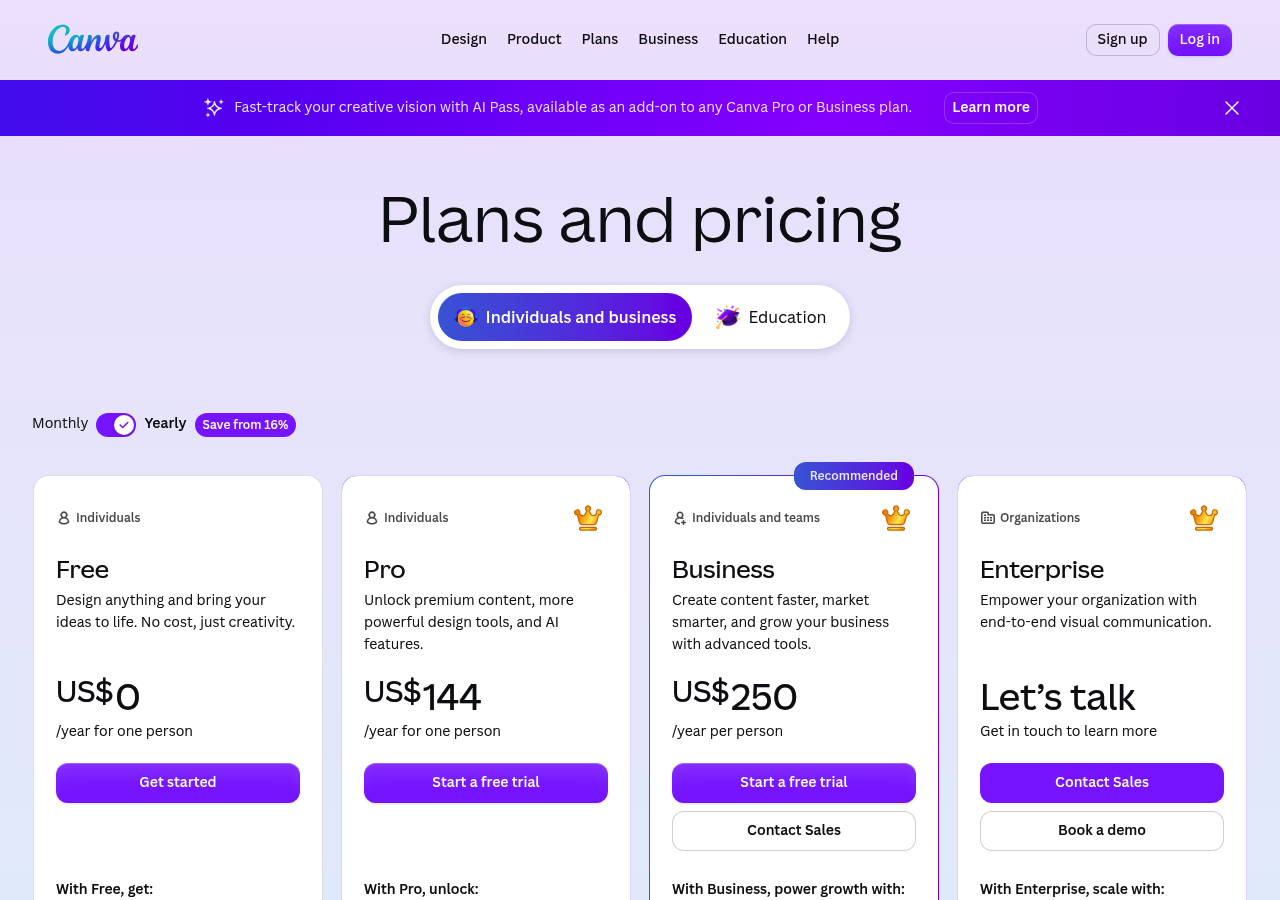
Check Canva’s current plans and domain options for your account. Connecting an existing domain and buying a domain are separate choices; verify eligibility and the total charge before publishing.
The trade-off? Limited backend control and fewer integrations than developers expect from purpose-built CMS platforms.
Best for: Content Creators and Visual Brands
Ideal candidates include:
- Influencers needing portfolio sites that match Instagram aesthetics
- Small creative studios maintaining brand coherence across deliverables
- Event planners launching campaign microsites quickly
- Consultants who design their own marketing collateral
Kleap tip: Export your Canva designs as SVG files before embedding them in other platforms. This preserves crisp resolution and reduces load times compared to PNG exports, especially for logos and icons.
What Other AI Website Builders Won't Tell You About Free Plans
Many free tiers hide their real costs. They promise everything, then quietly lock the features you actually need behind paywalls.
The real costs emerge when you realize your site loads with their branding plastered across every page, tanking your professional credibility before visitors even scroll.
The Hidden Costs Nobody Mentions
SEO controls vary by provider and plan. Check whether you can edit page titles and descriptions, publish indexable pages and manage redirects.
Export restrictions mean your content stays hostage if you decide to leave, forcing expensive migrations or starting from scratch. Storage caps fill up quickly with media-rich pages, pushing you toward upgrades within weeks of launch.
When Free Actually Costs More Long-Term
Choose an upgrade for the features your project needs. Kleap’s free publication already includes hosting and SSL. Launch adds custom-domain connection; Pro and Business add monthly AI credits according to the selected tier. Review the current Kleap plans.
Switching costs time and money you didn't budget for initially.
Which Builder Wins for Your Needs? A Side-by-Side Comparison
Choosing the right platform depends on your priorities. Many free builders follow a freemium model, restricting custom domains to paid tiers.
Below, we break down how different options stack up across essential criteria.
Feature-by-Feature Breakdown
Choosing Based on Your Business Stage
Startups testing market fit benefit from platforms offering custom domains upfront, avoiding the awkward subdomain phase. Established businesses needing rapid deployment favor AI-driven builders that eliminate design bottlenecks.
Agencies managing multiple client sites require scalable solutions without per-project domain fees.
FAQ - Frequently Asked Questions
Can I really get a free AI website builder with a custom domain at no cost?
Registering and renewing a domain are separate from paying for a website builder. The amount depends on the domain extension and registrar. A first-year domain promotion can still require a paid subscription and a later renewal payment.
What some platforms offer is free domain registration for the first year when you sign up for hosting. After that initial period, you'll pay the standard renewal fee.
Watch out for 'free' claims that only give you a subdomain like yoursite.builder.com instead of yoursite.com. That's not a custom domain.
How long does it take to build a website with AI compared to traditional builders?
The speed difference comes from AI generating entire page layouts, writing initial content, and selecting design elements automatically. You describe your business, and the AI builds it.
Traditional builders require manual placement of every element: writing all content yourself and testing across devices. Even experienced users spend 4-8 hours minimum on a basic site.
What's the difference between a subdomain and a custom domain for my business?
A custom domain is yourcompany.com (you own it). A subdomain is yourcompany.someplatform.com (they own it).
The ownership distinction matters for credibility and portability. Clients trust yourcompany.com more than yourcompany.wixsite.com because it signals that you're serious enough to invest in your brand.
Subdomains also trap you with that provider. If you switch platforms later, you will lose the URL entirely and must rebuild your online presence from scratch.
Custom domains move with you.
Do free AI website builders limit SEO capabilities?
Free-plan SEO controls vary. Review page titles, descriptions, indexability, sitemaps and redirects on the actual platform rather than assuming that free publication cannot rank.
Search Console access depends on verifying ownership using a method available for your site. A custom domain is not, by itself, a ranking guarantee.
Check the generated site’s content, performance and indexing behavior. Those checks are useful on both free and paid plans.
Can I transfer my custom domain between different website builders?
Absolutely. Your domain registrar controls this, not your website builder.
Moving a site to a new builder usually means updating DNS; transferring the domain to a different registrar is a separate process. Confirm the new site works and preserve required email records before switching. Timing and transfer eligibility depend on the registrar and domain.
Just verify that your new platform supports custom domain connections before starting the transfer. Most do, but some free tiers force you onto their subdomain regardless of what domain you own elsewhere.
What happens to my website if I upgrade from a free plan to paid?
Nothing breaks. Your content, design, and pages remain identical.
What changes is access to previously locked features. You can now connect your custom domain (if you were on a subdomain before), remove platform branding, access advanced SEO tools, and you can often get faster hosting with better uptime guarantees. Some builders also unlock e-commerce capabilities or remove visitor limits.
The upgrade is instant in most cases. You'll need to point your domain's DNS records to the new hosting if you're switching from a subdomain to a custom domain, which takes 24-48 hours to propagate globally.
Ready to Build Your Free AI Website (and Add a Custom Domain When You Are Ready)?
You've seen how rare true custom domain options are in the free AI website builder space. Most platforms charge the moment you want professional branding.
Start building today without payment details, but connecting your custom domain will require a paid plan.
Your next step: try Kleap’s AI website builder. No account is needed to try a first generation. Create a free account to save and publish it, then review the current Kleap plans if you need your own domain.
Your professional online presence shouldn't wait on budget approval. Start building now.